AI-generated scene · video coming nextImagine your next story in Spanish.
Make more of what you’ve already made.
One original video A new language Your next audience
Different work. Shared possibility.
Your voice has somewhere else to go.
For the creator building a connection and the business making a complex idea clear. Start with the work you’re proud of. Choose who gets to understand it next.
02 / THE CREATIVE EXPLAINER
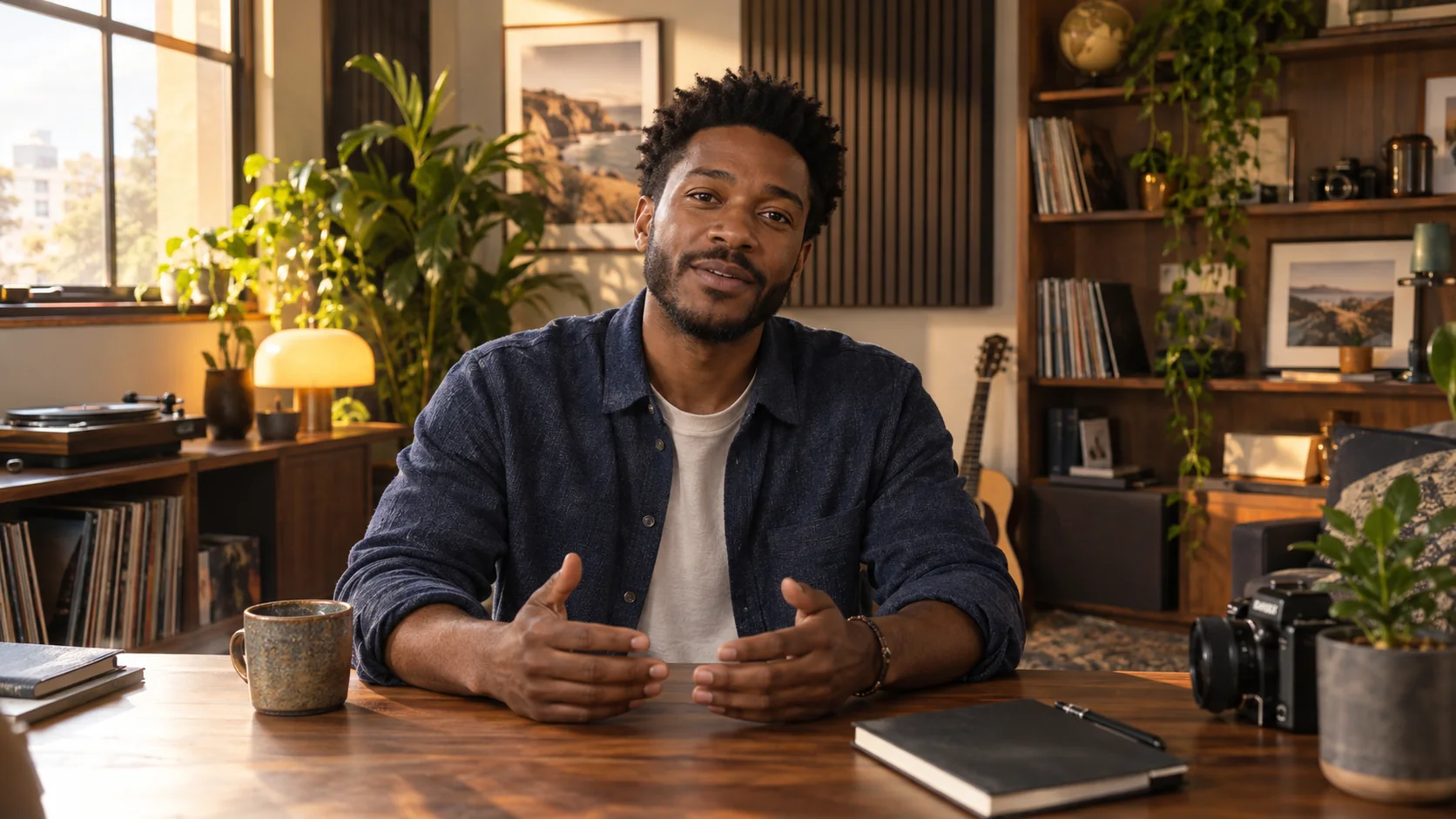
AI-generated scene · video coming next
For creators
The ideas are yours. The audience can grow.
Translate an explainer, a personal story or a lesson into a language your next viewers understand. Give an existing video another place to belong.
VlogMe Dub uses AI to translate and dub the spoken audio in your video into a selected language. Upload your original file, review the quoted credits and confirm before processing. The finished result is a dubbed MP4.
Is this for creators or businesses?
Both. Creators can localize travel stories, explainers and educational content. Businesses can translate product walkthroughs, onboarding and training videos for audiences who speak another language.
Which files can I upload?
Upload a video file in MP4, MOV or M4V format. You need the original file and permission to use the video and the voices in it.
What do the cinematic scenes show?
They are AI-generated still images illustrating creator and business use cases. They are not customer footage or dubbing results. Demo videos are coming next; there are no playable video demos on this page yet.
Do I need permission from the speakers?
Yes. Only upload content you have the right to use, with the necessary permission to translate and dub the speakers’ voices. You explicitly confirm your rights and consent before dubbing starts.
How should I prepare a video?
Start with clear speech and as little competing background noise as possible. AI translation and voice quality can vary with the source recording and language, so review your finished MP4 before publishing it.
How are credits calculated?
The credit quote is based on your source video duration and target language. Each new dubbing request shows its fixed price before you confirm. Downloading an existing result does not use more credits.
When do I pay?
Upload your video and choose a language to see the credit price. If your balance is too low, choose a VlogMe subscription or credit pack. Dubbing starts only after you review the project and explicitly confirm.
There’s more to your story
You’ve made the video. Give it a new language.
Start with one file. Choose Spanish. See what it takes.

 02 / THE CREATIVE EXPLAINER