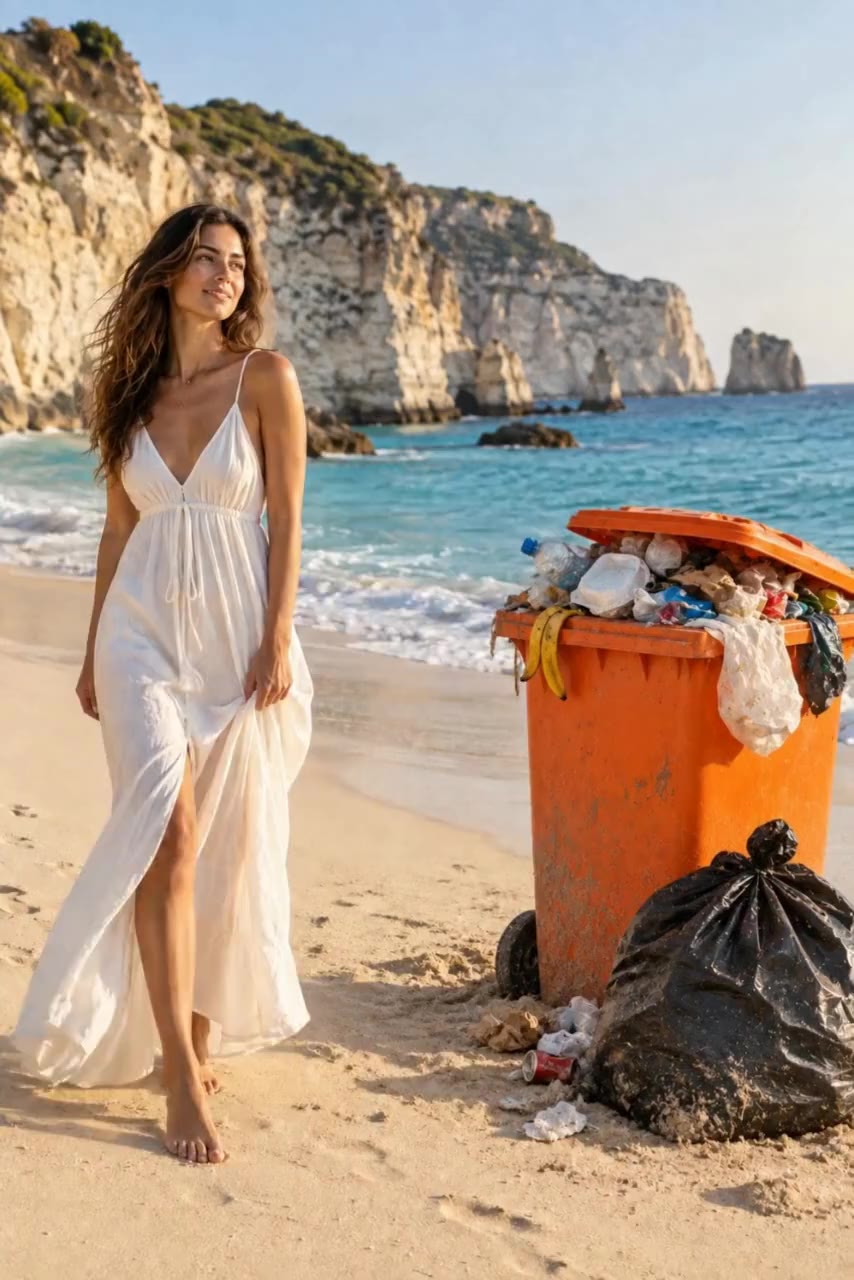
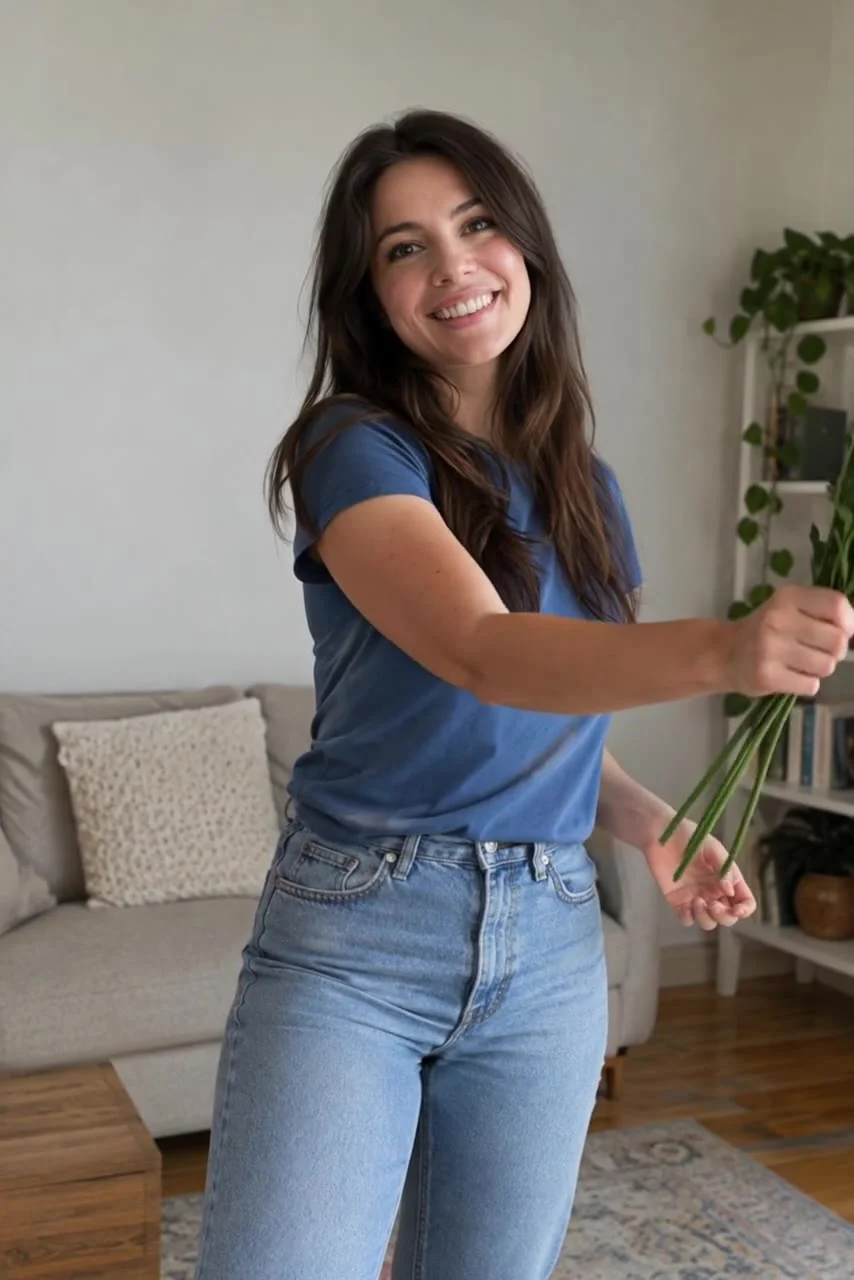
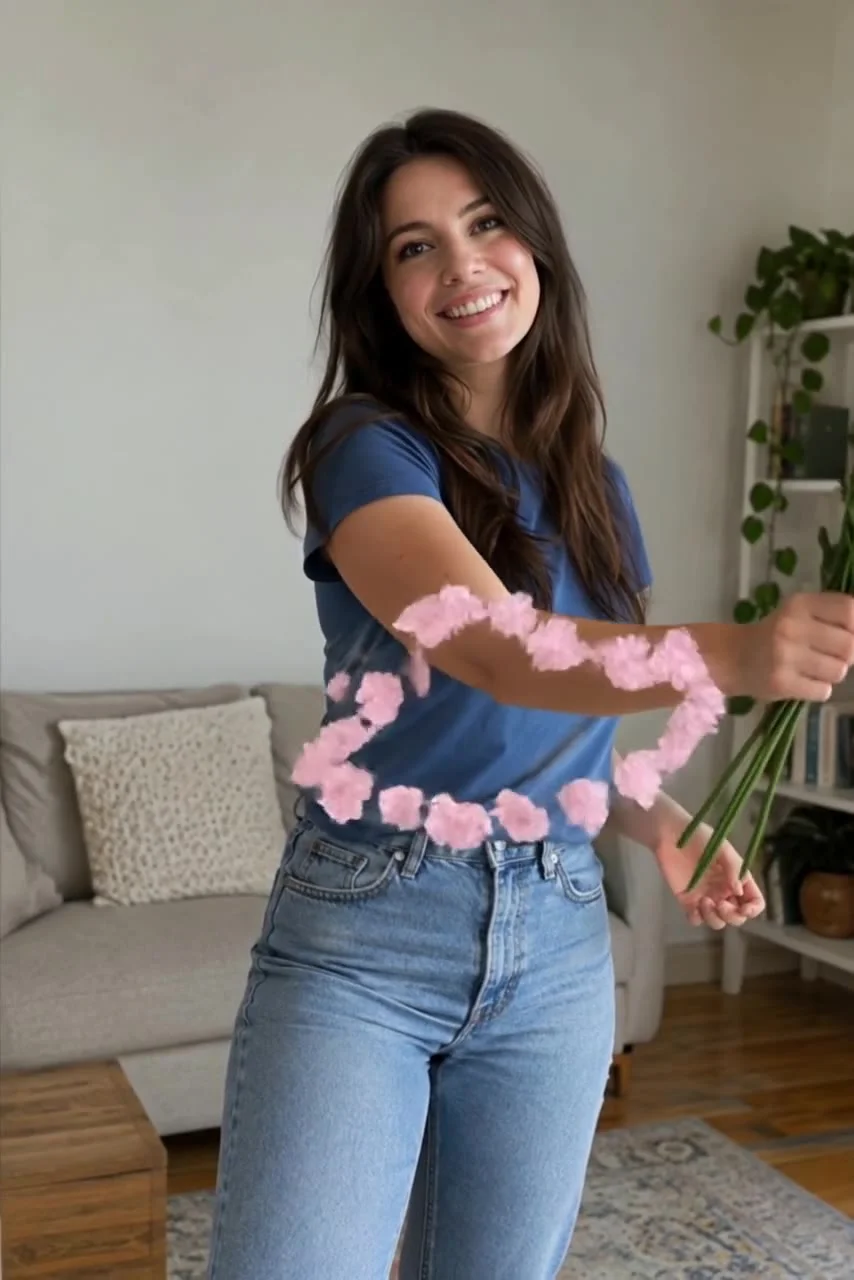
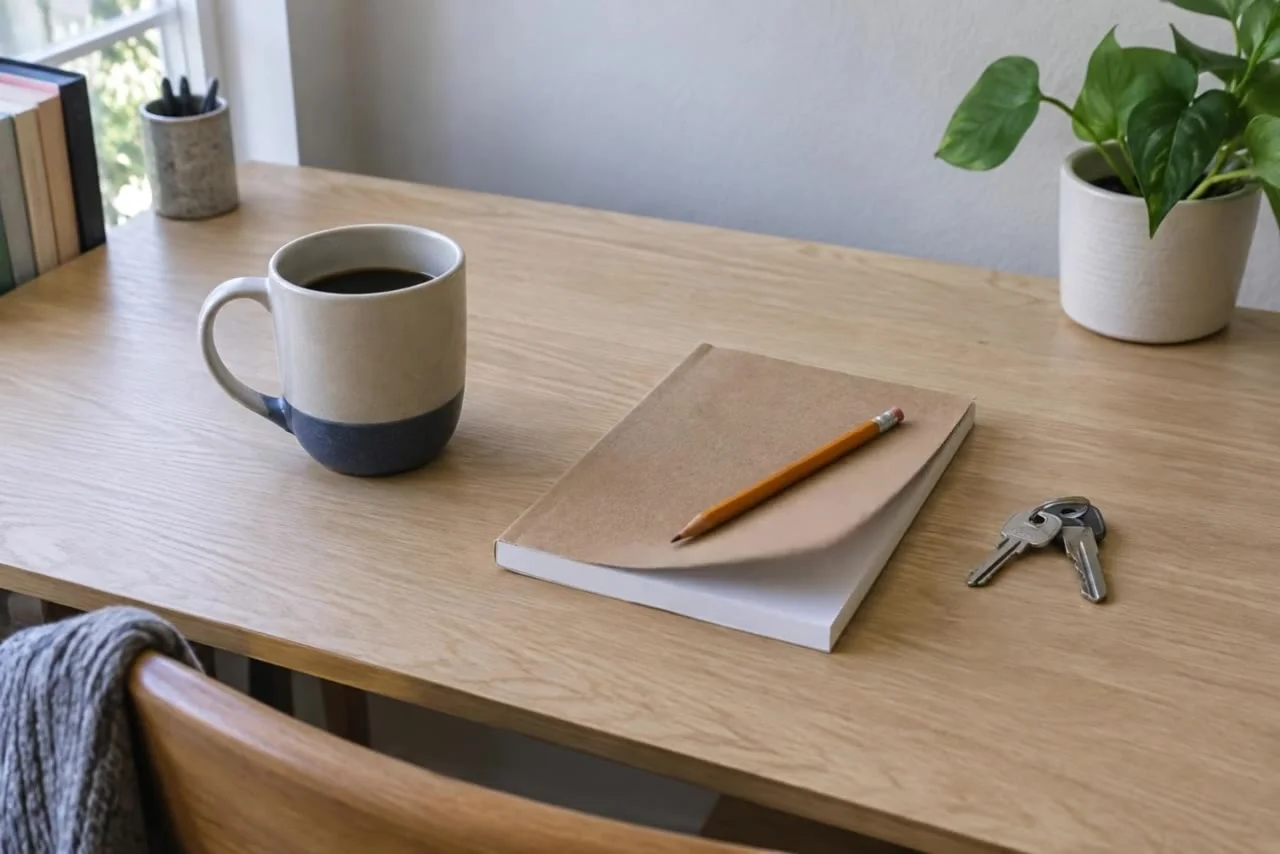
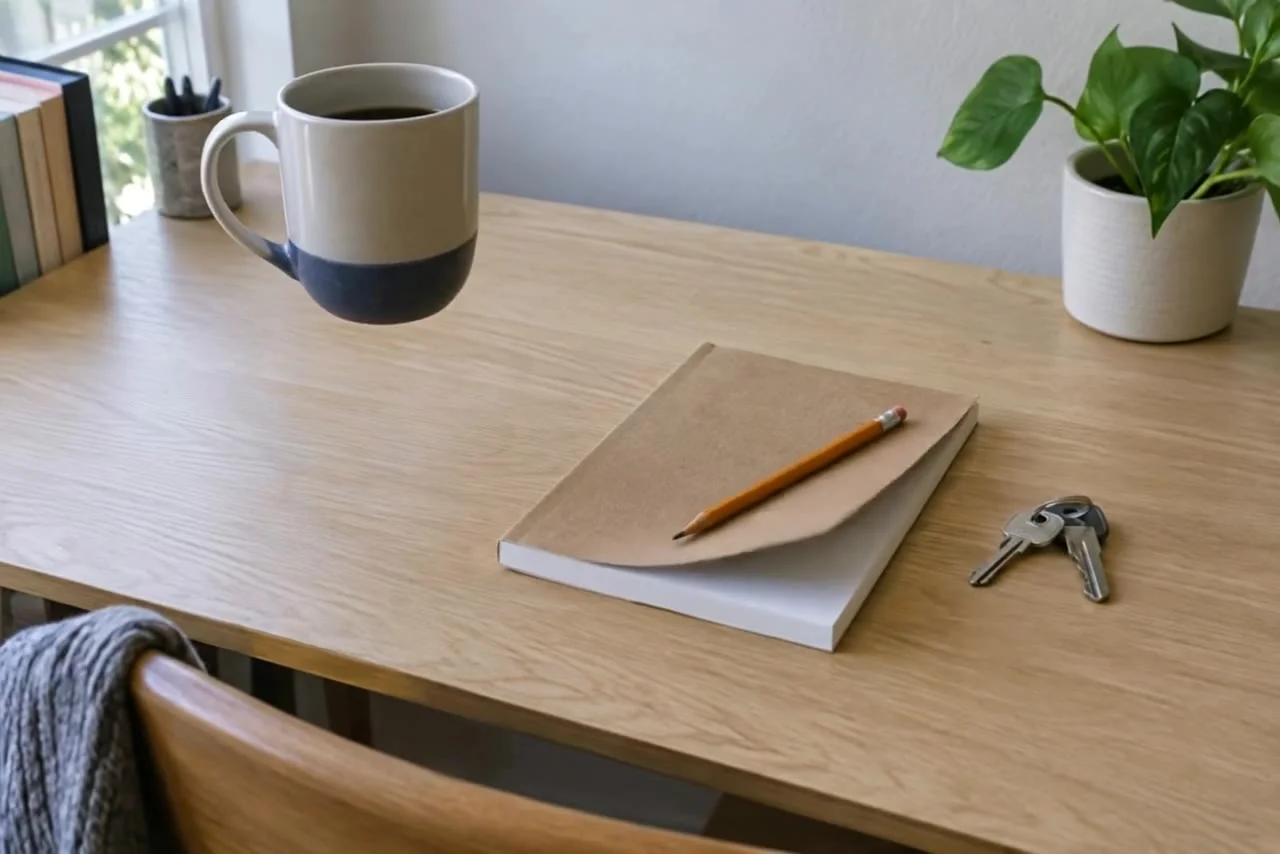
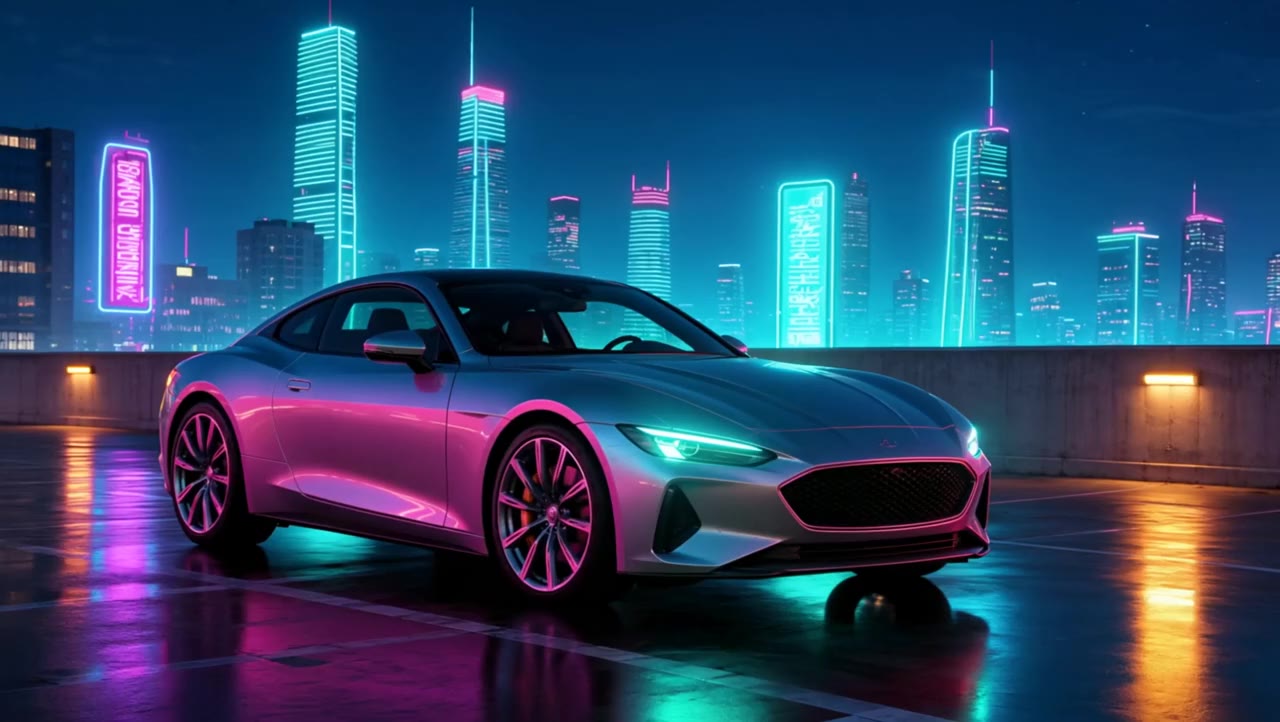
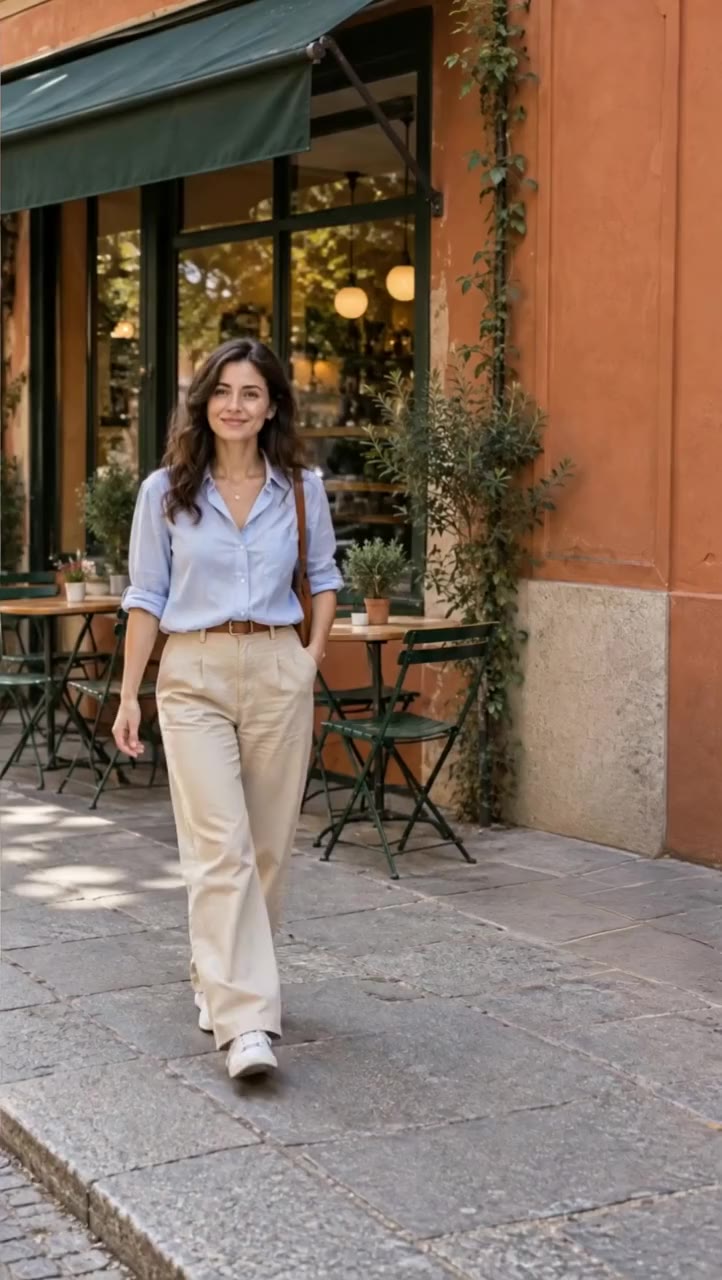
Same walk. Another ocean. Real edit Same walk. Neon night. Real edit Same walk. First snow. Real edit Same walk. Red canyon. Real edit Same walk. Low orbit. Real edit Backgrounds / Real Aisma edit · 10 seconds · 5 real edits of one clip
One walk. Five worlds. Same walk. Another ocean.
What was asked+ “change the corridor to an underwater tunnel with fish”
Watch the original · Watch the Aisma result
30 REAL EDITS / 14 SETS / YOUR VIDEO IS THE STARTING POINT
WHAT COULD CHANGE
What wouldyou change? One walk, five worlds. One turn, four looks. One hand, three products. Every result is a real Aisma edit of the clip beside it. Pick one to compare.
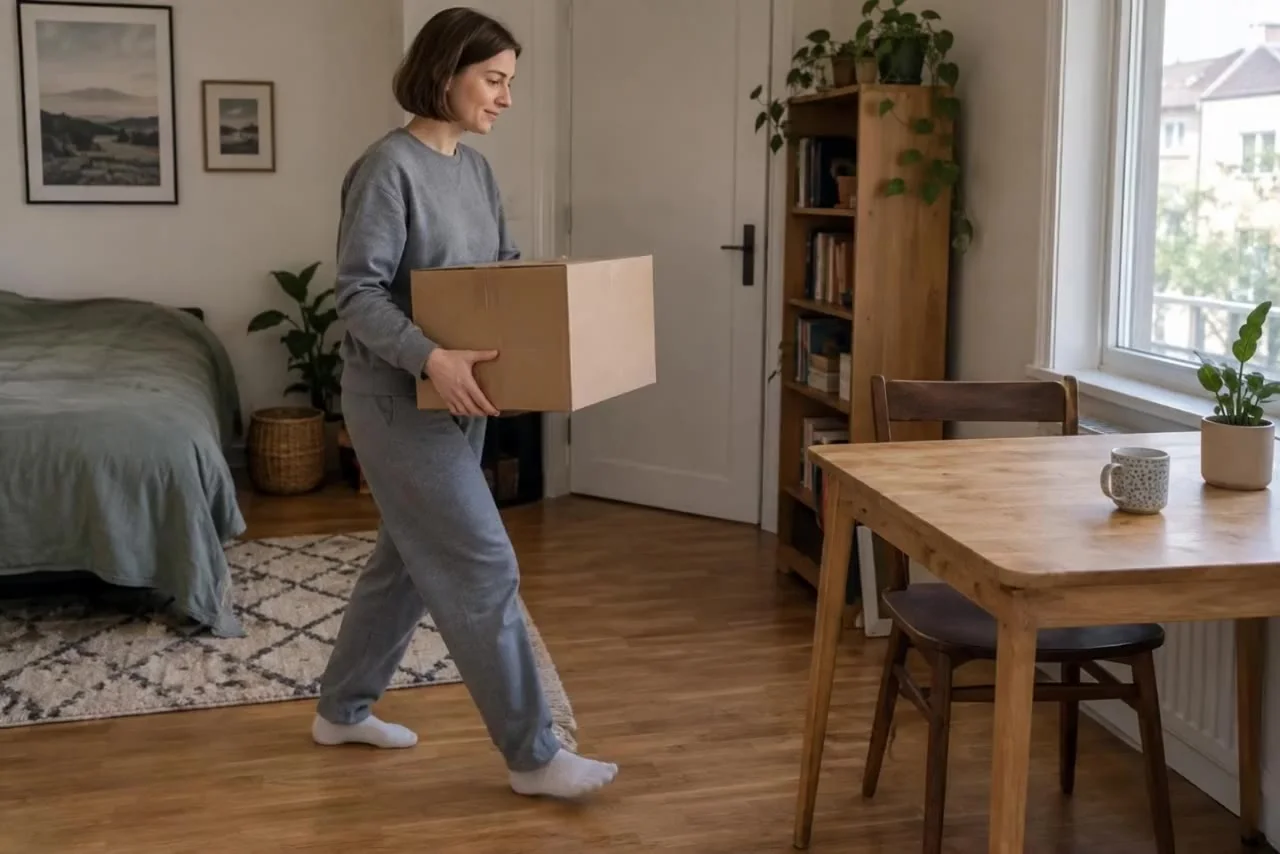
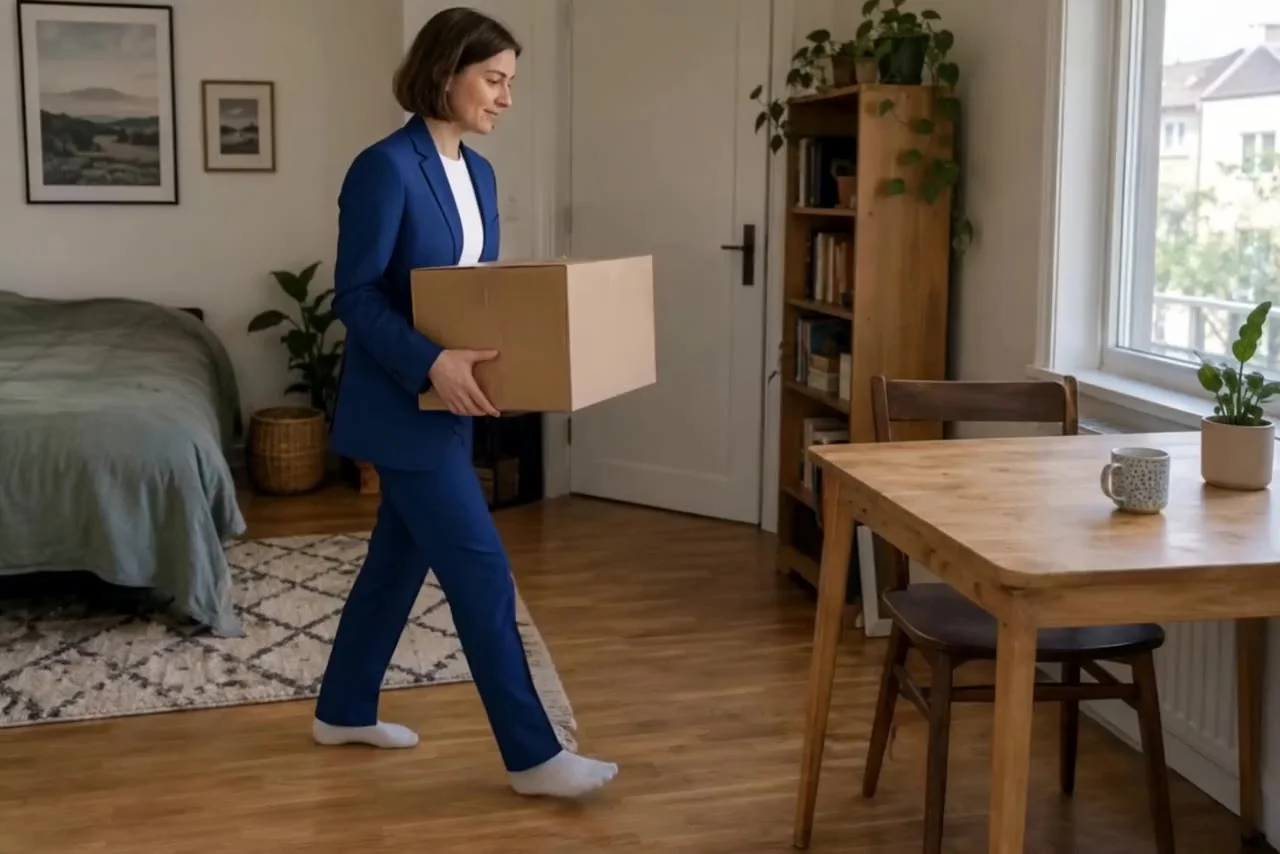
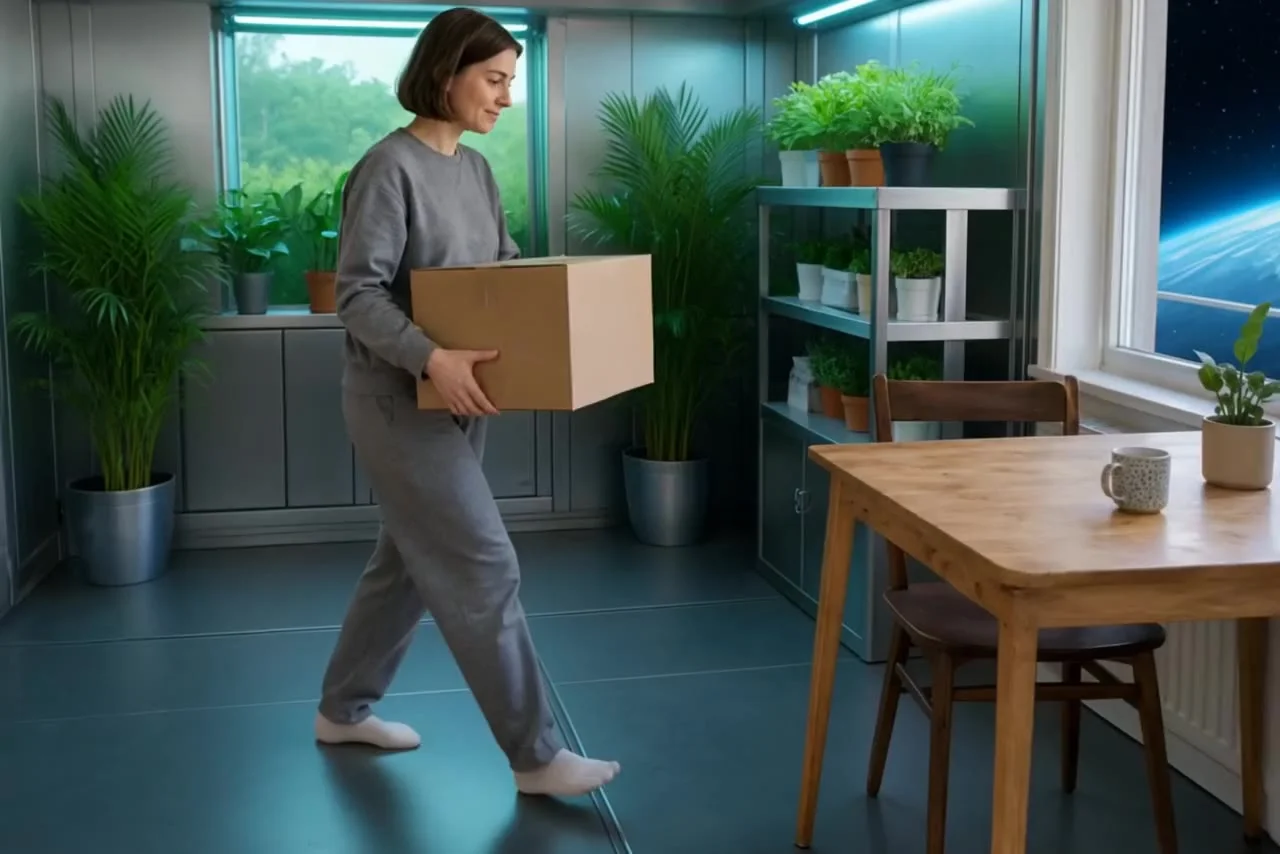
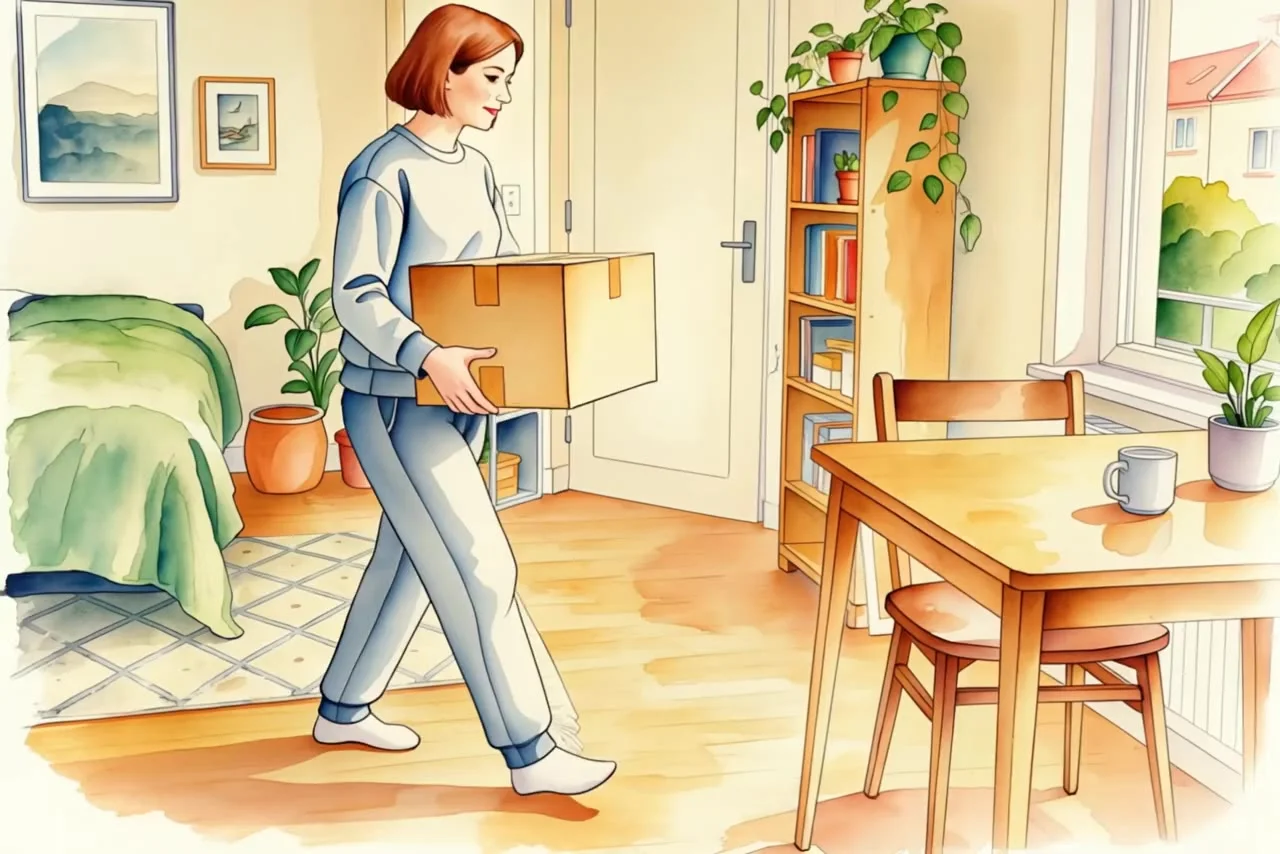
The campaign. Real edit The space greenhouse. Real edit The watercolour. Real edit Outfits / Real Aisma edit · 10 seconds · 3 real edits of one clip
One clip. Three directions. The campaign.
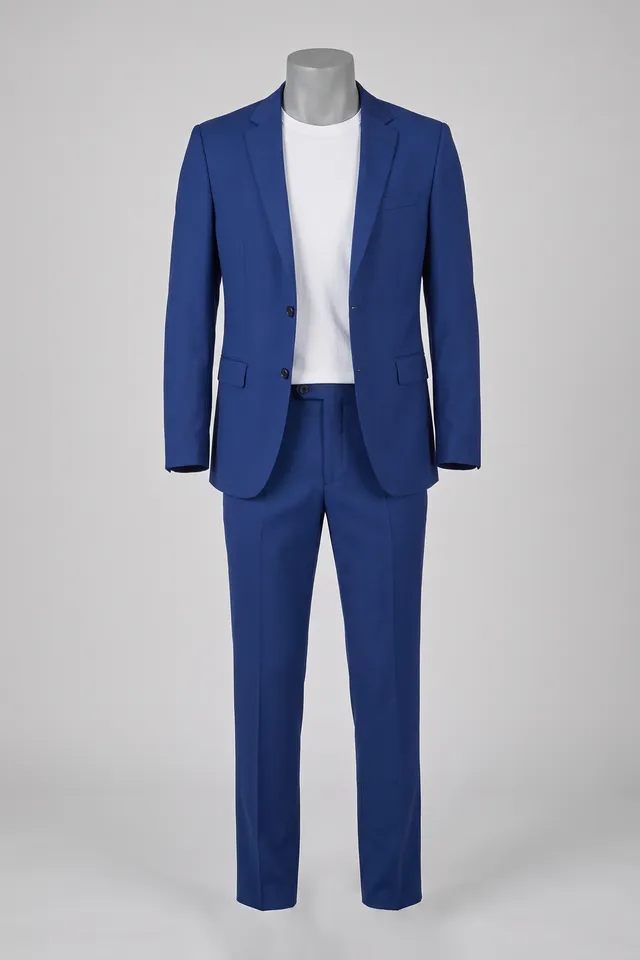
↗ Photo 1 What was asked+ “put her in the blue suit from the photo”
Watch the original · Watch the Aisma result
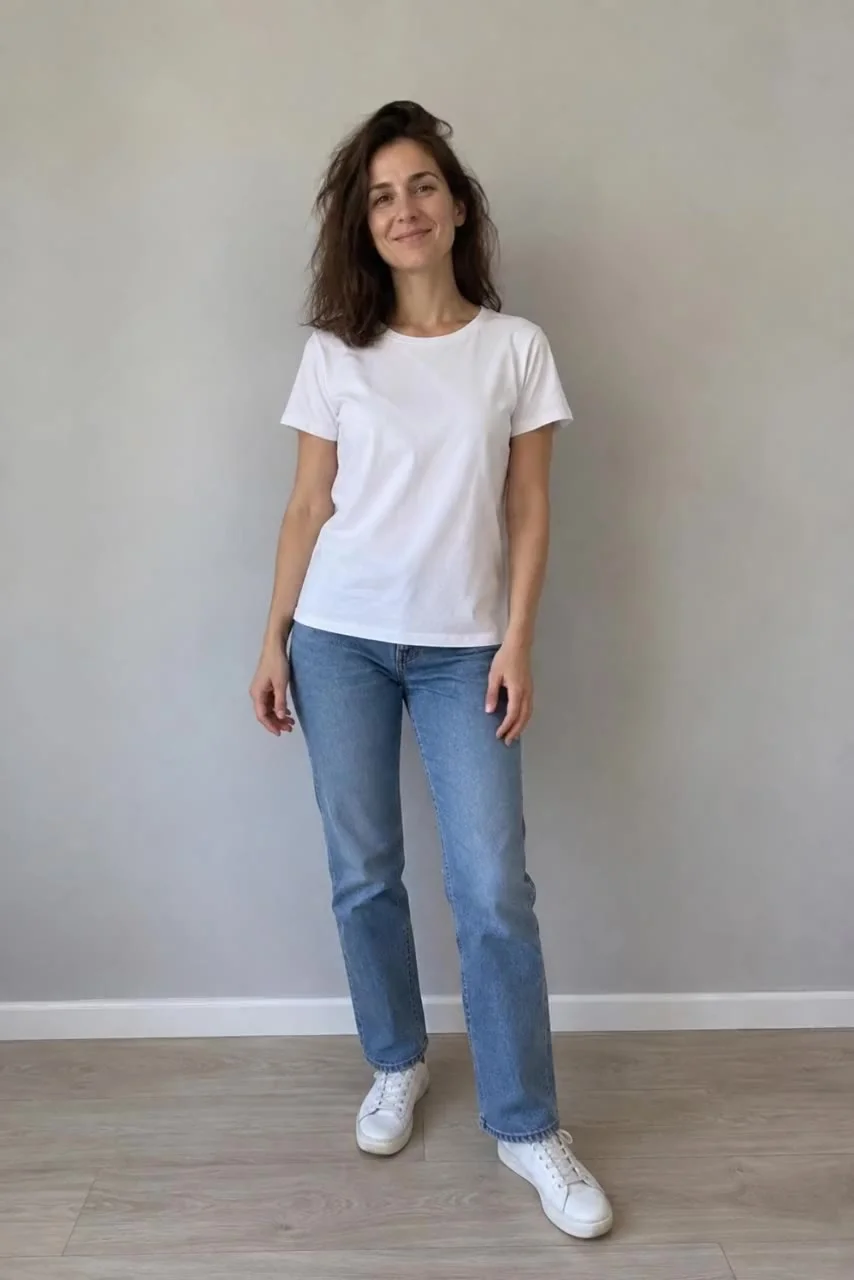
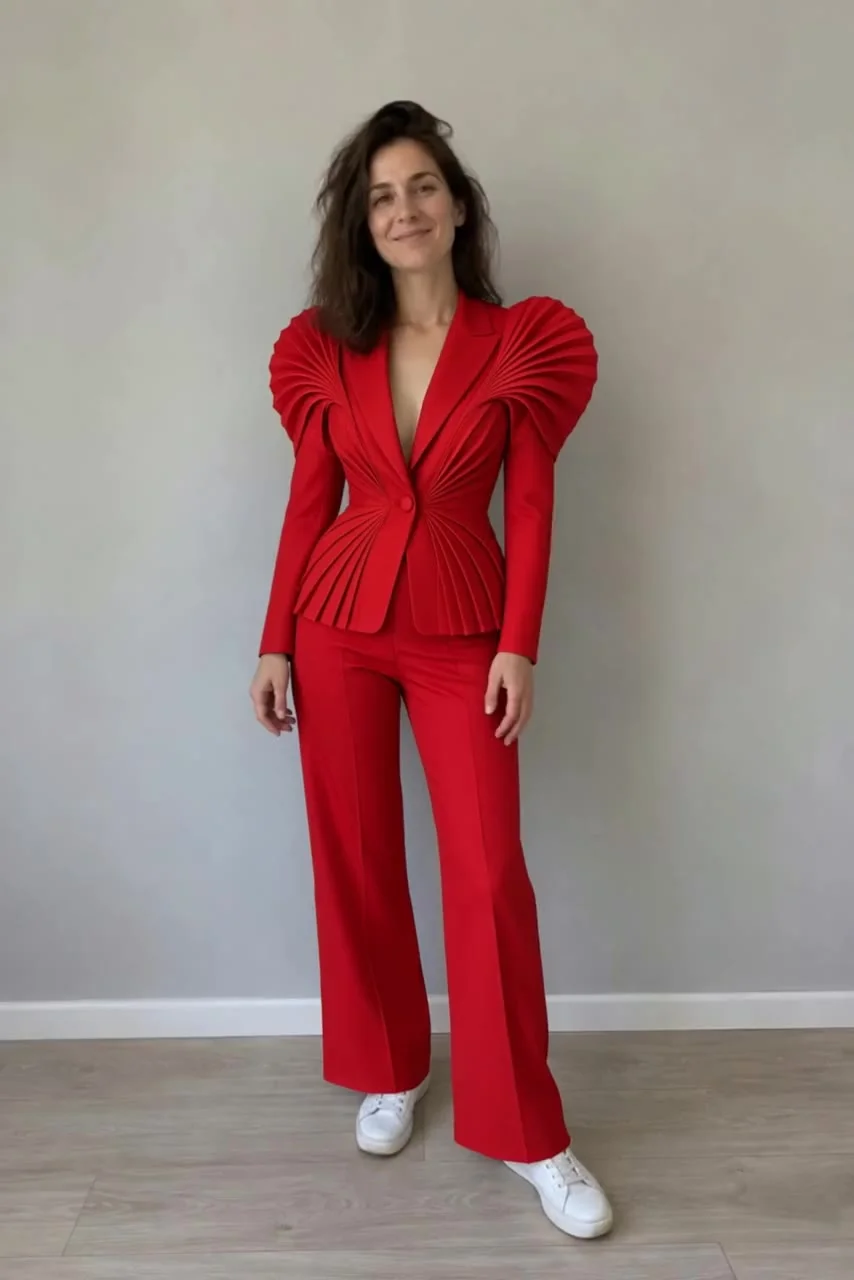
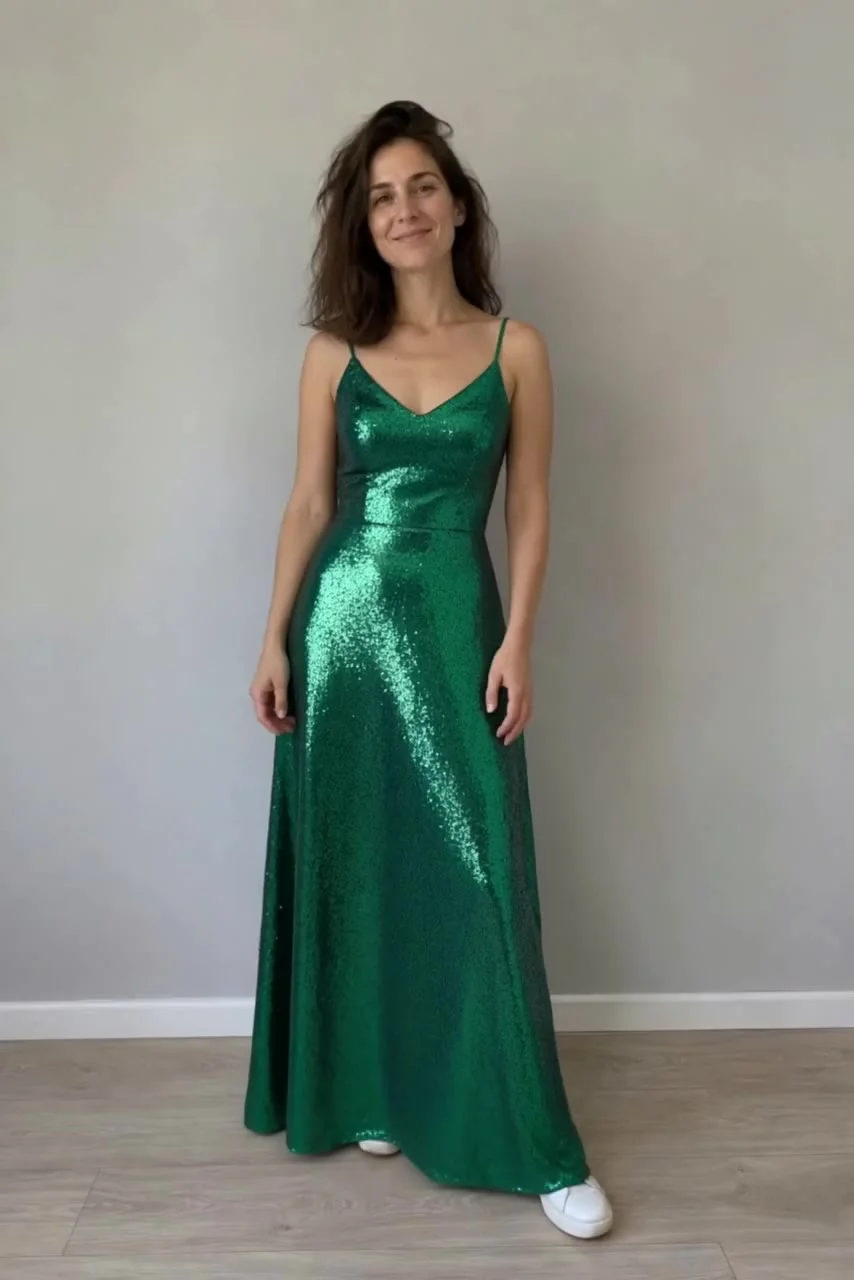
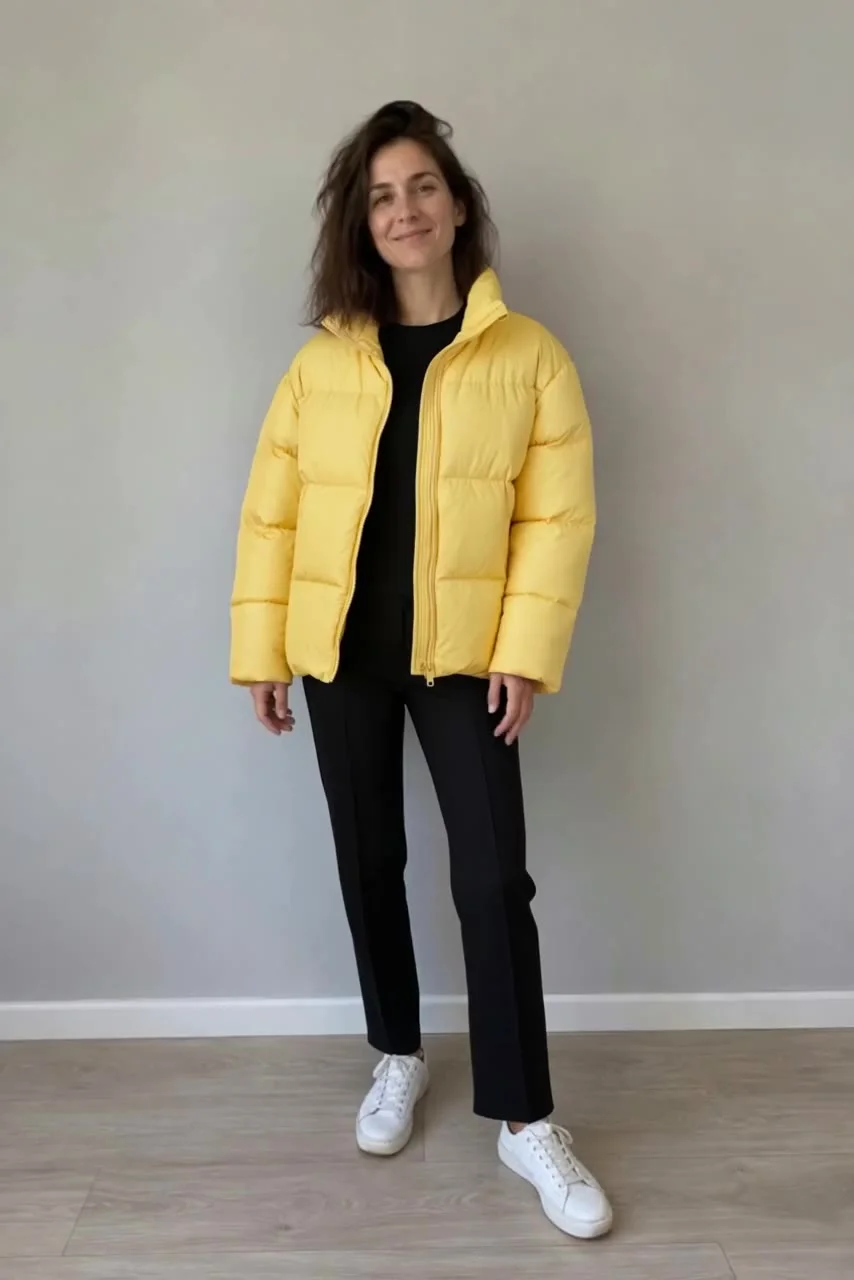
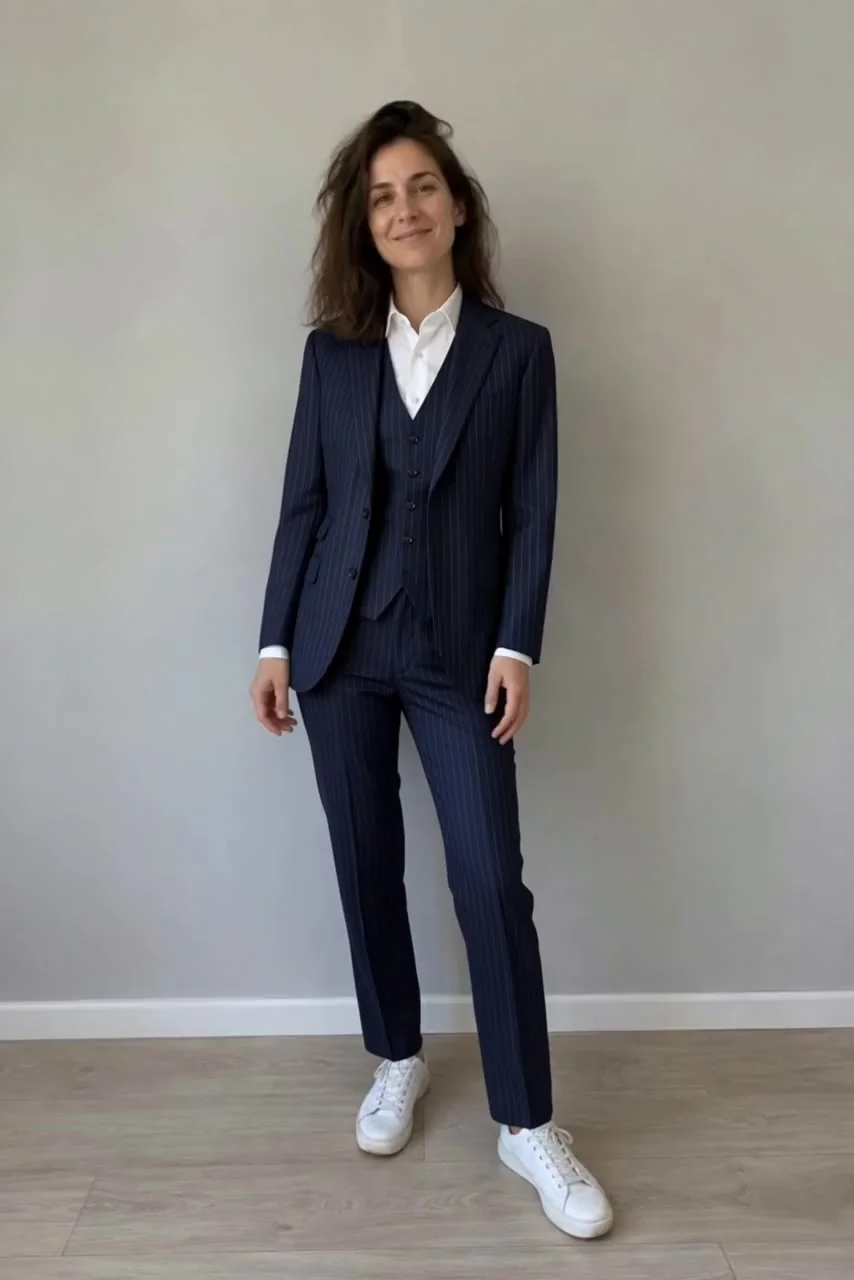
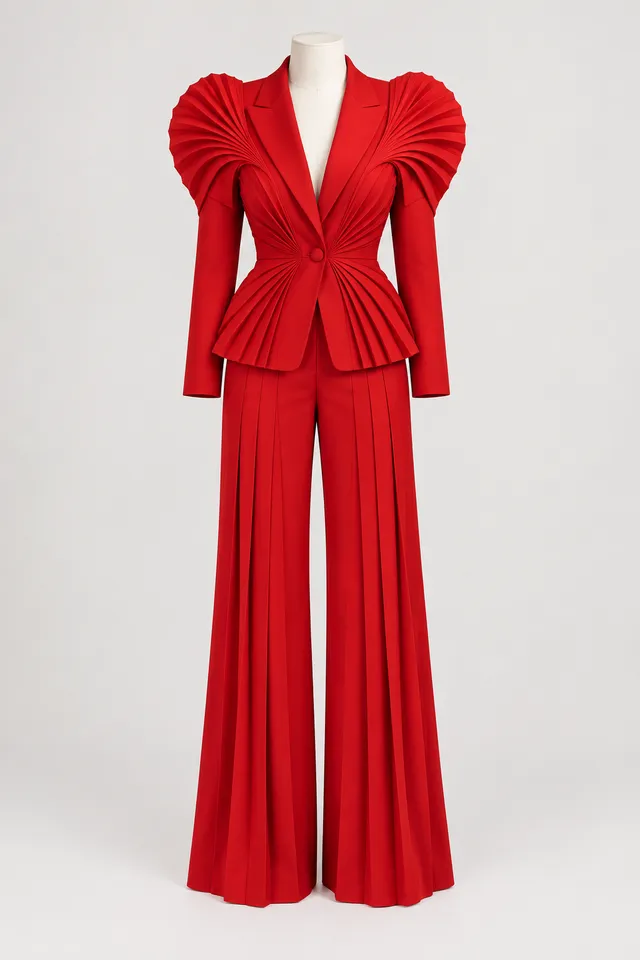
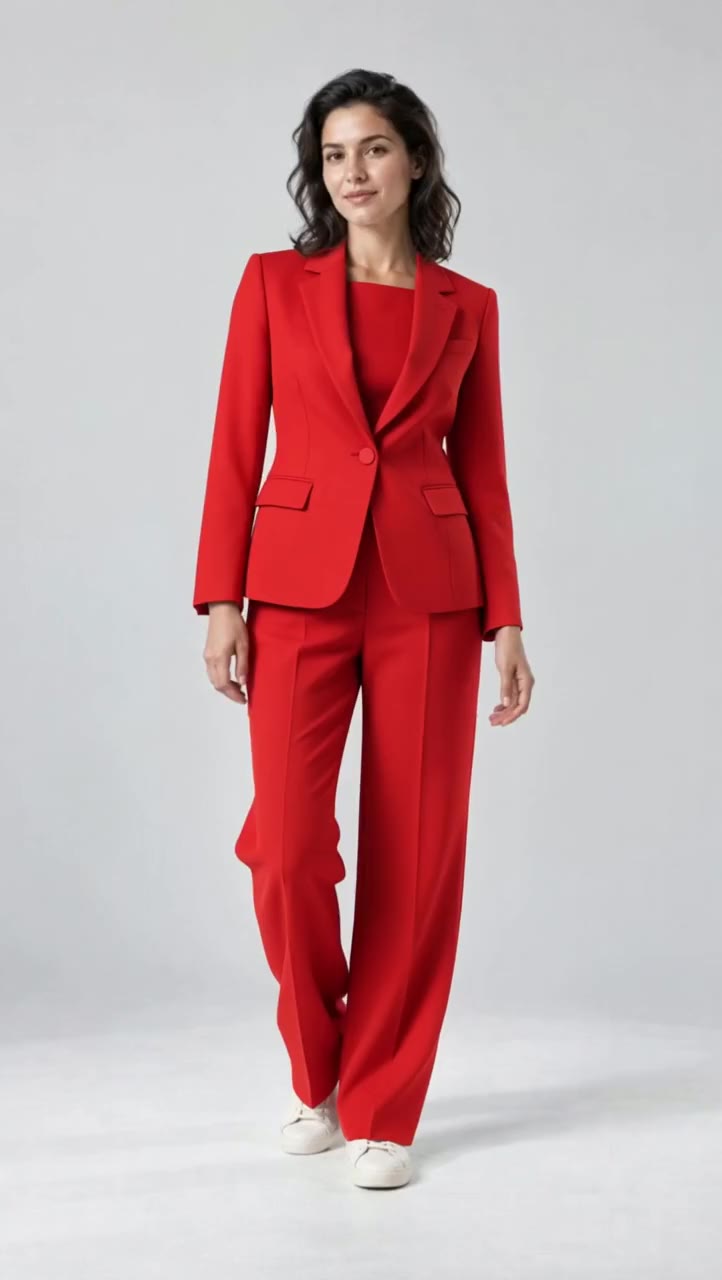
The couture turn. Real edit The gala. Real edit The street. Real edit The boardroom. Real edit Outfits / Real Aisma edit · 10 seconds · 4 real edits of one clip
One turn. Four looks. The couture turn.
↗ Photo 1 What was asked+ “dress her in the red suit from the photo”
Watch the original · Watch the Aisma result
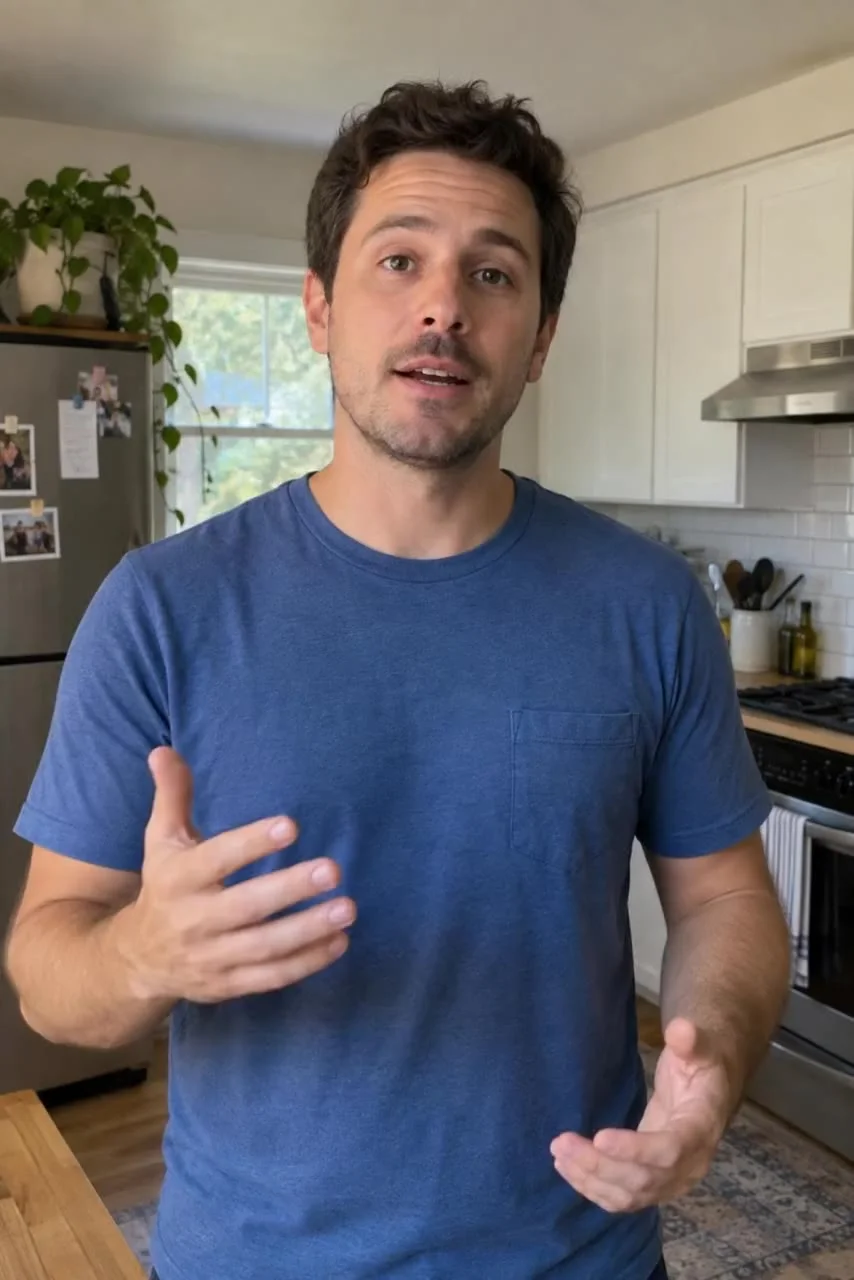
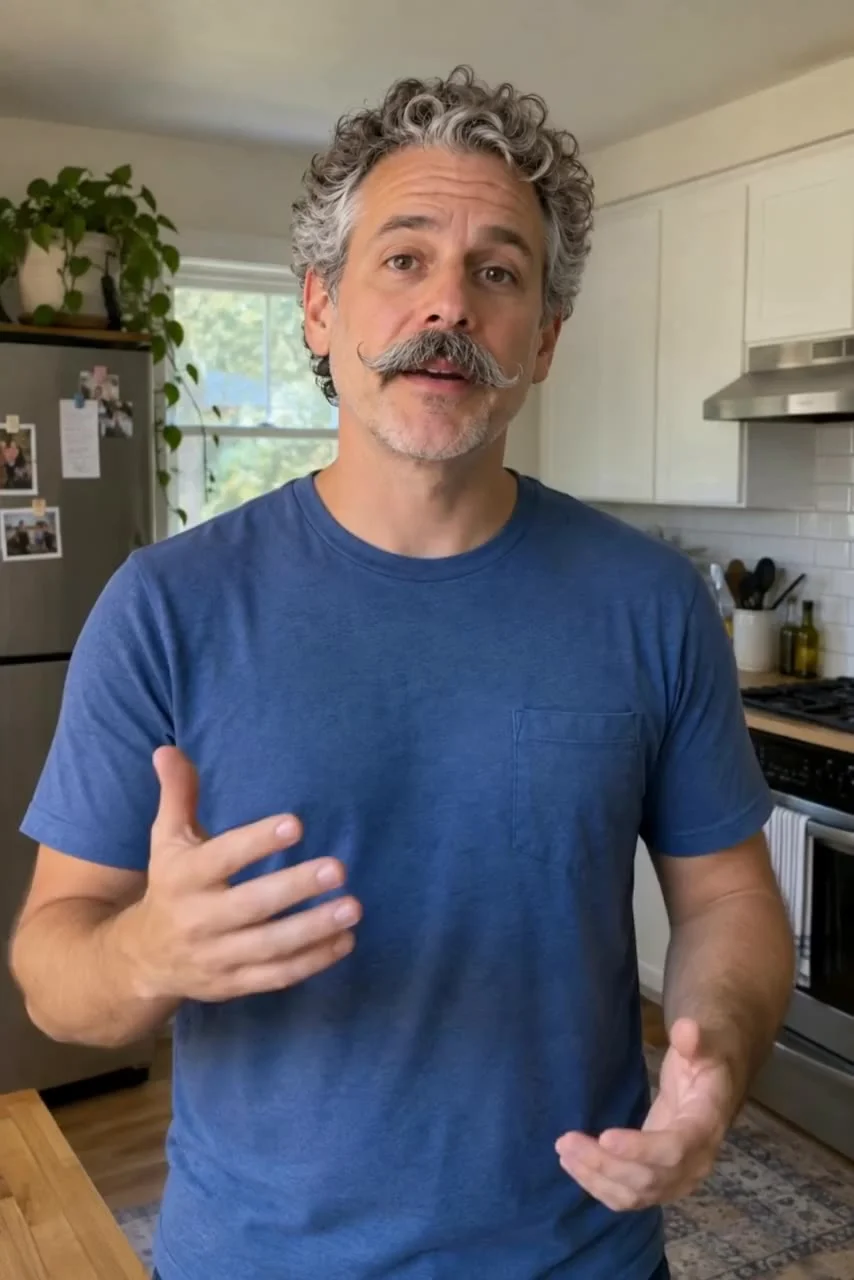
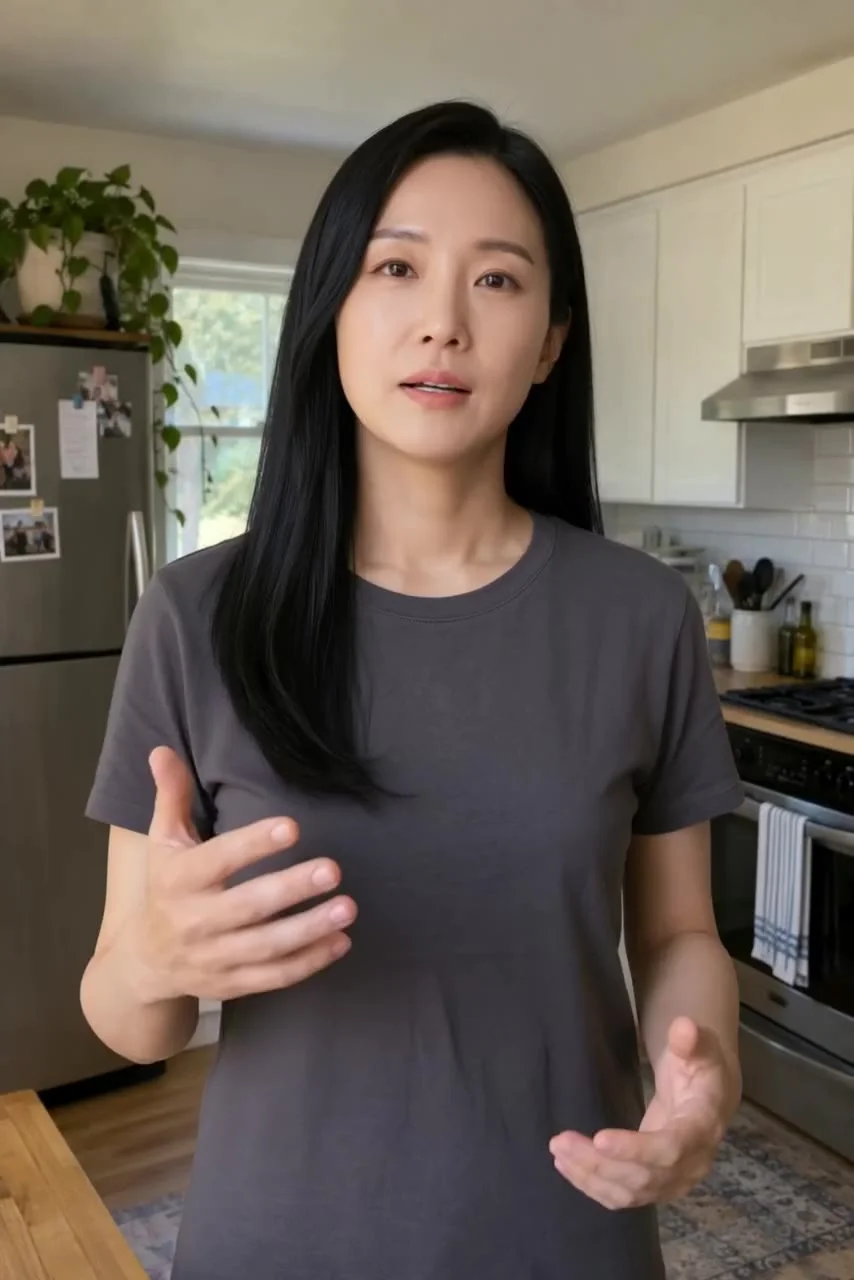
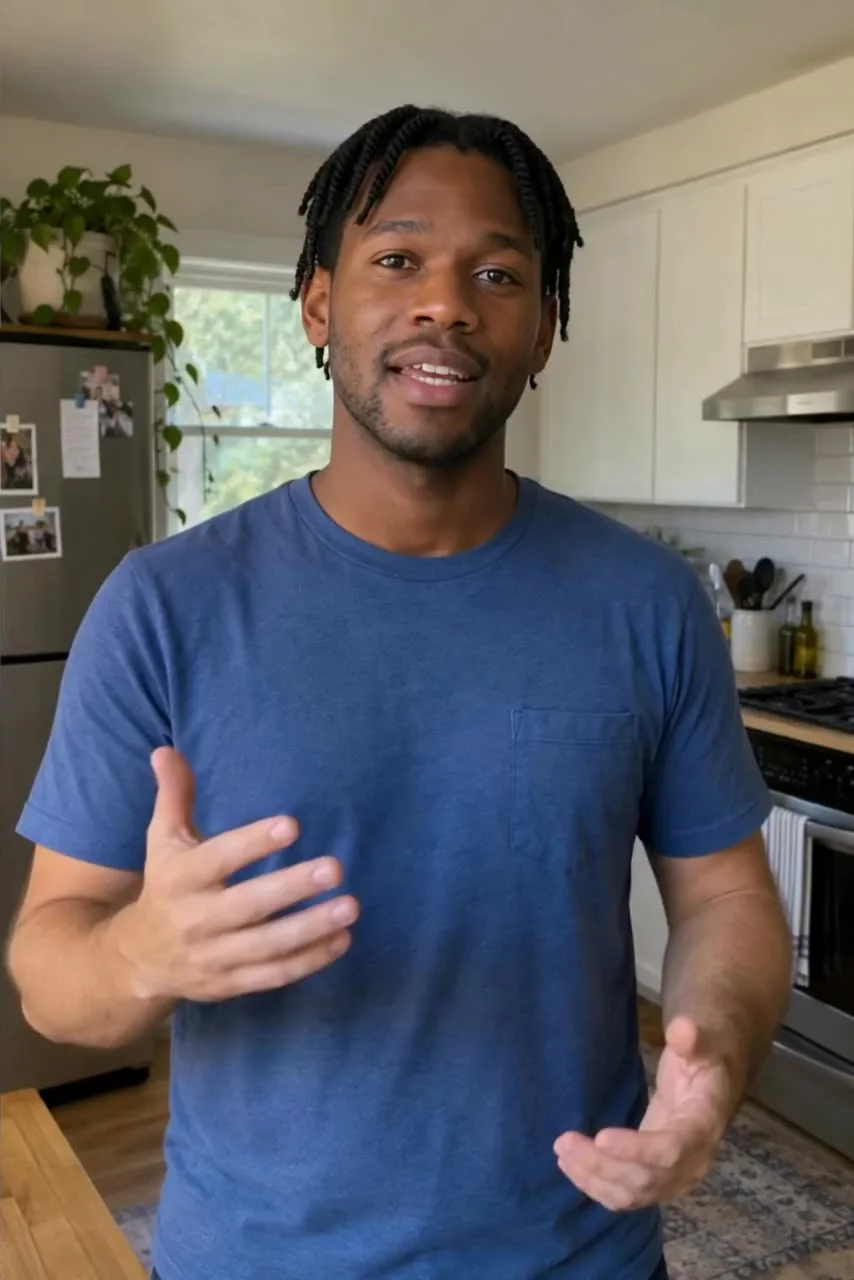
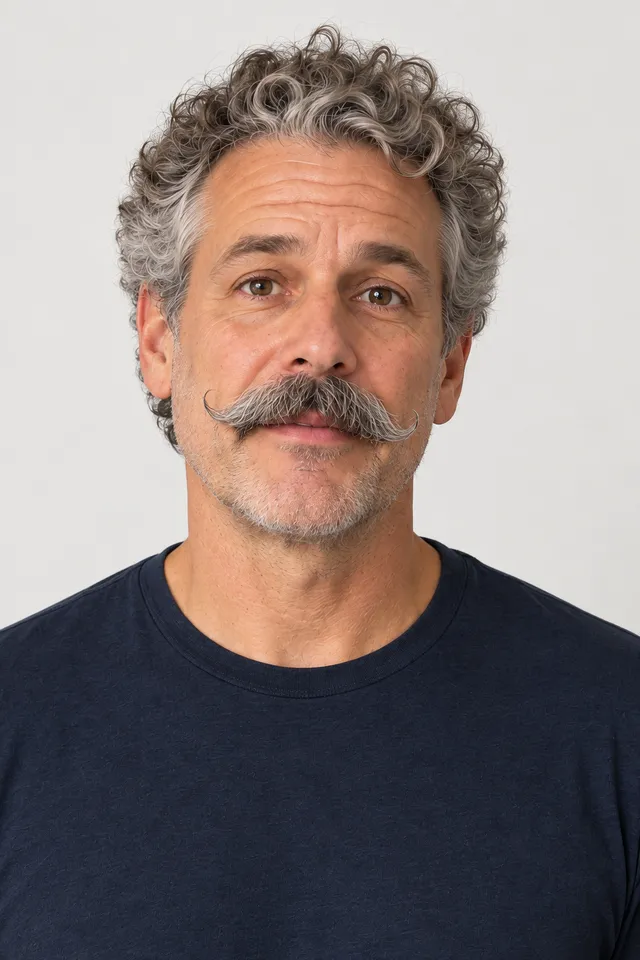
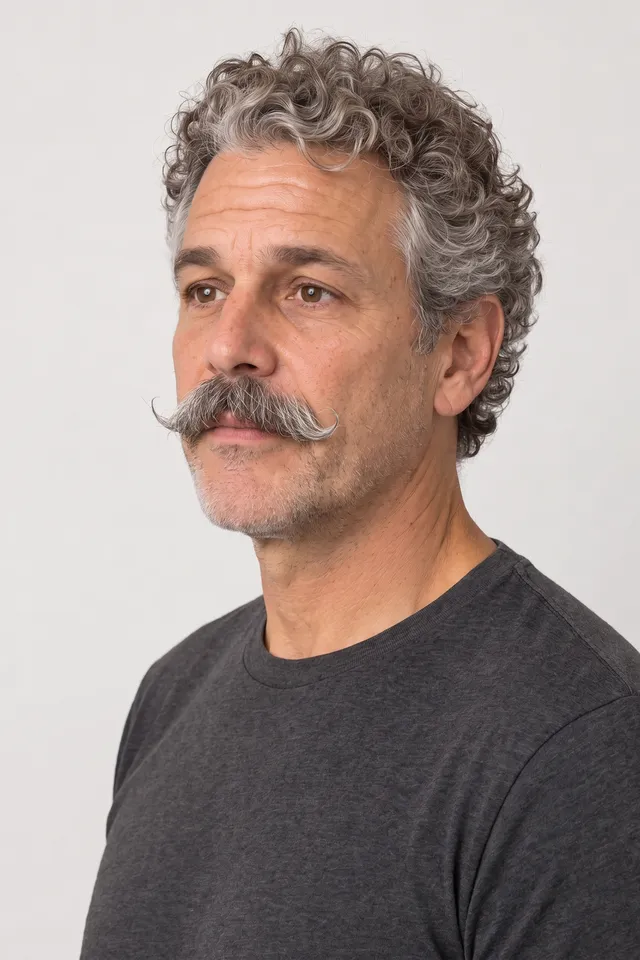
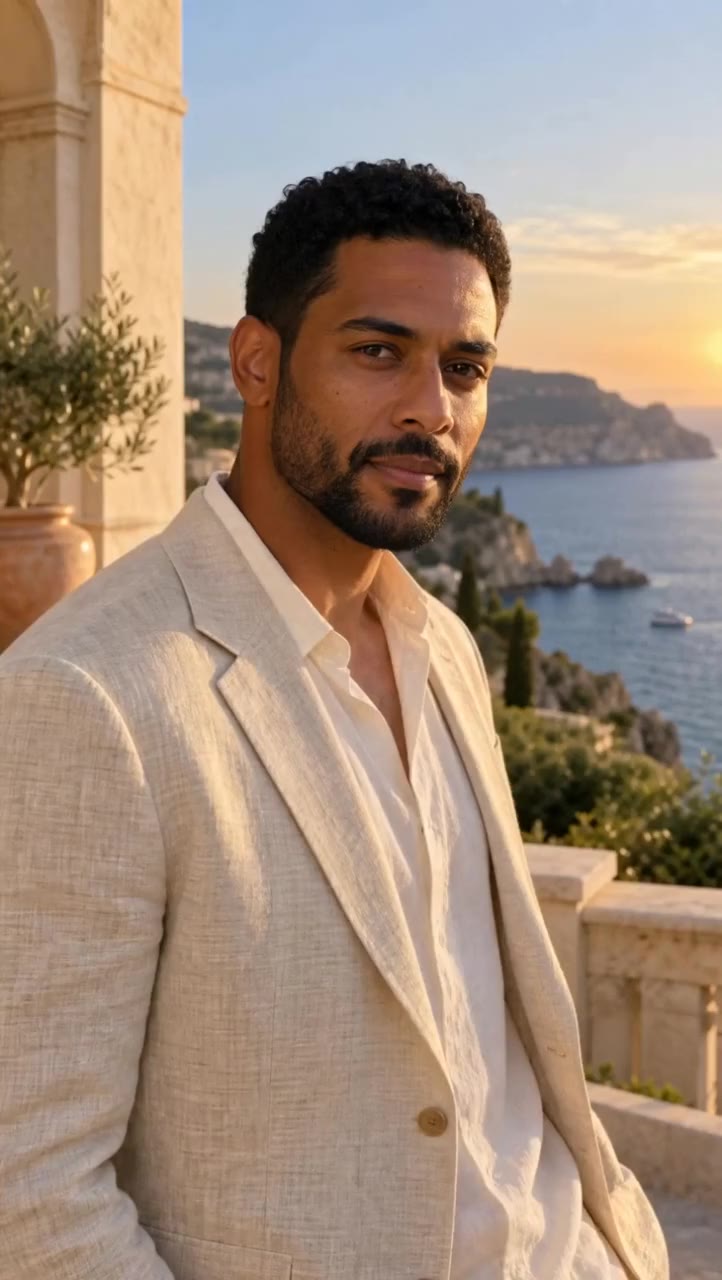
Photo 1 Photo 2 into your video ↗ The veteran. Real edit The newcomer. Real edit The rookie. Real edit People / Real Aisma edit · 10 seconds · 3 real edits of one clip
One performance. Three leads. The veteran.
↗ What was asked+ “replace the man with the guy from the photos”
Watch the original · Watch the Aisma result
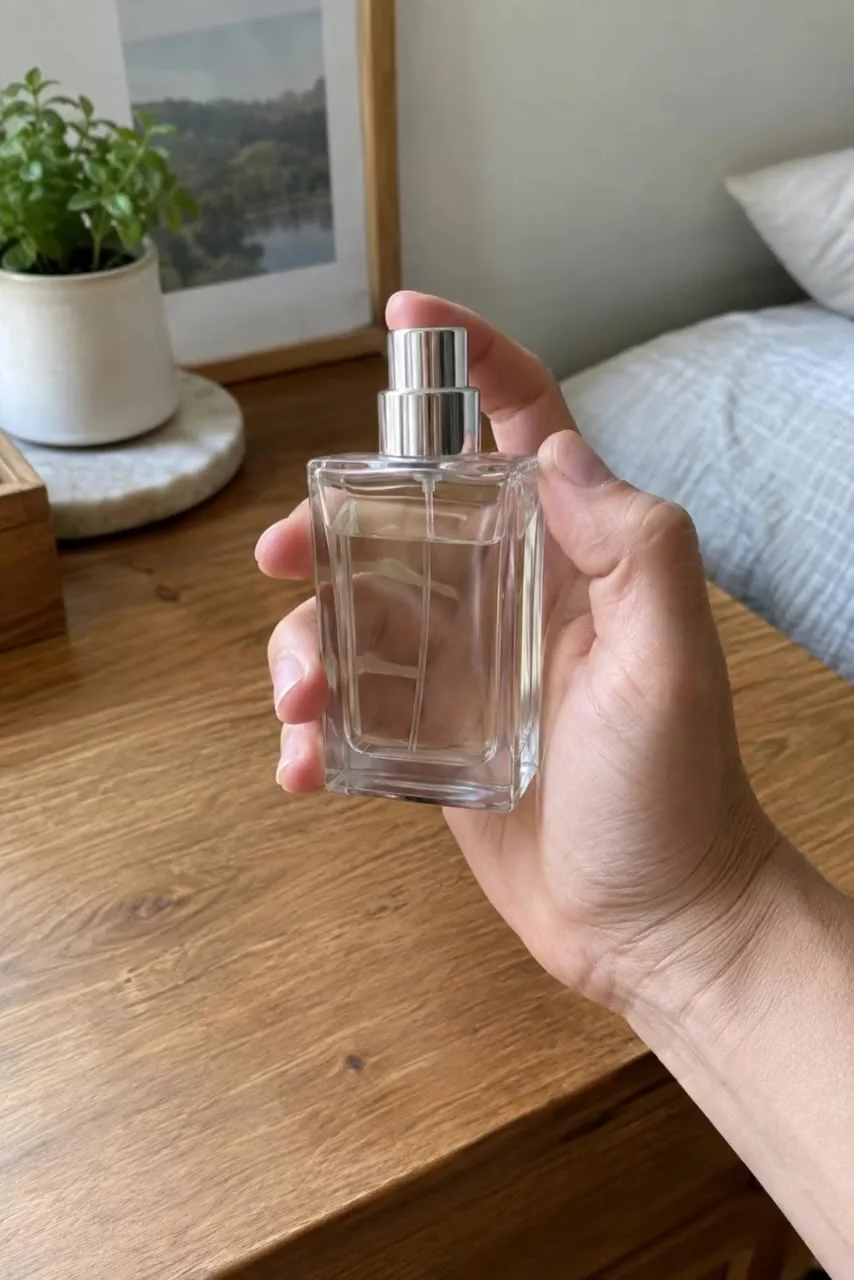
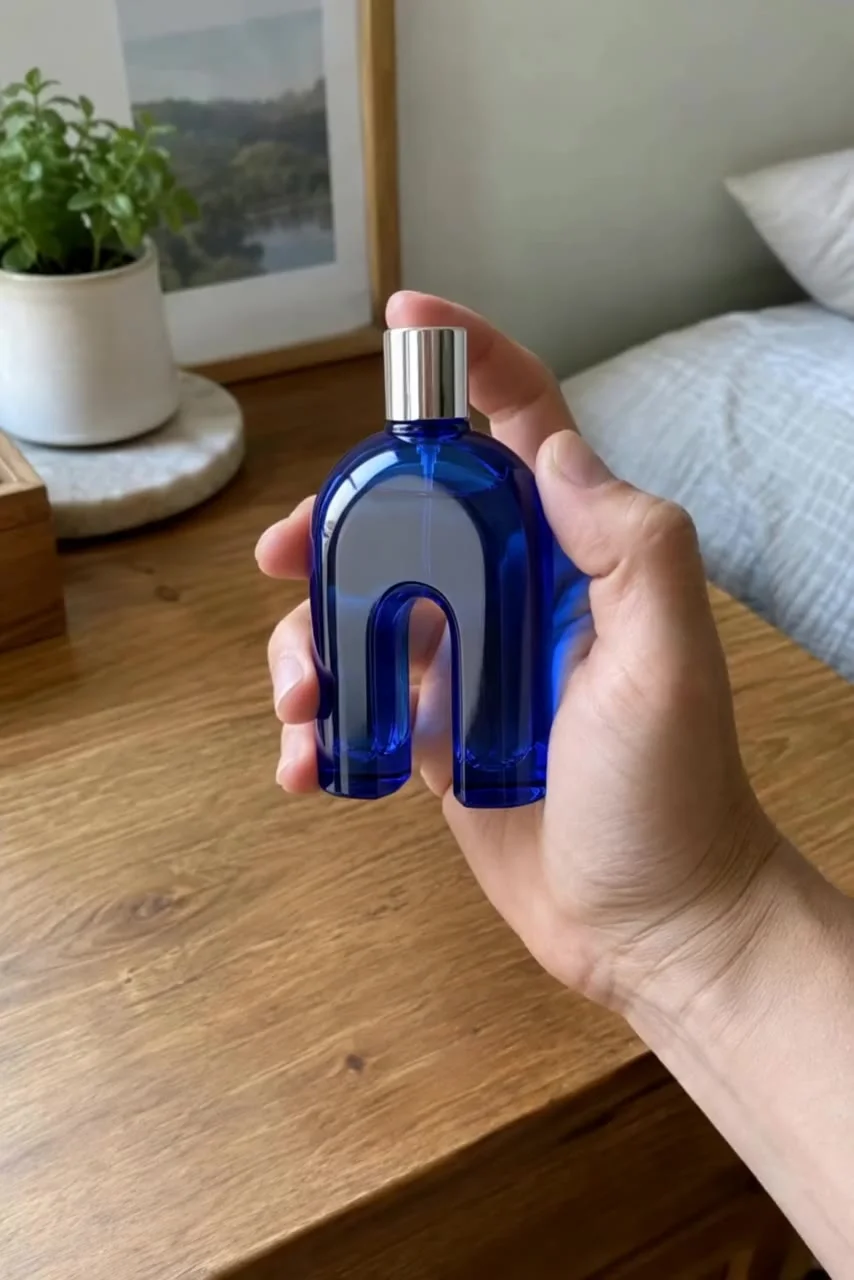
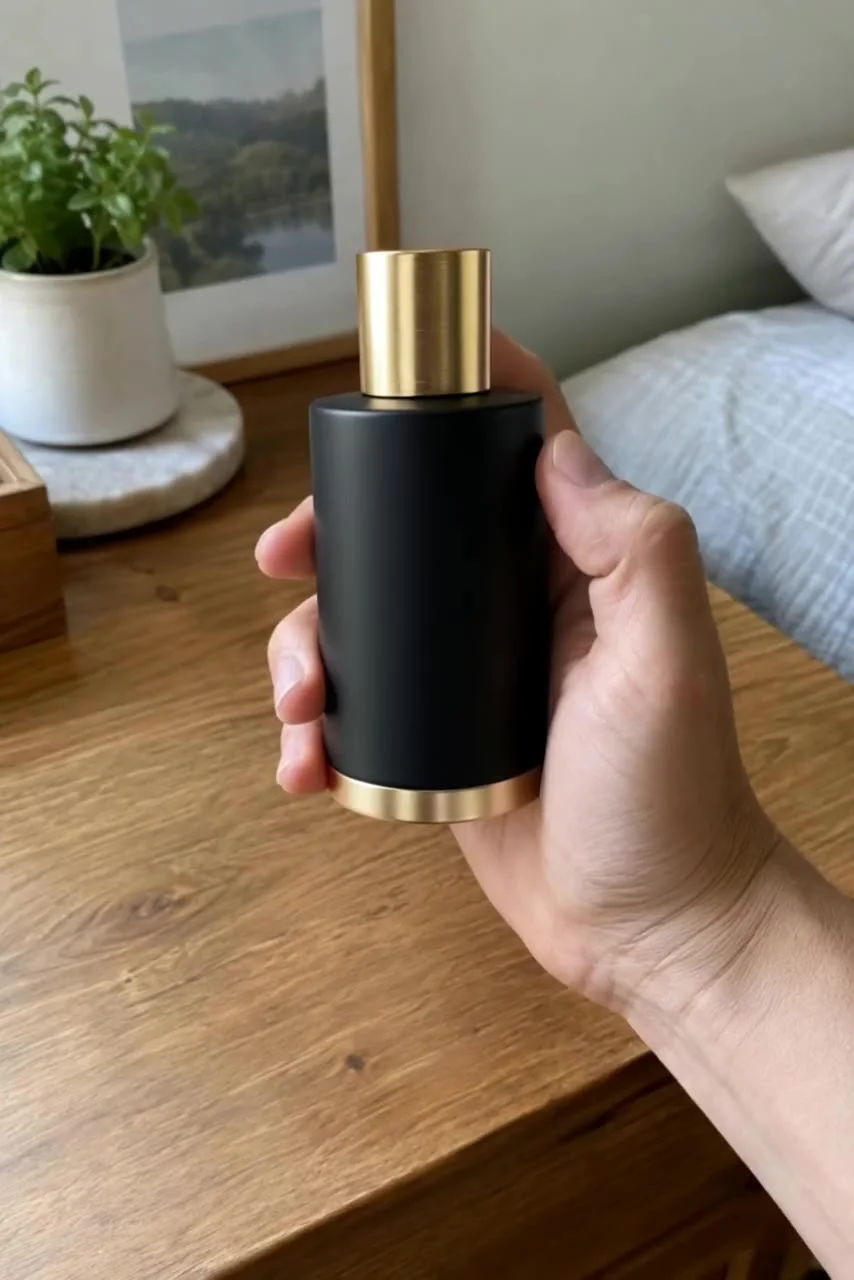
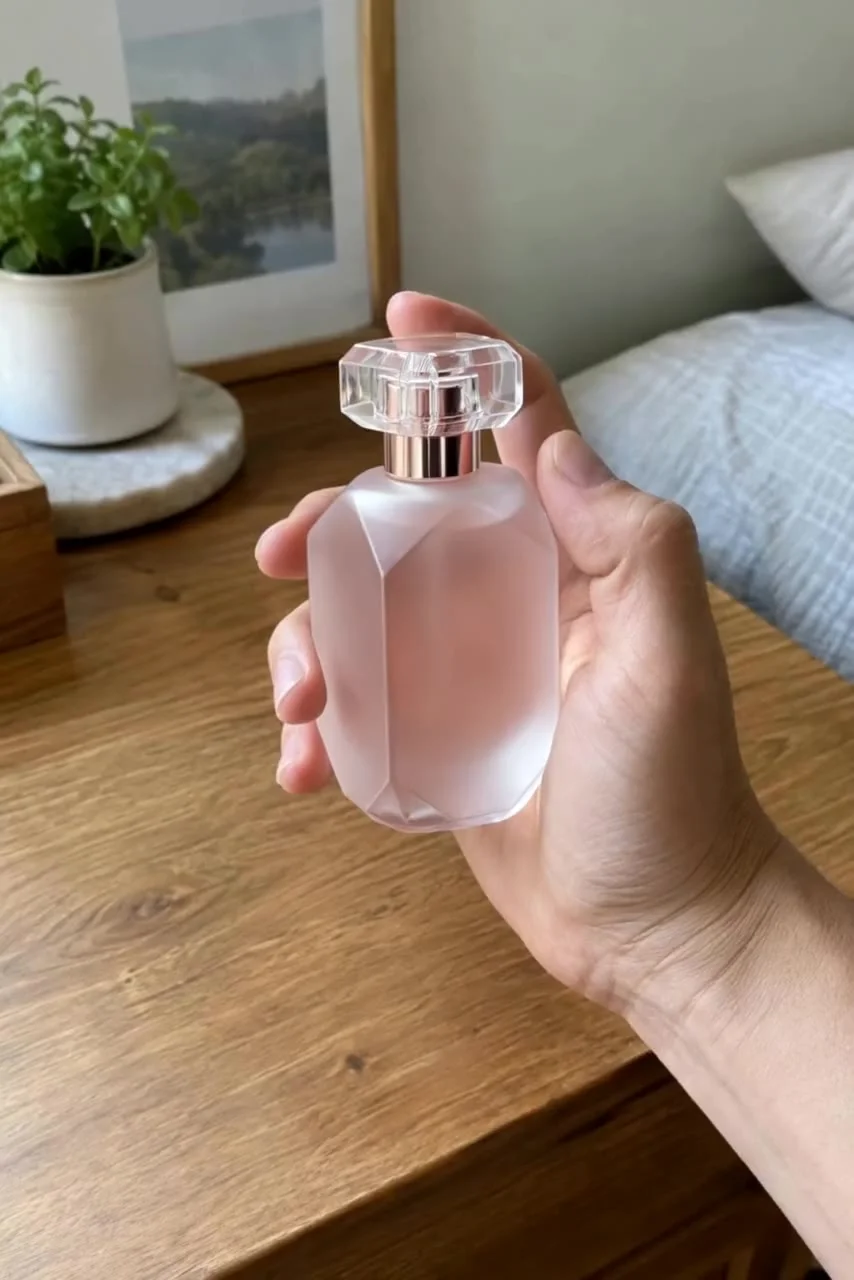
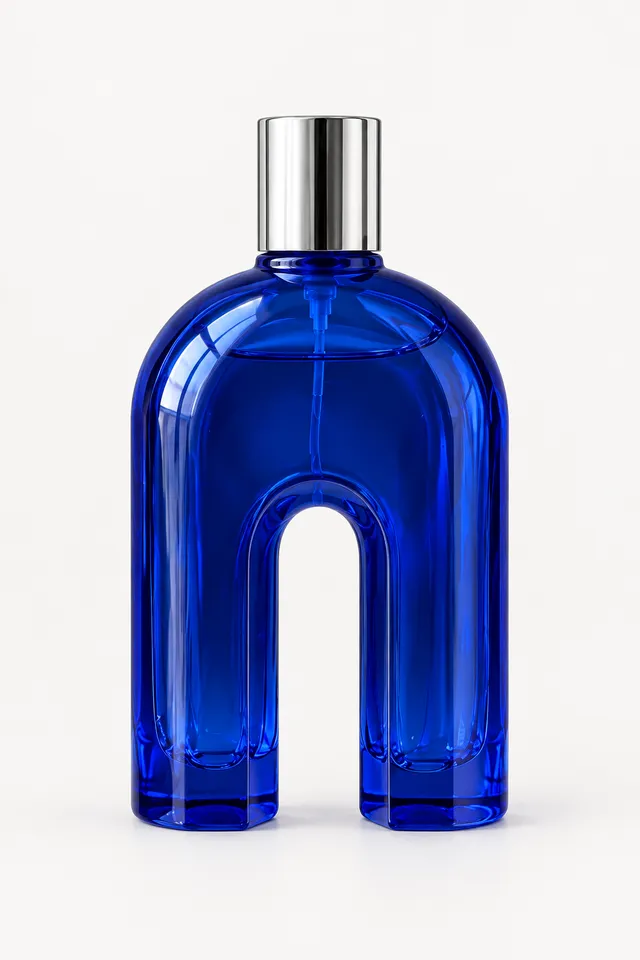
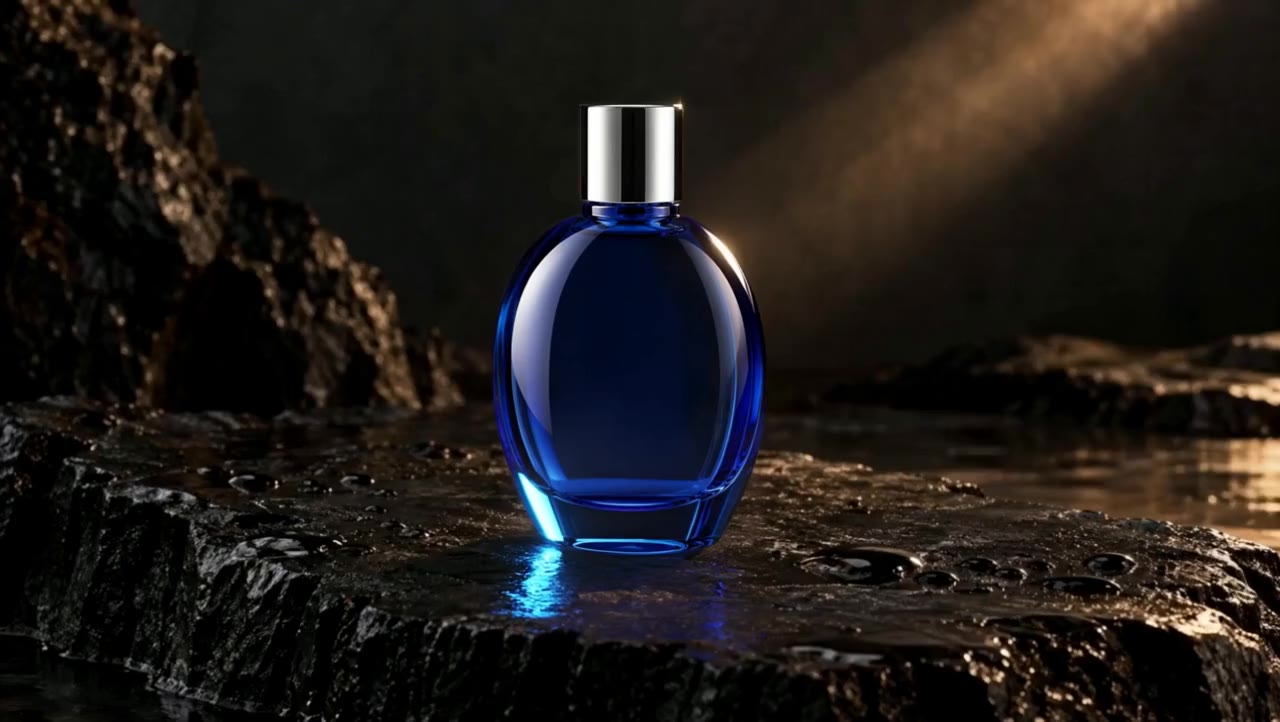
The arch. Real edit The column. Real edit The facet. Real edit Products / Real Aisma edit · 10 seconds · 3 real edits of one clip
One hand. Three products. The arch.
↗ Photo 1 What was asked+ “swap the bottle for the blue one in the photo”
Watch the original · Watch the Aisma result
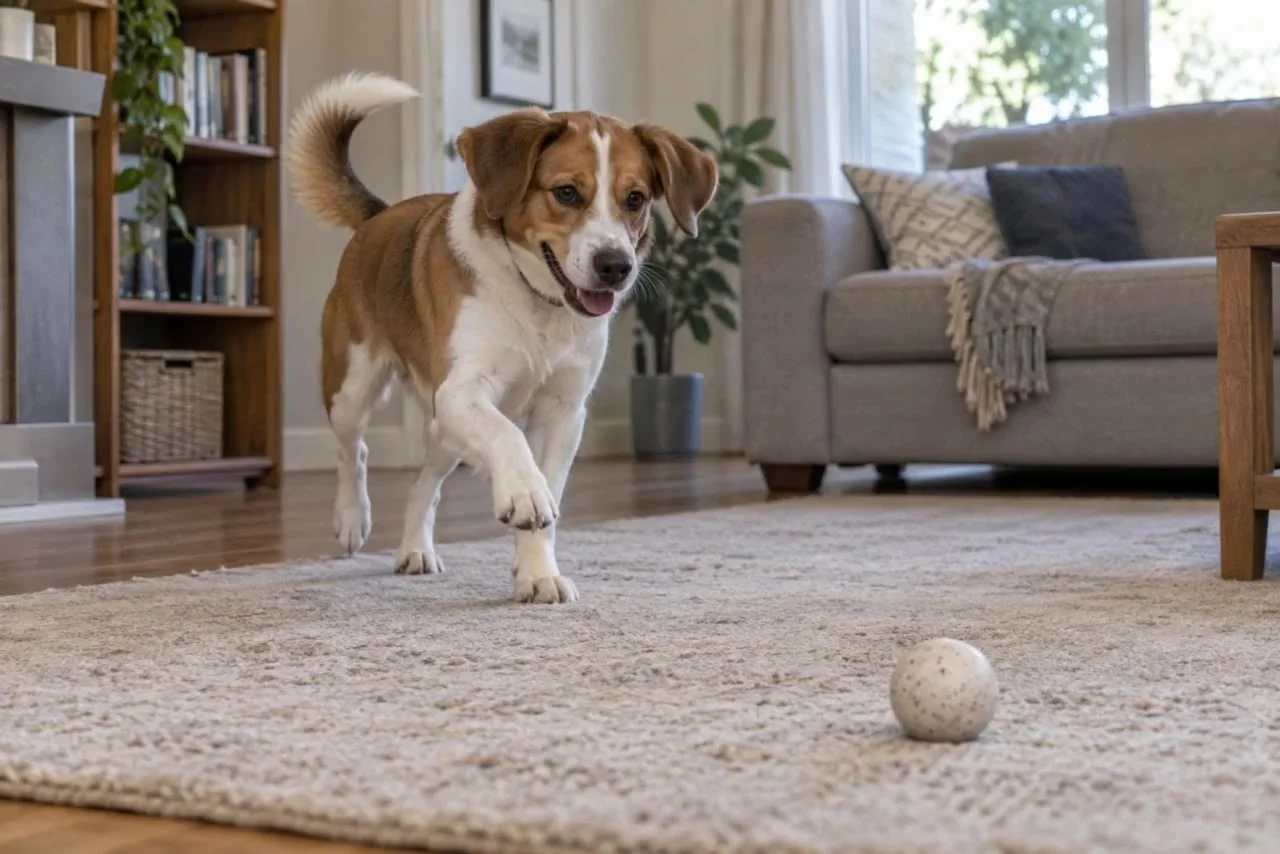
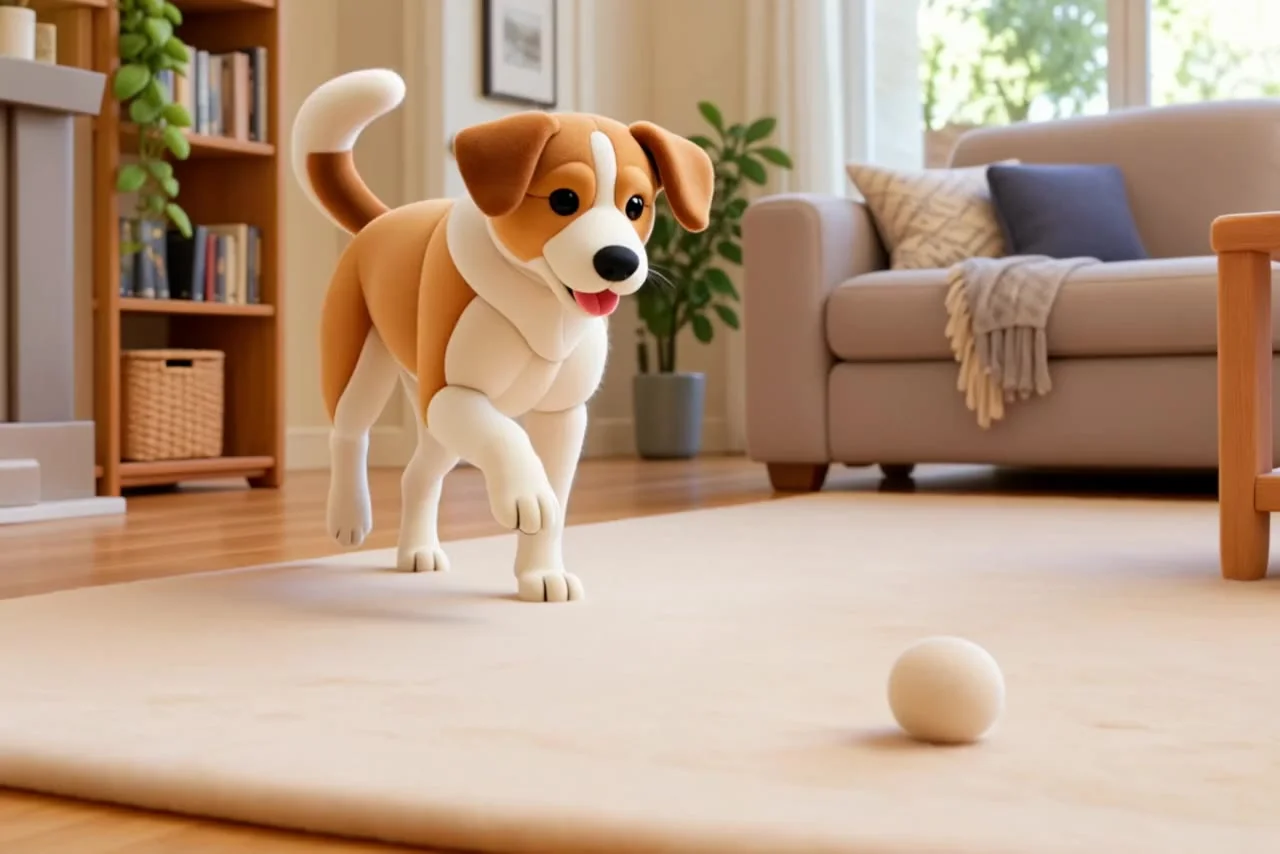
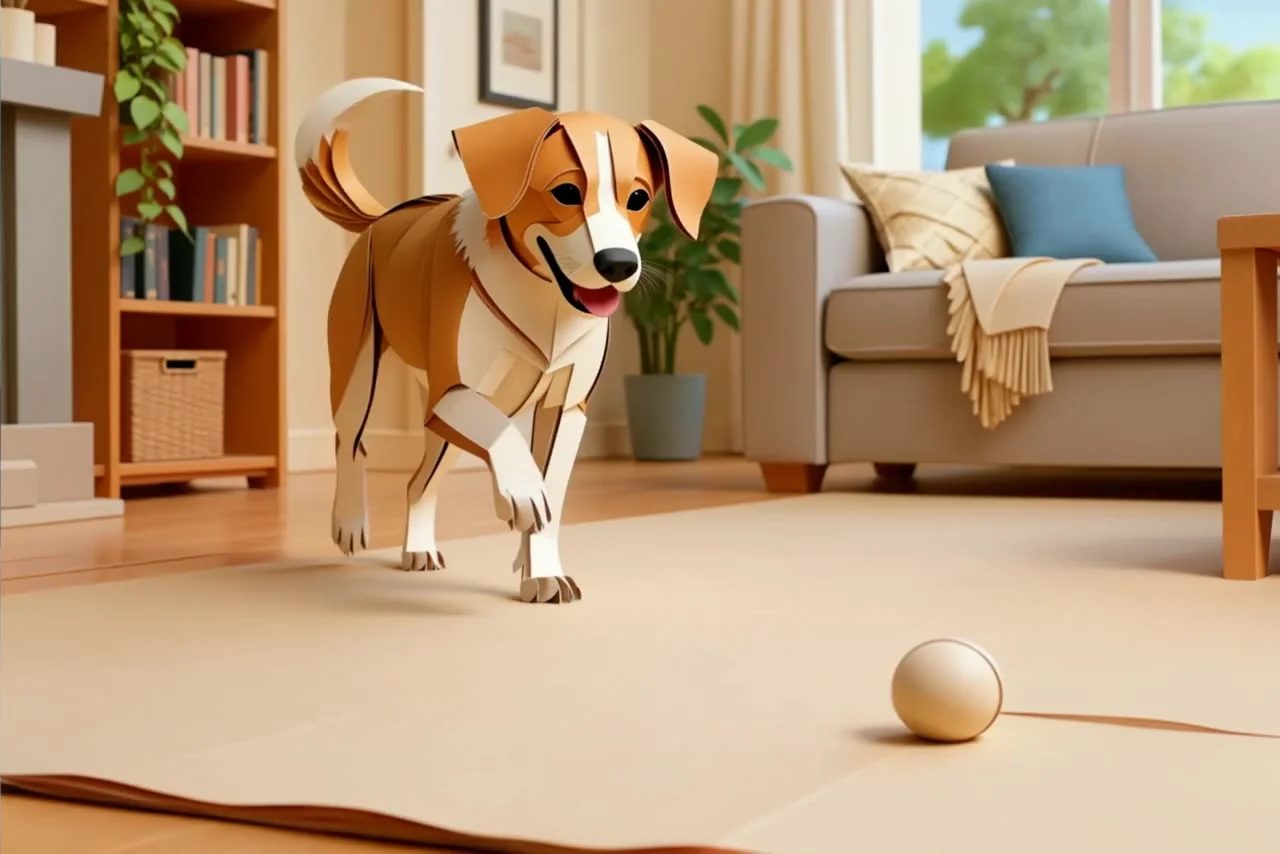
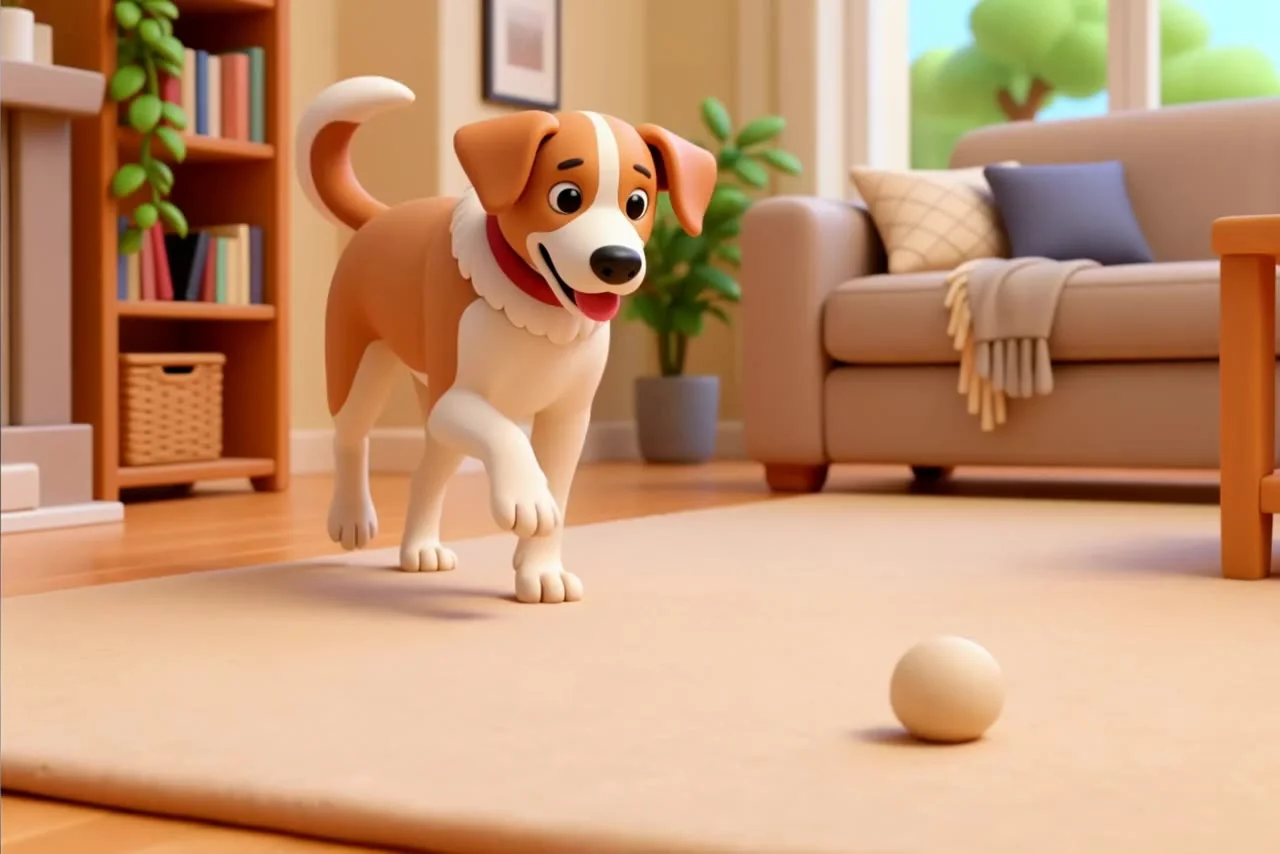
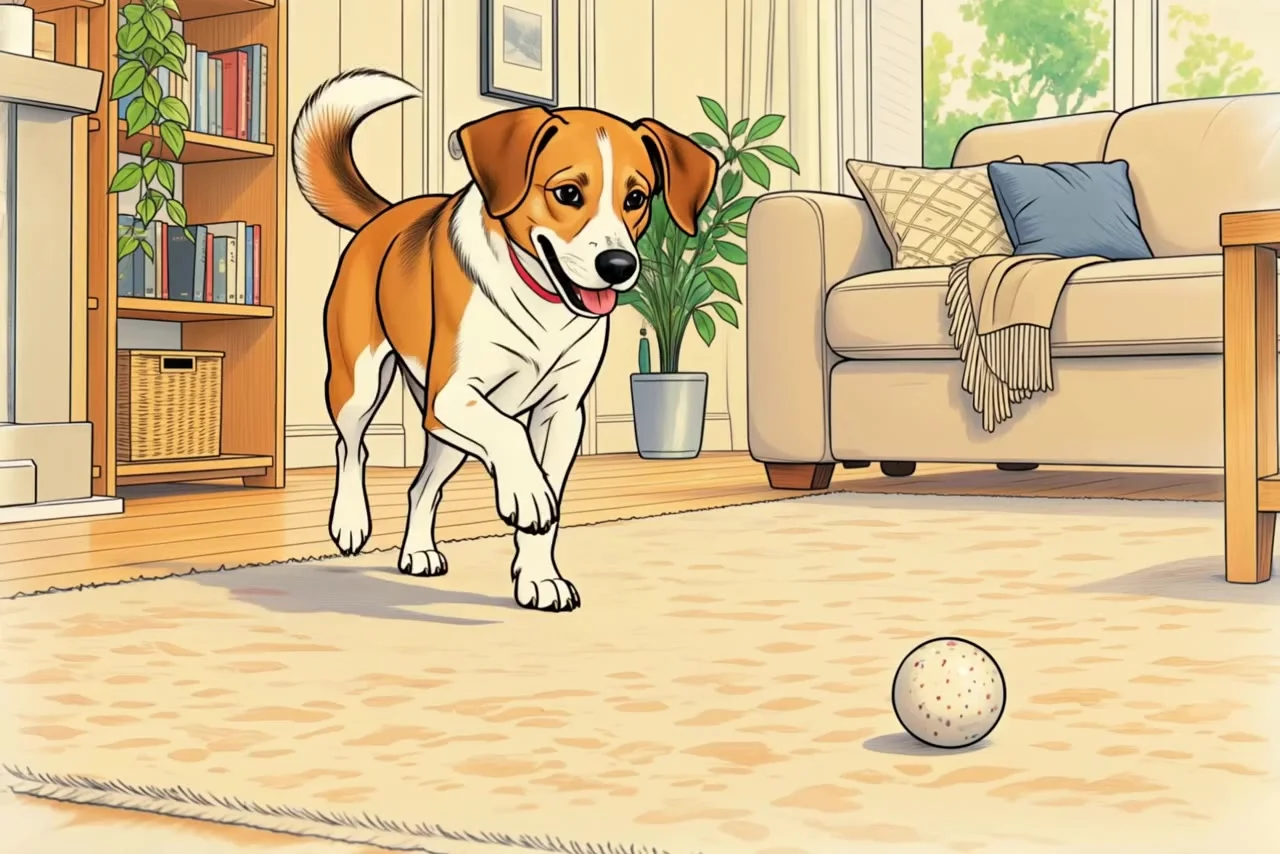
Knitted. Real edit Folded. Real edit Sculpted. Real edit Drawn. Real edit Styles / Real Aisma edit · 10 seconds · 4 real edits of one clip
One dog. Four materials. Knitted.
↗ What was asked+ “make everything in this video look knitted from wool”
Watch the original · Watch the Aisma result
THE ORIGINALS
Five more edits.Same rules. The first five real Aisma edits, each with the plain request that made it. Every clip marked After · Aisma on this page came out of the same editor.
FROM YOUR CAMERA ROLL
One video.A different direction. 01 Bring your video. Start with footage you already have.
02 Describe the change. Add a written request and optional reference photos.
03 Make it yours. Review quality and credits before you generate.
See the illustrated guide ↗ TEMPLATES
No footage yet?Start from ours. Ready Aisma video projects. Your photos take the place of what is in them.
01 Pick a template. Browse ready video projects made in Aisma.
02 Add your photos. Each template shows which photos it needs.
03 Get your version. Review the credits, generate, and find the result in your private Library.
Browse templates ↗ A FEW GOOD QUESTIONS
Before you begin. What do I need to start?+ An existing video, a written request and optionally up to four reference photos. Choose 720p or 1080p and review the credit reservation before generating.
Are these real results?+ Every clip marked After · Aisma is an actual Aisma edit of the source shown beside it, made in the same editor you use, with the prompt shown under the set. The few stills marked Illustrative concept show a creative direction and are not verified Aisma results.
What happens to the sound?+ Aisma keeps your original audio. Edits change what you see, not what you hear.
Are my videos public?+ Your uploads and completed results are private. The website demonstrations were created separately for public use.
YOUR NEXT EDIT STARTS HERE
You have the footage.What if you changed it? Edit your video↗ Paid editing with credits. Review the reservation before you generate.
 aisma
aisma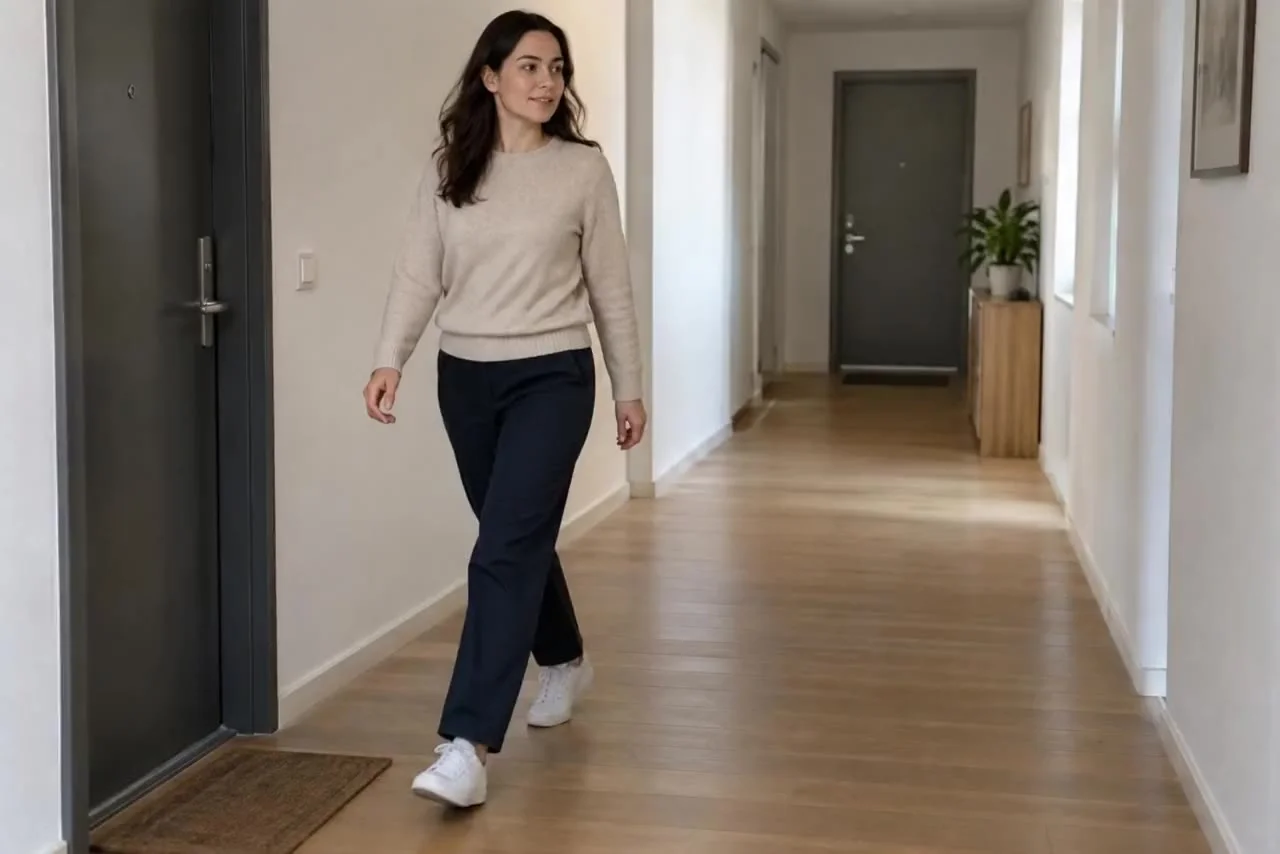 Before
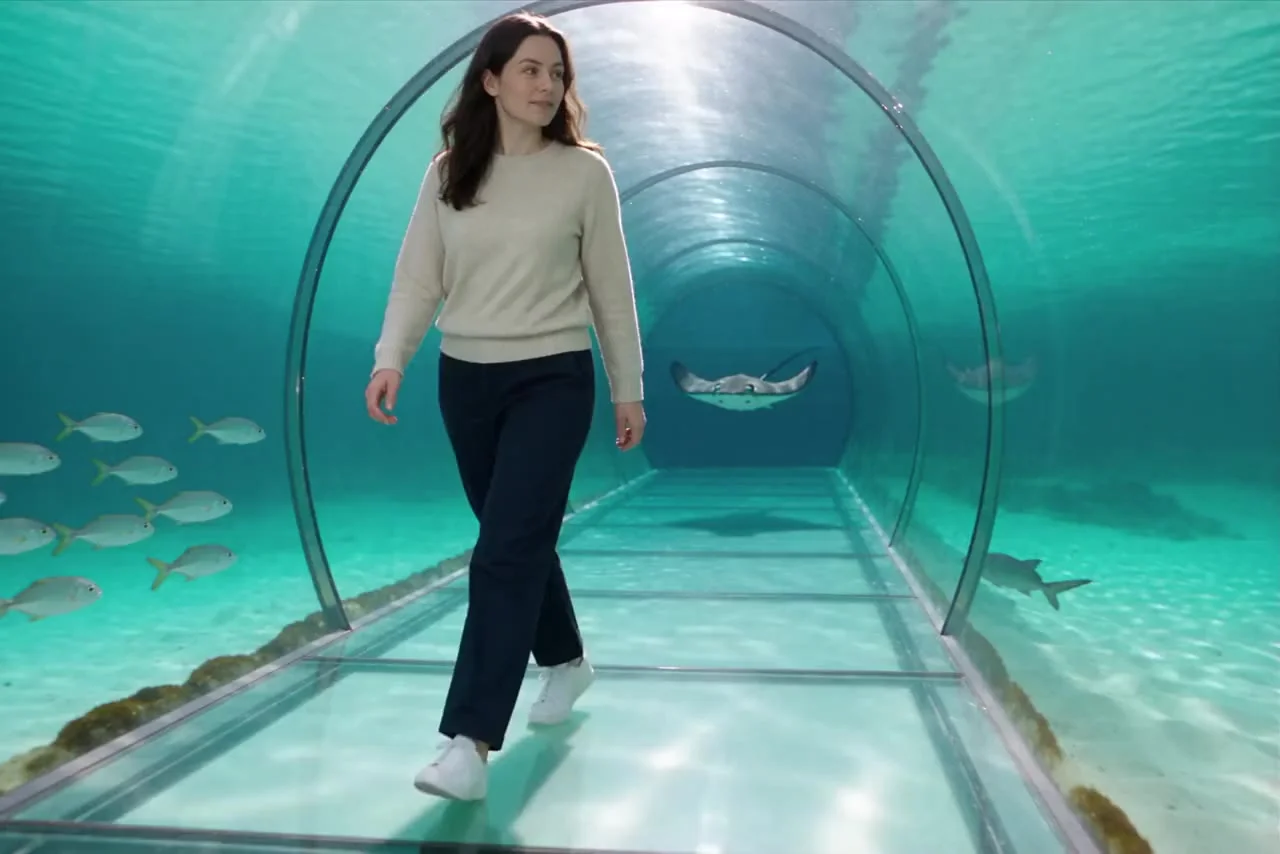 After · Aisma
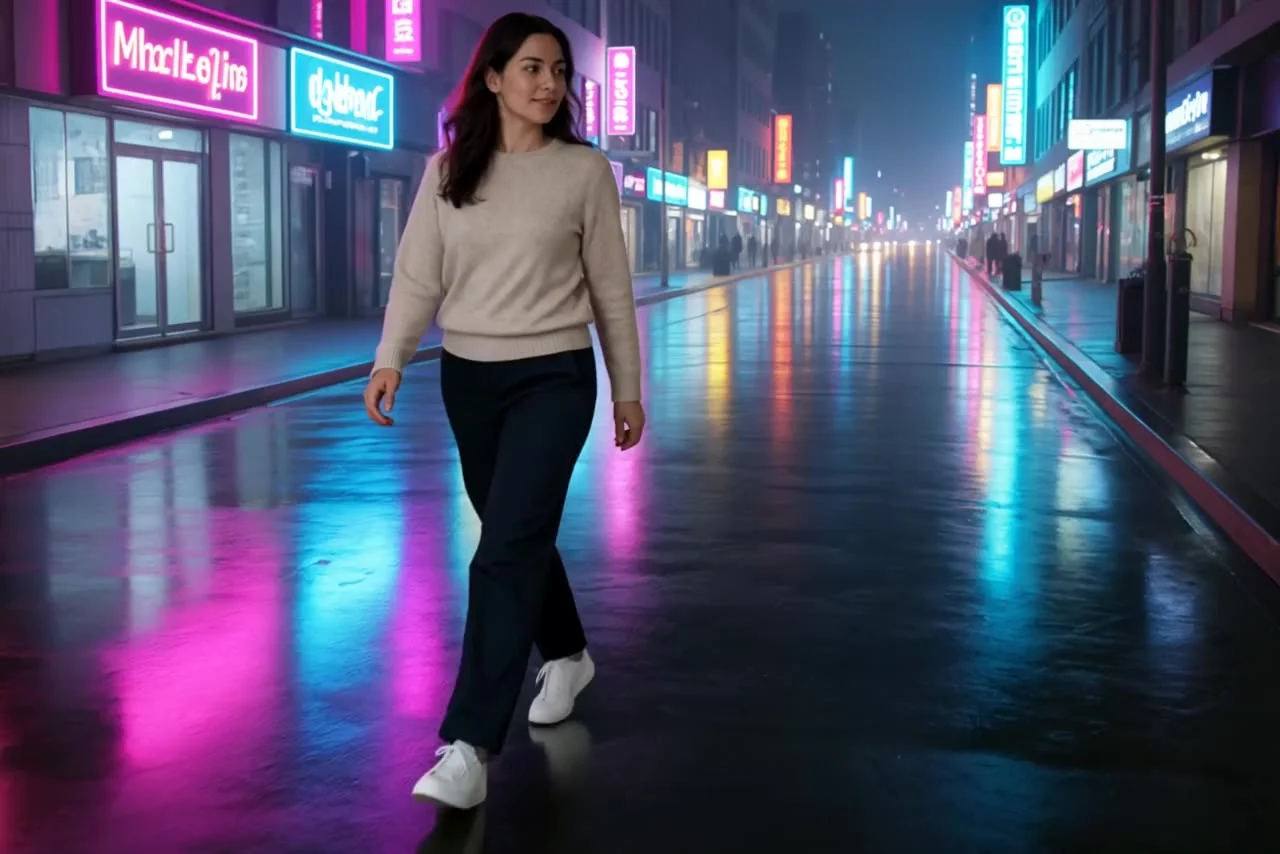 After · Aisma
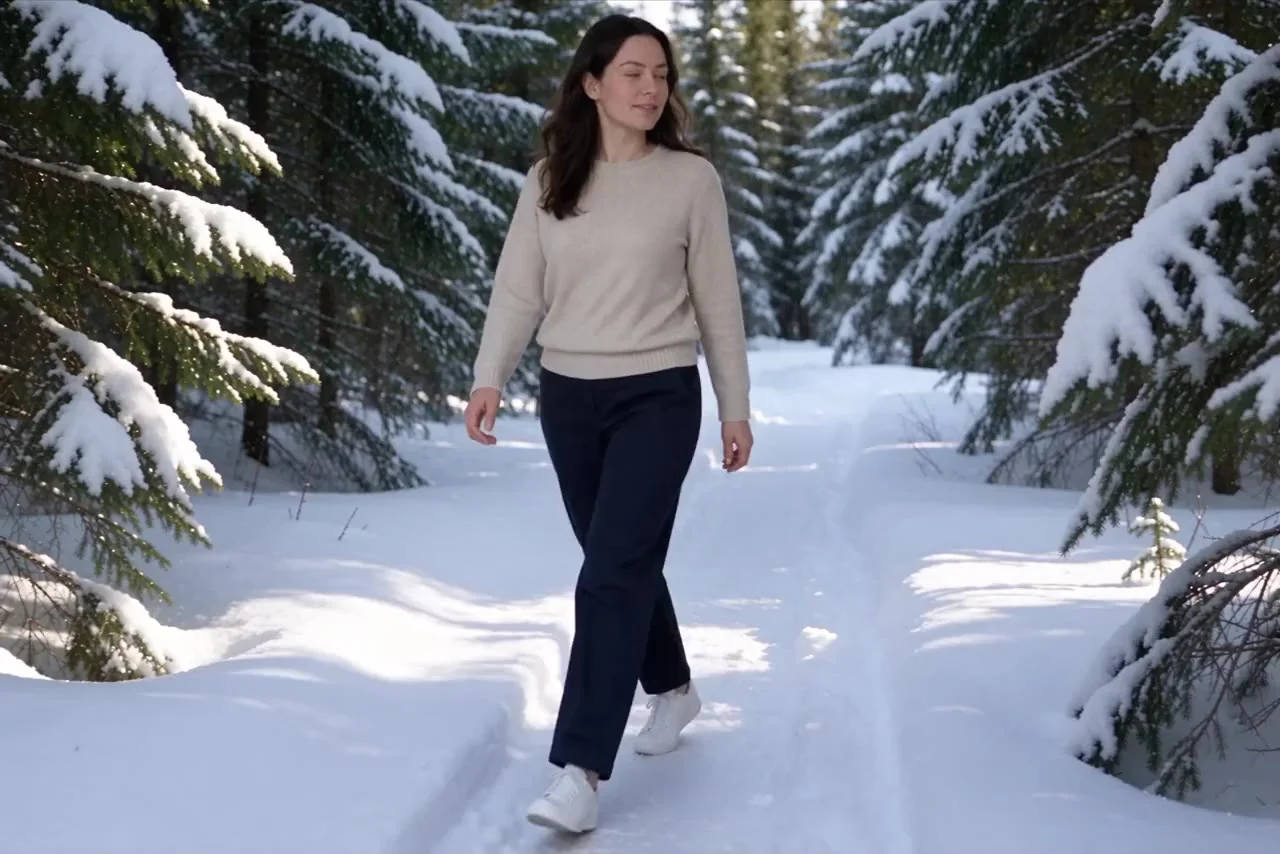 After · Aisma
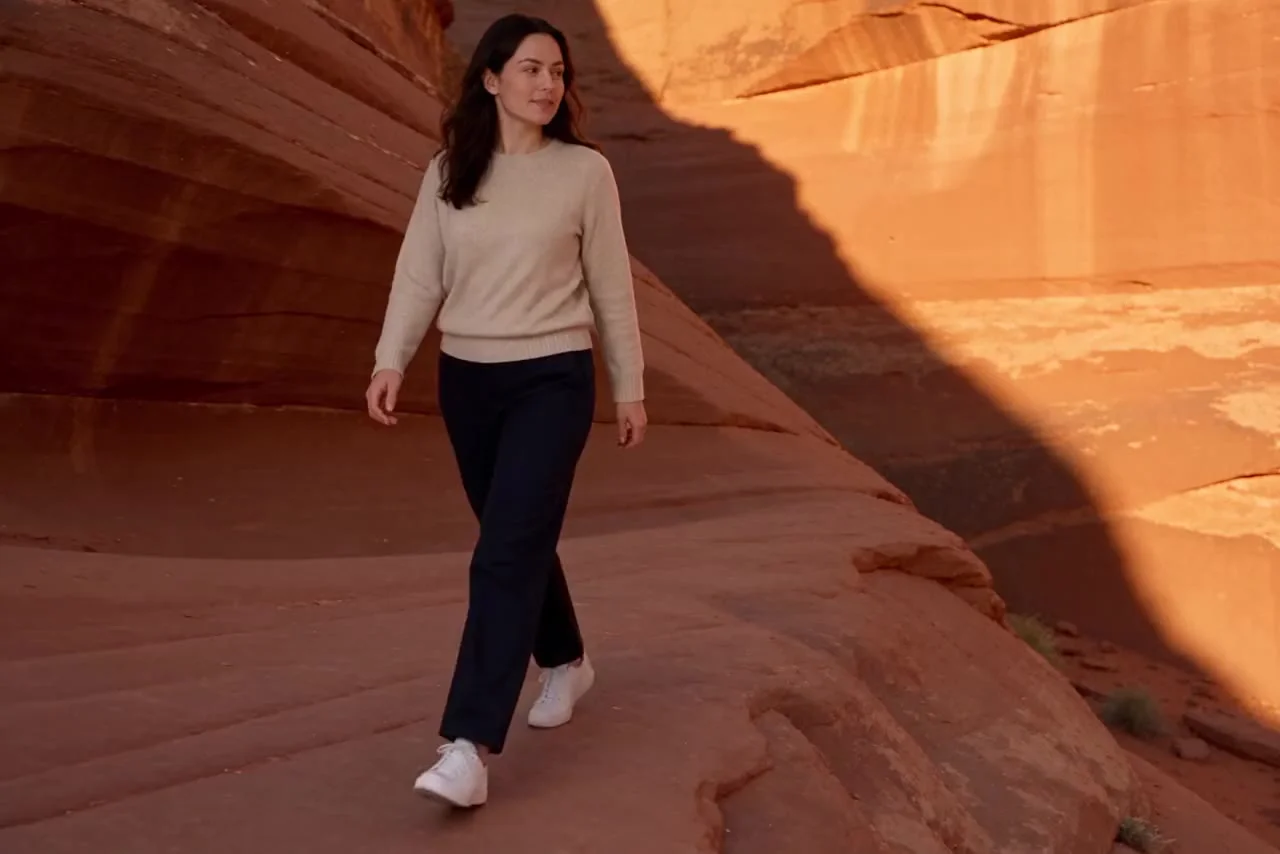 After · Aisma
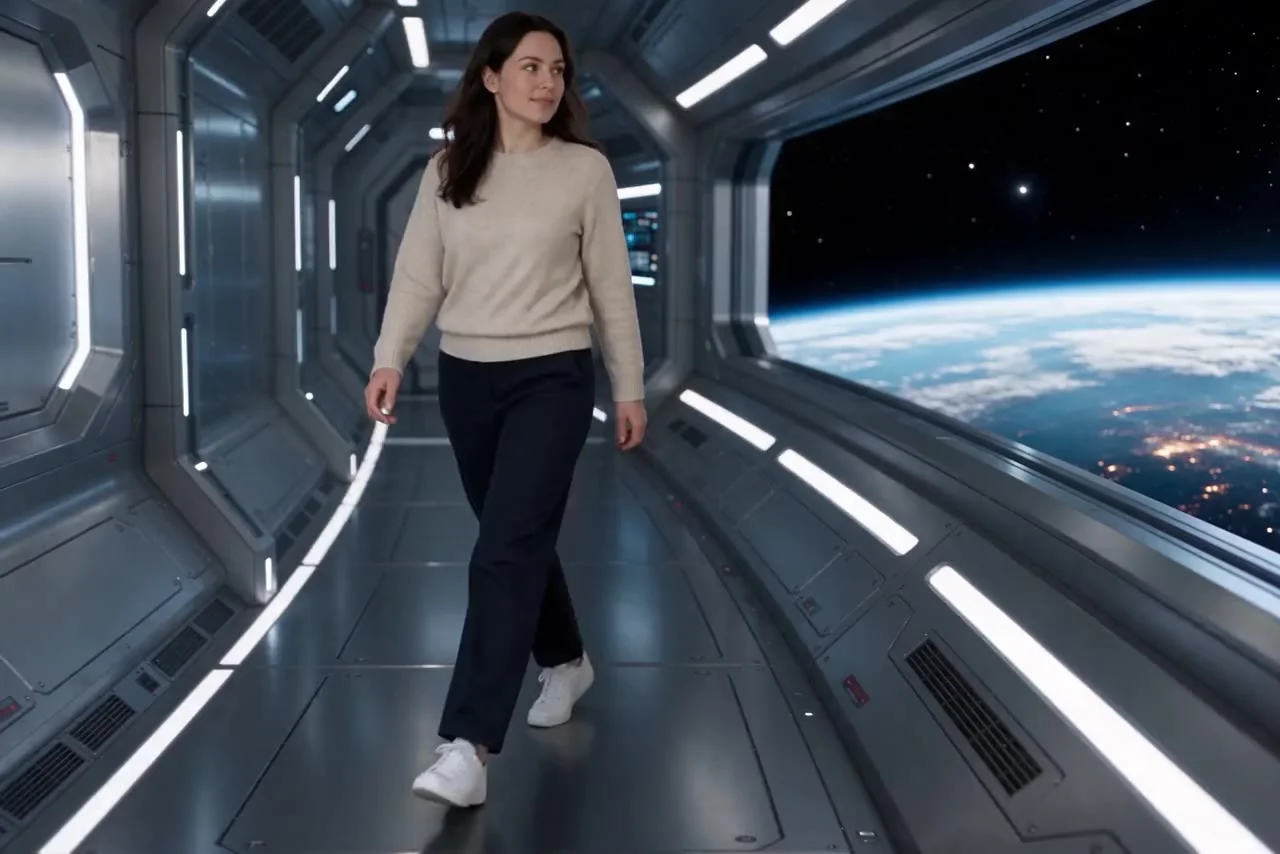 After · Aisma