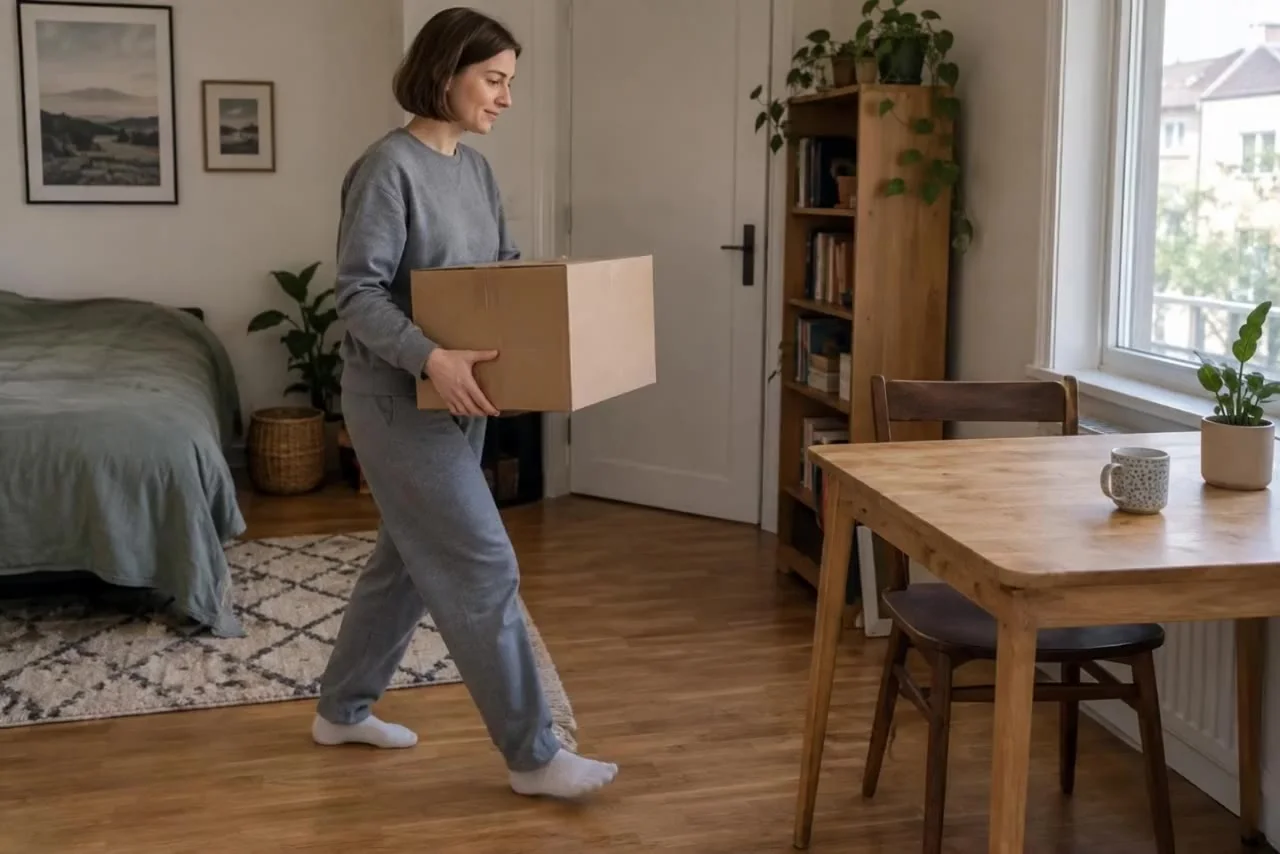
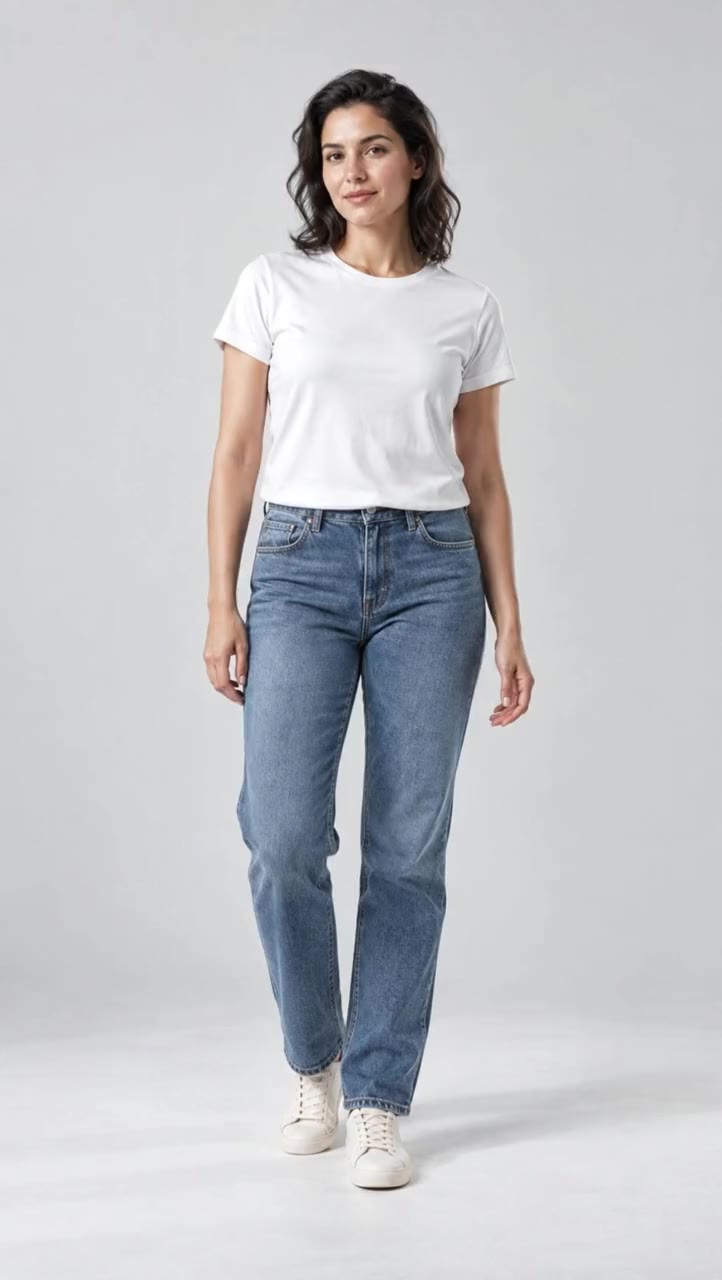
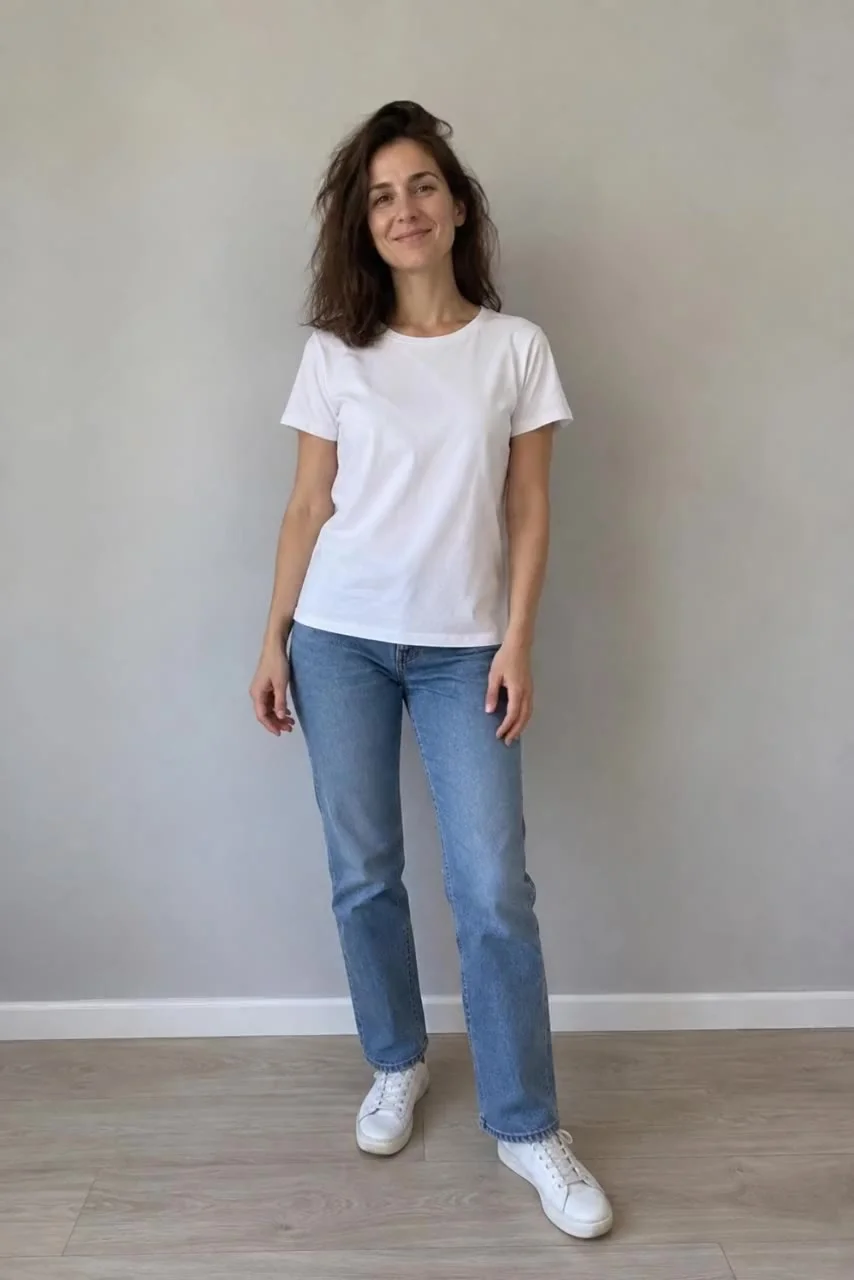
 Before
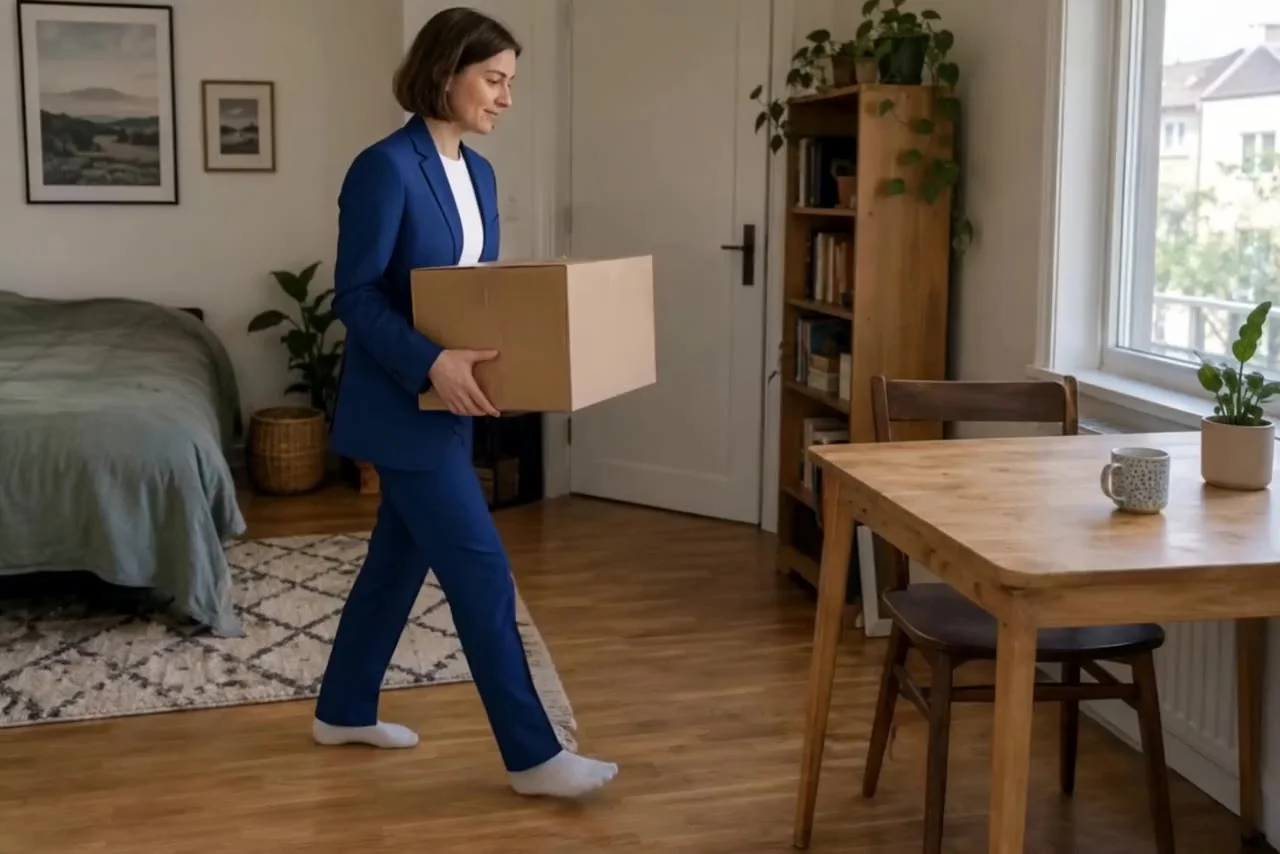
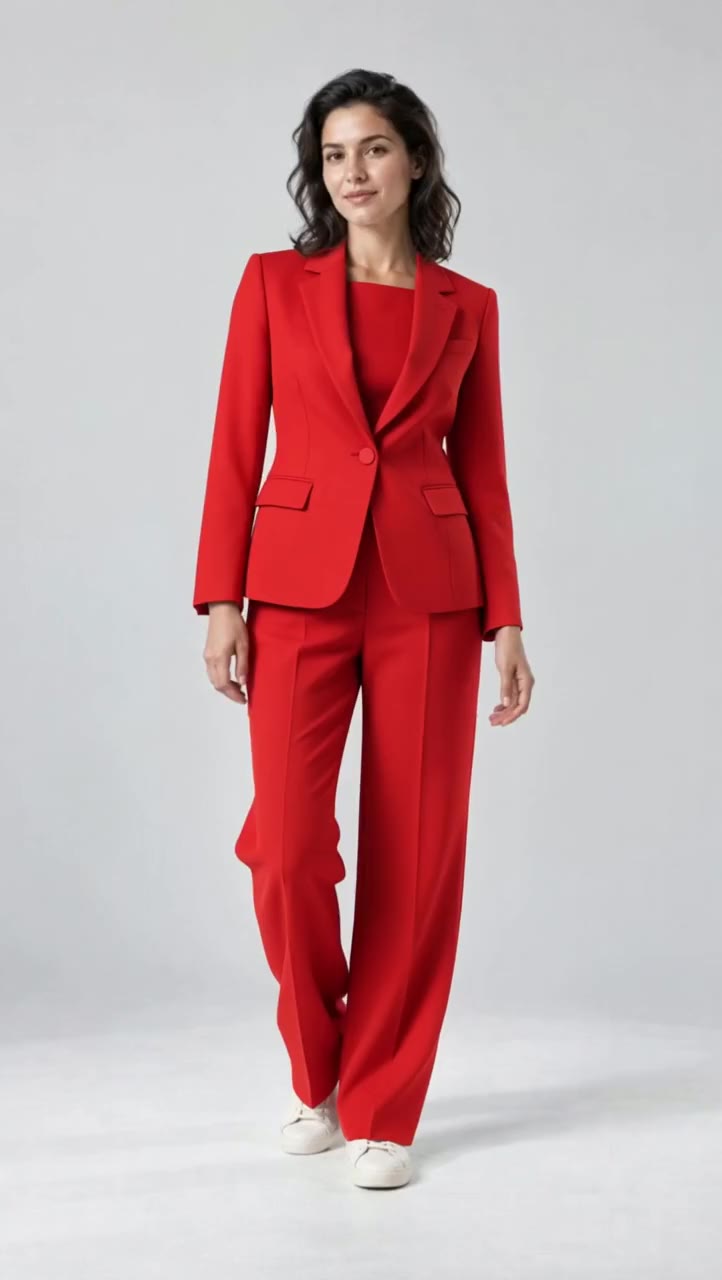
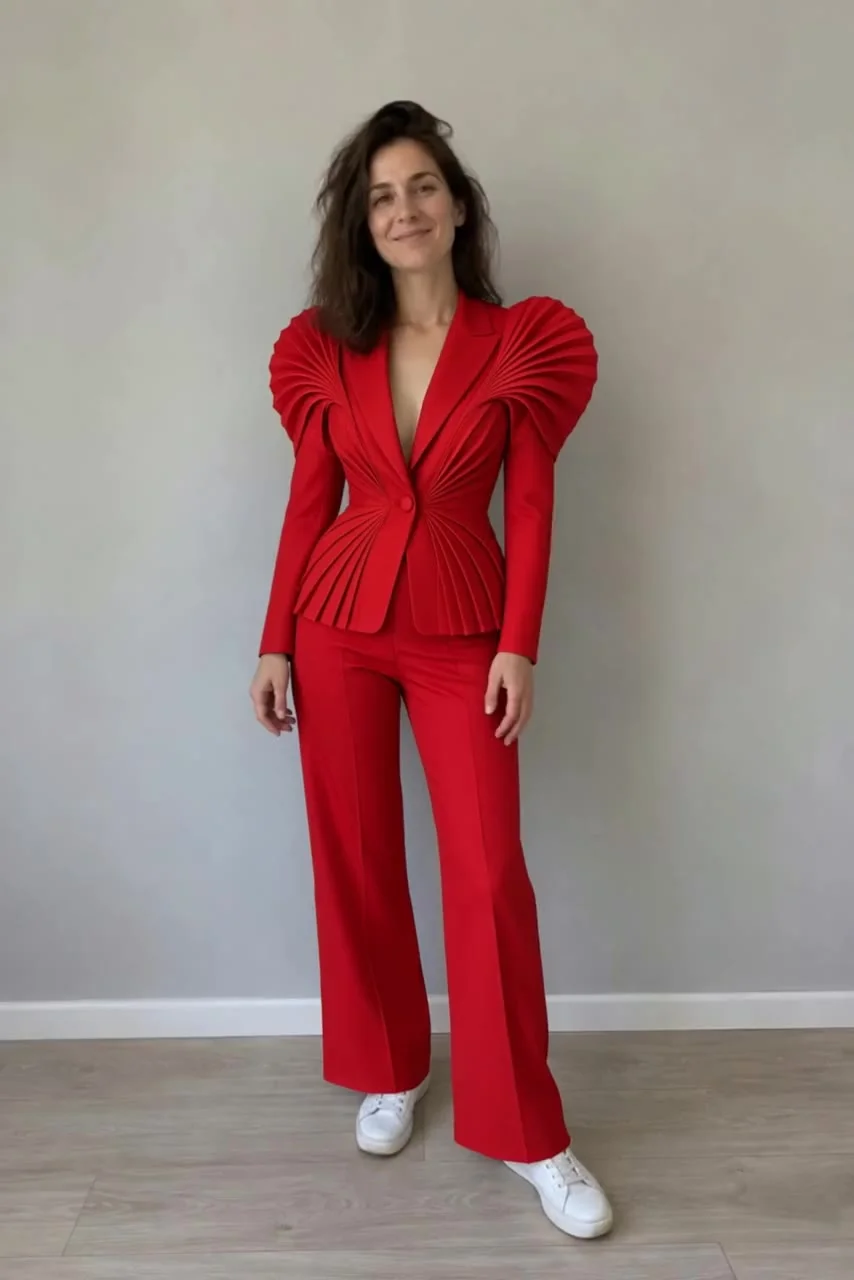 After · Aisma
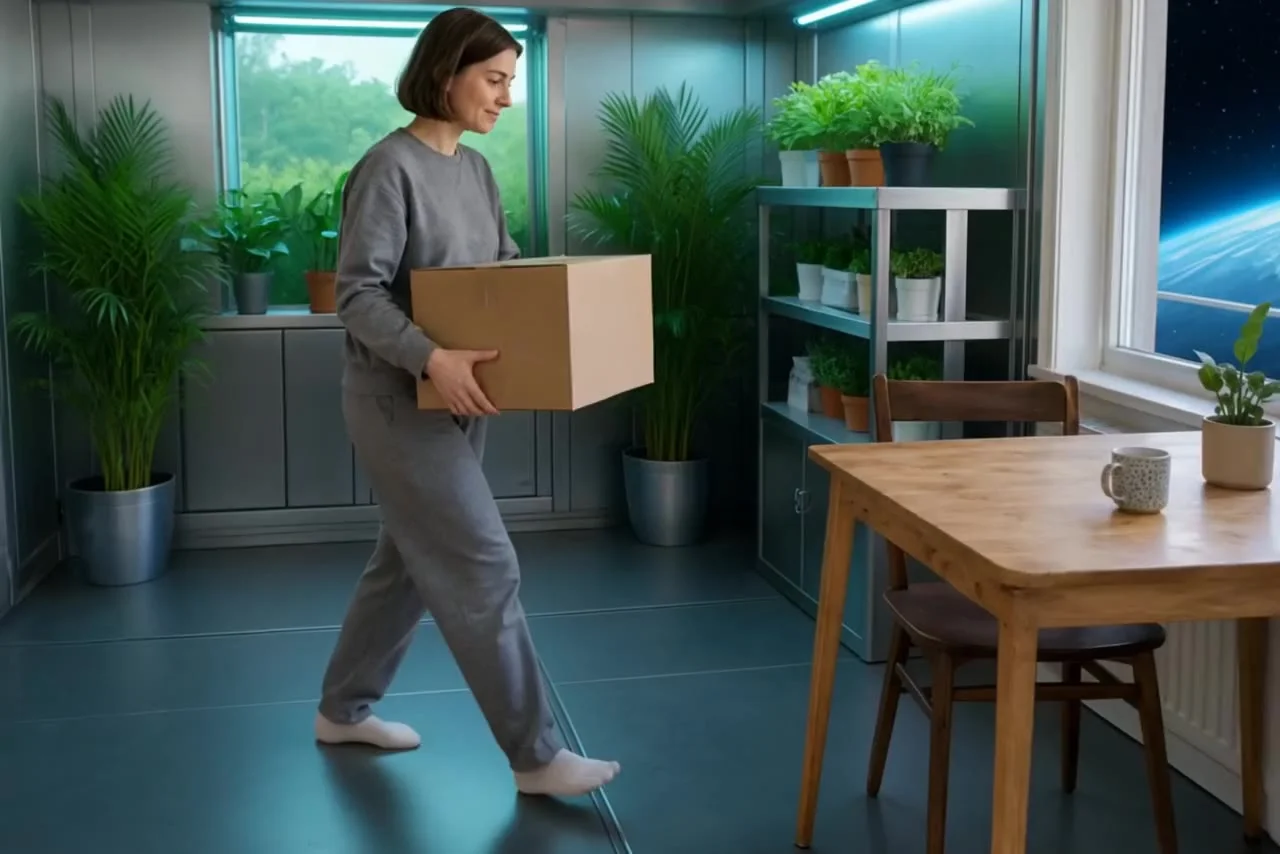
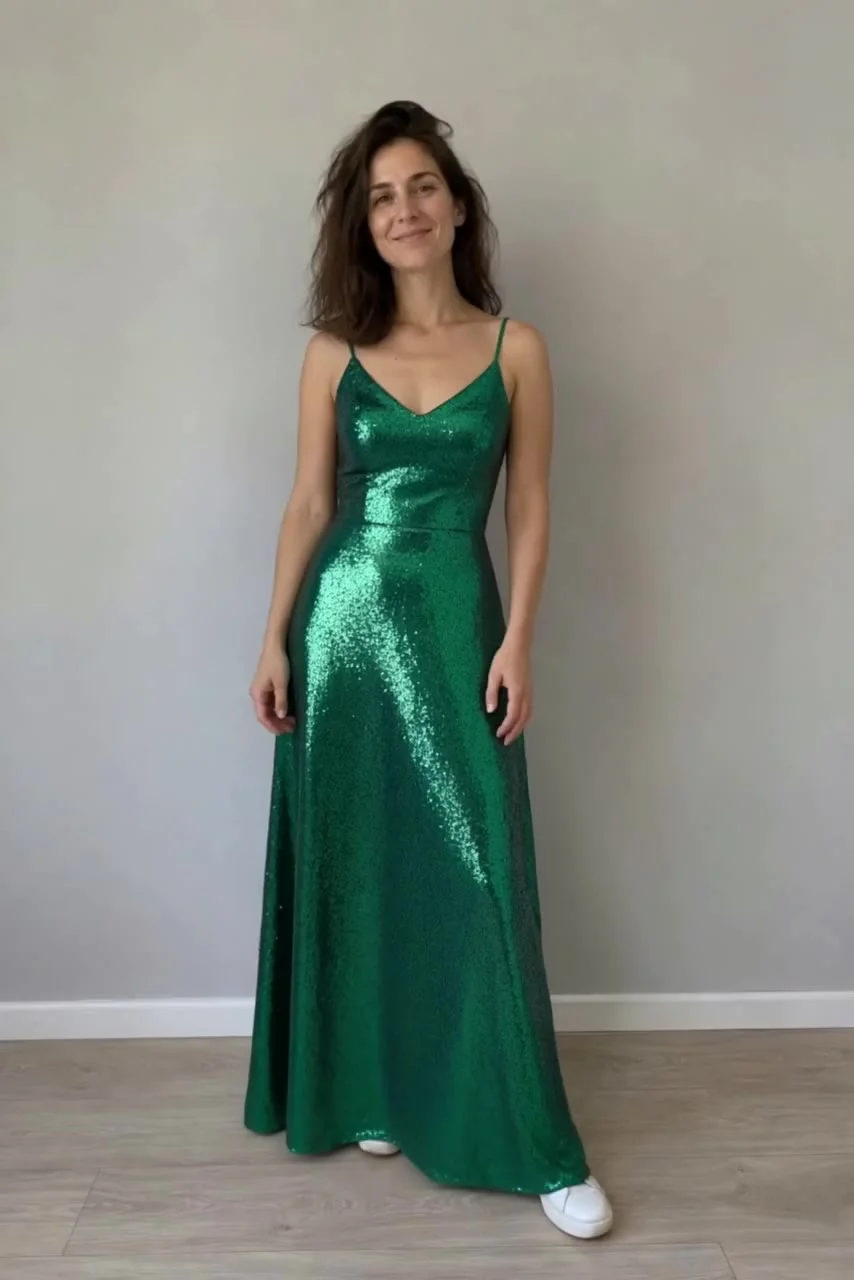 After · Aisma
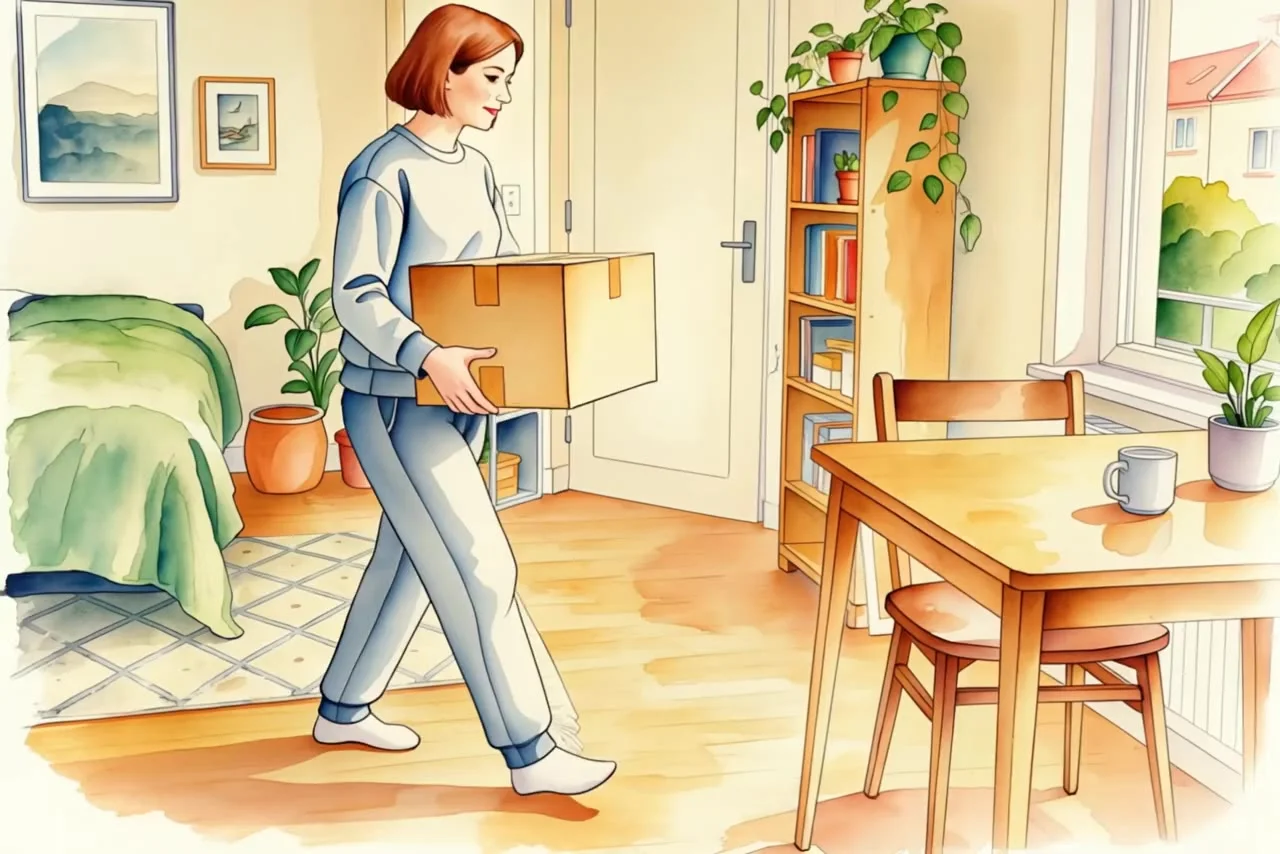
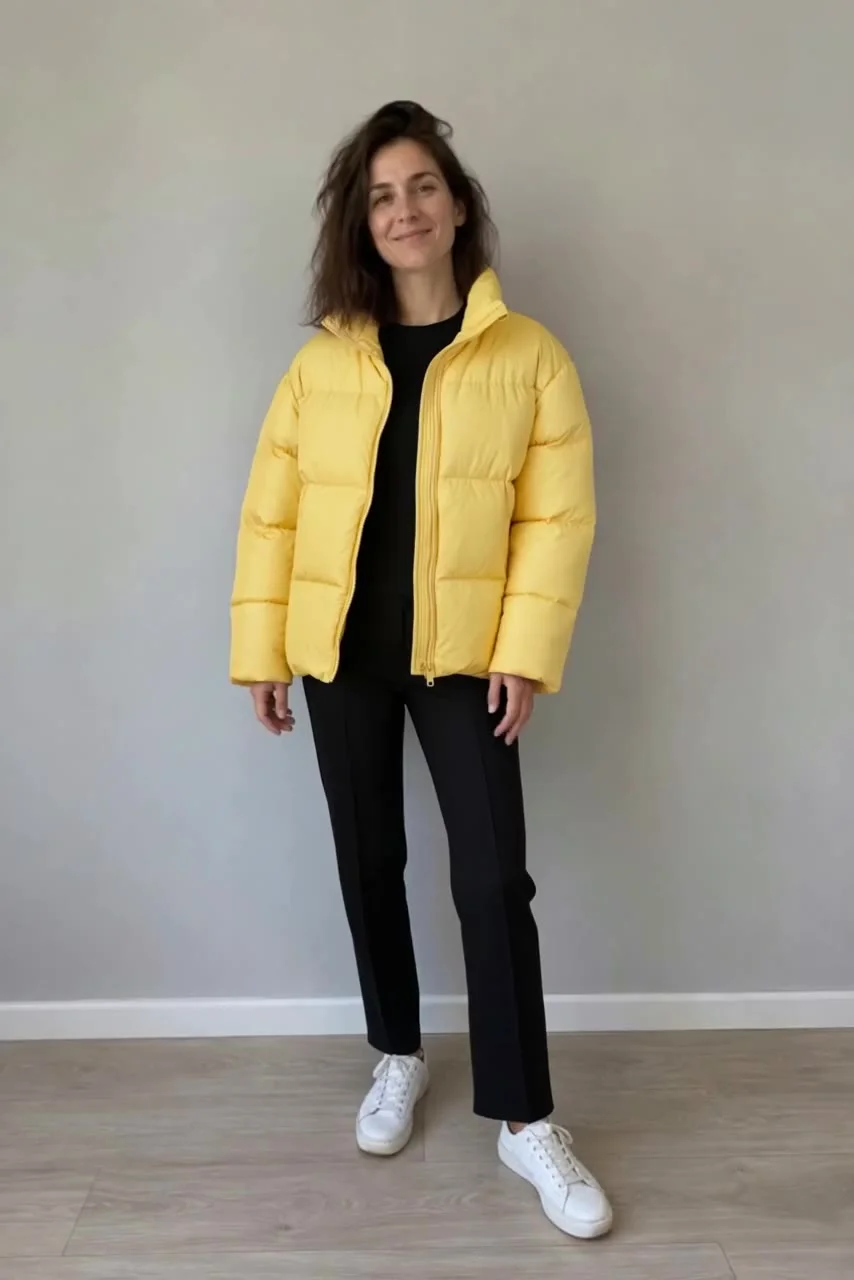 After · Aisma
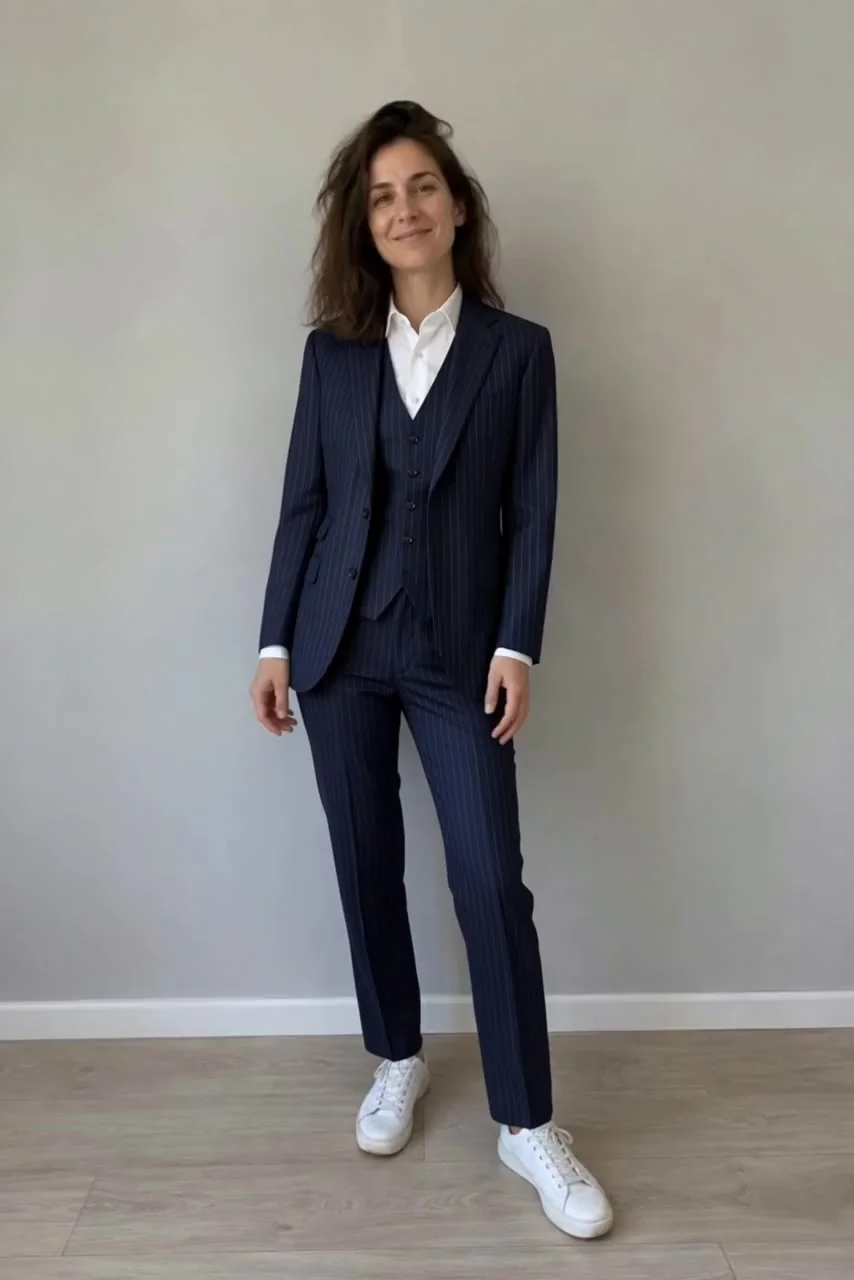 After · Aisma
Outfits / Real Aisma edit · 10 seconds · 4 real edits of one clip
One turn. Four looks.
The couture turn.
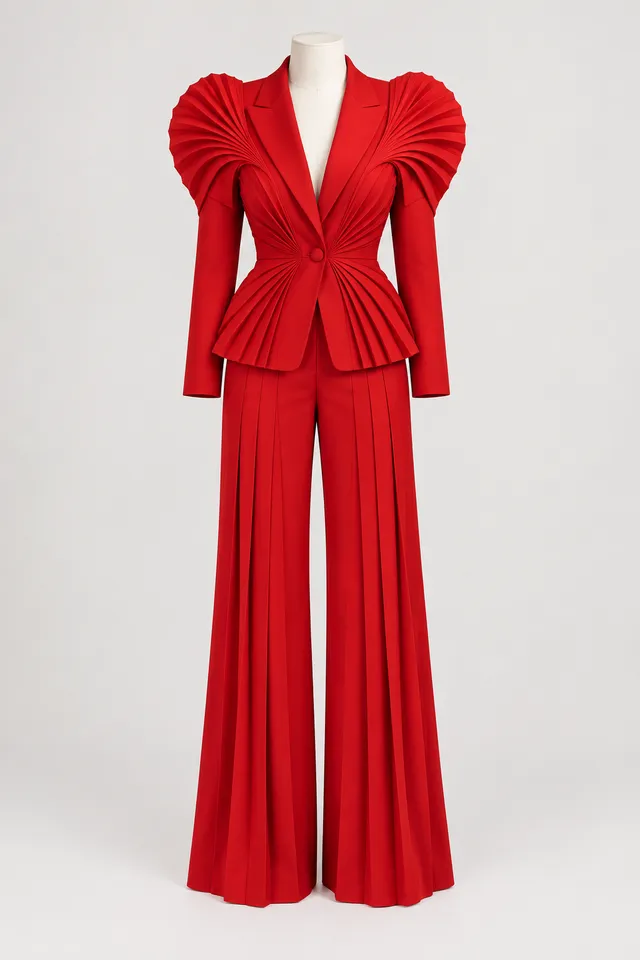
What was asked
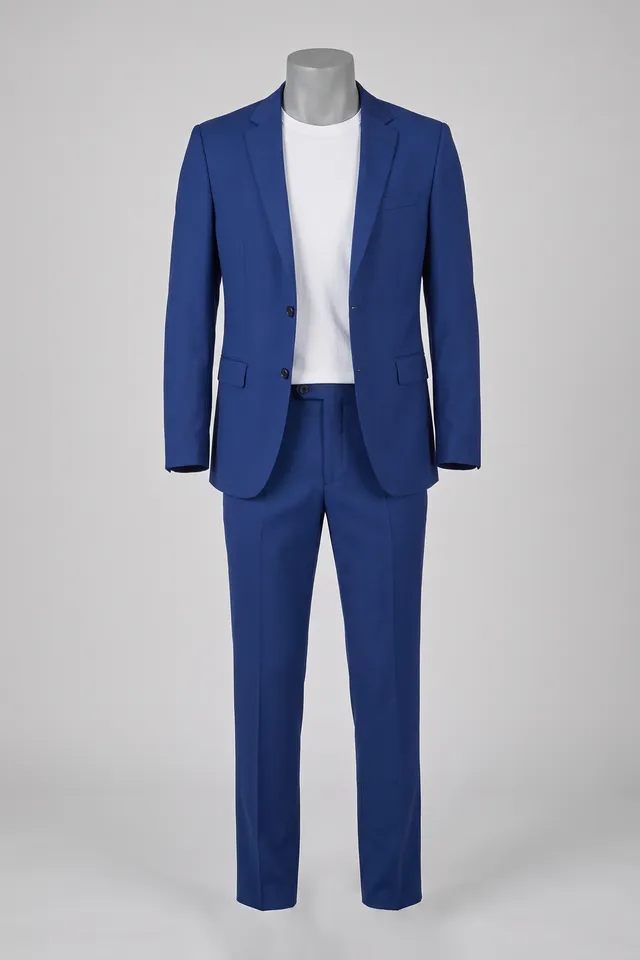
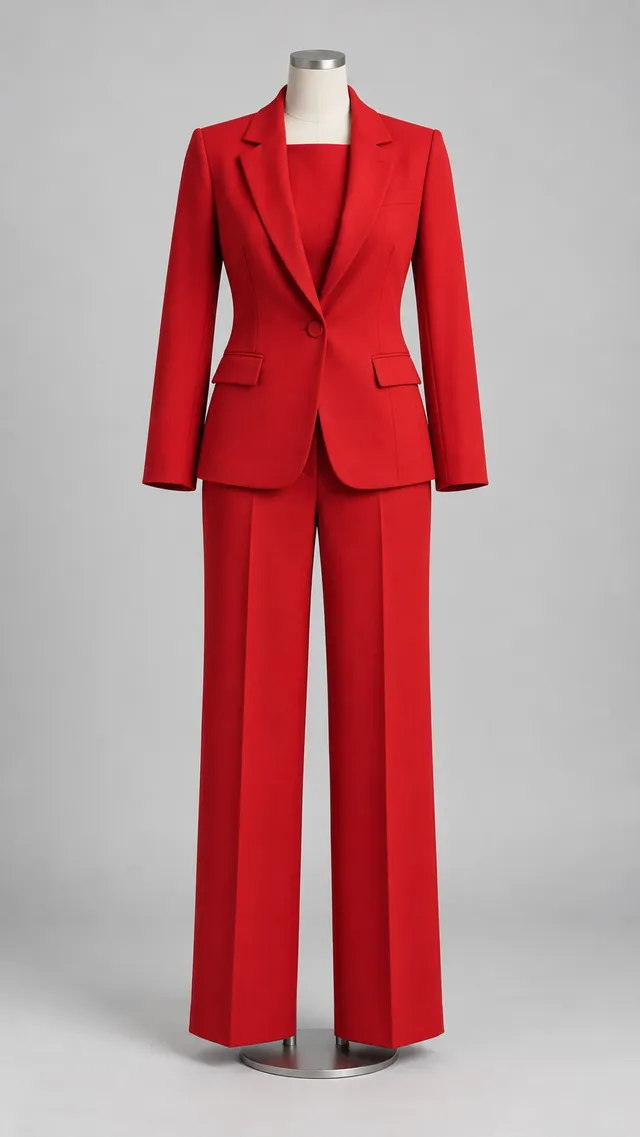
“dress her in the red suit from the photo”
 aisma
aismaCLOTHES CHANGER WITH AISMA
One garment photo per look. Give your video another wardrobe.
Edit your videoYour video + your words + optional references.
BeforeAfter · AismaAfter · AismaAfter · AismaAfter · AismaOutfits / Real Aisma edit · 10 seconds · 4 real edits of one clip
The couture turn.
“dress her in the red suit from the photo”
WHAT STAYS
WHAT CHANGES
WHAT YOU BRING
Your video + one garment photo
Each result is a separate Aisma edit of the same clip.
MORE DIRECTIONS
Every result below is a real Aisma edit of the clip beside it, made from the plain request shown under each set.
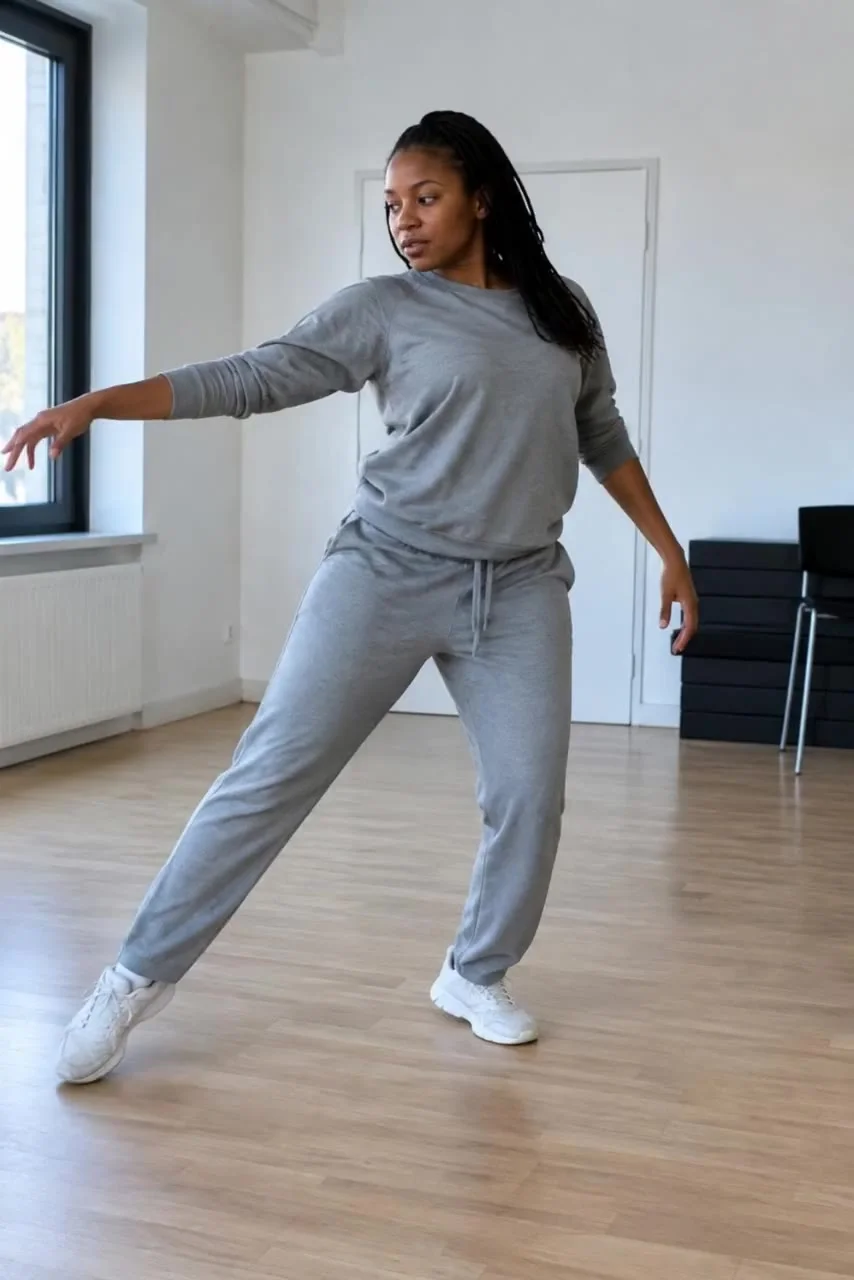 Before
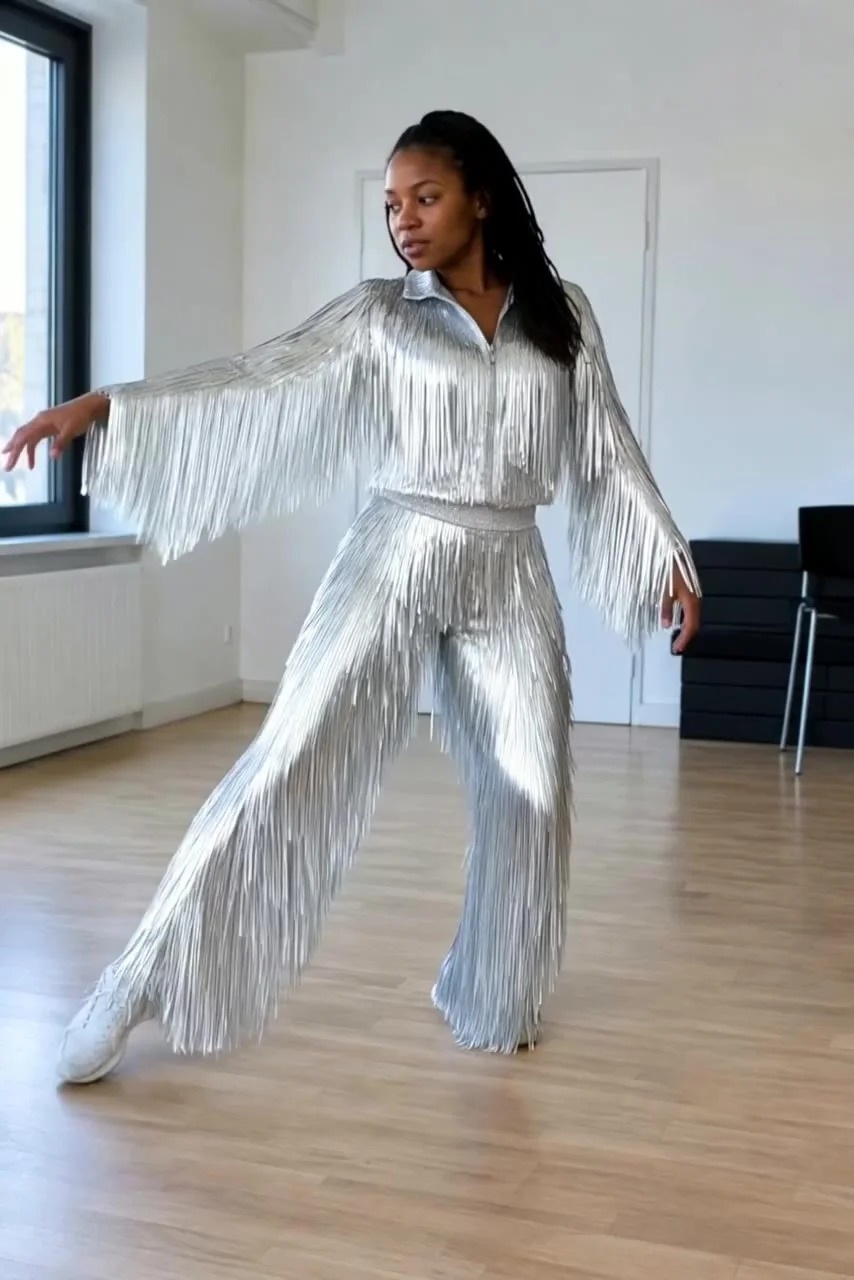 After · Aisma
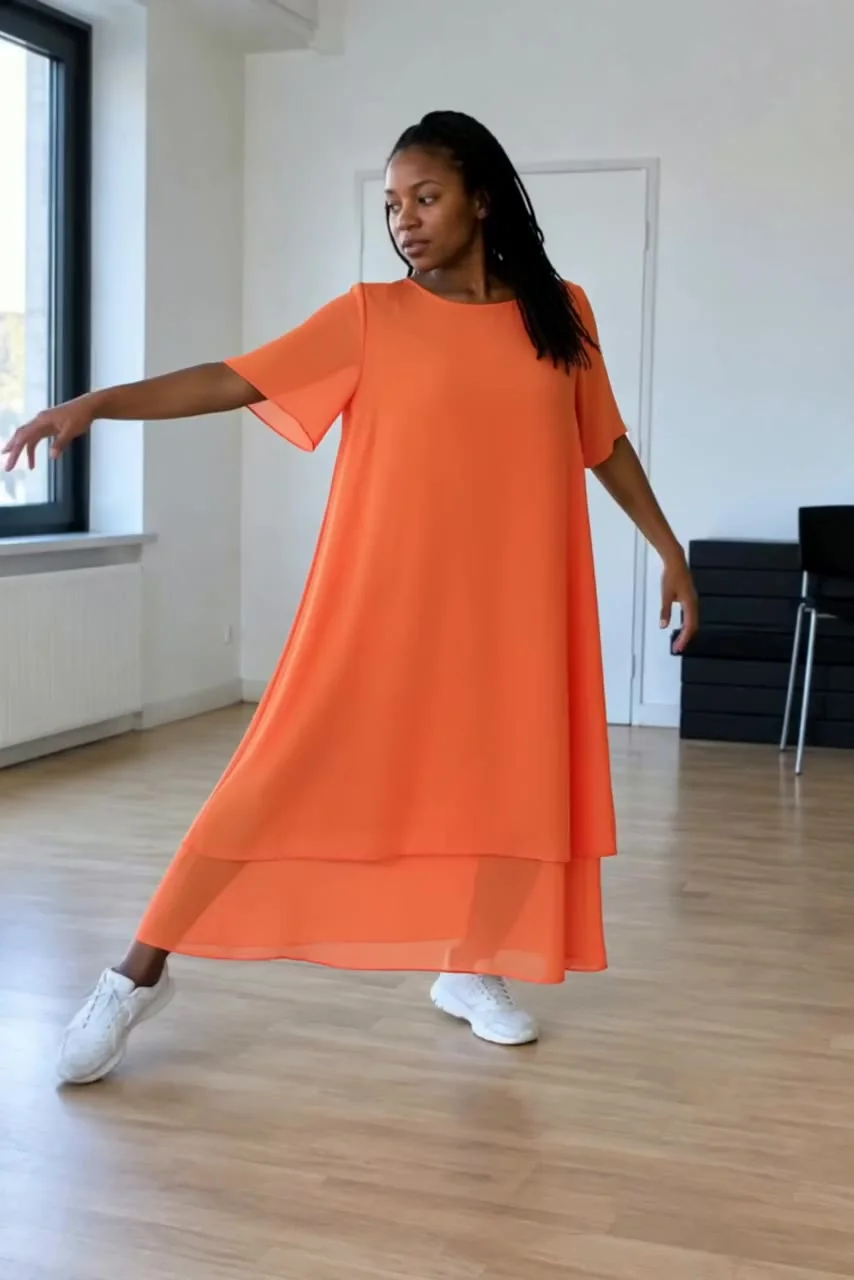 After · Aisma
Outfits / Real Aisma edit · 10 seconds · 2 real edits of one clip
Silver, in motion.
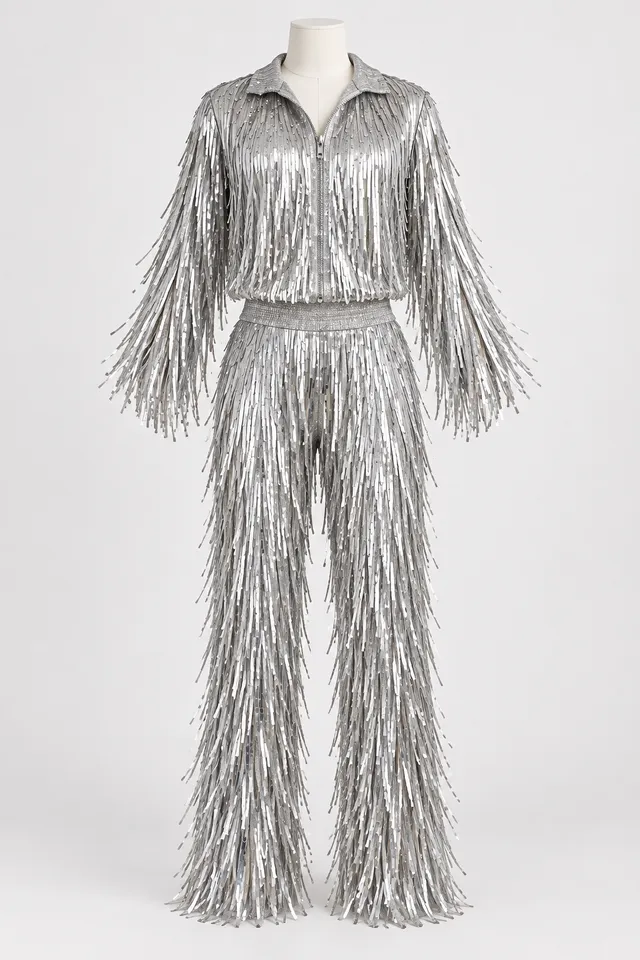
“change her outfit to the silver fringe costume from the photo”
FROM YOUR CAMERA ROLL
Start with footage you already have.
Add a written request and optional reference photos.
Review quality and credits before you generate.
A FEW GOOD QUESTIONS
It can, but a clear garment or mannequin photo helps focus the request on the clothes. If it shows another person, say explicitly to use only the outfit.
No. The result is a visual interpretation, not a measurement, size recommendation or guarantee of how a garment will fit.
Use a well-lit shot with the full outfit visible. Simple movement and hands that do not cover the clothes make the intended edit easier to describe.
YOUR NEXT EDIT STARTS HERE
Paid editing with credits. Review the reservation before you generate.