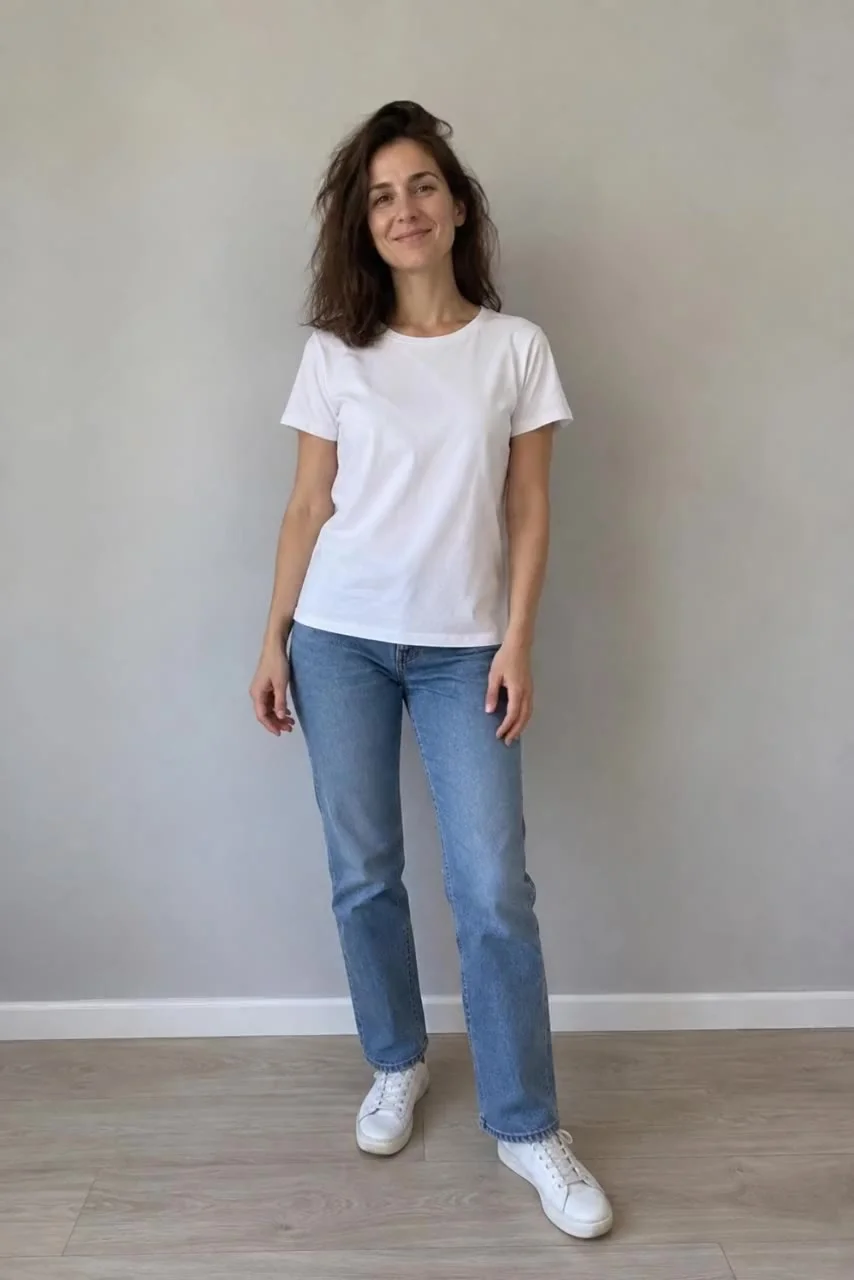
 Before
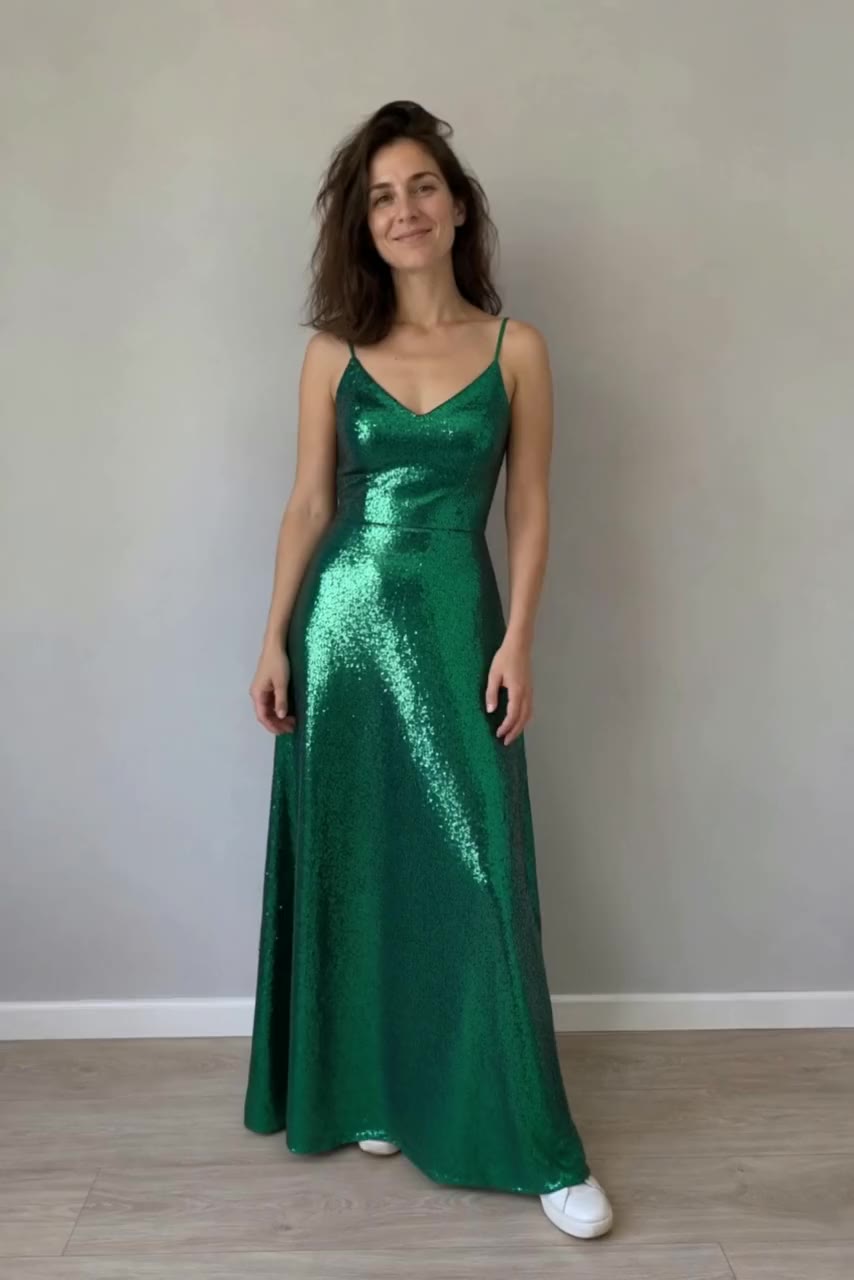
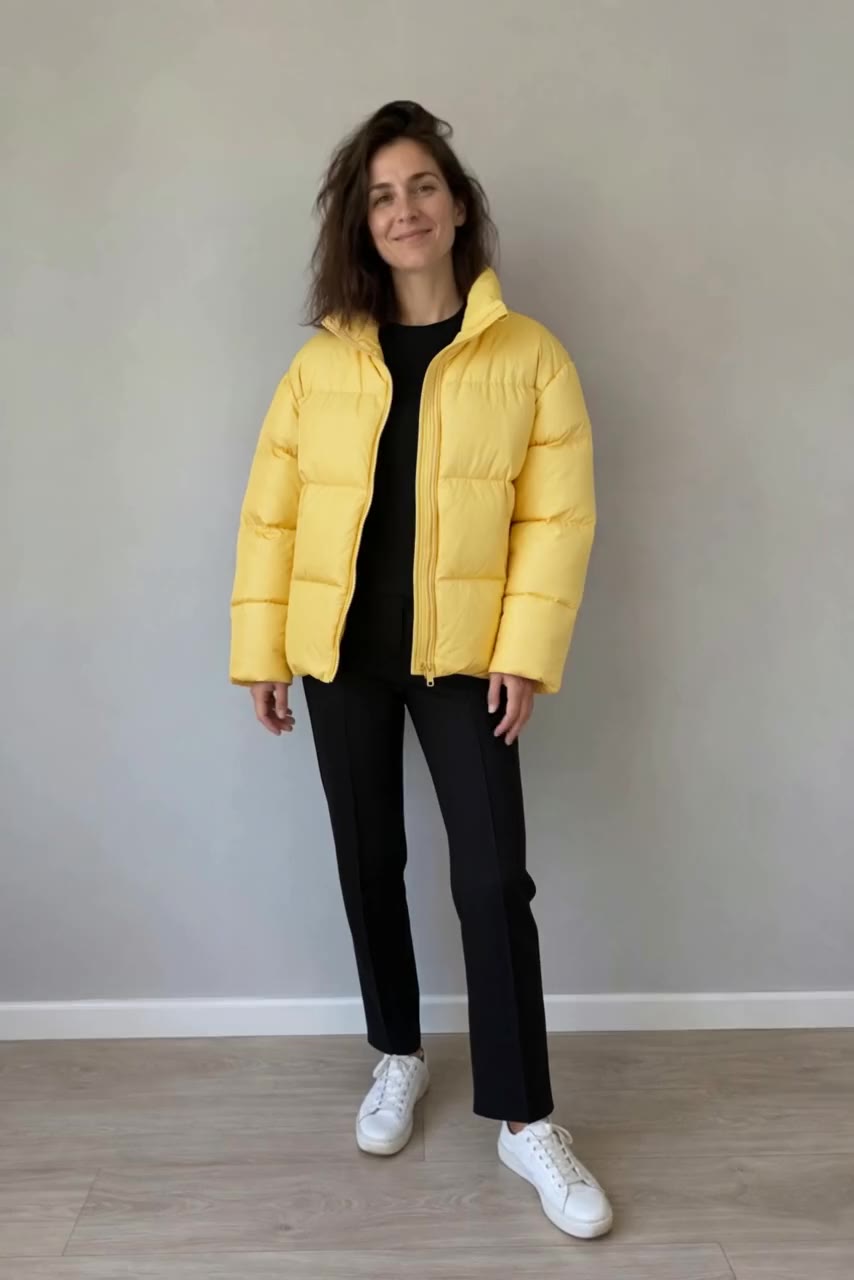
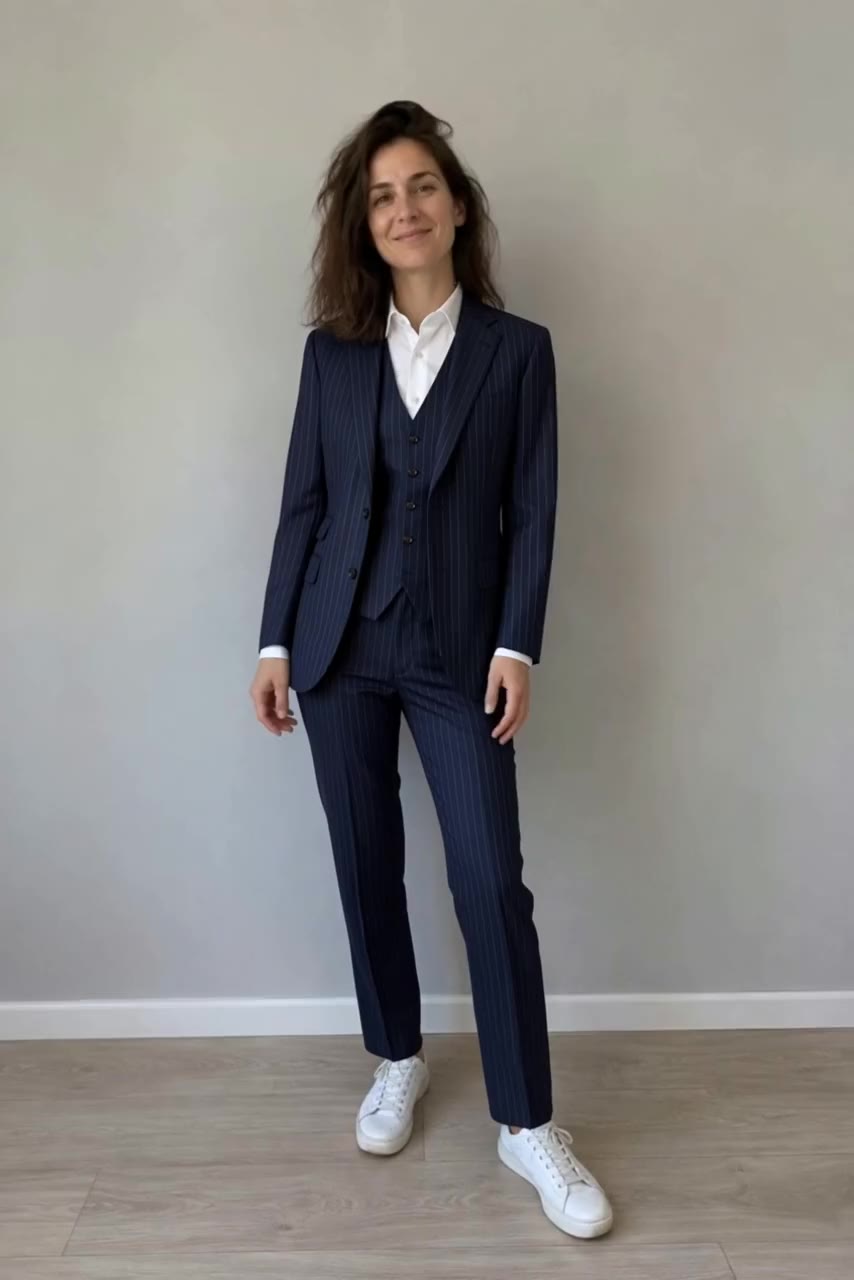
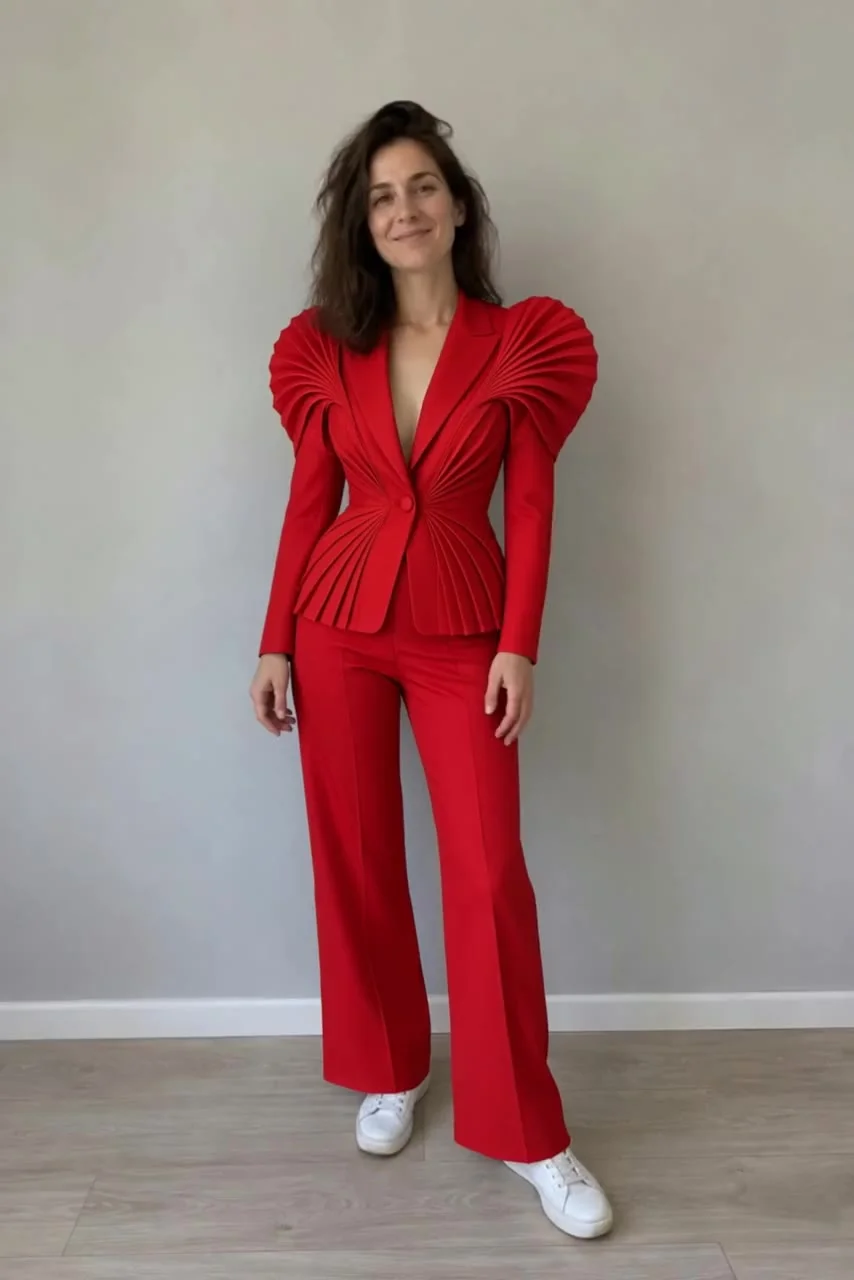 After · Aisma
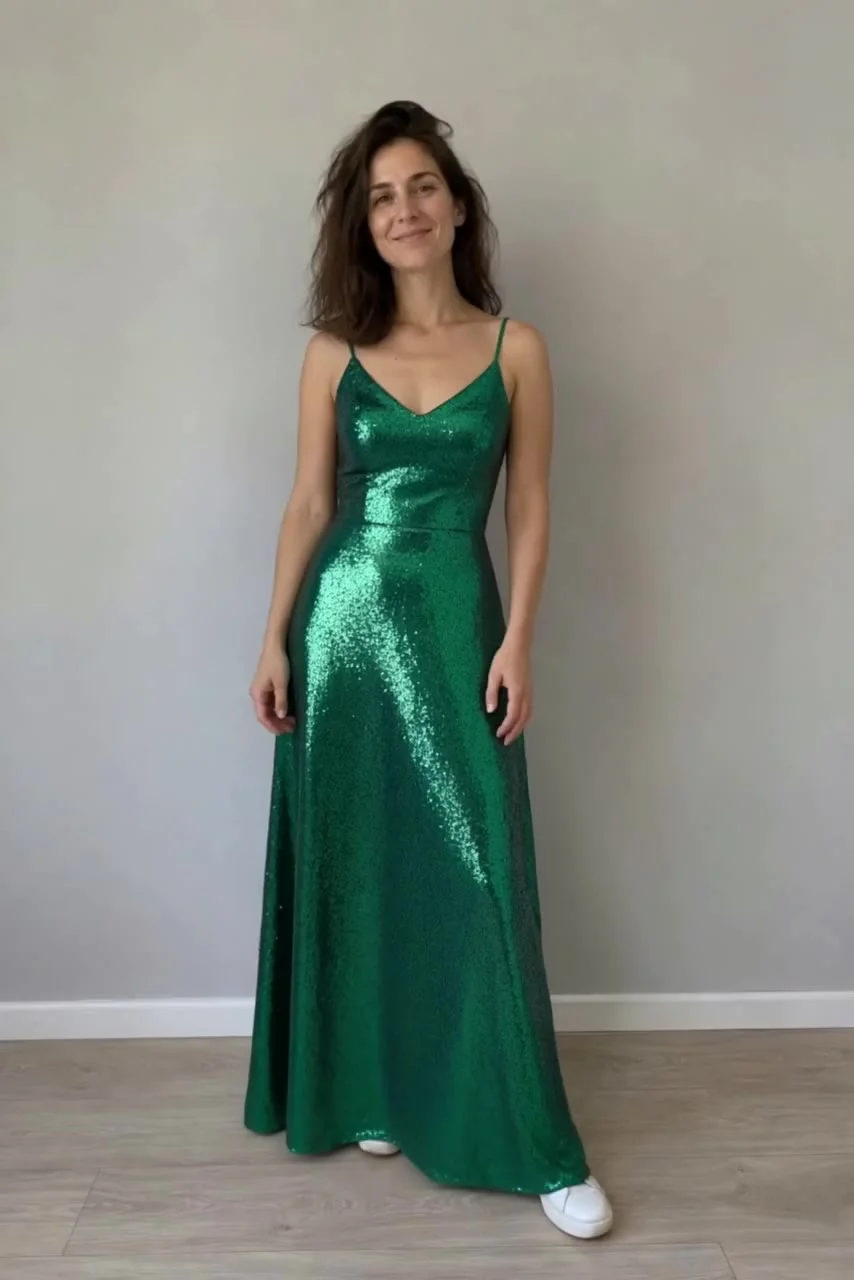 After · Aisma
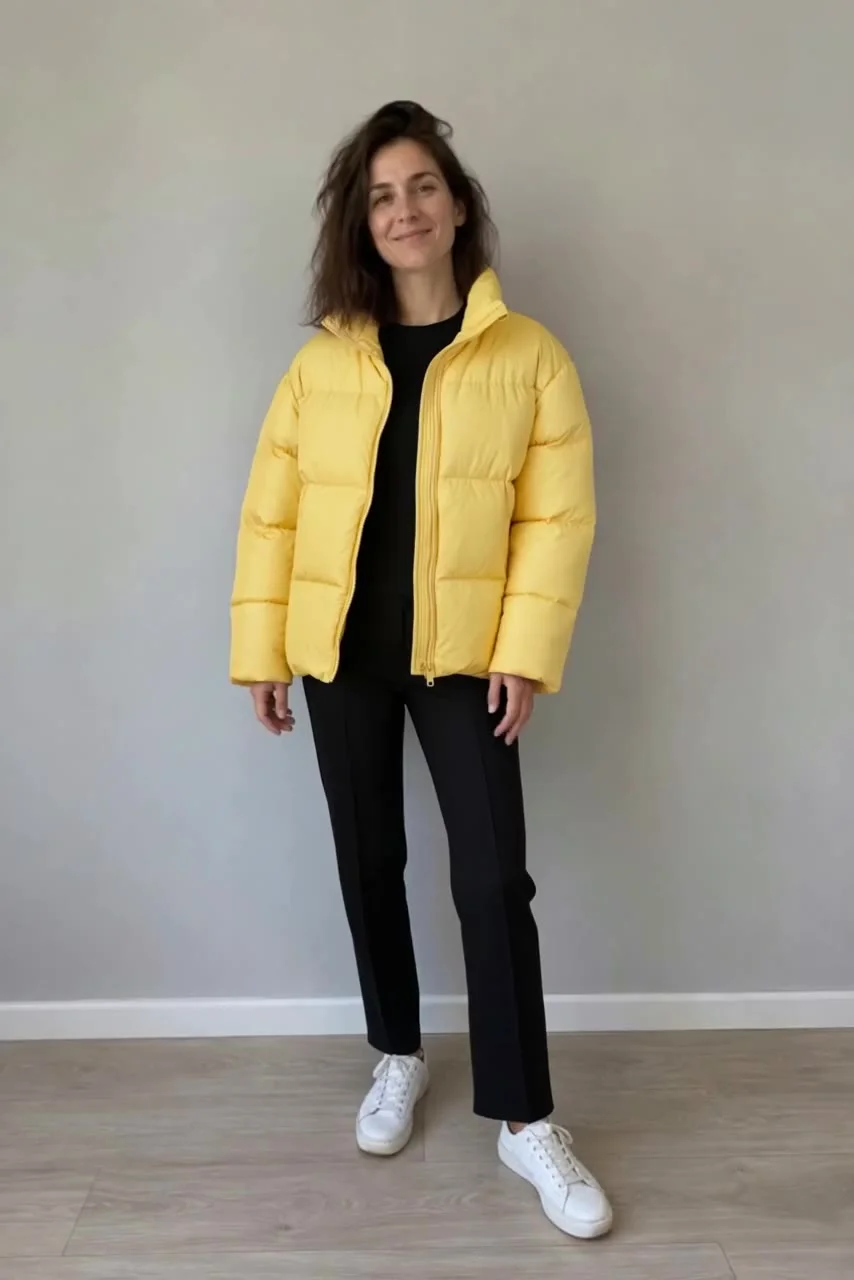 After · Aisma
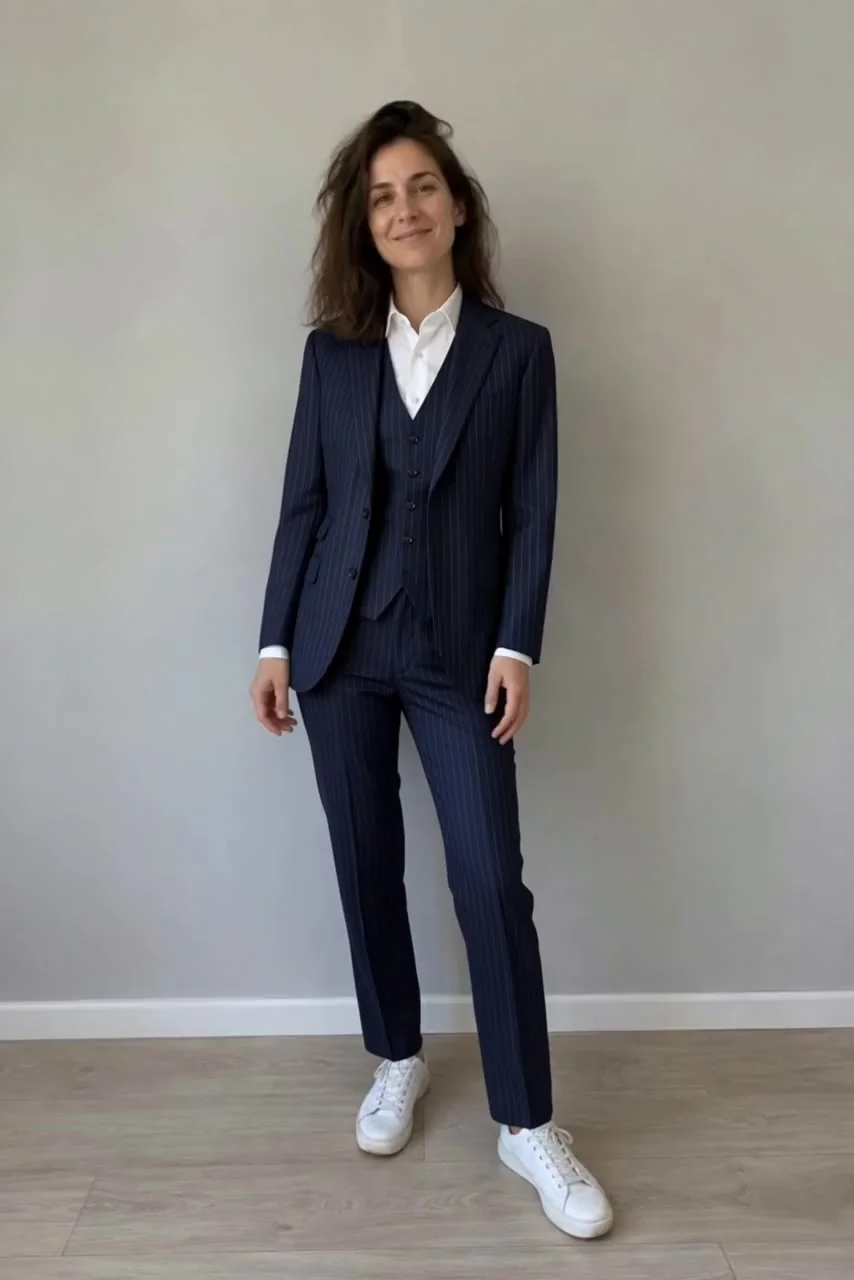 After · Aisma
Outfits / Real Aisma edit · 10 seconds · 4 real edits of one clip
One turn. Four looks.
The couture turn.
What was asked
“dress her in the red suit from the photo”
 aisma
aismaTHE AISMA FIELD GUIDE / 01
How to transform an existing video with AI, illustrated with one real edit: one turn, four looks, each from a single garment photo.
Start with your footage ↓BeforeAfter · AismaAfter · AismaAfter · AismaAfter · AismaOutfits / Real Aisma edit · 10 seconds · 4 real edits of one clip
The couture turn.
“dress her in the red suit from the photo”
Choose an existing video. A well-lit shot with the whole outfit visible makes a clear starting point; ours is two steps toward the camera and a quarter turn.
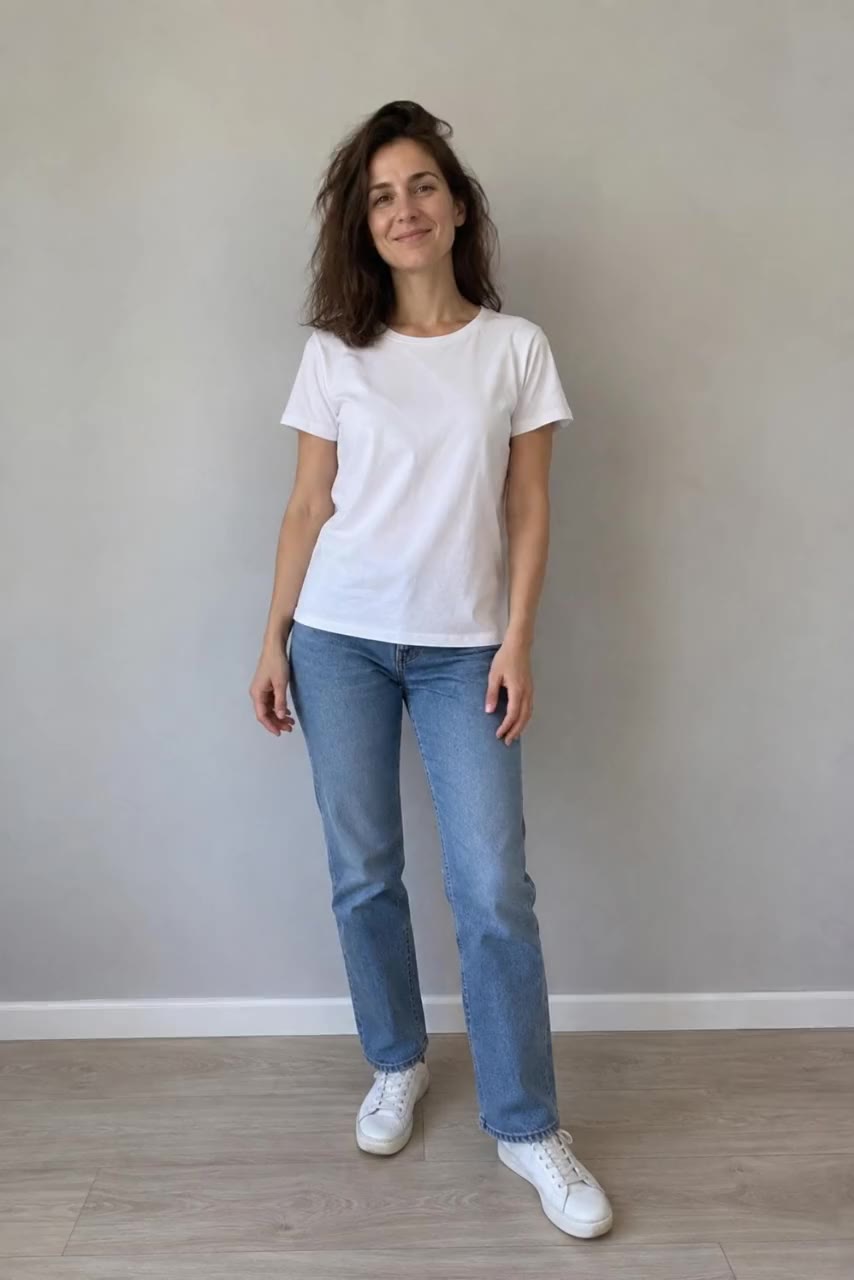 Our example video
Choose a video in Aisma.
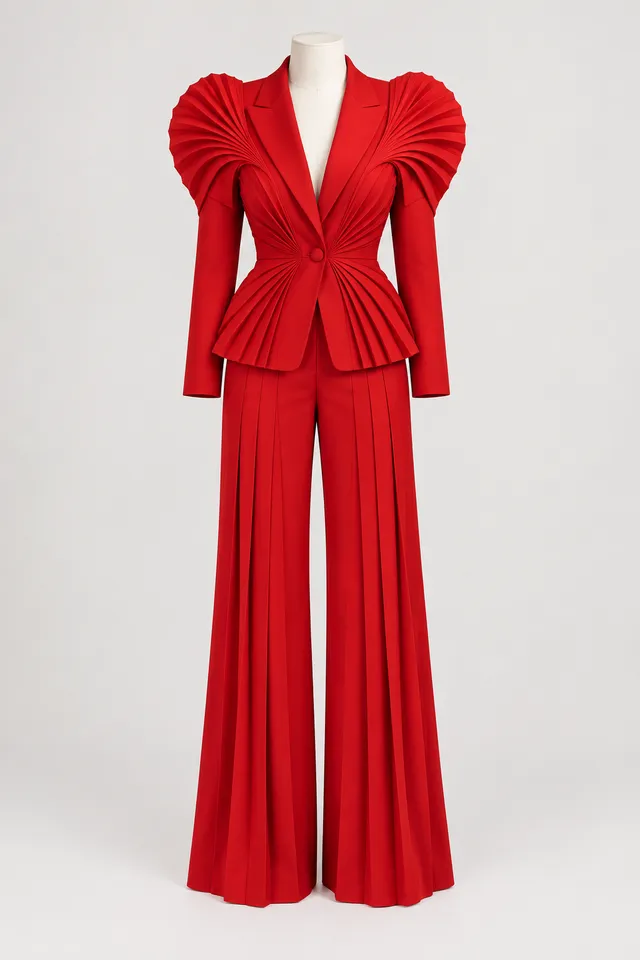
One garment photo per look. A clear mannequin or flat-lay shot keeps the direction focused; these four produced the four results above.
References are optional. Add up to four when a specific appearance matters.
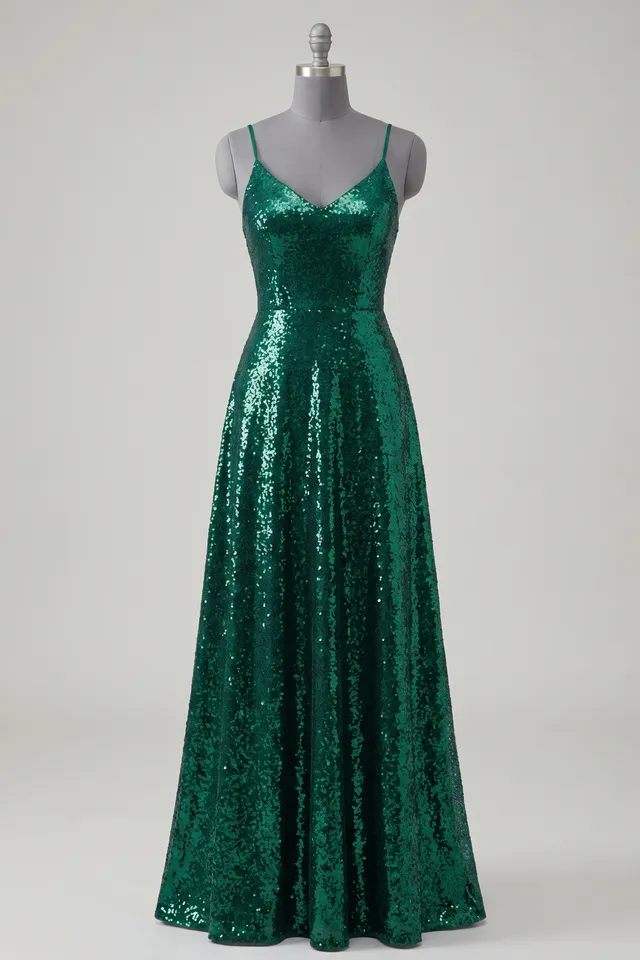
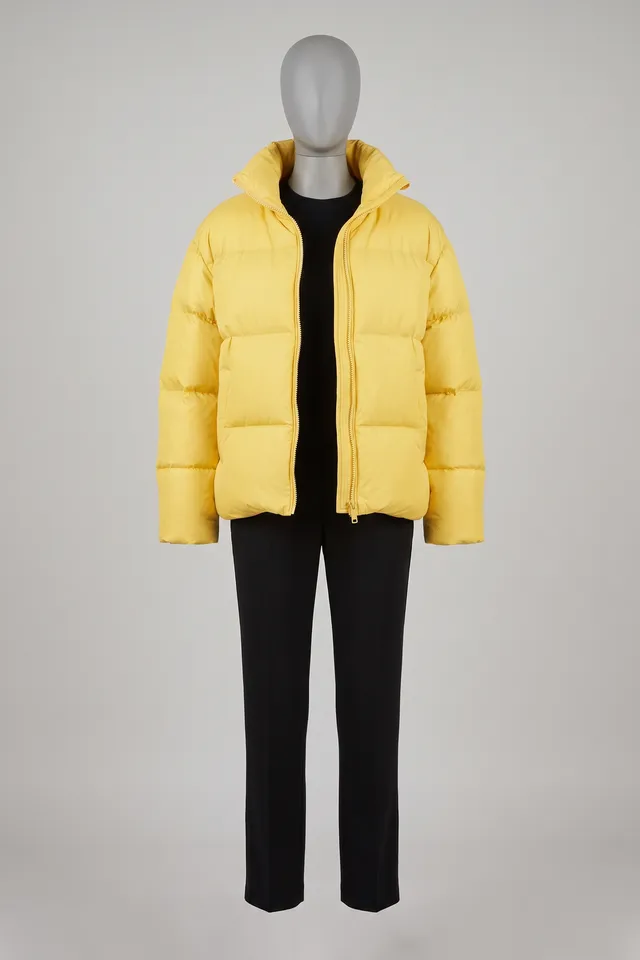
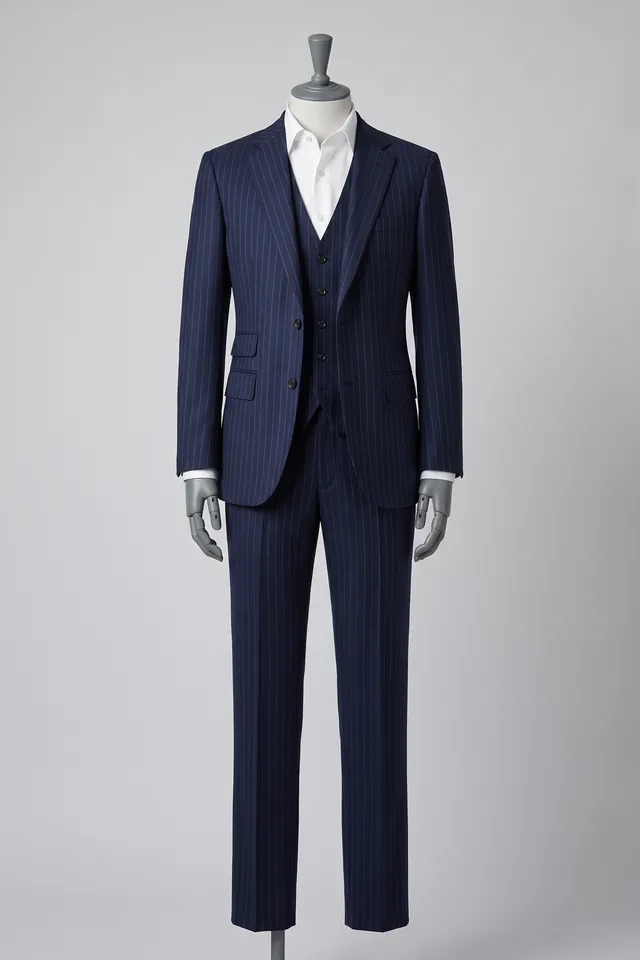
The clothes.
Not the mannequin.
Name the outfit, point to the photo and list what must not move. This is the exact request behind the first look.
A clear request gives direction; it does not guarantee identical details.
THE ACTUAL REQUEST · The couture turn.
Replace the woman's white T-shirt and blue jeans with the complete scarlet pleated pantsuit shown in Photo 1. Preserve her face, hair, sneakers, body movement, the wall and lighting. Treat the mannequin only as an outfit reference.
Photo 1 is the scarlet sculptural pleated pantsuit on a headless dress form.
Choose 720p or 1080p. Review the credit reservation before you select Generate. Your original audio is kept.
✓ Your video and references
✓ The change you described
✓ Quality, credits and audio
Review the full result in your private Library. Save your video, or share it when you’re ready. Four requests, four real results from the same ten seconds.
Play the four looks ↑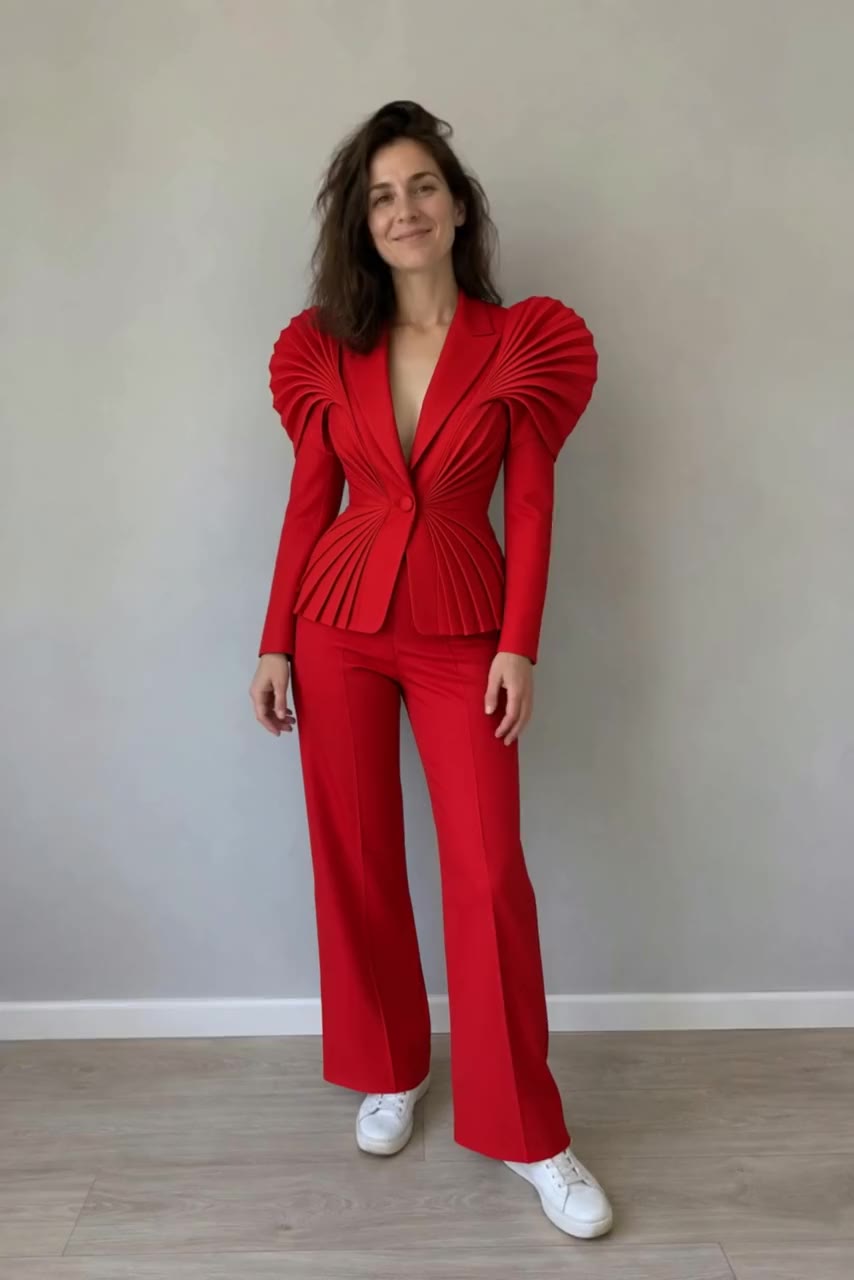
A FEW GOOD QUESTIONS
An existing video, a written request and optionally up to four reference photos. Choose 720p or 1080p and review the credit reservation before generating.
Every clip marked After · Aisma is an actual Aisma edit of the source shown beside it, made in the same editor you use, with the prompt shown under the set. The few stills marked Illustrative concept show a creative direction and are not verified Aisma results.
Aisma keeps your original audio. Edits change what you see, not what you hear.
Your uploads and completed results are private. The website demonstrations were created separately for public use.
YOUR NEXT EDIT STARTS HERE
Paid editing with credits. Review the reservation before you generate.