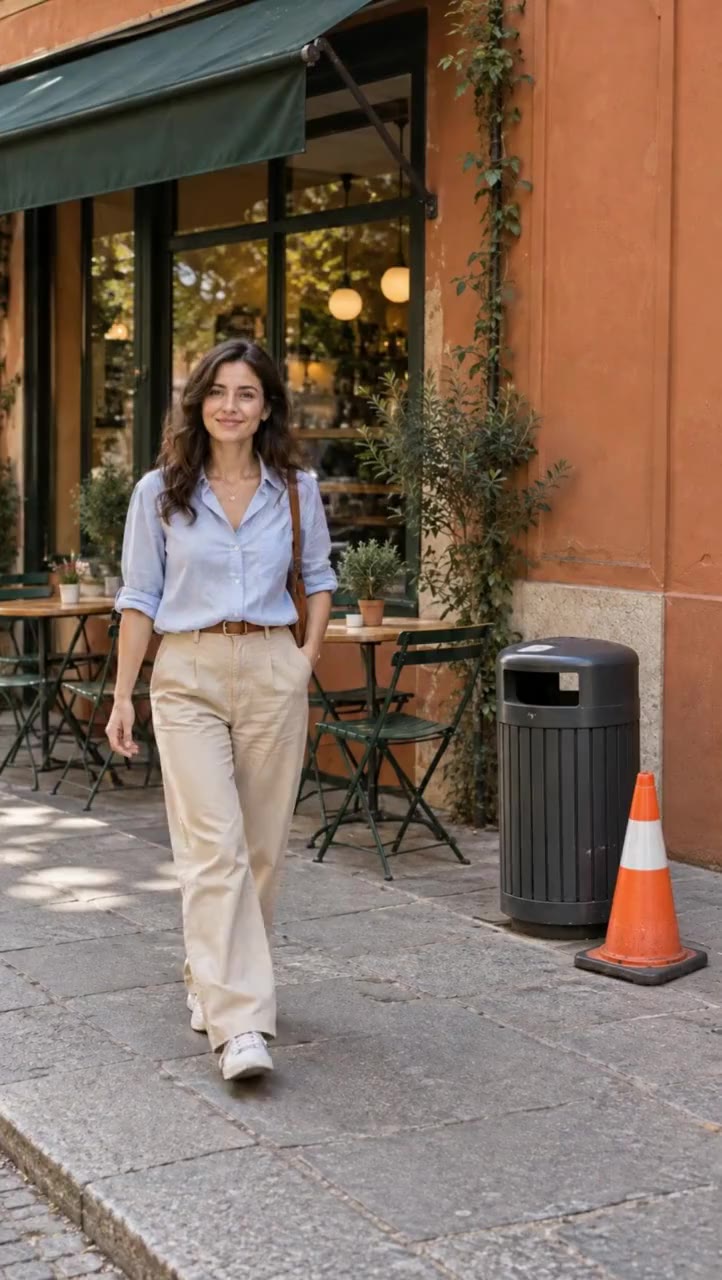
 BeforeAfter · Aisma
Cleanup / Real Aisma edit · 10 seconds
Keep the view. Lose the trash.
What was asked
“remove this garbage bin”
 aisma
aismaOBJECT REMOVER WITH AISMA
Trash, cables, photobombers, crowds. A little less in the frame, a little more of what matters.
Edit your videoYour video + your words + optional references.
BeforeAfter · AismaCleanup / Real Aisma edit · 10 seconds
“remove this garbage bin”
WHAT STAYS
WHAT CHANGES
WHAT YOU BRING
Your video + a written request
Each result is a separate Aisma edit of the same clip.
MORE DIRECTIONS
Every result below is a real Aisma edit of the clip beside it, made from the plain request shown under each set.
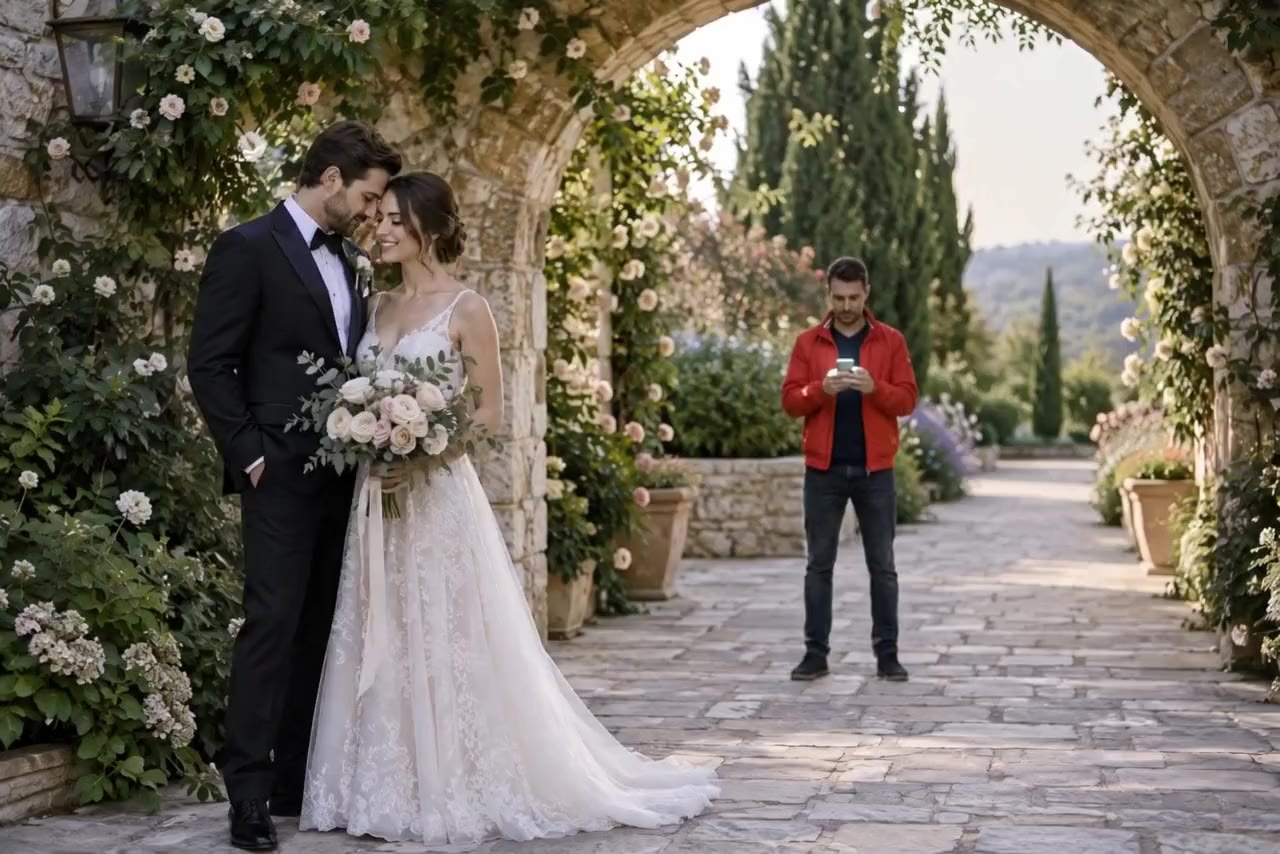 BeforeAfter · Aisma
“remove the guy in the red jacket behind them”
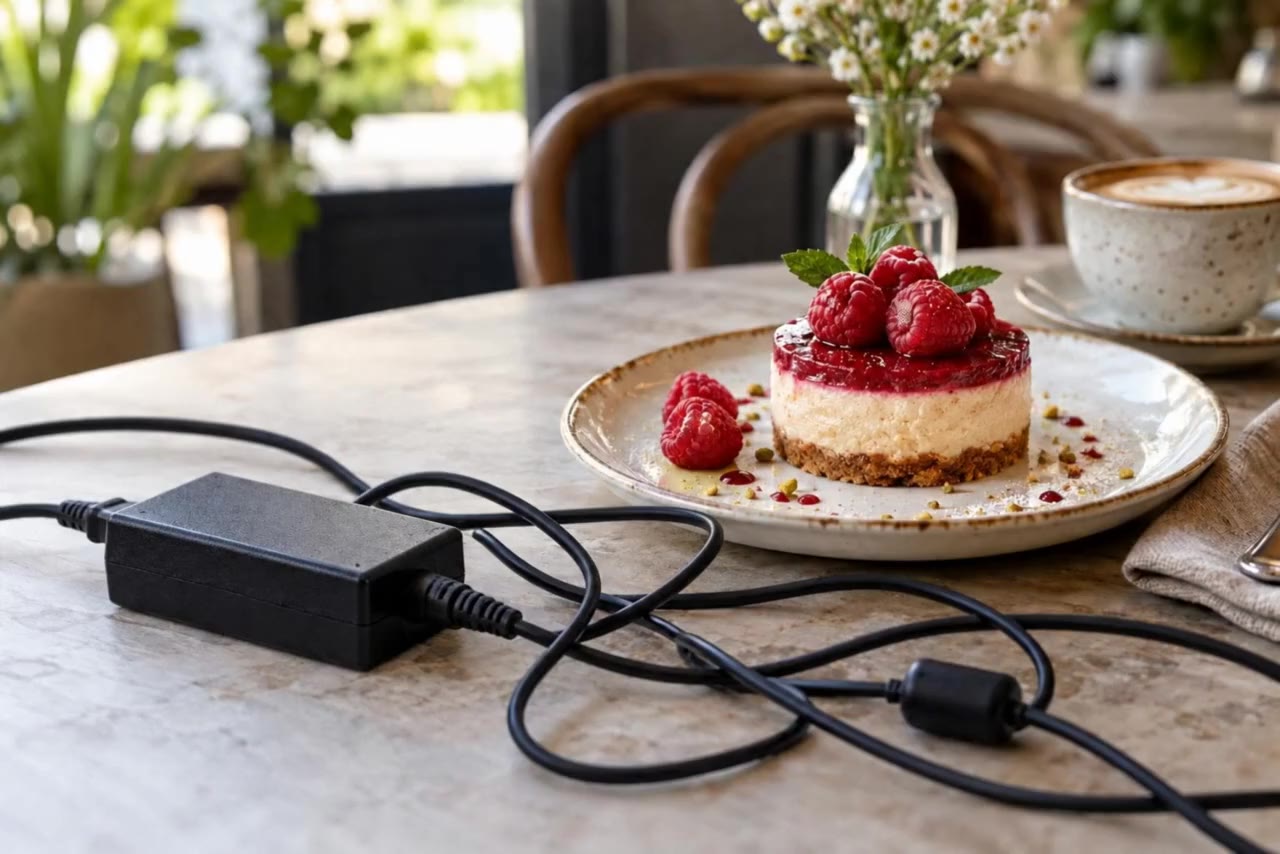 BeforeAfter · Aisma
“remove the cable”
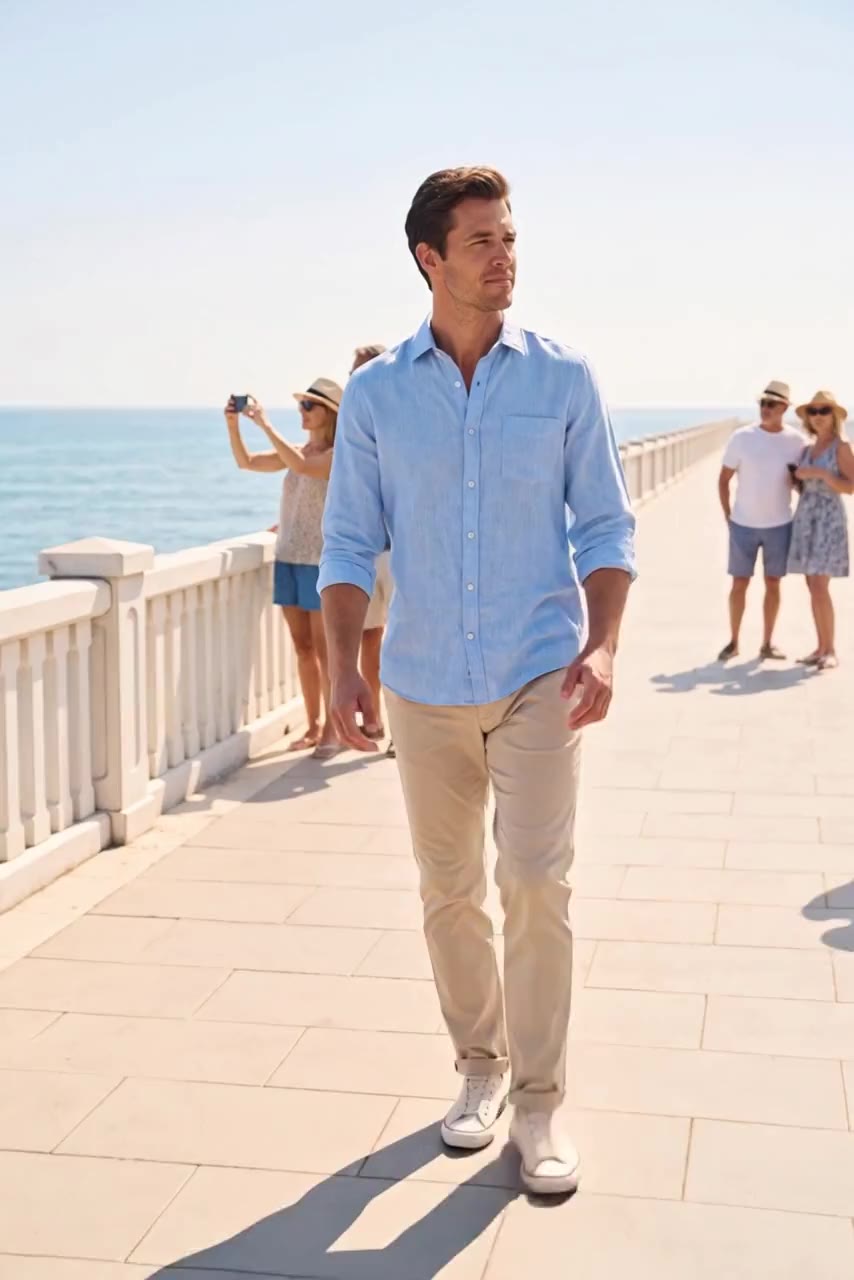 BeforeAfter · Aisma
“remove all the people in the background”
FROM YOUR CAMERA ROLL
Start with footage you already have.
Add a written request and optional reference photos.
Review quality and credits before you generate.
A FEW GOOD QUESTIONS
Use a concrete description such as its color, position and type. For example: remove the orange traffic cone next to the dark bin.
The missing area is generated from the surrounding visual context. It is an interpretation of the scene, not recovered hidden footage.
That requires generating more hidden detail and can produce less predictable results. A clearly separated background object is a better starting point.
YOUR NEXT EDIT STARTS HERE
Paid editing with credits. Review the reservation before you generate.