AISMA / HERE TO HELP
Keep creating.
We’re here.
Find your next step, or get in touch.
Contact support ↗A little help.
Then back to creating. HOW CAN WE HELP?
The right help.
Right here.
01Credits & purchases
Purchase confirmed but credits pending? Keep the same Aisma profile open, refresh Profile and check again shortly. Store notifications can take a little time.
If the balance has not changed, send your receipt and Aisma Account ID to support.
Get purchase help ↗02Your subscription
On iOS or Android, open Aisma → Credits, then Restore purchases or Manage subscription. Web purchases restore when you sign into the same profile.
Billing emails contain a secure customer-portal link for cancellations, payment details and invoices.
Open your profile ↗03Your next edit
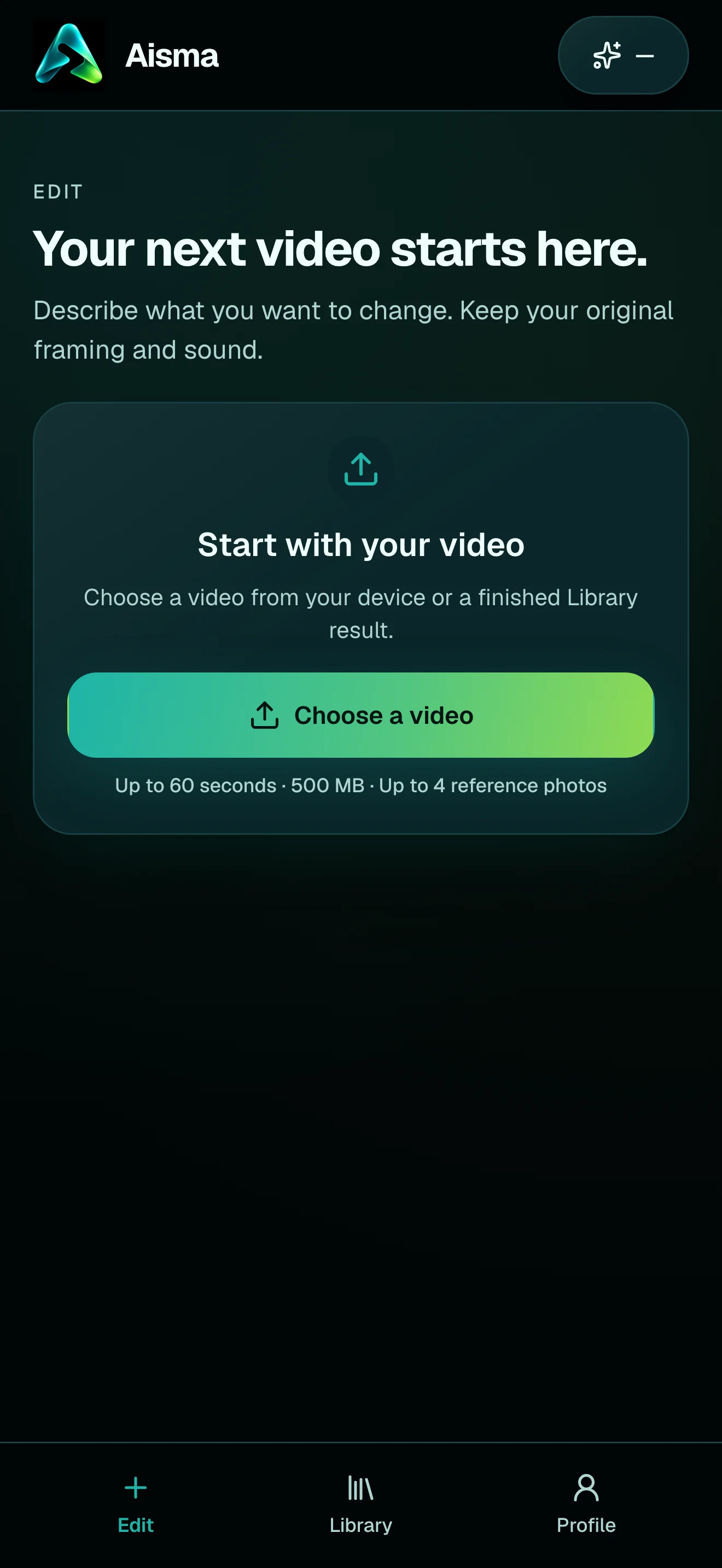
Start with a video, describe the change and add references when a specific look matters. Our illustrated guide walks through an actual example.
Follow the guide ↗04Account & data
Protect your private profile by linking Apple, Google or email in Profile. Account deletion has its own instructions.
Account deletion guide ↗  aisma
aisma