aisma

BACKGROUND CHANGER WITH AISMA

One walk.
Five worlds.

Take the scene somewhere new. Keep your footage, your movement and your camera.

Edit your video

Your video + your words + optional references.

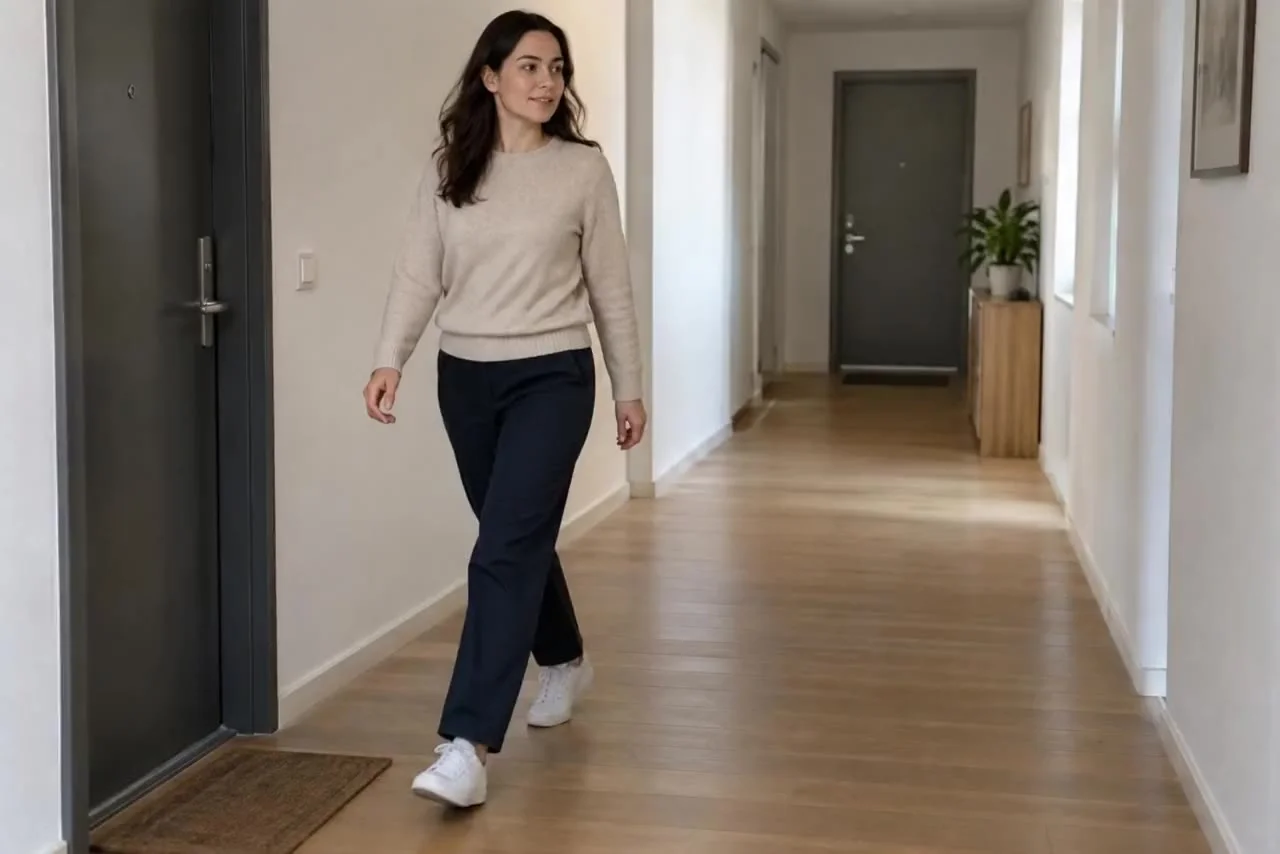
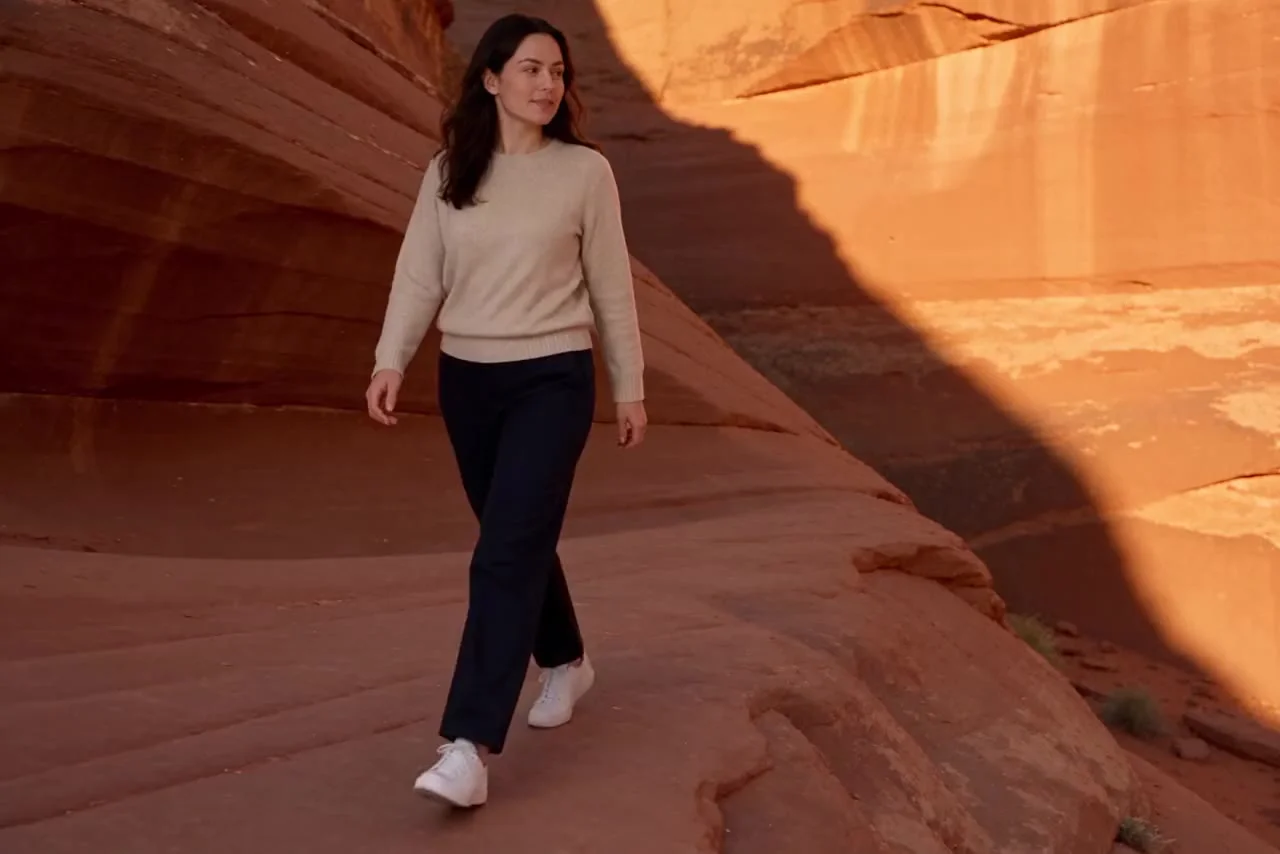
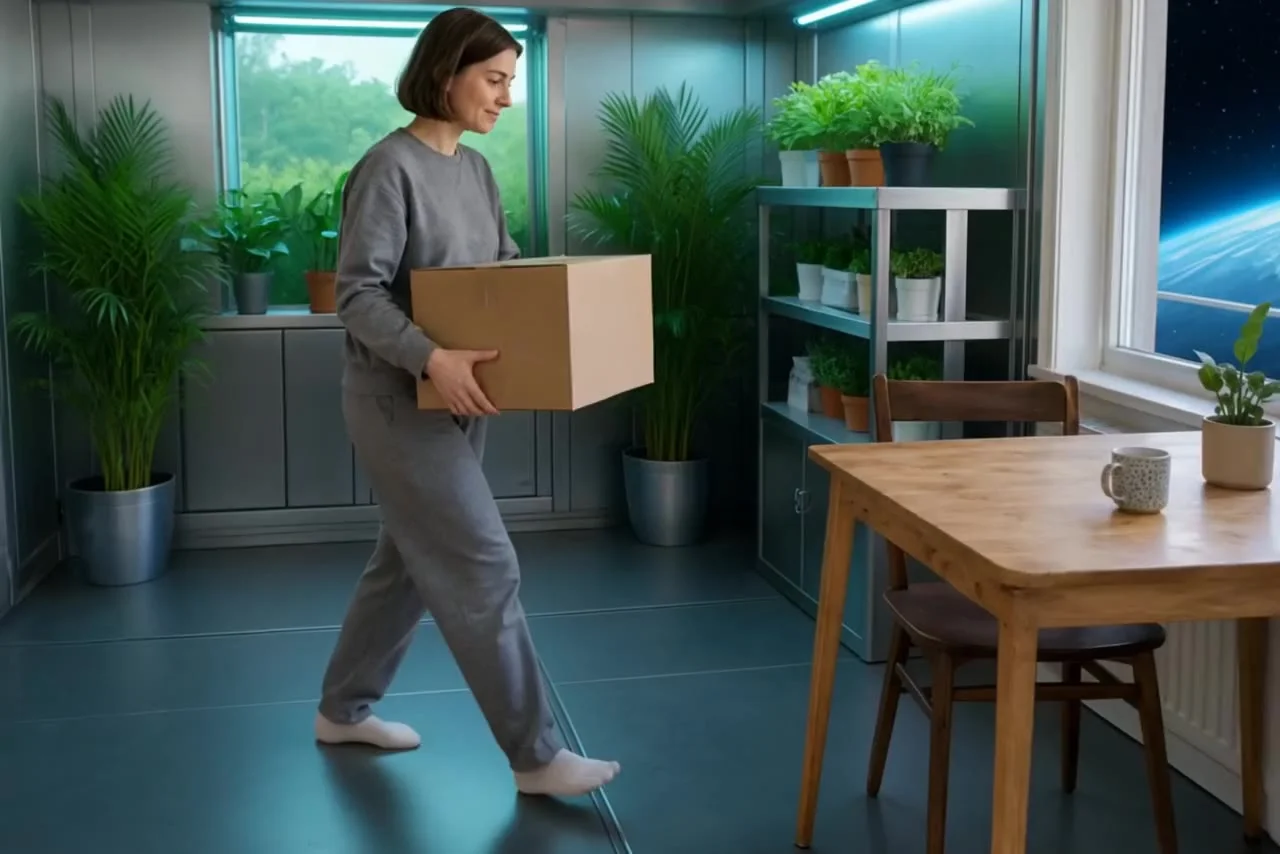
Starting frame: A woman in an oatmeal sweater walks down an ordinary apartment corridor while the camera tracks beside her.Before
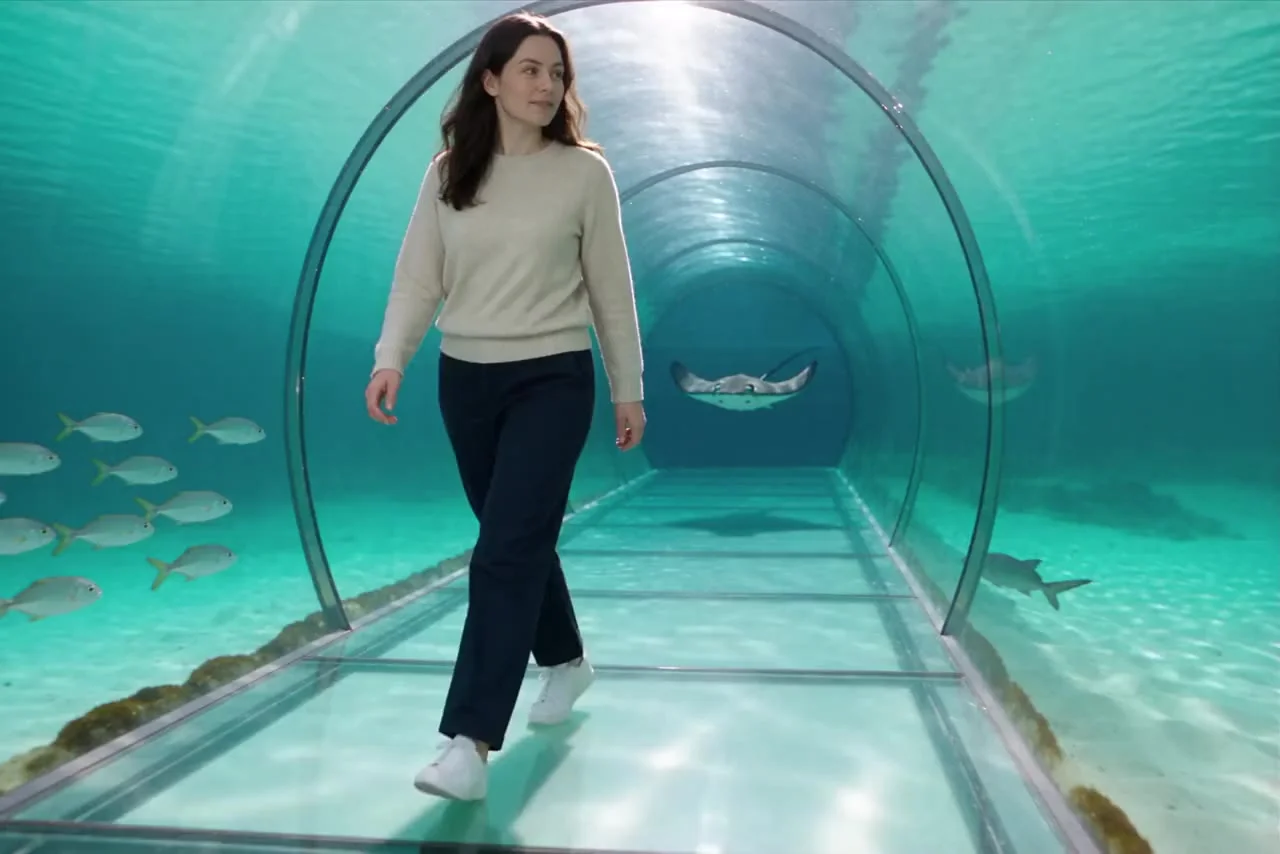
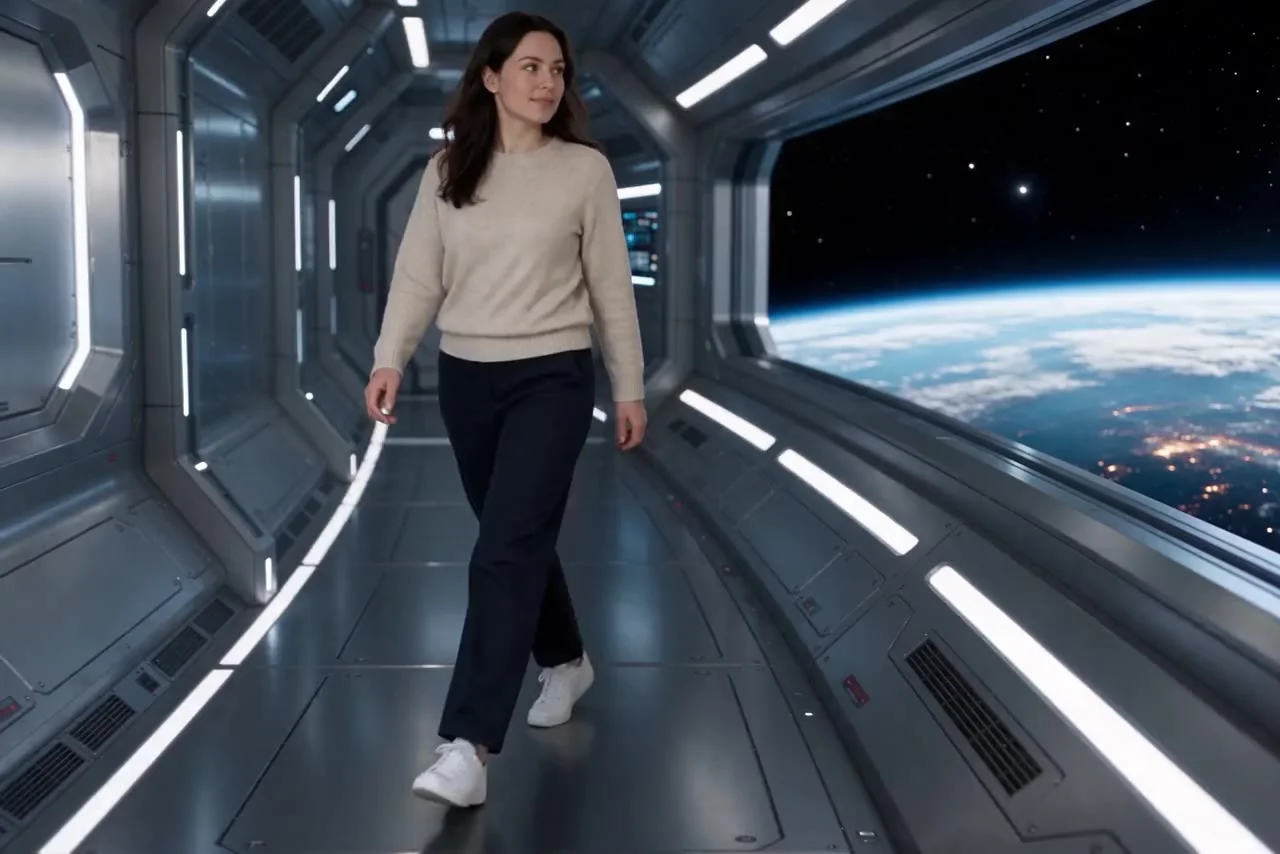
Actual Aisma result: The same walk inside an underwater glass tunnel with turquoise sea and fish outside.After · Aisma

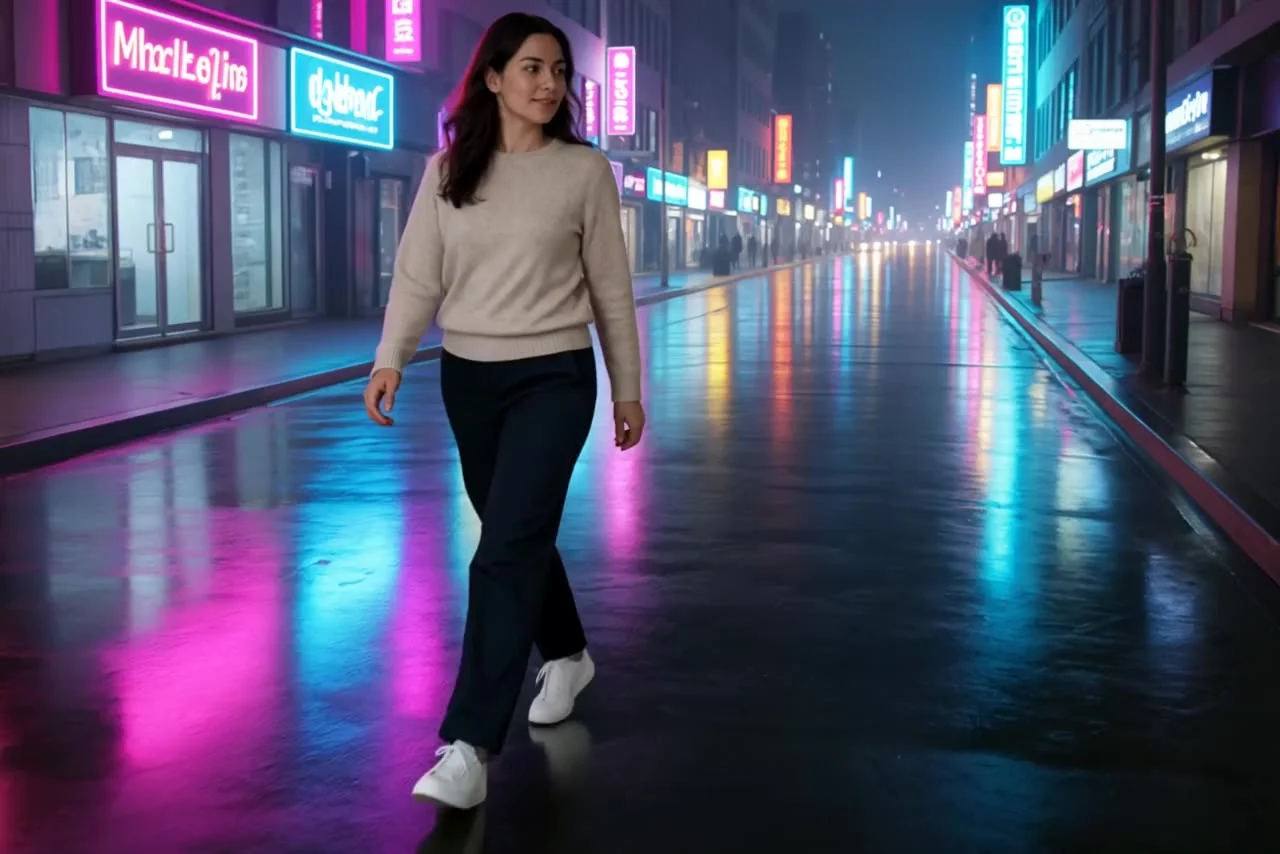
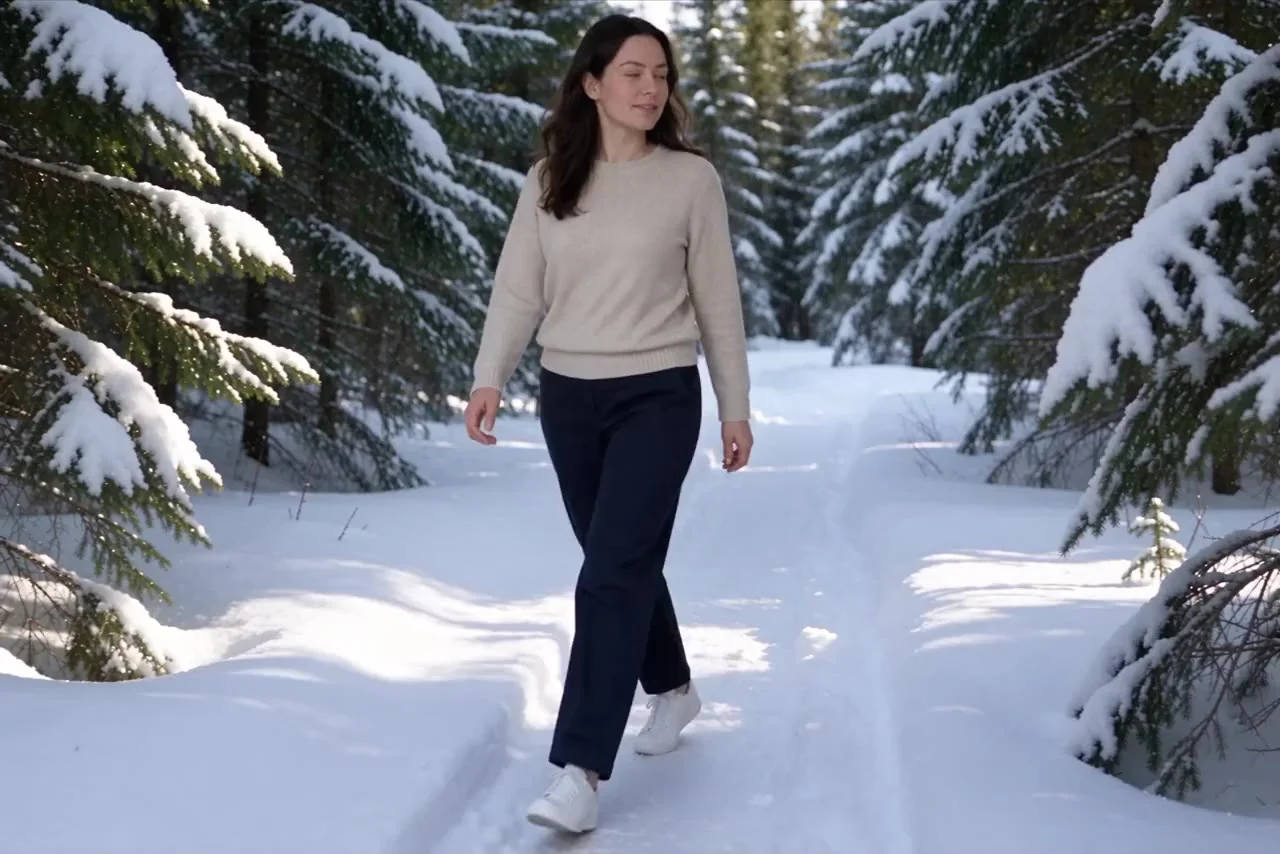
Backgrounds / Real Aisma edit · 10 seconds · 5 real edits of one clip

One walk. Five worlds.

Same walk. Another ocean.

What was asked

“change the corridor to an underwater tunnel with fish”

WHAT STAYS

  • The person and their clothes
  • Every step
  • Your camera movement

WHAT CHANGES

  • The world around them
  • The light on them

WHAT YOU BRING

Your video + a written request

Each result is a separate Aisma edit of the same clip.

MORE DIRECTIONS

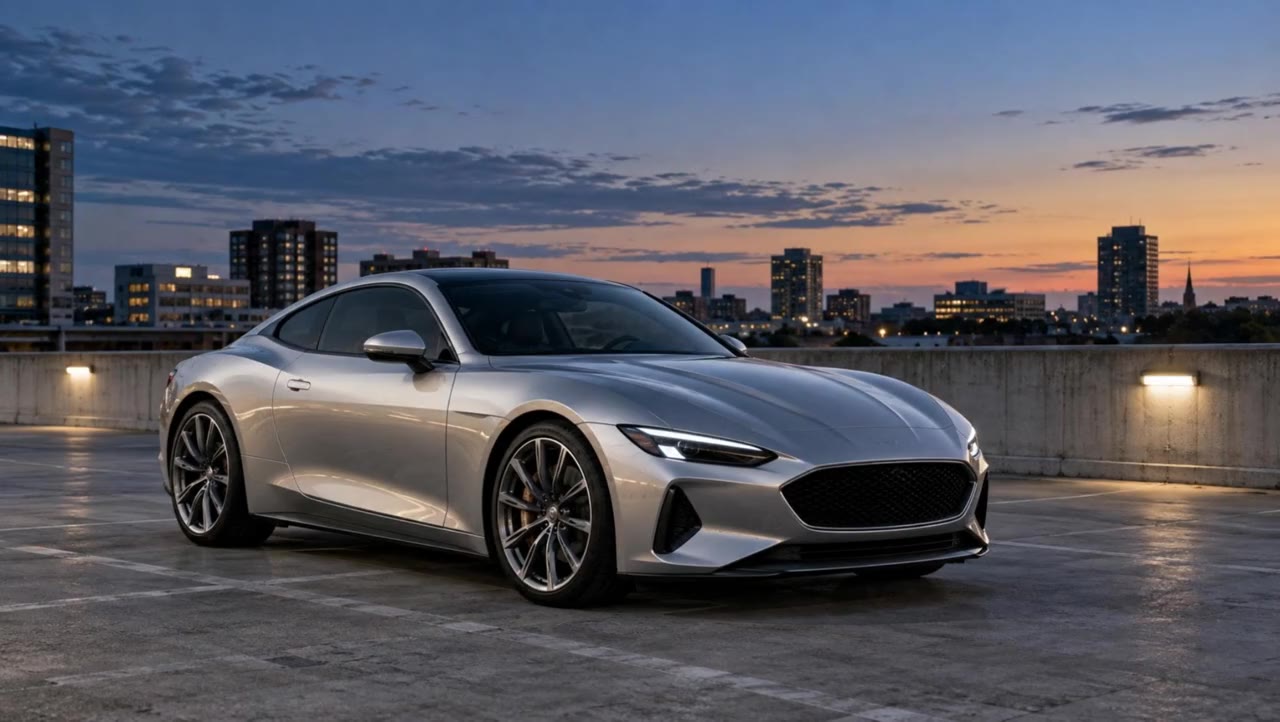
Where could your video go?

Every result below is a real Aisma edit of the clip beside it, made from the plain request shown under each set.

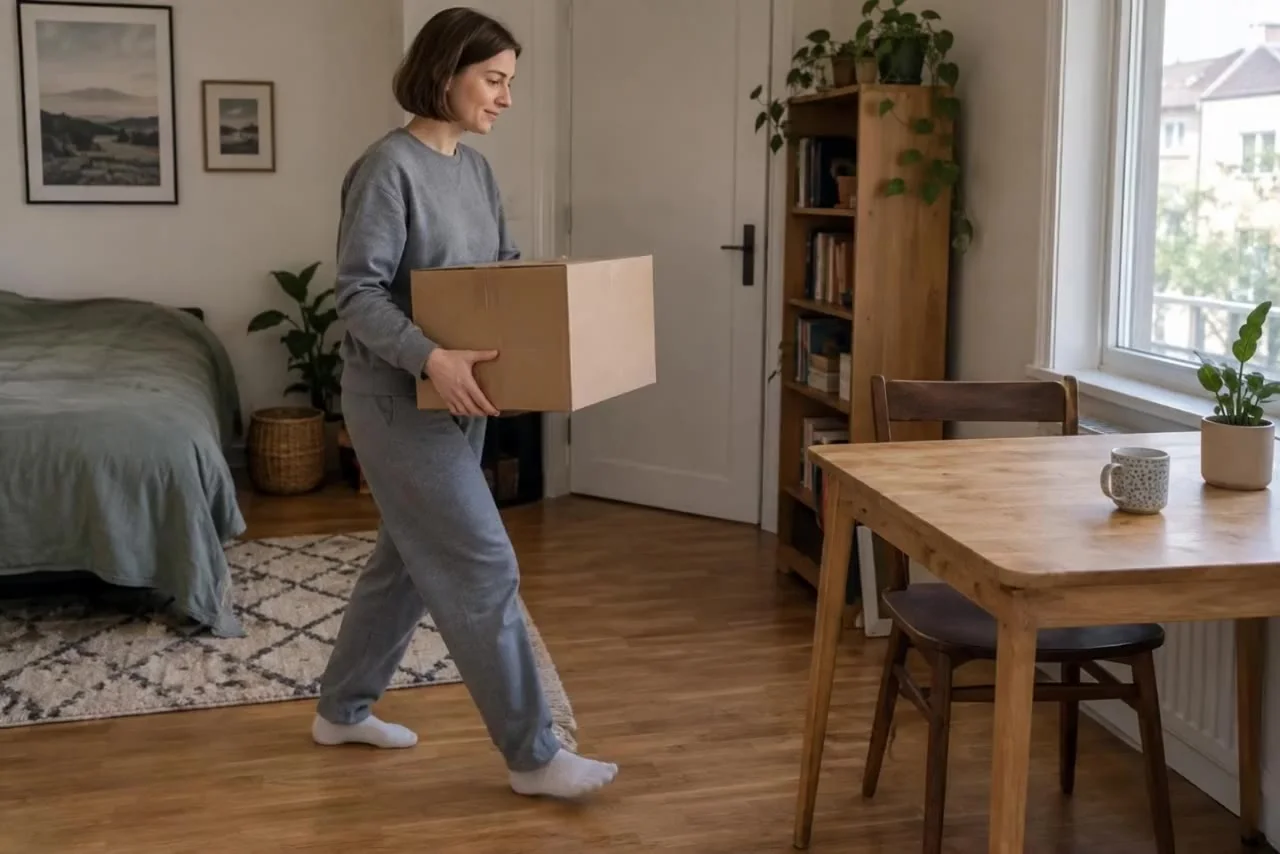
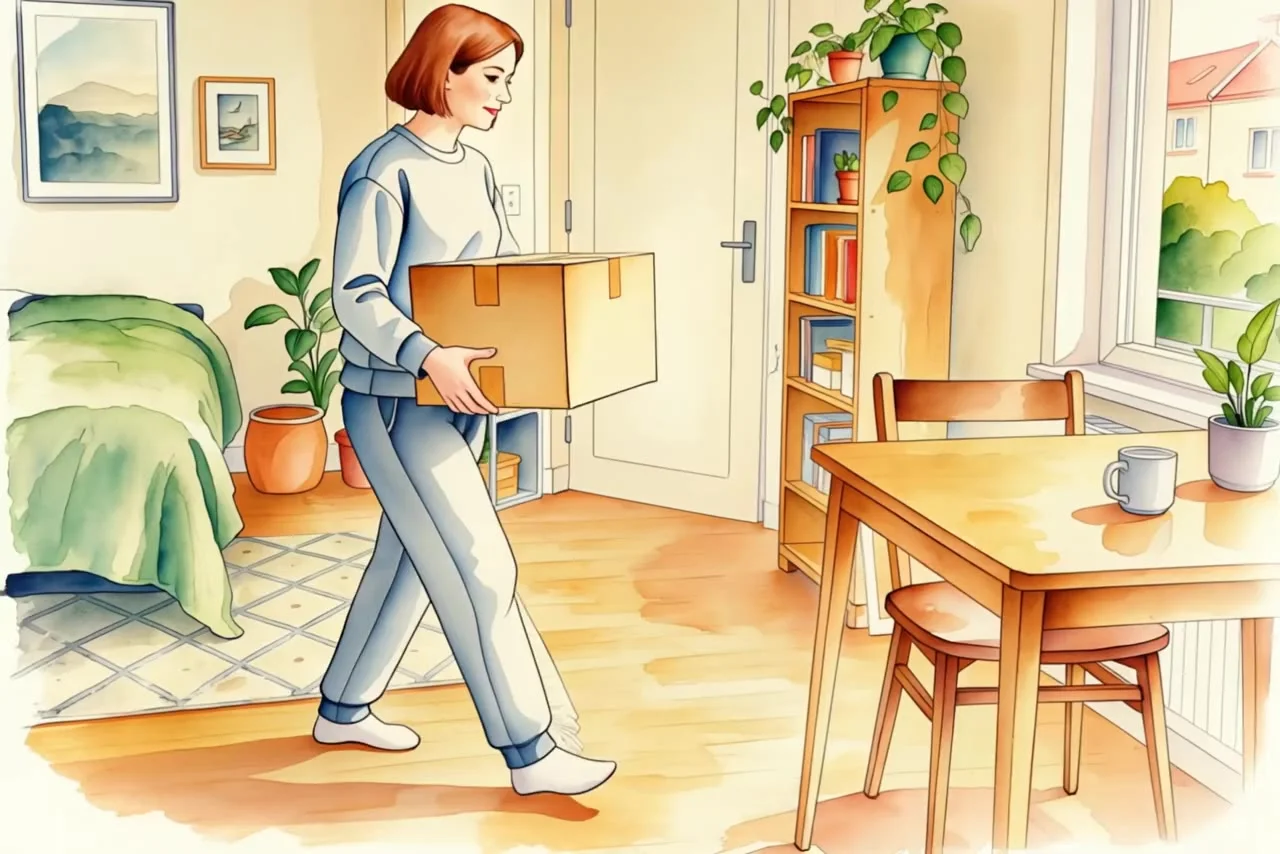
Starting frame: A woman in a grey sweatshirt carries a plain cardboard box three steps across an ordinary room and sets it on a small table.Before
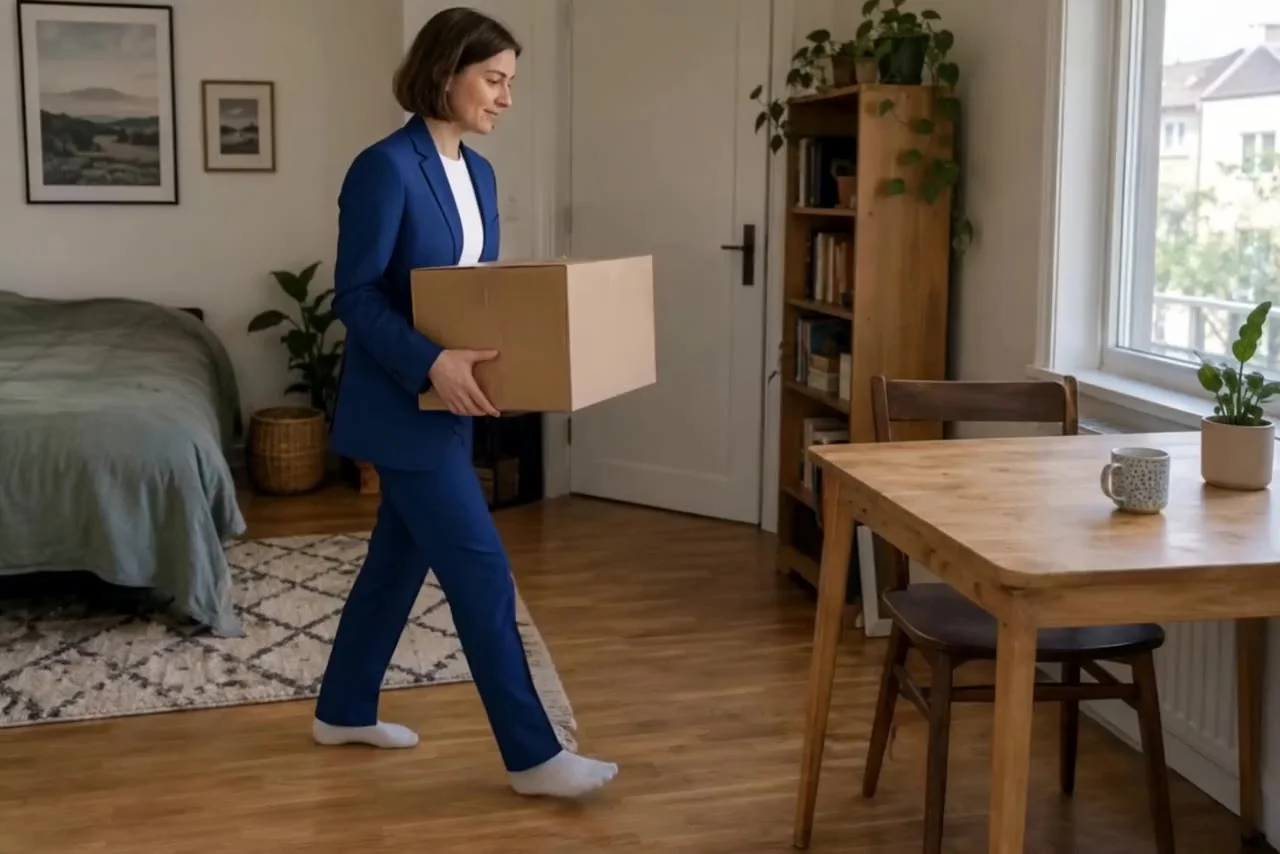
Actual Aisma result: The same box carried to the table in a cobalt-blue tailored suit.After · Aisma

Outfits / Real Aisma edit · 10 seconds · 3 real edits of one clip

One clip. Three directions.

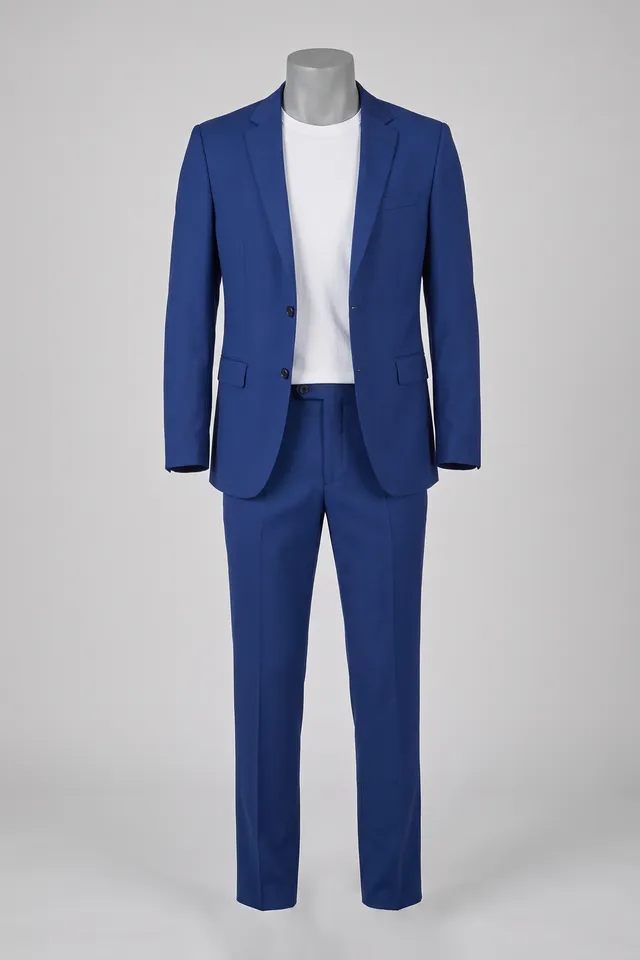
The campaign.

Cobalt-blue tailored suit on a headless dress form
Photo 1
What was asked

“put her in the blue suit from the photo”

FROM YOUR CAMERA ROLL

One video.
A different direction.

01

Bring your video.

Start with footage you already have.

02

Describe the change.

Add a written request and optional reference photos.

03

Make it yours.

Review quality and credits before you generate.

See the illustrated guide

A FEW GOOD QUESTIONS

Before you begin.

Do I need a green screen?

Aisma starts from the visible scene in your existing video. You describe the background change in words; a green-screen workflow is not required.

Do I need a reference image?

No. This example uses a written request. You can optionally add reference photos to guide a particular visual direction.

What about reflections and light?

A different setting may need new reflections, shadows and lighting. Describe what should remain recognizable and review those details in the final result.

Can I export a transparent video background?

This workflow generates a new visible setting. It does not export an alpha channel or a transparent-background video.

YOUR NEXT EDIT STARTS HERE

You have the footage.
What if you changed it?

Edit your video

Paid editing with credits. Review the reservation before you generate.