VlogMe

Edit video with an AI prompt Say what changes. In plain words.

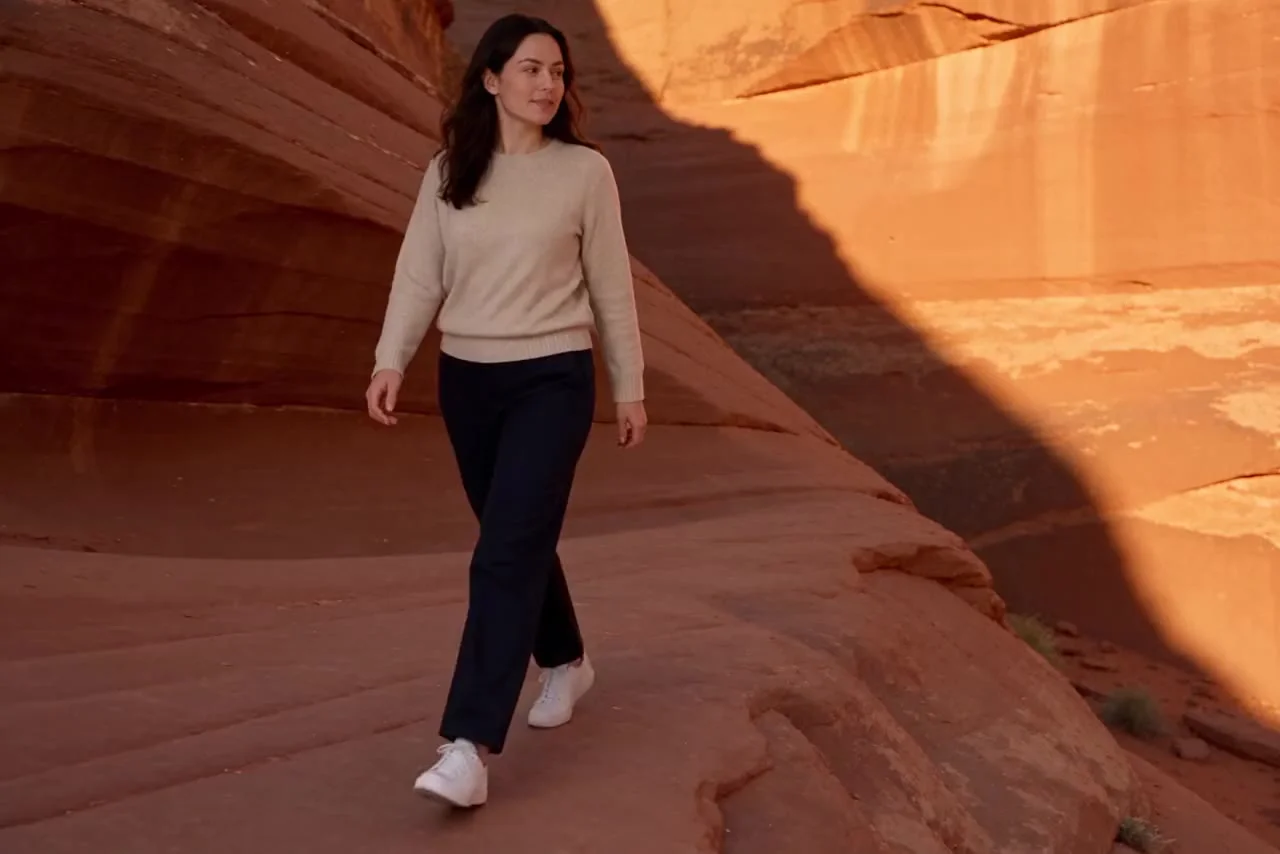
Write the change in one plain sentence. Aisma studies the clip, keeps what you did not mention and saves the edit to Lab: one walk, five worlds, each from a one-line request like the one below.

No reference photos were used for any edit on this page.

Edit only footage and people you have the rights to. Likeness and voice consent in the Terms of Service

  • Backgrounds
  • Real Aisma edit
  • 10 seconds
  • 5 real edits of one clip

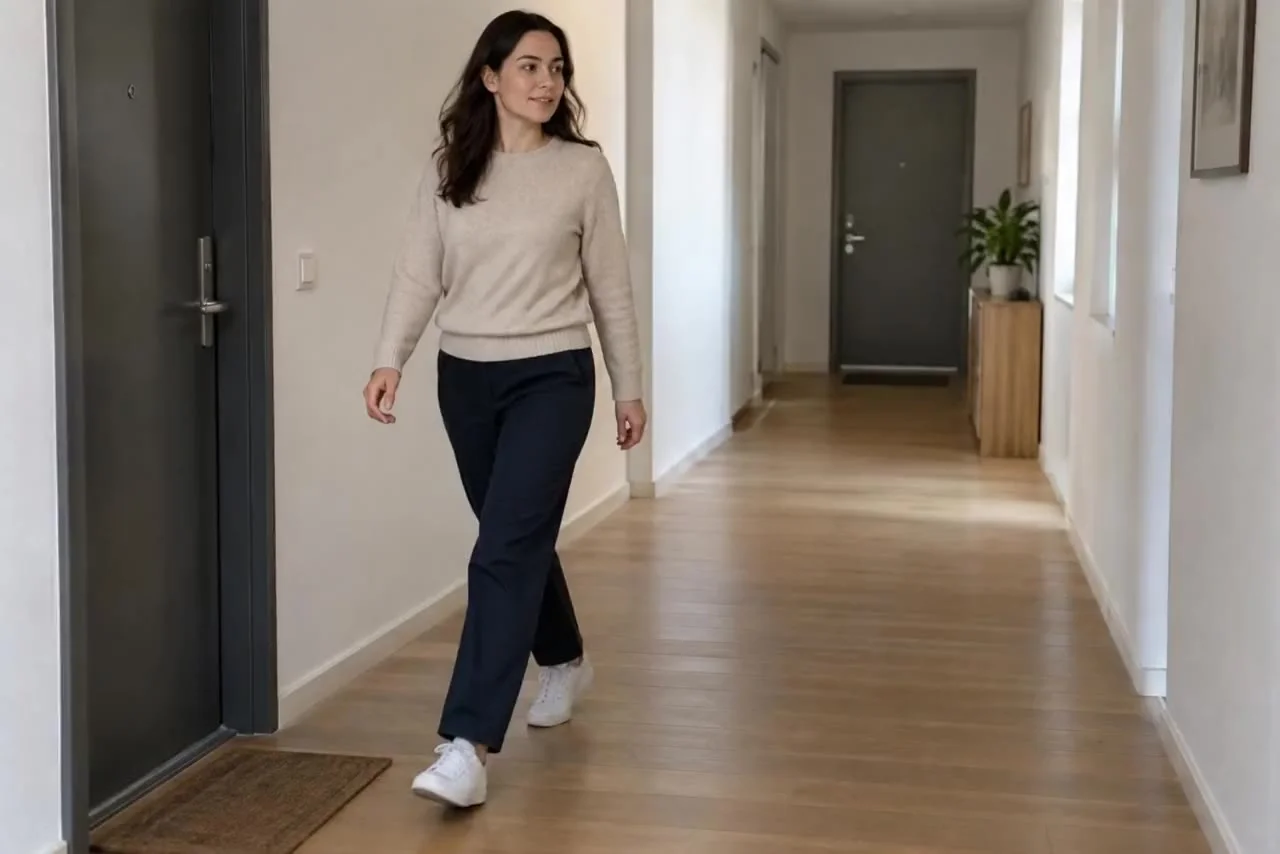
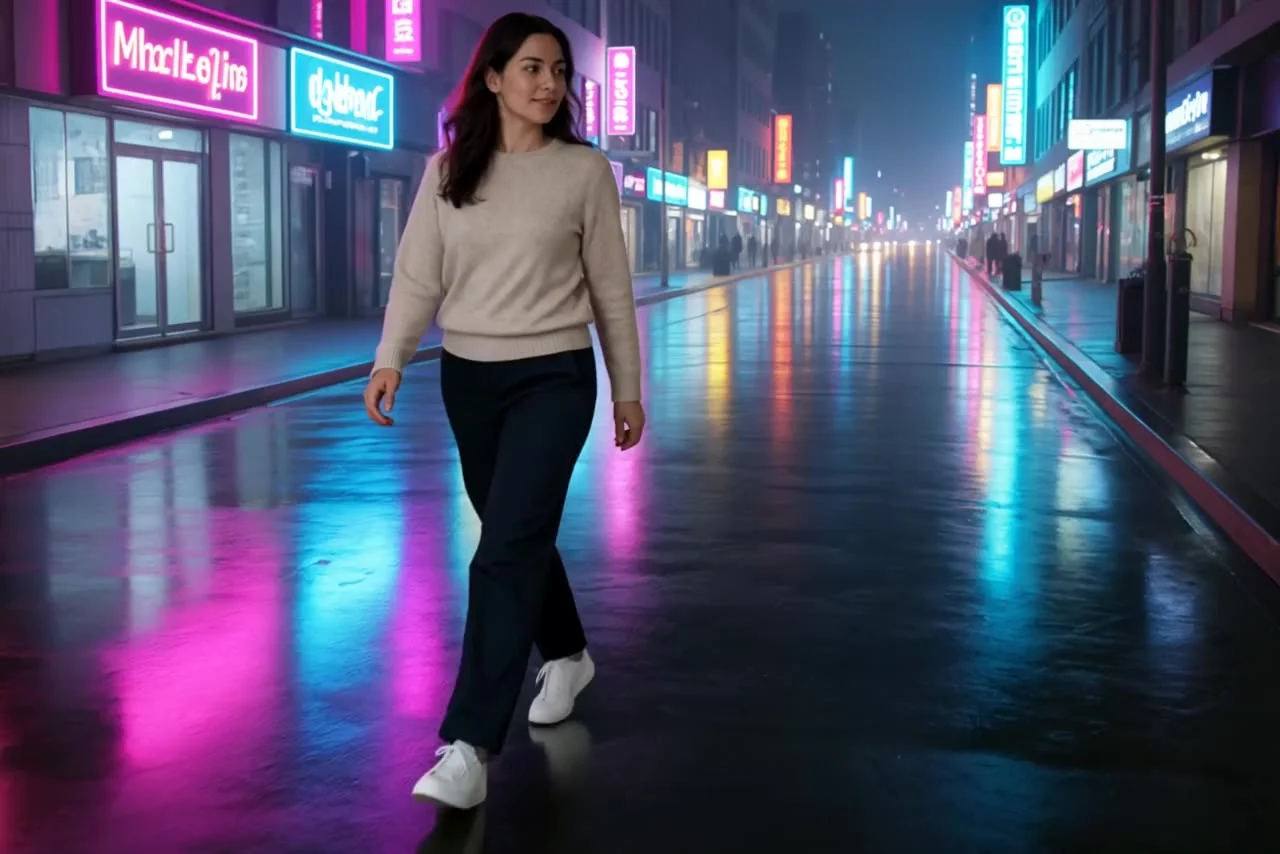
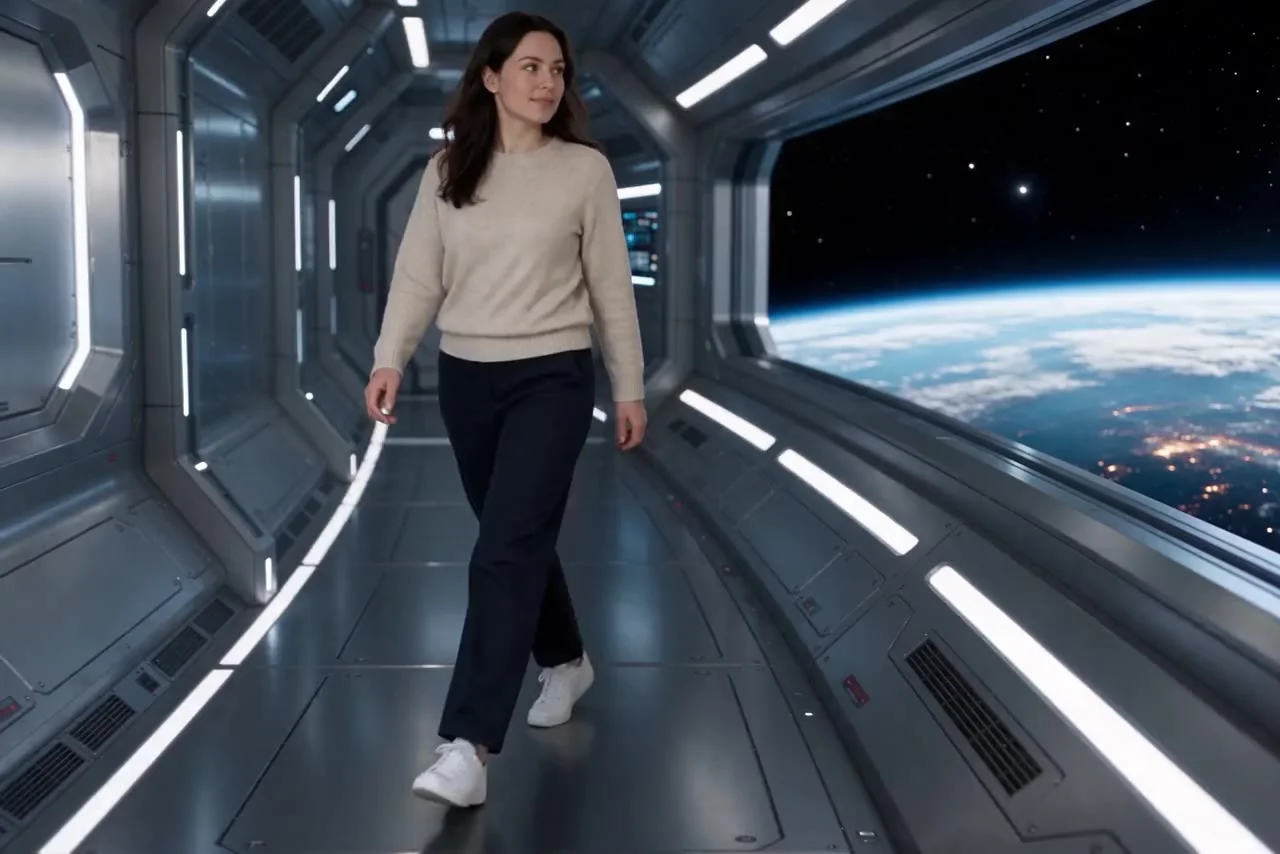
One walk. Five worlds.

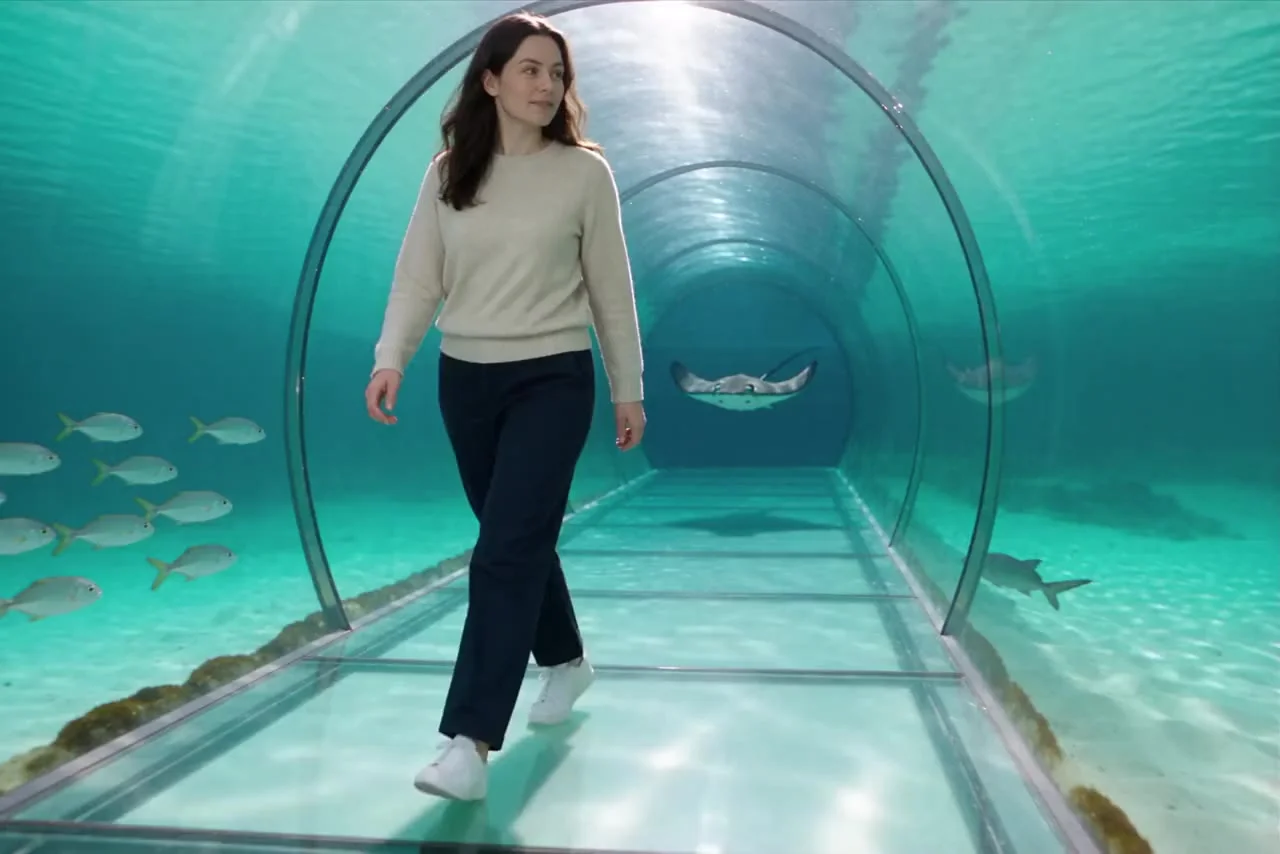
After · Aisma
Real edit

What was asked · Same walk. Another ocean

“change the corridor to an underwater tunnel with fish”

What stays

  • Everything you did not mention
  • Movement, framing and camera
  • The people and things around the change

What changes

  • The one thing you asked for

What you bring

Your video + one plain sentence

Each result is a separate Aisma edit of the same clip.

One line is enough

One line. One edit.

Three real requests from this site, exactly as typed, and what Aisma changed. Say the change; Aisma works out what stays.

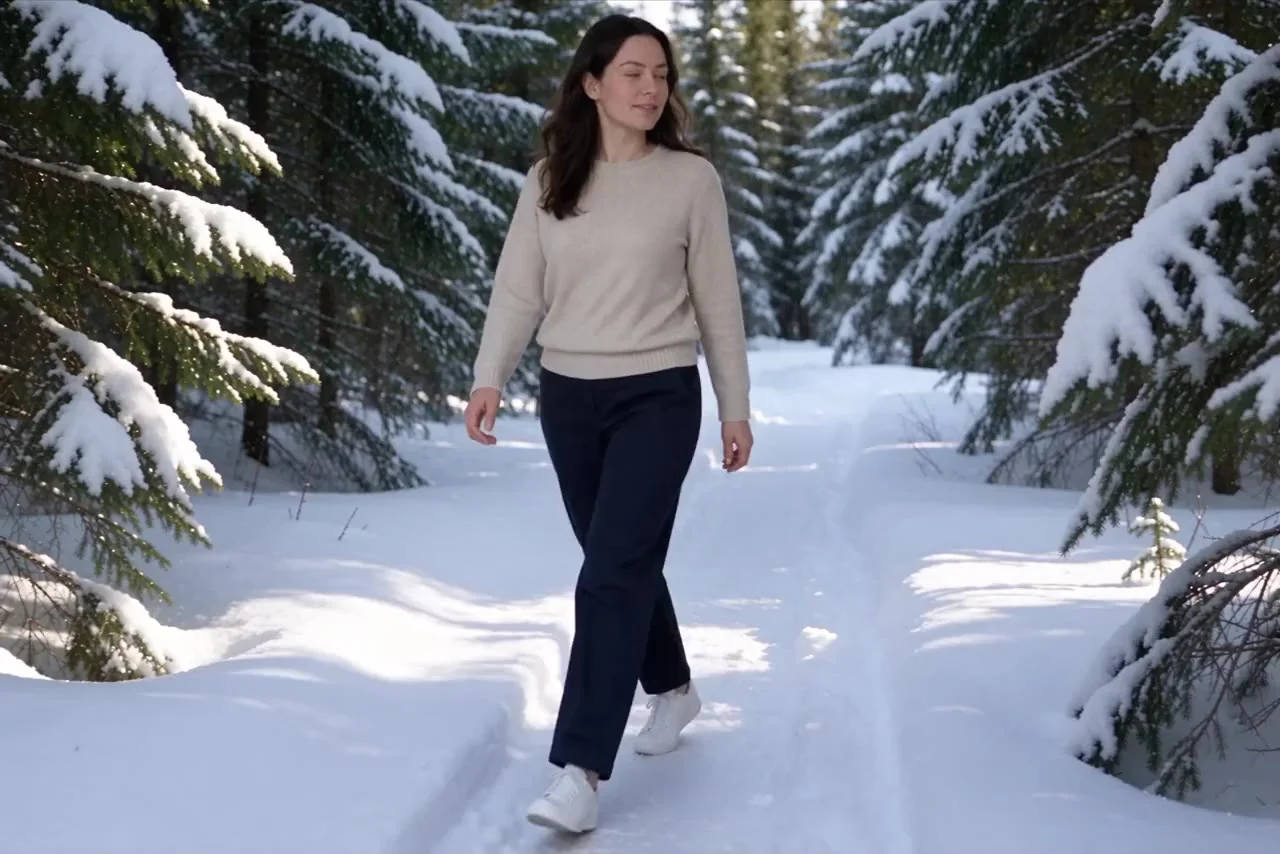
  1. 01One walk. Five worlds.Same walk. First snow.

    The request

    “change the background to a snowy forest”

    What changed

    The same walk along a snowy pine forest path.

    See the background changer
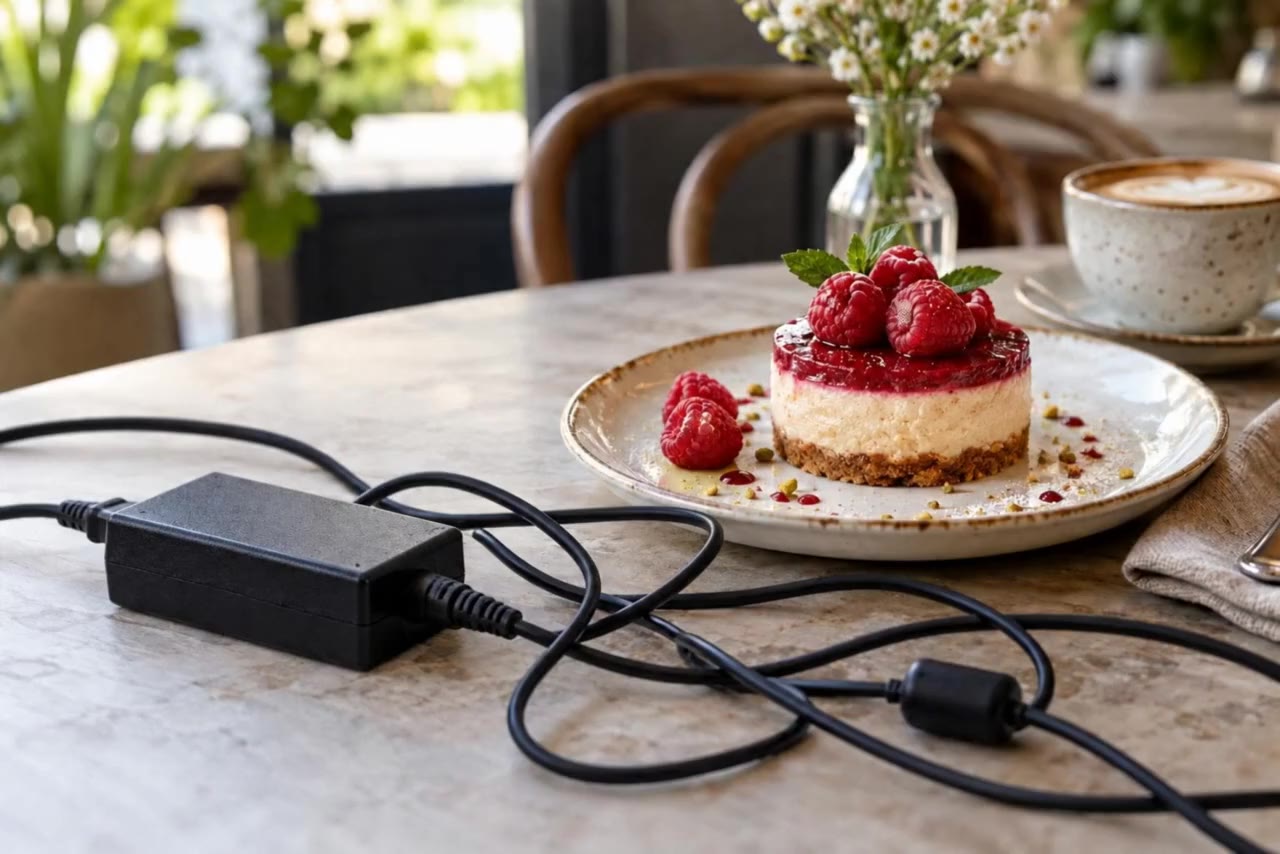
  2. 02Nothing between you and dessert.Cable, gone.

    The request

    “remove the cable”

    What changed

    The same dessert shot with the cable and adapter removed.

    See object removal
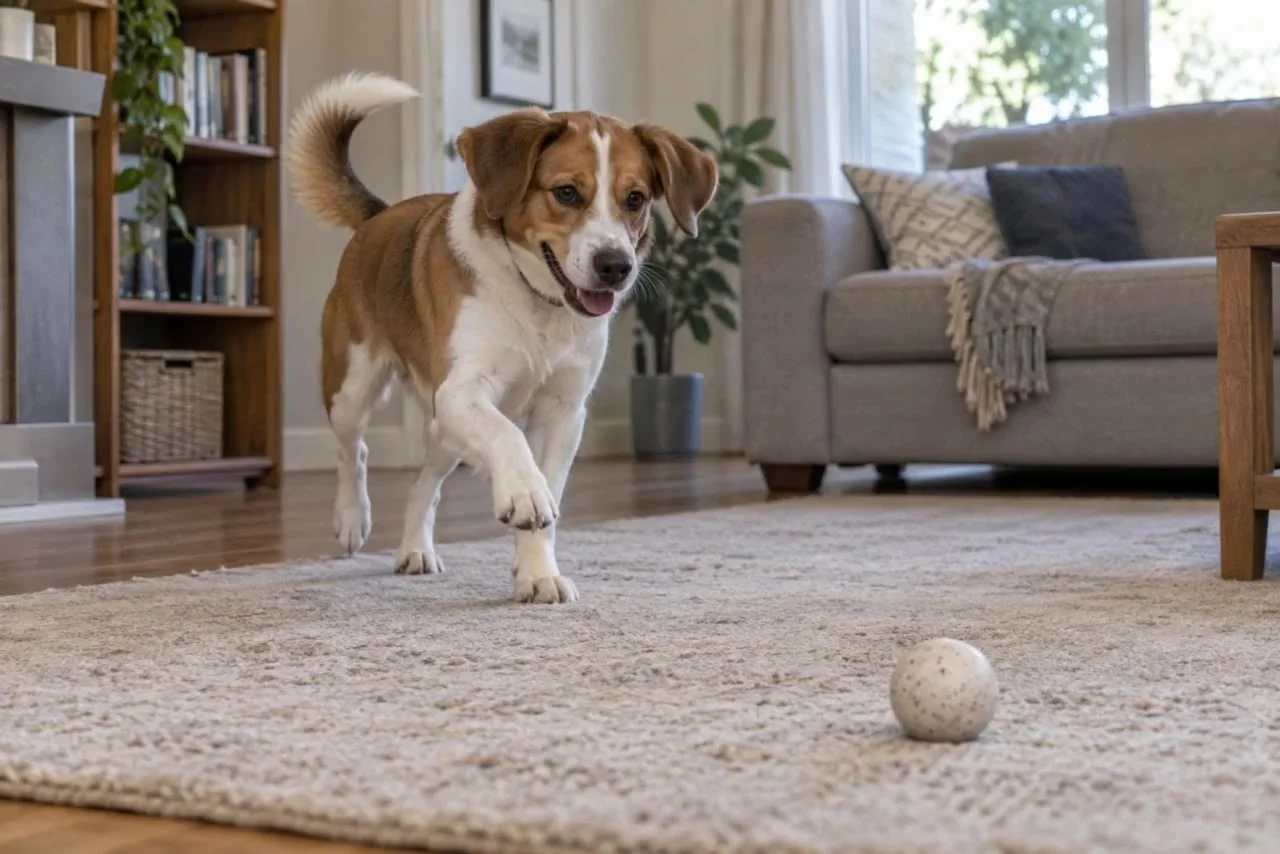
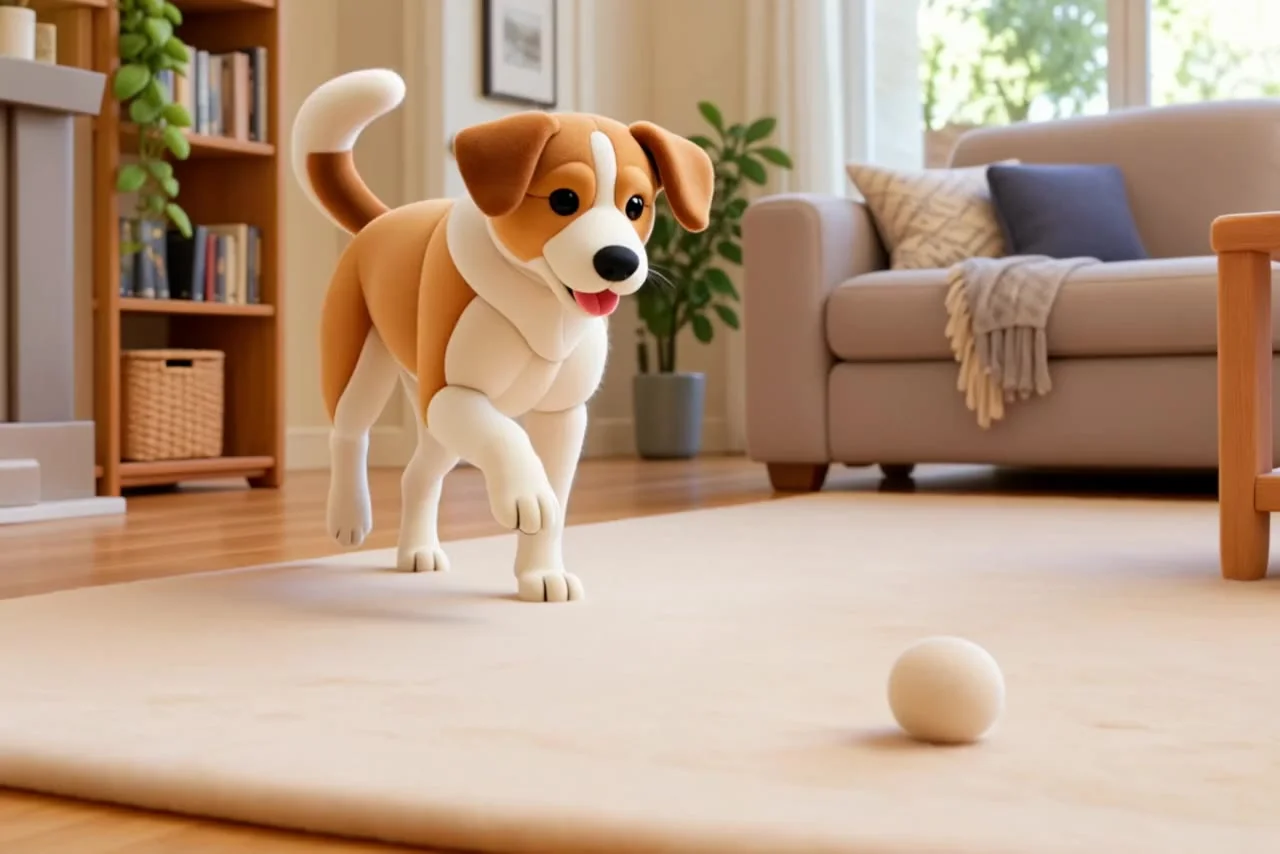
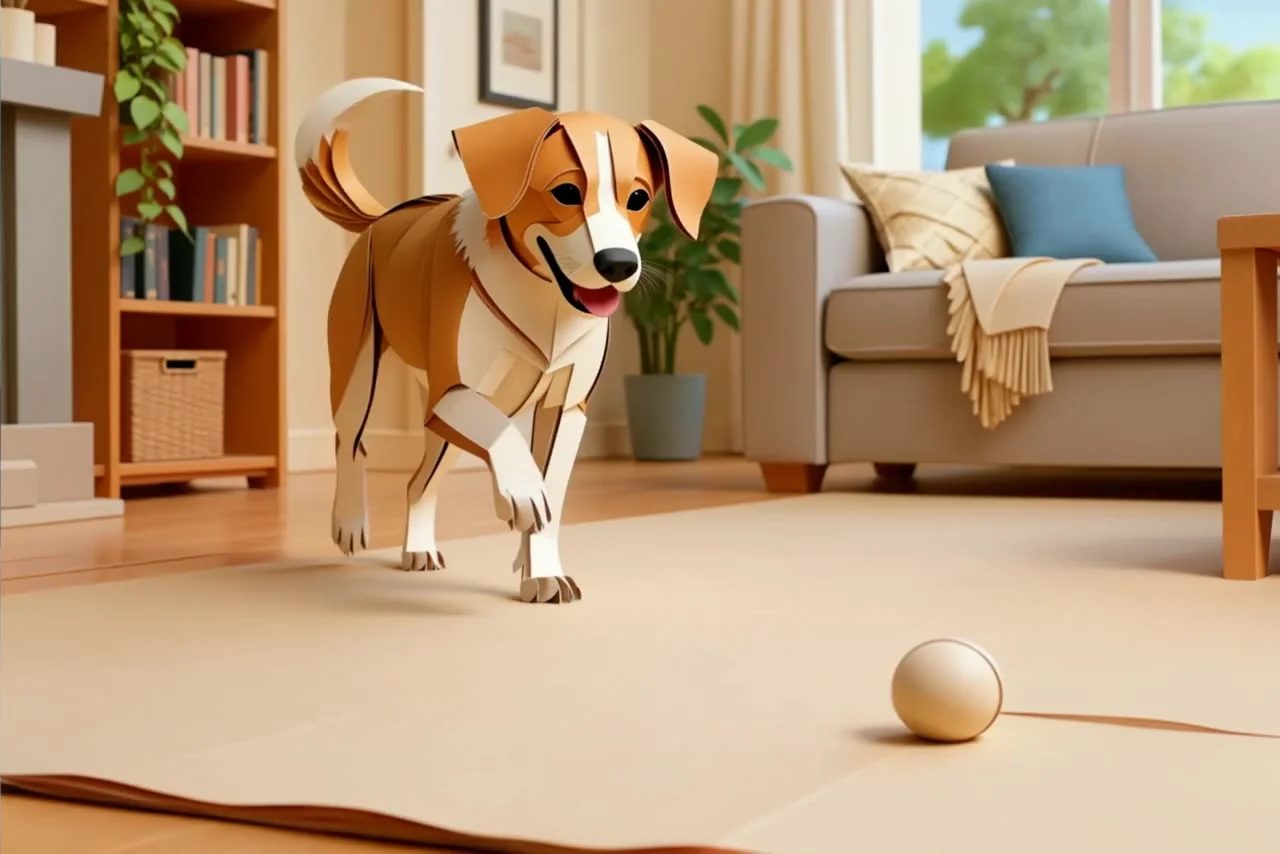
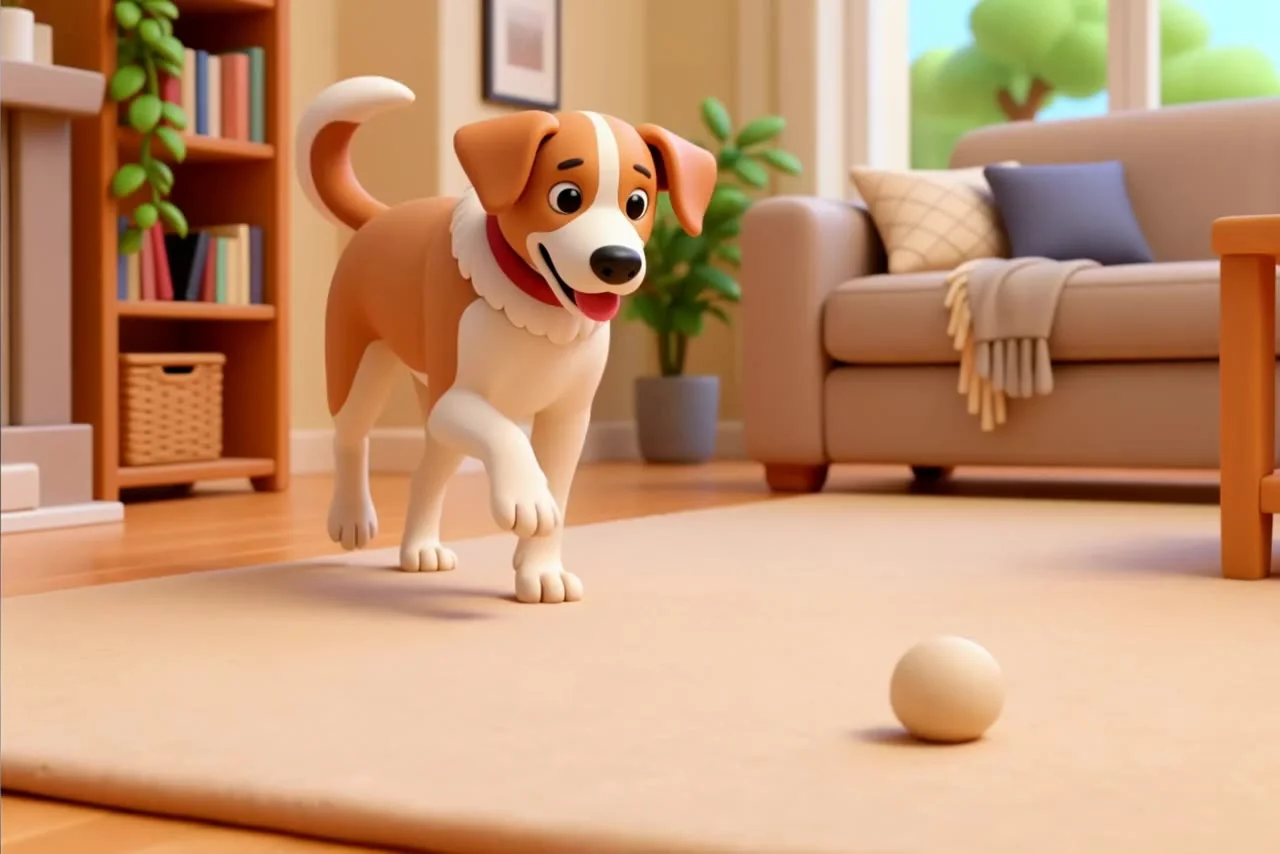
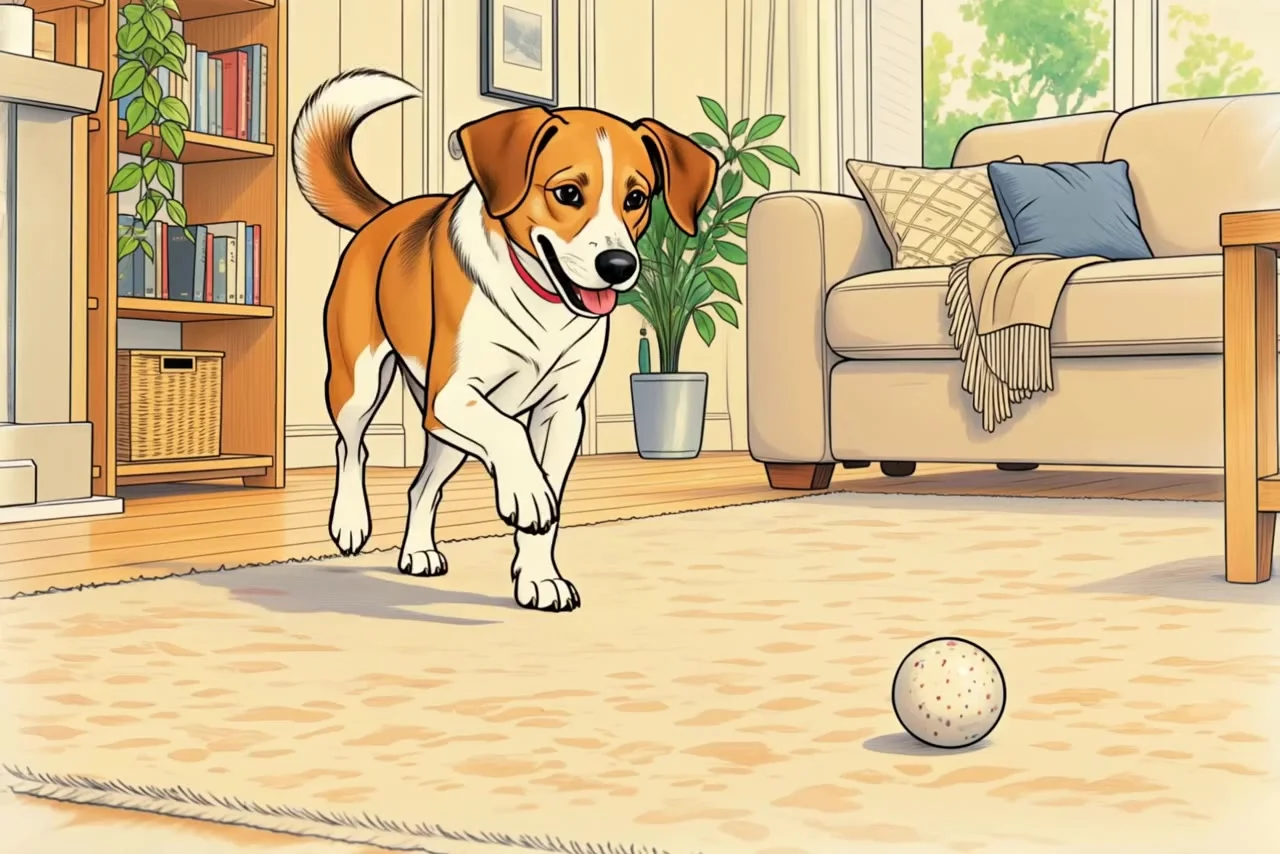
  3. 03One dog. Four materials.Sculpted.

    The request

    “turn everything in this video into plasticine”

    What changed

    The same hop as chunky hand-sculpted plasticine.

    See video restyle

Three more requests

Three more requests. Same rules.

A cable removed, a dog re-made in four materials, a bouquet set loose. Each card shows the plain request behind its first result.

  • Cleanup
  • Real Aisma edit
  • 10 seconds

Nothing between you and dessert.

What was asked

“remove the cable”

Explore cleanup
BeforeAfter · AismaReal edit
  • Effects
  • Real Aisma edit
  • 10 seconds

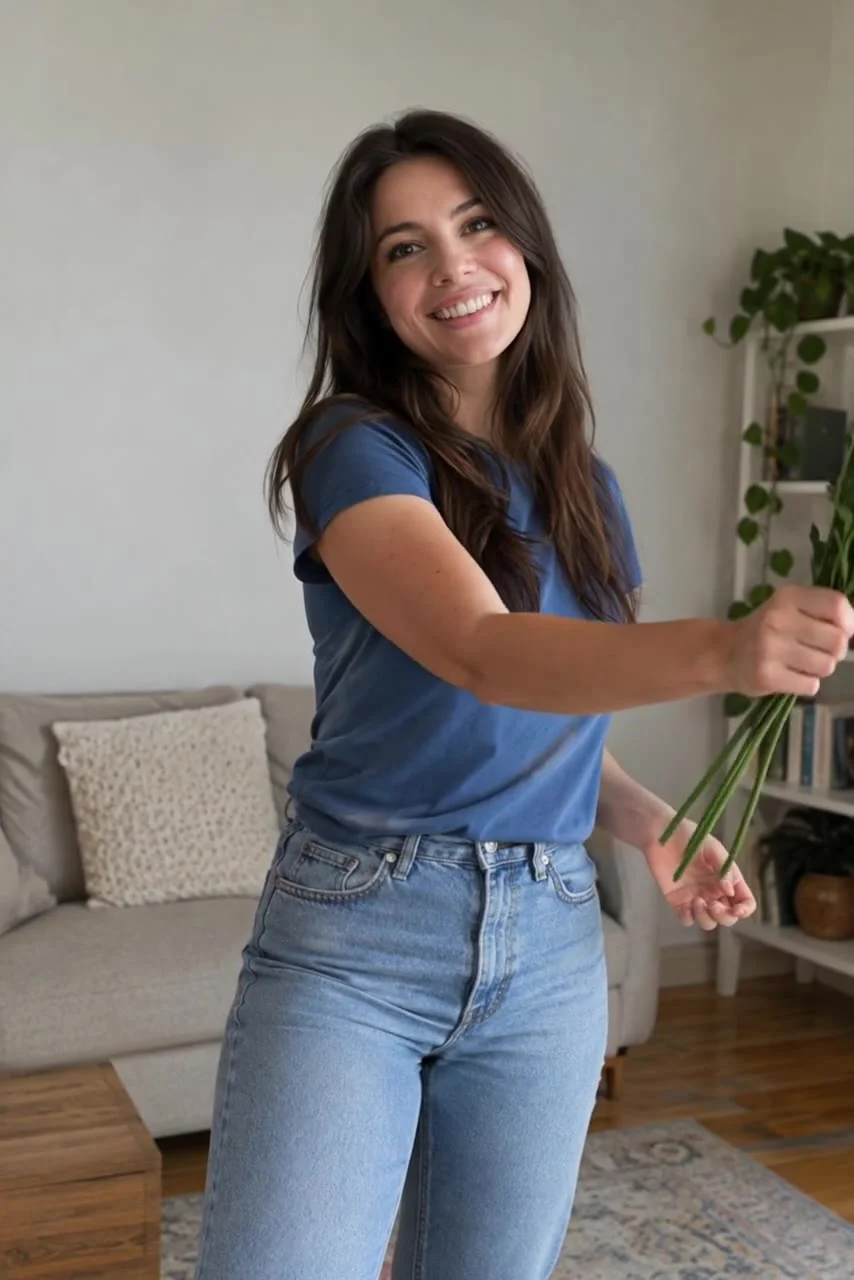
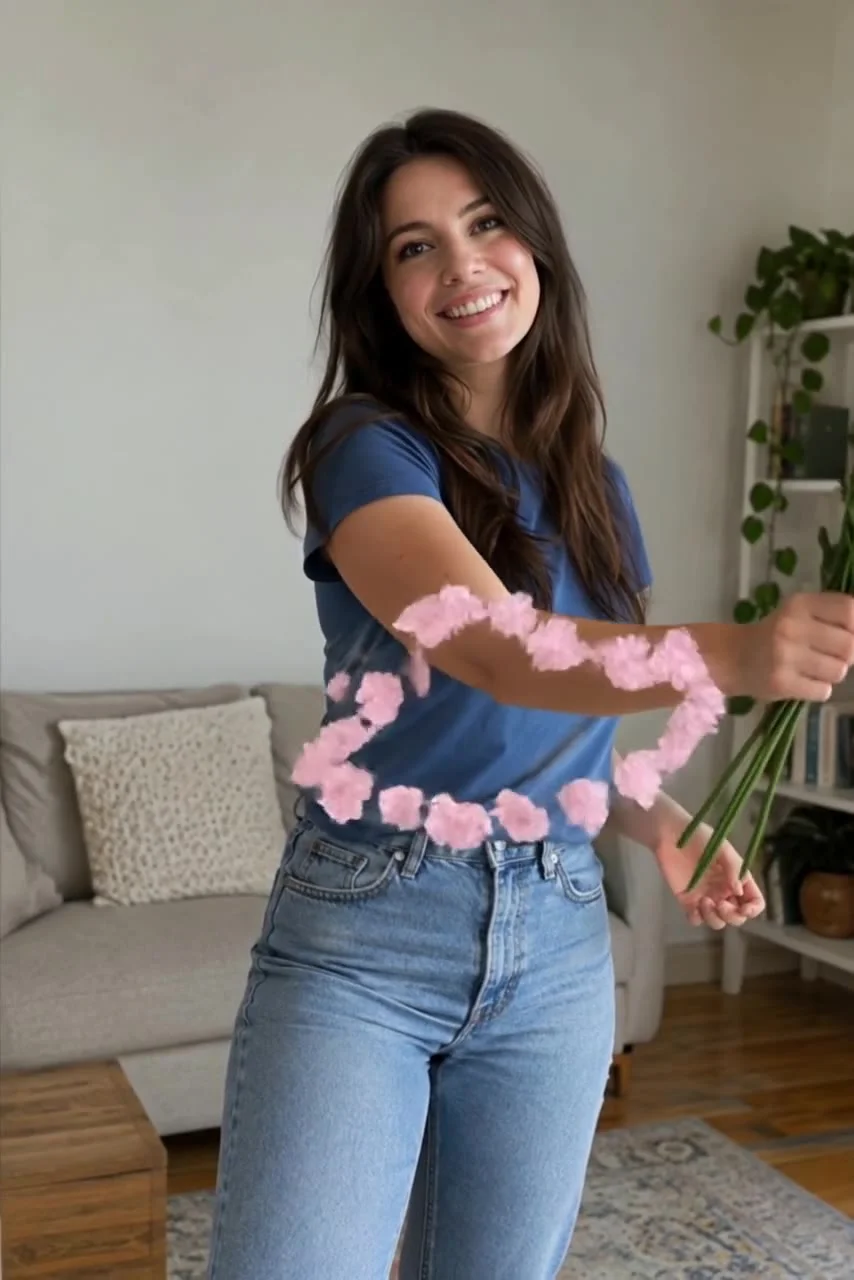
Let the bouquet take flight.

What was asked

“make the petals fly off the flowers around her arm”

Explore effects
After · AismaReal edit

From your camera roll

One video. A different direction.

  1. 01

    Bring your video.

    Start with footage you already have.

  2. 02

    Describe the change.

    Add a written request and optional reference photos.

  3. 03

    Make it yours.

    Review quality and credits before you generate.

A few good questions

Before you begin.

How should I write the request?

Write it the way you would text a friend: “remove the cable”, “make it winter”, “put the red suit from the photo on her”. Aisma looks at the video itself and leaves alone whatever you did not mention. Add a second sentence only when something specific has to stay, for example “keep his t-shirt”.

How long should it be?

One line does the job. You can write more, but length does not improve the edit; a clear change does.

Can I refer to a photo in the request?

Yes. Attach up to four photos and write “from the photo”, or “Photo 2” when there are several.

What if the result is not what I meant?

Rephrase it and generate again. Every generation starts from your original clip, so earlier attempts do not pile up.

Your next edit starts here

You have the footage. What if you changed it?

Paid editing with credits. You see the price before you generate.