
 Hook9:16
01Hook
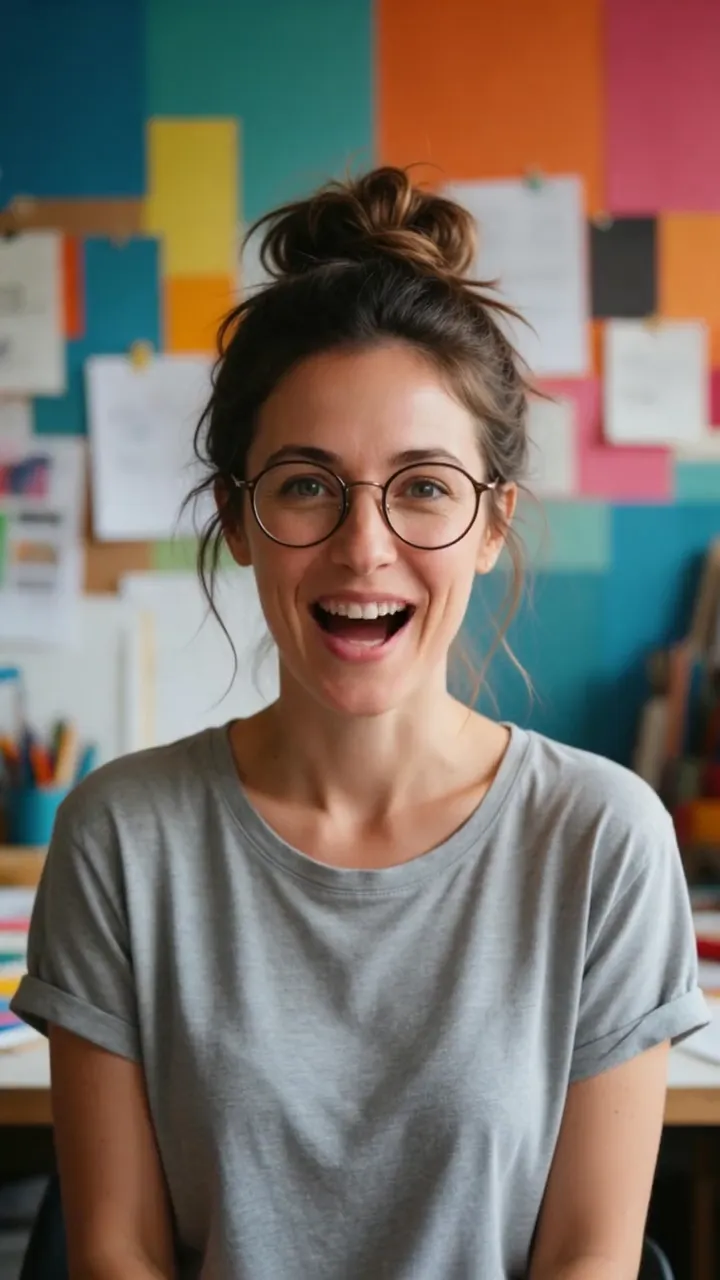
Open with a person, not a wall of copy.
One portrait, one direct line, under four seconds. Test problem, result and contrarian hooks while the approved presenter and the product message stay the same.

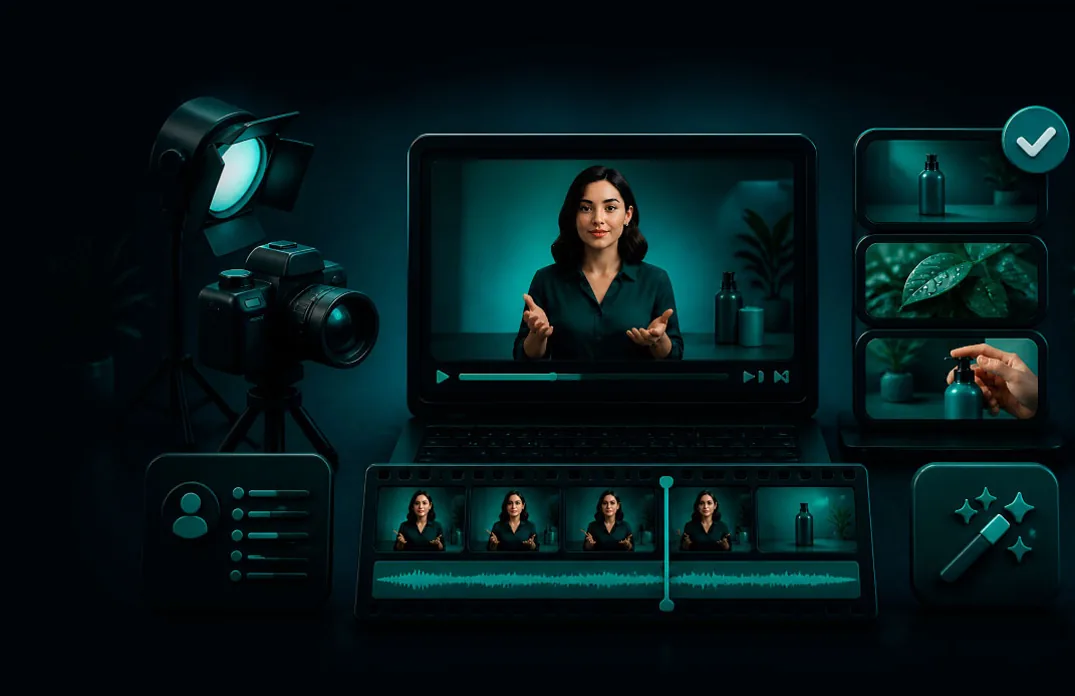
Create presenter-led product videos without booking a studio. Keep one approved spokesperson, swap the copy, and render new versions for every hook and market.
 Add the approved presenter
 Voice the approved copy
 Pick the hook and format
 Render campaign versions
01Spokesperson proof
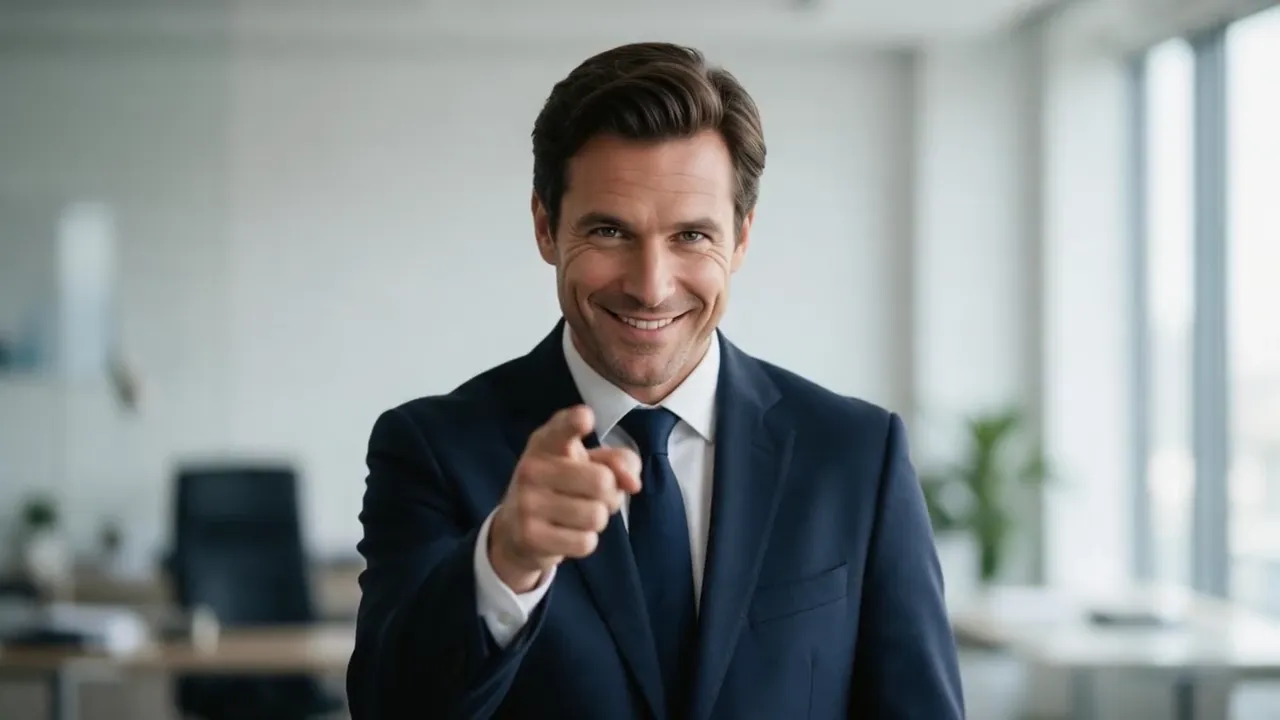
A strong spokesperson video is not only a face reading copy. Pair the message with a product shot that shows the claim, and end on one clear next step.
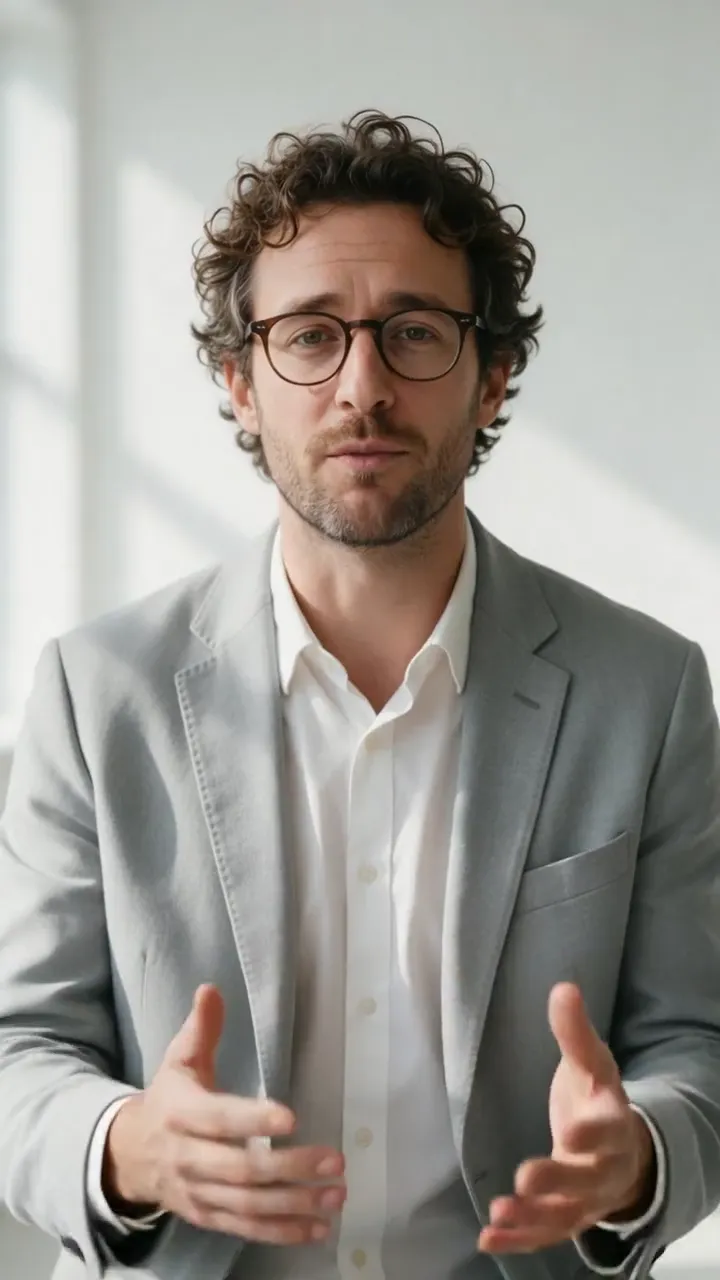 Brand spokesperson9:16
02Show, then explain
Hook9:1601Hook
One portrait, one direct line, under four seconds. Test problem, result and contrarian hooks while the approved presenter and the product message stay the same.
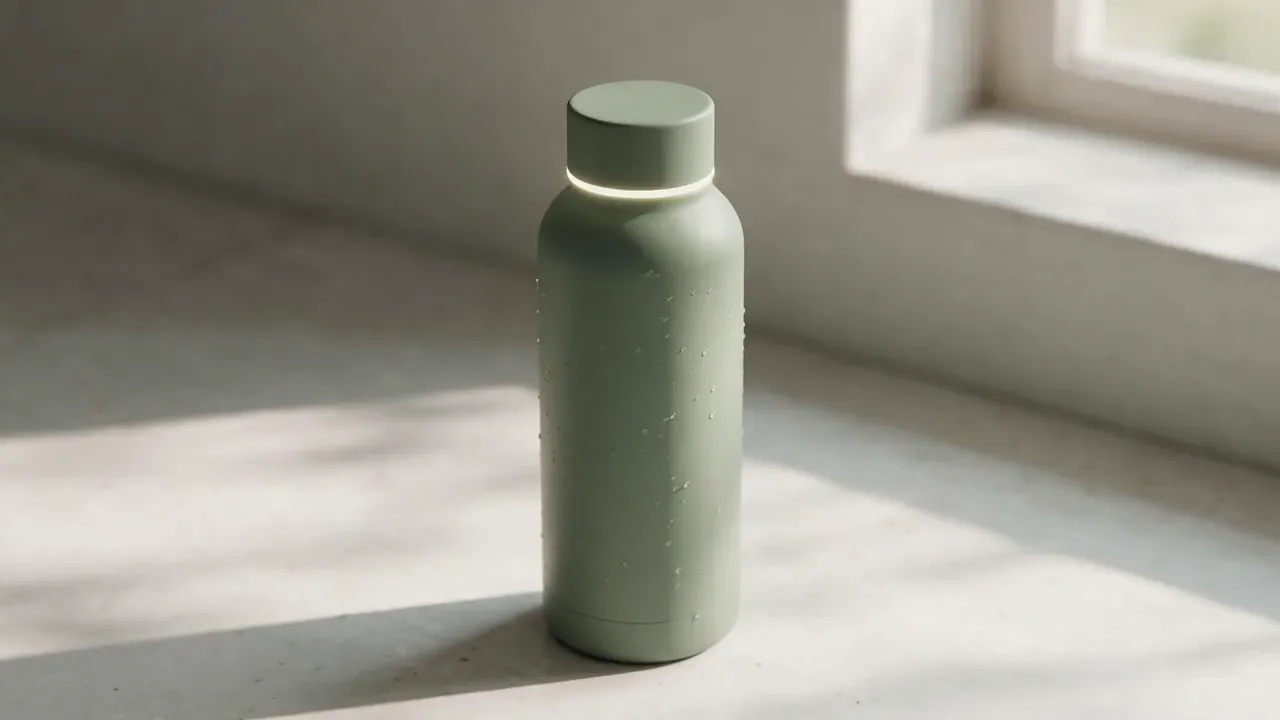 Product proof16:9
02Product proof
The bottle is an example product: one generated still that MiniMax H3 turned into a shot of its ring lighting up. Animate your own product photo the same way to show texture, use, movement or a before-and-after.
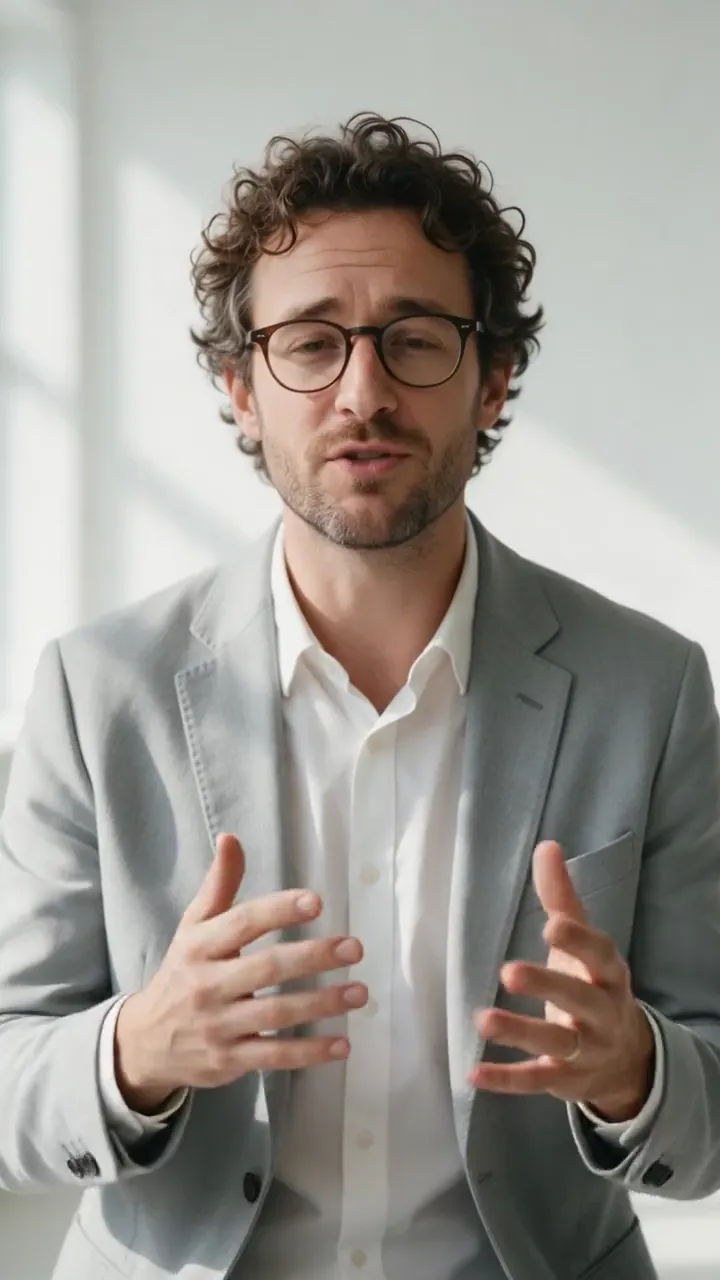 Campaign versions9:16
03Campaign versions
Same presenter as the proof above, new opening line: “Your desk needs one upgrade.” Use Repeat settings on the finished clip, swap in the new voice track and render the next version.
Video StudioAI avatar generator
Every talking-avatar tool in one place03Built for the real workflow
Use a licensed creator, founder portrait, or a generated brand character.
Write the exact message and call to action, then record it or turn it into a voice track in Audio Studio.
Render, review, then repeat the settings with a new voice track for each hook or language.
Finished examples
An ad, a café promo, a sales opener
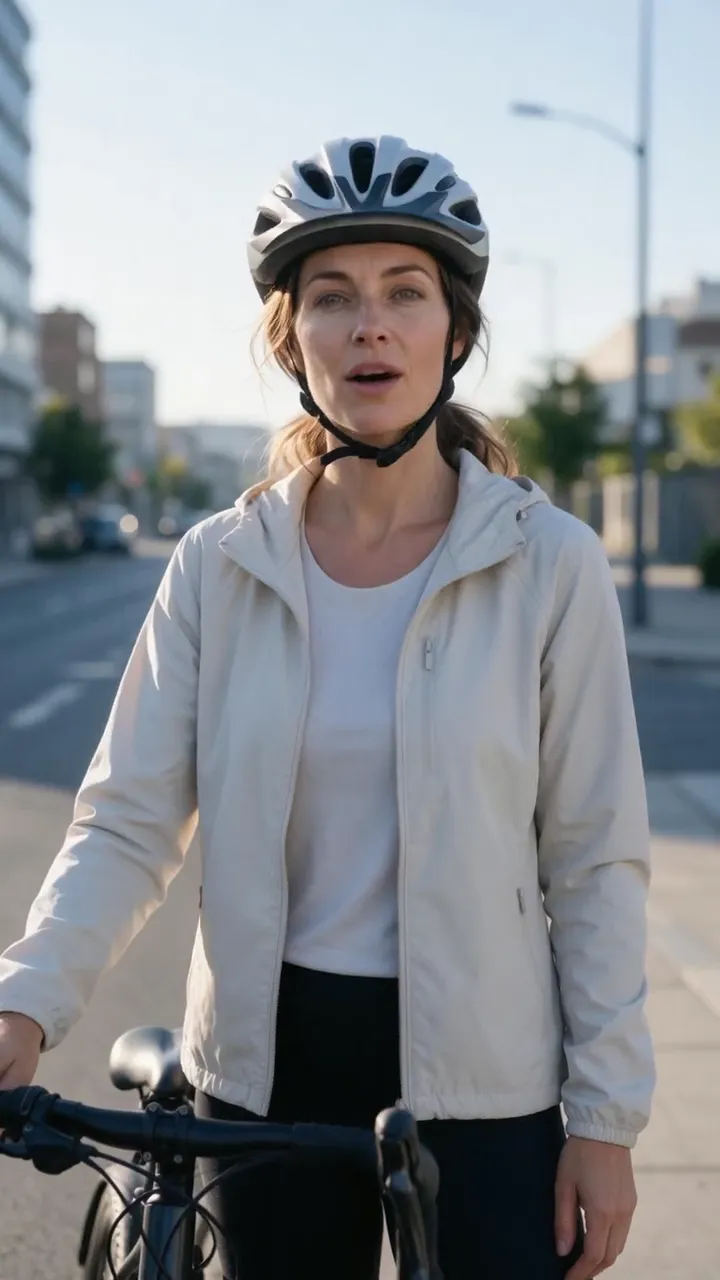 9:16
9:16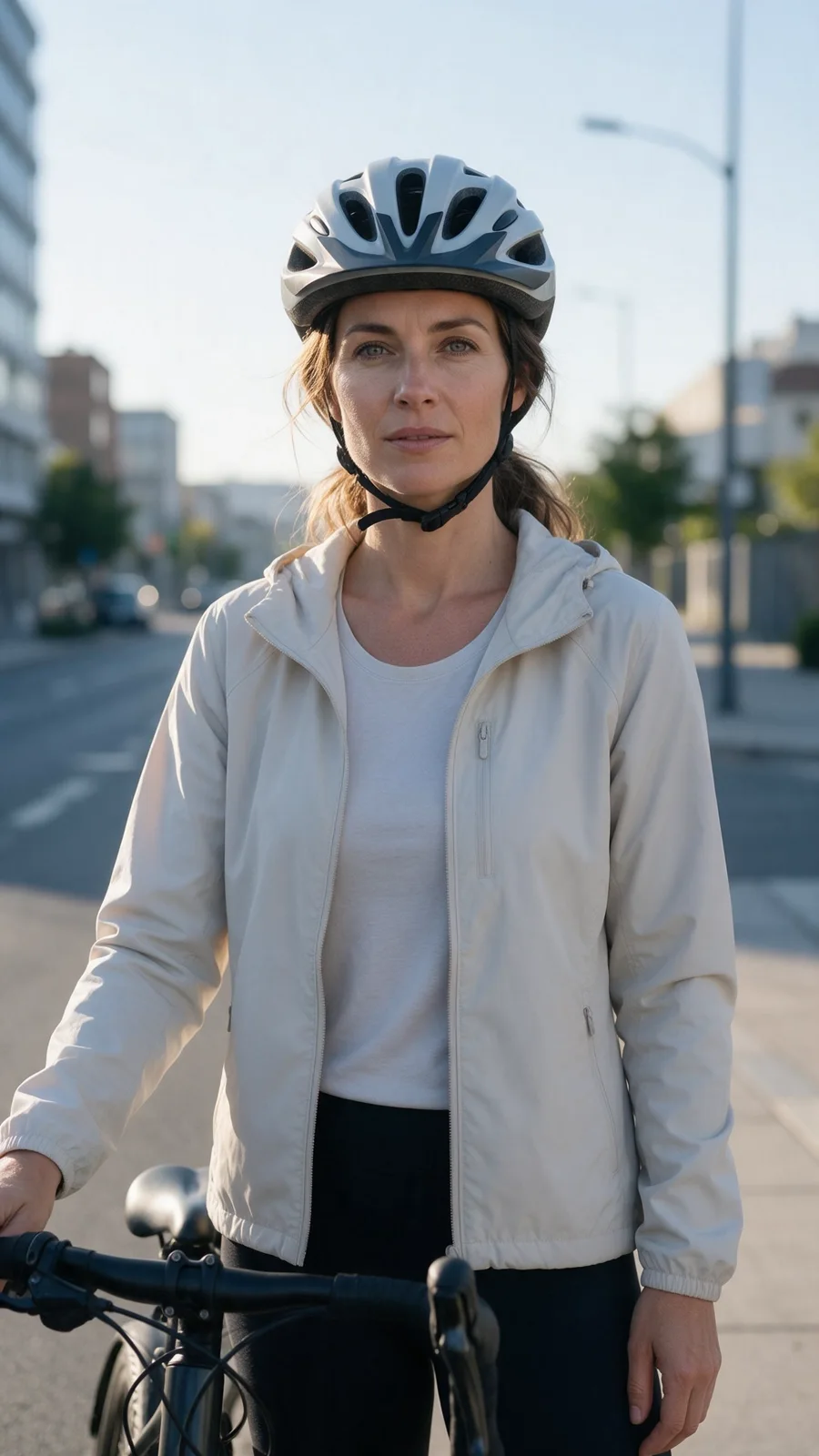
 9:16
9:16
 16:9
16:9
Complete AI video creation
Keep the face stable while the hook, offer, language and call to action change with each new voice track.
Questions before you create
Yes, with their explicit permission and the appropriate commercial usage rights.
Yes. Reusing one portrait makes recurring product communication visually consistent.
Yes. Edit the script and render a new version without filming again.
Common uses include product demos, paid ads, landing-page explainers, sales outreach, onboarding, training, and company updates.
Yes. Reuse the same approved spokesperson and make a new voice track per market: the script, language and call to action can all change.
No. Start with a licensed portrait and approved script, then add the voice track in Video Studio: upload a recording or create one in Audio Studio.
Ready when you are
Sign in when you continue. Video Studio opens Talking avatar with your presenter portrait in place; add a voice track — a recording, or type your approved copy and voice it right there — and see the credit estimate before anything renders.
One approved face · New hooks without a reshoot · Credit estimate before render