Upload one image
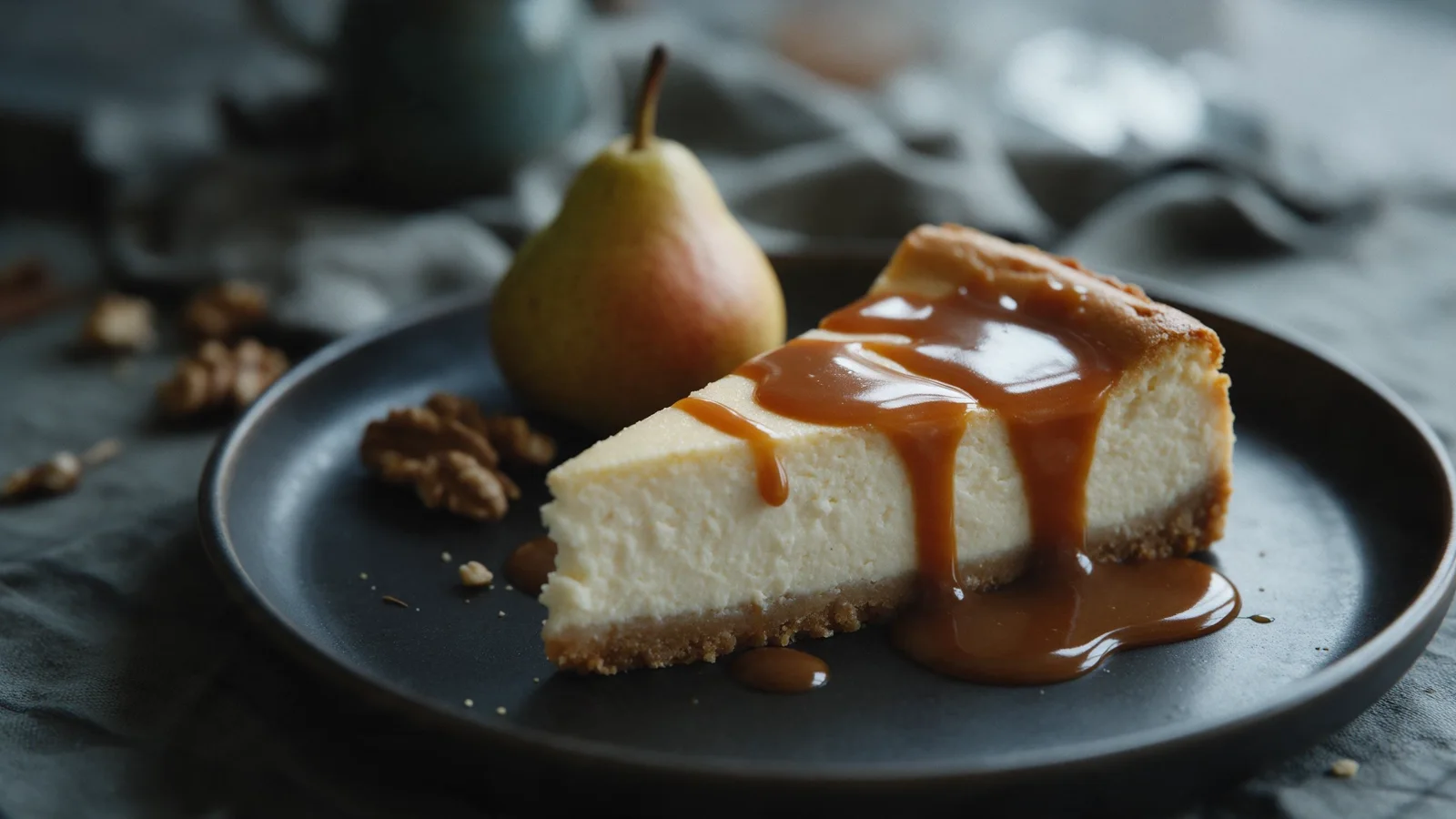
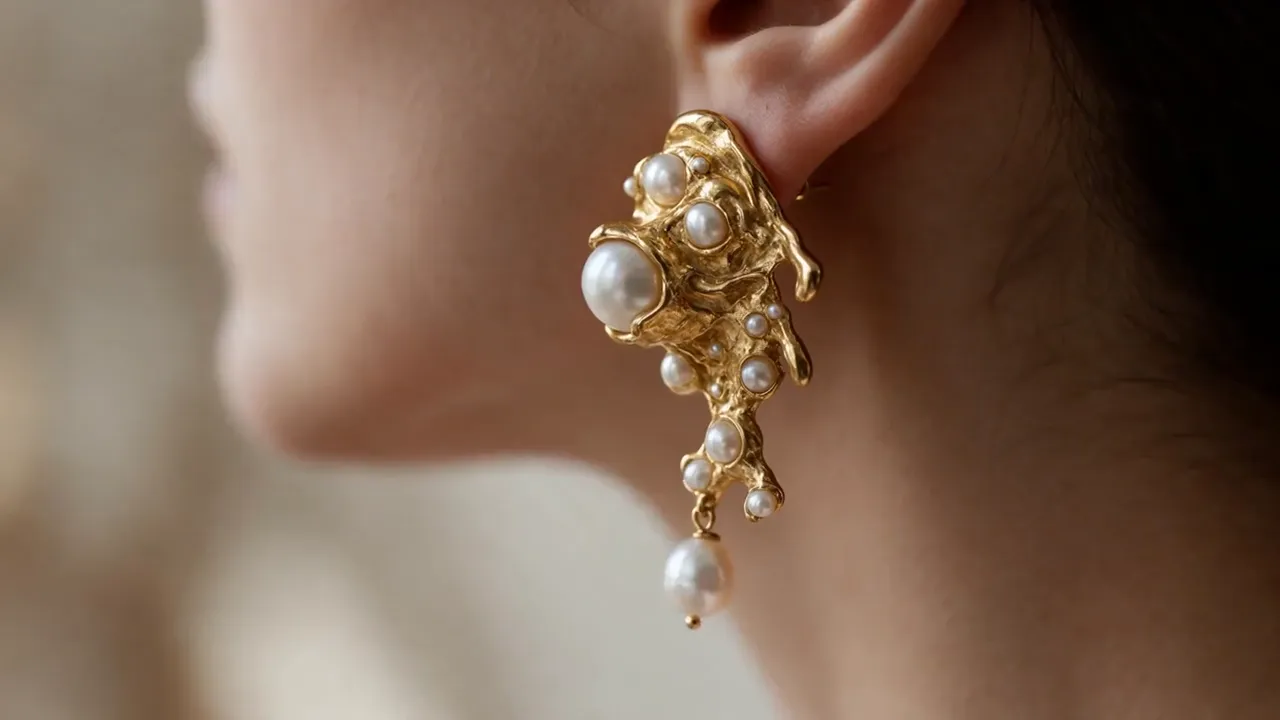
Start with the exact product, character, portrait, illustration, or scene you want to animate.
AI image-to-video generator
Upload a product shot, illustration, portrait, or scene. Direct the camera and subject motion, then choose the video model that fits your speed, quality, and budget.
Try it with your own files
You will create an account on the next step, immediately before generation.
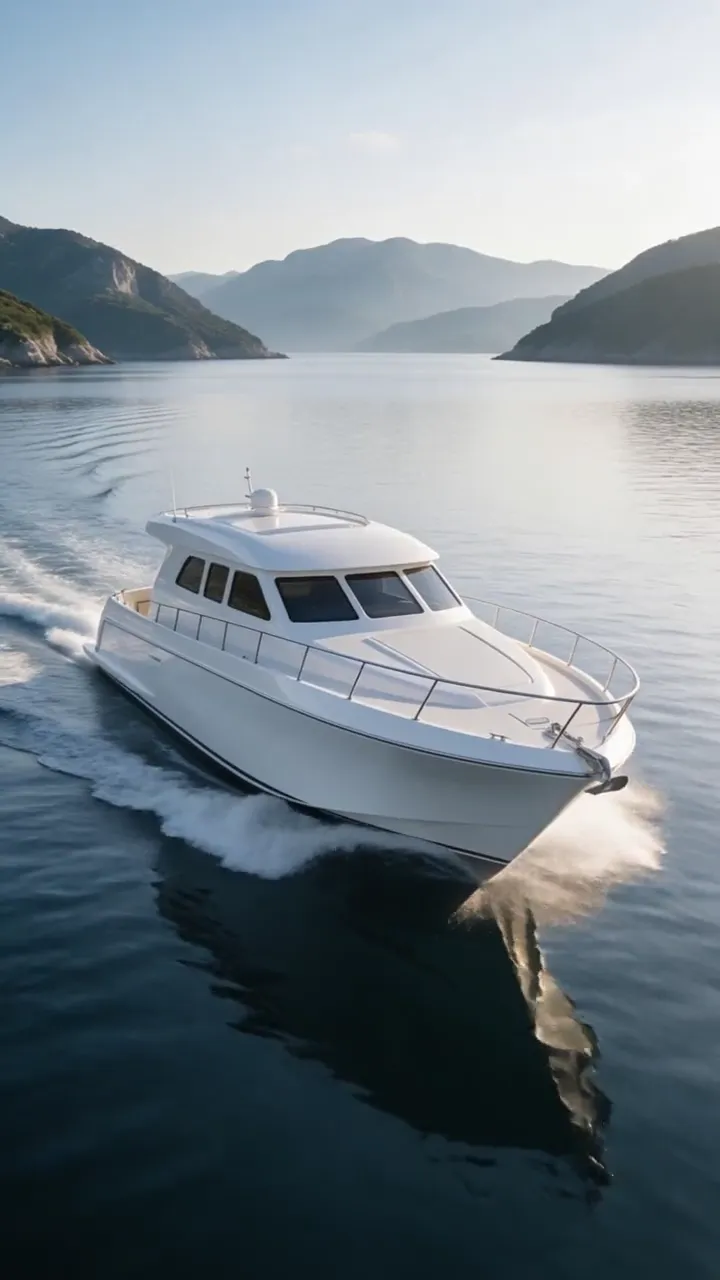
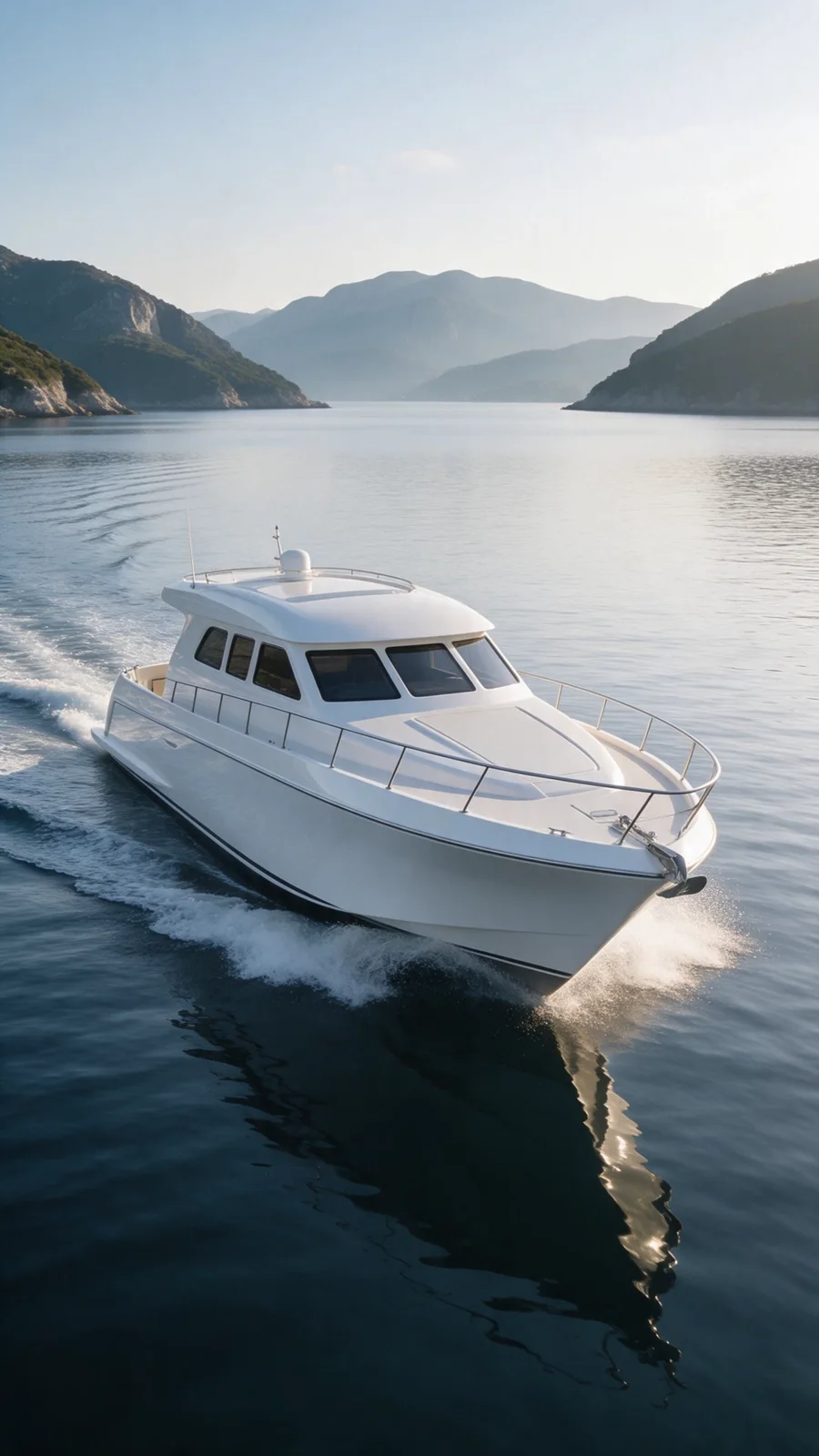
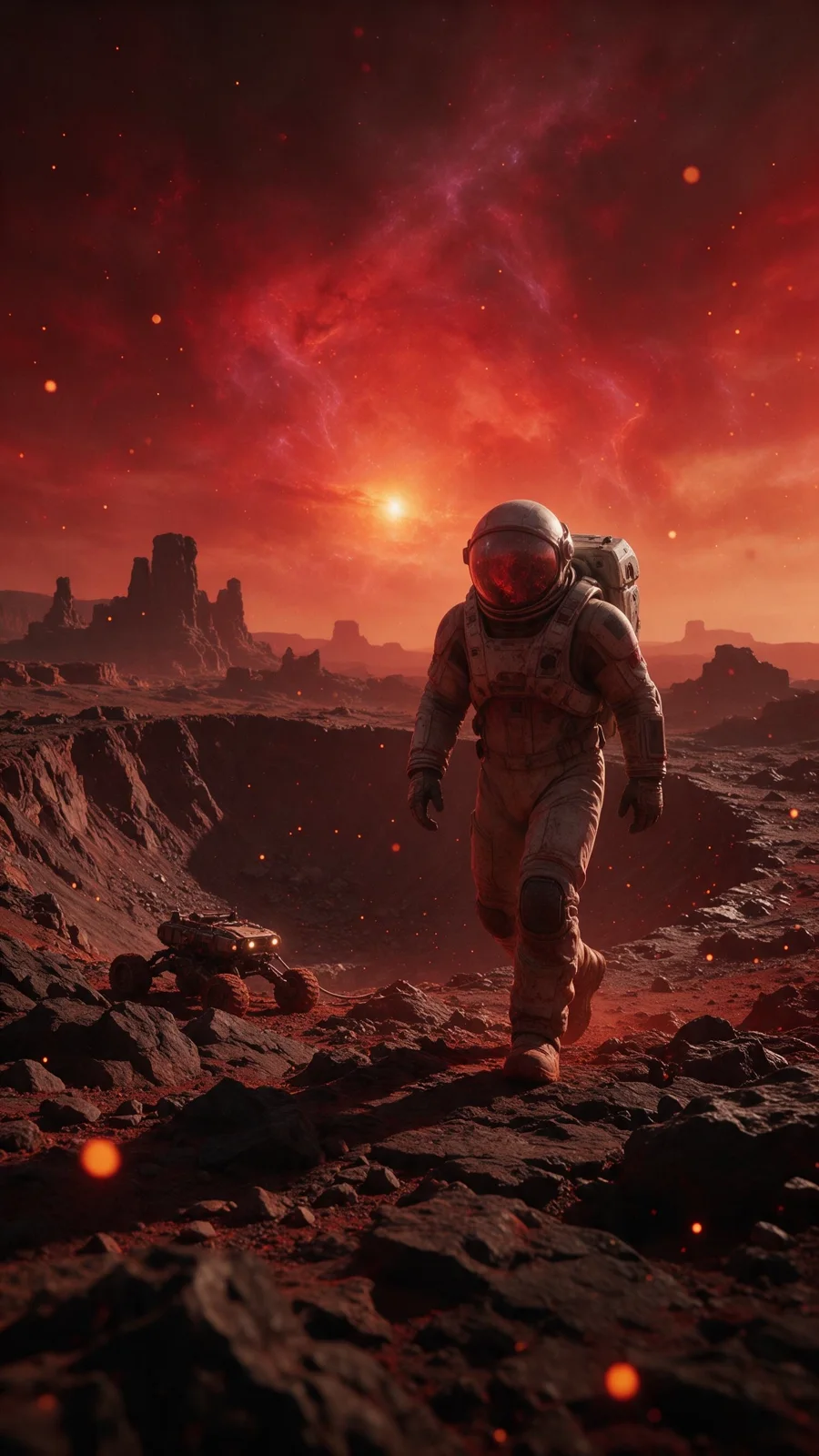
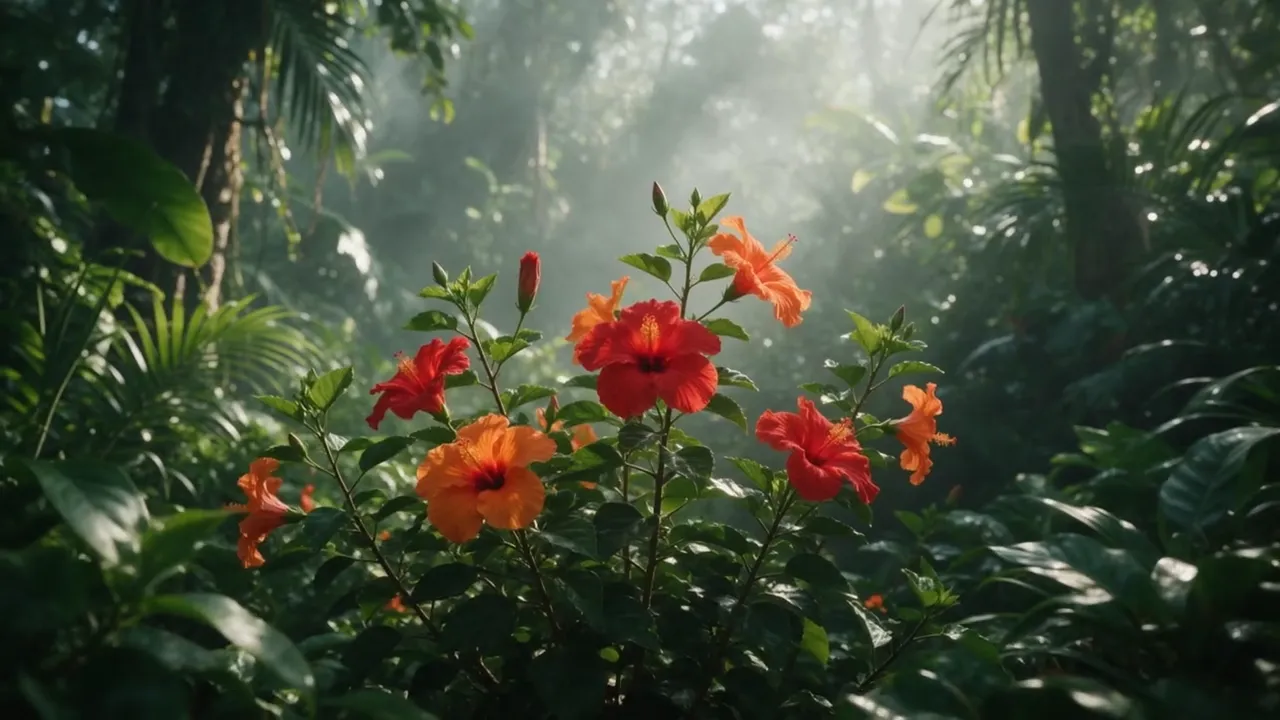
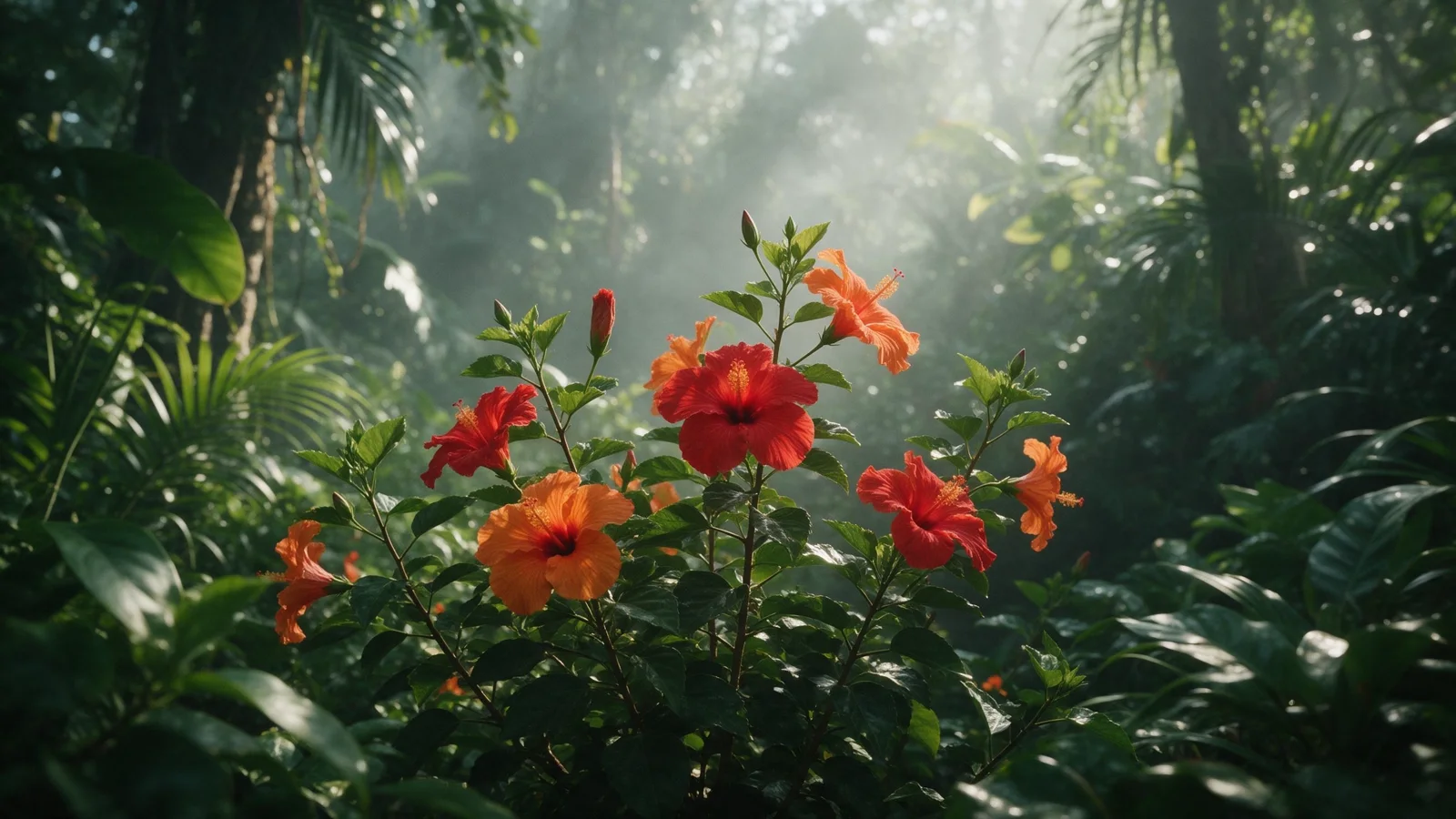
Example result
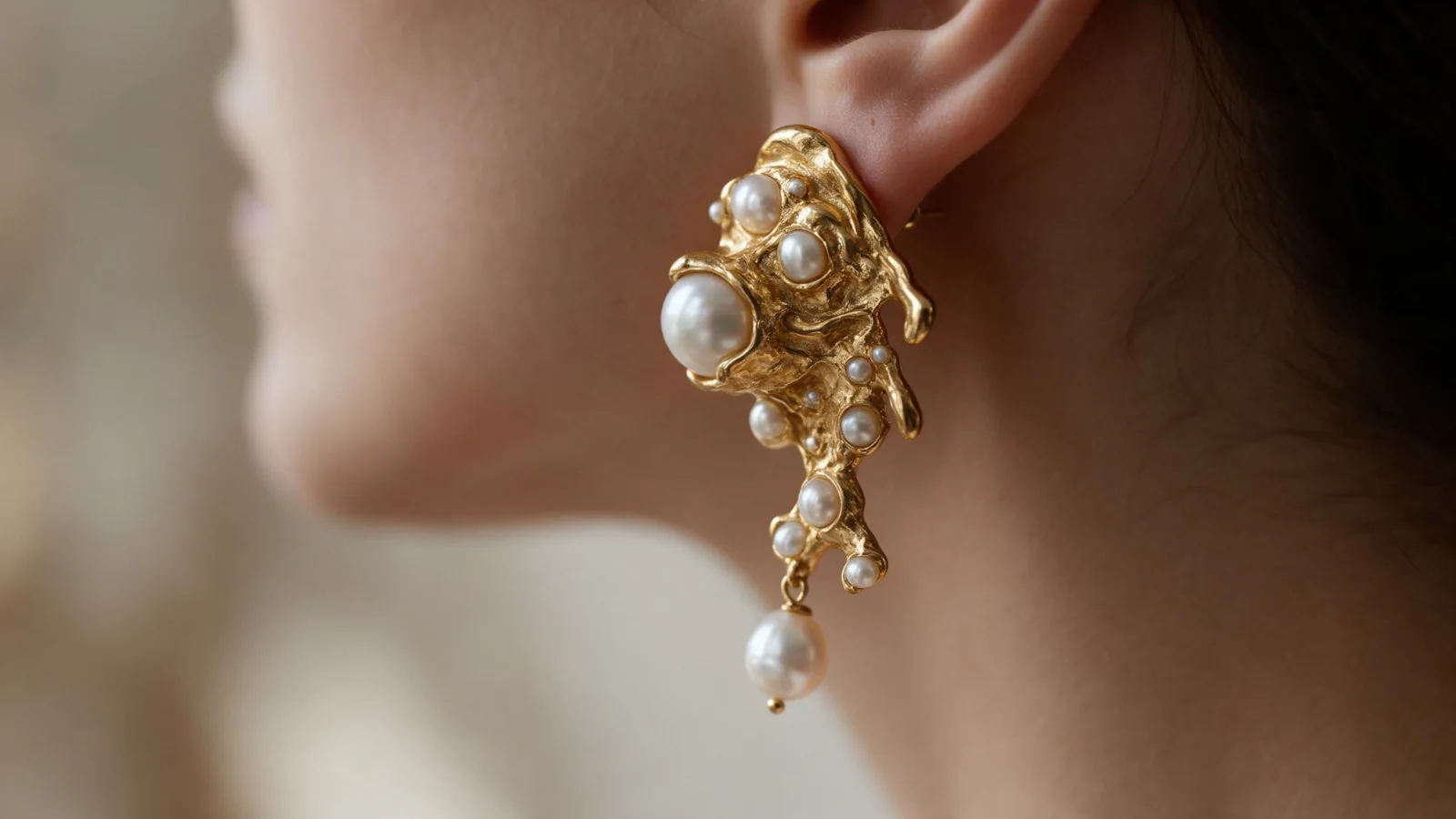
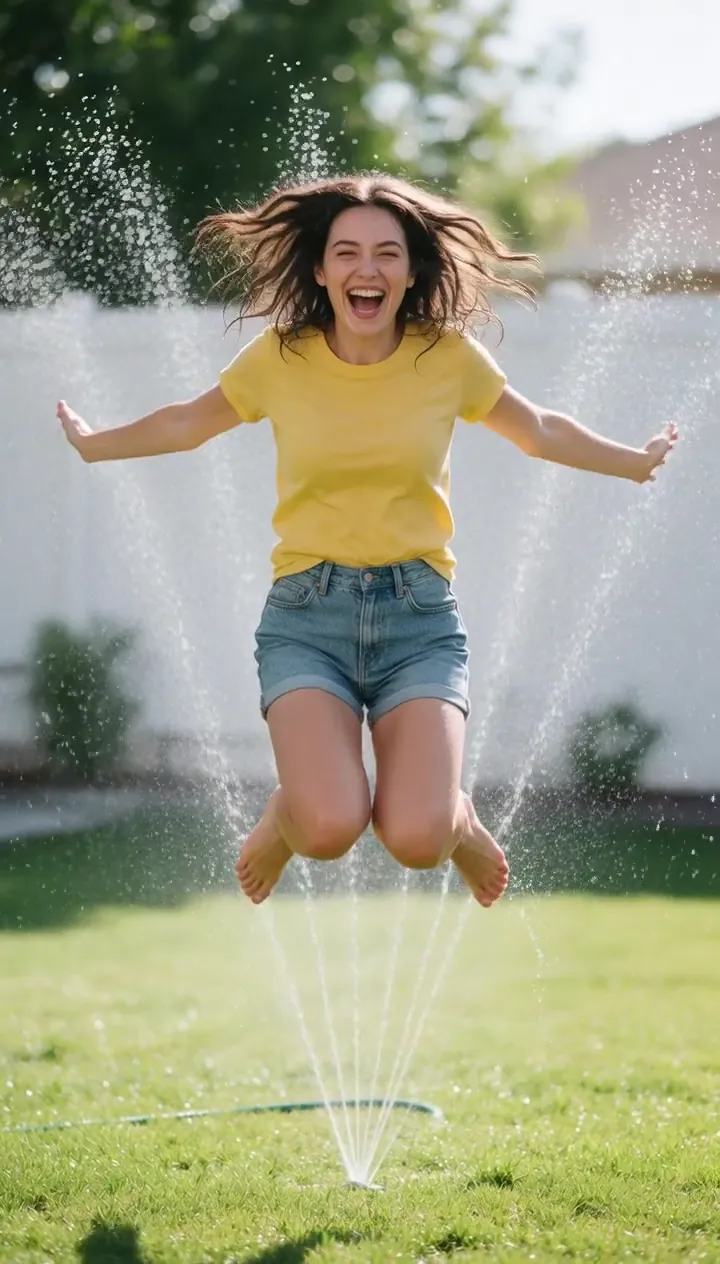
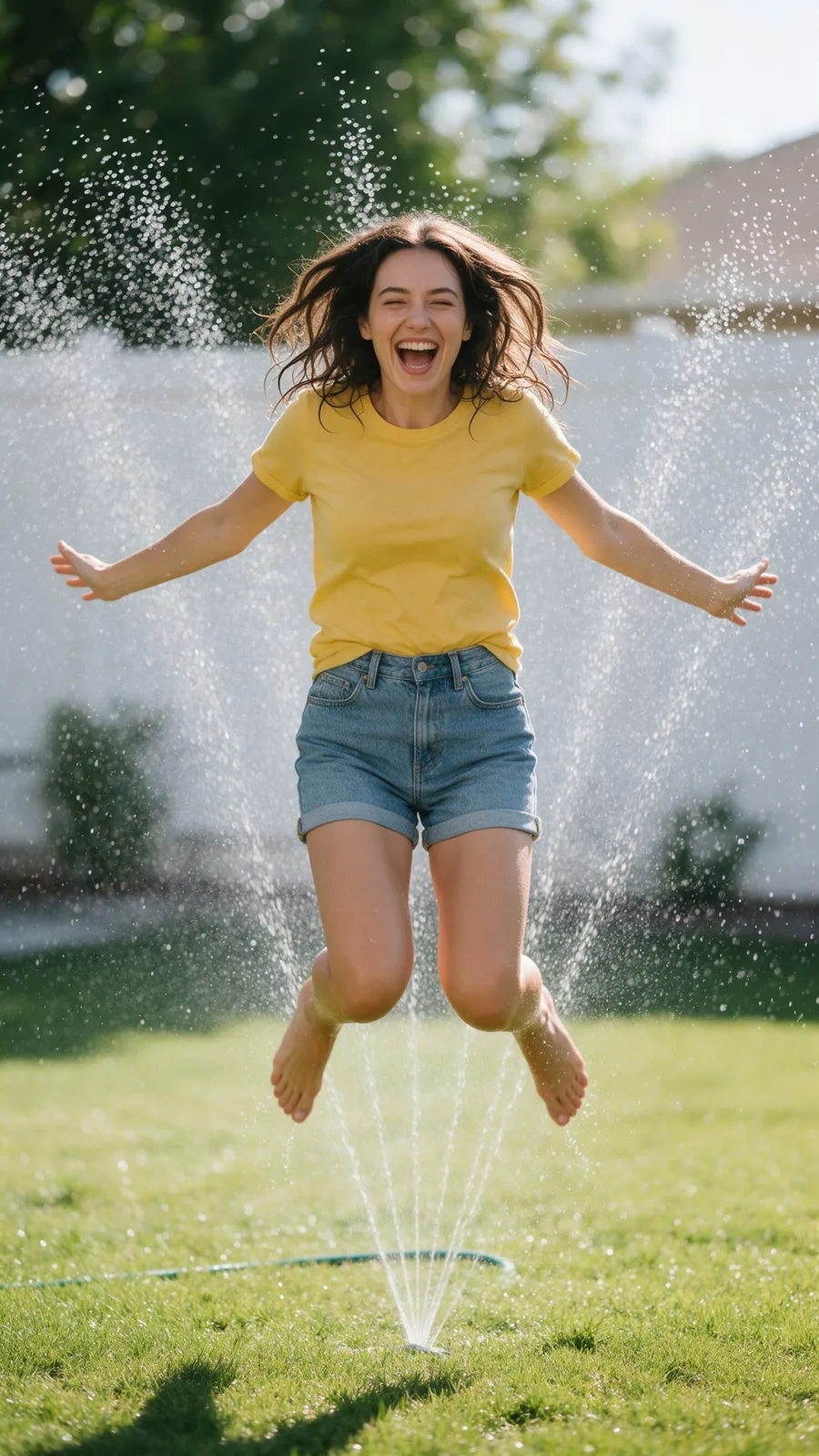
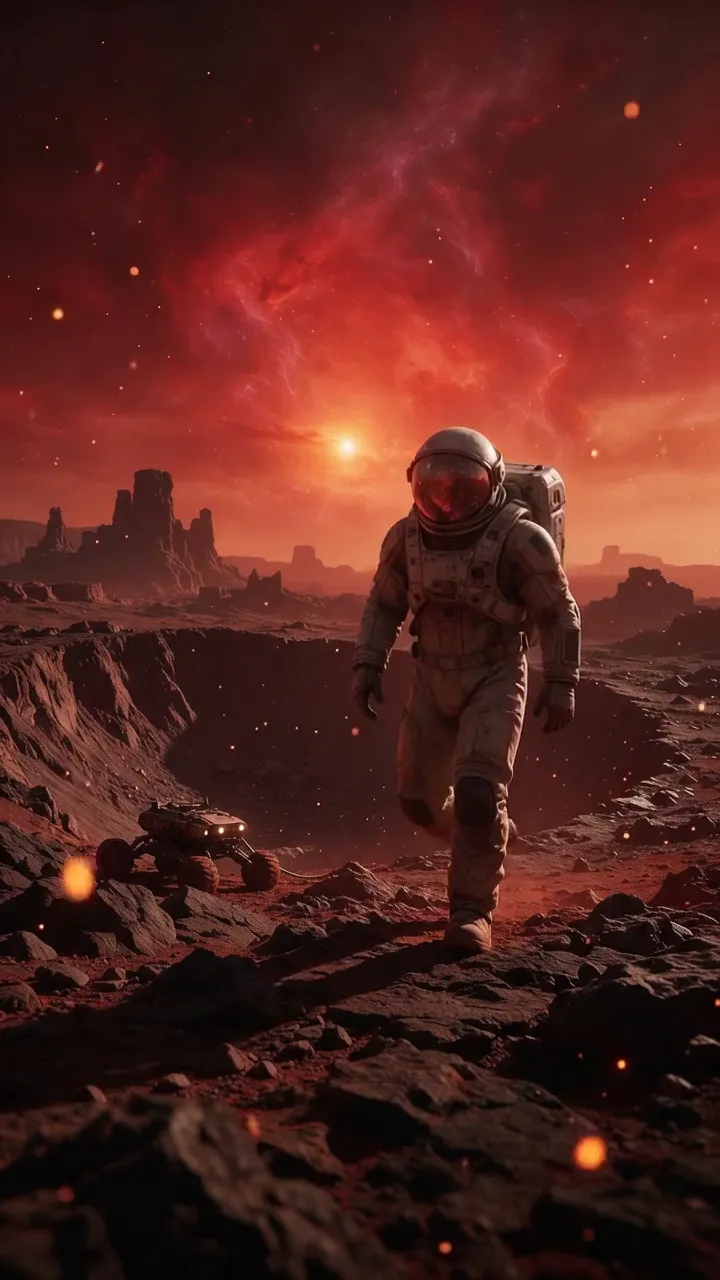
Turn one frame into a polished clip with controlled camera movement, coherent subject animation, and the model that suits the job.
How it works
Start with the exact product, character, portrait, illustration, or scene you want to animate.
Say what the subject should do and how the camera should move, such as push in, orbit, pan, or stay locked.
Continue to Video Studio to compare available models, aspect ratios, duration, and credit estimates before launch.
From idea to publish-ready video
Set up your source and script on this page, review the workflow, then continue in the editor to generate, refine, and export.
Use a JPG, PNG, WebP, or AVIF product shot, illustration, portrait, character, interior, landscape, or other scene. A visible face is not required.
Image to video creates camera and scene motion from a still frame. It does not add synchronized speech. For lip-synced dialogue, use Make a Photo Talk instead.
Video Studio includes VlogMe Video and options from Kling, Veo, Seedance, Hailuo, PixVerse, and other providers. Access depends on your plan and current provider availability.
Describe the subject action, camera movement, pace, and details that must stay unchanged. A short, specific direction usually works better than a long story.
Yes. Video Studio shows the selected duration and a credit estimate before you launch the generation.
Only when you have the required rights to the source image, brands, artwork, and recognizable likenesses, and the selected model or provider terms allow your intended commercial use. Check those terms before publishing.