

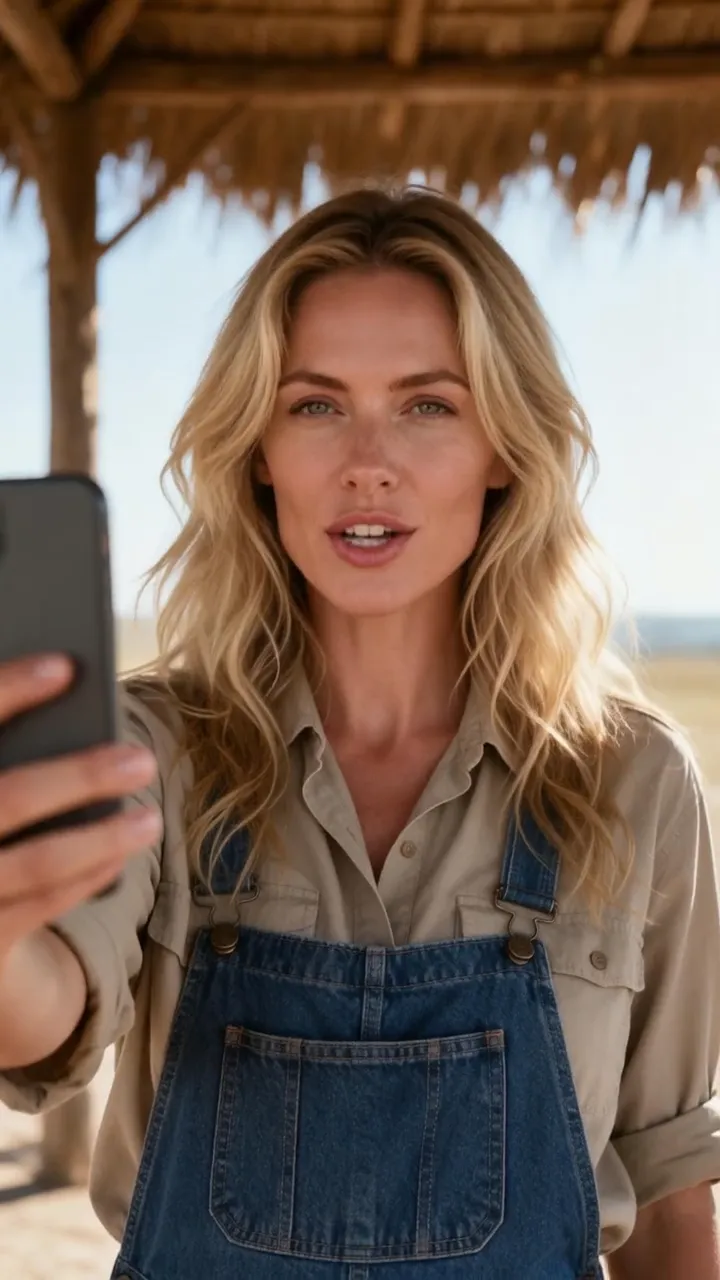
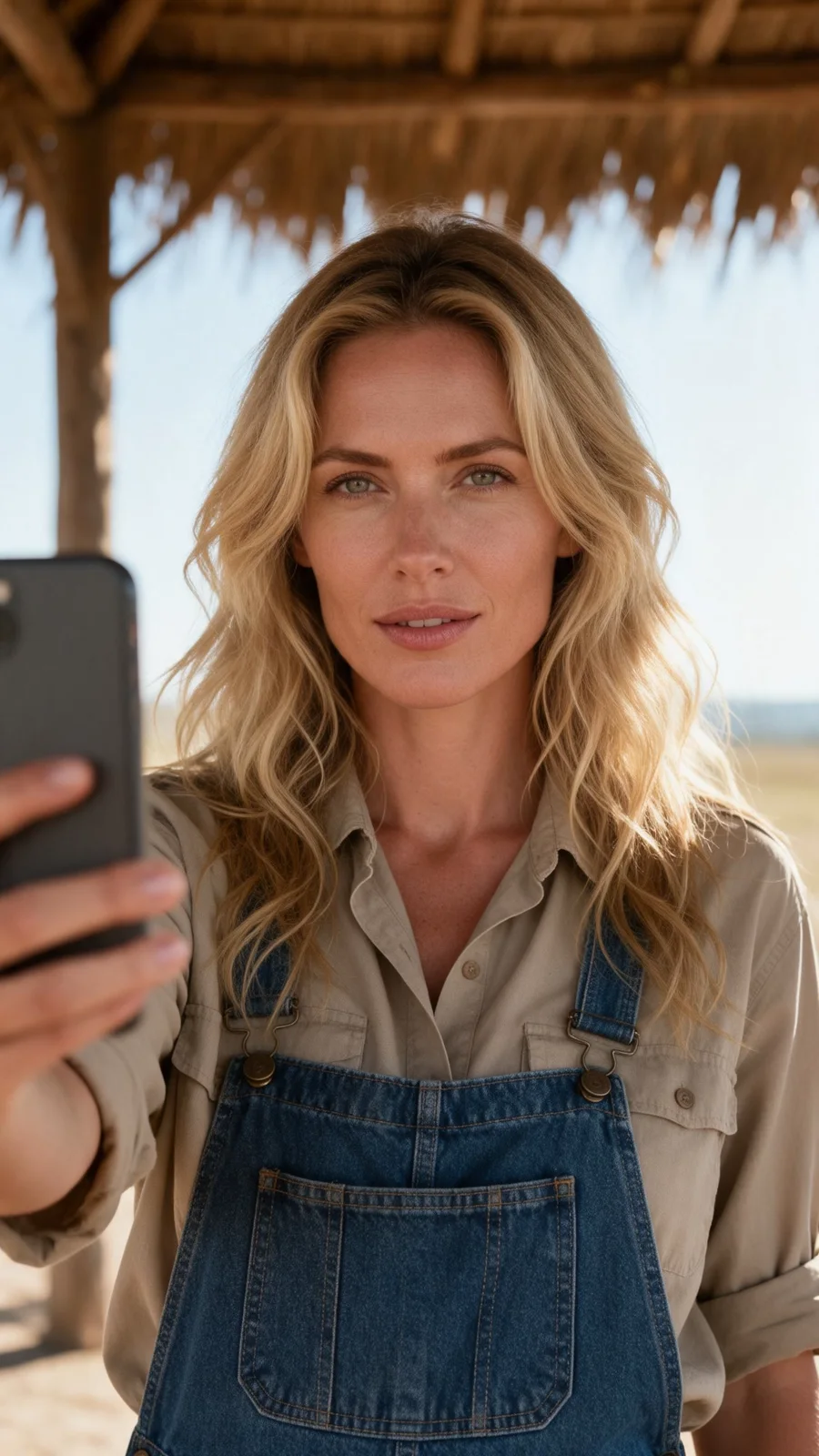

 Lip-sync9:16
01Two voice paths
Give the portrait a voice — two ways
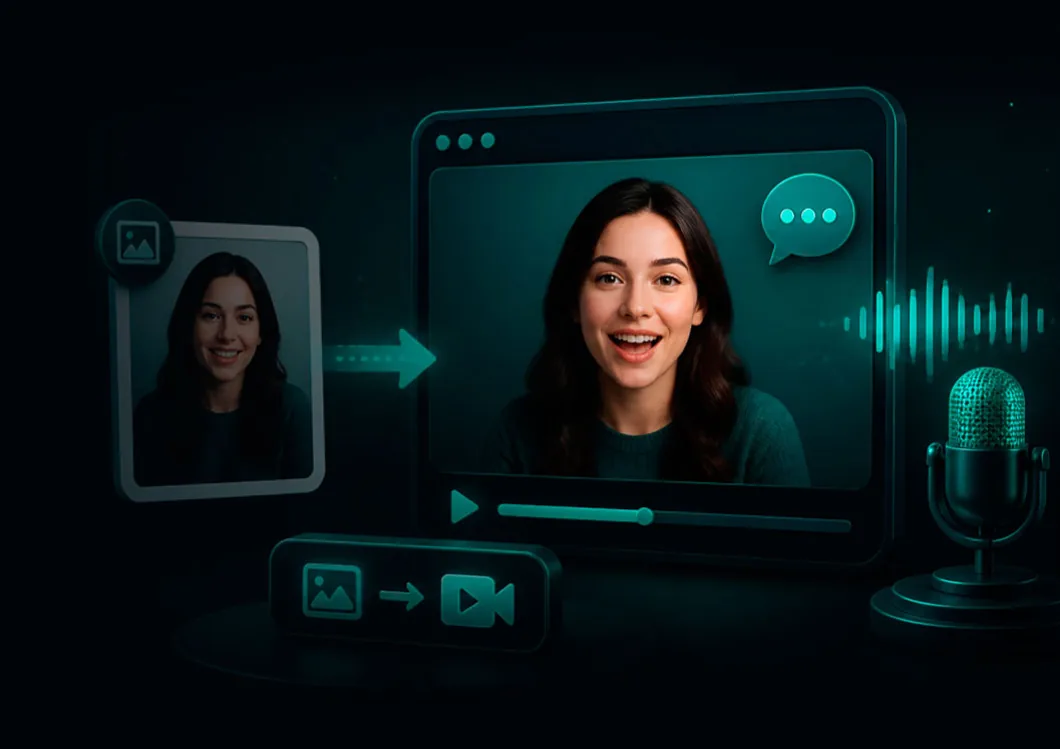
The video follows a speech-audio track, supplied in either of two ways.
Use a recording you already have. Upload an MP3, M4A, WAV or OGG file, or select a voice track from Lab. No voice generation is needed; you go straight to the video quote.
Type the words and generate a voice. Open “No voice track yet? Type the words”, enter up to 5,000 characters in “Words to speak”, pick a voice from the menu, and press “Make the voice track”. The voice-track quote appears first; once the audio is ready it becomes the speech track for the render.
Either way, the words come from the audio. The optional “How should they say it?” field only shapes delivery — tone, gaze, expression.