vlogme.ai

Singing photo generator

Make any photo sing

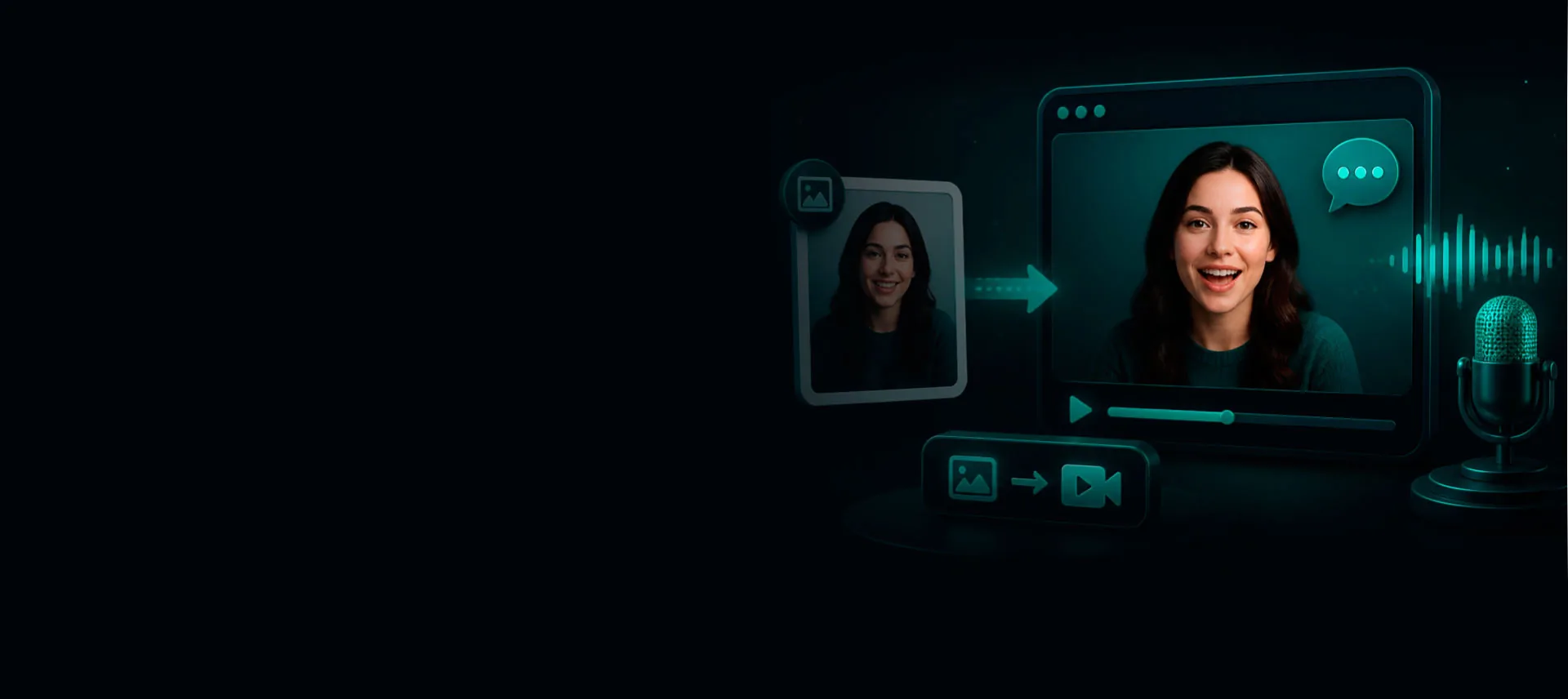
Add a face and a vocal track. VlogMe opens a performance-ready avatar workflow that follows the rhythm and mouth shapes of the audio.

Set up without signing upFiles stay local until you continue

Try it with your own files

Create singing video

You will create an account on the next step, immediately before generation.

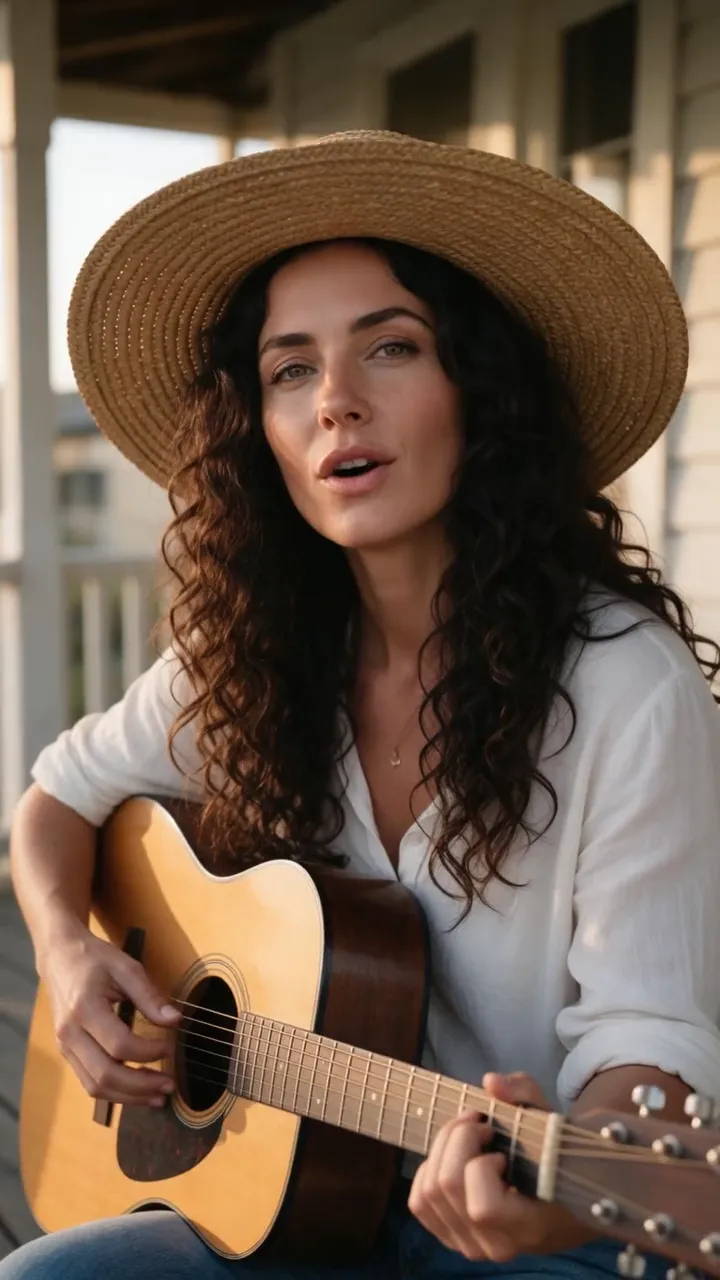
Example result

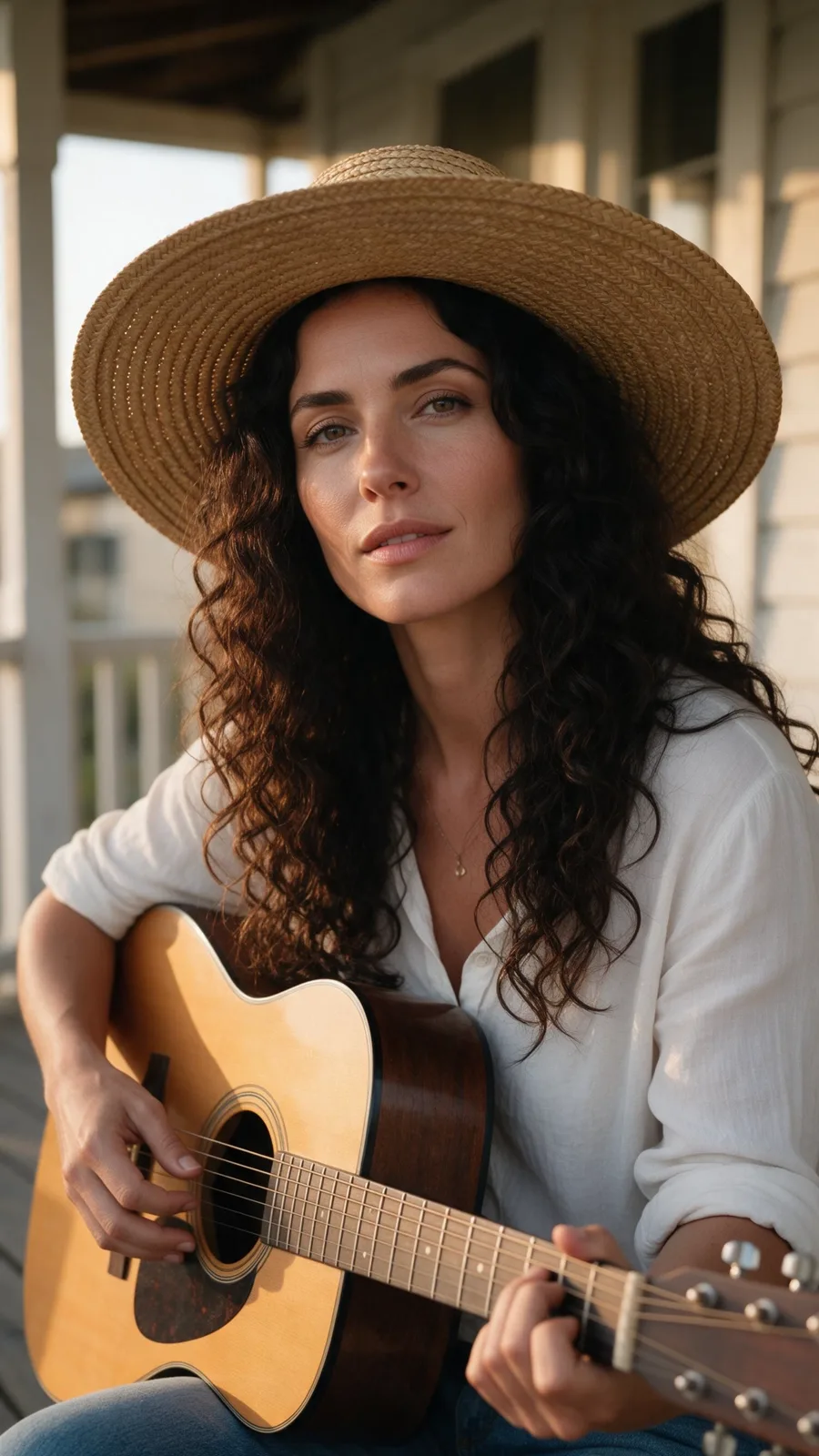
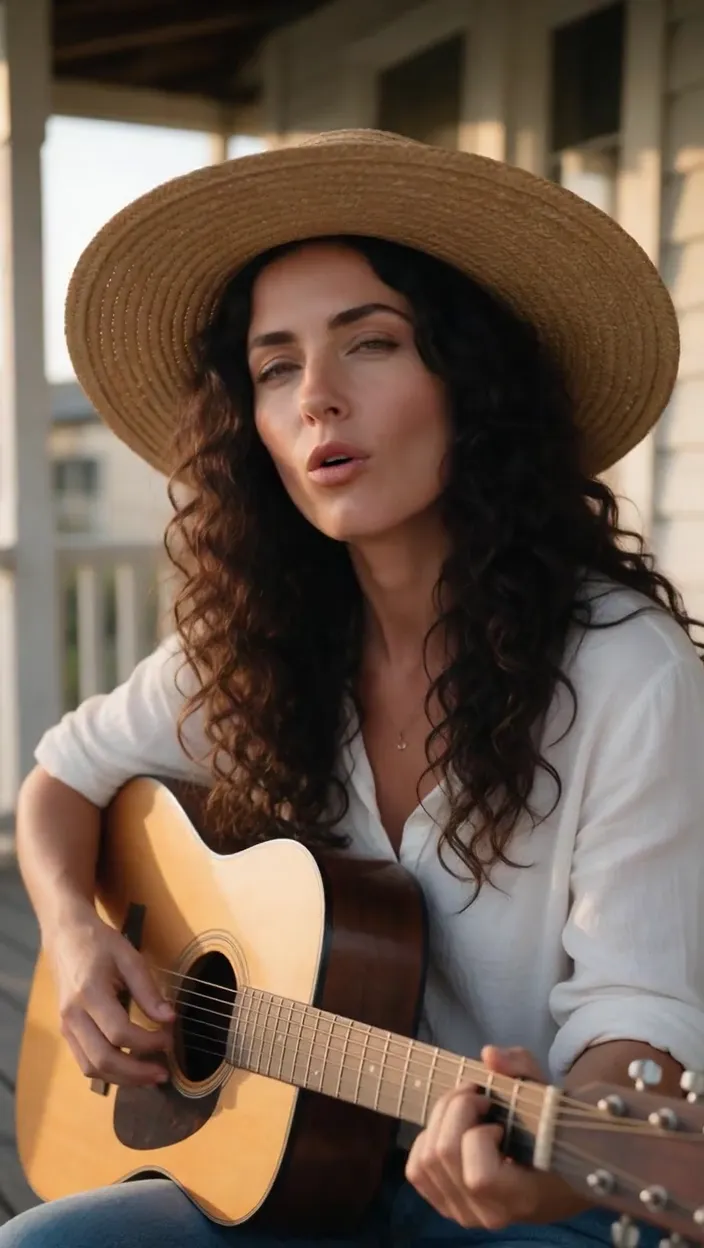
A photo that performs your audio

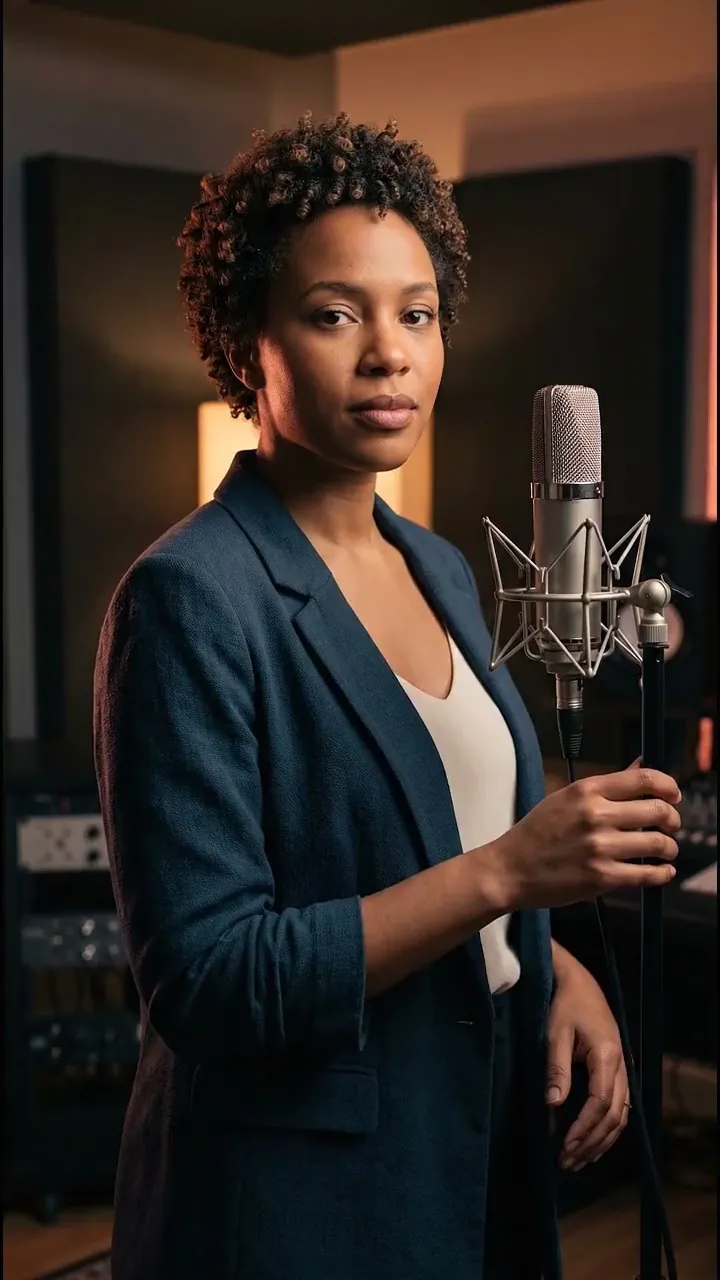
The portrait follows the supplied vocal track as a finished avatar performance.

Works with portraits, characters, and illustrated faces
Use your own song, vocals, or spoken-word performance
Audio-driven timing instead of a generic animation loop
Preview files locally before creating an account

How it works

01

Choose the singer

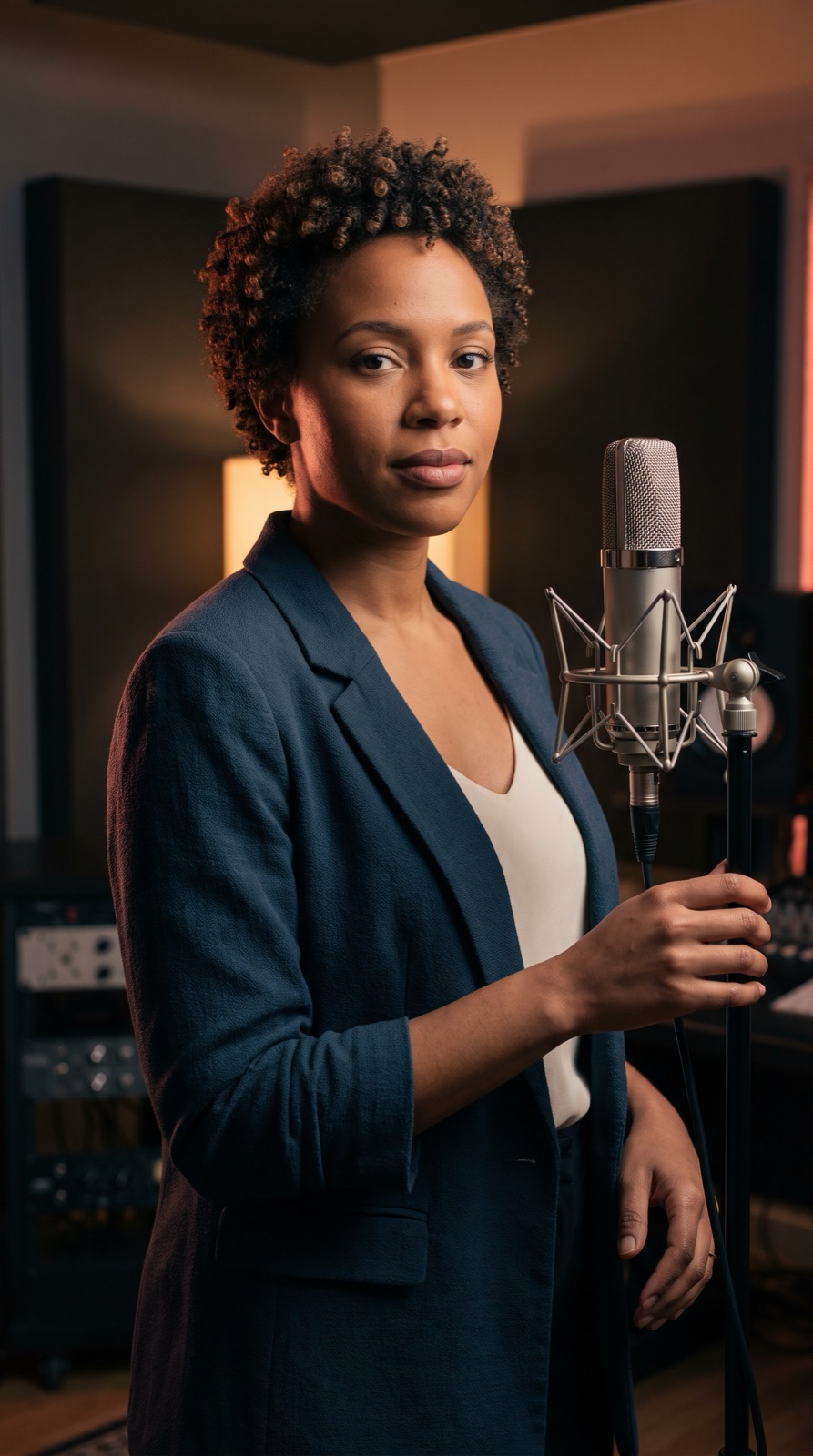
Upload a clear photo of the person or character.

02

Add the vocal track

Use a song excerpt, isolated vocals, or your own recording.

03

Render the performance

Open the preconfigured photo-plus-audio avatar workflow and generate.

From idea to publish-ready video

A photo that performs your audio

Set up your source and script on this page, review the workflow, then continue in the editor to generate, refine, and export.

No filming crewEditable scripts and variantsExport ready for publishing

Questions before you create

Does VlogMe create the song?

This tool animates a photo from the audio you provide. You can create or edit music separately in VlogMe's audio tools.

Can I use copyrighted music?

Only if you own the recording or have permission to use it.

Will cartoons work?

Yes, when the eyes and mouth are clearly defined.