vlogme.ai

Voice-to-avatar workflow

Turn an ElevenLabs voice into an avatar video

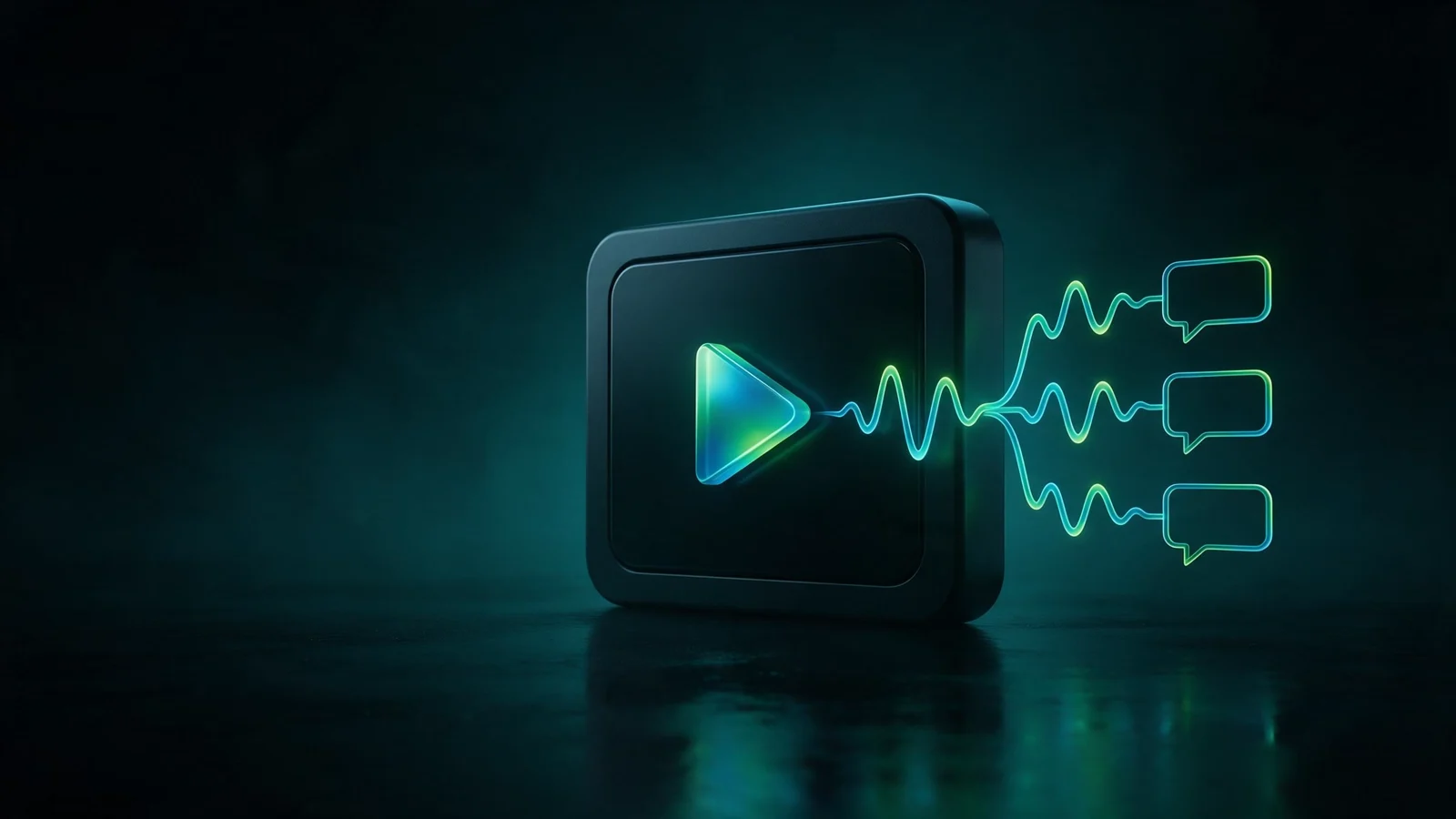
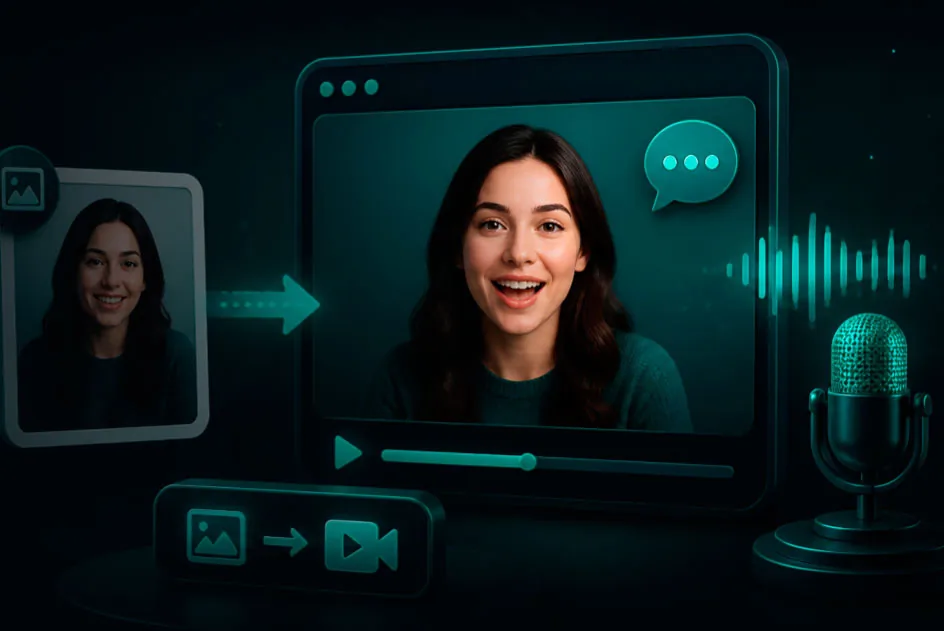
Upload the final voice track and a portrait. VlogMe maps the real timing, pauses, and delivery onto a talking avatar.

Set up without signing upFiles stay local until you continue

Try it with your own files

Create avatar video

You will create an account on the next step, immediately before generation.

Example result

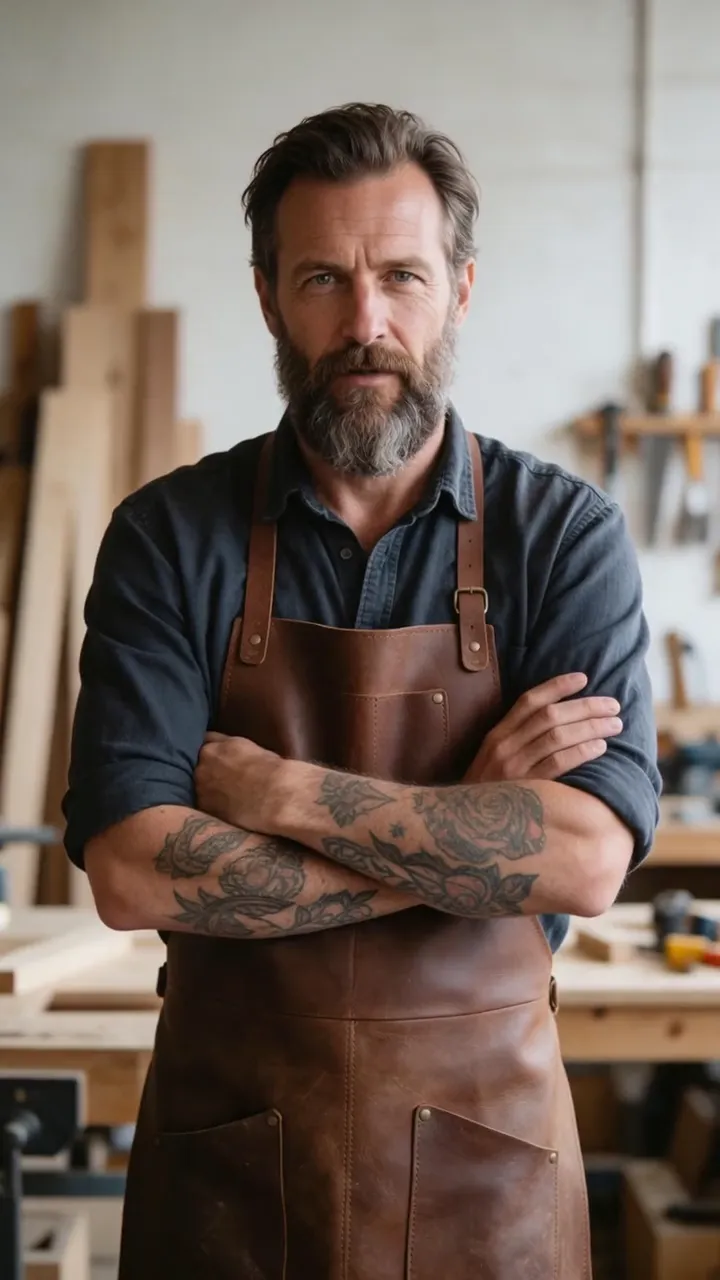
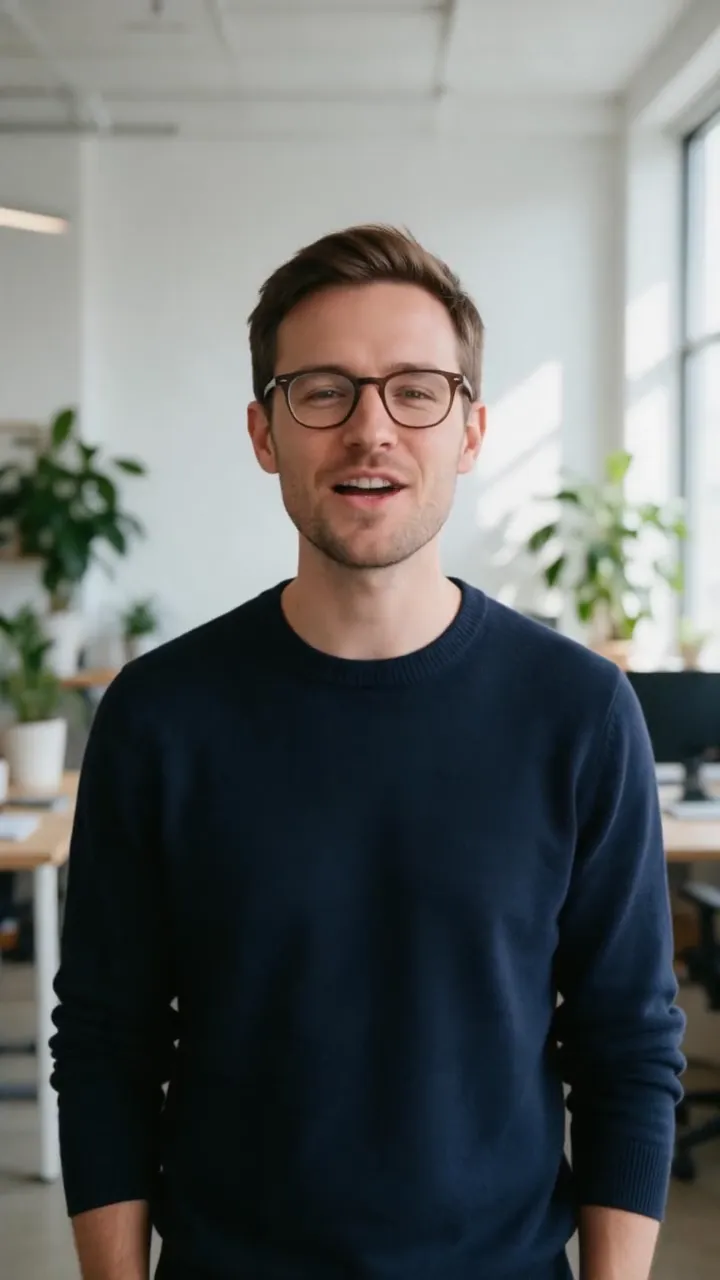
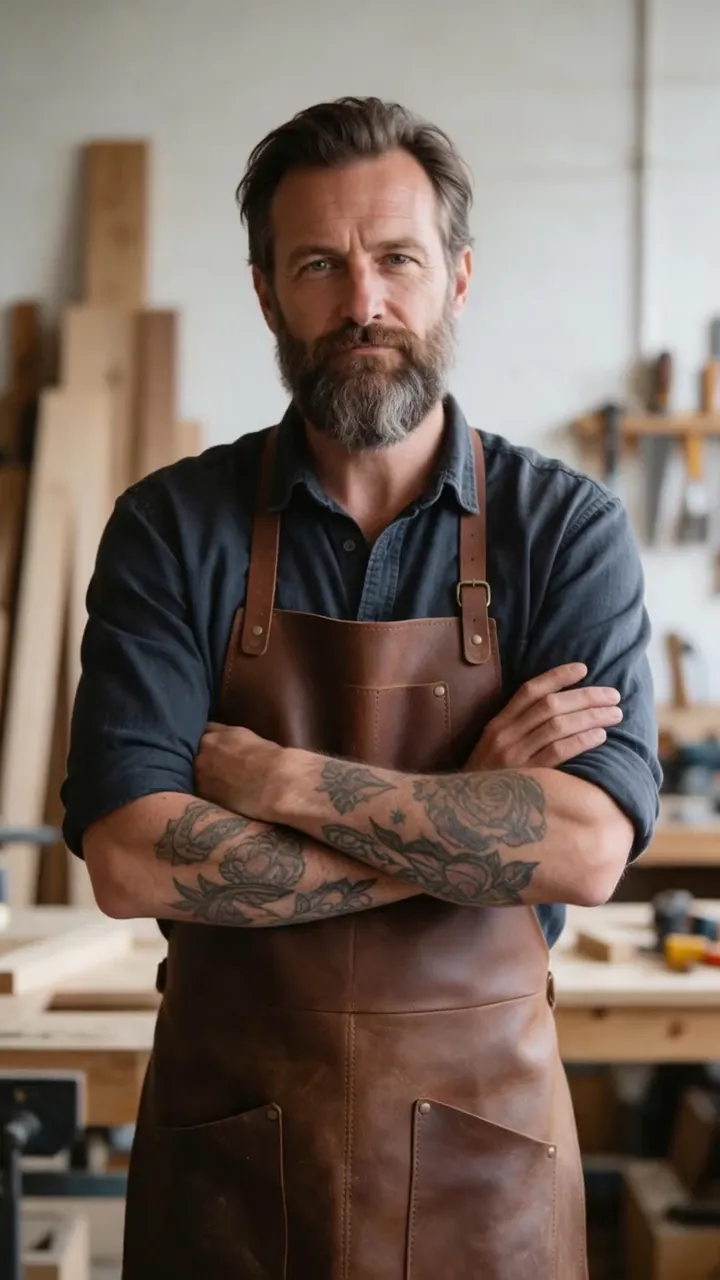
Your voice file gets a face

The uploaded voice drives a finished lip-synced avatar video.

Use exported ElevenLabs MP3, WAV, or M4A audio
Audio timing drives the avatar performance
Pair with a real portrait, character, or illustration
Keep your chosen voice while adding a visual presenter

How it works

01

Export the final voice

Finish pronunciation, pauses, and emphasis in ElevenLabs before uploading.

02

Choose the avatar image

Use a portrait you own or are licensed to animate.

03

Generate the performance

VlogMe maps the supplied voice track onto the avatar and creates the video.

From idea to publish-ready video

Your voice file gets a face

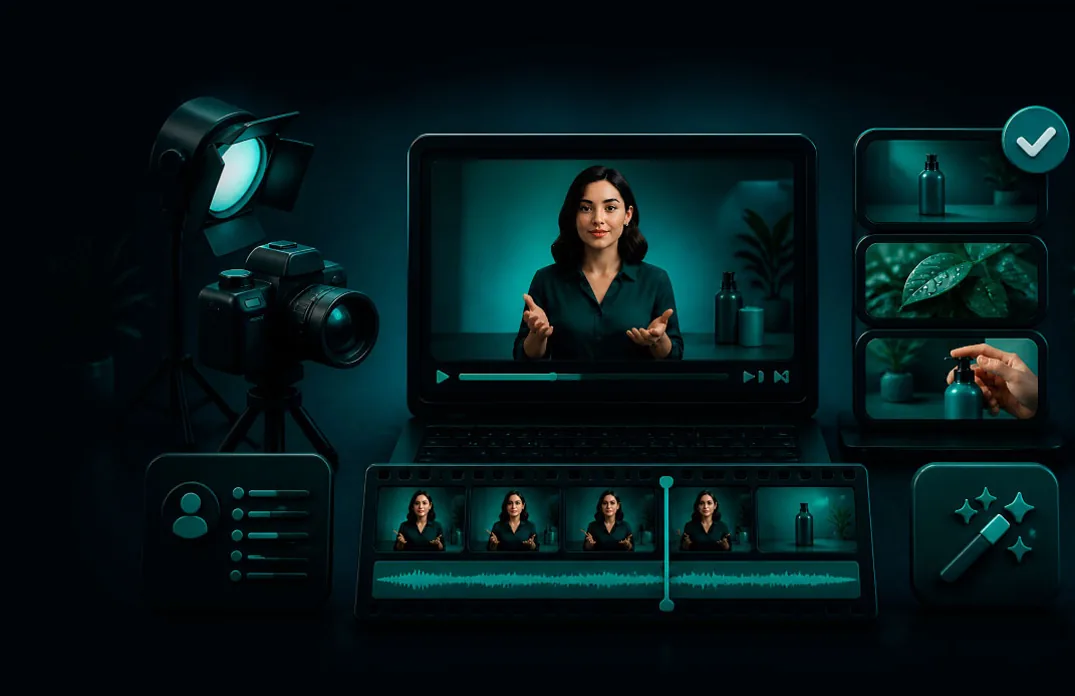
Set up your source and script on this page, review the workflow, then continue in the editor to generate, refine, and export.

No filming crewEditable scripts and variantsExport ready for publishing

Questions before you create

Is VlogMe affiliated with ElevenLabs?

No. ElevenLabs is a third-party service and trademark. This workflow accepts a voice file exported from it.

Does VlogMe change the voice?

No. The talking-avatar workflow follows the uploaded audio's timing and sound.

Can I use a cloned voice?

Only when you have the speaker's permission and comply with the voice provider's terms and applicable law.