


vlogme.ai

Spanish video localization

Translate your avatar video into Spanish

Bring the original video and an approved Spanish voice track. The lip-sync workflow replaces the visible speech while preserving the shot.

Set up without signing upFiles stay local until you continue

Try it with your own files

Create Spanish version

You will create an account on the next step, immediately before generation.

Example result

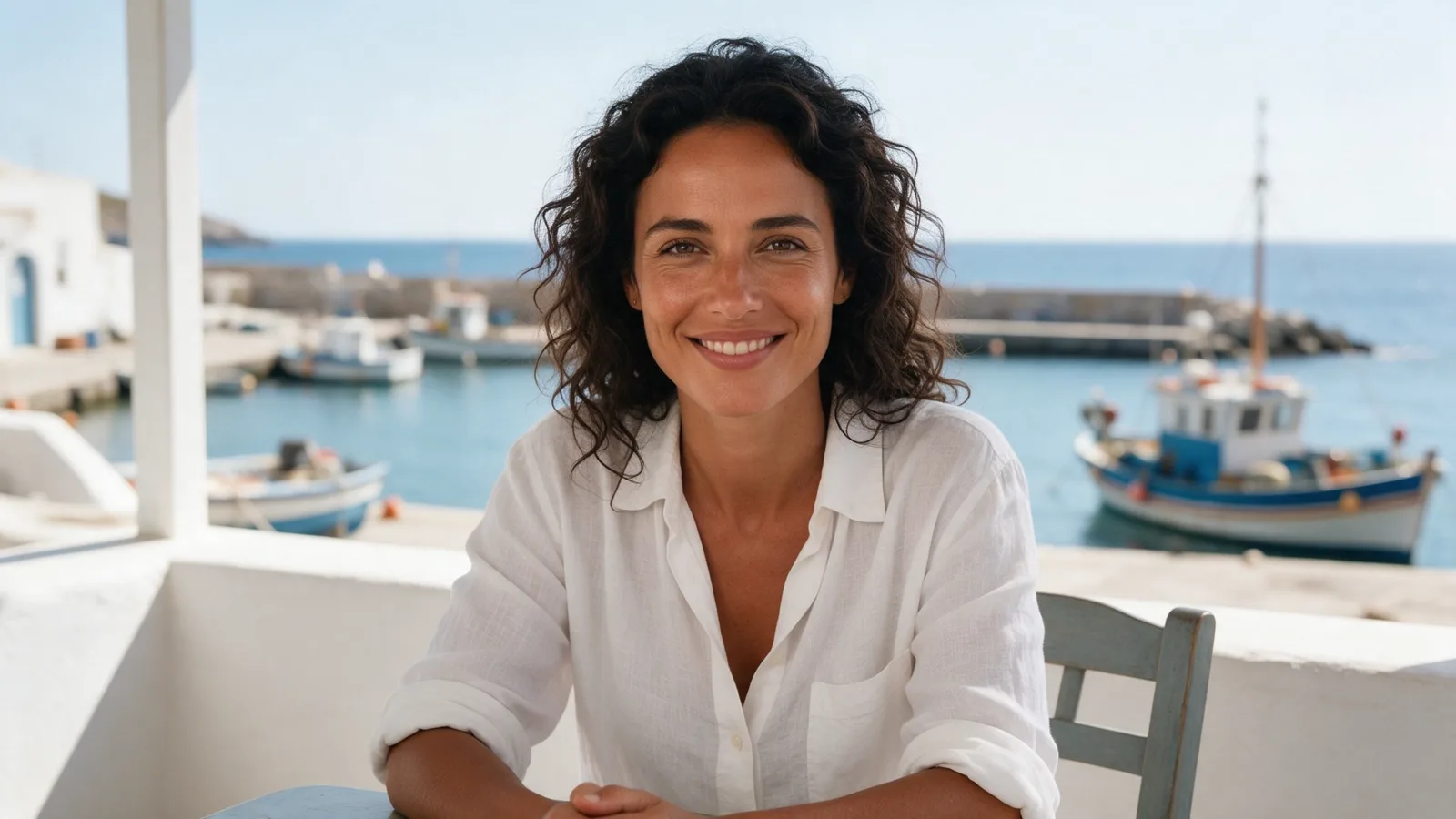
The same video, localized speech

The presenter keeps the original shot and speaks to the Spanish-speaking audience with updated lip sync.

Lip-sync a new Spanish voice to existing avatar footage
Keep the original framing, presenter, and visual edit
Works with Spain and Latin American Spanish recordings
Review the translation and voice track before generation

How it works

01

Prepare the Spanish script

Translate for meaning and speaking pace, then have a fluent reviewer approve it.

02

Add video and Spanish audio

Use the original avatar clip plus the final voice track.

03

Generate new lip sync

The studio aligns mouth movement to the approved Spanish audio.

From idea to publish-ready video

The same video, localized speech

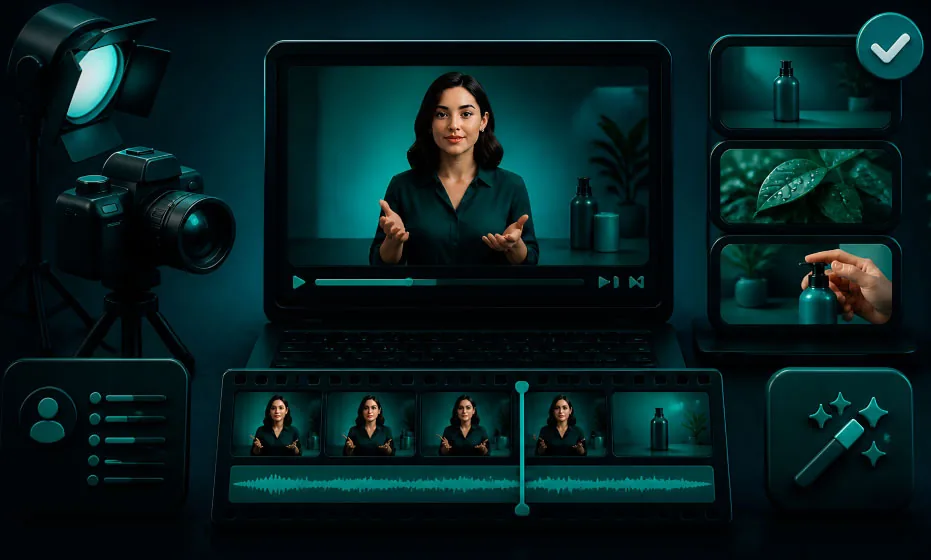
Set up your source and script on this page, review the workflow, then continue in the editor to generate, refine, and export.

No filming crewEditable scripts and variantsExport ready for publishing

Questions before you create

Does this tool automatically translate the words?

The final lip-sync workflow uses the Spanish audio you approve. Prepare the translated script and voice first so names, claims, and tone are correct.

Which Spanish accent should I use?

Choose the voice for the audience: Spain, Mexico, Colombia, Argentina, or a broadly neutral Latin American style.

Will the visuals change?

The lip-sync workflow is designed to preserve the original shot while adapting visible speech.