

For marketers AI video ads, from your brief to the final cut.
Tell Director your product, audience and offer. Plan the script and scenes, then render a complete ad with narration and music. Need a single speaking presenter instead? Choose the talking-spokesperson workflow.
Planning is free. Rendering uses paid credits, with the estimate shown before you run.
 9:16
9:169:16 and 16:9 ads for social feeds, websites and Shorts
Iterate on copy without reshooting: change the script, render again
Dub a winning ad into 28 languages with DUB
Bulk variants through REST API and MCP
MiniMax H3 is now in VlogMe
Create 2K ad concepts from text, a product image, or first and last frames. The first VlogMe release focuses on short-form brand and social video with native audio.
01Example ad
One portrait, one hook, one ad
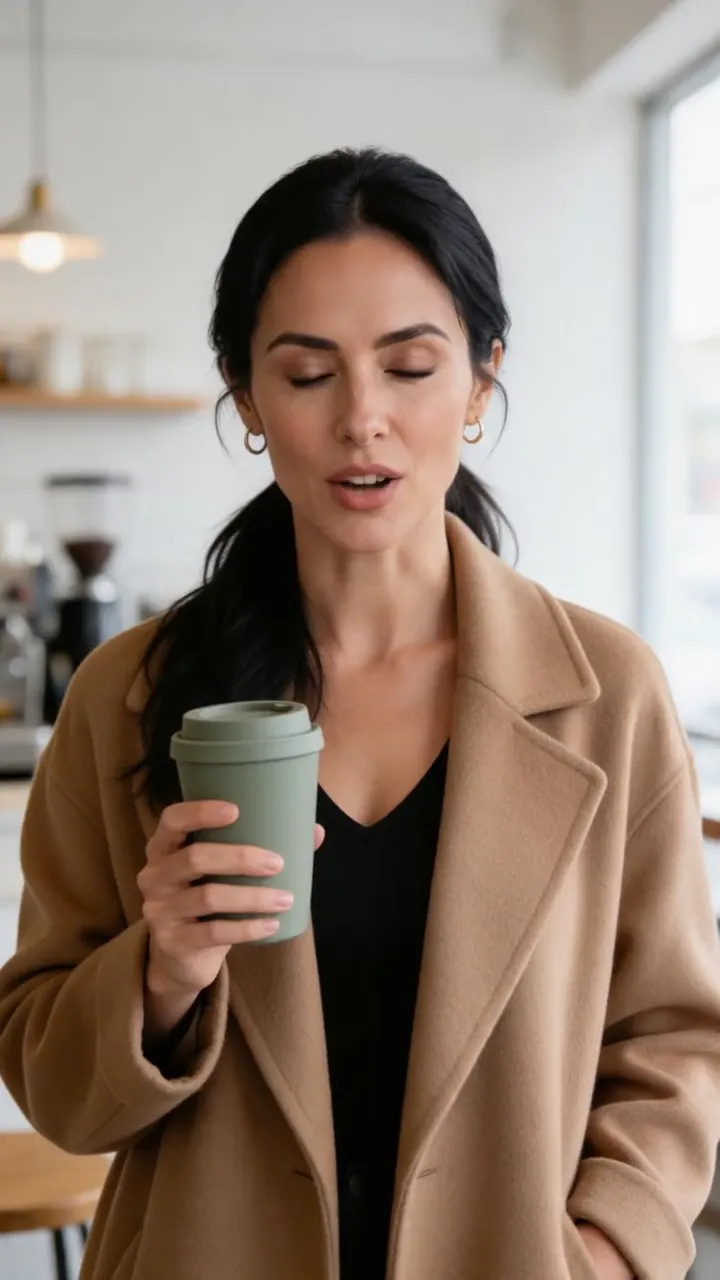
This 9-second ad started as one generated portrait: a presenter holding an example product. Its three-line script opens with the hook “Coffee cold by nine?”; ElevenLabs v3 voiced it, and Hedra Avatar animated the portrait in Video Studio. Swap the hook to make the next variant.
Keep the face and change only the hook, the voice or the language.
 Talking avatar9:16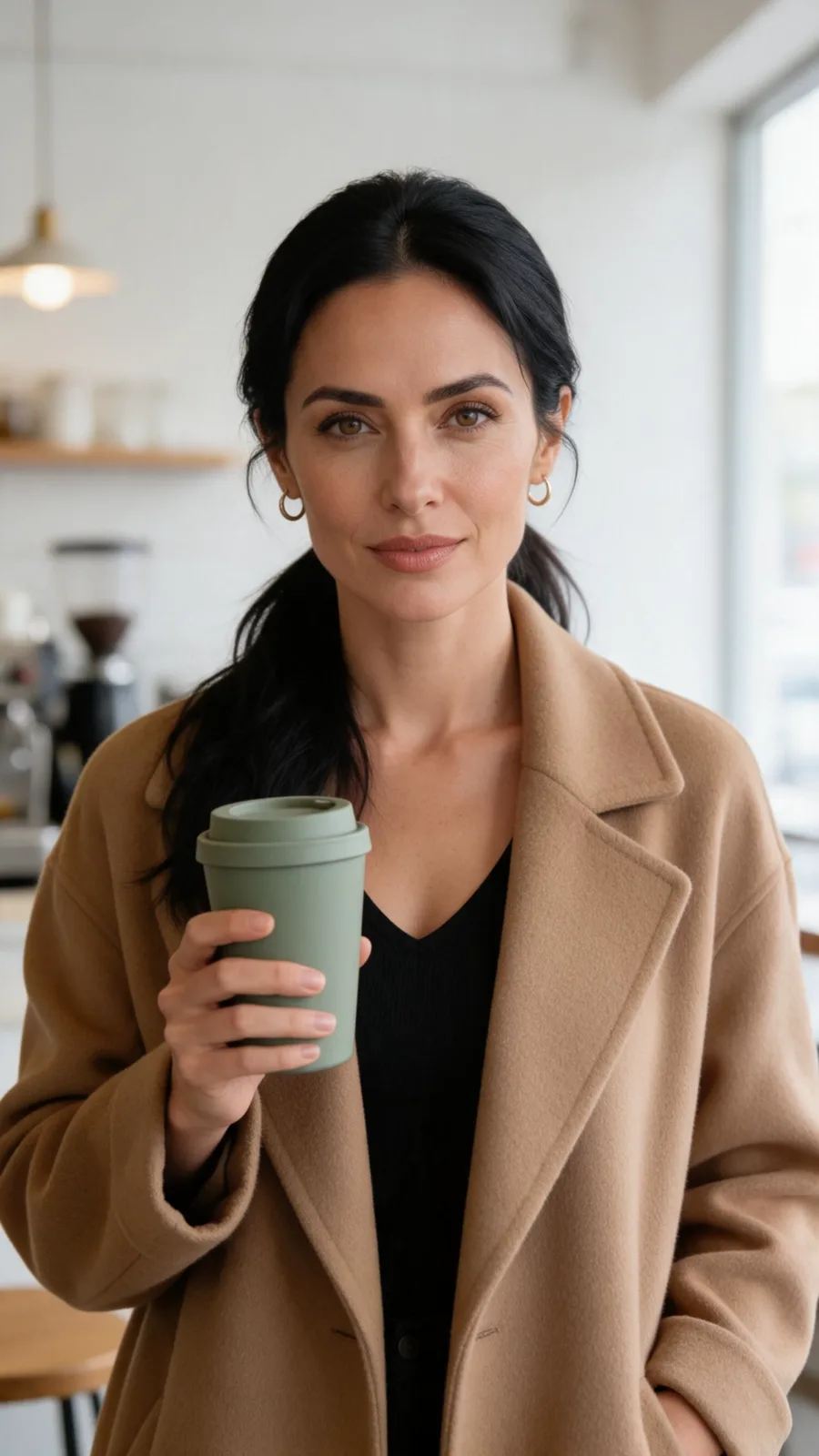
02From source to publish
Add product b-roll after the hook
Animate a product still into a cutaway, like this 4-second MiniMax H3 shot, and cut it in after the hook in your own editor. Every clip lands in Lab, ready to download or publish.
Publish organic cuts to connected social accounts straight from Lab.
Plan my video ad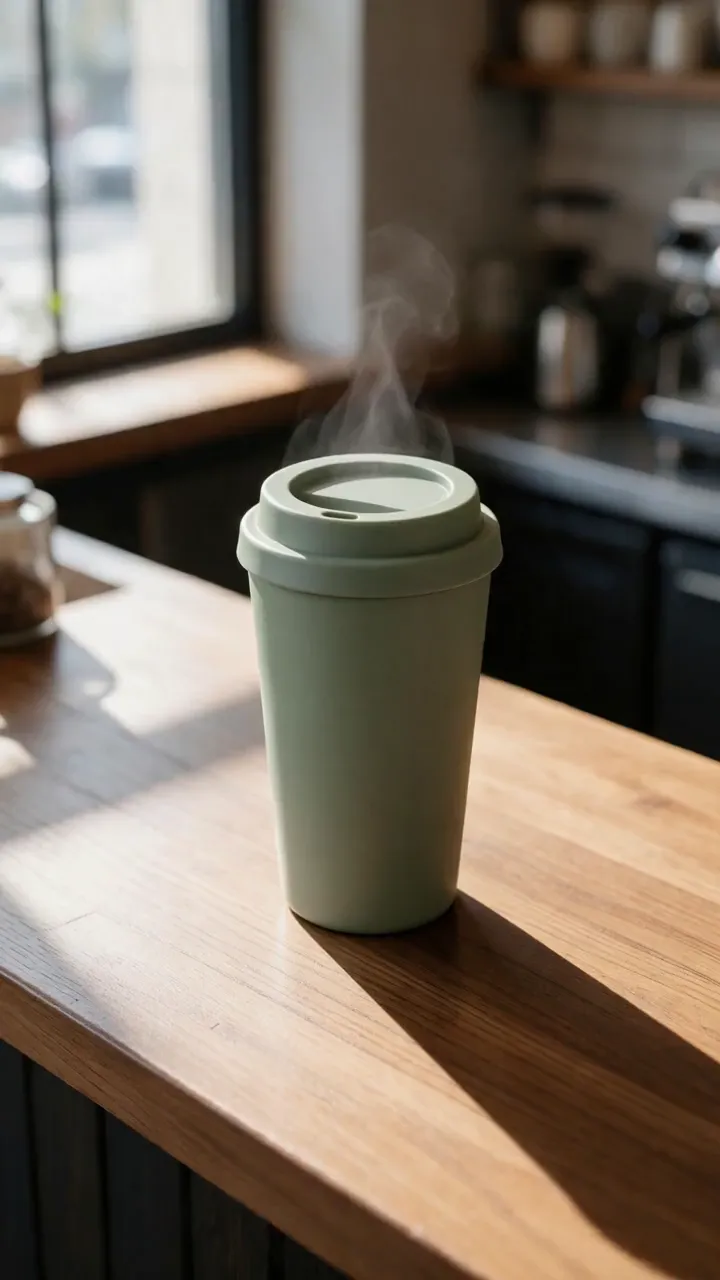 Product b-roll9:16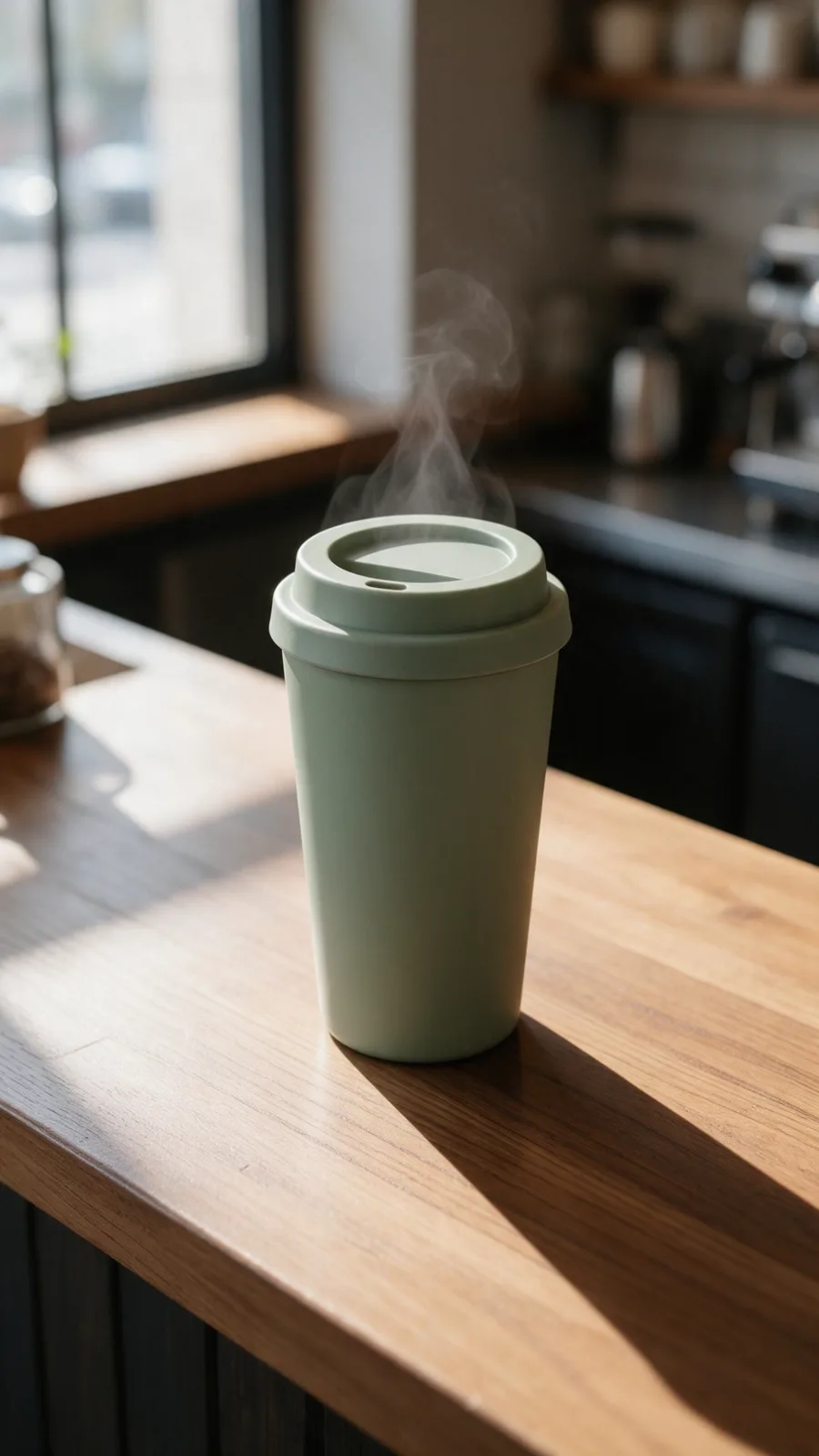
03Multi-scene ads
Plan a multi-scene ad in Director
Some ads need a story, not a single talking shot. Give Director the product, the audience and the offer in a sentence or two: it writes the script, breaks it into scenes and prepares the presenter, voice-over, music and a still for every scene. Planning is free, and the credit price appears before any scene renders.
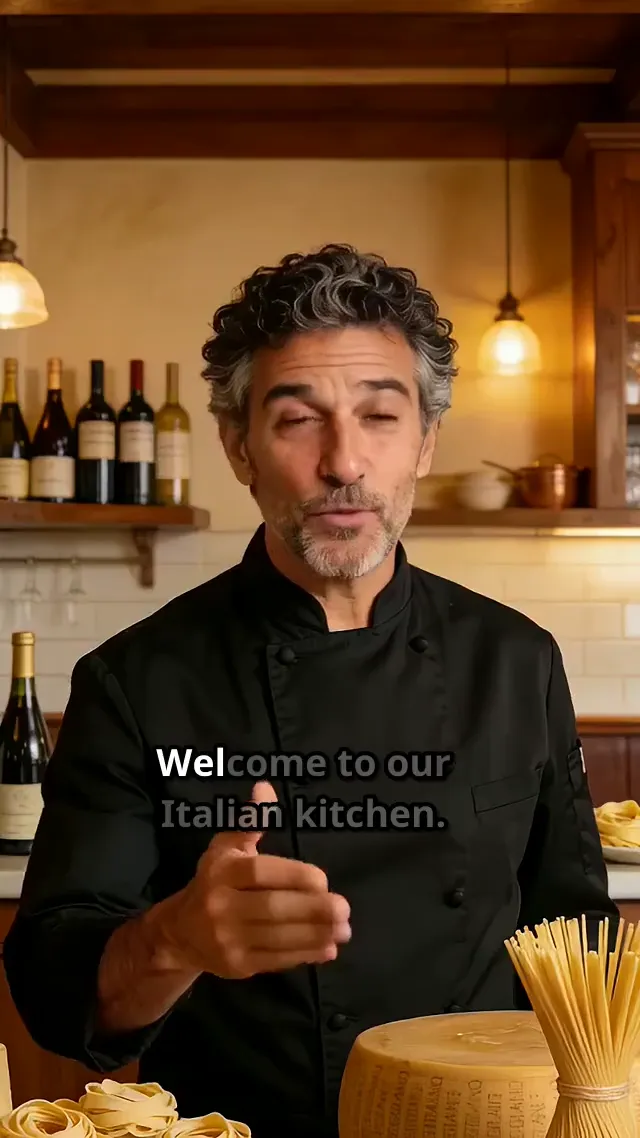
Rewrite a line, reorder or drop a scene, then render once the storyboard holds together. This 25-second restaurant promo, with a chef presenting seafood pasta and the plated dishes, was planned and rendered in Director.
Planning is free. Rendering uses paid credits, with the estimate shown before you run.
Multi-scene promo9:16From one portrait to a test matrix

Upload one portrait
A creator’s face, a founder photo or a presenter generated in Image Studio: whatever fits your brand.

Write your hook variants
Write 5, 10 or 50 hooks. Each one becomes its own voice track and its own ad.

Launch and learn
Download the variants, upload them to Meta or TikTok Ads, cut the losers and scale the winners.

Services
VlogMe services for this job

Questions marketers ask
Can I keep the same face across all variants?
Yes. One portrait and many scripts give you the same presenter across your whole test matrix.
Do I need a creator license for the face?
Yes, if the face belongs to a real person: you, your founder or a paid creator must agree before you render it. You can also generate a fictional presenter in Image Studio, as in the example above.
Is there an API for bulk generation?
Yes. REST API and MCP access lets you generate variants in bulk, at the same credit prices as in the web app.
For marketers
Test more hooks. Keep the winners.
Describe your ad in Director, or choose a single talking-spokesperson clip. Review the script and credit estimate before rendering.