01Audio in, video out
Start from the episode you already recorded.
Pick a 15–90 second excerpt, export it as MP3, WAV or M4A and pair it with the host’s photo. The video matches the clip’s length and timing; nothing in the recording is re-voiced.

Give an audio-only episode a visible host. Use a portrait plus a highlight clip to create social-ready podcast video.
 Upload the host photo
 Add the podcast clip
 Set the scene
 Render the episode
01Episode opener
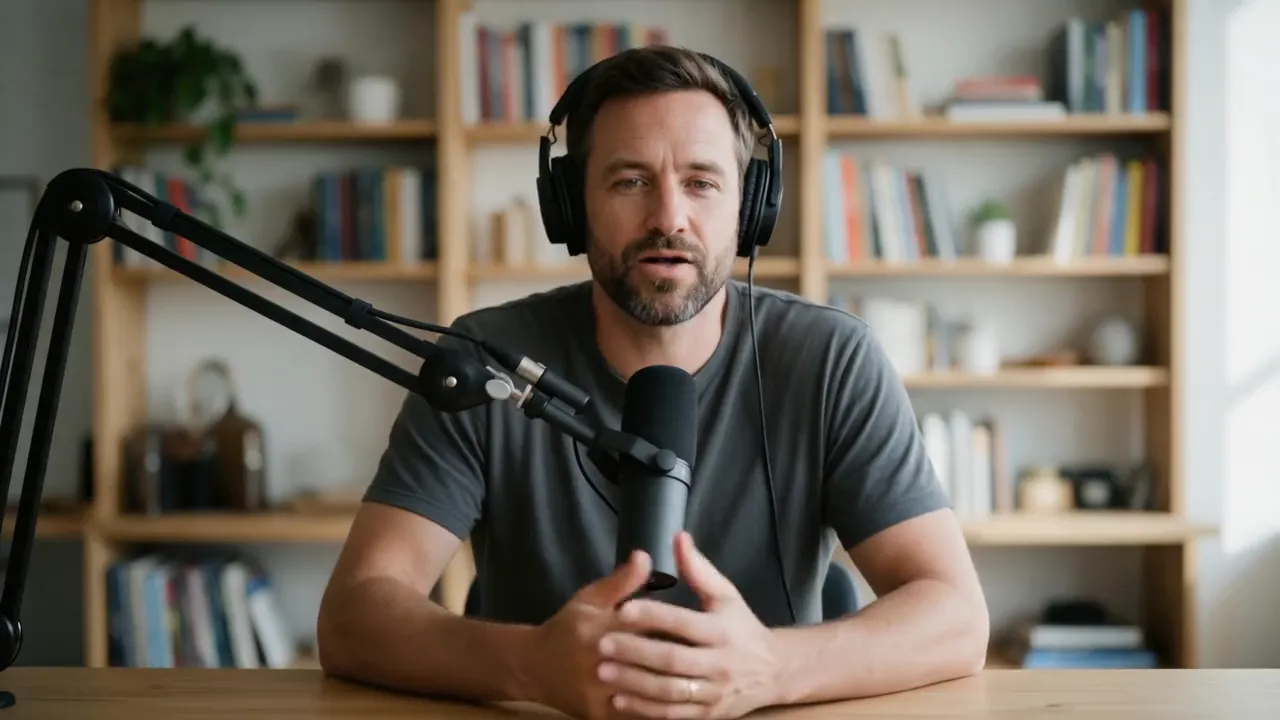
A bearded host at a studio mic, made from one generated portrait and an episode intro voiced with ElevenLabs. Hedra Avatar rendered it in 16:9 — the format of a YouTube podcast upload.
 Hedra Avatar · 16:916:9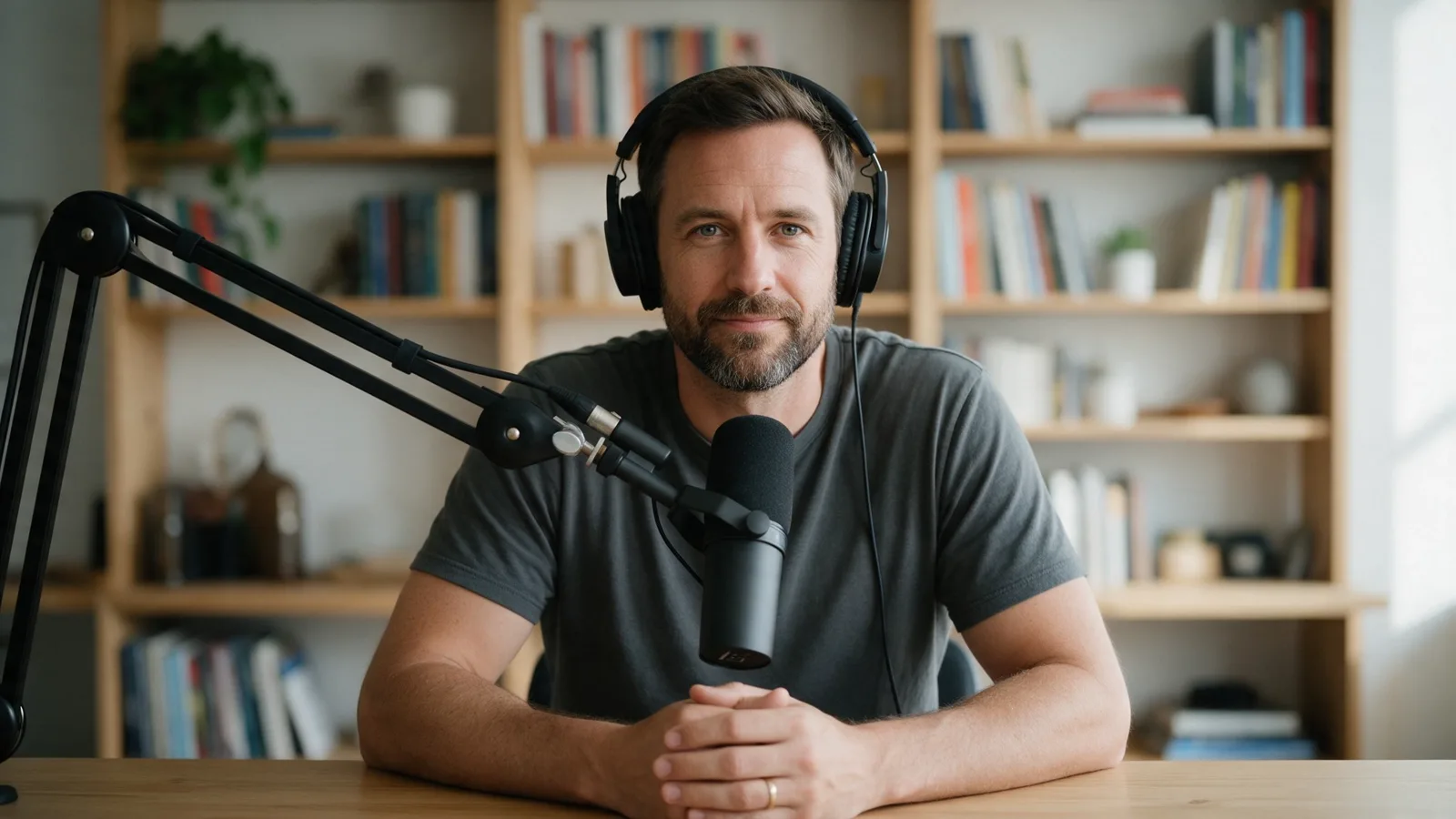
02Show, then explain
01Audio in, video out
Pick a 15–90 second excerpt, export it as MP3, WAV or M4A and pair it with the host’s photo. The video matches the clip’s length and timing; nothing in the recording is re-voiced.
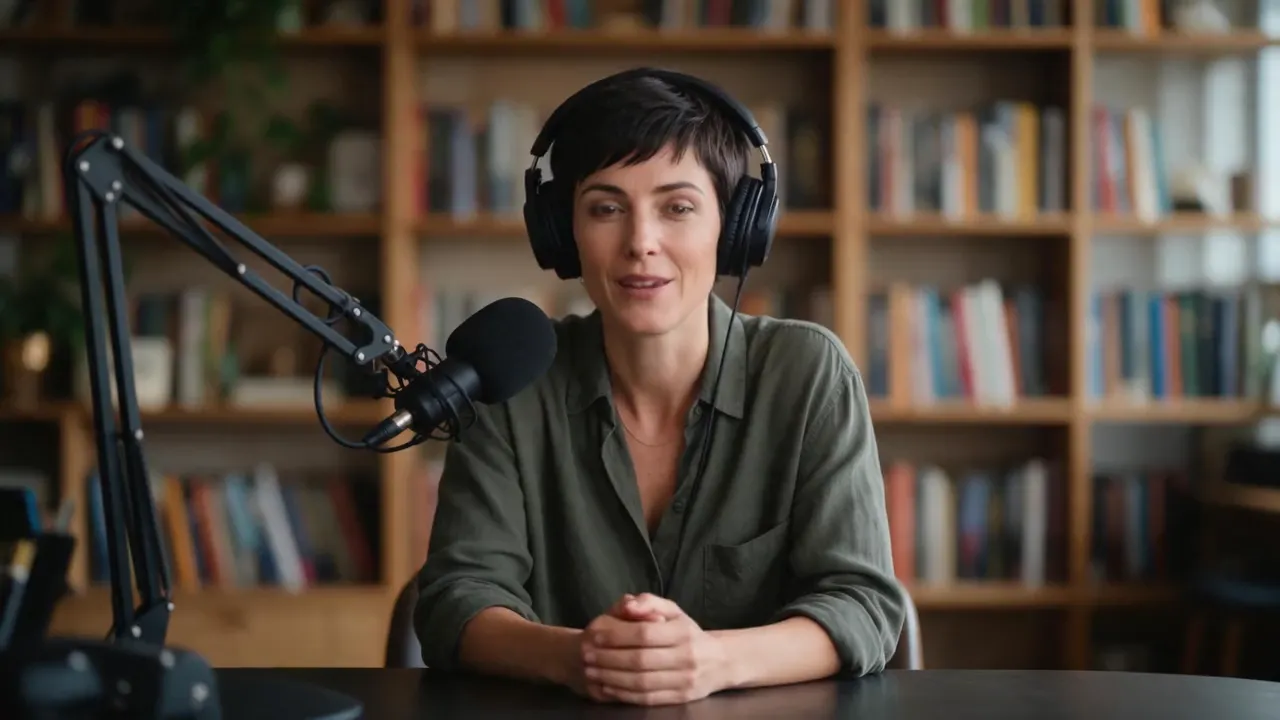 Co-host · 16:916:9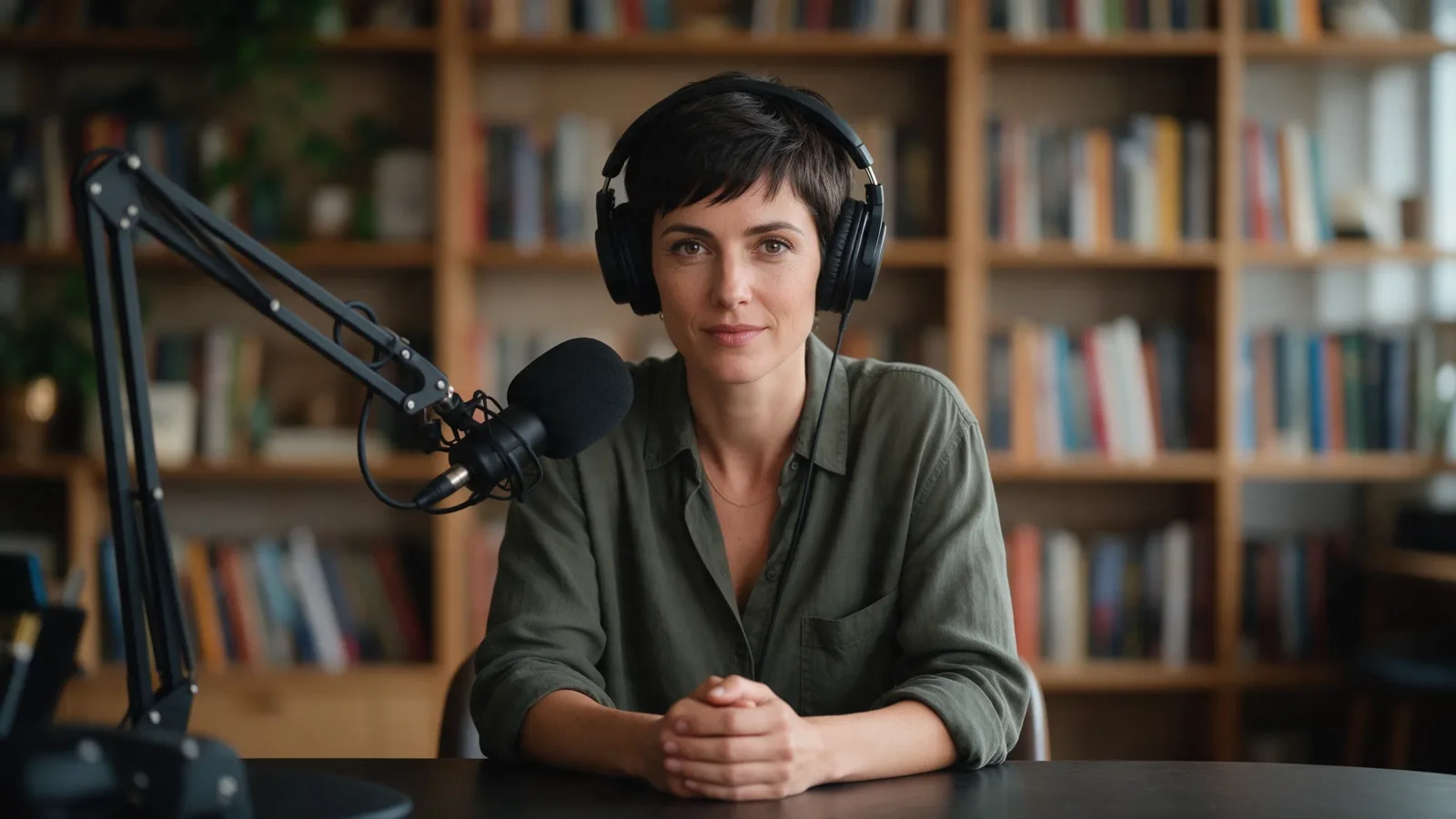
02Co-host
Render each speaker from their own photo and audio. This co-host is a separate portrait and a separate line — “They asked their customers one question every single morning.” — rendered in 16:9 at a matching desk, so the two speakers look like one show when you alternate them.
03Clips for Shorts
Render the host in 9:16 for Shorts, Reels and TikTok, or crop a wide episode clip to vertical in Video Editor and add a title before you post.
Video StudioAI avatar generator
Every talking-avatar tool in one place03How it works
Upload a clear host or character portrait.
A focused 15–90 second clip works well for social distribution.
The avatar performs the original audio, ready for captions and export.
Finished examples
A morning briefing, a camera test, a fractions lesson
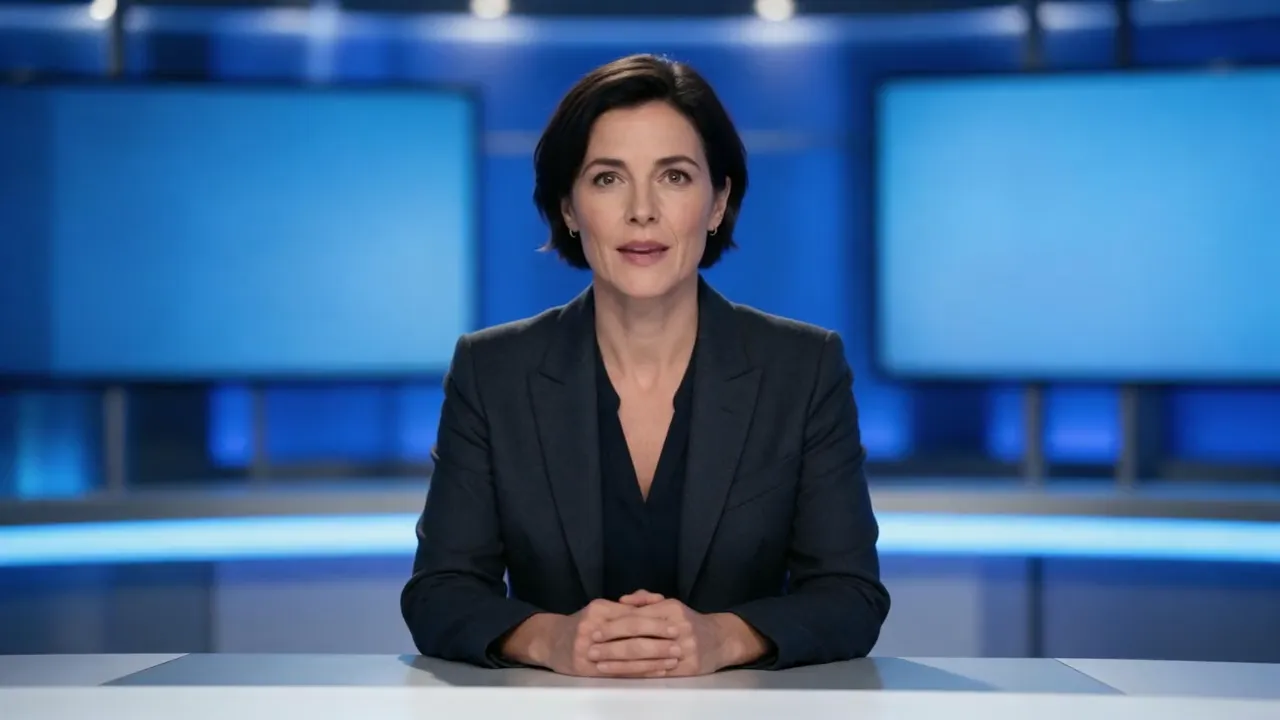 Briefing · 16:916:9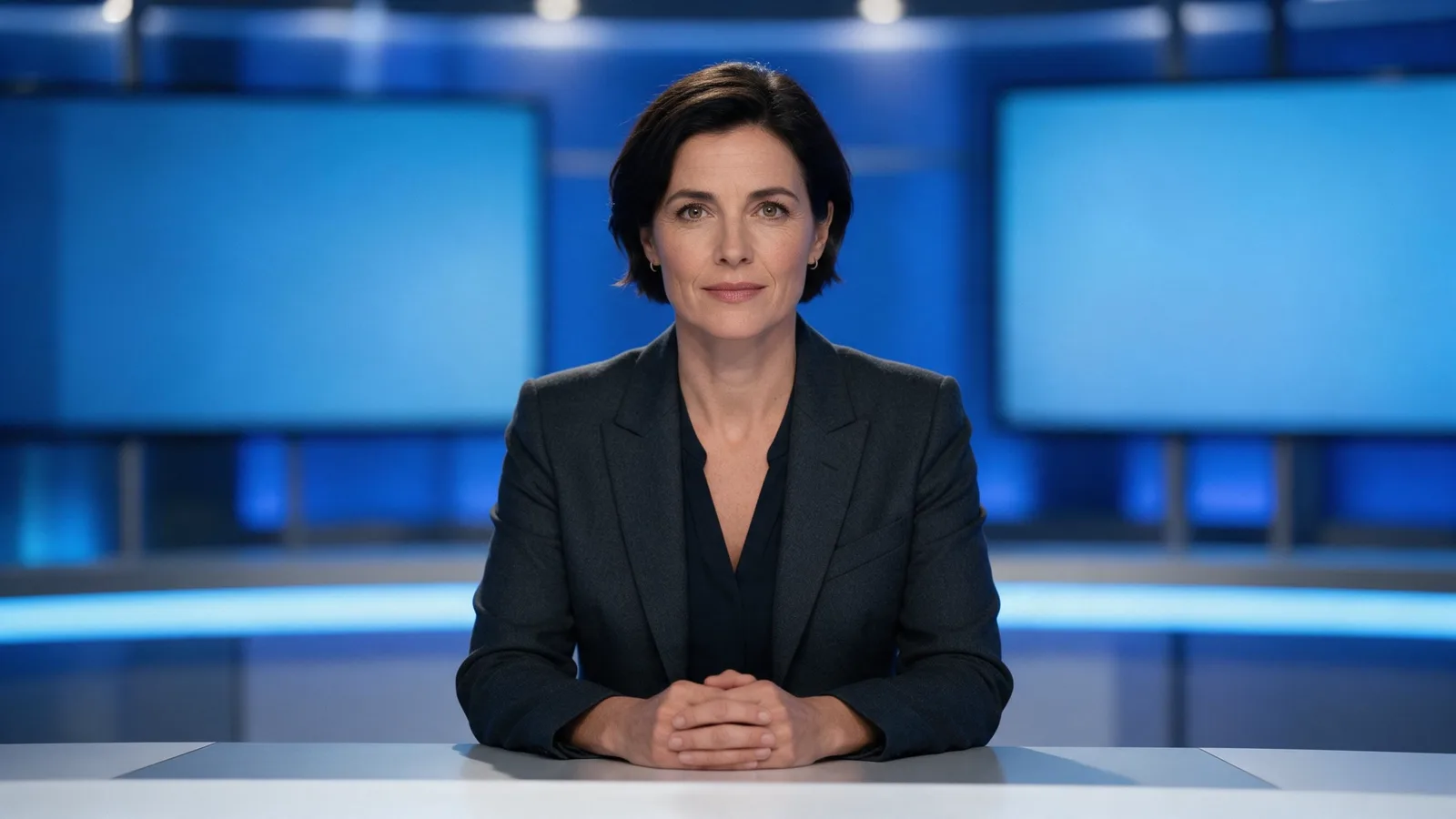
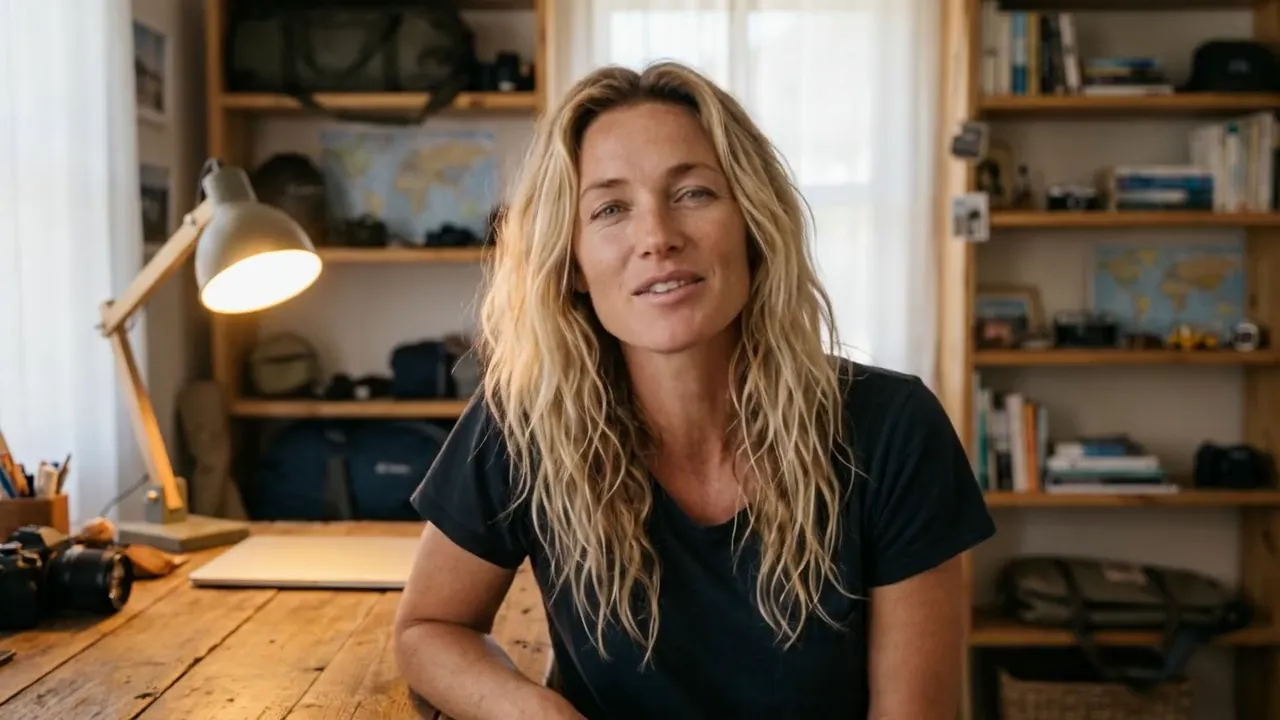 Camera test · 16:916:9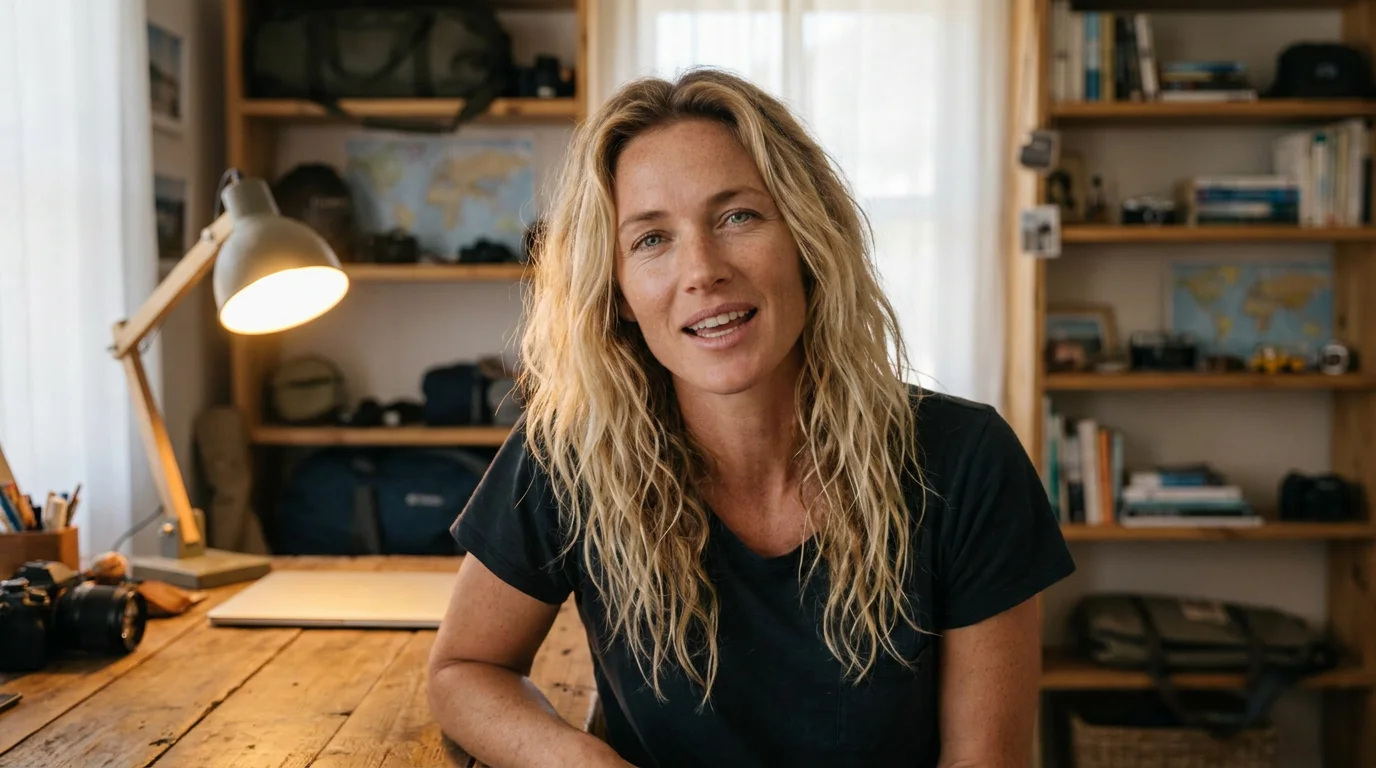
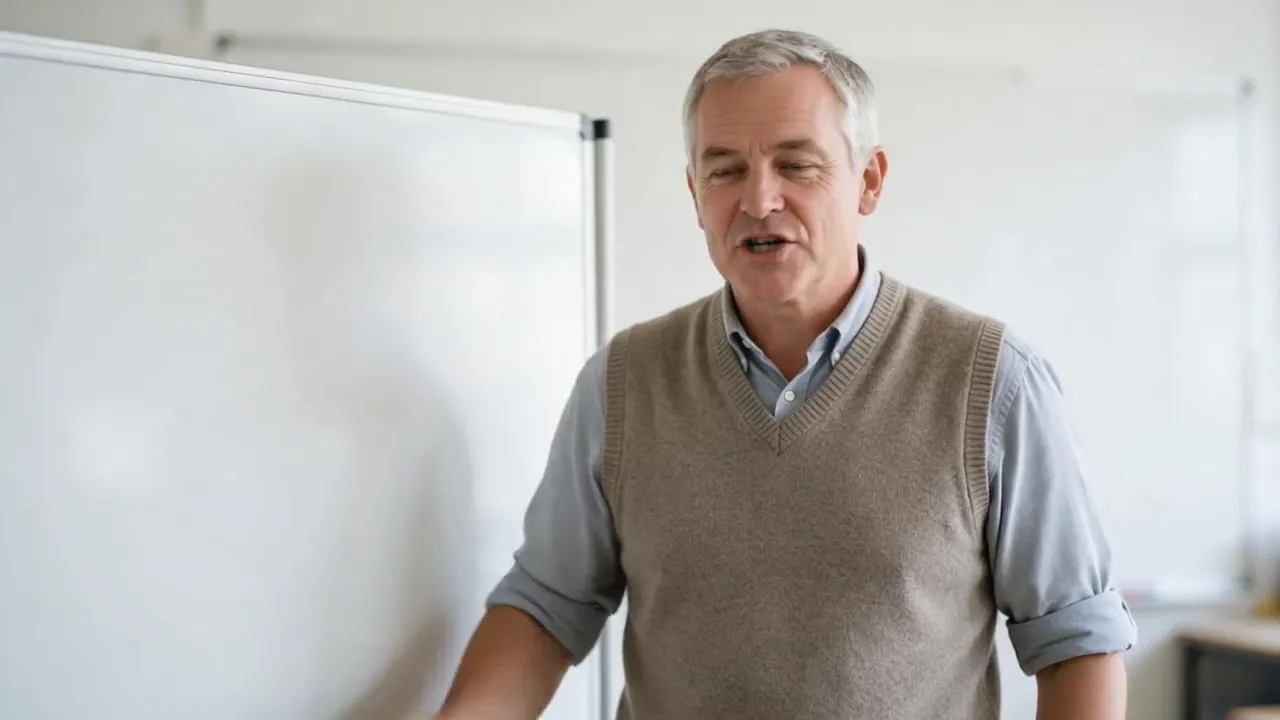 Lesson · 16:916:9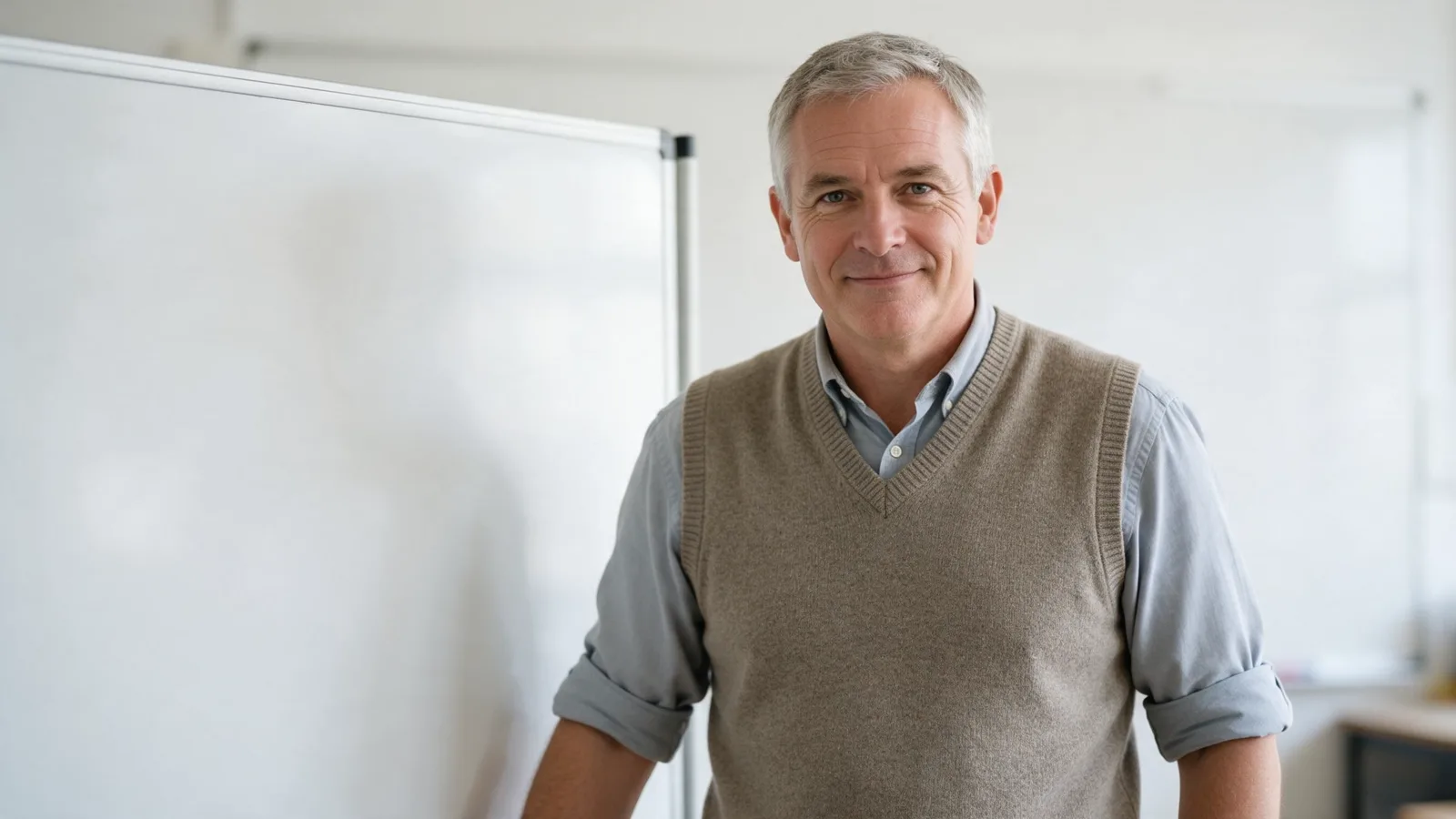
Complete AI video creation
Keep the host photos in Lab and render each new excerpt as it lands. Clean the audio and make SRT captions in Audio Studio, crop and title in Video Editor, and translate the clip for other markets with DUB.
Questions before you create
No. The talking-avatar workflow follows the audio file you supply.
Short social highlights are easiest to watch and faster to render. Longer audio can be split into several clips.
Yes. Make SRT or VTT captions from the same audio in Audio Studio, or burn a short title into the clip with Video Editor.
Yes. Render each speaker from their own photo and audio excerpt — one clip per speaker or per turn.
Up to ten minutes per video with Hedra Avatar, or 60 seconds with OmniHuman 1.5. To build an episode from several scenes, Director assembles videos of up to 3 minutes.
Credits per second of the episode audio, so a longer excerpt costs more: trim it to the part you want to post before you render. There is no free plan: buy credits when you are ready, and the studio shows the estimate before you render.
Episode ready?
Choose the host photo and the clip here — no account needed yet. Sign in when you continue: both upload to Lab and open in Talking avatar, and you see the credit estimate before anything renders.
Credit estimate before generation · Buy credits only when you need them