
VlogMe
When the presenter is one part of the video
Choose VlogMe when the avatar is one element of a production that also needs generated scenes, images, voice and music, all made in one workspace and kept in Lab.

Workflow comparison
HeyGen combines avatar video production with localization tools. VlogMe puts Director, dedicated Studios and a shared Lab library in one workspace, so the presenter can be one part of a bigger production.
01Side by side
Both put a presenter on screen; the difference is what surrounds it. We compare workflows, not unverified prices or quality scores.
| Decision point | VlogMe | HeyGen |
|---|---|---|
| Starting point | A portrait and a voice track for a talking avatar, a voice track alone for a preset HeyGen Avatar V presenter, or an idea, image or existing clip for Director and the other Studios. | An avatar, script or video to localize. |
| When it fits | A presenter within a larger story or campaign workflow. | Avatar-led video and video translation in HeyGen Studio. |
| Localization | DUB translates a finished video into 28 languages with AI dubbing and returns a dubbed MP4. | Video translation is part of HeyGen's own workflow; check its official site for current languages. |
| API and integrations | REST API and MCP access for your own tools, alongside the web workspace. | Check HeyGen's official documentation and your plan before you commit to an integration. |
| Cost | Pay with credits from a plan or a one-time pack. You see the exact credit price in the studio before anything runs; see pricing. | Confirm HeyGen's current prices and limits on its official site. |
Competitor details were checked against HeyGen's official site. Plans and features change, so this page makes no price or performance ranking.
Also in VlogMe: REST API and MCP access, multi-scene Director videos of up to 3 minutes and workflows in 30+ languages.
02Decision guide
VlogMe
Choose VlogMe when the avatar is one element of a production that also needs generated scenes, images, voice and music, all made in one workspace and kept in Lab.
HeyGen
Choose HeyGen when its avatar and translation workflow covers everything the project needs.
03Step by step
From a portrait to a finished presenter clip, with the result kept in your library.
Upload a portrait and a voice track, or create the voice in Audio Studio.
Choose Talking avatar in Video Studio, use a face and voice you have the rights to, and check the credit estimate.
Keep the result in Lab, trim it in Video Editor or translate it with DUB.
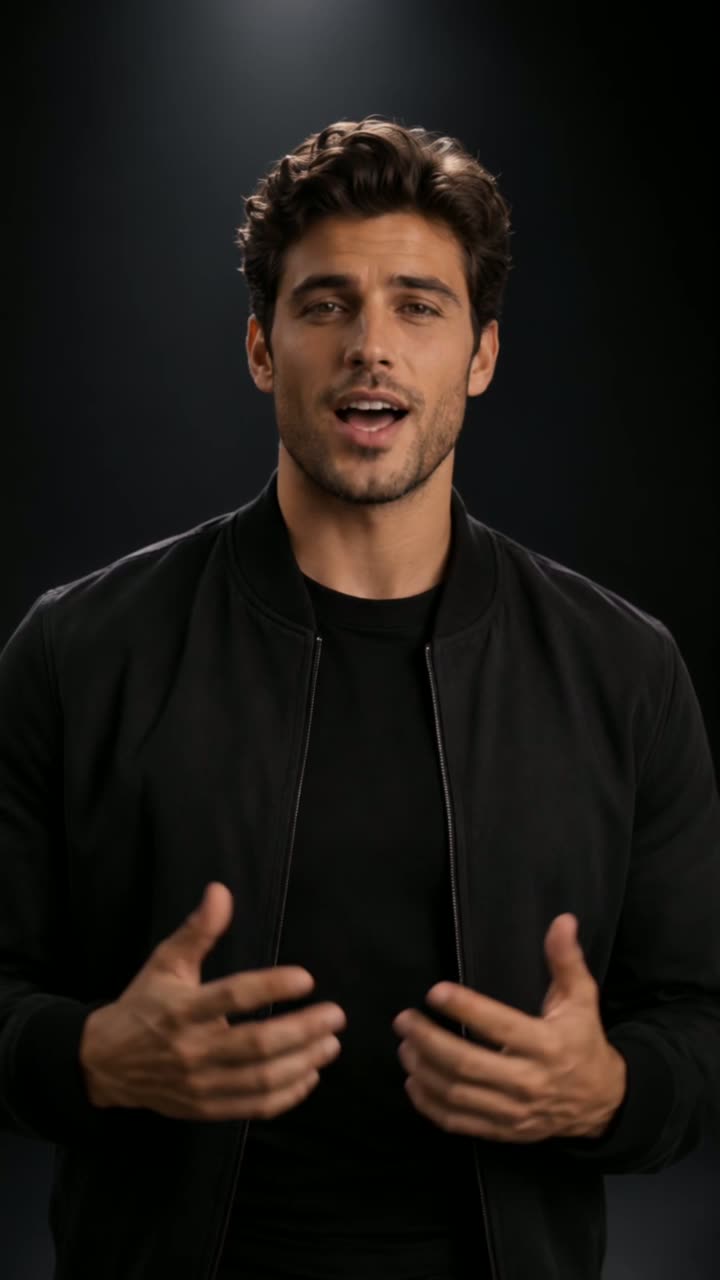 VlogMe9:16
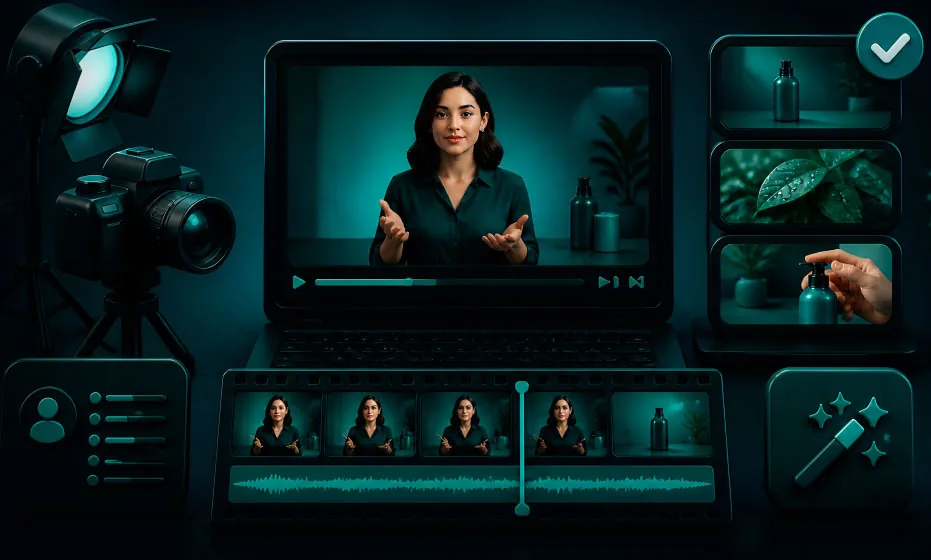
A vertical headphone ad from the VlogMe showcase: a presenter talks to camera between close-up product shots. Made in VlogMe; the model behind this legacy clip was not recorded.
Short answers
When an avatar video and its translation are the whole deliverable. HeyGen handles both in its own Studio; check its official site for current avatars, languages and plans.
When the presenter is one part of a bigger piece. Video Studio turns a portrait and a voice track into a talking avatar and also runs HeyGen Avatar V with its preset presenters. Director plans multi-scene videos from a chat, Image Studio and Audio Studio make the stills, voice and music, and everything stays in Lab.
Yes. Upload one portrait you have the rights to and add a library voice, a voice you cloned in Audio Studio or your own recording; Video Studio renders the talking avatar and saves it to Lab. The AI avatar generator page shows every way to start.
Seen the difference?
Open Video Studio, turn a portrait and a voice track into a talking presenter, and make the other scenes, images and sound for the project in the same workspace.