VlogMe
When the story needs its own scenes
Choose VlogMe when you want to describe the video in a chat and have Director plan the scenes and prepare the images, voice, music and presenters in one project.

Workflow comparison
Synthesia serves business video communication with avatars, document-based creation and localization. VlogMe connects an editable video plan with dedicated creative Studios.
01Side by side
Both turn a script into video. Synthesia is built around business communication, VlogMe around an editable scene plan and the media you make for it. We compare workflows, not unverified prices or quality scores.
| Decision point | VlogMe | Synthesia |
|---|---|---|
| Starting point | An idea or script in the Director chat, which plans the whole video, or an image or portrait for a Studio. | A script, presentation, document or business message. |
| When it fits | A multi-scene video project with its images, voice, music and presenters prepared in one place. | Business training and communications with avatars and localization. |
| Localization | DUB translates a finished video into 28 languages with AI dubbing and returns a dubbed MP4. | Localization is part of Synthesia's business-video workflow; check its official site for current languages. |
| API and integrations | REST API and MCP access for your own tools, alongside the web workspace. | Check Synthesia's official documentation and your plan before you commit to an integration. |
| Cost | Pay with credits from a plan or a one-time pack. You see the exact credit price in the studio before anything runs; see pricing. | Confirm Synthesia's current prices and limits on its official site. |
Competitor details were checked against Synthesia's official help center. Plans and features change, so this page makes no price or performance ranking.
Also in VlogMe: REST API and MCP access, multi-scene Director videos of up to 3 minutes and workflows in 30+ languages.
02Decision guide
VlogMe
Choose VlogMe when you want to describe the video in a chat and have Director plan the scenes and prepare the images, voice, music and presenters in one project.
Synthesia
Choose Synthesia when its business-video workflow and organizational controls are central to the project.
03Step by step
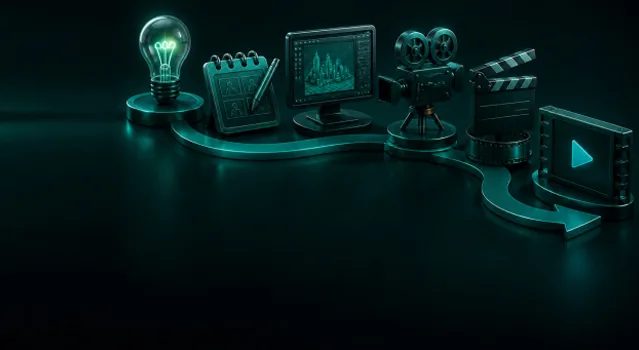
Describe the video in a chat. Director plans it and prepares the previews in one project; planning and previews are free, and the video renders in credits.
Describe the video in the Director chat; it plans the scenes and prepares the images, voice, music and presenter.
Edit each scene's prompt, length and optional reference image, then check the price.
Render one MP4 at 720p or 1080p; it lands in Lab, ready for editing or dubbing.
 VlogMe16:9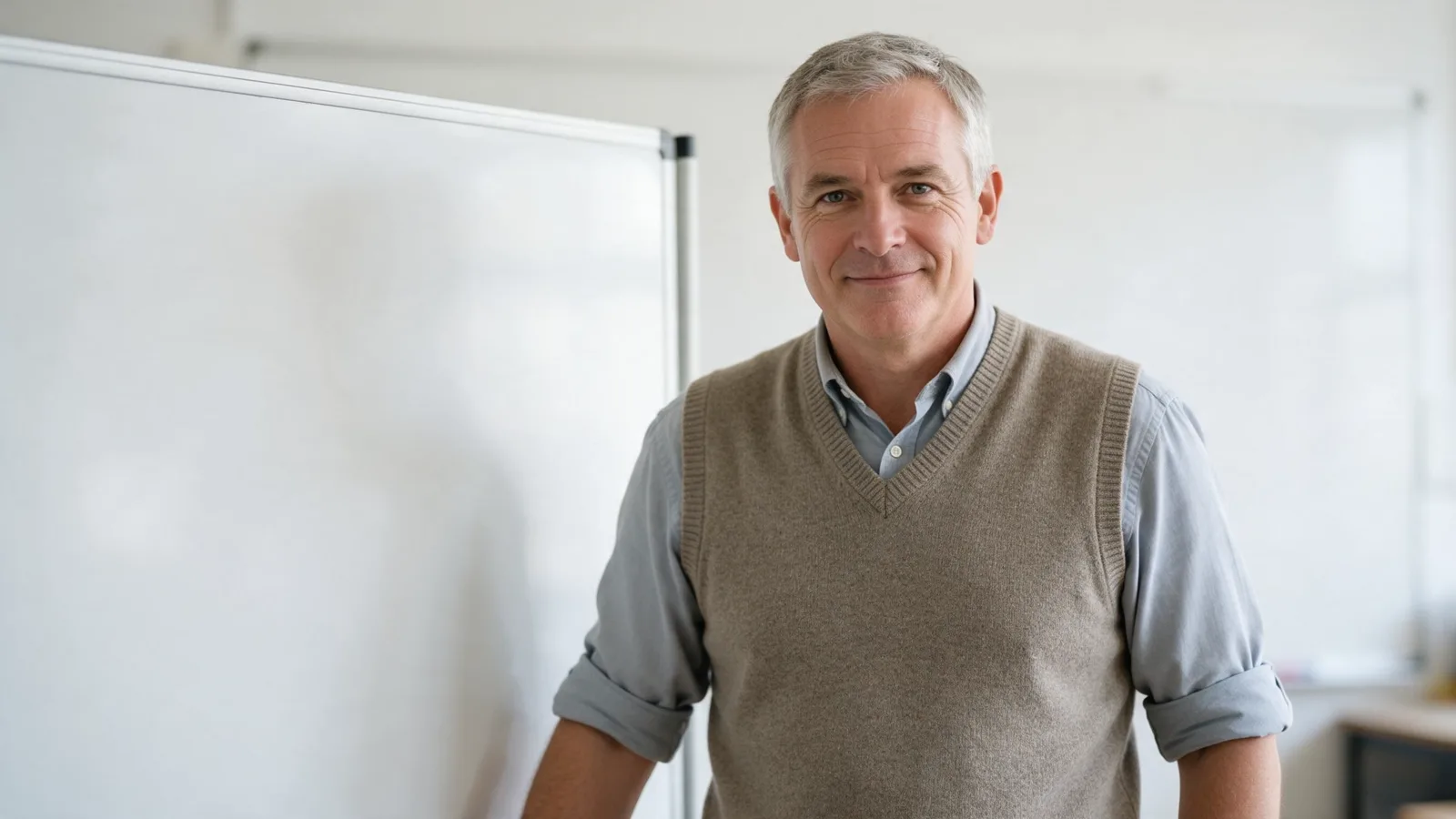
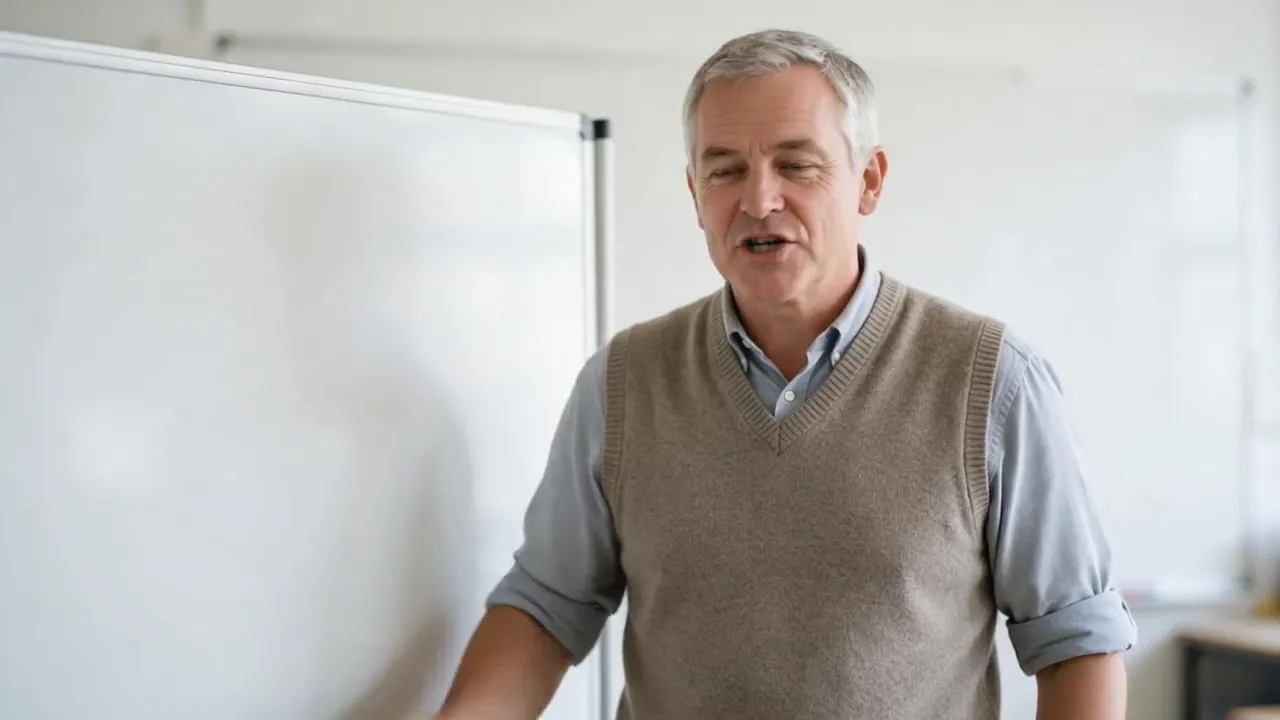
Made in VlogMe: Hedra Avatar in Video Studio animated a Seedream 5.0 Pro portrait from Image Studio to an ElevenLabs voice track. It is not a Synthesia output.
Short answers
When the source is a script, document or presentation and the video serves business communication. Synthesia creates video from that material; check its official site for current features and plans.
When you want to shape the story yourself. You describe it in the Director chat, Director plans the scenes and prepares the images, voice, music and presenters in one project, and DUB translates the finished video.
Yes. Paste the script into Director: it plans the scenes, the voice and the presenter shots, you review and edit the plan for free, and you render when it is right. The AI tutorial video page walks through it.
Seen the difference?
Open Director, describe the video in the chat and review every scene and the price before you render.