
Presenter Portrait
Upload a front-facing JPEG, PNG or WebP photo (up to 20 MiB) you hold the rights to, or generate a fictional presenter for extra credits. Reuse a saved portrait across bulletins.

This AI news anchor video generator is News Videos in VlogMe. Start with a topic and portrait photo, sign in, then News Videos drafts narration from a news report you select and renders a vertical or horizontal presenter video.
01News anchor example
Download the finished MP4 (H.264 video, AAC audio) as a 9:16 vertical or 16:9 horizontal video at 720p or 1080p. Share it yourself, or hand it to VlogMe Social, which posts or schedules only after you confirm.
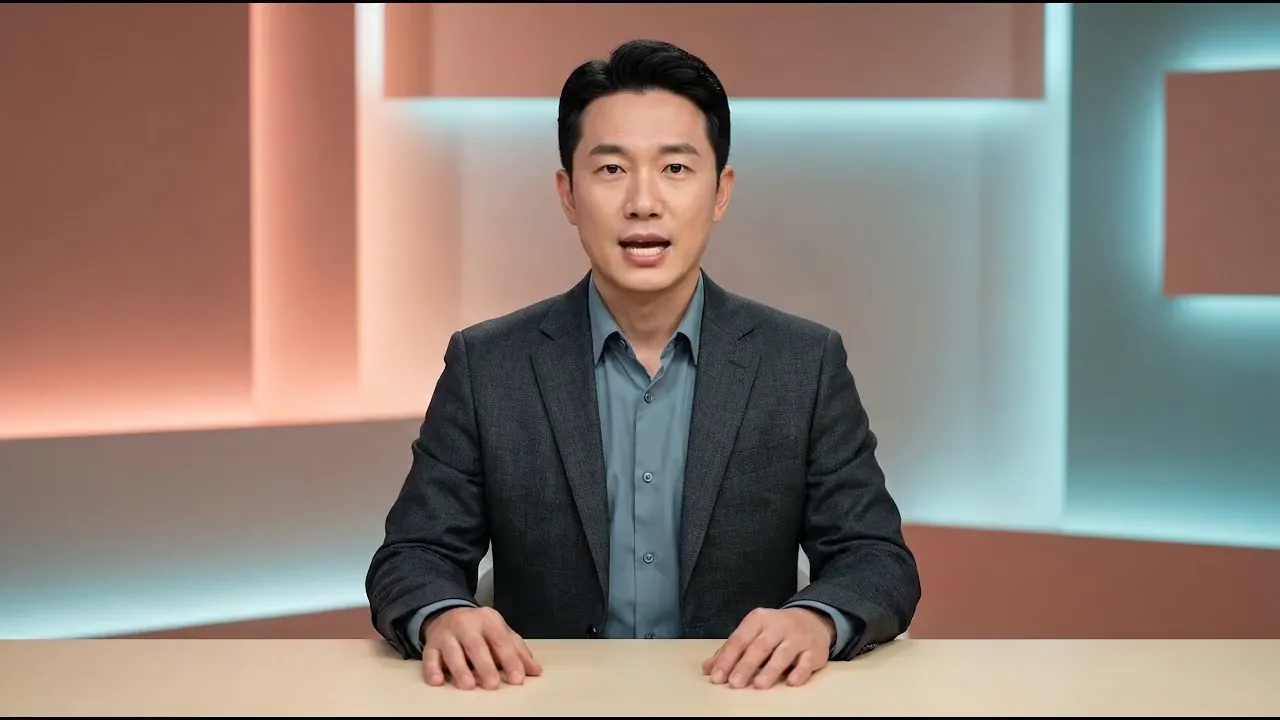 News briefing · News Videos16:9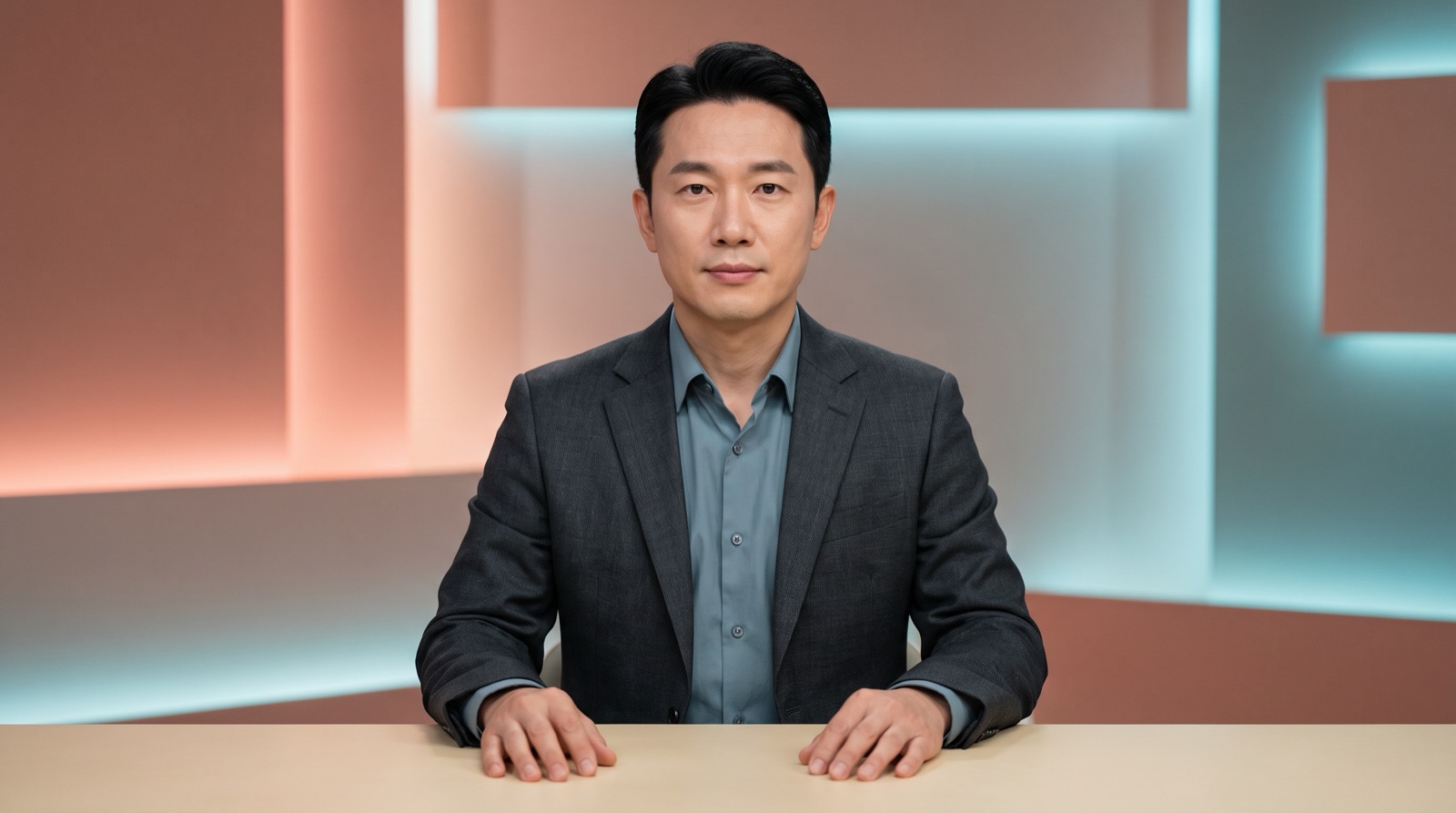
02How it works
Finished example
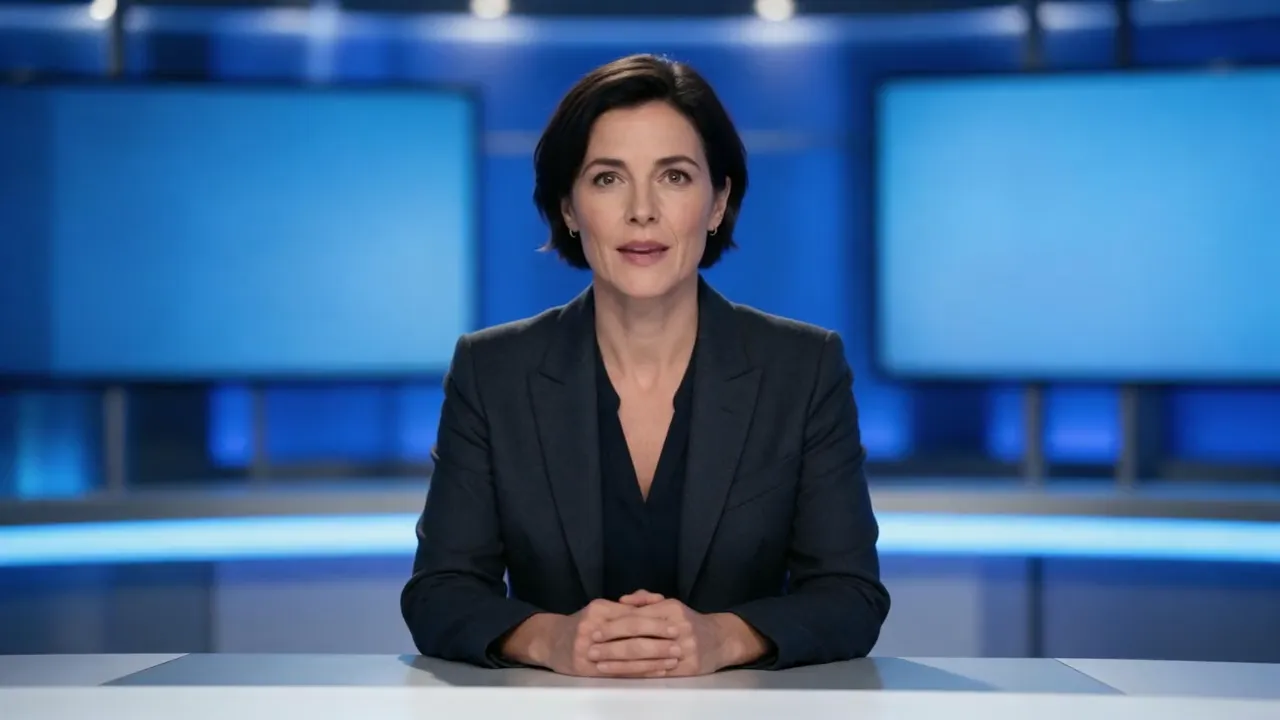 Desk briefing · News Videos16:9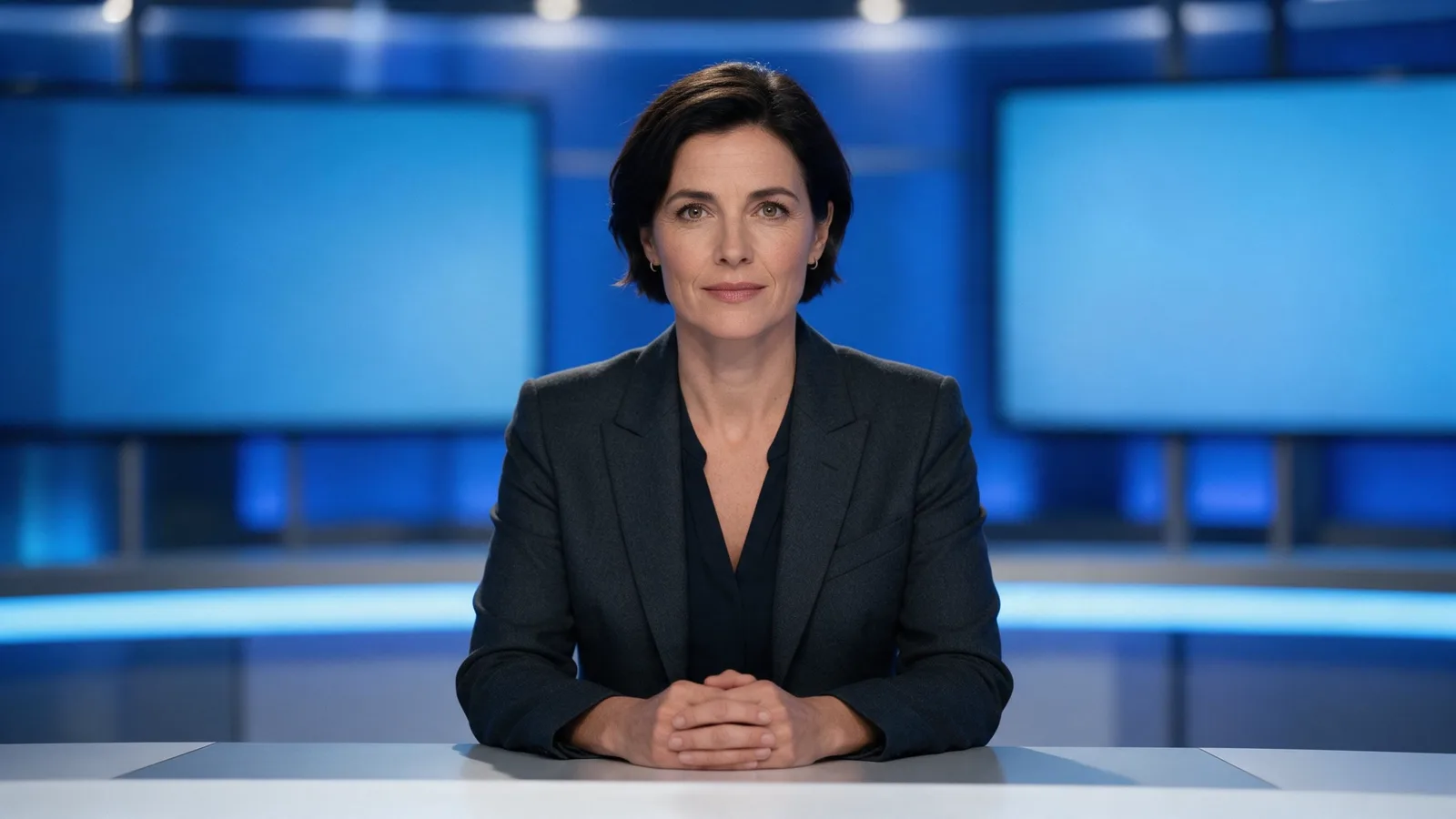
03Sources and script
News Videos searches news reports. Select one story; related reports may be added automatically. It saves titles, descriptions and snippets rather than full articles. Review the available evidence and open the primary report before approving.
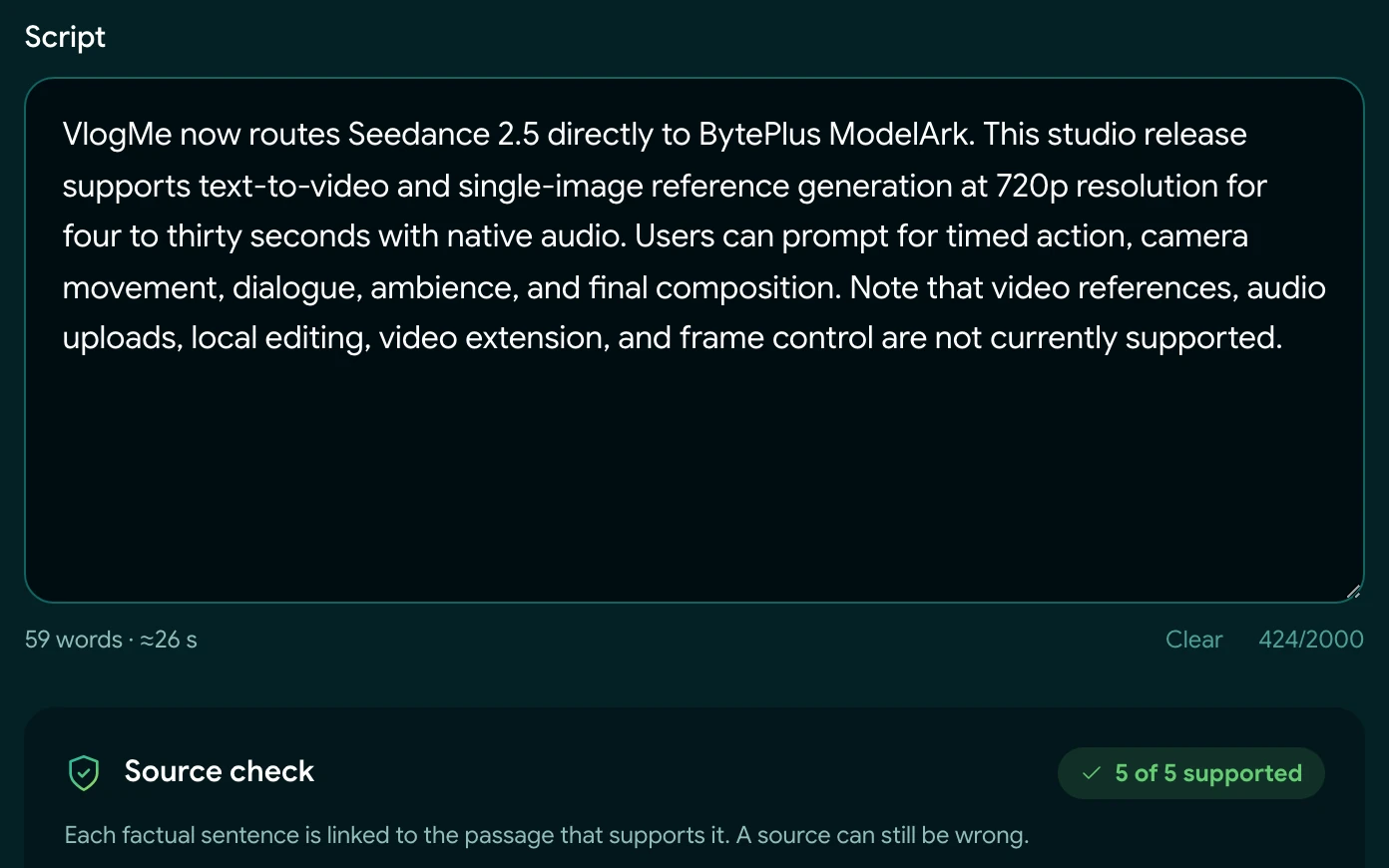
News Videos drafts the narration from the saved source snippets. Review and edit it before approval. Support checks compare narration against those snippets and can flag unsupported lines; they do not independently verify the news report.
04Presenter setup
Upload a front-facing JPEG, PNG or WebP photo (up to 20 MiB) you hold the rights to, or generate a fictional presenter for extra credits. Reuse a saved portrait across bulletins.
Pick a premade voice from the News Videos voice list, or use a voice you already cloned in VlogMe Audio Studio, a separate workflow. News Videos saves the voice for reuse in later bulletins.
News Videos searches news, drafts narration and generates speech in English and Russian. For other languages, send the finished video to DUB, a separate paid workflow that currently lists 28 target languages.

05Output
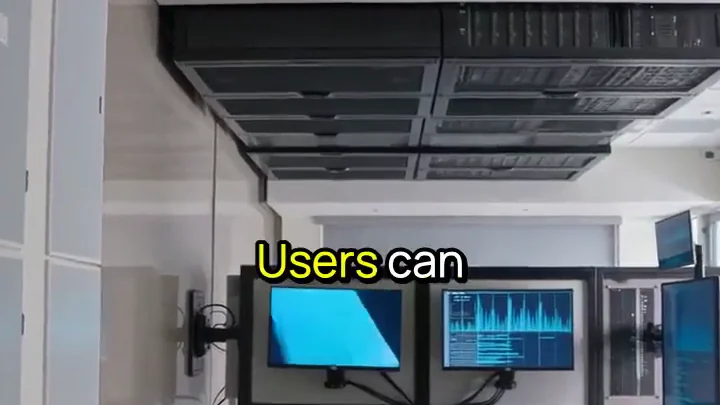
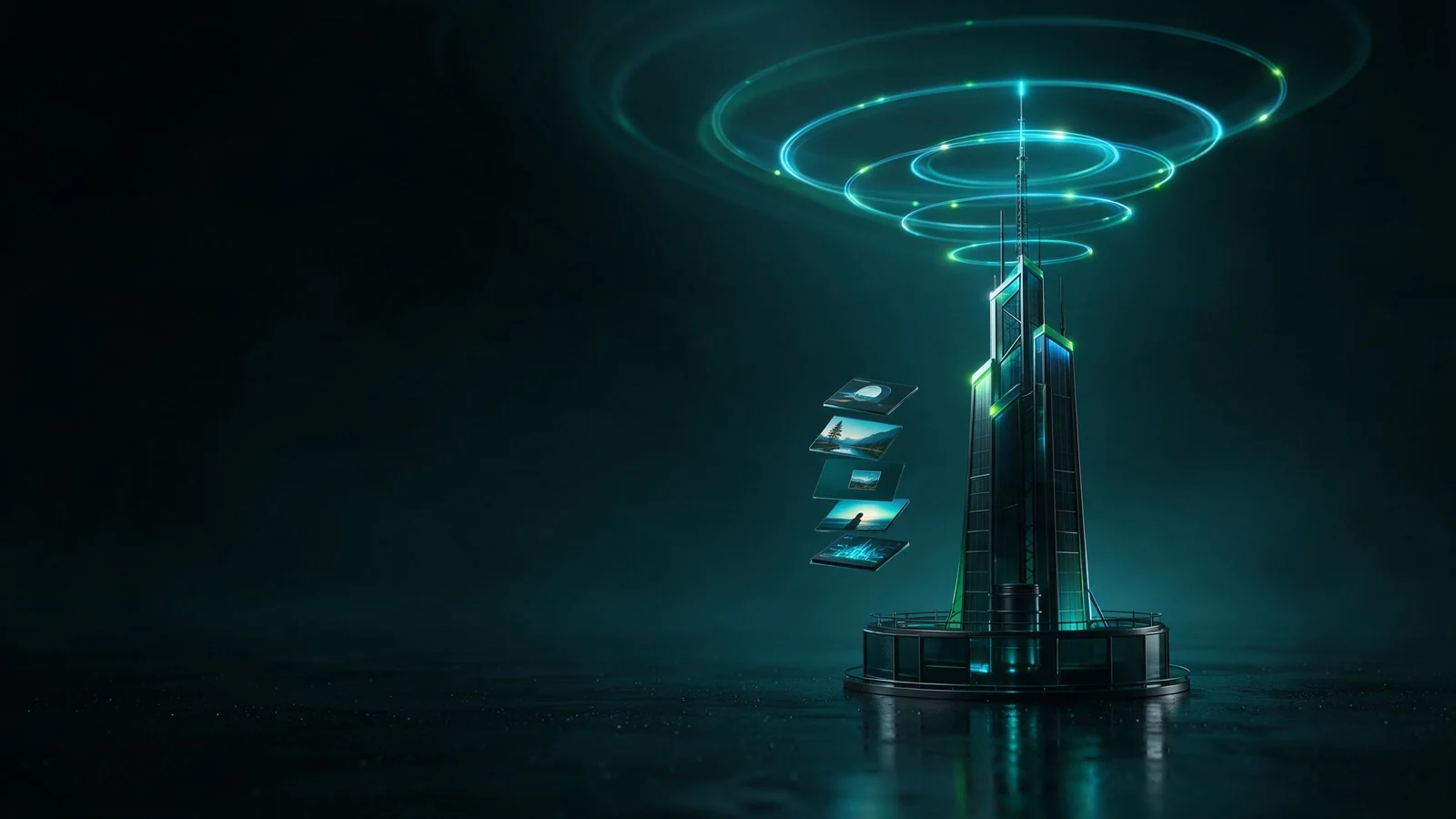
Each render pairs the presenter with one or three AI-generated cutaways that illustrate the story; three cutaways require 720p output. Stock footage, tickers and templates are not part of this workflow.
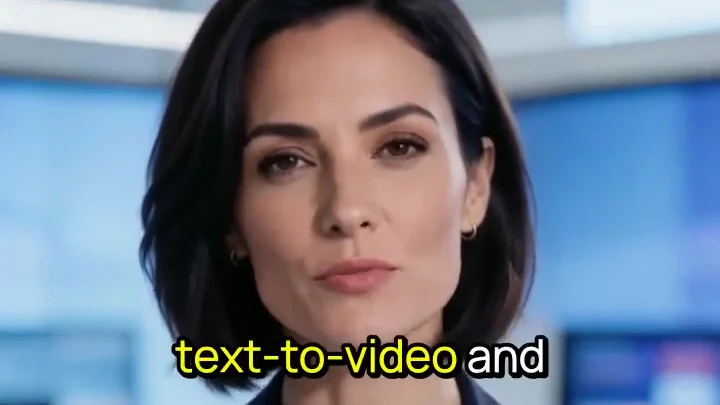
Captions are generated automatically and burned into the video in a fixed style. Caption switching, restyling and subtitle export are not part of this workflow, so check the final video for caption accuracy before release.
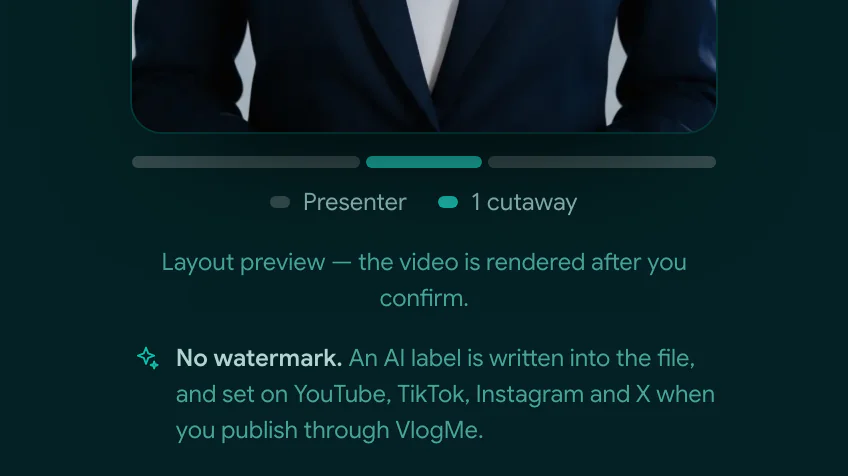
No watermark is drawn on the picture. Every export carries machine-readable AI-generation metadata, and when you publish through VlogMe Social, the platform's own AI label is turned on for YouTube, TikTok, Instagram and X.
06Why News Videos
07Audience
News Videos suits small and regional publishers, social-first news creators, YouTube news channels and internal communications teams that cover current events in English or Russian and want one AI news presenter for short vertical or horizontal updates.
Briefings come from reports available through News Videos search, which can include breaking news, local news, business and markets, sports results and entertainment coverage. Each render can be vertical for Shorts, Reels and TikTok, or horizontal for YouTube and websites.
08Credits
Signing in, searching news, drafting, checking and saving a script do not use credits.
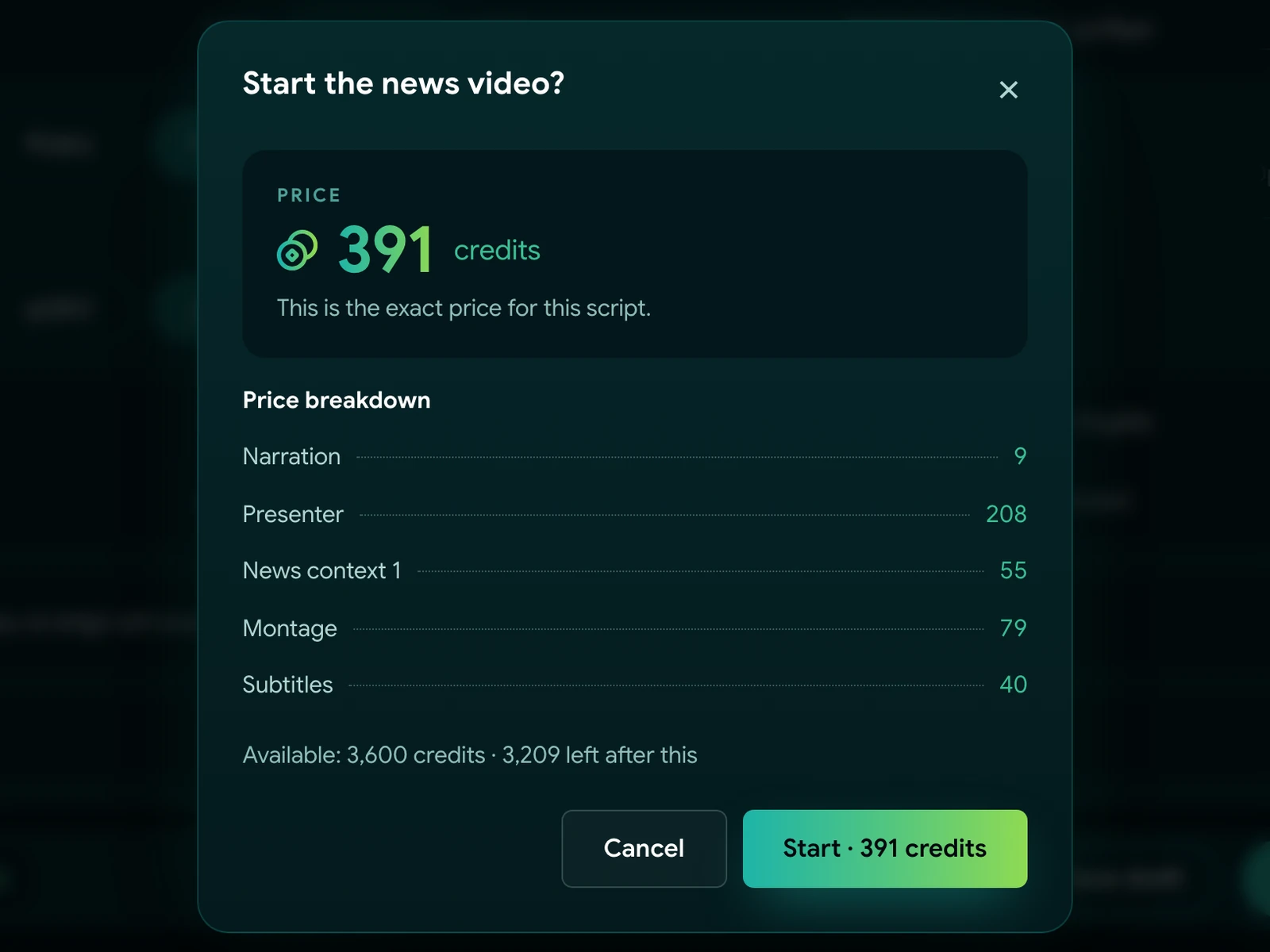
Rendering uses credits: News Videos shows a quote before you confirm. Generating a fictional presenter and translating with DUB are charged separately.
Questions before you create
Sign in, select a news report in News Videos, review the drafted narration, choose a portrait and voice, confirm the credit quote, then generate and download the vertical or horizontal MP4.
Upload a front-facing portrait you hold rights to, or generate a fictional presenter for additional credits. Dedicated hair, outfit or gesture controls are not part of this workflow.
Yes. Start from your ready script instead of a topic: after sign-in you attach a source, such as an article URL, and the narration is checked against it without being rewritten. When you start from a news report, you can edit or replace the drafted narration before rendering.
News Videos searches, drafts and voices briefings natively in English and Russian. Other languages come through DUB, a separate paid workflow that translates the finished video afterwards.
Preparation does not use credits: signing in, searching news, drafting, checking and saving a script. Rendering the video uses credits; News Videos shows the quote before you confirm.
News Videos renders a vertical 9:16 or horizontal 16:9 MP4 at 720p or 1080p. Choose a 30-, 45- or 60-second target; that sets length, not render time; the final duration follows the narration.
Yes. Captions are generated automatically and burned in with a fixed style, not as editable subtitles. The picture carries no watermark; the file is marked as AI-generated in its metadata.
The support check compares narration with saved source snippets and can flag unsupported lines. It does not independently verify the reporting itself; your review remains necessary.
Edit the narration before rendering. After generation, changes mean a new render using credits, or taking the finished video into VlogMe Editor, a separate paid workflow.
Download the vertical or horizontal MP4 and publish it yourself, turning on each platform's AI or synthetic-media label. VlogMe Social, a separate workflow, sets that label for you on YouTube, TikTok, Instagram and X and posts only after you confirm.
Name the topic here, then continue in News Videos to choose the source, approve the script, render the briefing and release it when your editor approves.