
VlogMe

Tutorial video maker Create an AI tutorial video from a script

Start with the learning outcome and paste the steps. Director plans one scene per step and prepares previews of the AI presenter who reads your script, the voice and the visuals in one project for free.

  • Set up without signing up
  • Files stay local until you continue

Try it with your own files

Set up your generation

Your brief opens in Director. After you sign in, your image uploads to Lab and guides the first scene's people and place.

  1. Set the outcome
  2. Write the steps
  3. Add the presenter
  4. Render & update

01Tutorial example

A lesson viewers can follow

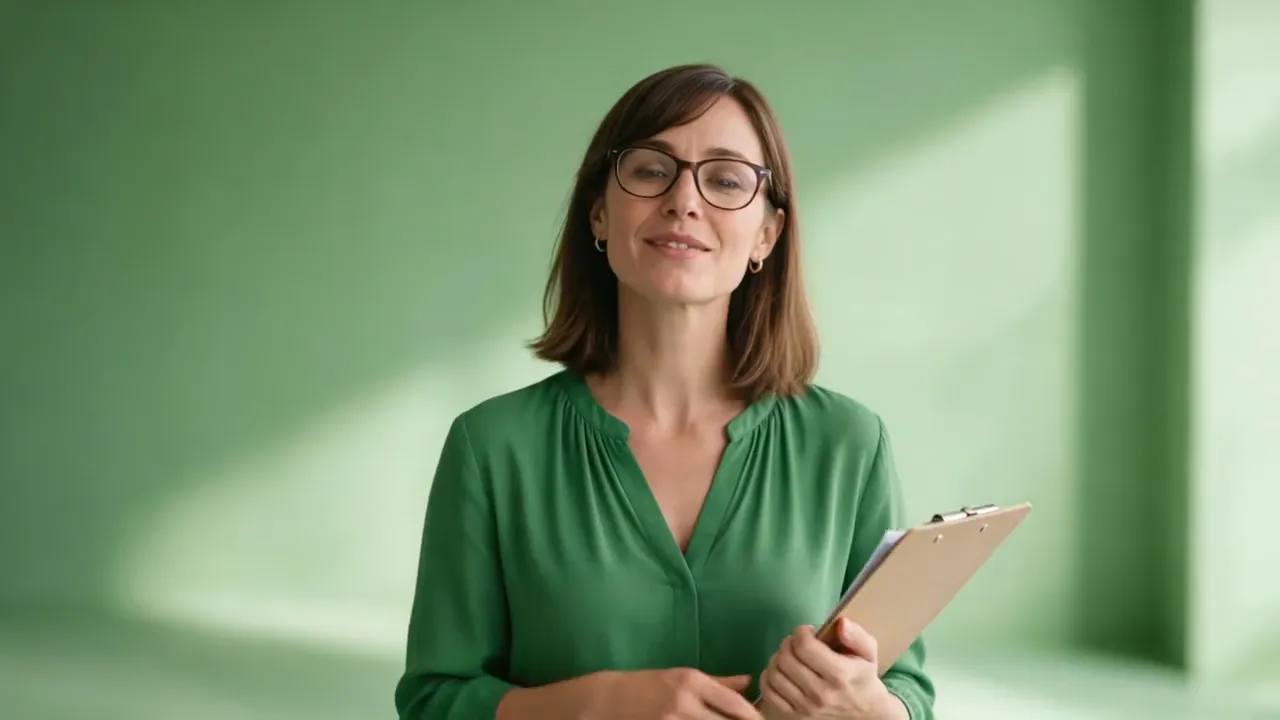
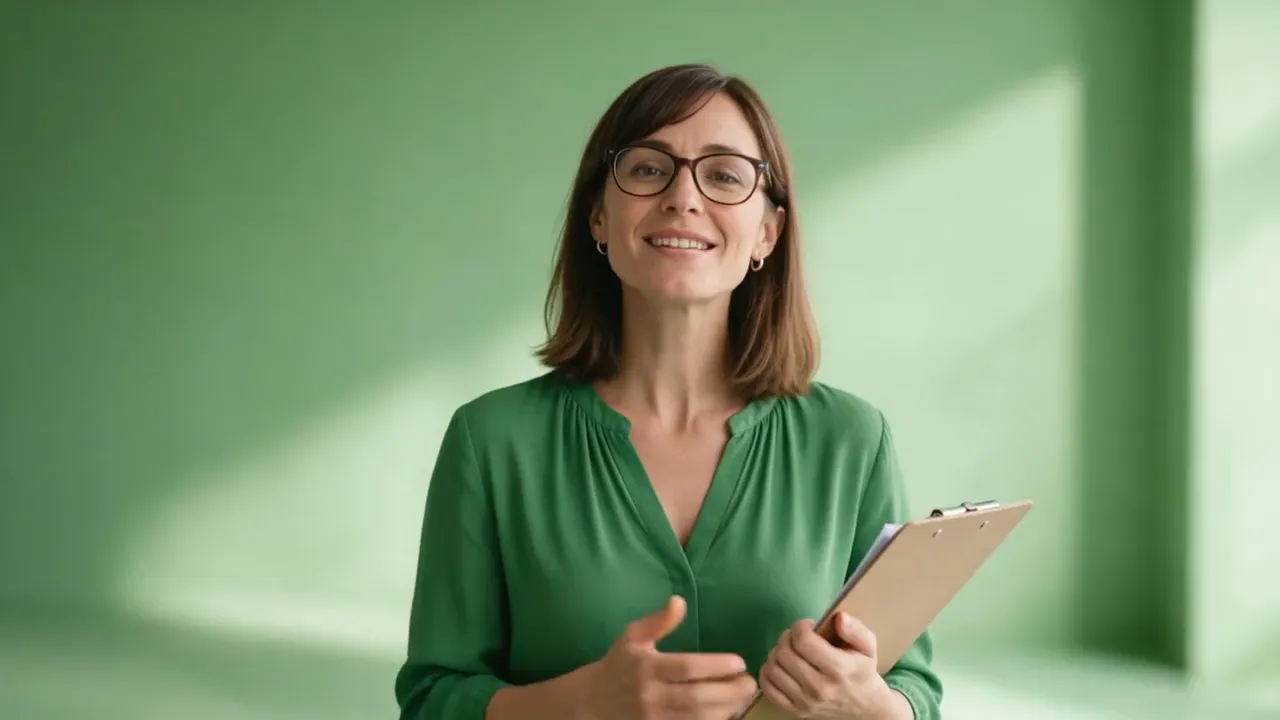
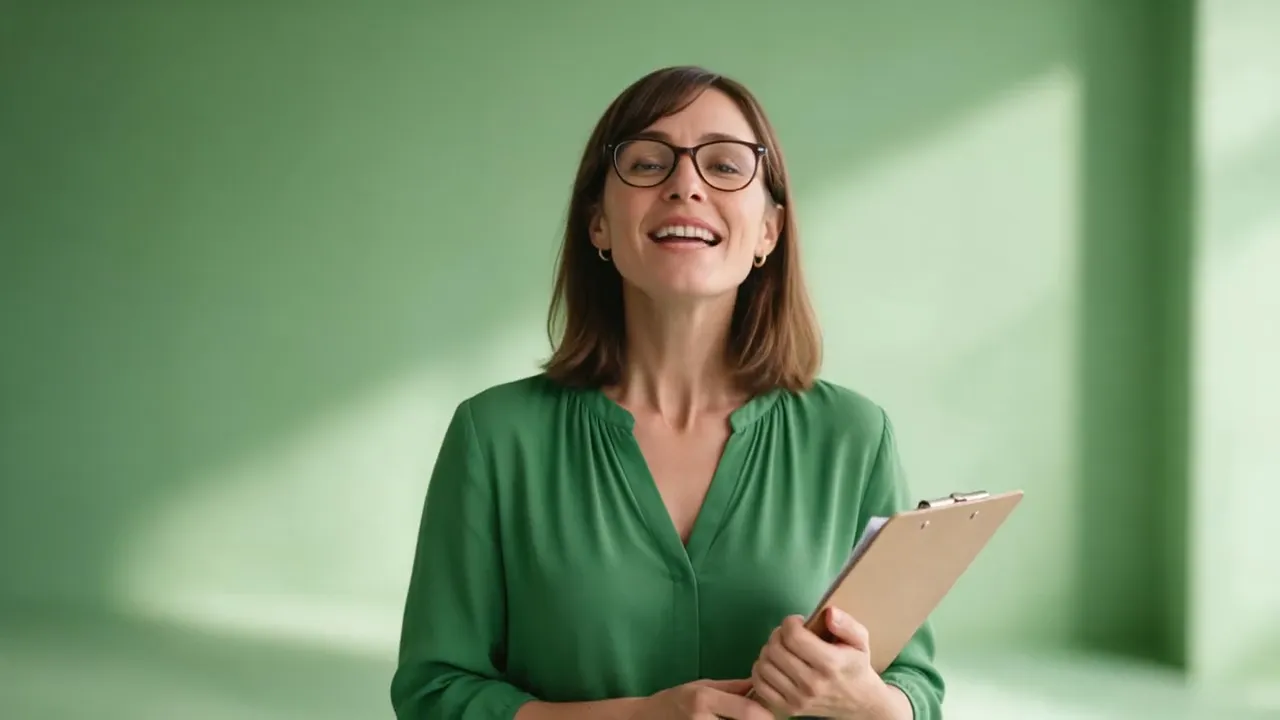
One portrait and one ElevenLabs voice track became this 11-second lesson in Video Studio with Hedra Avatar: choose a sunny spot, measure the light, pick three easy plants.

  • Presenter-led lessons without filming
  • Structured scripts for steps, warnings, and summaries
  • The same presenter can teach the lesson in another language
  • Fix one step in the plan and render the lesson again when the process changes
Tutorial: a presenter in a green blouse explains three steps to plan a small vegetable bed
Hedra Avatar16:9
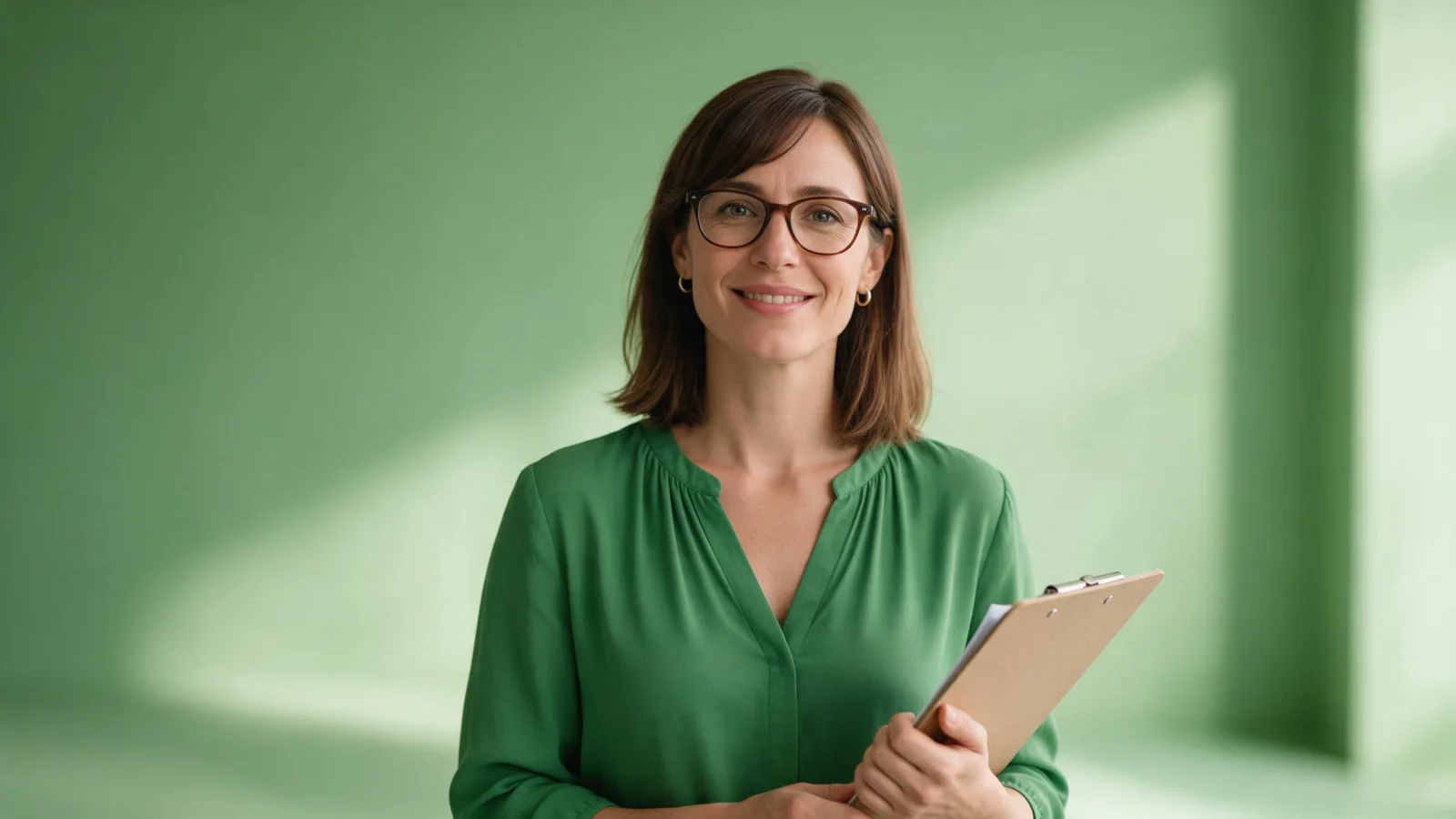
Source portrait: a woman in a green blouse with a clipboard
Source image

02Show, then explain

One step at a time, shown and said.

01Steps on screen

Put the step number where the eye is.

Keep one action per scene and give each step a short on-screen line. The Video Editor adds overlay text of up to 280 characters to a clip, so the numbered step stays readable with the sound off.
Create tutorial
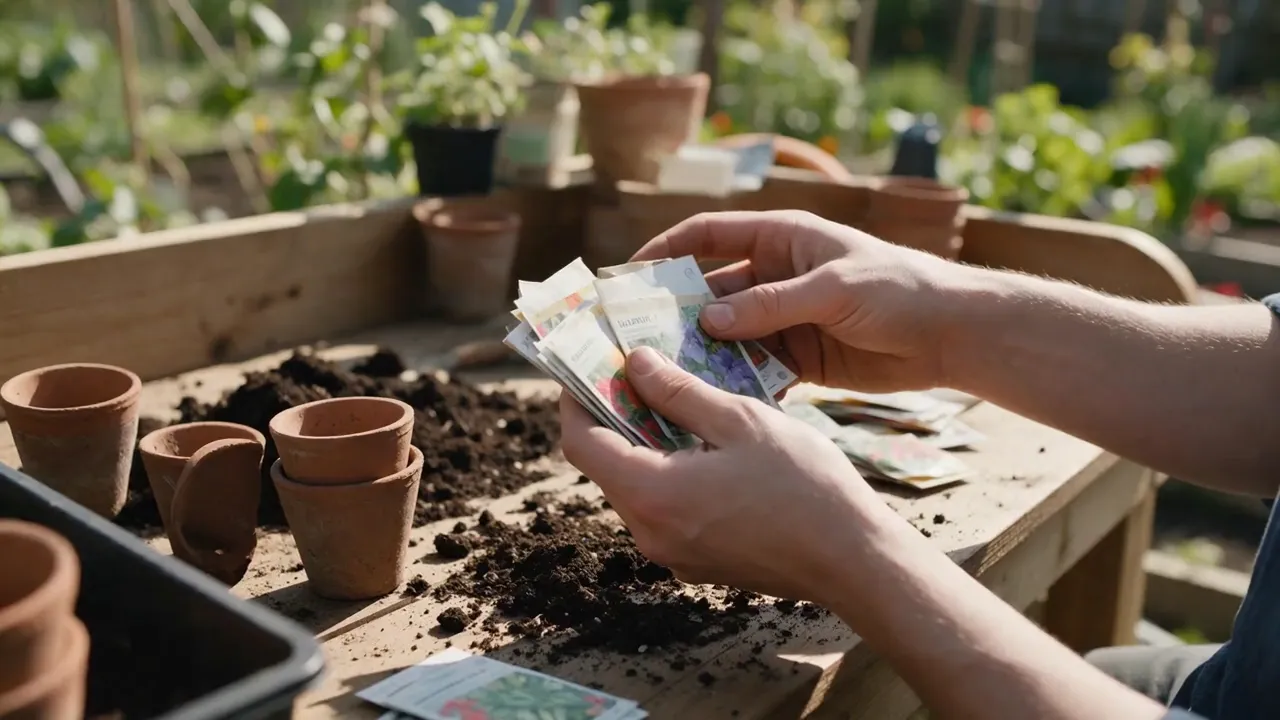
B-roll: hands sort seed packets on a sunny potting bench
MiniMax H316:9

02Show the step

Cut to the hands doing the work.

Between presenter lines, show what is being explained. This 4-second shot of hands sorting seed packets was animated from one generated still with MiniMax H3 image to video in 2K.

Animate a still
The same lesson in Spanish, delivered by the same presenter in a green blouse
Español16:9
Source portrait: a woman in a green blouse with a clipboard
Source image

03Another language

The same teacher, now in Spanish.

Same portrait, new voice track: “En esta lección vas a planificar un pequeño huerto en tres pasos…” Rendered again with Hedra Avatar, with no reshoot and no new presenter. To translate a finished video instead, use DUB.

Translate with DUB

Director

Plan a whole video in chat
  1. Your starting materialAn instructional script
  2. The resultAn editable multi-scene video project
Continue in Director

03How it works

Outcome first. Then the steps.

  1. Define the outcome

    Tell viewers what they will be able to do by the end.

  2. Add clear steps

    Use one action per step and include any important warnings or prerequisites.

  3. Generate and review

    Render the lesson, have a subject expert check every instruction, then share it from Lab.

  • One action per step
  • Presenter-led
  • B-roll of the step
  • On-screen text
  • Spanish version

Finished lessons

Two teachers, two subjects

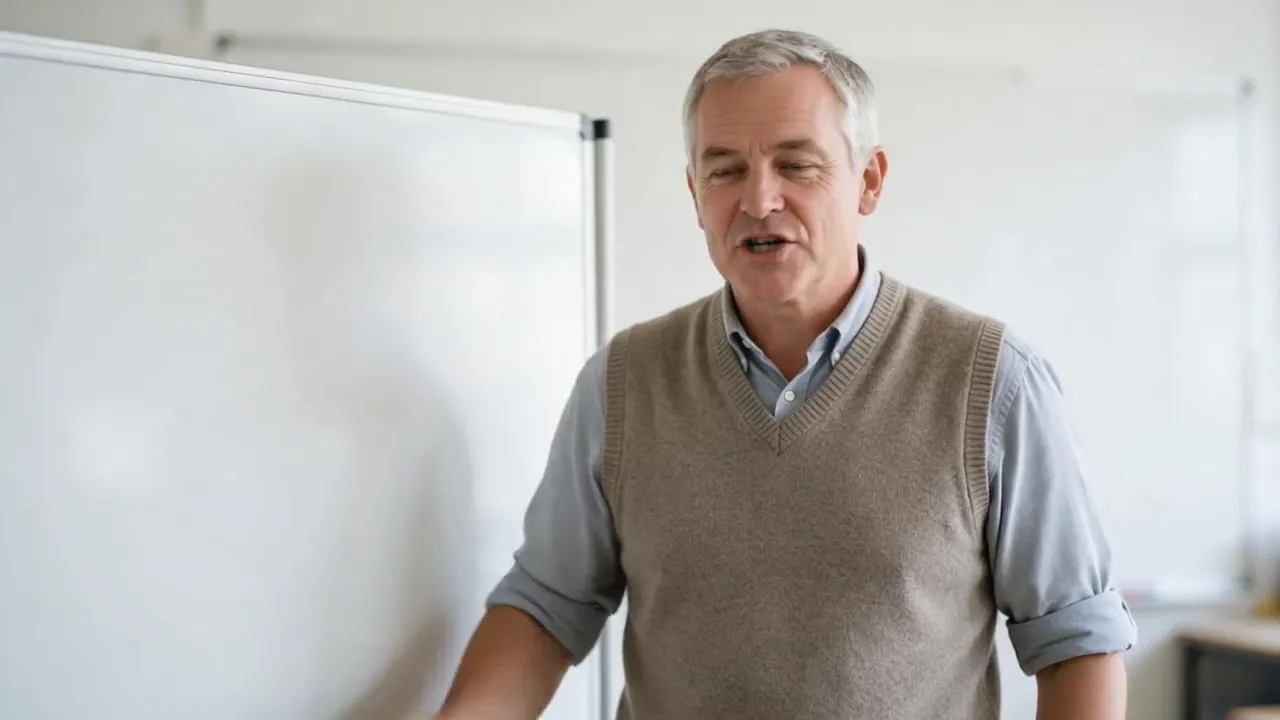
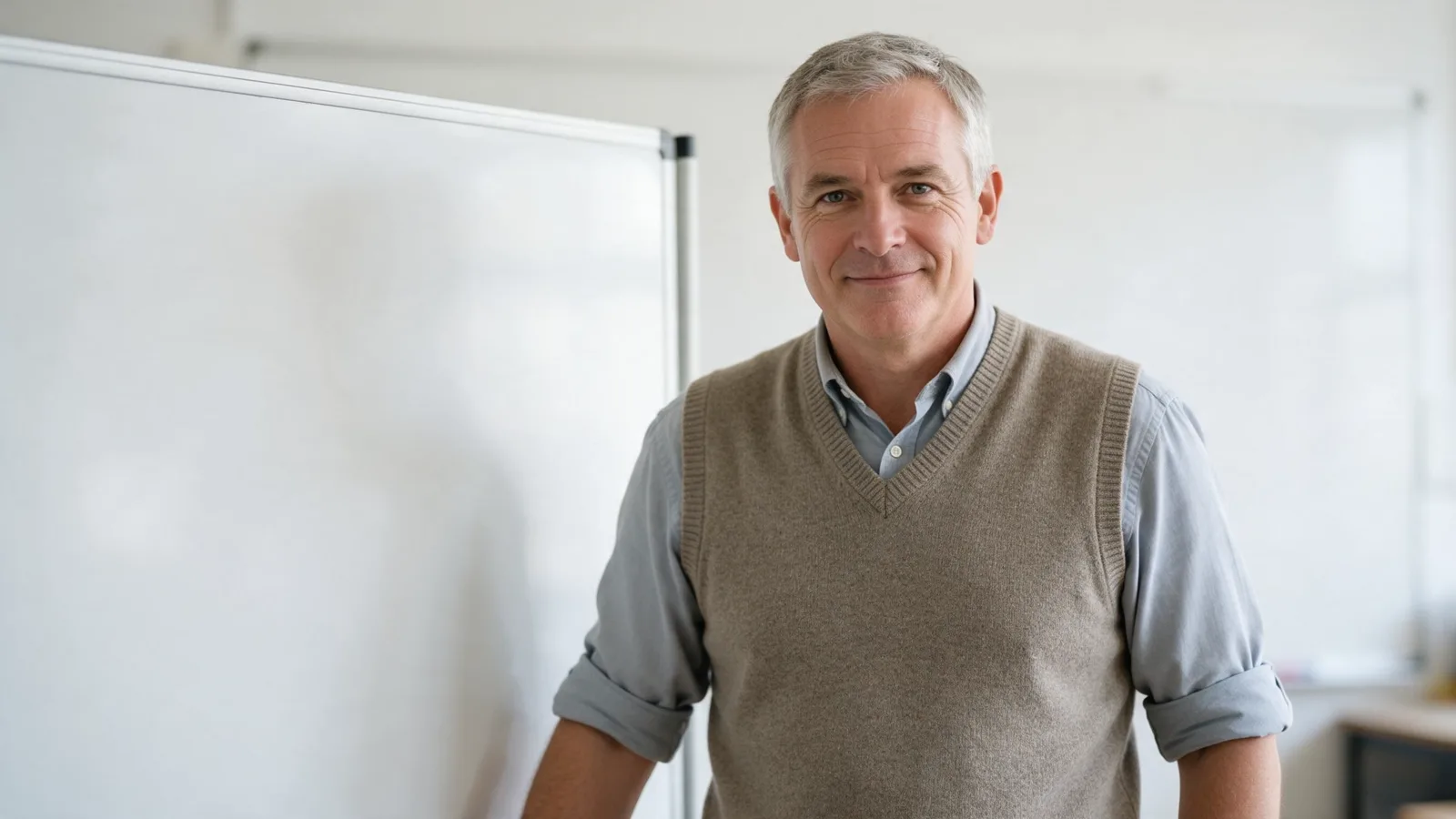
A teacher with rolled-up sleeves beside a whiteboard explains fractions with a pizza example
Math lesson16:9
Source portrait: a grey-haired teacher in a knitted vest beside a blank whiteboard in a bright classroom
Source image
A presenter in a green blouse introduces a garden workshop
Workshop intro16:9
Source portrait: a woman in a green blouse with a clipboard
Source image

Fractions explained with a pizza · Hedra Avatar

The same teacher opens a garden workshop · Hedra

Continue in Director

A course you update, not reshoot.

Director keeps the lesson as scenes you can reopen, together with the presenter, voice and visuals it prepared. When a step changes, rewrite that scene and render the lesson again; clips and voice files stay in Lab.

  • One scene per step
  • Reference images from Lab
  • The teacher's line in each scene
  • Price before rendering
Create tutorial

Questions before you create

Tutorial videos, answered.

Can I update a tutorial later?

Yes. Change the affected script section and create a new version without reshooting the presenter.

Can it create software tutorials?

Partly. VlogMe generates the presenter and the scenes, not a recording of your screen. Record the software steps yourself, and use VlogMe for the introduction, the summary and a version in another language.

Should AI-generated instructions be reviewed?

Always. A subject-matter expert should verify steps, warnings, and product details before publication.

Can the same lesson exist in another language?

Yes. Render the presenter again with a voice track in that language, as in the Spanish example, or translate a finished video with DUB.

Do I need to film b-roll?

No. Generate a short shot of the step in Video Studio; the seed-packet clip above was animated from one still with MiniMax H3.

What does a tutorial cost?

Planning the lesson and previewing the presenter, voice and visuals in Director is free. The render depends on length and model, and Director and Video Studio show the credit price before you render. New accounts start without credits, so buy a plan or a credit pack when you are ready.

Your lesson is ready

Teach it once. Update it any time.

Paste the steps here, then open Director to plan a scene per step and preview the presenter for free, check the price and render.

  • Presenter-led
  • One action per step
  • Easy to update

Nothing uploads from this page · Credits are shown before you render