
VlogMe
When the talking clip is one scene of many
Choose VlogMe when the presenter is one part of a project with scenes, generated footage and later editing.

Workflow comparison
D-ID offers avatar-led videos from text, audio or an image. VlogMe brings talking clips into a broader video, image and audio workspace.
01Side by side
Both can make a still image talk; the difference is where the clip goes next. We compare workflows, not unverified prices or quality scores.
| Decision point | VlogMe | D-ID |
|---|---|---|
| Starting point | A portrait and a voice track in Video Studio, or an idea, script or image for Director. | Text, audio or an image for a talking avatar. |
| When it fits | A talking clip inside a wider creative workflow. | Presenter-led clips and avatar communication. |
| API and integrations | REST API and MCP access for your own tools, alongside the web workspace. | Check D-ID's official documentation and your plan before you commit to an integration. |
| Cost | Pay with credits from a plan or a one-time pack. You see the exact credit price in the studio before anything runs; see pricing. | Confirm D-ID's current prices and limits on its official site. |
Competitor details were checked against D-ID's official Creative Reality Studio page. Plans and features change, so this page makes no price or performance ranking.
Also in VlogMe: REST API and MCP access, multi-scene Director videos of up to 3 minutes and workflows in 30+ languages.
02Decision guide
VlogMe
Choose VlogMe when the presenter is one part of a project with scenes, generated footage and later editing.
D-ID
Choose D-ID when a talking avatar is the main deliverable and its Studio controls fit your project.
03Step by step
From one photo to a talking clip, with every file kept in Lab.
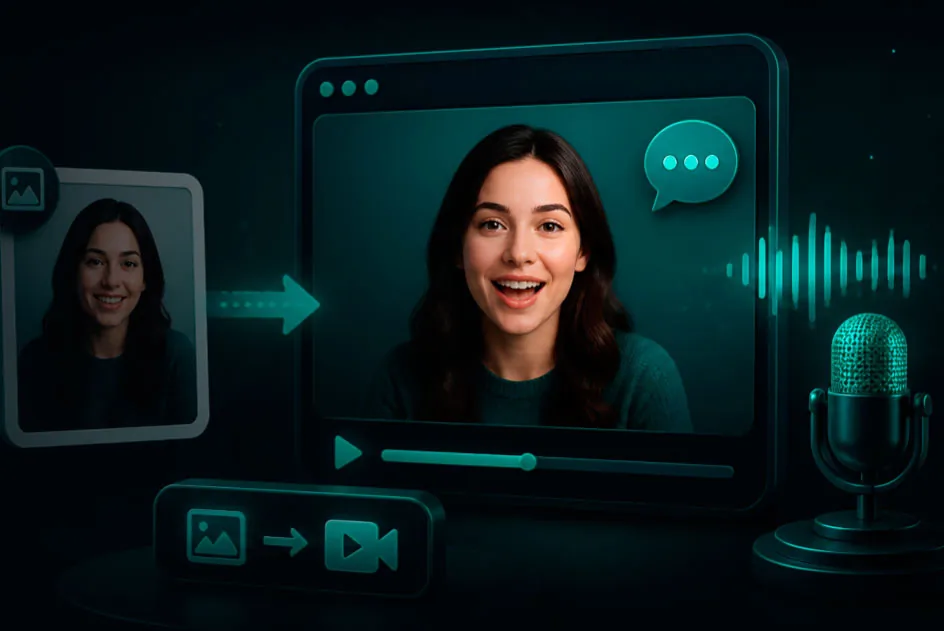
Upload a portrait you have the rights to and a voice track, or create the voice in Audio Studio.
Check the credit estimate, then run Talking avatar in Video Studio.
Keep the clip in Lab, trim it in Video Editor or dub it into another language with DUB.
 VlogMe9:16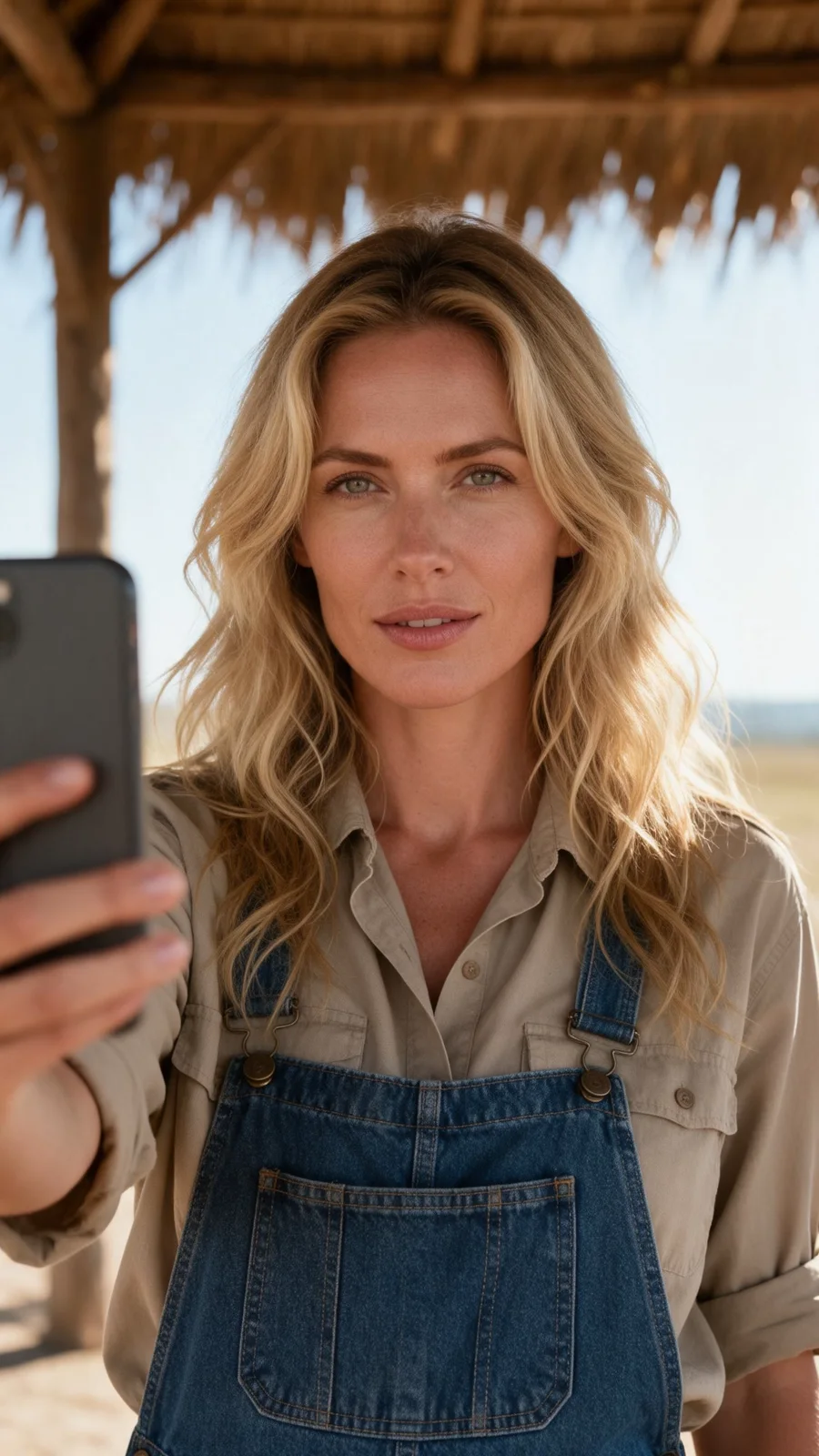
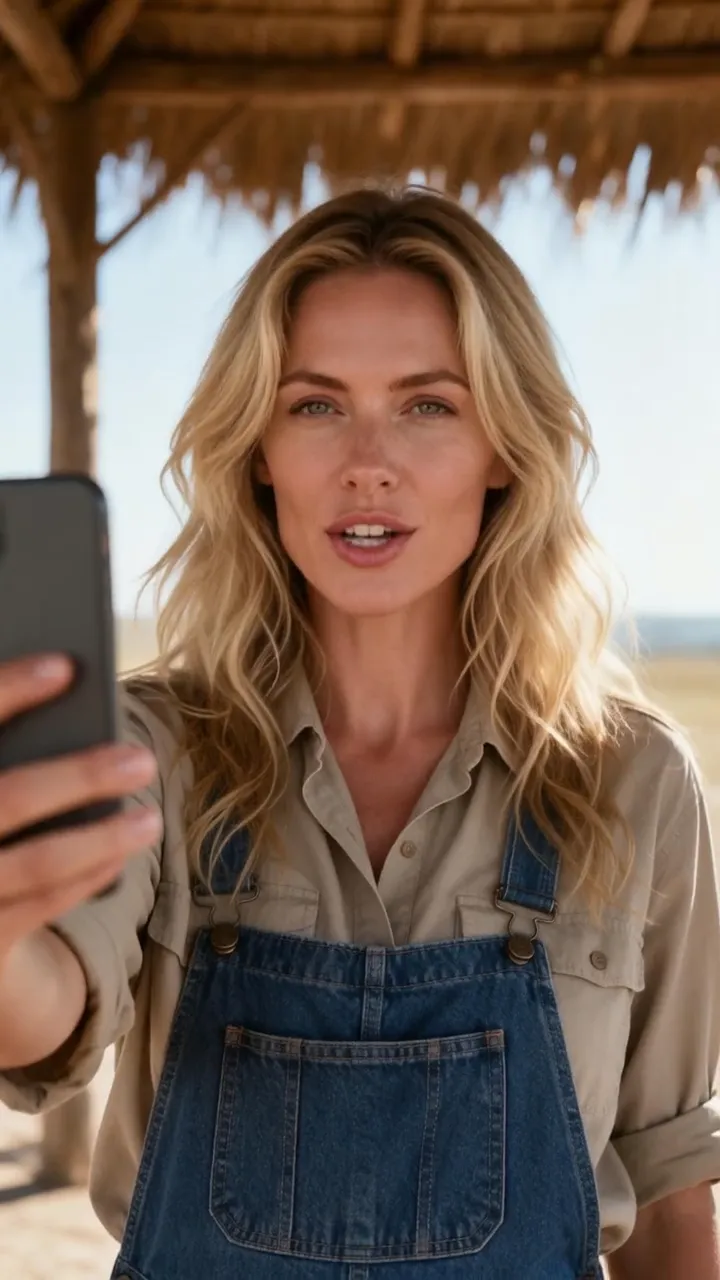
Made in VlogMe Video Studio with Hedra from one generated portrait and an ElevenLabs voice track. It is not a D-ID output.
Short answers
When the avatar clip is the finished product rather than one scene in a larger video. D-ID builds it from text, audio or an image in its own Studio; check its official site for current options and plans.
When the talking clip needs company. Director plans multi-scene videos from a chat, Image Studio makes the stills, Audio Studio the voice and music, and Aisma edits existing footage from a written request, all in one workspace.
Yes. Make a photo talk takes one clear portrait and your text or audio, and shows the credit price before it renders. The result is saved to Lab, ready to edit or publish.
Compare
Seen the difference?
Open Video Studio, add a portrait and a voice track, and see the credit estimate before you generate.