For educators Teach on camera — without filming yourself
Paste your lesson, pick a voice and get a polished lecture video. When the course goes international, DUB translates finished lessons into 28 languages.
Update a lesson by editing the script and rendering again, with no studio booking
Dub finished lessons into 28 languages with DUB
SRT and VTT captions timed to the voice, for accessibility and sound-off viewing
Commercial use on every paid plan, so you can sell the course outright
01Example lesson
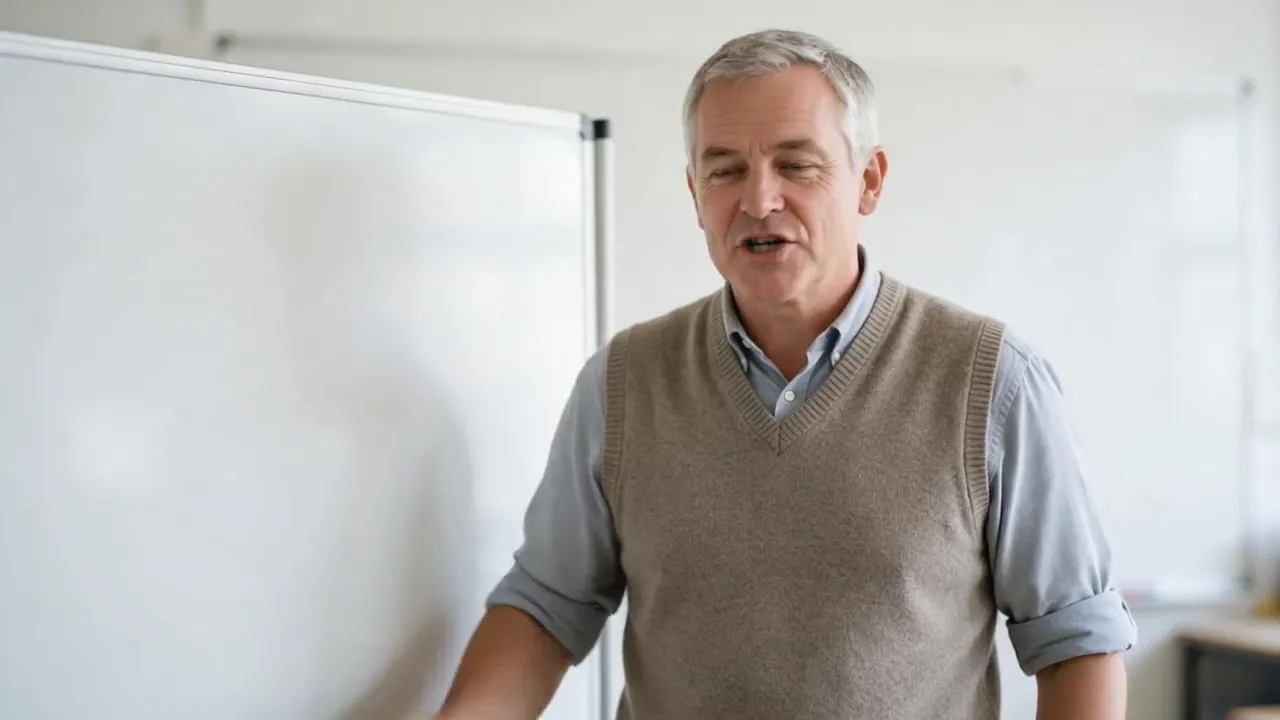
A whiteboard lesson from one portrait
The teacher is a generated portrait. His three-sentence script (“Fractions are just fair sharing…”) was voiced with ElevenLabs v3, and Hedra Avatar animated the portrait in Video Studio. Change a sentence and render the lesson again.
Horizontal 16:9 for course platforms and YouTube, vertical 9:16 for short recaps.
 Talking avatar16:9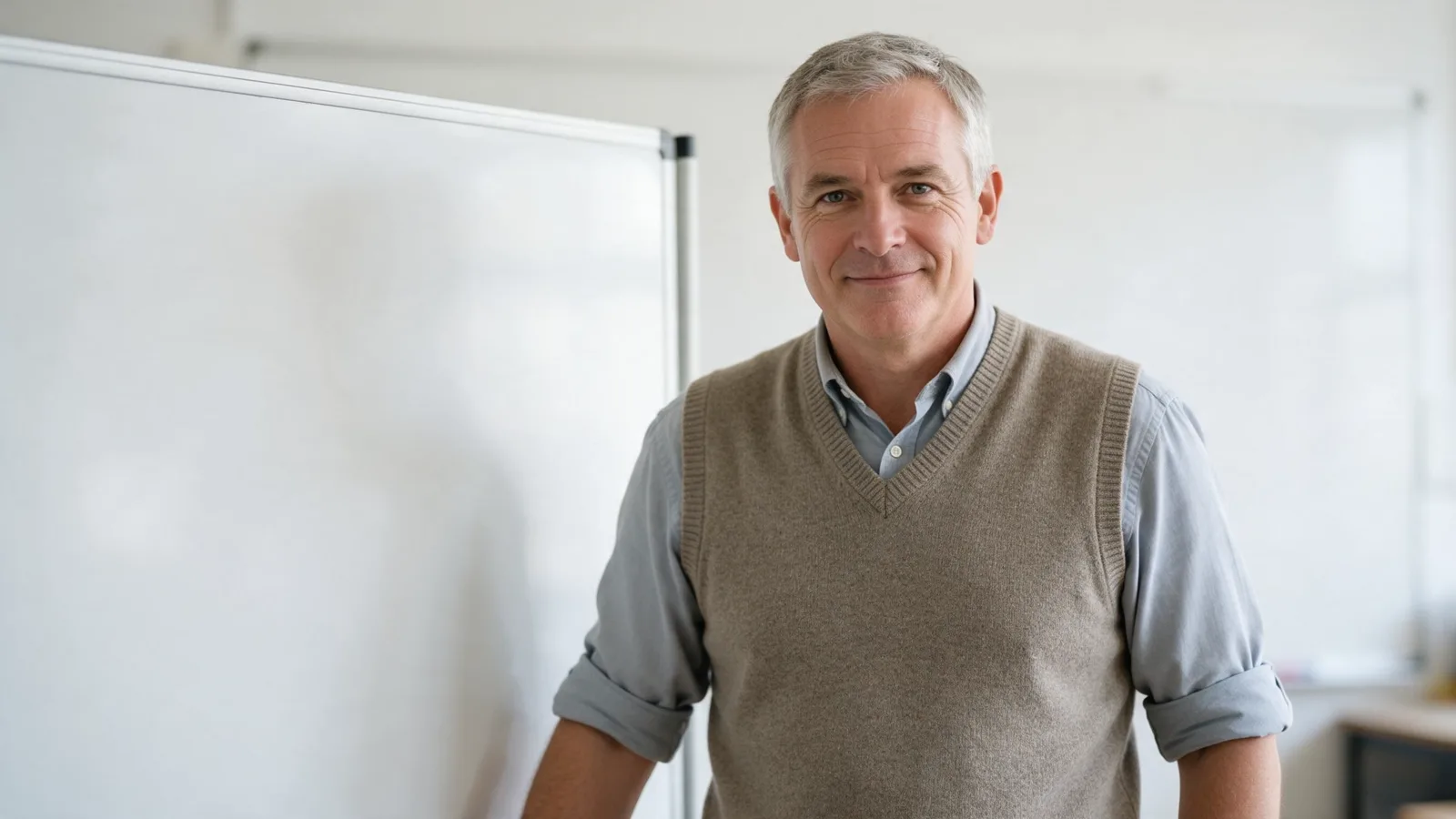

02From source to publish
Show the idea, then publish
Animate a still into b-roll of the concept you are teaching, like this 4-second MiniMax H3 shot. Then download the MP4 for your course platform or publish it to YouTube from Lab.
Captions export as SRT or VTT files for your course platform.
Start a lecture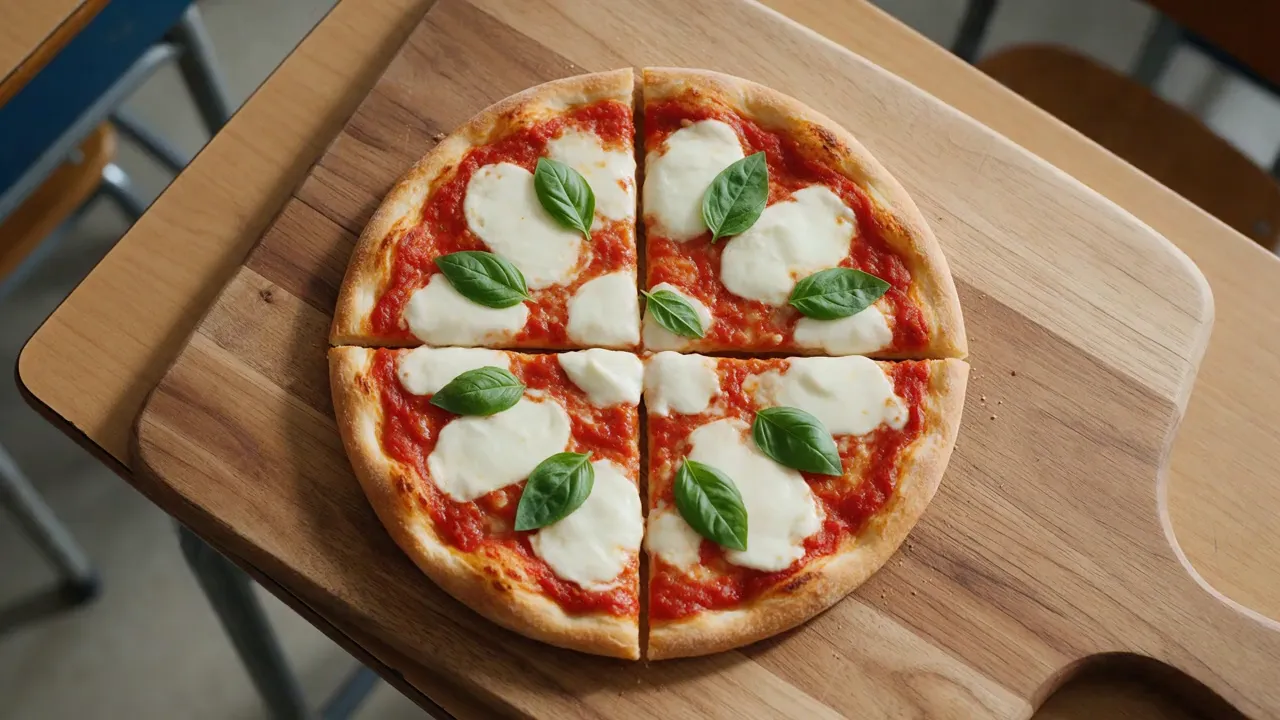 B-roll16:9
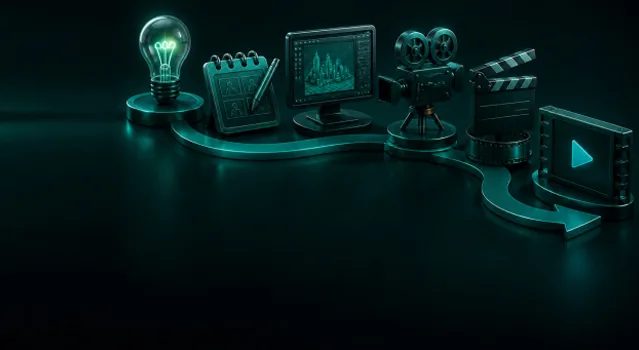
From lesson plan to video in three steps

Write your lesson
Paste what you would say on camera. Hedra Avatar takes up to 10 minutes of speech per render, and Director can build a lesson of several scenes, up to 3 minutes long.

Pick a face and voice
Upload a portrait of yourself or generate a presenter in Image Studio, then choose a voice or your own clone.

Publish anywhere
Download the MP4 for your LMS or course platform, or publish it to YouTube from Lab.
Services
VlogMe services for this job
Questions teachers ask
Can students watch with captions?
Yes. Audio Studio times your script to the voice track and exports SRT and VTT captions that course platforms and YouTube can display.
How fast can I localize a course?
Upload each finished lesson to DUB, choose one of 28 target languages, check the price and download the dubbed MP4.
Can I use my own face?
Yes. Upload one clear portrait of yourself and confirm you have the rights to it; the avatar lip-syncs to whatever voice track you choose.
For educators
Teach once. Update anytime.
Paste a lesson, pick a face and a voice, then upload the MP4 to your course platform.