VlogMe
When the image has to move
Choose VlogMe when the image must move into a production workflow with scenes, video, voice and a shared library.

Workflow comparison
Midjourney offers image and video creation, editing and visual exploration on its website. VlogMe connects Image Studio results to video scenes and other production tools.
01Side by side
Both start from a prompt. Midjourney is built for visual exploration; in VlogMe, the image is often the first step toward a video. We compare workflows, not unverified prices or quality scores.
| Decision point | VlogMe | Midjourney |
|---|---|---|
| Starting point | A prompt or reference image in Image Studio, with models such as GPT Image 2 and Nano Banana Pro; the result can start a video. | An image prompt, visual reference or existing creation. |
| When it fits | Images that become inputs to a larger video project. | Exploring visual directions and refining image or video creations. |
| API and integrations | REST API and MCP access for your own tools, alongside the web workspace. | Check Midjourney's official documentation and your plan before you commit to an integration. |
| Cost | Pay with credits from a plan or a one-time pack. You see the exact credit price in the studio before anything runs; see pricing. | Confirm Midjourney's current prices and limits on its official site. |
Competitor details were checked against Midjourney's official documentation. Plans and features change, so this page makes no price or performance ranking.
Also in VlogMe: REST API and MCP access, multi-scene Director videos of up to 3 minutes and workflows in 30+ languages.
02Decision guide
VlogMe
Choose VlogMe when the image must move into a production workflow with scenes, video, voice and a shared library.
Midjourney
Choose Midjourney when the goal is to explore visual ideas and the image itself is the deliverable.
03Step by step
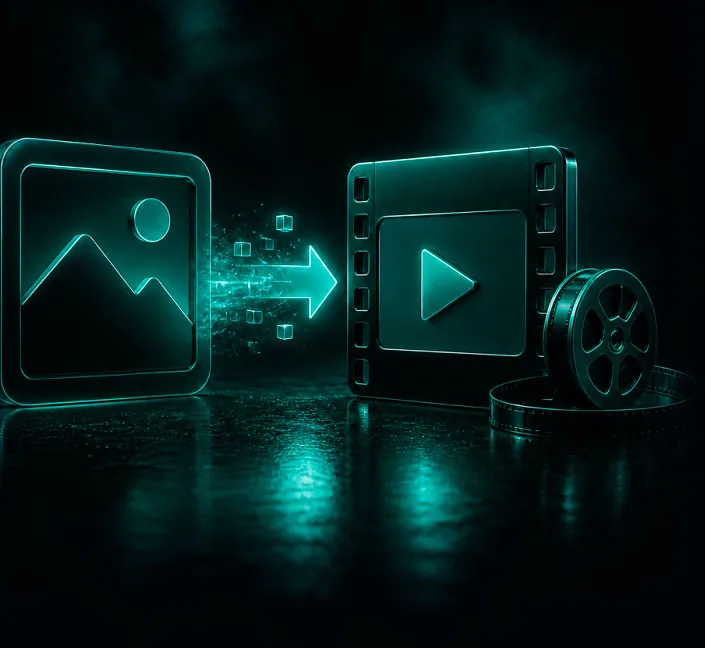
Make the still in Image Studio, then give it motion.
Generate or edit an image in Image Studio with the model that suits the job.
Animate it with Image to video in Video Studio, or use it as a scene reference in Director.
Refine it in Image Editor and keep every version in Lab.
 VlogMe3:2
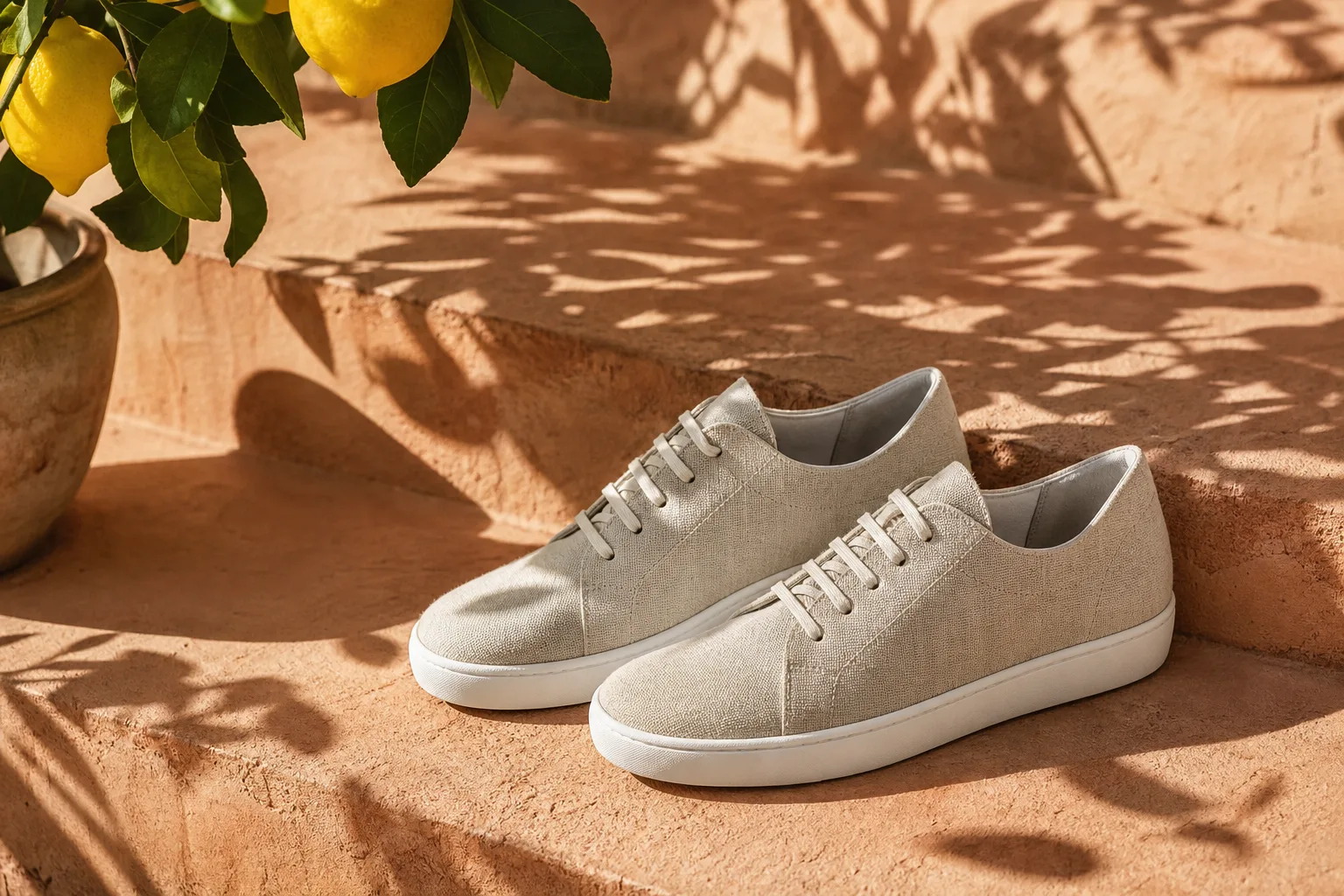
Generated in VlogMe Image Studio with GPT Image 2 from one prompt: “Sunlit linen sneakers on a terracotta step with the dappled shadow of a lemon tree, premium product campaign photo, example product, no logo, no text.” It is not a Midjourney output.
Short answers
When exploring visual directions and refining images in Midjourney's own editor is the main task. Check its official site for current features and plans.
When the image is a step toward a video. Image Studio results can be animated in Video Studio or guide a Director scene as its reference image, and Audio Studio makes the voice-over and music.
Yes. Images you make in Image Studio are saved to Lab; open one in Image to video to animate it with the video model you choose, after checking the credit price.
See also
Seen the difference?
Open Image Studio, choose a model and see the credit estimate before you generate.