

01Brief
Name the platform, the viewer and the one action.
A good social brief is short: where it runs, who it should stop, and what they do next. Director turns it into a vertical scene plan you can rewrite line by line before anything renders.

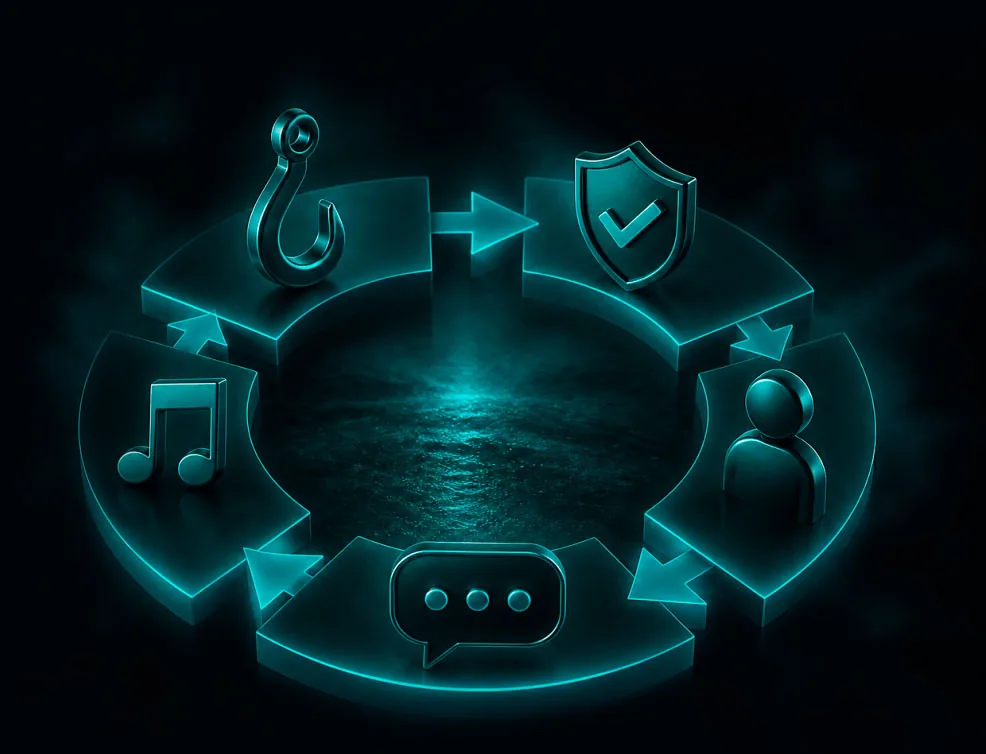
Describe the audience, platform and goal in a chat. Director plans the hook and the scenes, prepares preview images, the presenter's portrait, voice and music for free, and VlogMe Social posts the result.
 Brief the post
 Shape the scenes
 Render the video
 Publish or schedule
01Made in Director
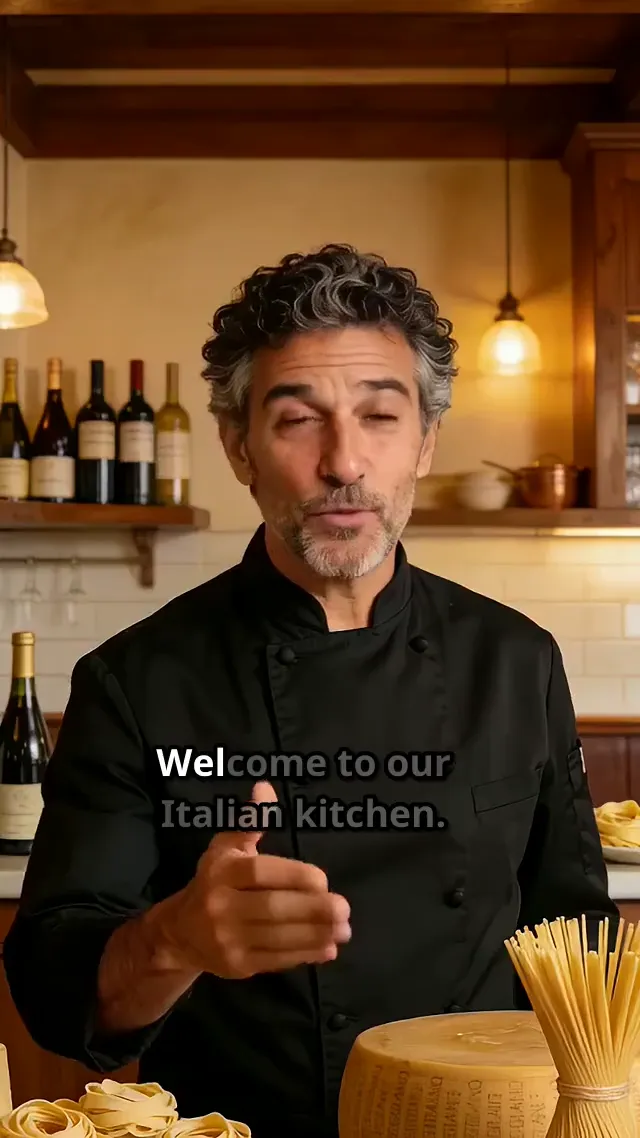
This 25-second vertical promo was planned and rendered in Director: a chef presents seafood pasta, then the plated dishes, as one sequence with a beginning and a payoff.
 Director9:16
02Show, then explain
01Brief
A good social brief is short: where it runs, who it should stop, and what they do next. Director turns it into a vertical scene plan you can rewrite line by line before anything renders.
02Sound off
Write the spoken lines into the scene prompts, add a short on-screen line to a clip in the Video Editor, and prepare SRT or VTT subtitles in Audio Studio when the post needs them.
03Publish
Send the finished video to a connected Instagram, TikTok, YouTube or LinkedIn account from VlogMe Social, now or on a schedule up to 90 days ahead, then find the next topic in News Videos.
03How it works
Name the platform, audience, offer, desired length, and the action viewers should take.
Give key scenes a product or style image as a reference, then review the hook, each scene's action and dialogue, the voice, the music and the ending.
Render the first version, rewrite the hook for the next test, and publish the one that works.
Finished example
A face mist, introduced in seconds
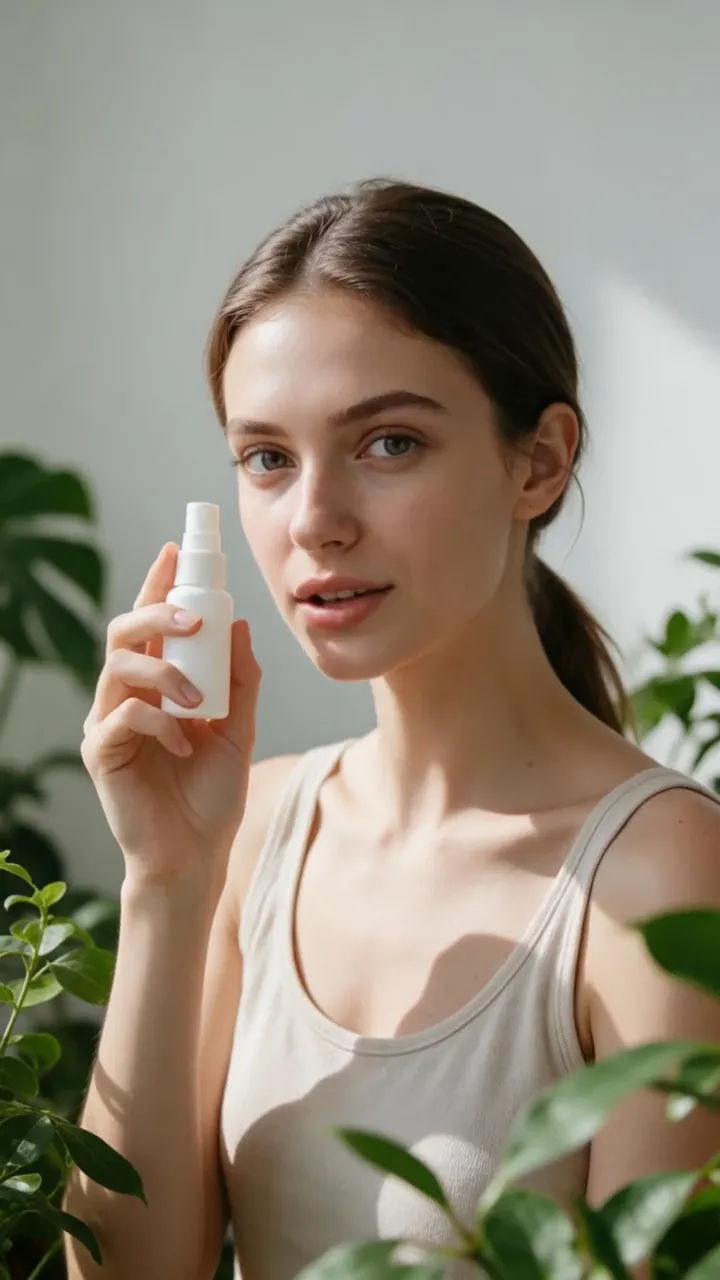 Talking-avatar ad9:16
Continue in Director
Director holds the chat, the brief, the scene plan and everything it prepared, Lab keeps every clip, voice and image, and VlogMe Social sends the finished video to your connected accounts.
Questions before you create
Director renders vertical 9:16 video for Reels, TikTok, YouTube Shorts and other vertical placements. VlogMe Social publishes to Instagram, TikTok, YouTube, X, LinkedIn, Facebook, Threads and Pinterest once you connect them. For a 16:9 shot, use Video Studio.
No. A written idea is enough. Add a product image or portrait as a scene reference when the look has to match.
A talking avatar is one presenter clip, like the face-mist ad above. Here Director plans a whole vertical story: a hook, several scenes with their own action and dialogue, a call to action, and an AI presenter wherever the story needs one.
Yes. Change the scene order, prompts, images, voice and music before the final render. Planning and preparation are free, and the render price appears before you start.
Yes, when you hold the necessary rights to the source media, music, voice, brands, and recognizable people, and the selected model terms allow your intended use.
Yes. Connect your social accounts in VlogMe Social, then publish the finished video now or schedule it for later. Nothing is posted without your action.
One idea is enough
Describe the post here, then open Director to plan and prepare it for free, check the price and render, and publish from VlogMe Social when it is ready.
Nothing uploads from this page · Credits are shown before you render