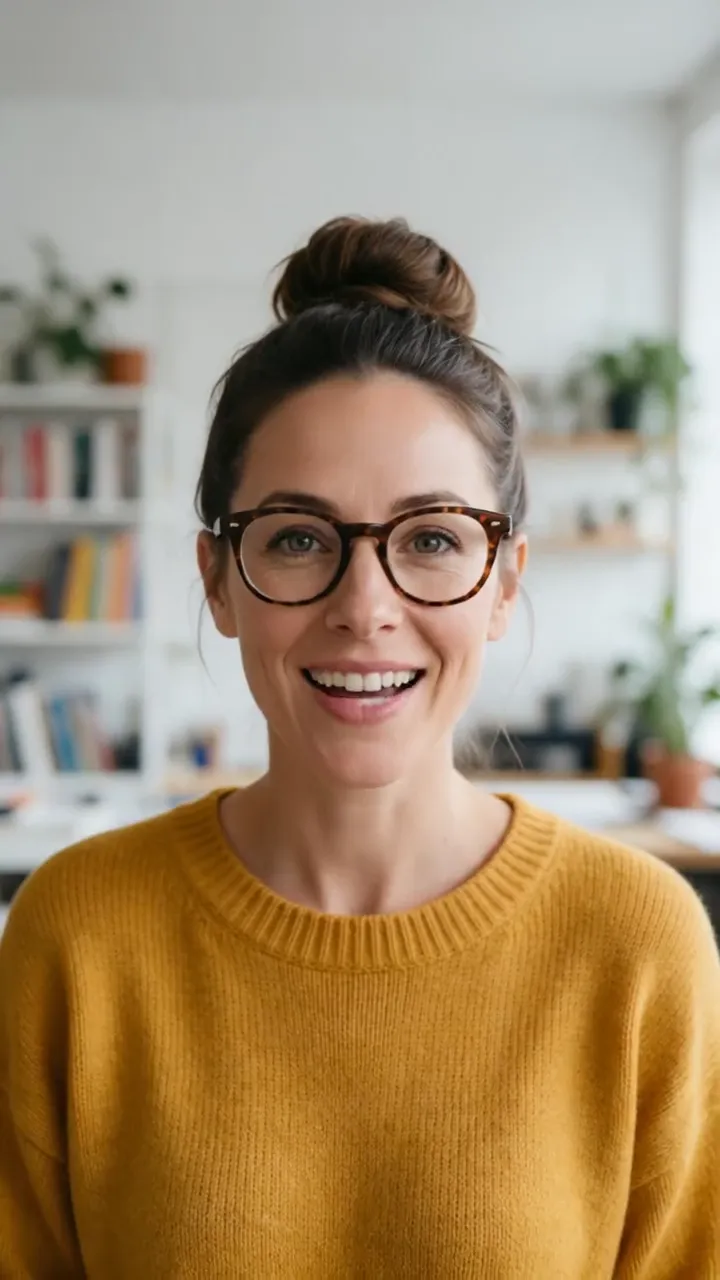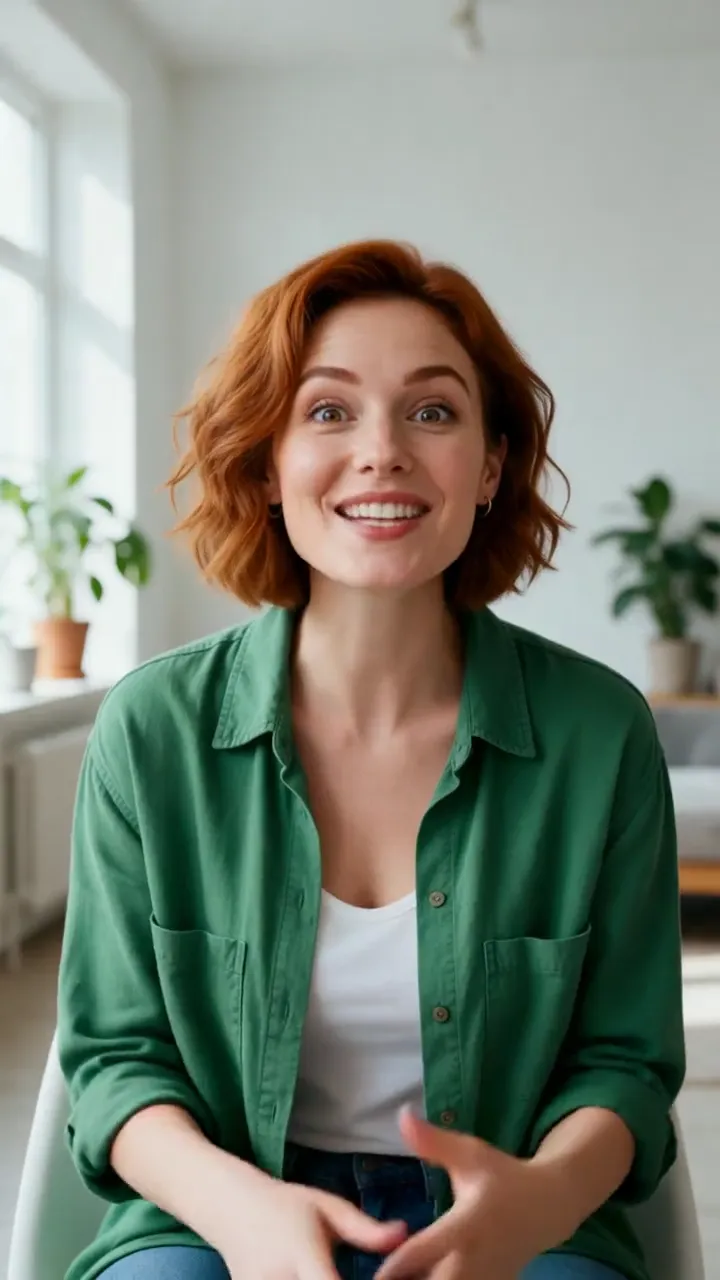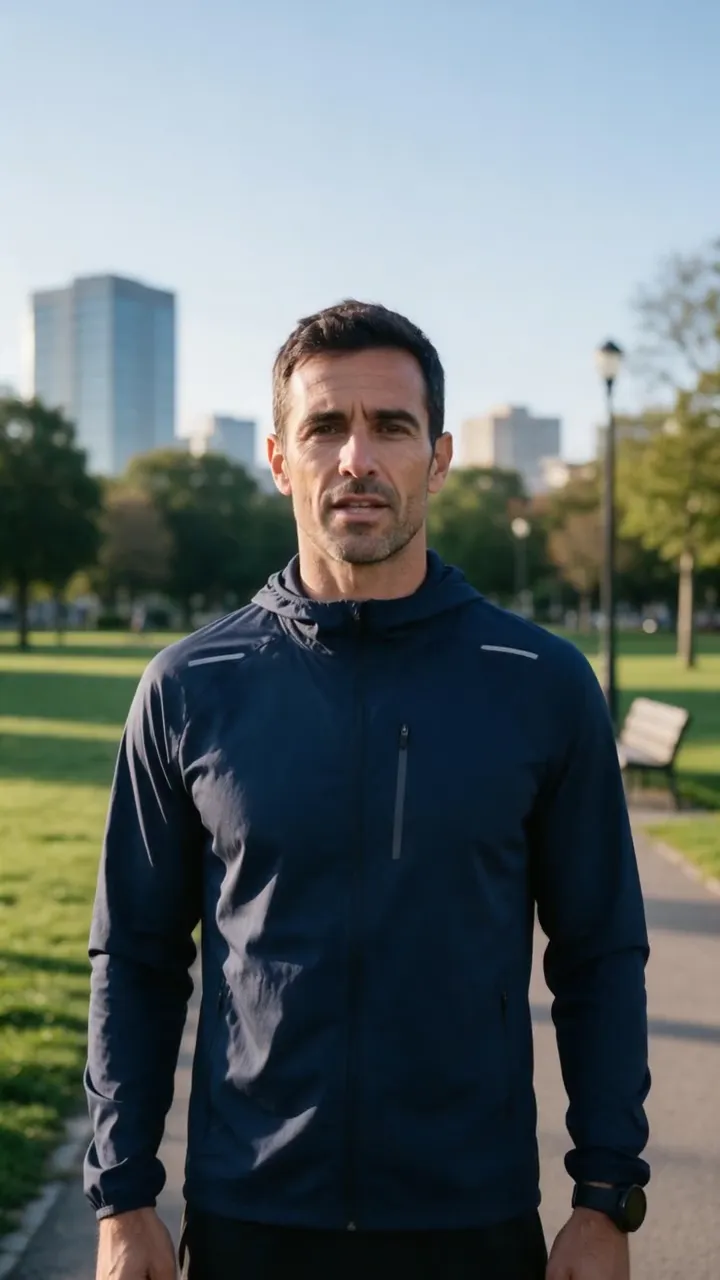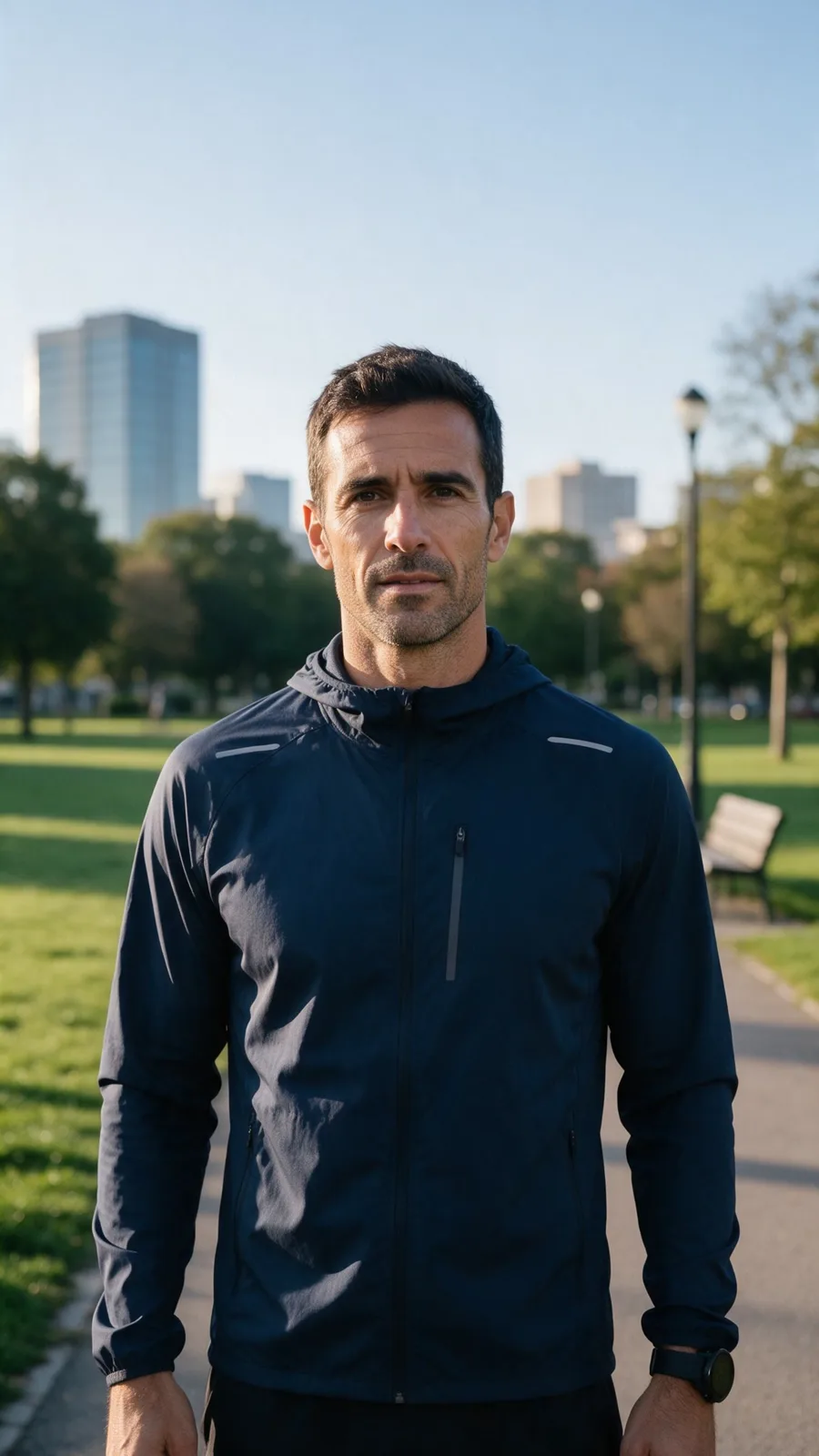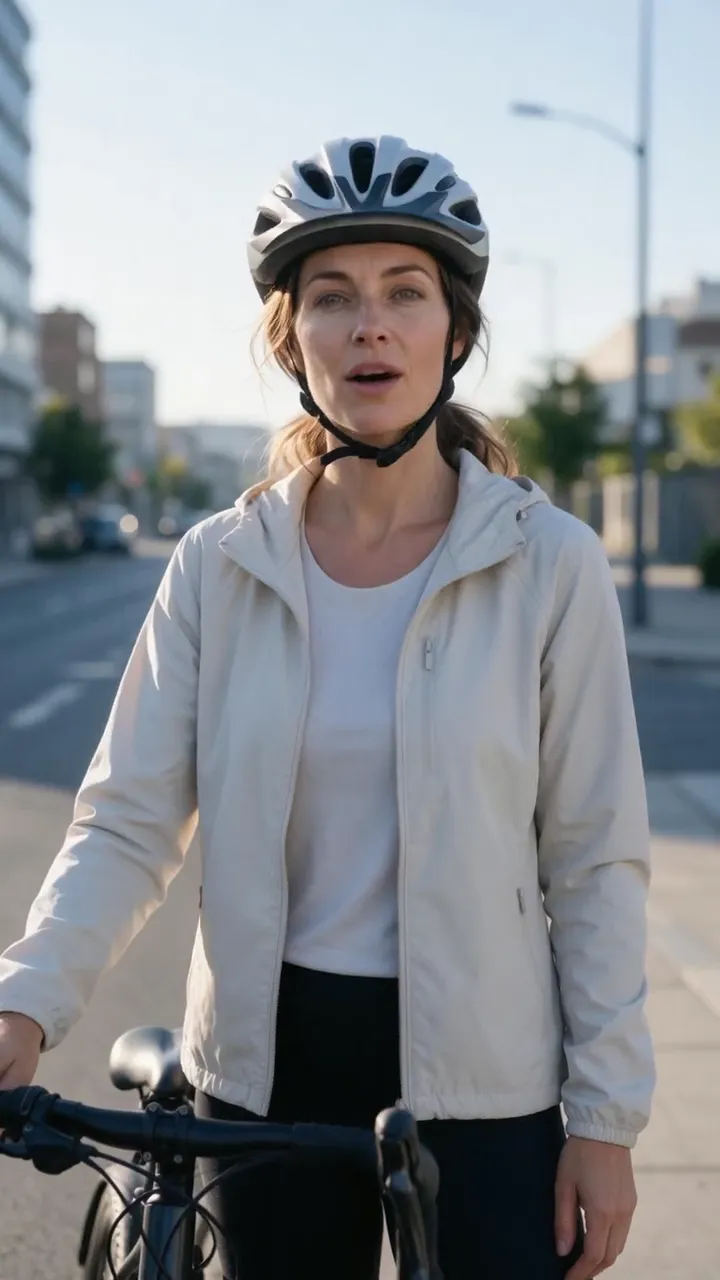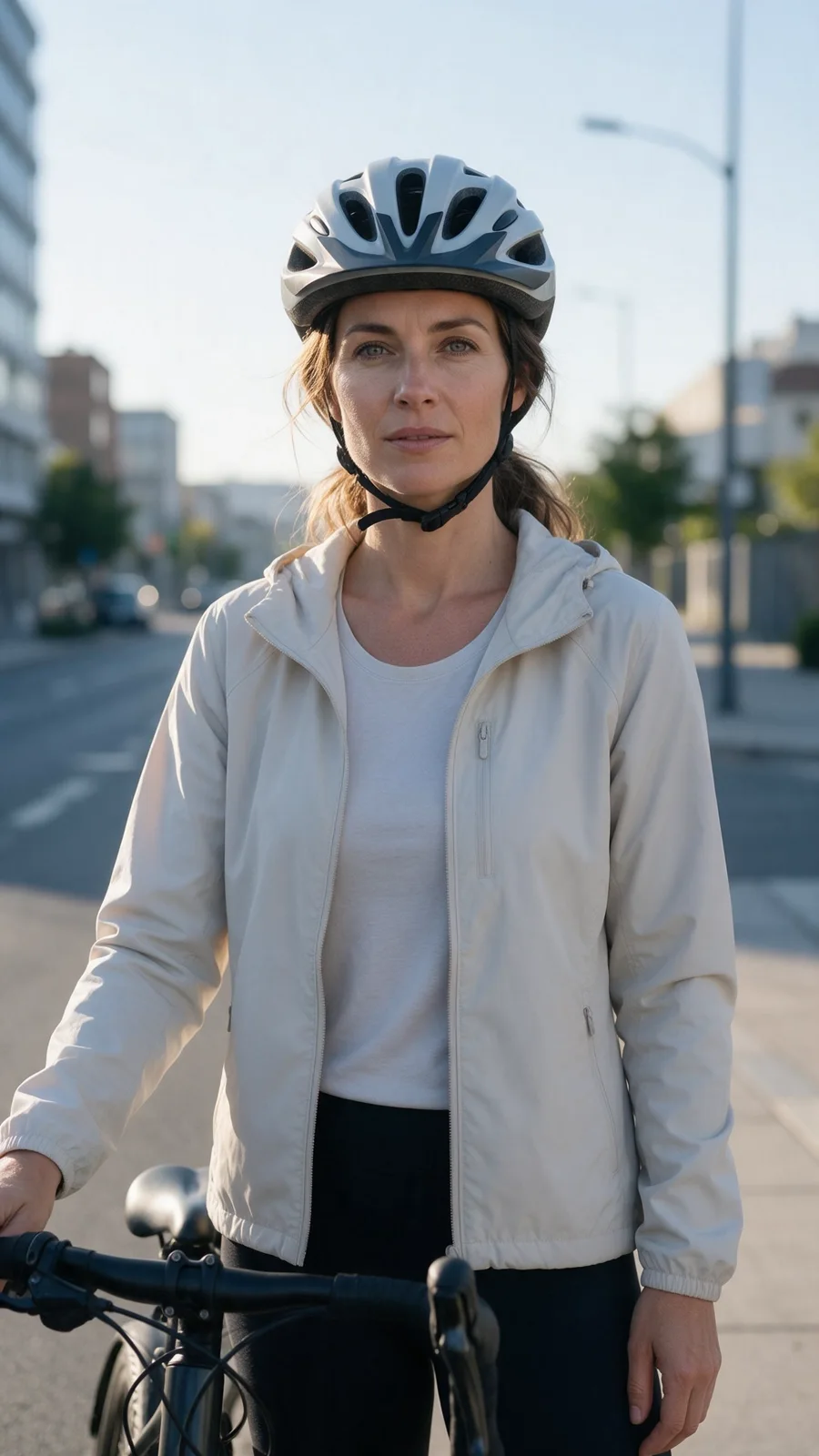
Choose the avatar
Upload a portrait or character you own, or continue to choose an avatar in the editor.
AI avatar video generator
Turn a portrait, illustration, or brand character into a reusable presenter for social videos, explainers, training, and product updates — without filming.
Try it with your own files
You will create an account on the next step, immediately before generation.
Example result
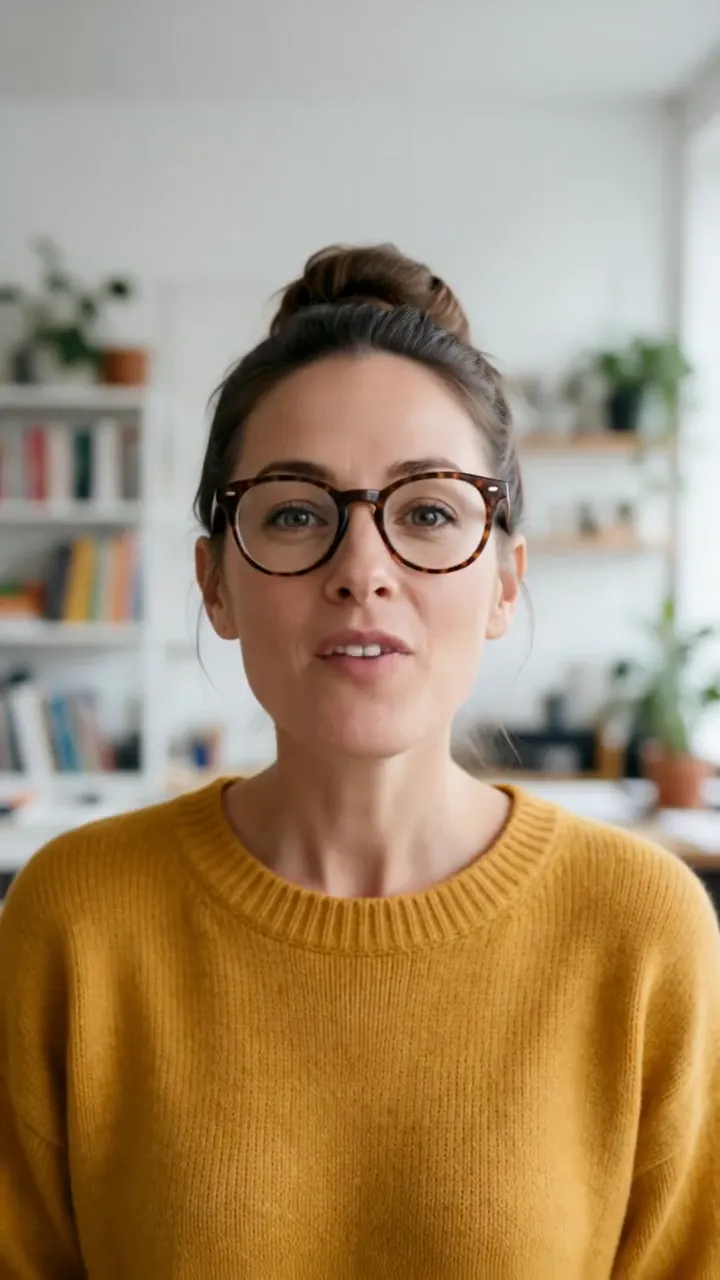
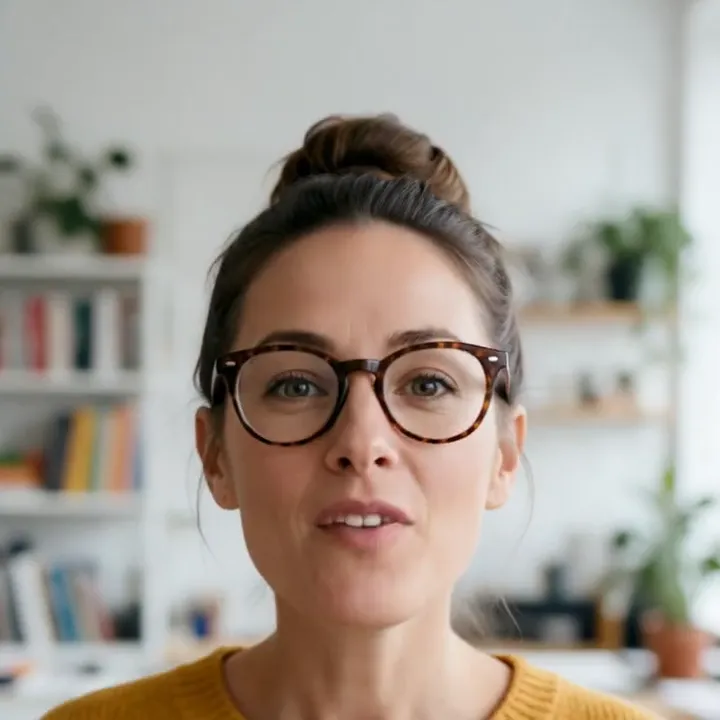
Your portrait becomes a reusable presenter whose script, voice, language, captions, and format can change with every video.
How it works
Upload a portrait or character you own, or continue to choose an avatar in the editor.
Paste the script and describe the delivery style, language, and tone.
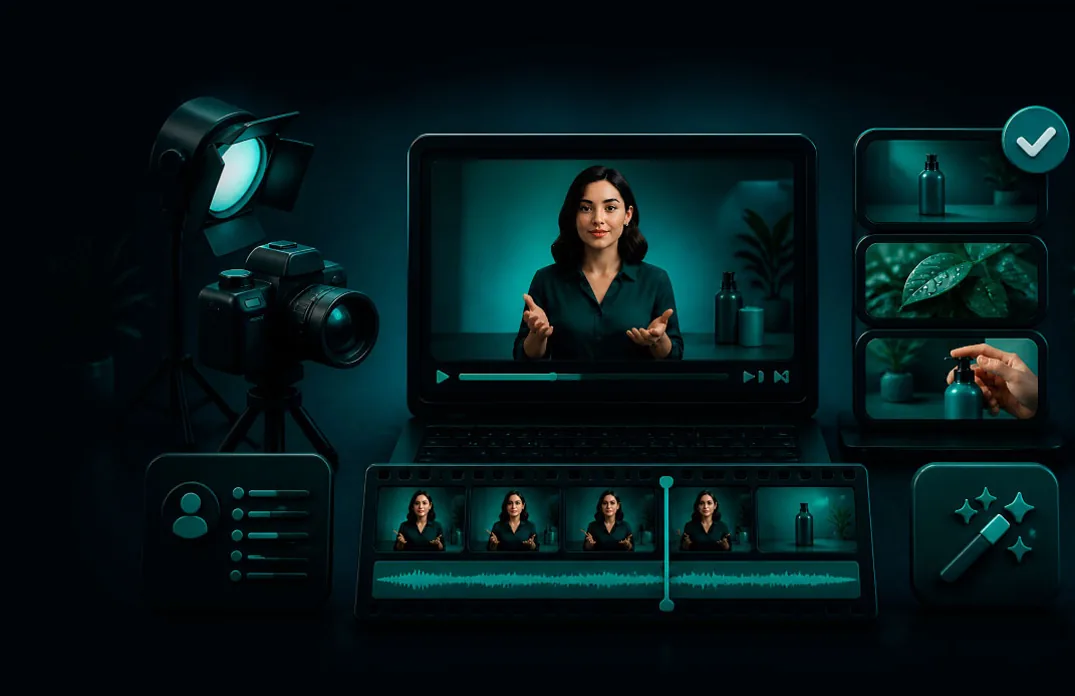
Review the prepared template, render the video, and reuse the avatar for the next message.
From idea to publish-ready video
Set up your source and script on this page, review the workflow, then continue in the editor to generate, refine, and export.
Use a clear portrait, illustration, painting, or generated character that you own or have permission to animate.
Yes. Keep the portrait and voice consistent while changing scripts, languages, captions, and formats.
Yes. Continue to the editor to upload recorded audio or choose an available AI voice for the script.
Create social posts, explainers, product updates, training videos, presentations, news recaps, and recurring character content.
No. Start with a permitted image and script, then choose or upload the voice in the editor.
Yes. Choose vertical, square, or landscape output to match the destination channel.