TikTok Live and Instagram Live reward two things: vertical-native production and constant interaction. AI avatars are unusually good at the first and can support the second. Here is what each platform allows, and where host segments made in VlogMe fit.
- The video is already 9:16. No reframing tax.
- On YouTube, a playlist of avatar segments can run as long as the platform allows; TikTok LIVE restricts pre-recorded playback.
- Every comment can become a moment — answer the questions viewers ask most in short avatar videos.
Setting up on TikTok Live
- Eligibility: TikTok currently asks for 1,000+ followers and age 18+.
- In VlogMe, render short host videos from one portrait and a voice that matches the niche.
- Do not play the rendered segments as your LIVE: TikTok's LIVE guidelines restrict pre-recorded, looped or automated broadcasts, and TikTok Shop LIVE bans pre-recorded clips and AI voiceover. Host the LIVE yourself, or with a real-time service TikTok allows, and post the VlogMe segments as regular videos that announce and recap it. VlogMe does not stream to TikTok.
- Keep a moderator on chat, or answer comments yourself, so viewers still get a live reaction.
Setting up on Instagram Live
Instagram Live is built for a person on camera, and many accounts cannot stream from third-party software. Use the same split as on TikTok: host the LIVE yourself, and post avatar segments as Reels that announce it beforehand and recap the best answers afterwards. VlogMe can publish or schedule those Reels to your connected Instagram account.
Content shapes that work
- Q&A with an AI persona — the avatar answers the questions viewers ask most in short videos, and a person takes new questions in the LIVE.
- News desk — between LIVEs, the avatar reads the latest items in the niche in short videos; Trends in VlogMe can prepare verified news segments.
- Shop teasers — short avatar videos present the products before and after a LIVE that a real person hosts.
When a livestream is overkill
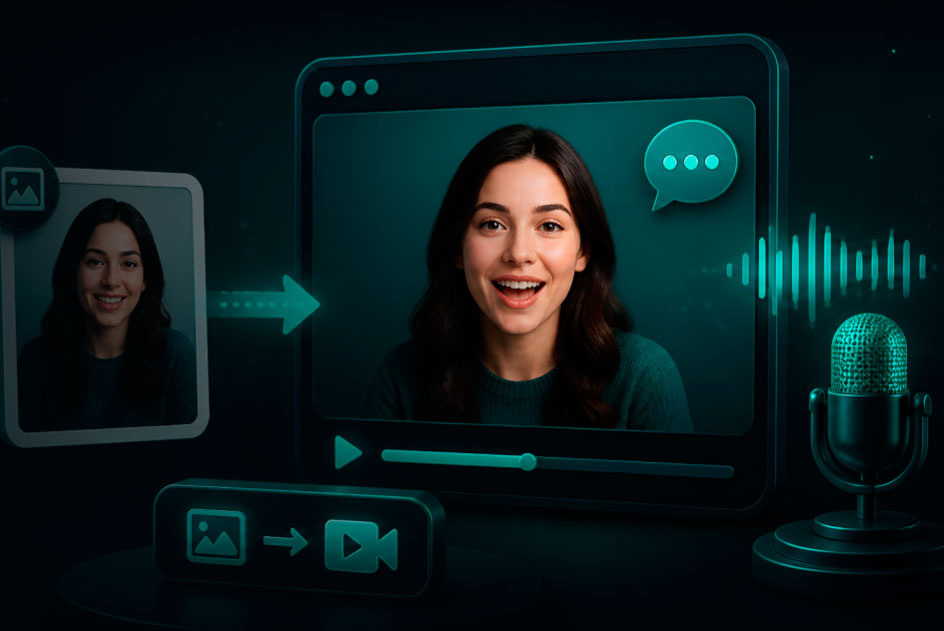
Some moments are better as a pre-recorded talking-avatar video — a single Reel, a TikTok hook, a personalized DM video. VlogMe makes those from a single photo and a voice track, with the credit estimate shown before you render. Same face, same voice, different surface.
Going live on YouTube? Follow how to run an AI avatar live stream on YouTube. For a host that answers viewers, see AI avatars that respond to comments live, and for the full workflow visit the AI avatar livestream platform.