Upload the finished track
Add an MP3, WAV, or M4A you are allowed to use, plus an optional artist, character, product, or style reference.
AI music video generator
Bring the finished song. Project Chat plans visual chapters around the timing and sections you describe, while the uploaded track stays attached as the project's music.
Try it with your own files
You will create an account on the next step, immediately before generation.
Recommended Top models
AI Music Video Generator example
The song arrives in Create as project music, alongside the brief and optional reference, ready for a chapter-by-chapter review.
A visual treatment attached to your track
The song arrives in Create as project music, alongside the brief and optional reference, ready for a chapter-by-chapter review.
How it works
Add an MP3, WAV, or M4A you are allowed to use, plus an optional artist, character, product, or style reference.
Describe important timestamps, section changes, lyrics or emotions, performance moments, and the final visual payoff.
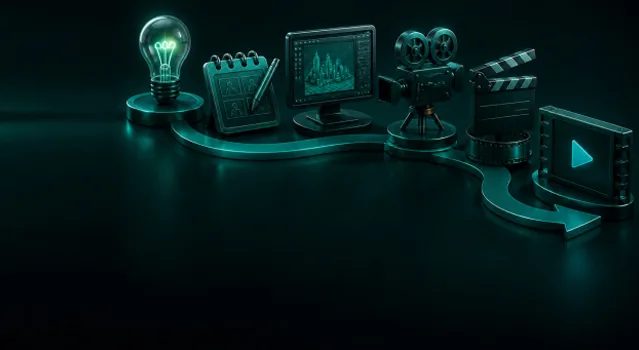
Review the scene sequence, continuity rule, camera energy, text, and transitions before generating the expensive shots.
Workflow detail
Describe important timestamps, section changes, lyrics or emotions, performance moments, and the final visual payoff.
Combine performance shots, abstract worlds, narrative scenes, dance, typography, and supplied references.
AI music video generator
Choose a visual rule that evolves with the song while keeping the artist or central motif recognizable.
From idea to publish-ready video
Set up your source and script on this page, review the workflow, then continue in the editor to generate, refine, and export.
No. This starter is for turning a finished track into a video. Upload music you own or are licensed to use; music generation remains a separate audio workflow.
The current workflow uses the timestamps and song sections you describe to direct the visual plan. It does not promise automatic frame-perfect beat detection.
Use MP3, WAV, or M4A up to 20 MB. The track is added to your private project after sign-in and can be adjusted in the background-music controls.
Yes. Add a reference you may animate and describe where performance shots should appear. Keep the person's consent and likeness rights in mind.
Yes. The treatment can alternate lip-synced or dance moments with generated story chapters, abstract passages, product shots, or typography.
You need permission for the composition and recording, plus any relevant performer, voice, likeness, brand, and source-media rights for your intended distribution.
Add a face and a vocal track. VlogMe opens a performance-ready avatar workflow that follows the rhythm and mouth shapes of the audio.
ExploreToolUse a full-body character image plus a movement reference. The Motion Control template maps the dance onto your character.
ExploreToolProject Chat finds the beginning, escalation, and payoff, then proposes a scene-by-scene plan you can rewrite before any clip is generated.
Explore