


Photo to video Make the photo talk, or make it move
A photo can become two different videos. If the face should say your words, you want a talking photo; if the whole scene should move like a film shot, you want image to video. Each path below has an example and how it is priced.

 Add your source
 Direct the result
 Review the setup
 Generate & refine
01Two paths
Which video should your photo become?
Both paths start from one image and open in Video Studio. They differ in what moves and in how the credit price is set.
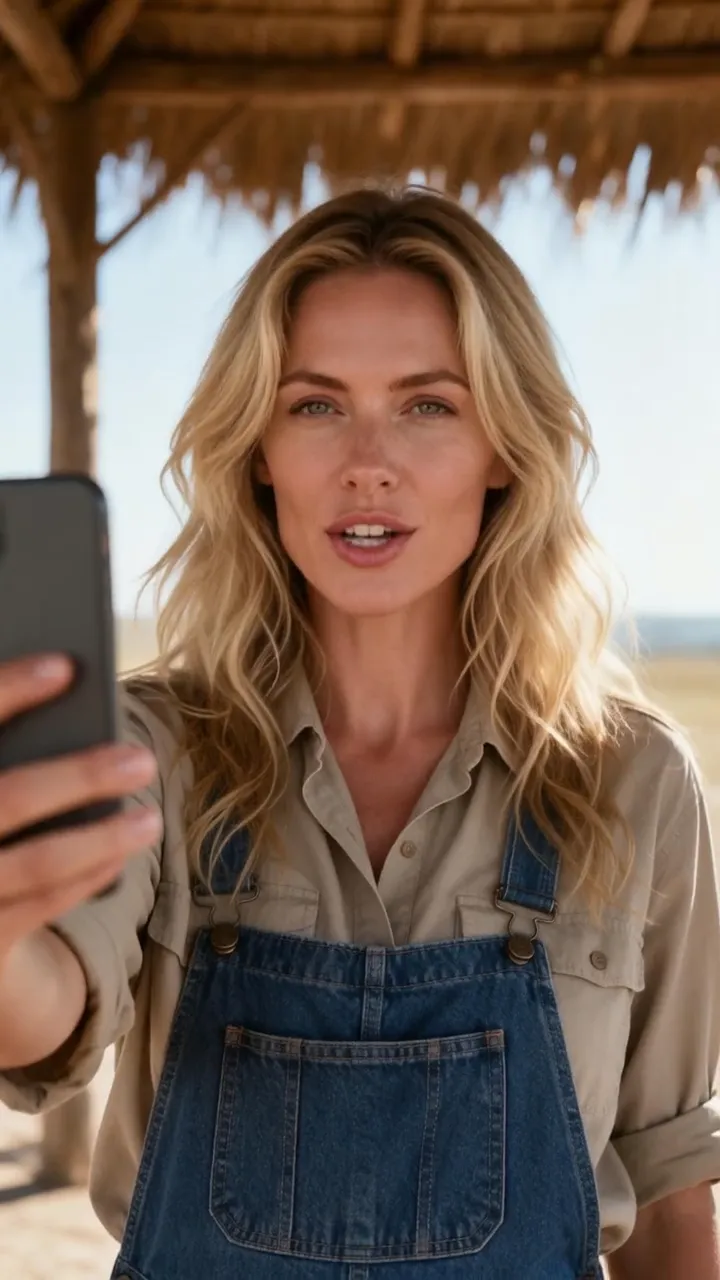
Make a photo talk
The face speaks your words with lip sync. Bring one front-facing portrait and a recording or typed text. Example: a selfie that greets its followers. The price follows the length of the speech track.
Price per result 5 credits a second: 150 credits for 30 seconds (about $2.31)
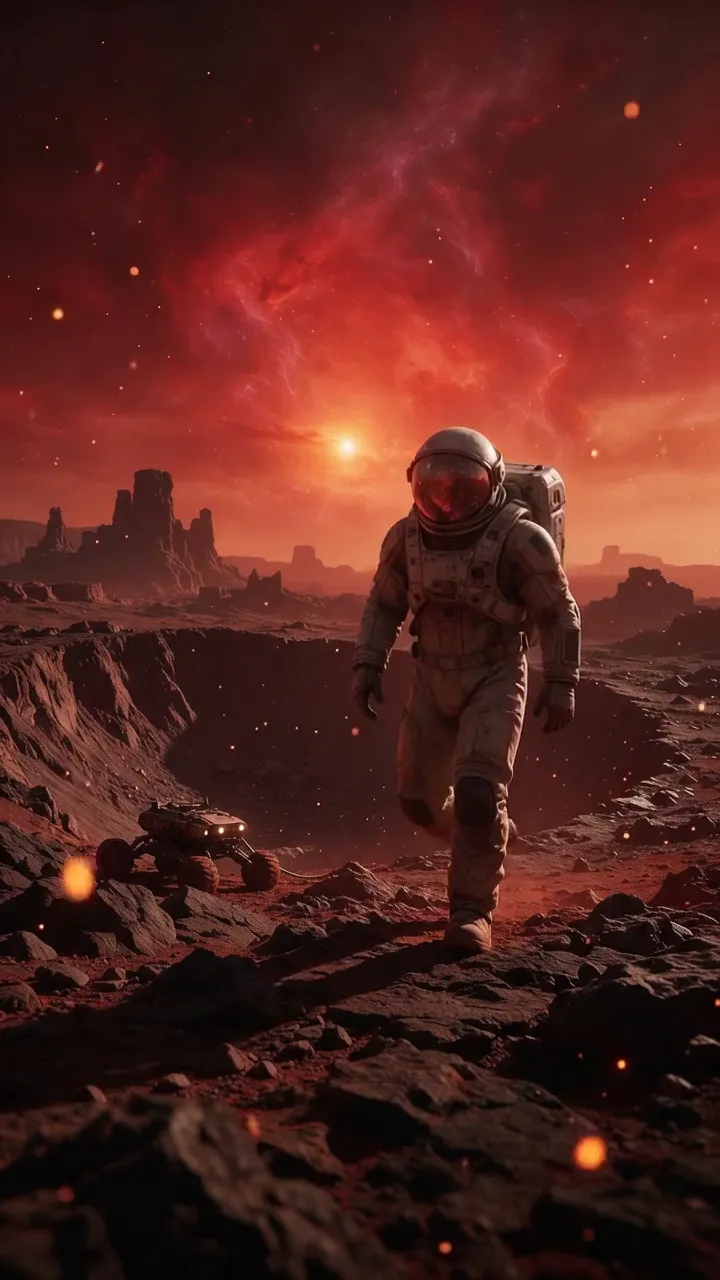
Image to video
The whole picture moves like a film shot. Bring any image and describe the motion and the camera. Example: an astronaut walking under a nebula. The price follows the clip's length, resolution and model.
Price per result 50 credits for a 5-second clip (about $0.77)
Before you choose
Talk or move: quick answers
Which one do I need?
If someone in the photo should say something, choose the talking photo: it animates the face to a speech track. If the scene should move — waves, hair, a camera push-in, a product turning — choose image to video. One photo can go through both.
Can the people in an image-to-video clip speak my script?
Not to your own recording. Image-to-video models can add generated sound, but only the talking photo follows your recording or typed words with lip sync.
How is each one priced?
Both are priced in credits and quoted before you confirm: a talking photo by the length of its speech track, an image-to-video clip by its length, resolution and model. Planning in Director is free to start, with its images, voice and music, within usage limits.
Do I need an account?
You sign in to generate, with Google or an emailed sign-in link. Both paths open in Video Studio, where you see the quote before anything renders.

Have a photo ready?
Decide what the photo should do.
Give it your words, or set the whole scene in motion. Each path shows its credit quote before anything renders.
One photo · Two paths · A quote before each render