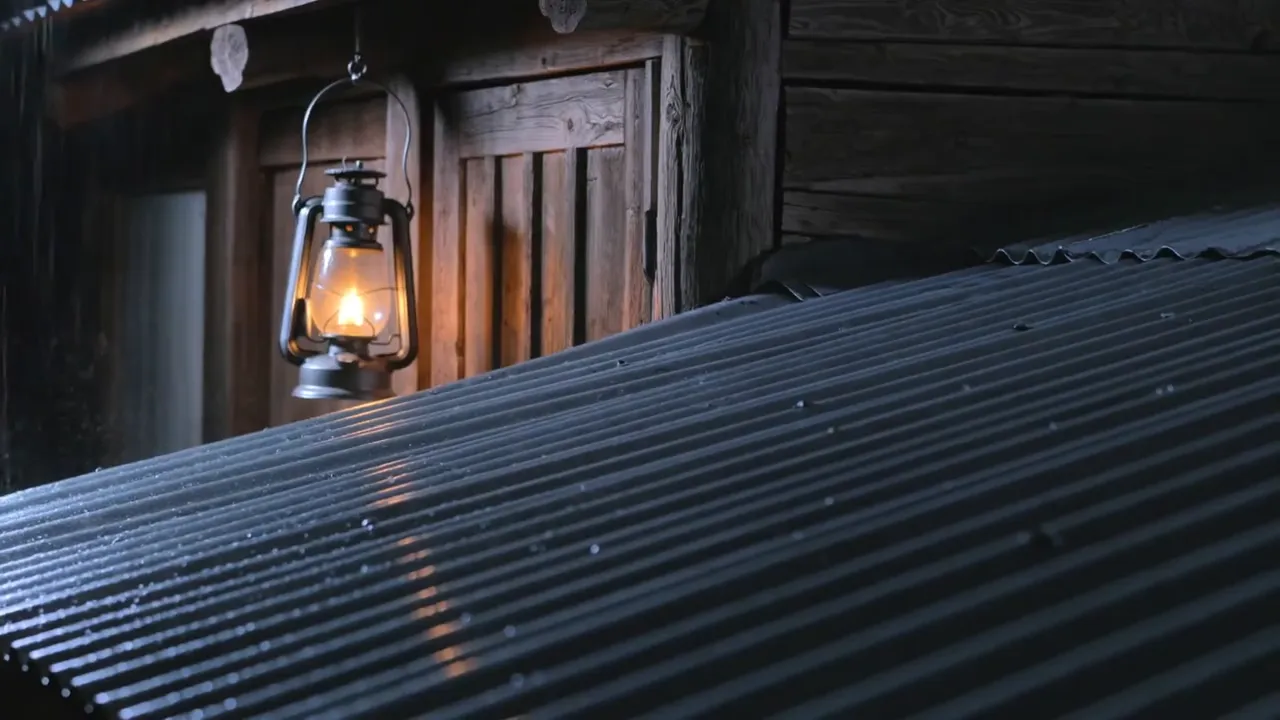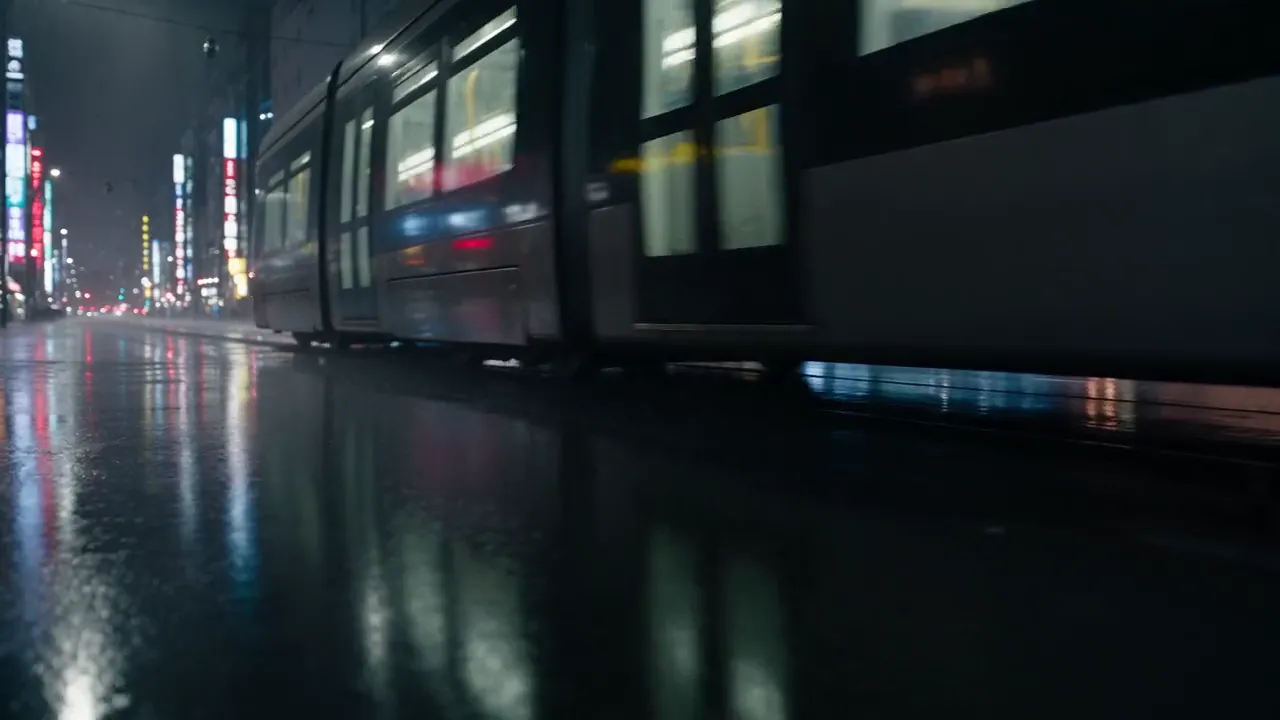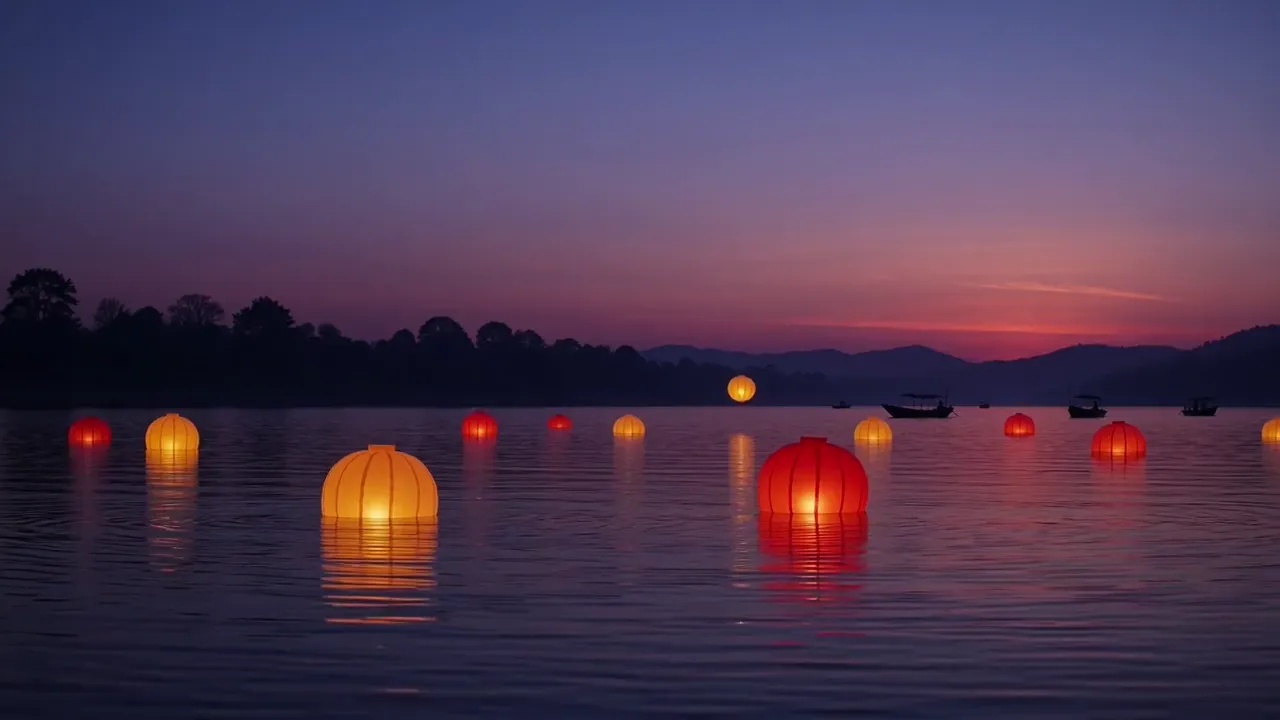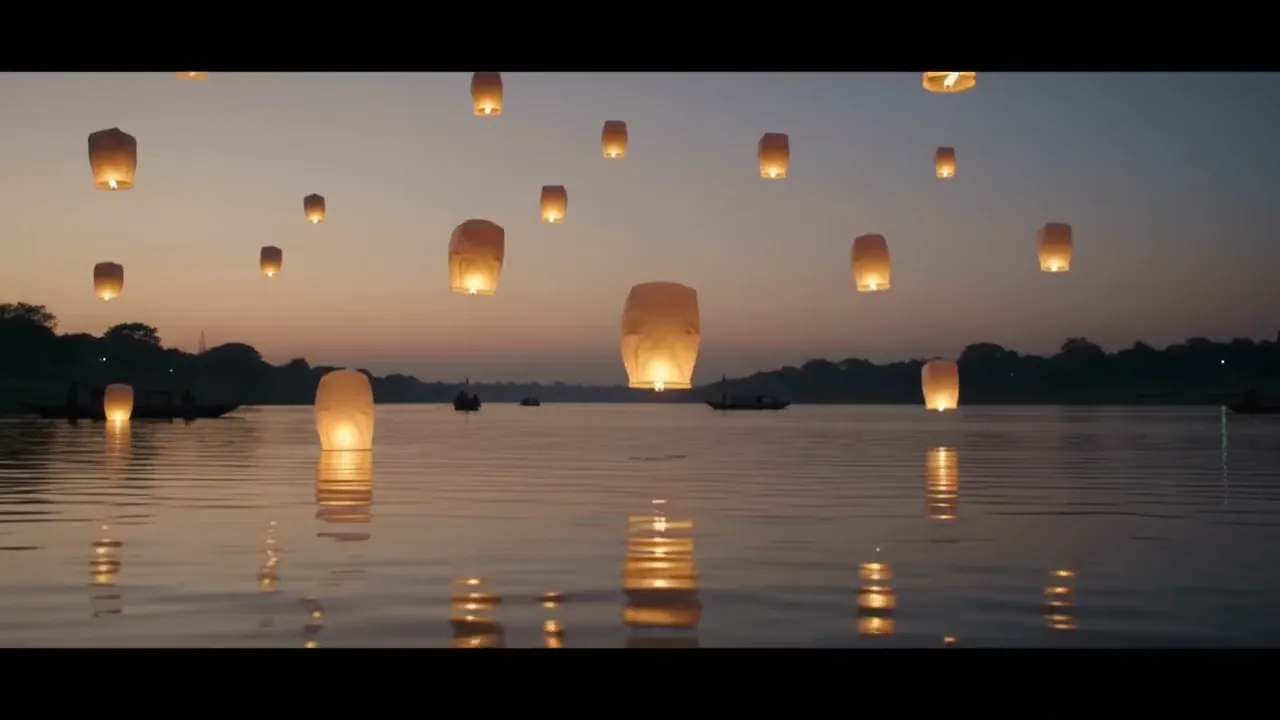



Describe the shot
Describe “A premium generated shot” and add the required source material.
Start with Gemini Omni Flash for coherent motion and native audio, or switch to Seedance, Veo, Kling, or Grok before generation.
Try it with your own files
You will create an account on the next step, immediately before generation.
Recommended Top models
Use the clip on its own or combine it with scenes, voice, music, and captions in VlogMe.
A premium generated shot
Use the clip on its own or combine it with scenes, voice, music, and captions in VlogMe.
Describe “A premium generated shot” and add the required source material.
VlogMe opens the exact workflow for “Turn a prompt into a top-quality video” without losing the setup.
Review the model, availability, and exact credit price for “A premium generated shot”.
Workflow detail
VlogMe opens the exact workflow for “Turn a prompt into a top-quality video” without losing the setup.
The brief for “Turn a prompt into a top-quality video” and its source files survive sign-in together.
Premium text to video
Review the exact credit estimate for “Open Video Studio” before generation.
Set up your source and script on this page, review the workflow, then continue in the editor to generate, refine, and export.
Yes. Prepare “A premium generated shot” locally; the exact credit price appears before generation.
Yes. The recommended model is preselected, never forced.
VlogMe keeps your explicit choice, explains the outage, and offers suitable Top alternatives.
Avoid vague multi-scene scripts; define one shot, subject, action, camera, and sound.
Project Chat finds the beginning, escalation, and payoff, then proposes a scene-by-scene plan you can rewrite before any clip is generated.
ExploreToolUpload a product shot, illustration, portrait, or scene. Direct the camera and subject motion, then choose the video model that fits your speed, quality, and budget.
ExploreModelCinematic multi-shot storytelling, reference-heavy product work, and synchronized audio.
Explore