
For news & media News videos that ship while the story is still warm
Bring an editorial script or choose a news story. Attach a source, check the narration against its saved text and approve a presenter-led vertical briefing. Keep your newsroom’s voice and decide when to publish.

Daily recaps, breaking-news explainers, finance updates, sports summaries and channel promos
News Videos creates 9:16 briefings; Video Studio supports other formats for your separate presenter videos.
Voice the same story in another language, or dub the finished video into 28 languages with DUB
Use REST API and MCP for your own integration; editorial approval and publication remain explicit actions.

01Example briefing
A morning briefing, read by a generated anchor
The anchor is a portrait made in Image Studio. Her three-item script (“Good morning. Three things to know today…”) was voiced with ElevenLabs v3, and Hedra Avatar animated the portrait in Video Studio. Your approved copy takes the same path.
Your newsroom writes and approves the script; VlogMe presents it.
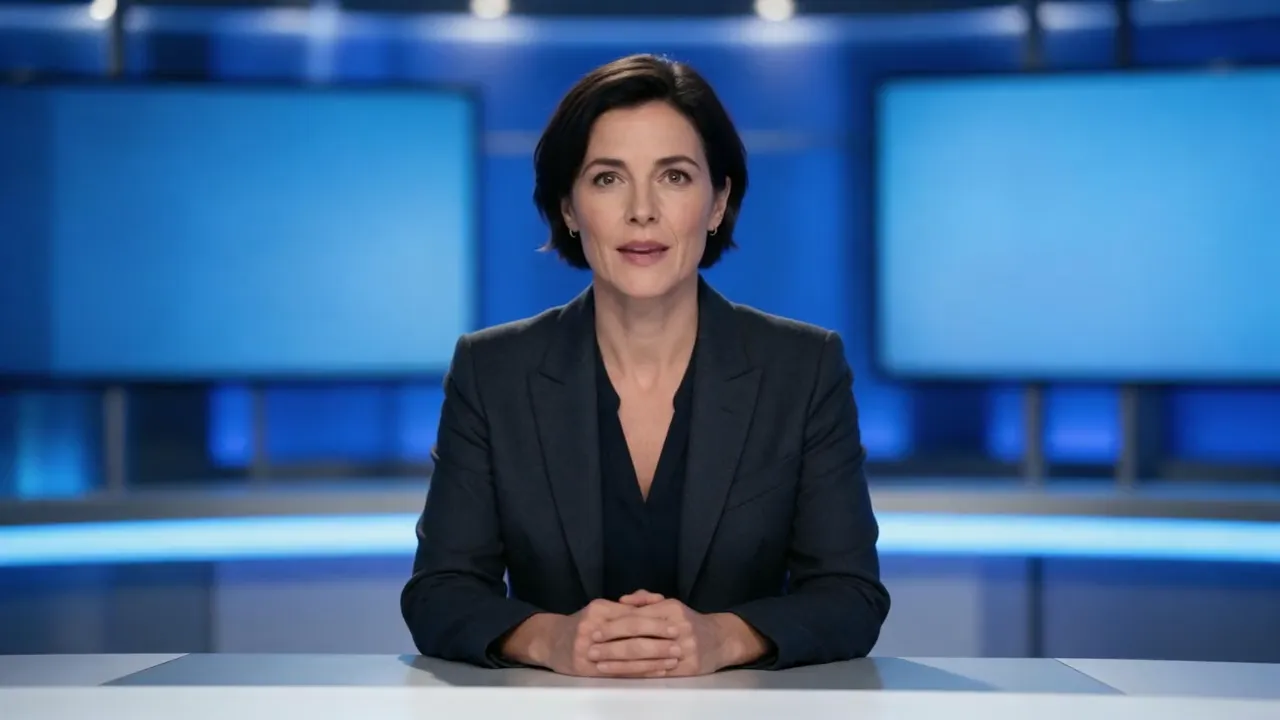 Talking avatar16:9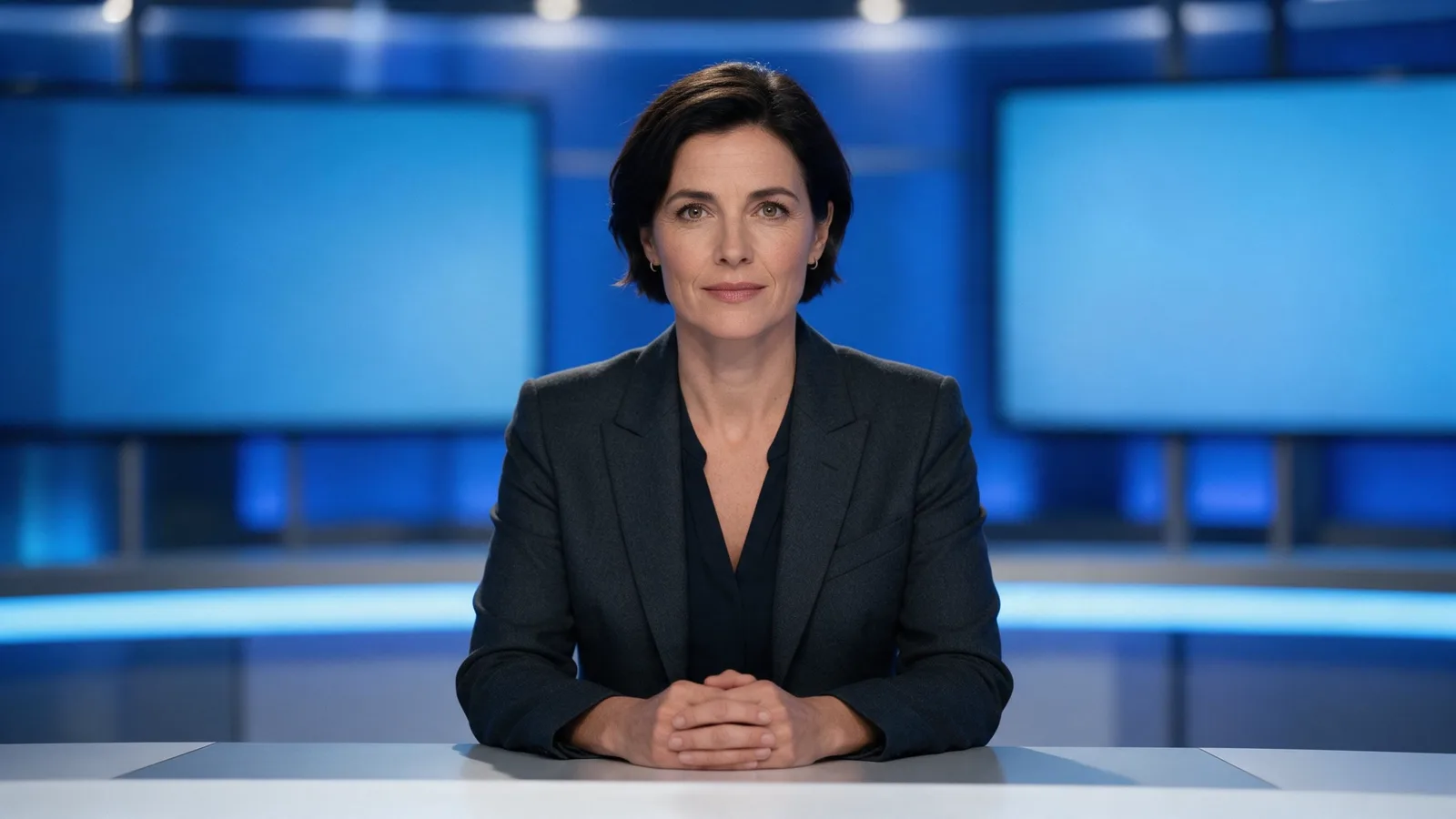

02From source to publish
Add context shots between the lines
Animate a still into a short scene-setting shot for the weather or a city item, like this 4-second MiniMax H3 clip. Then download MP4s, share a public link or publish to social from Lab.
News Videos adds narration, context shots and subtitles around a source-checked story, in English or Russian today.
Create a news video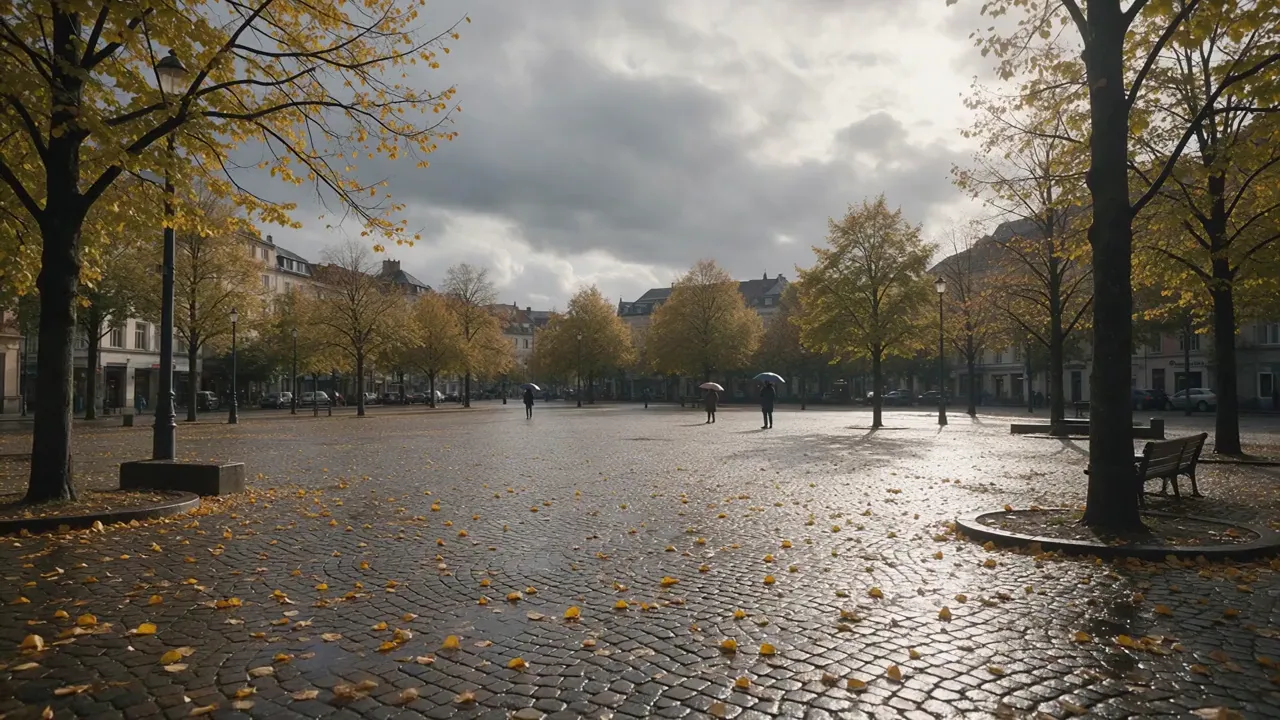 B-roll16:9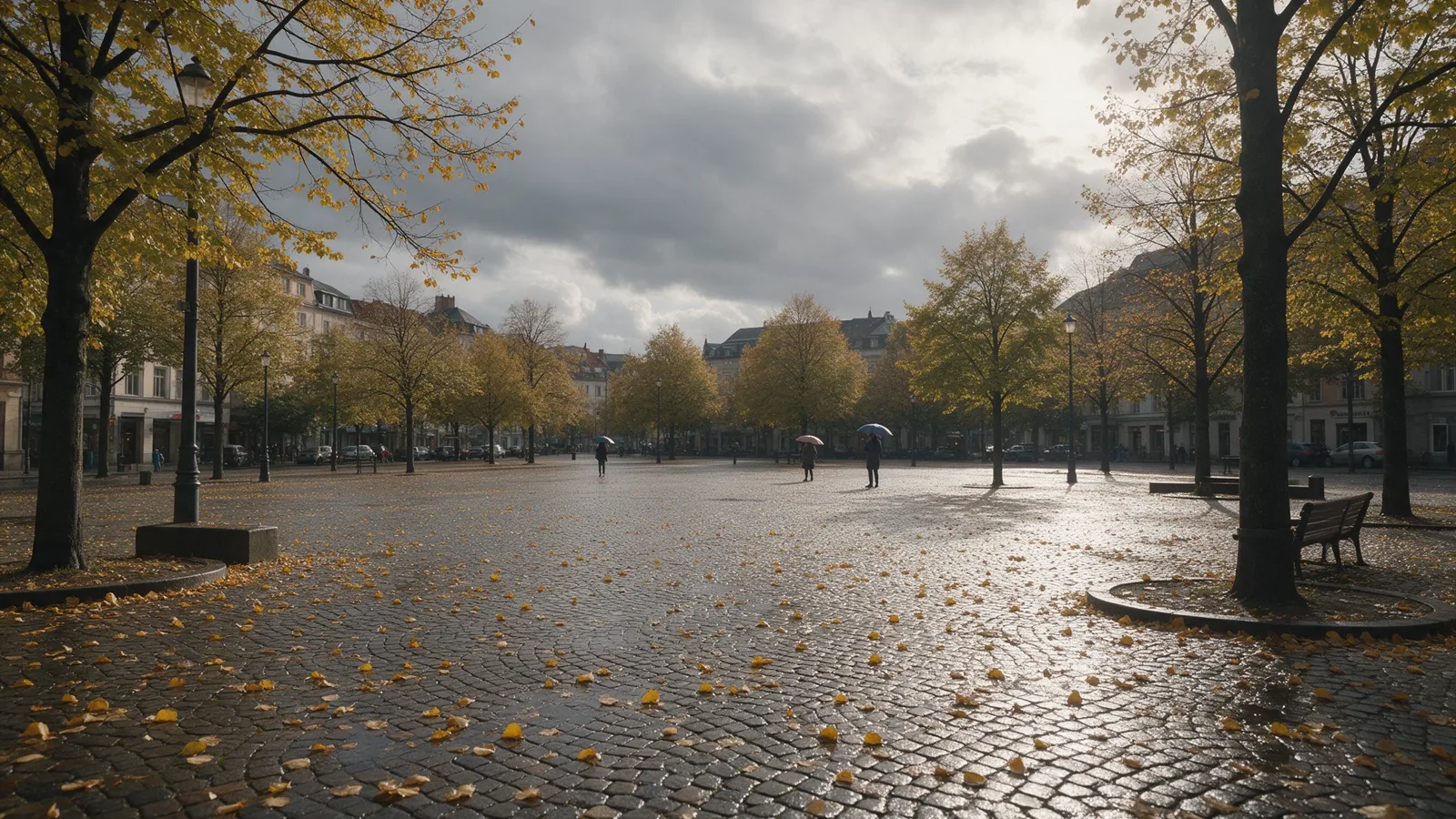
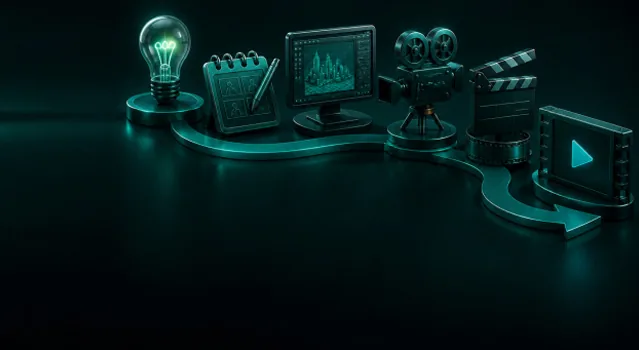
From source-checked copy to published video

Start with your script or a story
Open News Videos, paste your narration or draft it from a selected story, then attach sources and check each claim against their saved text.

Choose the presenter and voice
Reuse a portrait and voice for your channel. News Videos creates 30-, 45- or 60-second vertical briefings with subtitles and generated cutaways.

Approve and publish
Approve the exact script and final quote, then render. Download the MP4, share a link or publish and schedule from Lab when your editor decides.
Services
VlogMe services for this job
News Videos
Monitor the stories you follow, check scripts against saved evidence and prepare presenter-led video for publication (English and Russian news sources today).Video Studio
Give each bulletin a consistent AI news presenter made from a single portrait.DUB
Dub a finished news video for audiences in other languages.


Questions newsrooms ask
Does VlogMe write the news for us?
Your newsroom stays the author. Bring your own narration without rewriting it, or draft a script from selected English or Russian stories. News Videos compares claims with saved headlines, descriptions and excerpts; your editor checks accuracy and approves the exact narration.
Can we keep the same anchor across episodes?
Yes. Reuse the same portrait and voice so daily updates feel like one consistent show.
Can this work with our CMS or newsroom tools?
Yes. Connect your CMS and newsroom tools through REST API and MCP, or download MP4s and share links from Lab.

For news & media
From approved script to anchor-read video
Start with your script or a news story, check sources and create a vertical briefing under your editorial control.