
vlogme.ai

AI story video generator

Turn a story into an approved multi-scene video

Project Chat finds the beginning, escalation, and payoff, then proposes a scene-by-scene plan you can rewrite before any clip is generated.

Set up without signing upFiles stay local until you continue

Try it with your own files

Set up your generation

You will create an account on the next step, immediately before generation.

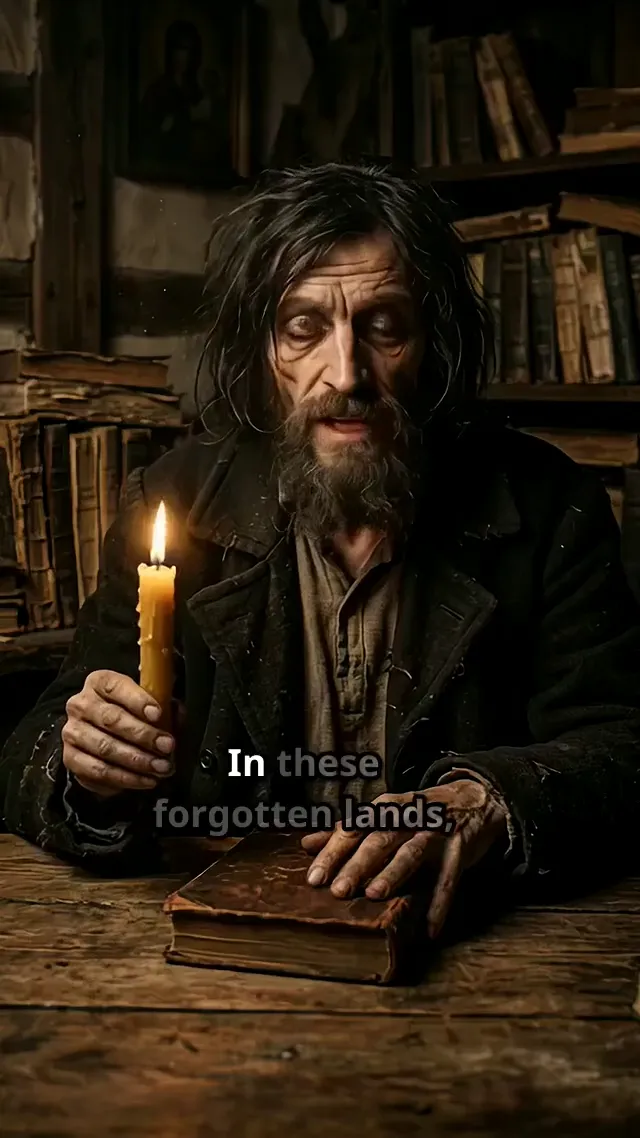
AI Story Video Generator example

A directed scene-by-scene story

The whole narrative is visible before generation, so you can strengthen the weak chapter without paying to remake the strong ones.

Shape a clear beginning, change, and payoff instead of stretching one prompt across unrelated shots.
Give recurring people, products, places, and colors explicit continuity notes.
Choose where narration, dialogue, natural sound, music, or silence should carry the scene.
Review each scene's purpose, visual brief, duration, and transition before generation.
Break difficult shots into precise briefs while keeping one approved story and continuity map.
Revise one chapter or ending without discarding the rest of the project.
VlogMe example

A directed scene-by-scene story

The whole narrative is visible before generation, so you can strengthen the weak chapter without paying to remake the strong ones.

How it works

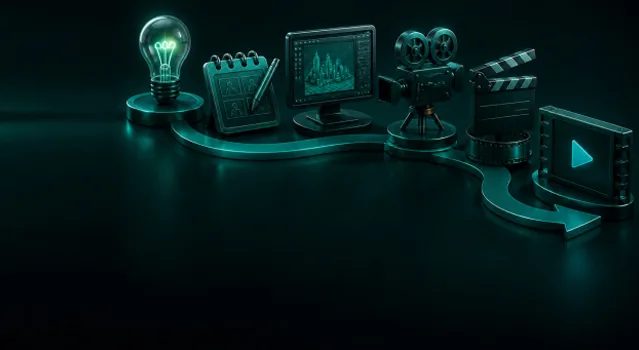
How to create with AI Story Video Generator

01

Give Project Chat the dramatic spine

Describe the protagonist or subject, starting situation, change, intended emotion, audience, and final takeaway.

02

Direct the scene map

Approve or rewrite the beats, continuity anchors, camera language, sound role, and transition into the next chapter.

03

Generate chapter by chapter

Create the approved scenes, inspect continuity, and revise only the weak chapter before assembling the finished story.

Workflow detail

Why “Direct the scene map” matters

Approve or rewrite the beats, continuity anchors, camera language, sound role, and transition into the next chapter.

Choose where narration, dialogue, natural sound, music, or silence should carry the scene.

VlogMe example

AI story video generator

Review each scene's purpose, visual brief, duration, and transition before generation.

From idea to publish-ready video

From “A directed scene-by-scene story” to a finished project

Set up your source and script on this page, review the workflow, then continue in the editor to generate, refine, and export.

No filming crewEditable scripts and variantsExport ready for publishing

AI Story Video Generator: questions answered

How is a story video different from text to video?

Text to video generates one directed clip from one prompt. This workflow first plans a complete narrative across multiple editable scenes, then generates the approved chapters.

Can I start from a short story, treatment, or rough idea?

Yes. Paste the essential plot or describe the premise. Project Chat can turn either into a structured proposal without forcing you to accept its first draft.

How does VlogMe help visual continuity?

The plan records recurring people, products, locations, palette, wardrobe, and camera rules. You still review generated scenes and can replace a weak chapter.

Can a story combine narration, dialogue, and music?

Yes. Assign different sound roles by scene, including voiceover, character lines, natural ambience, project music, or deliberate silence.

Do I have to use the same video model for every scene?

No. You can use the most suitable available model for a shot while the approved script and continuity notes keep the project aligned.

What source material may I use?

Use writing, images, voices, music, brands, and recognizable people that you own or are authorized to use, and follow the selected providers' terms.