

Brief the first three seconds
Name the audience, promise, visual hook, platform, desired length, and one action the viewer should take.
AI reel generator
Tell Project Chat what should stop the scroll, who the Reel is for, and what viewers should do next. Approve the vertical scene plan before the expensive generation starts.
Try it with your own files
You will create an account on the next step, immediately before generation.
Recommended Top models
AI Reel Generator example
Project Chat turns the brief into a complete short-form sequence, then you choose when scene generation begins.
An approved vertical Reel plan
Project Chat turns the brief into a complete short-form sequence, then you choose when scene generation begins.
How it works
Name the audience, promise, visual hook, platform, desired length, and one action the viewer should take.
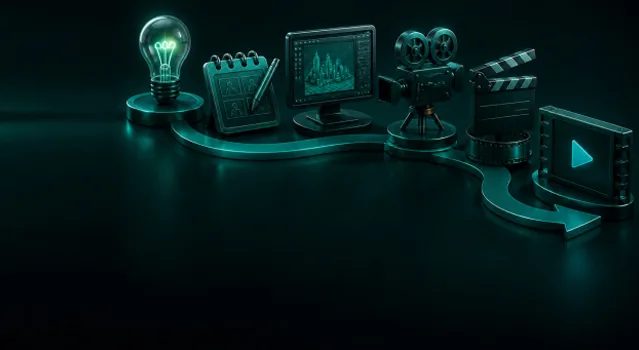
Project Chat proposes the hook, scene sequence, voice, captions, music direction, and ending before generation.
Render the approved Reel, then branch it into alternate hooks or languages without rebuilding the concept.
Workflow detail
Project Chat proposes the hook, scene sequence, voice, captions, music direction, and ending before generation.
Mix product references, generated b-roll, presenter moments, voice, music, and captions.
AI reel generator
Keep one offer and one call to action clear from the first frame to the last.
From idea to publish-ready video
Set up your source and script on this page, review the workflow, then continue in the editor to generate, refine, and export.
The starter is optimized for vertical short-form storytelling. You can adapt the approved project for TikTok, YouTube Shorts, paid social, or another vertical placement.
This page focuses on one short 9:16 Reel with a fast hook and one CTA. The broader social workflow also covers landscape feeds, websites, campaigns, and multi-format publishing.
No. A visual reference is optional. Add one when product fidelity, a recurring character, location, or brand look matters.
Yes. Project Chat prepares an editable scenario first. Model availability, plan access, and credit estimates appear before the generation step.
Yes. A complete project can combine presenter scenes with generated visuals, voice, music, captions, transitions, and supplied media.
Yes when you have the necessary rights to references, music, voices, brands, and recognizable people, and the selected model terms permit the intended use.
Describe the audience, platform, and goal. VlogMe builds the hook and scenes, then lets you edit the visuals, avatar lines, voice, music, and captions before rendering.
ExploreToolProject Chat finds the beginning, escalation, and payoff, then proposes a scene-by-scene plan you can rewrite before any clip is generated.
ExploreUse caseTest 20 hooks across 5 voices and 3 languages before lunch. One portrait, one script field, one click — the rest is rendered.
Explore