
Describe the edit
Describe “A controlled image edit” and add the required source material.
Precise AI image editing
Replace objects, restyle backgrounds, localize copy, or make campaign variants without rebuilding the image.
Try it with your own files
You will create an account on the next step, immediately before generation.
Recommended Top models
AI Image Editor example
The source, instruction, and selected GPT Image 2 workflow arrive together in Image Studio.
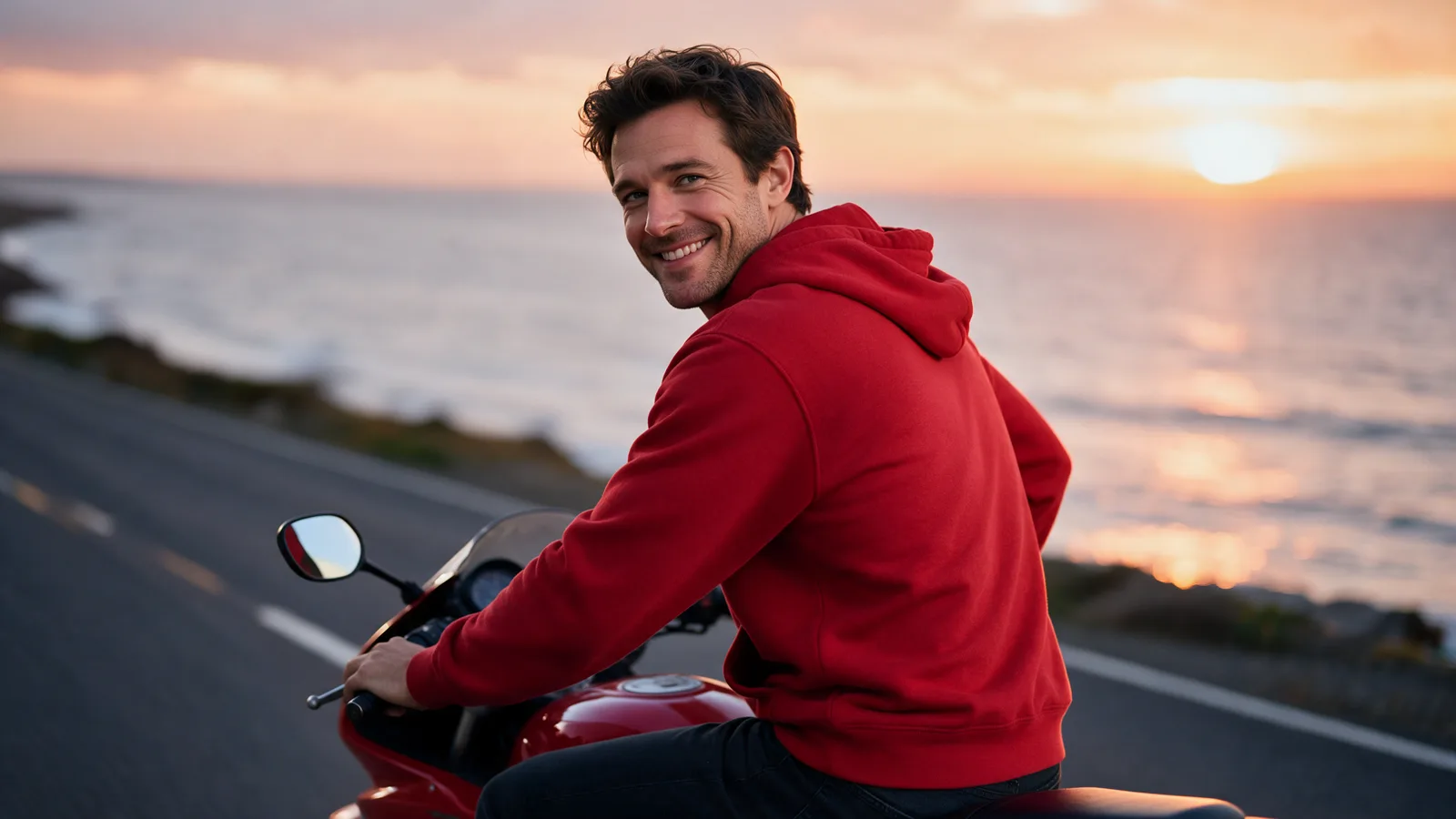
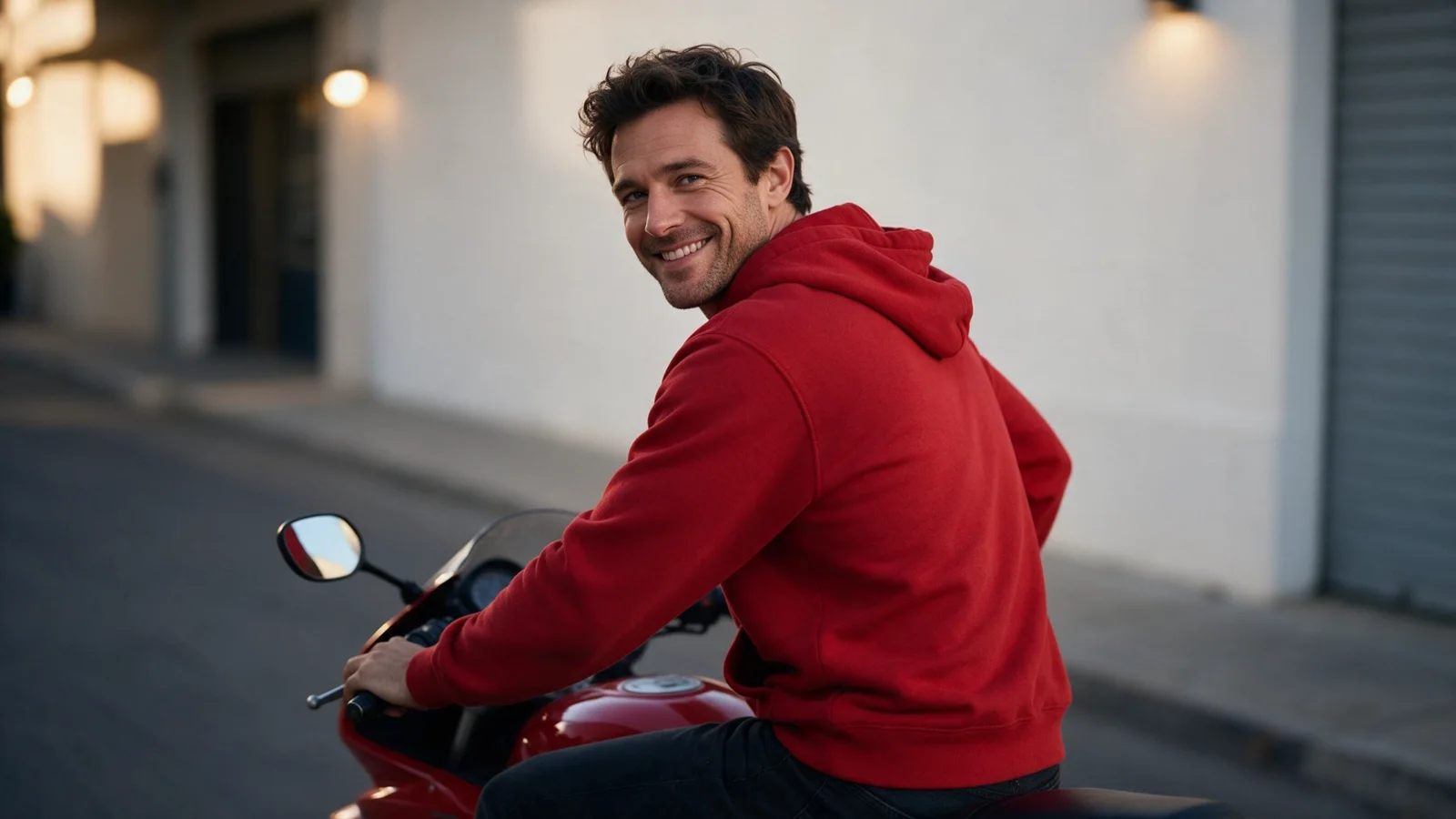
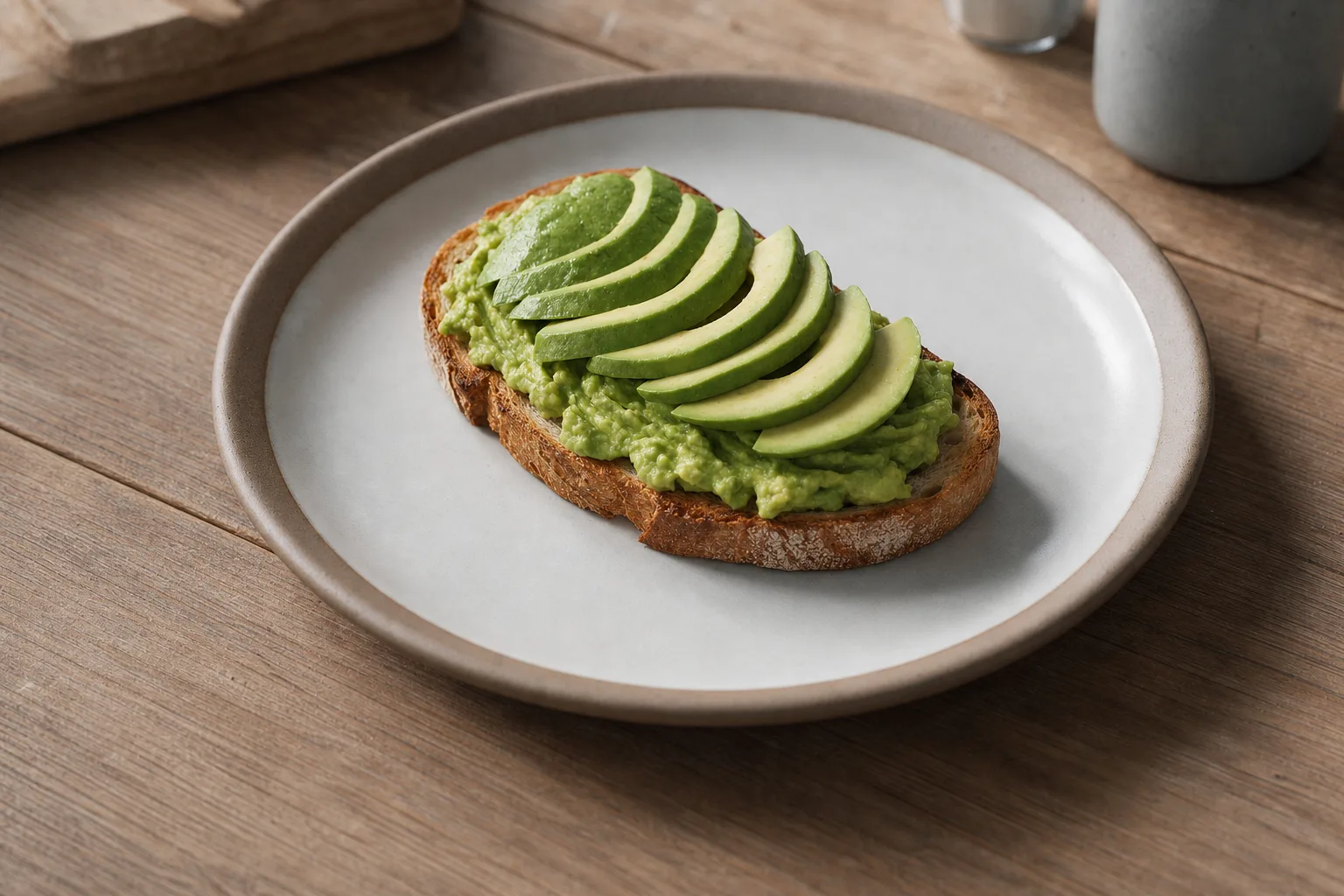
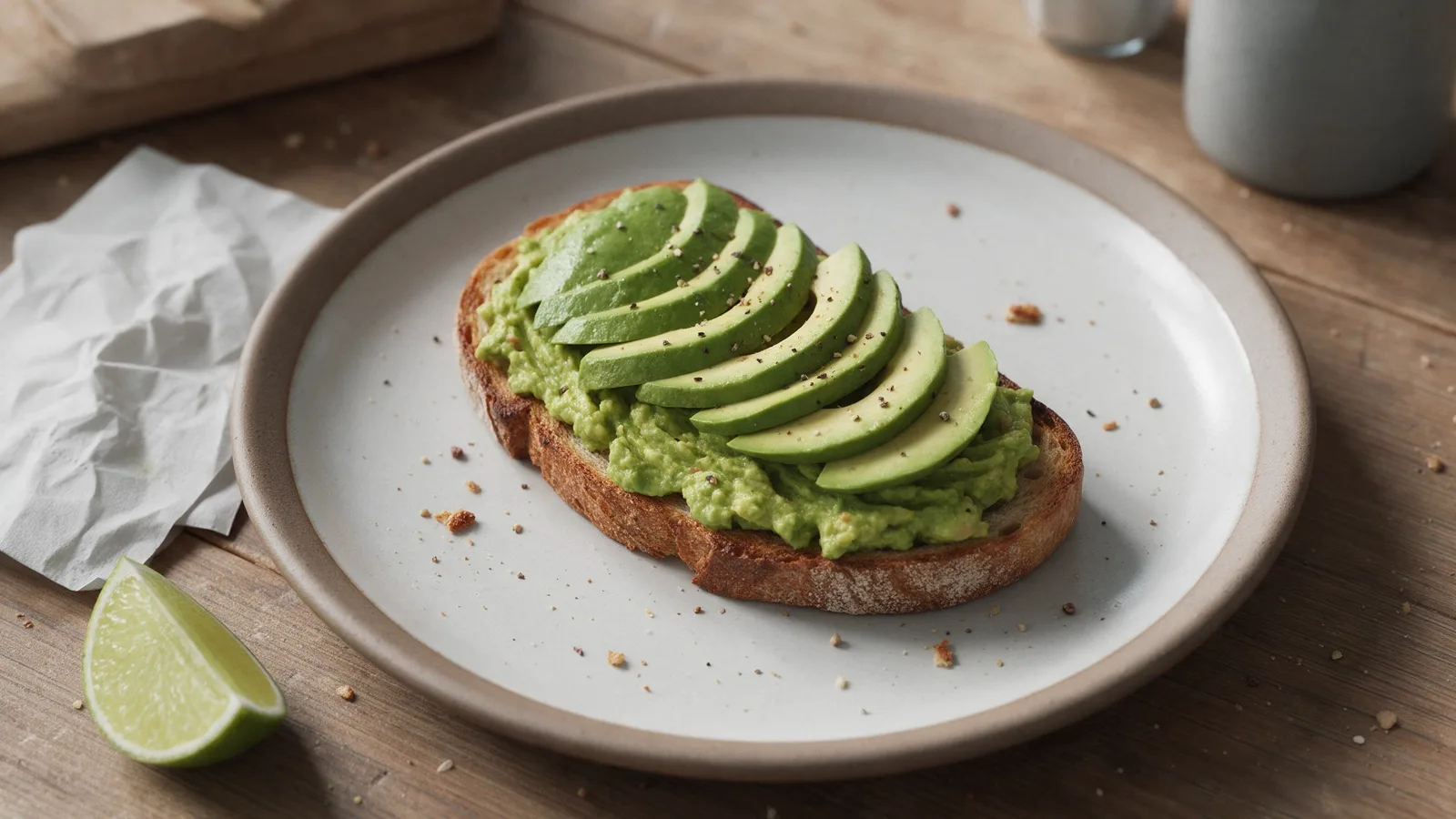
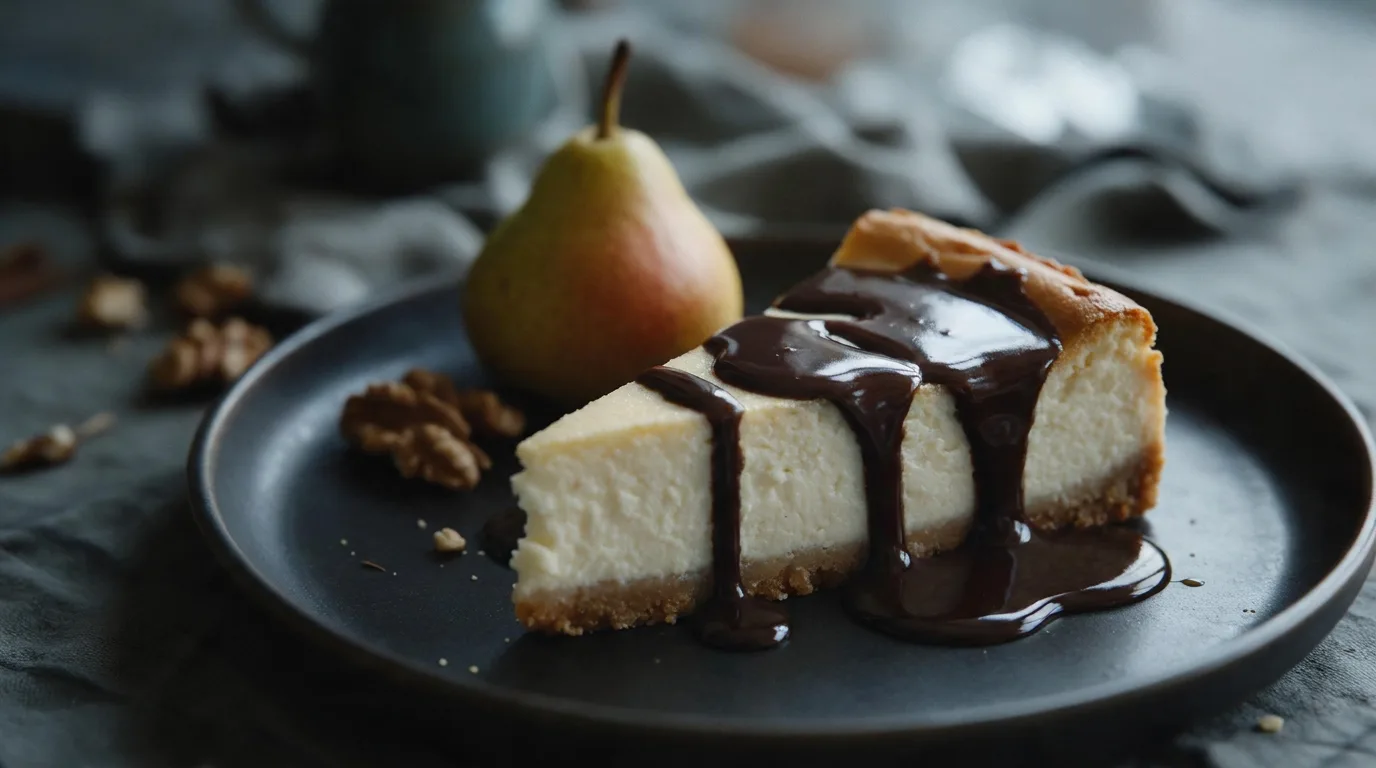
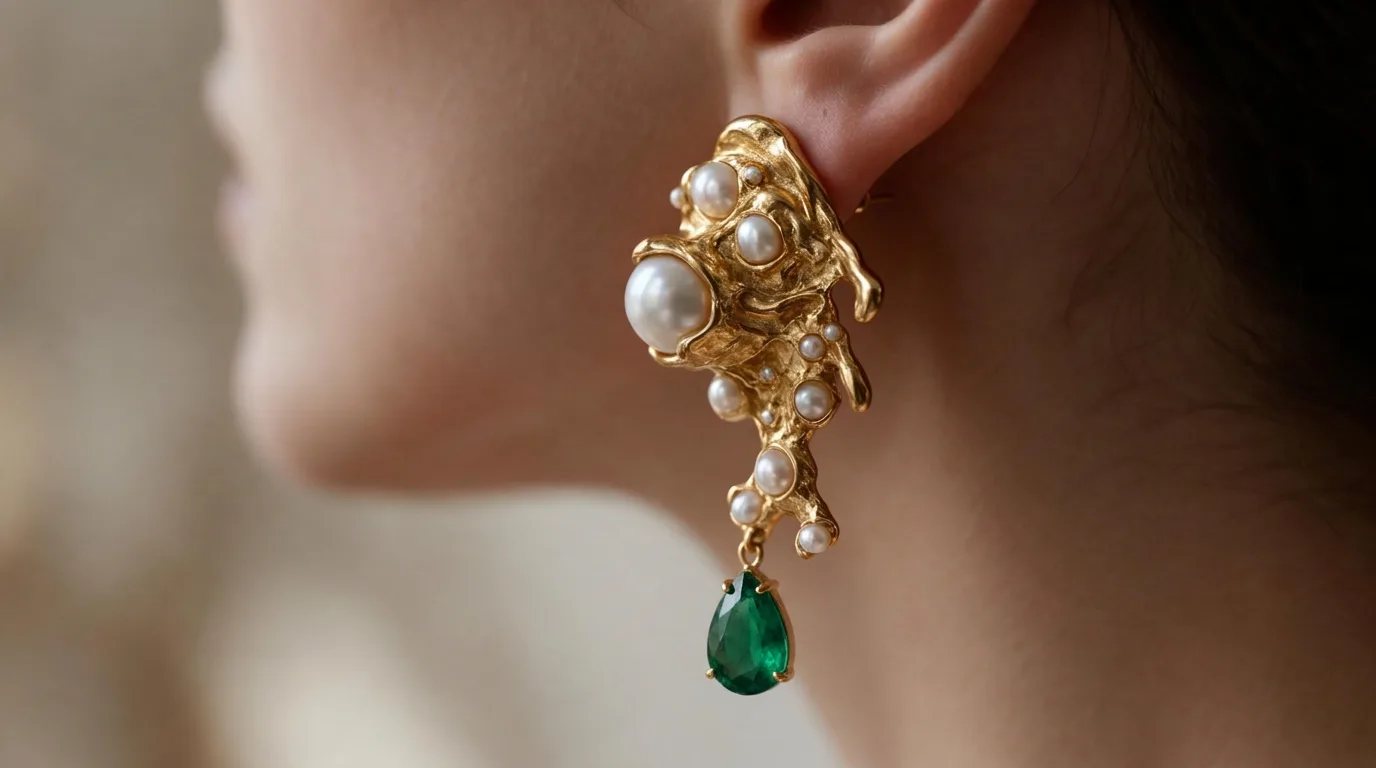
Before
AfterA controlled image edit
The source, instruction, and selected GPT Image 2 workflow arrive together in Image Studio.
How it works
Describe “A controlled image edit” and add the required source material.
VlogMe opens the exact workflow for “Change exactly what you describe” without losing the setup.
Review the model, availability, plan, and credits for “A controlled image edit”.
Workflow detail
VlogMe opens the exact workflow for “Change exactly what you describe” without losing the setup.
The brief for “Change exactly what you describe” and its source files survive sign-in together.
Precise AI image editing
Review the plan and credit estimate for “Edit this image” before generation.
From idea to publish-ready video
Set up your source and script on this page, review the workflow, then continue in the editor to generate, refine, and export.
Yes. Prepare “A controlled image edit” locally; the plan and credit price appear before generation.
Yes. The recommended model is preselected, never forced.
VlogMe keeps your explicit choice, explains the outage, and offers suitable Top alternatives.
State what must change and what must remain untouched.
Precise image generation and editing, strong text rendering, references, and mask-based inpainting.
ExploreModelPremium multi-reference composition, localization, product fidelity, and brand consistency.
ExploreToolMagnific AI adds controlled high-resolution detail for ads, product imagery, portraits, and key art.
Explore