

- Seedance 2.5
- ByteDance
Seedance 2.5 in VlogMe: video generation and editing
Seedance 2.5 is live in VlogMe: 4–30 second videos with native audio from text, images or an uploaded video, at 480p, 720p or 1080p.

Product News · AI Video
VlogMe now supports MiniMax H3 for text-to-video, image-to-video, and first/last-frame creation. Here is what the new model does and how to use it.
MiniMax announced H3 on July 31, 2026. The model is now connected to VlogMe Video Studio for three workflows marketers and creators can use immediately: text-to-video, image-to-video, and first/last-frame generation.
H3 is a general-purpose multimodal video model. According to the official MiniMax model documentation, it generates 2K video at 24 fps in clips from 4 to 15 seconds and supports native stereo audio.
The underlying model accepts several kinds of direction:
That makes H3 especially relevant to advertising, branded product shots, social campaigns, e-commerce, and rapid concept development. The MiniMax launch announcement also positions advertising and branding among its core production use cases.
VlogMe exposes three focused H3 workflows in Video Studio:
All three run in Video Studio and save every result to Lab.
H3 can cover several parts of a campaign workflow without forcing every concept into the same visual pattern. A team can start with a written hook, animate an approved product still, or direct a transition into a final pack shot. Native audio also makes it possible to ask for ambience, effects, or dialogue as part of the scene instead of treating sound as an afterthought.
The practical goal is faster creative testing: build a strong 2K master, then adapt the winning idea for Reels, Shorts, paid social, product pages, or a broader campaign. See the full AI video marketing workflow and our social media video generator.
The dedicated MiniMax H3 model page includes capabilities, limitations, prompt recipes, and a working starter that opens Video Studio with H3 selected.
VlogMe shows the exact credit estimate before submission and does not silently replace H3 with a different model if the provider is unavailable. Seedance, Kling, and Veo remain available as explicit alternatives in Video Studio; for longer takes of up to 30 seconds, read how Seedance 2.5 arrived in VlogMe.
Yes. VlogMe Video Studio runs MiniMax H3, shows the exact credit price before you submit, and saves every result to Lab.
The first release covers text-to-video, image-to-video with one start image, and first/last-frame generation. Broader multimodal reference uploads will follow separately.
MiniMax documents 2K output at 24 fps for clips from 4 to 15 seconds, with native stereo audio.
Seedance 2.5 is live in VlogMe: 4–30 second videos with native audio from text, images or an uploaded video, at 480p, 720p or 1080p.
Stop randomly uploading t-shirt mockups. This is the step-by-step workflow using TikTok and Reels to actually drive consistent print-on-demand sales.
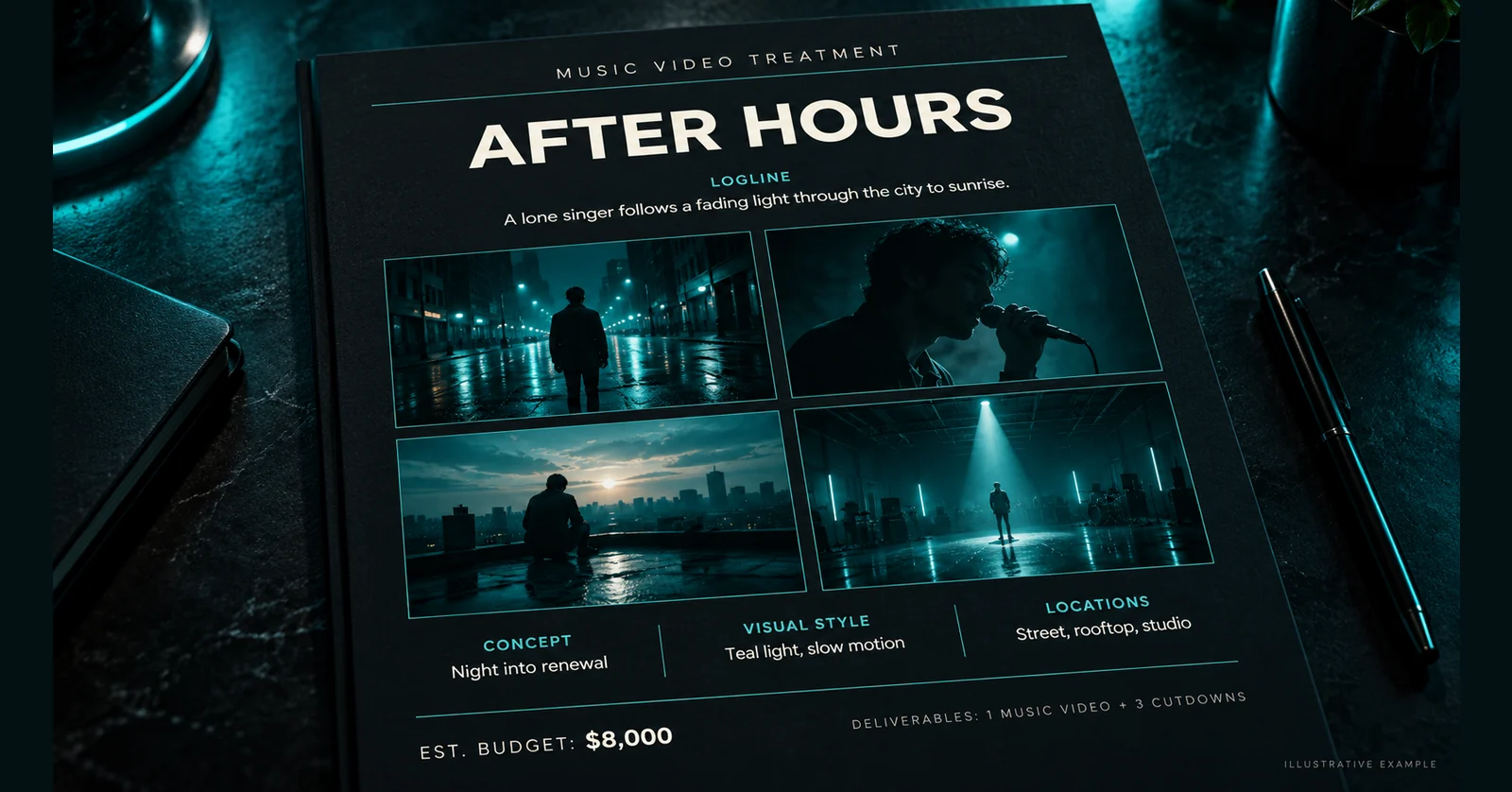
A music video treatment is the one-to-three-page pitch document a director writes to win a music video job: logline, concept, visual style, locations, budget and deliverables.