VlogMe

Premium image generation Create campaign‑ready images with GPT Image 2

Write the brief once: product, light, mood and the exact headline. GPT Image 2 is preselected for readable text and art-directed layouts; switch models before you generate.

  • Sign in with Google or an email link
  • Your brief carries over to Image Studio
  • See the credit price before you generate

Start with a brief

Set up your generation

Recommended Top models

Nothing is generated until you confirm it in Image Studio.

  1. Write the brief
  2. Set the format
  3. Pick the model
  4. Generate and refine

01Real result · GPT Image 2

A campaign frame from one paragraph.

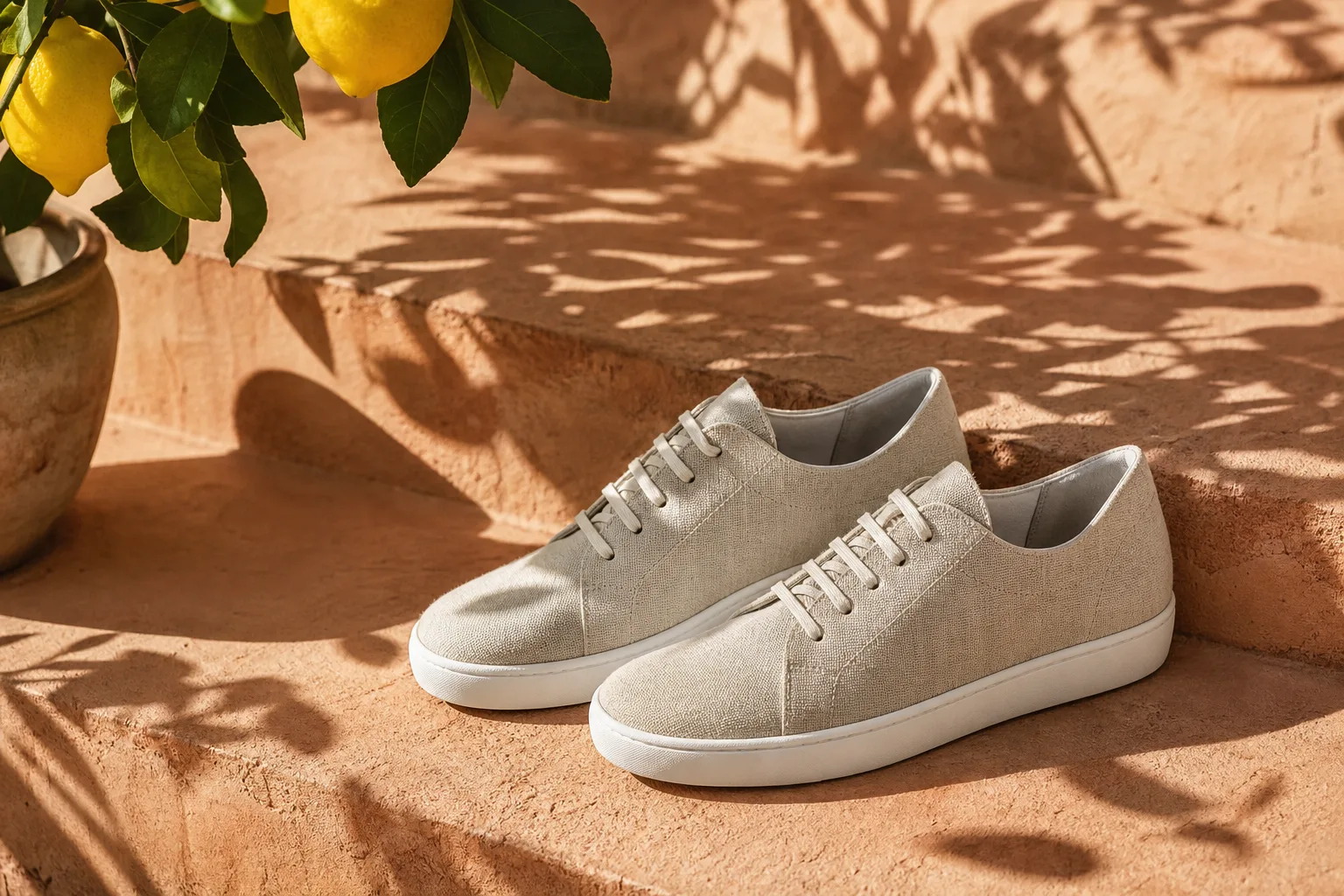
Prompt: sunlit linen sneakers on a terracotta step with the dappled shadow of a lemon tree, premium product campaign photo, no logo, no text. GPT Image 2 returned this 3:2 frame in a single run.

  • Generated in VlogMe Image Studio from the prompt above
  • 3:2 landscape; GPT Image 2 also renders 1:1 and 2:3
  • Example product: no brand, no logo
GPT Image 2 campaign image: linen sneakers on a terracotta step in lemon-tree shade3:2

02Show, then explain

Every example below is a real GPT Image 2 render.

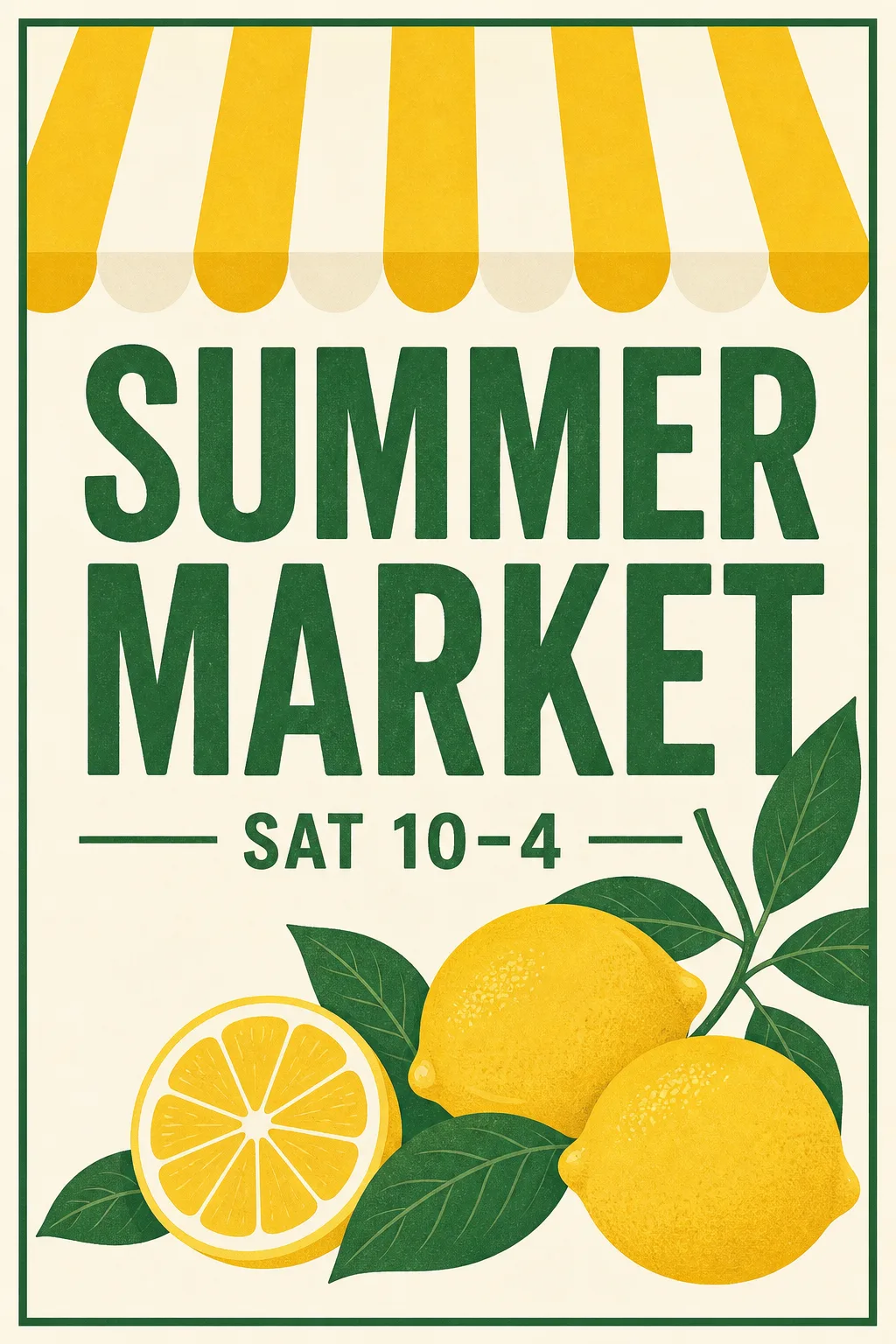
GPT Image 2 poster with the readable headline SUMMER MARKET, lemons and a striped awning2:3

01Readable typography

The headline comes out spelled right.

Asked for a summer-market poster with the headline SUMMER MARKET and the line SAT 10–4, GPT Image 2 set both cleanly and framed them with lemons and a striped awning. Put exact copy in quotes and say which line is the headline.
Write your own brief
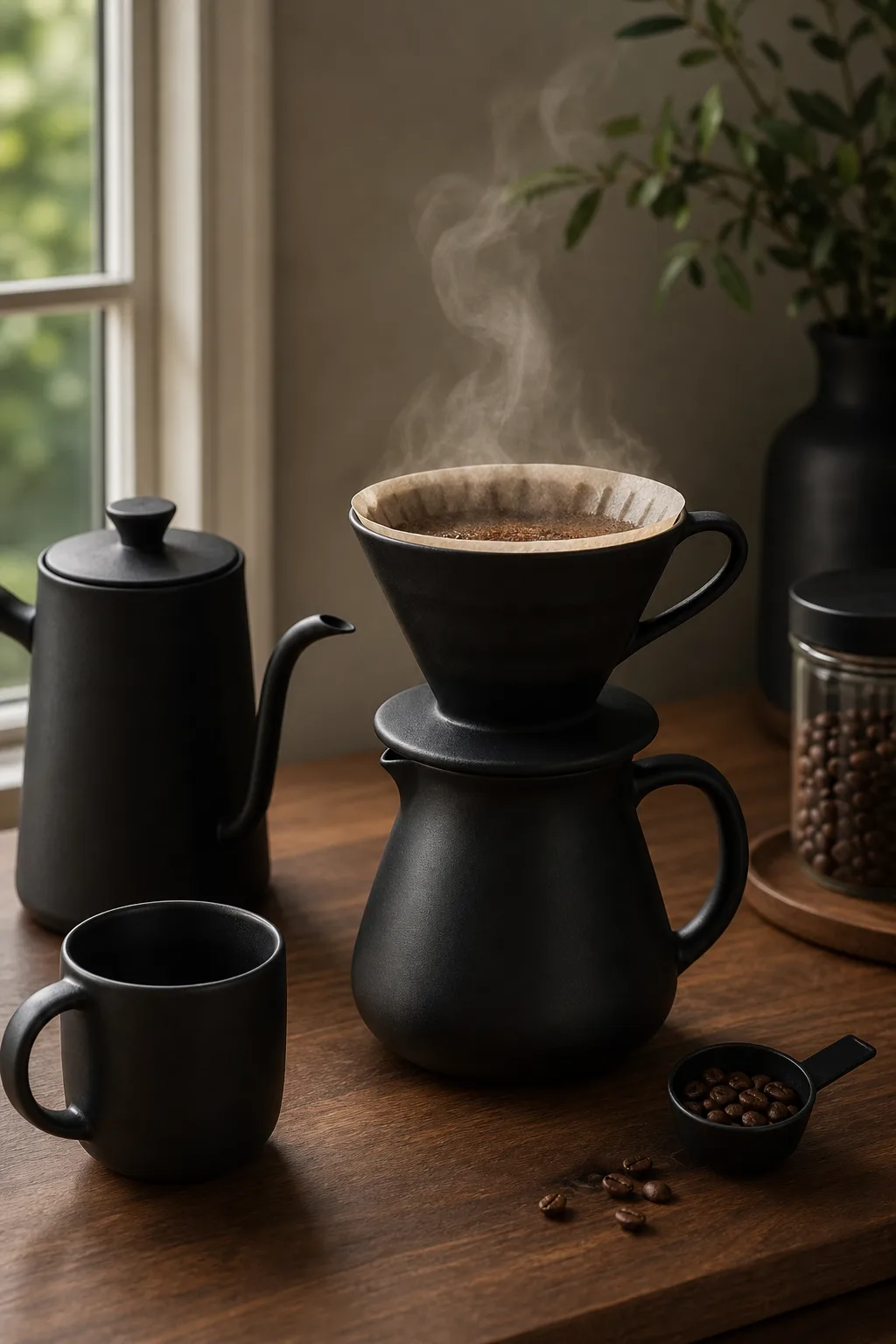
GPT Image 2 product scene: a matte black pour-over coffee set on a walnut counter with morning steam2:3

02Product in context

Show the product where it lives.

A matte black pour-over set on a walnut counter, with morning steam and soft window light. Name the material, the surface and the time of day, and the scene reads like a styled shoot.

Write your own brief
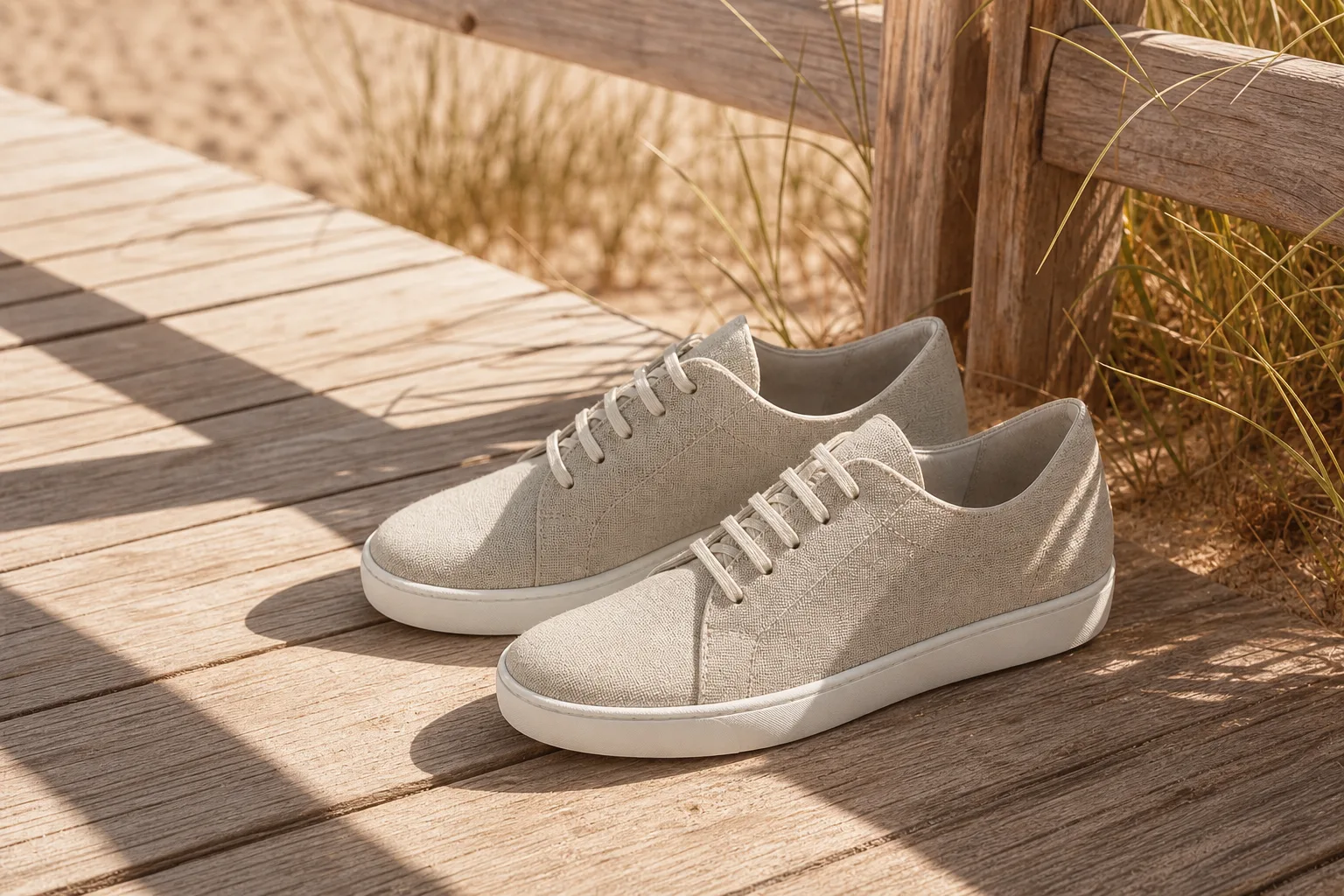
Same campaign look, new scene: the linen sneakers on a sun-bleached beach boardwalk3:2

03Consistent series

Same campaign, next location.

The first sneaker image went back in as a style reference. GPT Image 2 kept the light, the colour grade and the shoes, and moved them to a sun-bleached beach boardwalk. Add up to three references for product, character, style or background.

Write your own brief

Image Studio

Create and refine images
  1. Your starting materialA description or reference images
  2. The resultA generated image
Continue in Image Studio

03How it works

Write the brief like an art director.

  1. Write the brief

    Name the subject, setting, light and mood. Put any headline in quotes and say where it goes.

  2. Set format and references

    GPT Image 2 renders 1:1, 3:2 or 2:3; other models add 9:16, 16:9, 4:5, 4:3 and 3:4. Add up to three references to hold a product or a style.

  3. Generate and compare

    Check the credit price, generate, then compare models or open the result in Image Editor for text, crop and upscale.

  • GPT Image 2
  • Nano Banana Pro
  • Nano Banana 2
  • Seedream 5.0
  • FLUX.2 Max
  • Ideogram 3

More from the same model

Three prompts, three finished frames

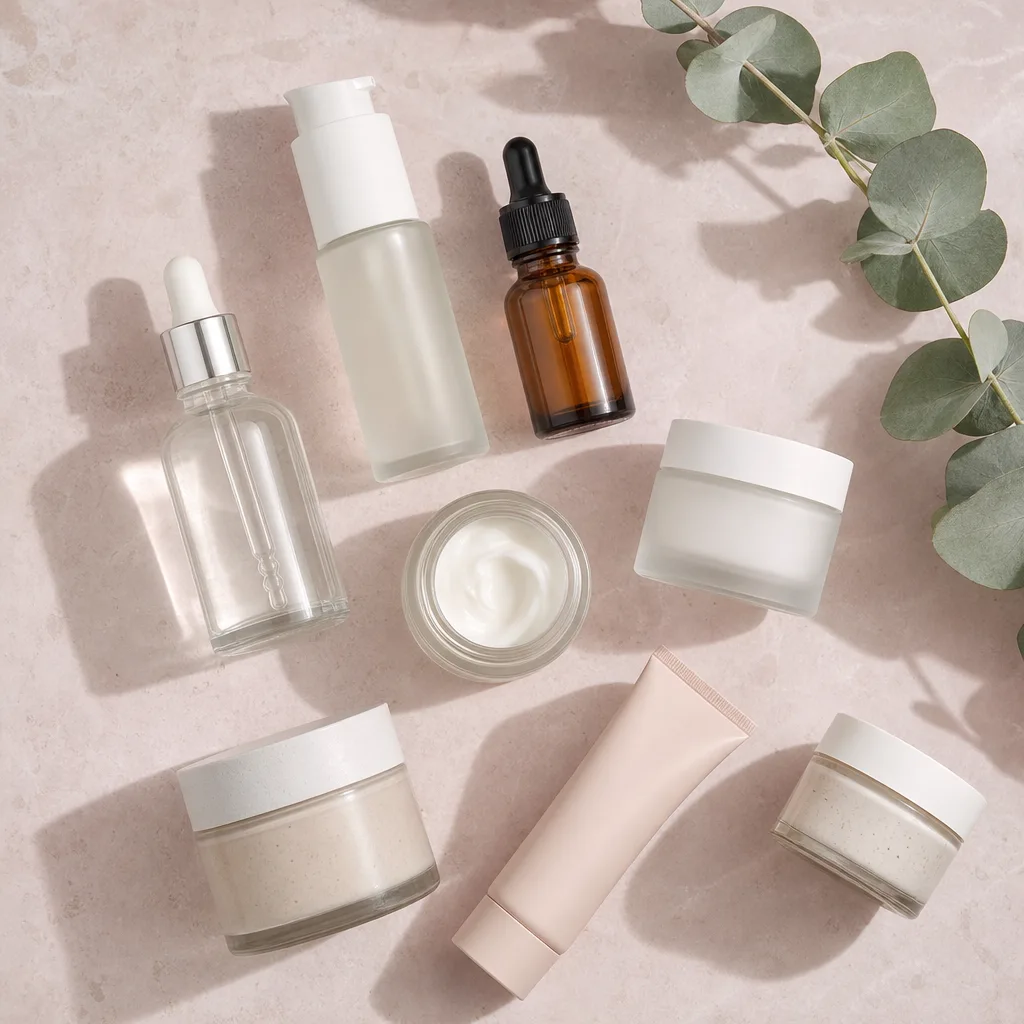
GPT Image 2 flat-lay: unlabeled skincare bottles and jars on pale pink stone with eucalyptus1:1
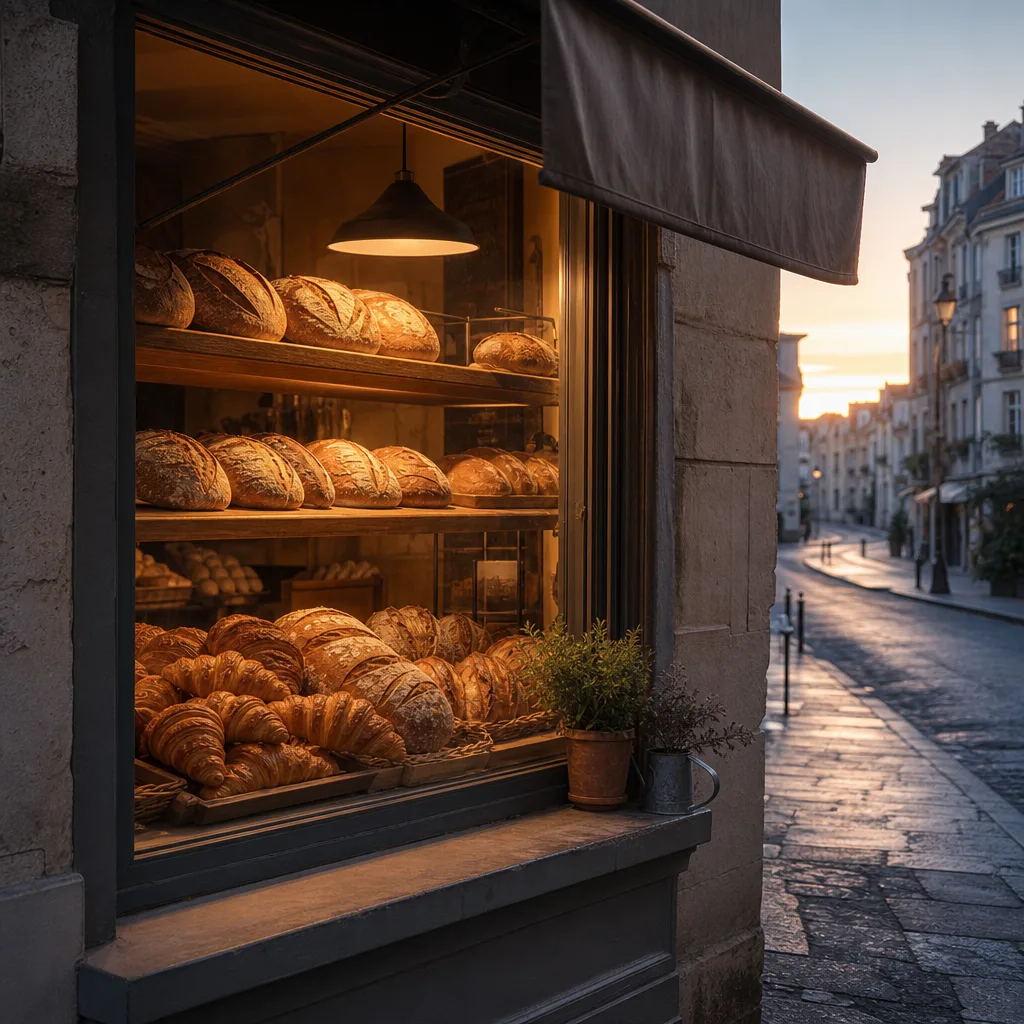
GPT Image 2 still: a bakery window at dawn with loaves and croissants on wooden shelves1:1
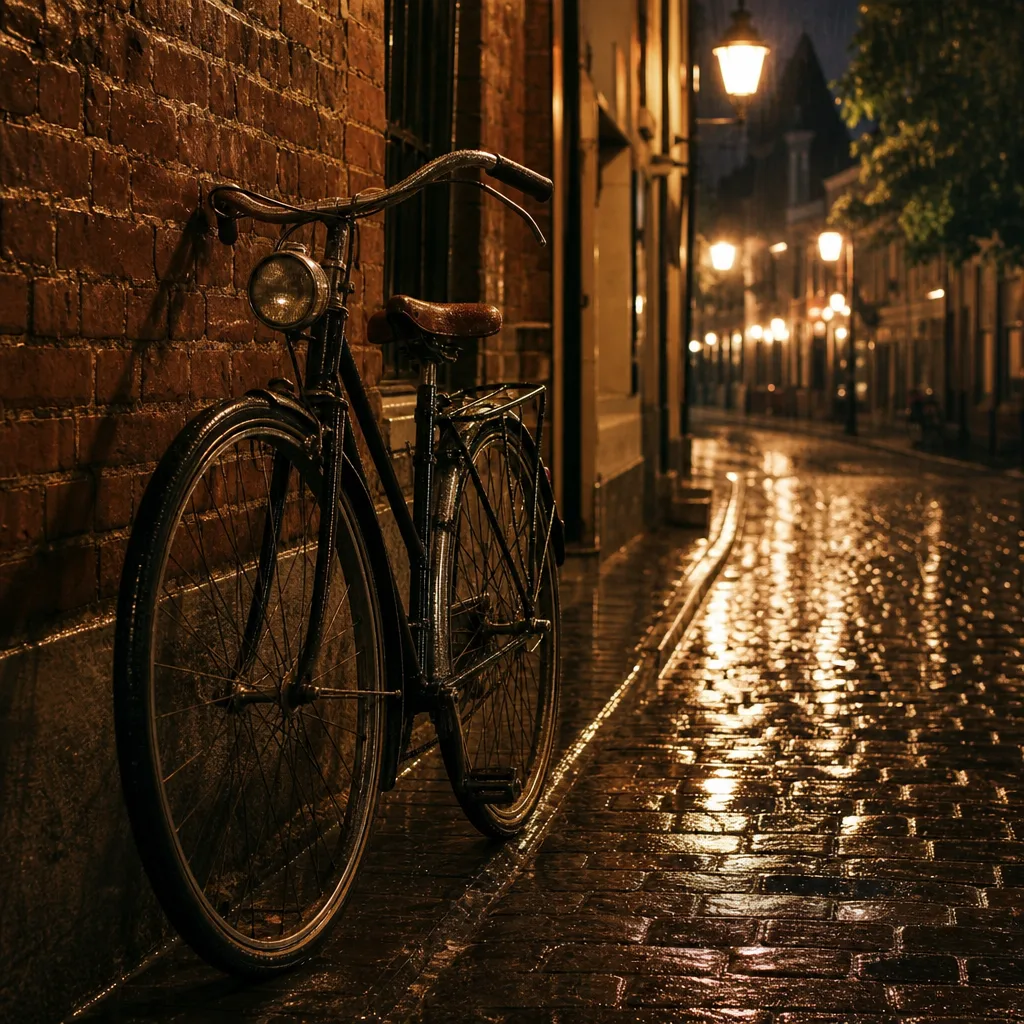
GPT Image 2 still: a vintage bicycle against a brick wall on a rainy night street1:1

Unlabelled skincare flat-lay on pink stone

A bakery window at dawn

A vintage bicycle on a rainy night street

Image Studio

Generate the image. Keep building on it.

Every result lands in Lab. From there, run variations, edit one detail, upscale with Magnific, or open the frame in Video Studio to animate it — no exporting and re-uploading.

  • Eight image models
  • Up to three product or style references
  • Variations, edits and area replacement
  • Magnific upscale for final delivery
Open Image Studio

Questions before you generate

Answers before your first image.

Why is GPT Image 2 preselected?

It is strong at readable text, layout and detailed briefs — the SUMMER MARKET poster above came from a single prompt. You can switch to Nano Banana Pro, Nano Banana 2, Ideogram 3.0 for poster headlines or another model before you generate.

Which aspect ratios can I use?

GPT Image 2 renders 1:1, 3:2 and 2:3. Other Image Studio models also offer 9:16, 16:9, 4:5, 4:3 and 3:4.

Can I keep one look across a campaign?

Yes. Use a finished image as a style reference, as in the boardwalk example, and add up to three references for the product, a character, the style or the background.

What does a generation cost?

Each image is paid in credits, and Image Studio shows the price for the selected model before you generate; buy a pack or a plan when you need them. Planning a video in Director is free, within usage limits.

Can I use the images commercially?

Check the terms of the model you choose, and make sure you have the rights to any product, logo, artwork or likeness in your brief or references.

What should I avoid?

Vague briefs. Specify the exact copy, its hierarchy, product details, lighting and aspect ratio.

Your brief is ready

Write the brief. Then build the series.

Draft the prompt here, then sign in to continue: Image Studio opens with your brief and GPT Image 2 selected.

  • Readable headlines
  • Eight models to compare
  • Price shown before you generate

Every result is saved to Lab · Edit, upscale or animate it next