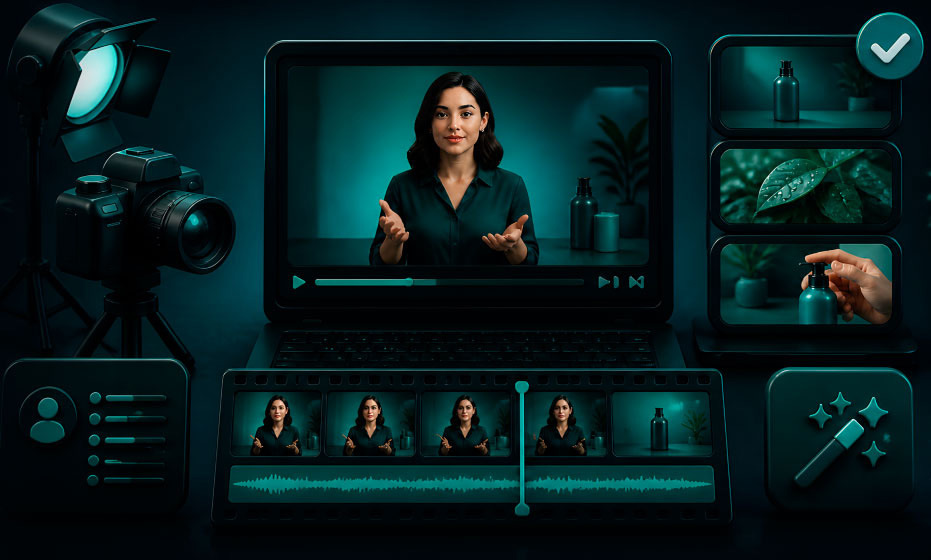
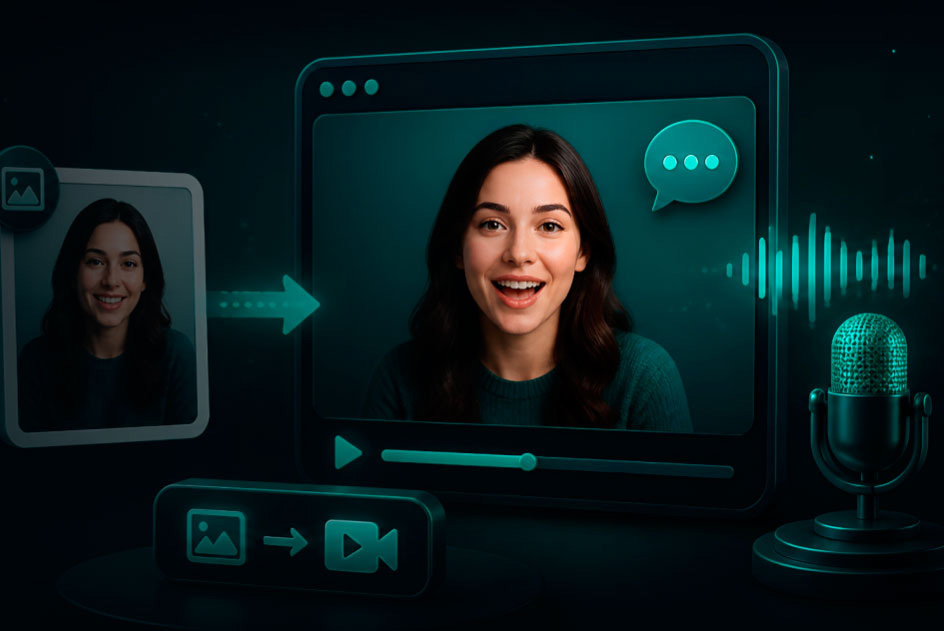
You make an AI avatar video without a green screen by starting from a portrait instead of footage and letting AI remove the background. Add a voice track, and an avatar model animates the portrait to it. You get a clean, ready-to-post video — no green screen, no masking, no editor.
That is the whole idea. Below, you will see how it works, which features matter, and how to pick the right tool for what you make.
What does automatic background removal actually do?
It cuts your avatar out from its background automatically. You do not set up a green screen. You do not mask edges by hand. The AI does it in one step.
This saves you the slowest part of video editing. You drop your avatar onto any scene — a brand color, a studio backdrop, or a product shot — and the edges stay sharp. For ads, tutorials, and explainers, you skip hours of cleanup and publish faster.
When you test a tool, watch the hair and edges. Weak tools leave a rough outline. Strong ones keep your avatar crisp on any background. In VlogMe, background removal is its own step in Image Studio: cut the presenter out of the portrait, put them on a new backdrop with an image-edit model if you want one, then animate the result in Video Studio.
Why should you care about a green screen at all?
Because a green screen costs you time, space, and money. You need fabric, lighting, and an editing step to key it out. If the lighting is off, you get green edges around your subject.
You skip all of that with automatic background removal. You shoot nothing. You light nothing. You remove the background from a portrait, add a voice track, and let the AI animate it. For a small team or a solo creator, that is the difference between shipping a video today and putting it off for a week.
What other features should you look for?
Background removal is the start. A few more features decide whether a tool actually saves you time. Here is what to check before you pick one.
A rich template library
You want an AI avatar generator with a rich template library. Templates give you a finished layout — intro, captions, transitions — so you start fast instead of from a blank screen.
This matters when you publish often. You cannot design every video from scratch. You pick a template built for your goal, swap in your script, and you are done. Look for templates sorted by use case: ads, explainers, demos, and training.
Scene templates for e-commerce
If you sell products, you want ai avatar generators with scene templates for e-commerce. These are layouts built for product video — your avatar stands beside the product, with room for price or feature text.
You get a polished, sales-ready clip without a design team. You drop in your product, pick a template, and post it to TikTok, Instagram, or your product page. Pair it with text-to-video and you turn a product description straight into a sales video.
Support for custom transitions
You also want ai avatar tools with support for custom transitions. A transition is how your video moves between scenes — a fade, a zoom, a slide.
Early AI videos looked cheap because the avatar would jump from scene to scene. You fix that with smooth transitions. The best tools let you pick the transition type, set its length, and control how your avatar enters and exits. That keeps viewers watching to the end.
Collaborative editing features
If you work with a team, look for ai avatar platforms with collaborative editing features. You want shared projects, comments, and an approval step before a video goes live.
Without it, one person becomes the bottleneck and your videos pile up. With it, your whole team moves on one project at the same time.
Where do you find AI avatar services with advanced transitions?
You find them by checking one thing: does the tool give you transition controls, or just one fixed style? You want to choose the type, the duration, and how your avatar moves in and out.
Do not trust the feature list alone. Make one short two-scene video and watch how the scenes connect. That single test shows you more than any spec sheet. If the avatar glides between scenes and the timing feels right, the tool can handle advanced transitions.
What is a chatbot avatar, and do you need one?
A chatbot avatar is a digital face on a conversational AI. It speaks replies out loud with synced lips, and it answers you live instead of reading a fixed script.
You need one if you want real-time interaction — customer support, a virtual assistant, or a live host. You do not need one if you only make pre-recorded videos. For live, reactive use, see how AI avatars that respond to comments live reply to viewers during a stream.
You start with what you make, then match the features to it. Rank these by what your content needs.
If you post a lot of social video, you want background removal and a big template library. If you sell products, you want e-commerce templates. If you run marketing videos, transition control is your deciding feature. If you work with a team, you need collaboration. If you want live interaction, you need a chatbot avatar, not a script-based one.
Then test one short video before you commit. Make a two-scene clip with your own script. Check the edges, the transition, and how fast you finished. The right tool gives you clean, publish-ready video with the fewest retries.
Ready to make your first avatar video?
You can make a clean avatar video right now — no green screen, no editor. Open VlogMe, set up a script or a photo without signing up, and see the credit estimate before anything renders. Want to compare your options first? See the best free online video makers in 2026 and find your fit.