vlogme.ai

YouTube avatar maker

Create an AI avatar for your YouTube channel

Build a recognizable presenter for intros, explainers, Shorts, recaps, and faceless channel formats.

Set up without signing upFiles stay local until you continue

Try it with your own files

Create YouTube avatar

You will create an account on the next step, immediately before generation.

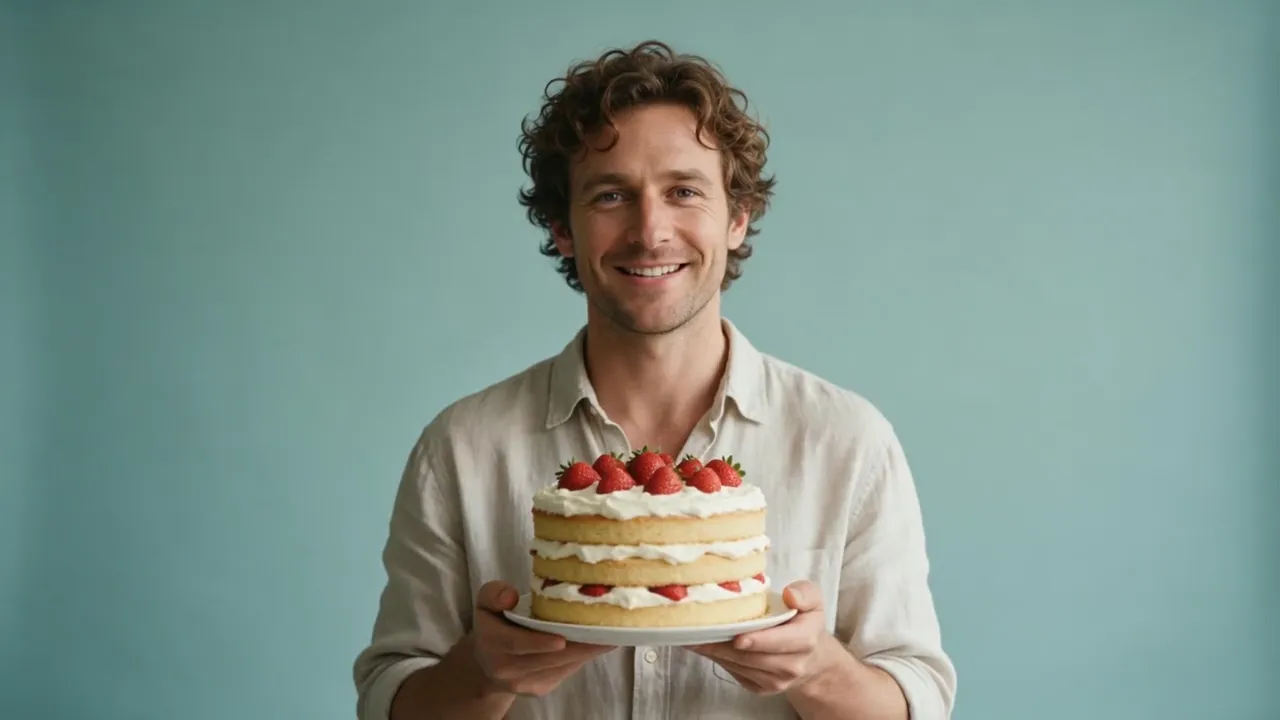
Example result

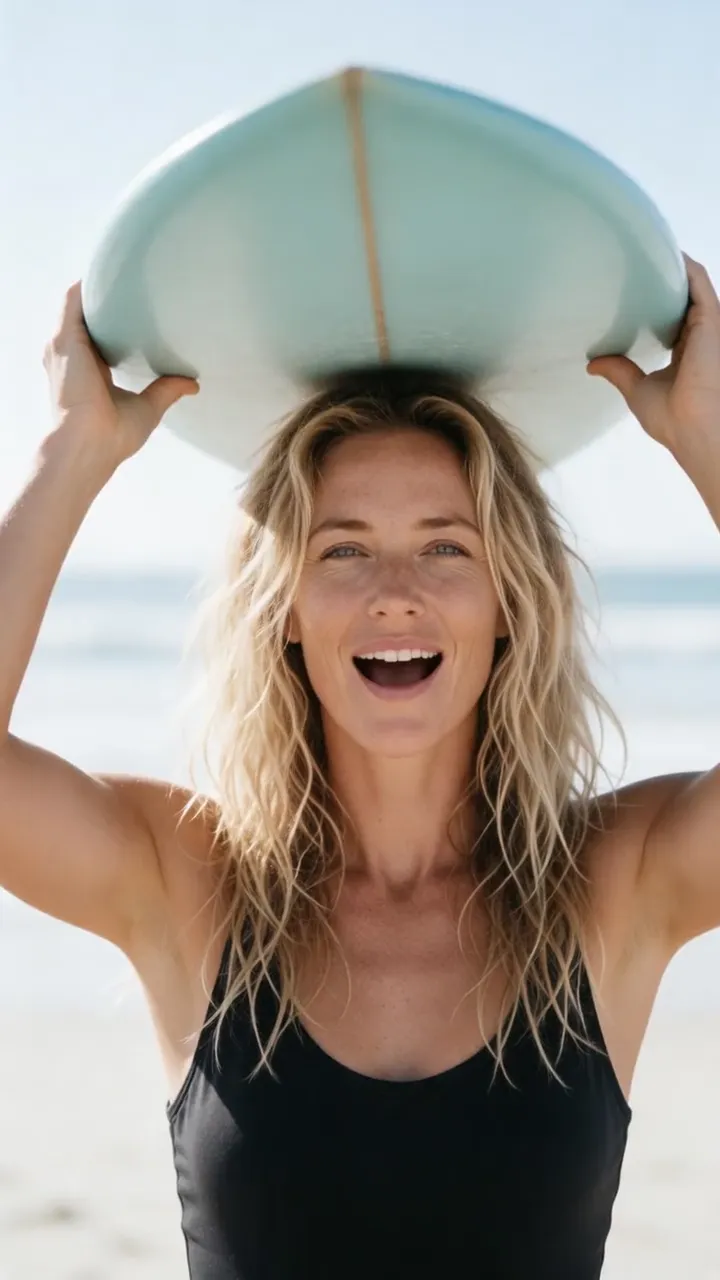
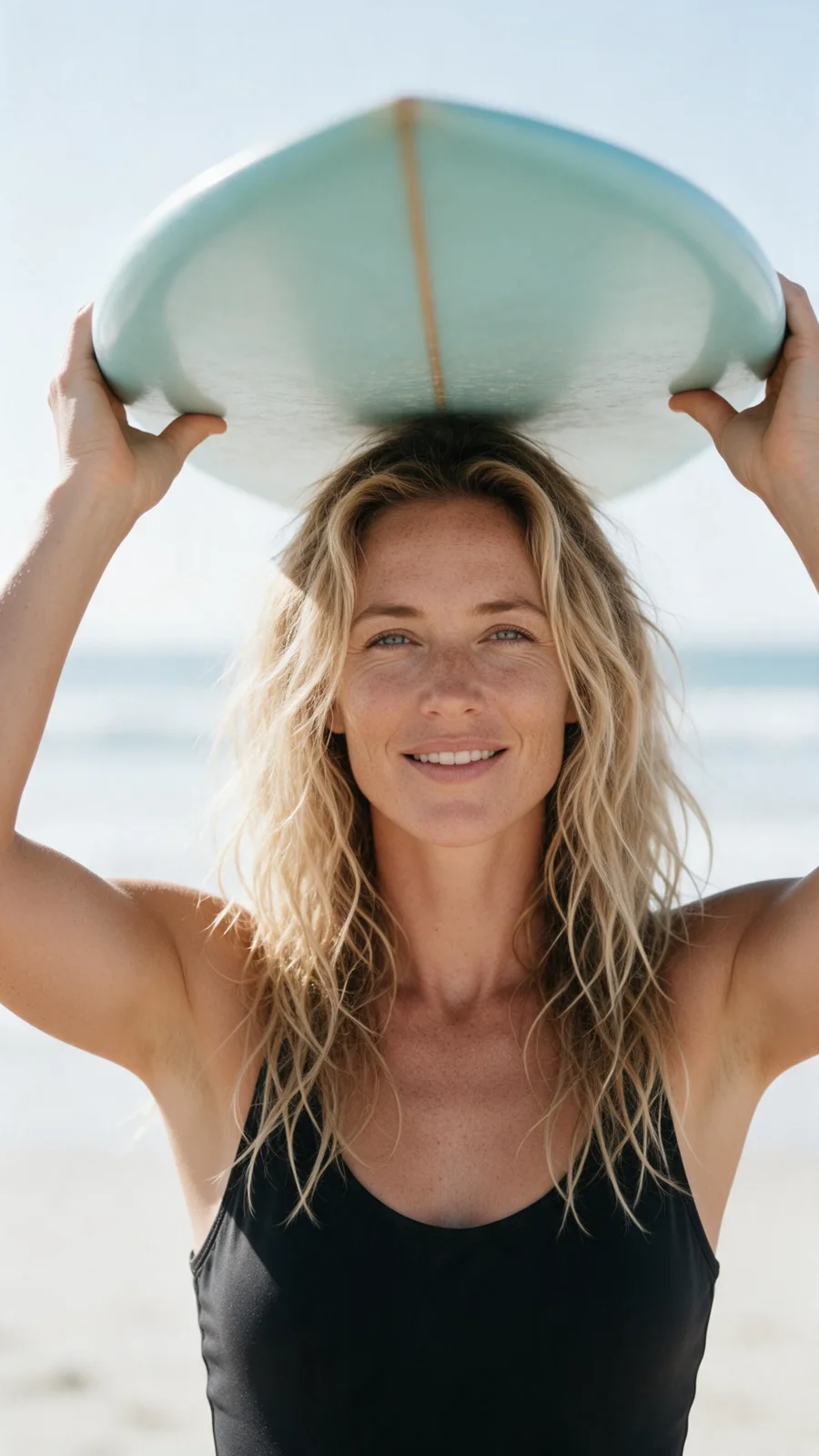
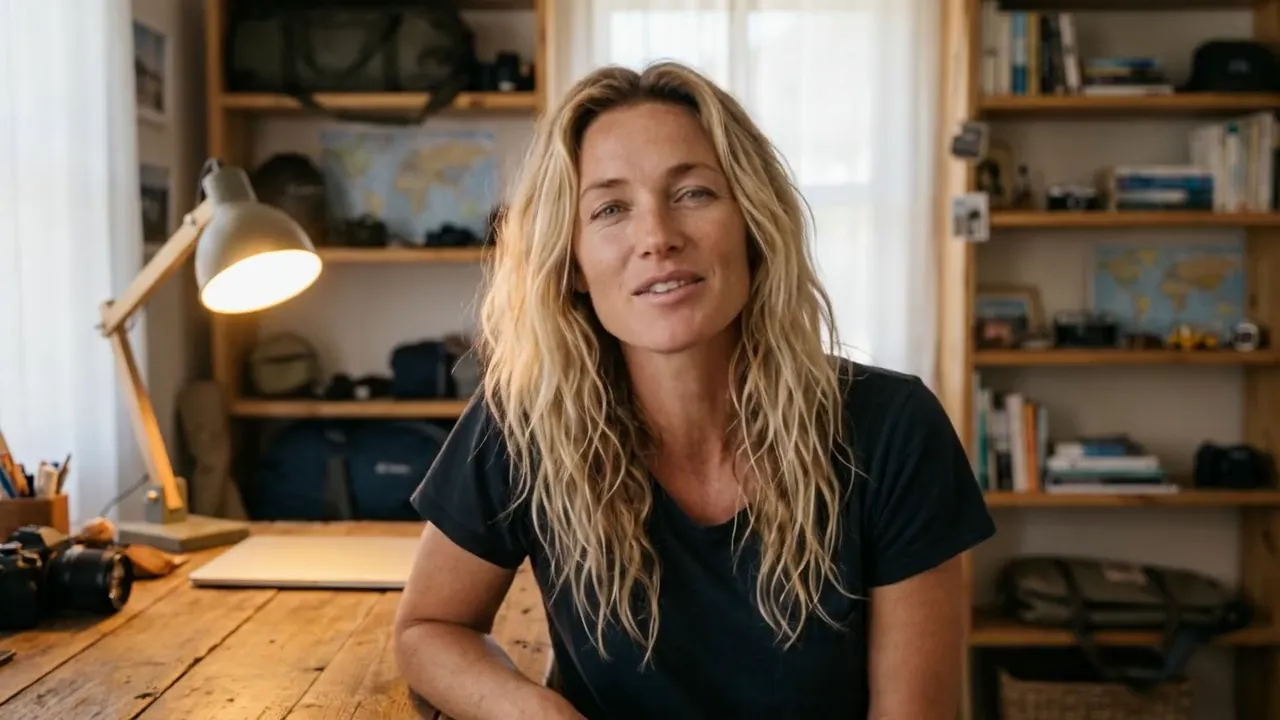
A reusable channel presenter

Your avatar turns each new script into a consistent on-camera episode.

One consistent presenter across episodes
16:9 videos and 9:16 Shorts from the same idea
Captions for retention and silent viewing
Swap scripts, hooks, voices, and languages without reshooting
Create intros, explainers, recaps, and faceless channel videos
Build repeatable templates for faster episode production

How it works

01

Define the channel persona

Choose a face and a delivery style that fit the topic and audience.

02

Paste the episode segment

Start with an intro, one explainer section, or a complete Short.

03

Render for YouTube

Review the script and voice, choose the aspect ratio, then export.

From idea to publish-ready video

A reusable channel presenter

Set up your source and script on this page, review the workflow, then continue in the editor to generate, refine, and export.

No filming crewEditable scripts and variantsExport ready for publishing

Questions before you create

Can I use the same avatar in every episode?

Yes. Reusing the portrait and voice creates a recognizable channel identity.

Can I make both Shorts and normal videos?

Yes. Choose vertical 9:16 for Shorts or landscape 16:9 for standard YouTube uploads.

Does YouTube allow AI avatars?

Follow YouTube's current disclosure and synthetic-media policies, especially for realistic or potentially misleading content.

Can I use my own face and voice?

Yes. Use media you own or have permission to use, then reuse the approved portrait and voice across your channel.

Can I update one section without filming again?

Yes. Edit the hook, script, voice, captions, or call to action and render a new version from the same setup.

What YouTube formats can I make?

Create channel intros, explainers, tutorials, news recaps, list videos, product updates, and vertical Shorts.