- Talking Photo
- Talking Avatar
How to Make a Photo Talk in Under a Minute
Set up a talking photo in under a minute: upload a front-facing portrait, add a script, choose a voice, and the AI animates the face and syncs the lips — no editing needed.

Guides
Nine AI talking photo generators compared on real cost, clip limits and what 'free' actually unlocks.
AI talking photo tools have moved from novelty filter to a real production tool. In 2026, marketers, educators and solo creators are turning single portraits into lip-synced speaking clips for ads, explainers, training and short-form social, without a camera, an actor or a studio.
The field is noisy though. Pricing hides inside credit systems, "free" tiers often mean watermarked 5-second previews, and vendor pages rarely show the real cost of a 30-second clip. This guide compares the best AI talking photo generator options available now, scored only from each tool's own published specs so you can pick by what the tool actually delivers rather than listicle hype. You'll find a side-by-side comparison table, a clean definition of what a talking photo generator is (and what it isn't), per-tool reviews with pricing and real limits, an honest unpack of the best free AI talking photo tools 2026, and a quick workflow at the end so you can ship your first clip the same day.
There is no single winner, so pick by the job. HeyGen is the strongest all-rounder for multilingual business video. D-ID is the cheapest monthly plan if you ship under 15 minutes a month. Hedra handles cartoons, pets and old photos best. Magic Hour is the only free option that exports without a watermark, capped at 5 seconds. VlogMe is the pick when you want the exact credit cost shown before you render, want to upload your own voice and skip the text-to-speech charge, or need clips longer than a minute (up to 10 minutes on its default model). See the credit quote on your own portrait →
The tools below are grouped by the job they do best, not ranked.
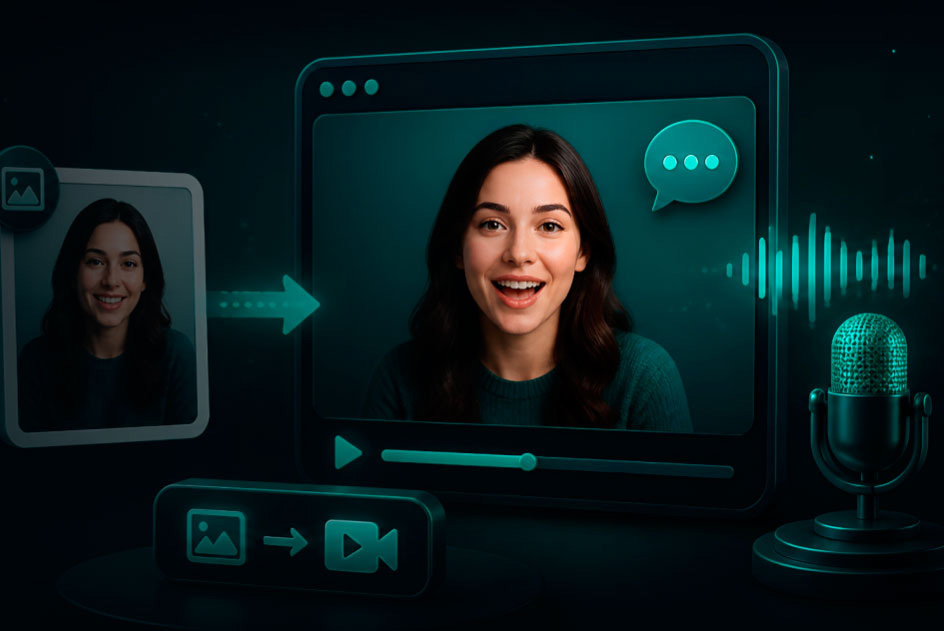
An AI talking photo generator is a tool that animates a single still portrait into a short speaking video, using deep learning models to match lip movement, blinks and expressions to an audio or text input. You upload a photo, add a script or voice track, and the system renders a lip-synced clip of that photo "talking."
Under the hood, these tools detect facial landmarks (the mouth, eyes, head position), then a generative model, usually a GAN or a diffusion-based animator, drives phoneme-accurate mouth movement from the audio track. The output is typically a 5-to-60-second video where the still portrait appears to speak the script.
These four terms get mixed up constantly in listicles. A talking photo animates a real portrait, your face, a client's, a historical figure, a pet, so one image goes in and one speaking clip comes out. A talking avatar uses a repeatable synthetic presenter from a pre-built or custom library, which is good for recurring characters but not for one-off photos. Lip sync is different again, it realigns the mouth movement of an existing video to new audio, so the source is video rather than a still image. Image-to-video generates artistic motion from an image without precise speech sync. If your source is a photo and you want it to speak, you want a talking photo generator rather than an avatar platform or an image-to-video model.
Every number in this guide comes from the vendor's own page on October 13, 2026. We did not run blind quality tests, and we don't publish review scores we haven't earned. Each tool is weighed on six published criteria: input flexibility (typed script, uploaded audio, in-browser recording), photo compatibility (human portraits, illustrations, mascots, pets), output limits (maximum clip length, resolution, watermark policy), real cost (monthly plan, cost per minute, or credit math per clip), free-tier reality (what "free" actually unlocks), and commercial rights (which plans permit paid use). Lip-sync quality claims are the vendor's, we flag which tools position themselves on which strengths rather than rate output we haven't produced.
| Tool | Free Tier | Cheapest Paid | Entry Length Cap | Voice Input | Commercial Rights |
|---|---|---|---|---|---|
| HeyGen | 3 videos/month, watermarked | $29/mo Creator | 1 min free; longer on paid | TTS + upload, 175+ languages | Paid plans |
| VlogMe | No free plan; credit packs from $10 (650 credits), never expire | $10 pack, or $9/mo Starter (optional) | Up to 10 min per clip (Hedra Avatar), 720p | TTS (ElevenLabs voices) or uploaded MP3/WAV/M4A/OGG — no voice charge on uploads; own-voice cloning | Yes — plans don't restrict commercial use |
| D-ID | 14-day mobile trial, 12 credits (card required) | $4.70/mo Lite | Short clips, scales with credits | TTS, 120+ languages, API | Paid plans |
| Hedra | 20-second audio cap, watermarked | Paid tiers for longer clips | 20 sec free | TTS + upload | Paid plans |
| Synthesia | No permanent free | $29/mo Starter (10 min/mo) | Per-minute billing | TTS, 140+ languages | Paid plans |
| Vidnoz | Recurring daily free, watermarked | Paid for watermark removal | Daily quota | TTS text-driven free | Paid plans |
| Magic Hour | Free account, 5-sec clips, no watermark | Paid for longer clips | 5 sec free | TTS + upload | Paid plans |
| Mango AI | Trial credits | Paid tiers | Short clips | TTS + upload | Paid plans |
| DeepBrain AI Studios | Trial | Personal plan (unlimited short videos) | Short videos | TTS | Personal+ plans |
Reading the table honestly: "free" means wildly different things across vendors, watermarked, time-capped, credit-rationed or output-restricted. The next section unpacks each.
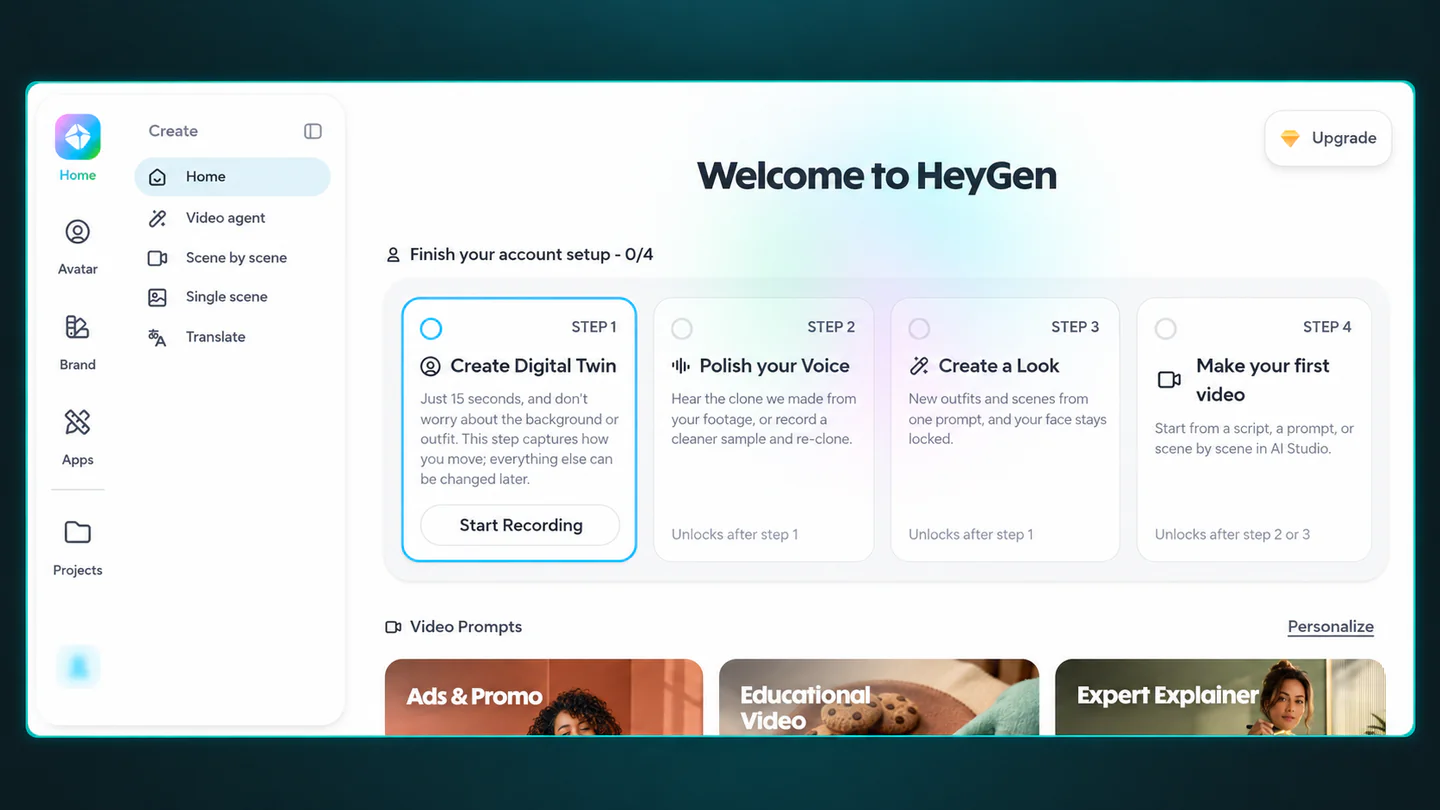
HeyGen's Avatar IV engine ships realistic lip sync, expression tracking and support for 175+ languages, which makes it the default pick for marketers producing localized clips at scale. Prompt-based avatar creation and Look Packs widen the use case beyond talking photos into reusable presenters. Pricing runs from the free tier (3 videos/month, watermarked) through Creator at $29/month, Pro at $49/month, and Business at $149/month, with the photo model costing 16 credits per minute. The Business tier works out to around $288/year on the published annual rate. HeyGen is strongest for marketers and creators who need broad language coverage and polished lip sync; watch out for longer videos burning credits fast, with top-up minutes pushing monthly spend above the sticker price.
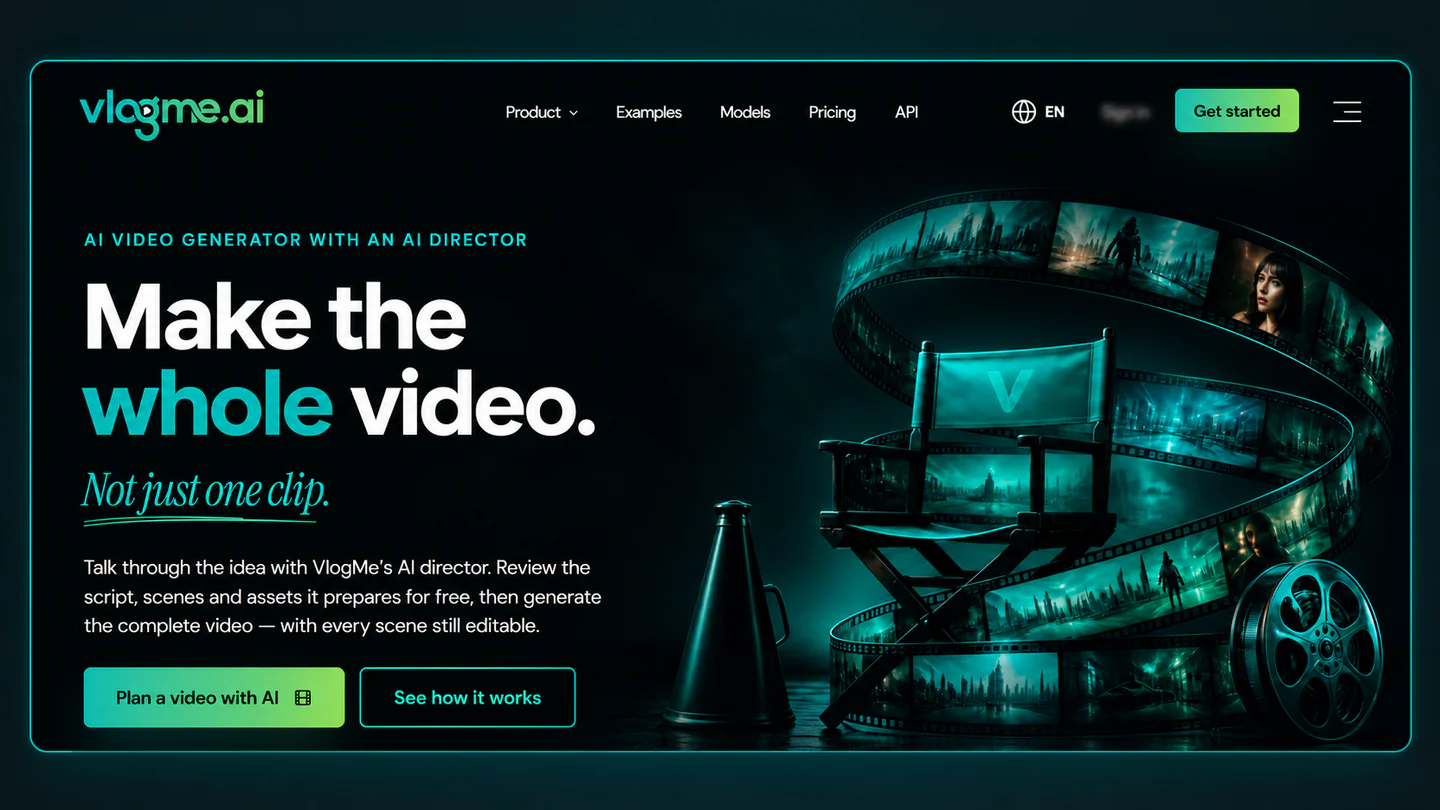
VlogMe is credit-based: buy a pack when you need one (650 credits for $10) or take an optional monthly plan from $9, and a pricing dialog shows the exact credit quote before every render. There is no free tier; new accounts start at zero credits. A typed script costs 45 credits per started 1,000 characters for the AI voice, and the render on Hedra Avatar, the default portrait model, costs 5 credits per audio second. Upload your own recording and the voice charge disappears: a 30-second clip is 195 credits (about $3) from a typed script, or 150 (about $2.30) with your own audio.
Two things matter for talking-photo work specifically. Hedra Avatar accepts audio up to 10 minutes, well beyond the 5-to-60-second caps common elsewhere, at 720p in 9:16, 16:9 or 1:1. And the saved portrait can be rendered again with a new script or voice, then published or scheduled to TikTok, Instagram or YouTube from inside VlogMe.
Best for: irregular, project-based creators who want the cost up front, anyone with their own voice recordings, and clips longer than a minute.
Watch out for: no free plan or trial credits; a re-render with a new script is a new charge.
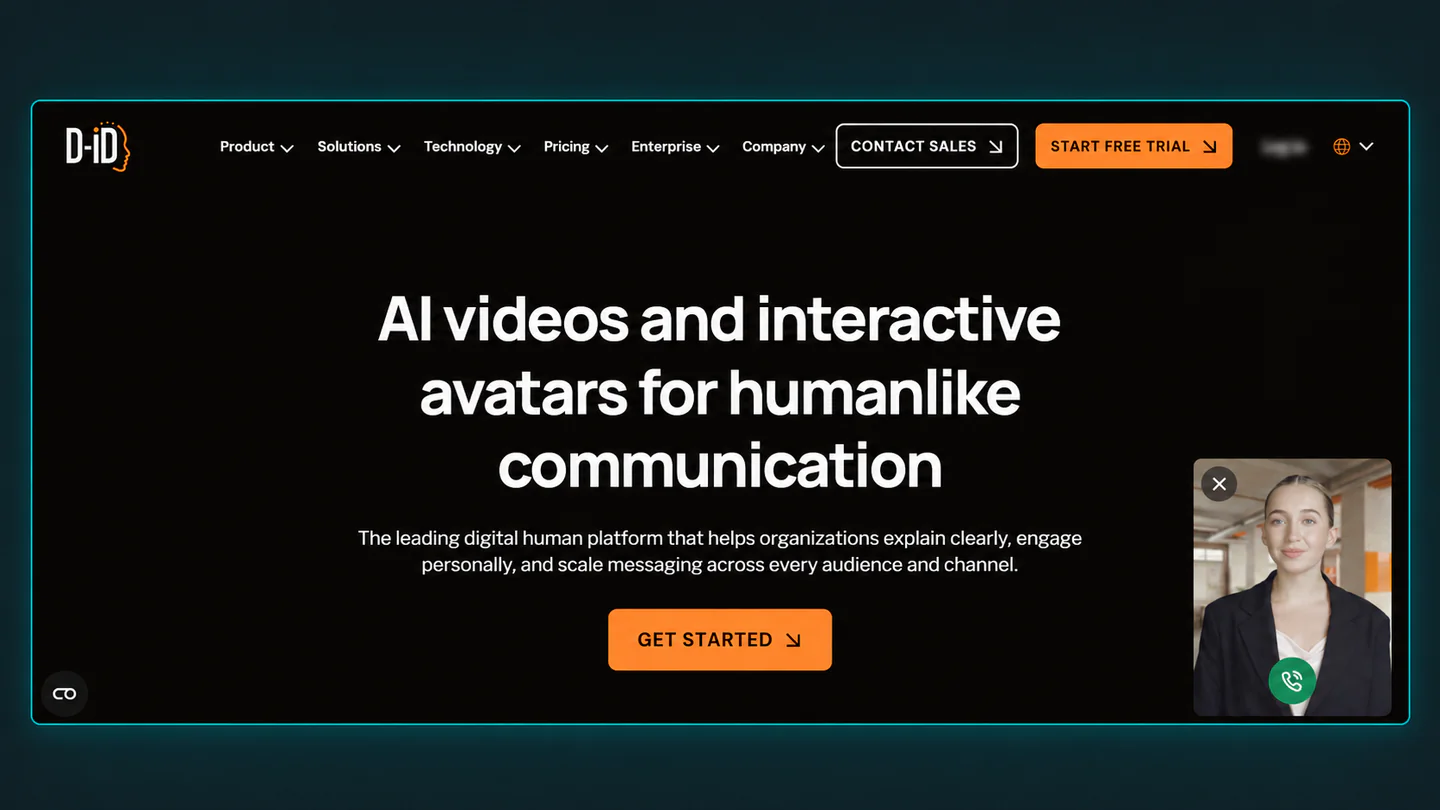
D-ID's Lite plan starts at $4.70/month, the cheapest annual plan among dedicated talking-photo platforms if you ship under 15 minutes of video a month. It supports 120+ languages, has a strong API for developers and renders quickly. Full pricing covers a trial, Lite at $4.70/month, Pro at $16/month, Advanced at $108/month and an Enterprise tier. The trial itself is a 14-day mobile offer with 12 credits where a card is required and outputs stay watermarked. D-ID fits budget creators, developers wanting an API, and light producers; costs rise sharply with usage, and customization is thinner than HeyGen's.
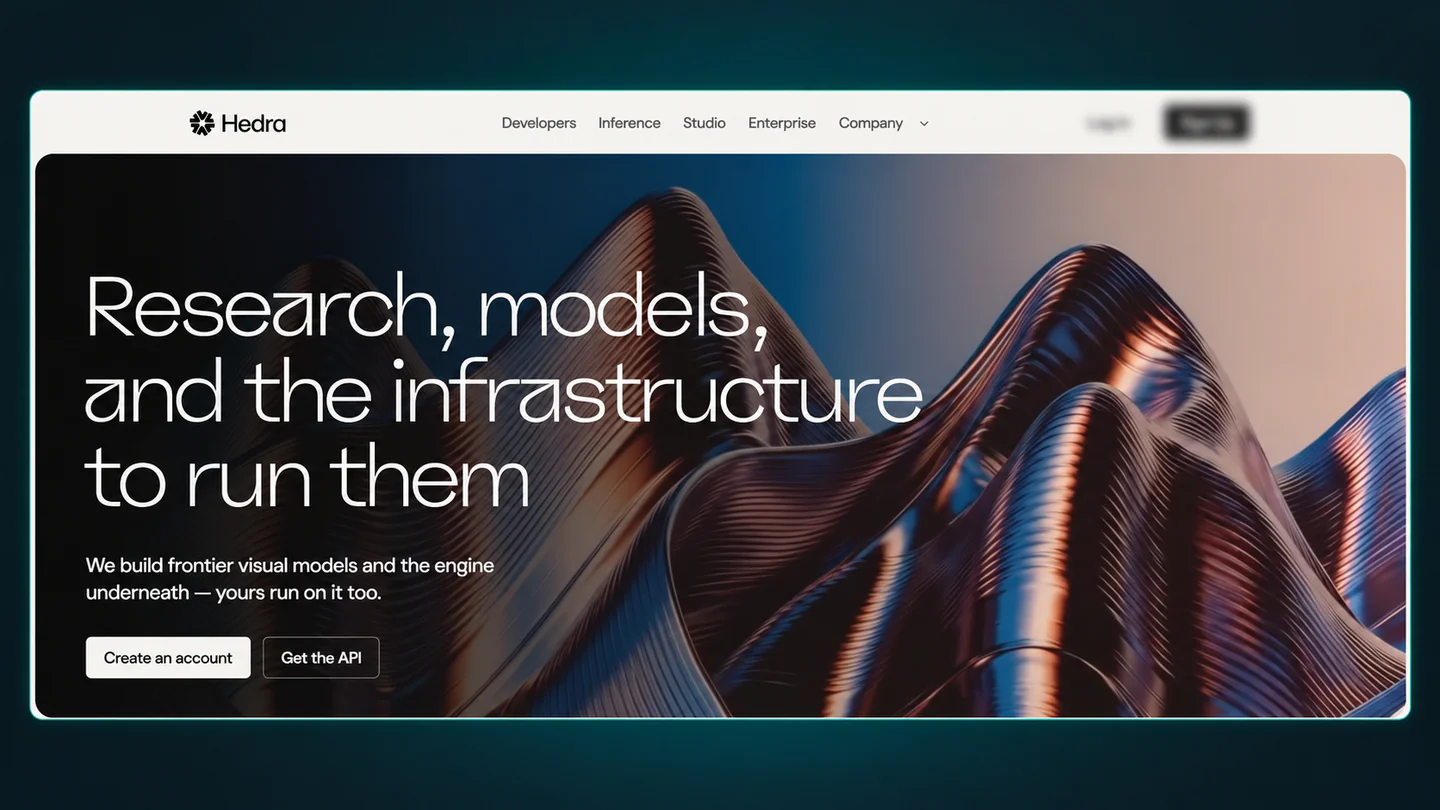
Hedra is where you go when your "photo" isn't a human headshot. Illustrated characters, old family photos, pets, mascots and non-standard faces all animate here where other tools stumble. The free tier caps audio at 20 seconds and watermarks output. Longer clips sit on the paid tiers. Best use cases are cartoon shorts, animated book characters, pet videos and historical photos.
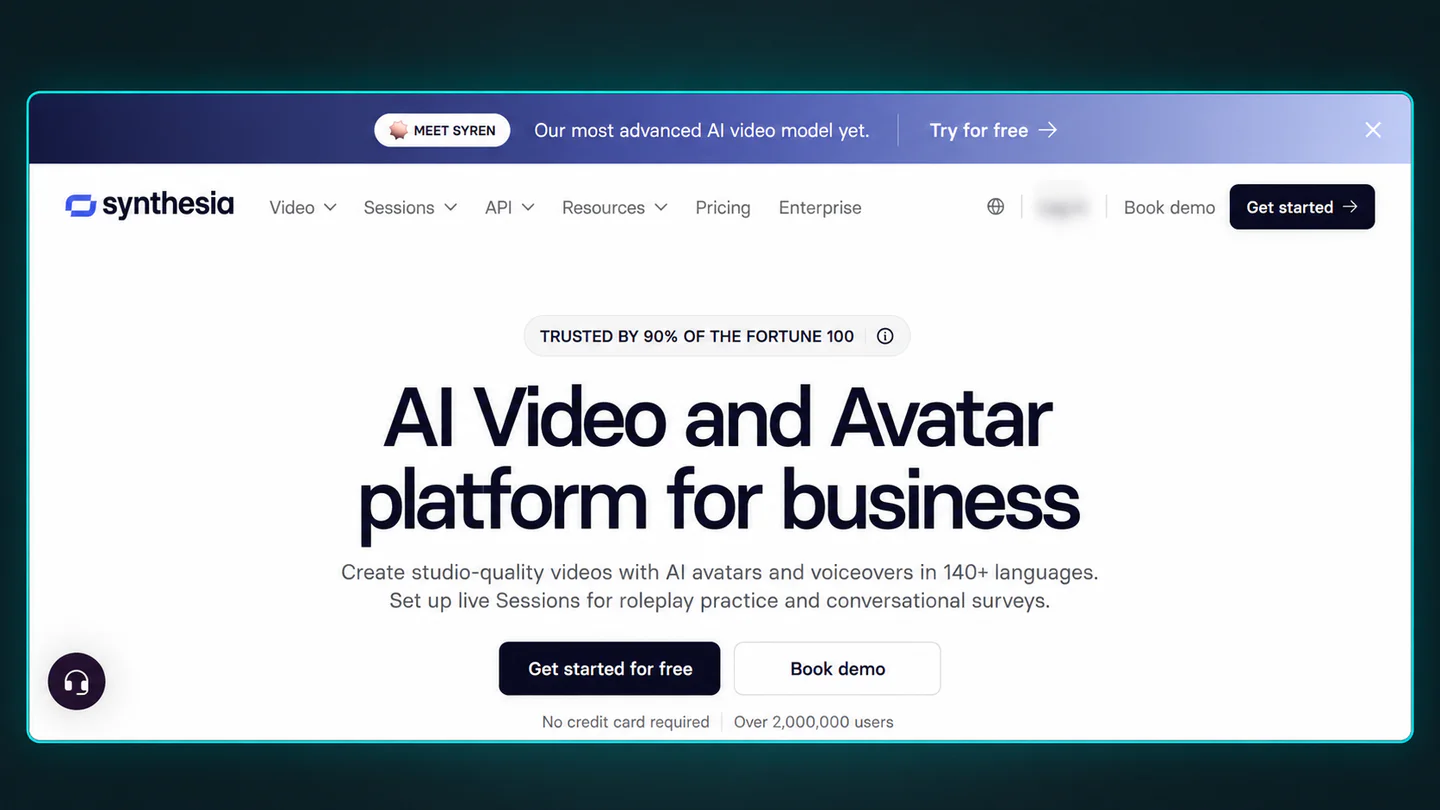
Synthesia is the training-and-compliance pick, with 140+ languages, 125+ stock avatars, enterprise security with SSO, and predictable per-minute billing. It's not a hobbyist talking-photo tool, but it's hard to beat for large L&D teams. Pricing starts at Starter $29/month for 10 minutes, Creator at $89/month, and custom Enterprise plans. Best for large organizations producing multilingual training and compliance video.
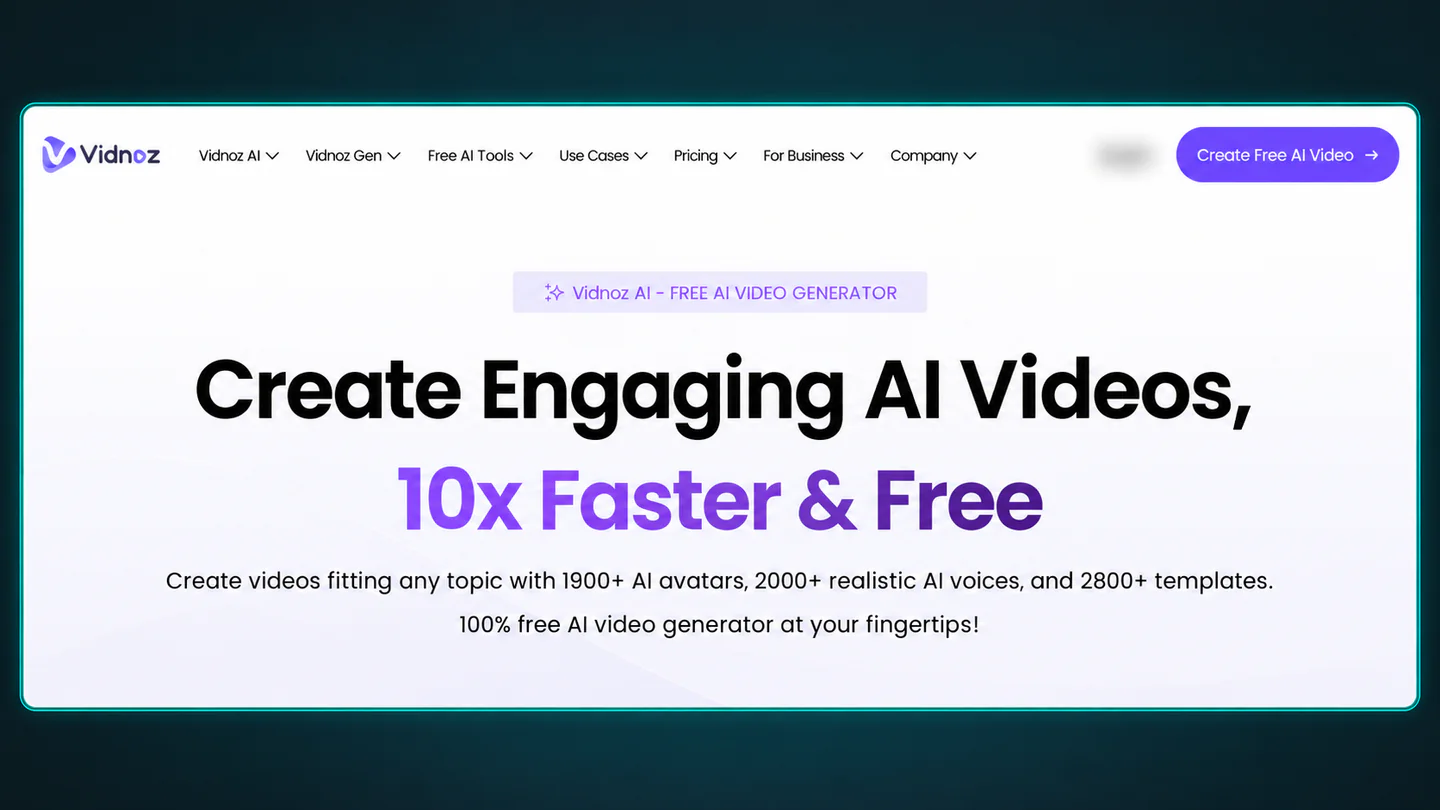
Vidnoz offers a recurring daily free allowance for text-driven talking photos, backed by a large stock-avatar library on paid tiers. Watermark removal is paid. Best for users who need regular free short clips and accept watermarks on free output.
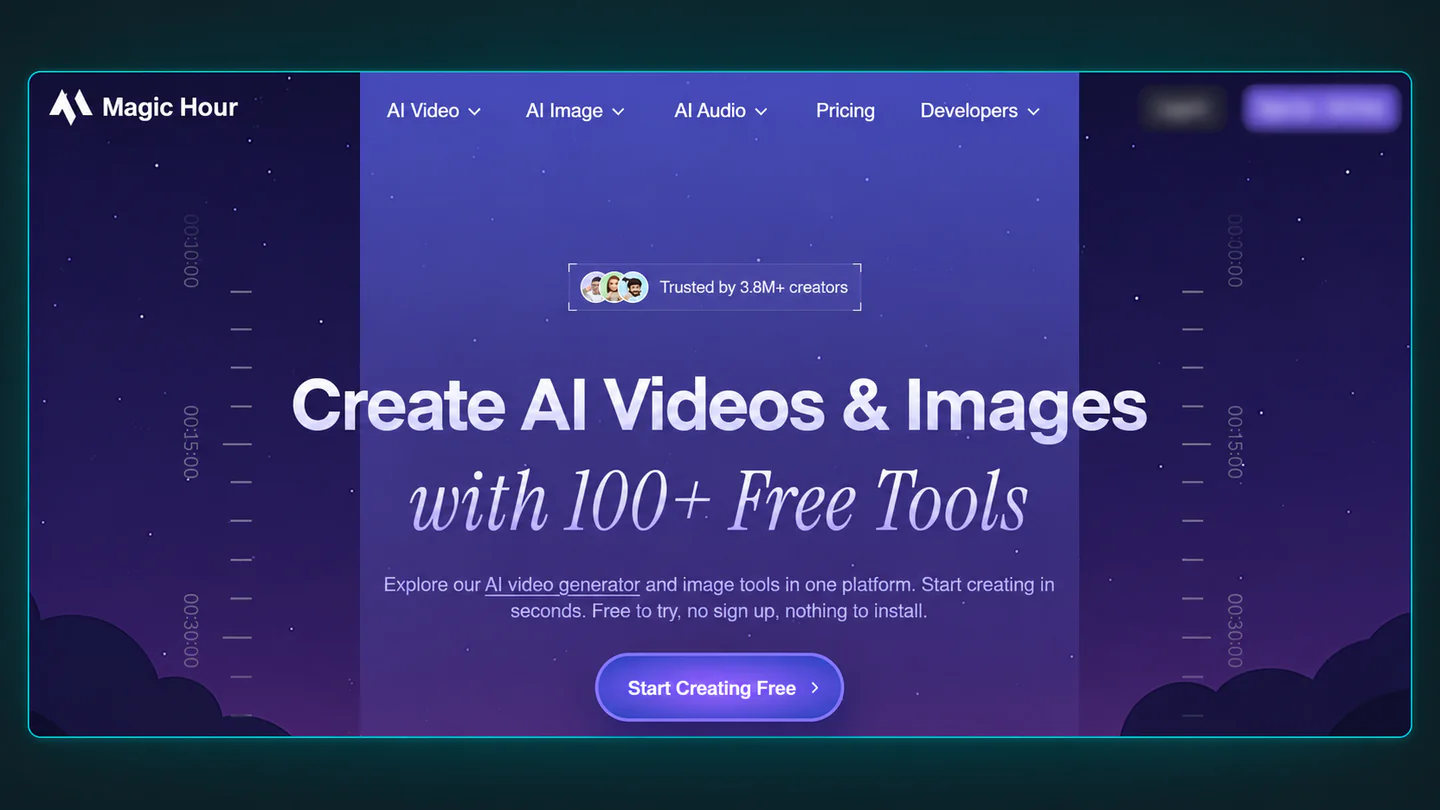
Magic Hour stands out for one specific reason, its free account lets you export 5-second talking photos without a watermark, which is rare at this tier. It's a strong pick for social hooks and testing creative ideas quickly. Best for social creators, 5-second ads and free watermark-free testing.
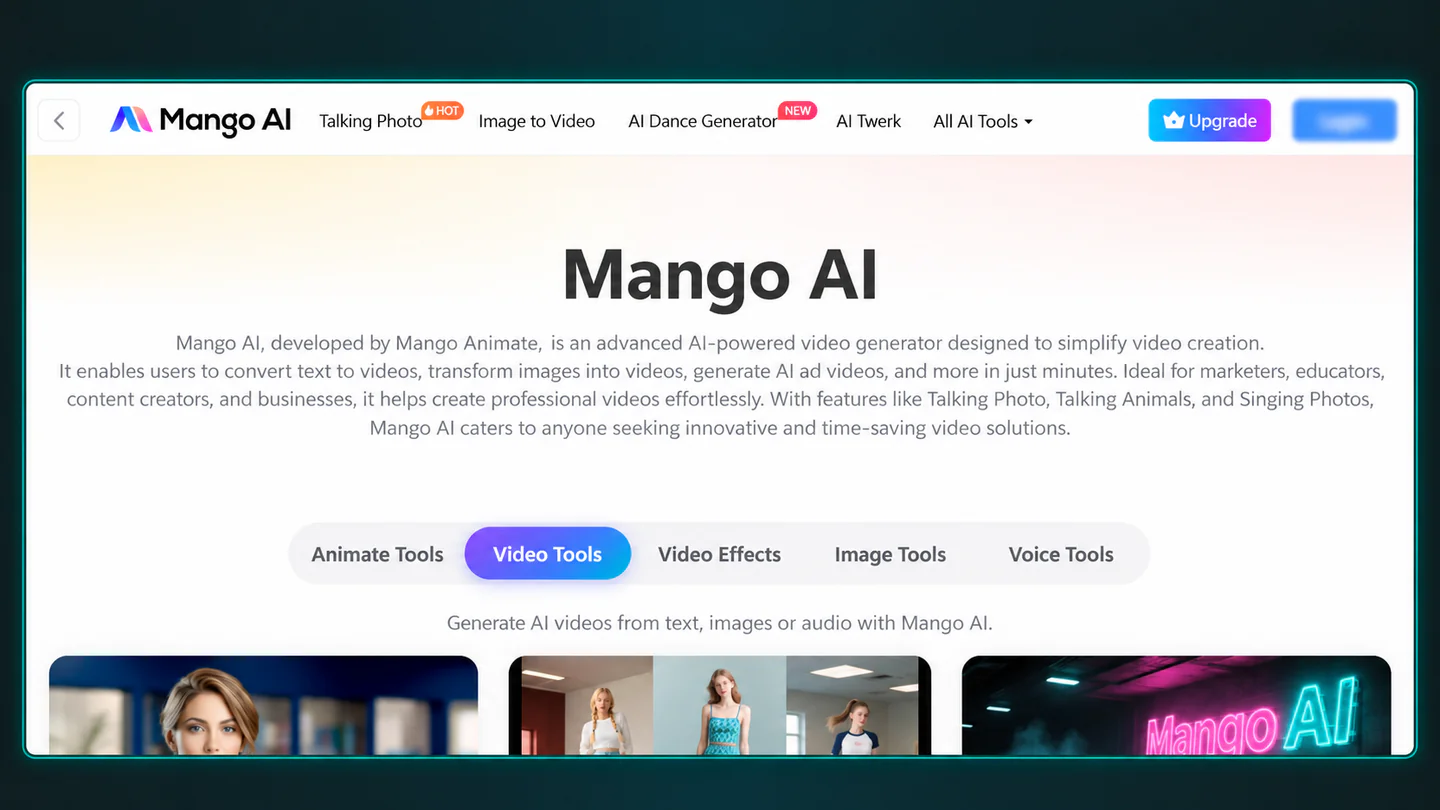
Mango AI (Mango Animate) wraps the talking-photo process in a step-by-step flow, you upload a front-facing portrait, type text or upload audio, and pick portrait styles and output settings. It's not the most powerful tool on this list, but it's the easiest for first-time users.
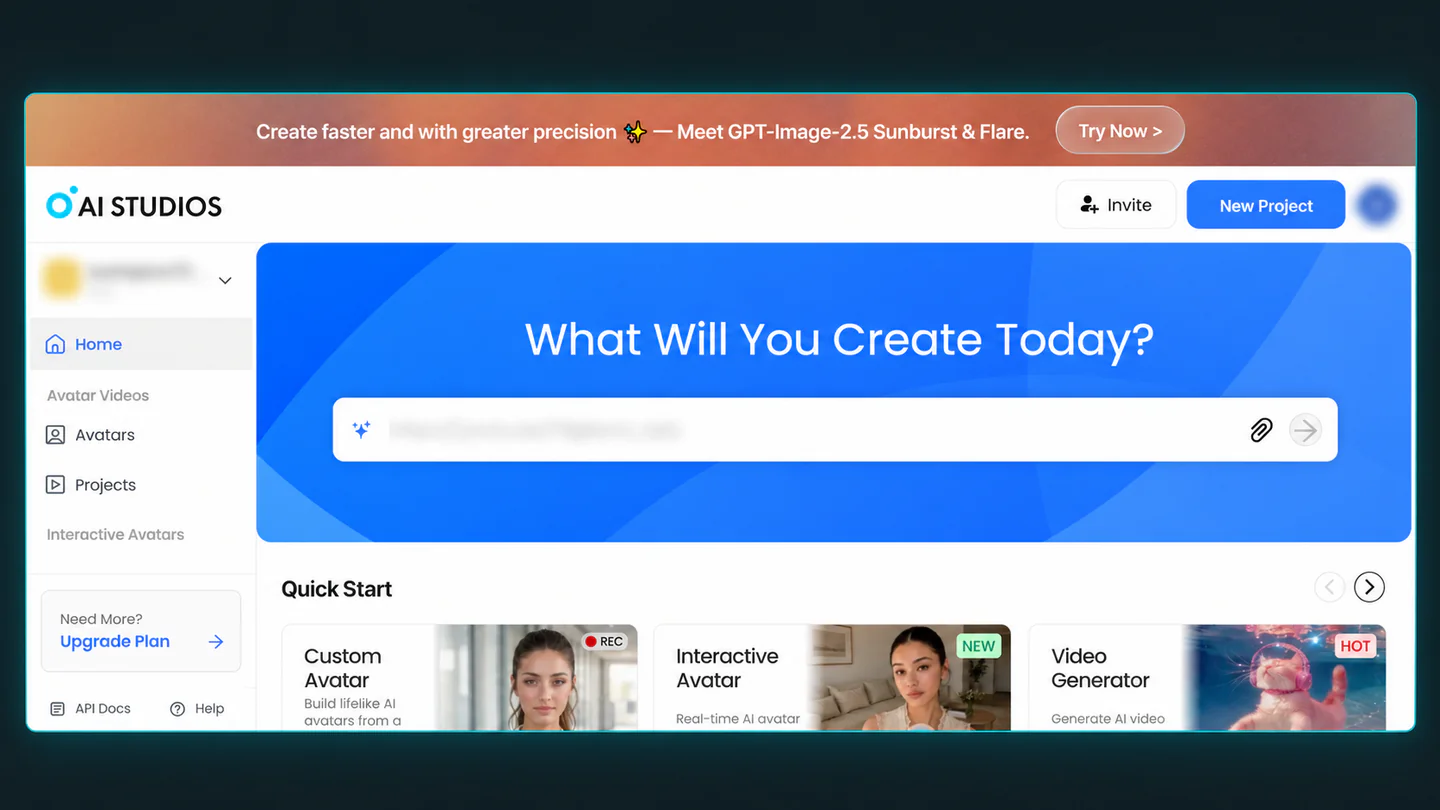
DeepBrain AI's Personal plan unlocks unlimited short videos, which is strong value if your output stays short and your volume is high.
The sticker prices above hide three realities every buyer should know. First, credit systems scale with length. HeyGen's "16 credits per minute" and VlogMe's "5 credits per audio second" both mean longer clips cost more, so a 60-second explainer is 10× the credit cost of a 6-second hook. Second, per-minute billing like Synthesia's is predictable but inflexible, you pay the same whether you use the minute or not, which is great if you produce consistently and wasteful if you don't. Third, flat subscription plus overage like HeyGen's and D-ID's rewards consistent monthly producers and punishes irregular ones, since if you make 20 clips one month and zero the next, you still paid for both.
For irregular, project-based work, credit-based tools like VlogMe often come out cheaper because you pay only when you render. For heavy monthly volume, flat subscriptions with high language counts (HeyGen, Synthesia) win on cost-per-clip.
Search for the best free AI talking photo generator 2026, best free AI talking avatar from photo 2026, or best free AI talking photo video generator 2026 and you'll get a flood of listicles, most of which blur what "free" actually unlocks.
The honest taxonomy breaks into four categories. A permanent free plan with a recurring allowance applies to Vidnoz (daily text-driven free), HeyGen (3 videos a month), and Magic Hour (5-second watermark-free clips). One-time trial credits cover D-ID (12 credits, card required), DeepBrain AI (trial), and Mango AI (trial credits). A timed trial applies to D-ID's 14-day mobile offer and some HeyGen promotions. A free preview is watermarked, limited in export, and usually sits behind a sign-up wall.
If you want truly free output with no watermark, Magic Hour's 5-second cap is the cleanest option right now. For slightly longer free clips with a watermark, Vidnoz's recurring daily allowance is the most generous of the lot. If you want to upload your own voice for free, check the free tier's audio-upload policy carefully, because many free paths are text-driven only. Vidnoz, for example, allows text input free, but voice upload is usually paid.
If what you actually need is a finished clip at a known price rather than a free preview, the alternative is a credit tool that quotes the cost before you render. VlogMe has no free tier, but a 30-second clip works out to about $3 on its $10 pack, and the quote is on screen before you commit: see the credit quote on your own portrait.
Tools like Ready Player Me, Lensa and Canva avatar makers appear in some "free AI talking photo" lists, but they produce static avatars rather than lip-synced speaking videos. They fail the basic requirement of personal image in, speaking video out, which is why we excluded them here.
Match the tool to the job rather than chasing a universal "best." For short social hooks and ads, Magic Hour (watermark-free 5s) and D-ID are the fastest paths. For realistic multilingual explainers, HeyGen and Synthesia carry the deepest language libraries. Corporate training and compliance teams gravitate to Synthesia for enterprise security and SSO. If your source is a cartoon character, a pet or an old family photo, Hedra handles those non-standard faces best. Developers building talking-photo features into their own product should look at D-ID's API first. For pay-per-clip usage with the cost shown before you render, or for clips longer than a minute, VlogMe is the natural fit. If you just need daily free quick clips, Vidnoz's recurring allowance is the most generous. And for first-time users wanting a guided flow, Mango AI's step-by-step wizard is the easiest ramp.
Every talking photo tool performs best with the same type of input. You want a front-facing portrait (not a profile angle), well-lit with eyes and mouth clearly visible, sharp and high-resolution, no heavy filters, no sunglasses, no covered mouths, and a clean single-subject frame with minimal background clutter. What tends to fail across the board is extreme angles, heavy shadows, masks, multiple faces in frame, obstructed mouths, low resolution and noisy audio. On VlogMe, the portrait is a JPEG, PNG or WebP up to 10 MB.
Rights matter too. Don't upload a photo of someone who hasn't given permission for synthetic voice-over, and don't make real people appear to endorse products without authorization.
Across the field, paid plans grant commercial rights, and most free tiers either restrict commercial use or require attribution. HeyGen, D-ID, Hedra, Vidnoz, Magic Hour and DeepBrain AI all grant commercial rights on paid plans. VlogMe's plans don't restrict commercial use of results; your rights depend on the rights to the photo and voice you upload, and its terms bar impersonation and under-18 likenesses. Synthesia is commercial by default on paid plans. If you plan to use clips in client work, ads or paid campaigns, assume you need a paid tier and read the vendor's current terms on the day you publish.
The workflow is almost identical across every tool. First, upload a high-resolution portrait, ideally front-facing, well-lit, with a visible mouth and minimal clutter, no filters, sunglasses or extreme angles. Second, add a script, document or audio, short clips of 15–30 seconds work best for social while longer scripts suit explainers, and most tools accept either typed script or uploaded voice recording (uploading your own voice is usually cheaper, and on VlogMe it skips the 45-credits-per-1,000-characters typed-voice charge entirely). Third, choose settings including language, accent, pace, tone, subtitles, aspect ratio (9:16 vertical for social, 16:9 for YouTube and business), background and export format, and confirm watermark status and commercial rights before you render.
Then render and review. If lip sync drifts on plosives (the B and P sounds) or the identity shifts across the clip, re-shoot the photo or re-record with cleaner audio before trying again. For a step-by-step walkthrough inside VlogMe, see How to Make a Photo Talk in Under a Minute.
There is no single best AI talking photo generator for everyone. Based on vendor-published specs on October 13, 2026, HeyGen remains the strongest overall for quality and language coverage, D-ID offers the cheapest annual plan for anyone under 15 minutes a month, Hedra wins for cartoons and non-human faces, Synthesia is the enterprise training pick, Magic Hour is the only truly free watermark-free short clip option, and VlogMe is the pay-as-you-go choice when you want the credit cost shown before paying, with the longest clip cap in this list at 10 minutes.
See the credit quote on your own portrait → If seeing the real cost before you commit matters more than hunting for a free tier that may not fit your use case, open VlogMe's talking photo generator and sign in with Google or your email. Upload a headshot, paste your script (or upload your own voice recording to skip the voice charge), and the exact credit cost appears before each generation. There is no free tier, but no commitment either: a $10 pack covers roughly three 30-second clips, and you only pay when you render.
For most users, HeyGen is the strongest overall choice, with broad language support (175+), polished lip sync and clear pricing. For budget users, D-ID's Lite plan at $4.70/month is the cheapest regular option. For irregular, pay-per-clip use with upfront cost visibility, VlogMe shows the exact credit quote before each generation and accepts clips up to 10 minutes.
Magic Hour gives the cleanest free experience with 5-second clips and no watermark. Vidnoz offers a recurring daily free allowance (watermarked). HeyGen's free plan permits 3 videos per month with a watermark.
AI talking photo generators detect facial landmarks in a still photo, then animate the mouth, blinks and expressions to match an audio input. Modern systems use generative adversarial networks (GANs) or diffusion-based animators with phoneme tracking for accurate lip sync.
No. A talking photo animates one still portrait (a specific person or image). A talking avatar uses a reusable synthetic presenter. The terms overlap in marketing but describe different workflows.
A sharp, front-facing, well-lit portrait with eyes and mouth clearly visible and enough resolution. Avoid extreme angles, heavy shadows, sunglasses, masks and covered mouths.
Most paid plans accept uploaded audio. On VlogMe, uploading your own recording (MP3, WAV, M4A or OGG) means no voice charge, you pay only the render at 5 credits per audio second on Hedra Avatar.
Usually yes. The main exception is Magic Hour, which lets you export 5-second clips watermark-free on the free account.
Rarely. Most free tiers restrict commercial use. For client work, ads or anything monetized, assume you need a paid plan and read the vendor's current terms.
Entry tiers range from $4.70/month (D-ID Lite) to $149/month (HeyGen Business). Credit-based tools like VlogMe charge per clip, so a 30-second typed-voice clip is 195 credits, about $3 on a $10 pack, or 150 credits with your own recording.
Yes, Hedra handles non-standard and non-human faces best, including old photos, cartoons and illustrations.
Set up a talking photo in under a minute: upload a front-facing portrait, add a script, choose a voice, and the AI animates the face and syncs the lips — no editing needed.
Make an AI avatar video without a green screen: start from a portrait, remove its background automatically, add a voice track and get a clean, ready-to-post video.
Stop randomly uploading t-shirt mockups. This is the step-by-step workflow using TikTok and Reels to actually drive consistent print-on-demand sales.