VlogMe

Worked example

Photo to music video: a red-lit corridor shot with Kling 3.0 Pro

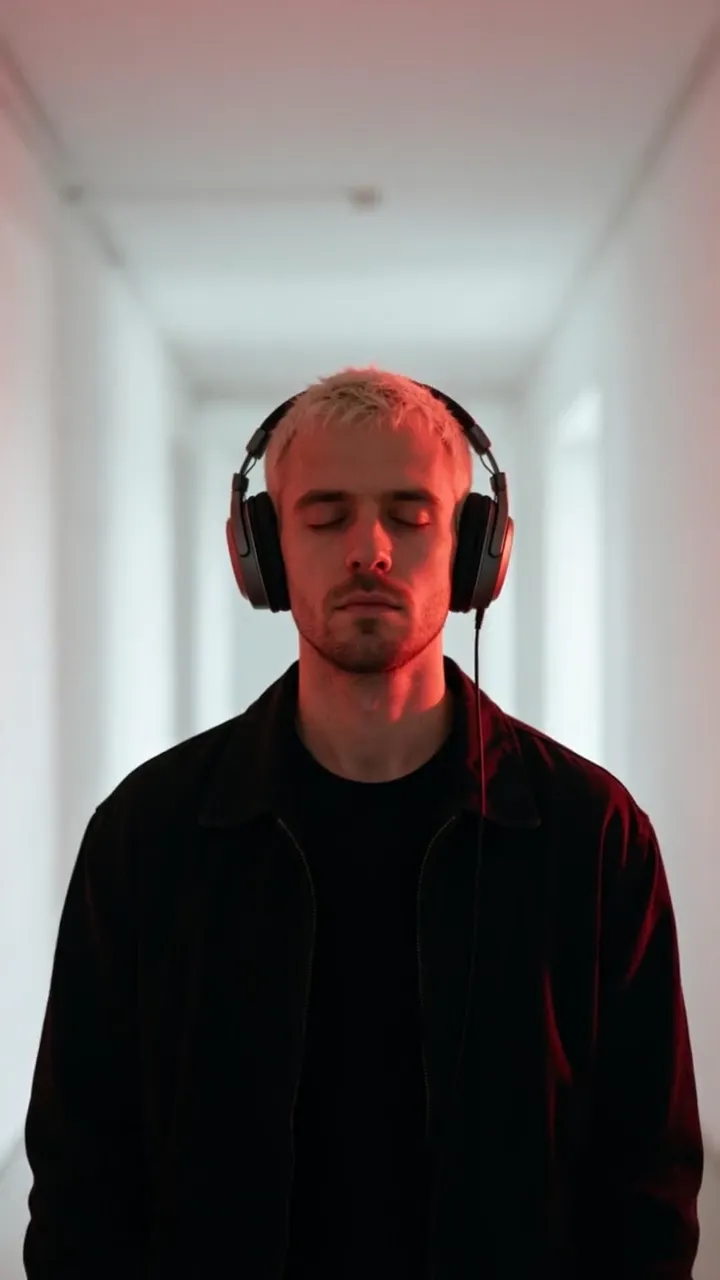
One still of a man in headphones, one motion prompt: Kling 3.0 Pro turned the photo into a 5-second music video shot with a slow dolly-in and red light pulsing in rhythm. Here are both prompts, the settings and the price of the job today.

Model
Kling 3.0 ProKuaishou
Price today
98 credits$1.51
Output
5.04 s, 720×1280, with sound
Render time
Not recordedNot logged for jobs made before 17 October 2026.
Made
VlogMe staff, September 26, 2026

Part of: AI music video generator

01The exact prompt

Prompt and settings, as the job ran

He nods to the beat with his eyes closed, the red rim light pulses in rhythm, slow dolly-in down the white corridor, cinematic music video.

Settings

Workflow
Image to video
Model
Kling 3.0 Pro
Requested length
5 s
Aspect ratio
Same as the input
Negative prompt
text, logos

02What went in

Inputs, each made in VlogMe

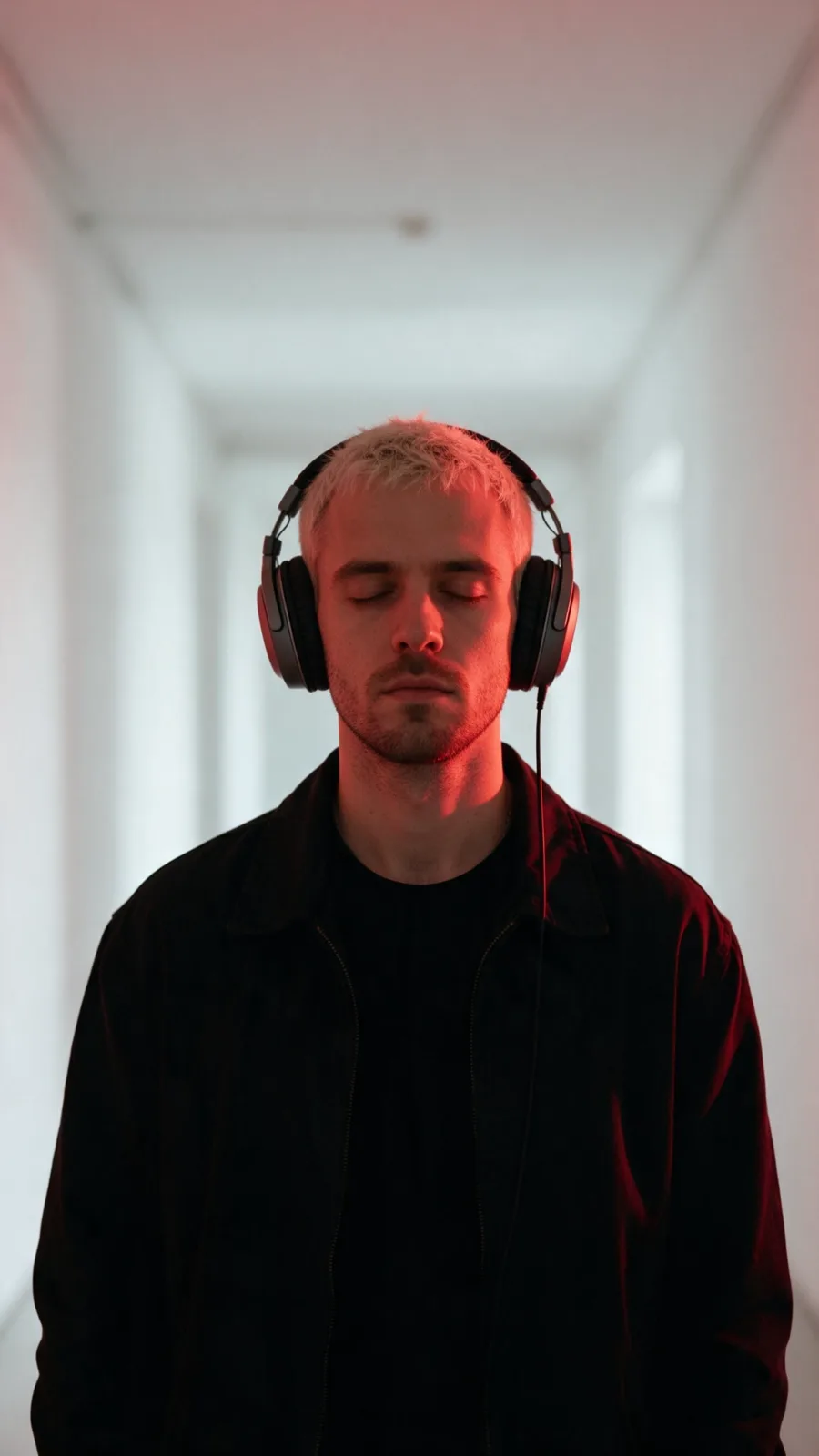
Source portrait: a man in large headphones in a white corridor with red rim light

Image

Made with Seedream 5.0 Pro (ByteDance)

Its prompt

A man in his late 20s with short bleached hair, wearing large over-ear headphones and a black jacket, standing in a long white corridor lit by red rim light, eyes closed, moody music-video look, upper-body framing. Photoreal editorial portrait, natural soft light, shallow depth of field, clean uncluttered background, fictional adult, no visible text, no logos, no brand marks.
Who and what is in it

The man in the clip is not a real person: VlogMe staff generated the portrait in Image Studio from the prompt shown, which asks for a fictional adult. No music or footage went in.

03What it costs

The same job at today's prices

Today's tariff, from VlogMe's billing code; dollars at the smallest pack, $0.0154 per credit. Compare models in the AI Video Price Index.

PartCreditsUS dollars
The video, 5 s with Kling 3.0 Pro84$1.29
Image, with Seedream 5.0 Pro14$0.22
Total98$1.51

04First-hand

What we noticed making it

  • From a 9:16 still, with the aspect ratio left on the input's own, Kling 3.0 Pro returned 5.04 seconds at 720×1280.
  • The clip came back with a sound track of its own, although no music went in.
  • We made the portrait first in Image Studio, then wrote the motion prompt around three things only: the nod to the beat, the light pulse and one camera move.

05How to

Make one like it

  1. Make a vertical portrait in Image Studio, or upload a photo of someone who agreed to it.
  2. In Video Studio choose Image to video, then Kling 3.0 Pro, and add the portrait.
  3. Describe the movement to the beat, the light and one camera move. Leave the aspect ratio on the input's own.
  4. Generate the 5-second shot, then make the other shots of your video the same way.

06Recreate this

Start from the same prompt and model

Open Video Studio with Kling 3.0 Pro and the motion prompt filled in. Add your own photo; the first image you upload becomes the start frame.

This length costs 84 credits ($1.29) today, quoted again before you confirm.