Glossary
Photo-to-video
Generating a moving video from a single still photograph — most commonly by animating the subject's face to speak.
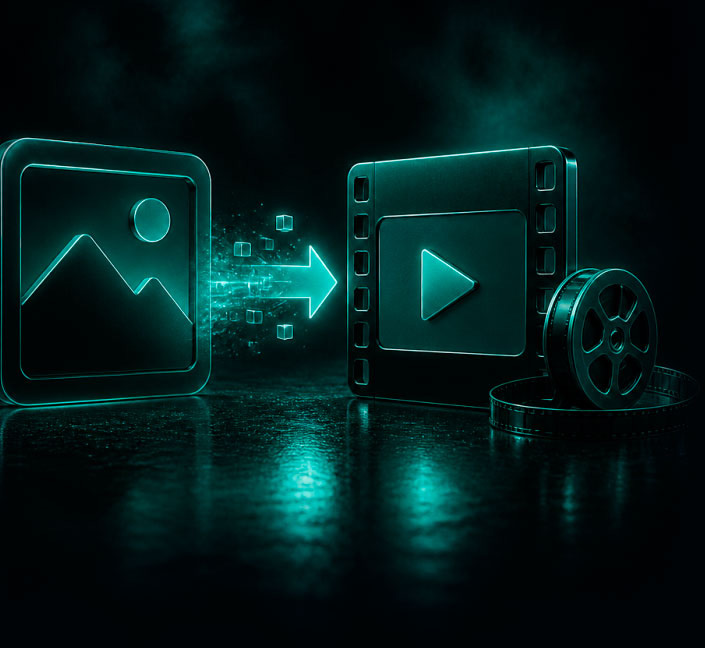
Photo-to-video models analyze the face in your image, extract a 3D-aware representation, and then re-render the face frame by frame to match an audio track. The original lighting, background, and identity are preserved while the mouth, jaw, eyes, and small head movements are synthesized.
It works on portraits, generated AI faces, historical photos, and even illustrations. Two warnings: very low-resolution photos and faces partially blocked by hair, hands, or glasses produce worse results.
Two meanings of photo-to-video
The term covers two different jobs. A talking photo keeps the picture where it is and animates a face so that it speaks a voice track: the input is a portrait and audio. Image-to-video treats the photo as the first frame of a shot and moves the whole scene (the camera, the subject, the light) the way a prompt describes: the input is a picture and a description of the motion. The first needs a clear face; the second needs a clear idea of what should happen next.
A talking photo in VlogMe
Make a photo talk in Video Studio takes one portrait and one script:
- Choose a clear, front-facing photo of a face (JPG, PNG or WebP).
- Type the words and turn them into a voice in Audio Studio, or upload a recording you already have.
- Render the MP4 in 9:16, 1:1 or 16:9, and make SRT captions from the same audio.
The price follows the length of the audio, and the credit estimate appears before anything renders. One photo taken in a morning kitchen and one line about a coffee ritual make a vertical clip ready for Reels; next week the same portrait can say a new script without a new photo.
To move the whole scene instead of a face, use Image to video, where engines such as Kling 3.0 Pro, Veo 3.1 and Grok Imagine animate the still.
Limits and risks
- Heavy filters, extreme angles and several faces in one picture confuse the model; crop to one person.
- Lip sync follows the audio: a clean voice track gives a cleaner mouth than speech with music underneath.
- A portrait of someone else, an old family photo included, needs the permission of the person shown or of whoever holds the rights (Terms, section 6).
Questions
How long can a talking photo speak?
As long as its audio: in VlogMe up to 10 minutes per video with Hedra Avatar and up to 60 seconds with OmniHuman 1.5.
Does it work with illustrations and mascots?
Yes, when the eyes and mouth are clear. Paintings, illustrated mascots and generated characters all work: see how to turn any image into a talking video.
Can I publish the result in another language?
Yes. Generate the script in that language with the same voice and render again, or dub the finished video.