
Best for
Advertising key visuals, product stories, fashion, lifestyle scenes, multi-reference concepts, and campaign variations.

ByteDance model family in Image Studio
Polished campaign imagery with strong reference-guided composition, people, products, and coherent visual storytelling.
ByteDance
TopAvailablePriced in credits per image.You see the exact credit price in the studio before anything runs.
Advertising key visuals, product stories, fashion, lifestyle scenes, multi-reference concepts, and campaign variations.
Strict masked inpainting or utility jobs such as background removal; use GPT Image 2, Ideogram 3 or the Image Studio utilities.
 16:9
16:901Seedream 5.0 example
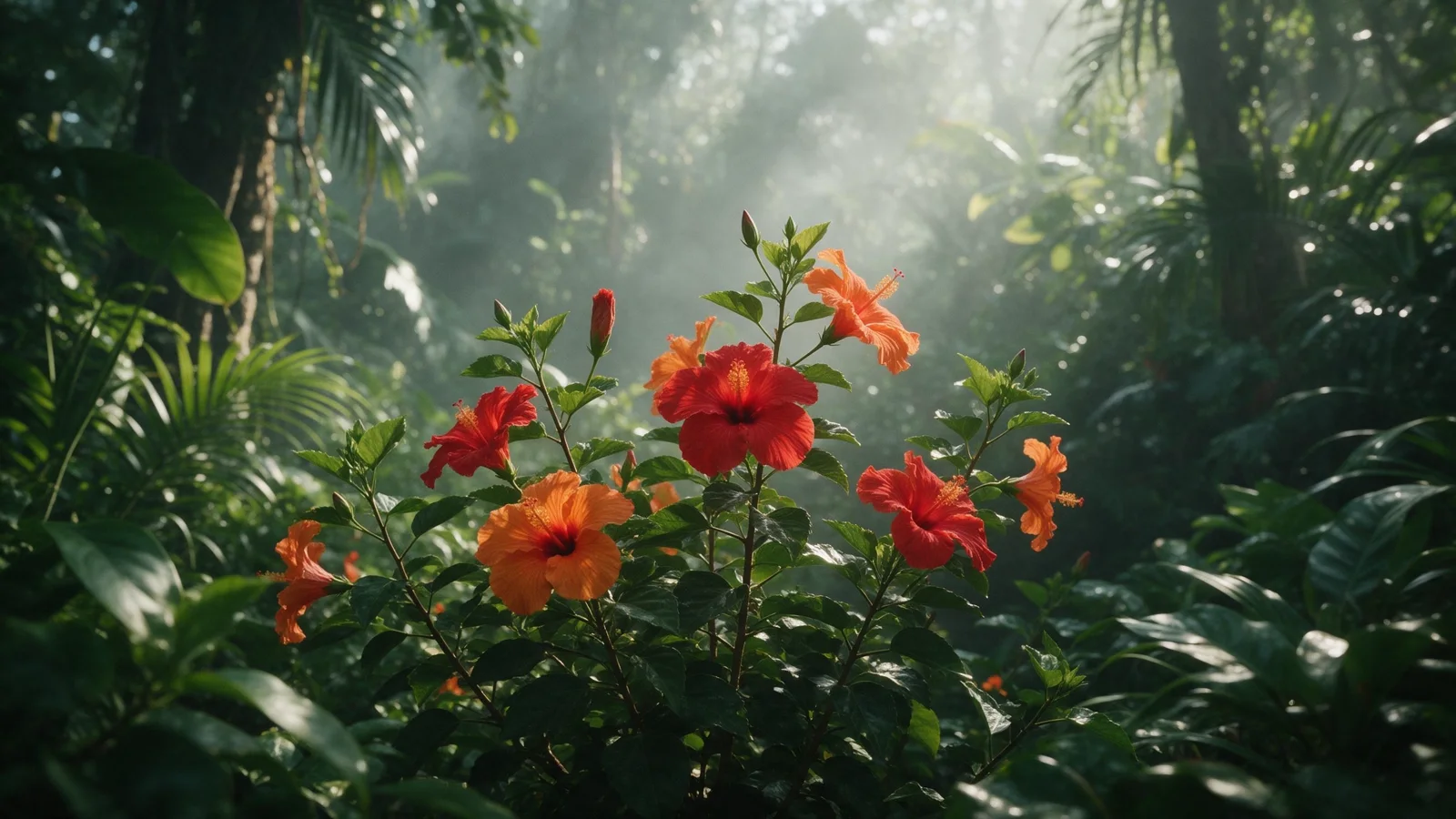
Seedream 5.0 Pro turned one short text prompt into a lush, atmospheric frame: layered greens, mist and sun rays behind the flowers. For campaign scenes, add references for the person, the product and the location.
Seedream 5.0 Pro · Generate
Red and orange hibiscus flowers in a misty tropical jungle, sun rays through the leaves, lush greens. Photoreal, soft natural light, no text, no logos, no brand marks.
Generated in VlogMe Image Studio with Seedream 5.0 Pro from this text prompt. The form below opens Image Studio, where you choose Seedream 5.0 Lite or Pro.
02Start in Image Studio
Sign in with Google or an email link to generate. VlogMe shows the credit cost before anything runs, and nothing starts until you confirm.
Describe the image you want and its intended format.
Add supported references or edits only when the workflow calls for them.
Choose the model and review its credit estimate before generating.
Inspect faces, text, logos and composition before using the result.
In VlogMe, Seedream 5.0 works in Generate, Reference mix, Image edit and Variations. Replace area with a mask is not available.
Replace objects, restyle backgrounds, localize copy, or make campaign variants without rebuilding the image.
Campaign imagery with people and products: advertising key visuals, product stories, fashion and lifestyle scenes, concepts built from several references, and campaign variations.
Yes. The form on this page opens Image Studio, where you choose Seedream 5.0 Lite or Pro and see the credit estimate before generating.
Any VlogMe account can use Seedream 5.0 Lite and Pro once its credit balance covers the estimate shown before generation. Credits come from a one-time pack or a subscription; a subscription simply tops them up on a schedule.
Seedream cannot redraw a masked area in VlogMe; use GPT Image 2 or Ideogram 3.0 Quality for that. Lite and Pro are priced differently once references are added, so check the estimate for each.
Priced in credits per image. With references, Pro costs more than Lite. Image Studio shows the exact credit price before you submit, and nothing runs until you confirm.
Yes. In Reference mix, Seedream 5.0 composes people, products and settings from several reference images, which suits advertising key visuals and campaign variations. Lite and Pro are priced differently once references are added.
VlogMe is an independent product. Model and provider names are trademarks of their respective owners; availability and capabilities can change.
Last reviewed
People, products and places in one frame
Priced in credits per image.
You see the exact credit price in the studio before anything runs.