01Change one element
Caramel out, lemon glaze in.
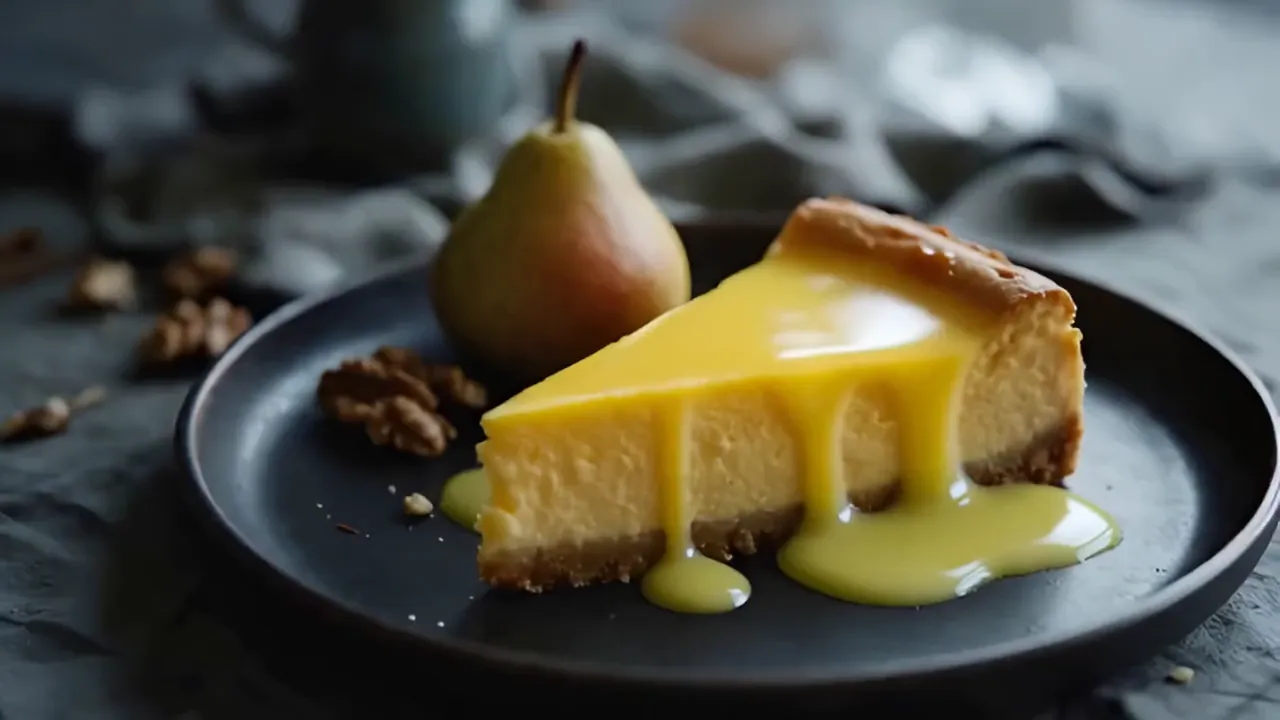
Grok Imagine Edit swapped the caramel for a glossy lemon glaze and turned the filling yellow. The slice, the plate, the pear, the walnuts and the slow camera move are the same as in the source clip.

Change an object, environment, look, or treatment while preserving the source motion and timing.
 Upload the clip
 Describe the change
 Name what stays
 Compare and finish
01Real edit · Grok Imagine
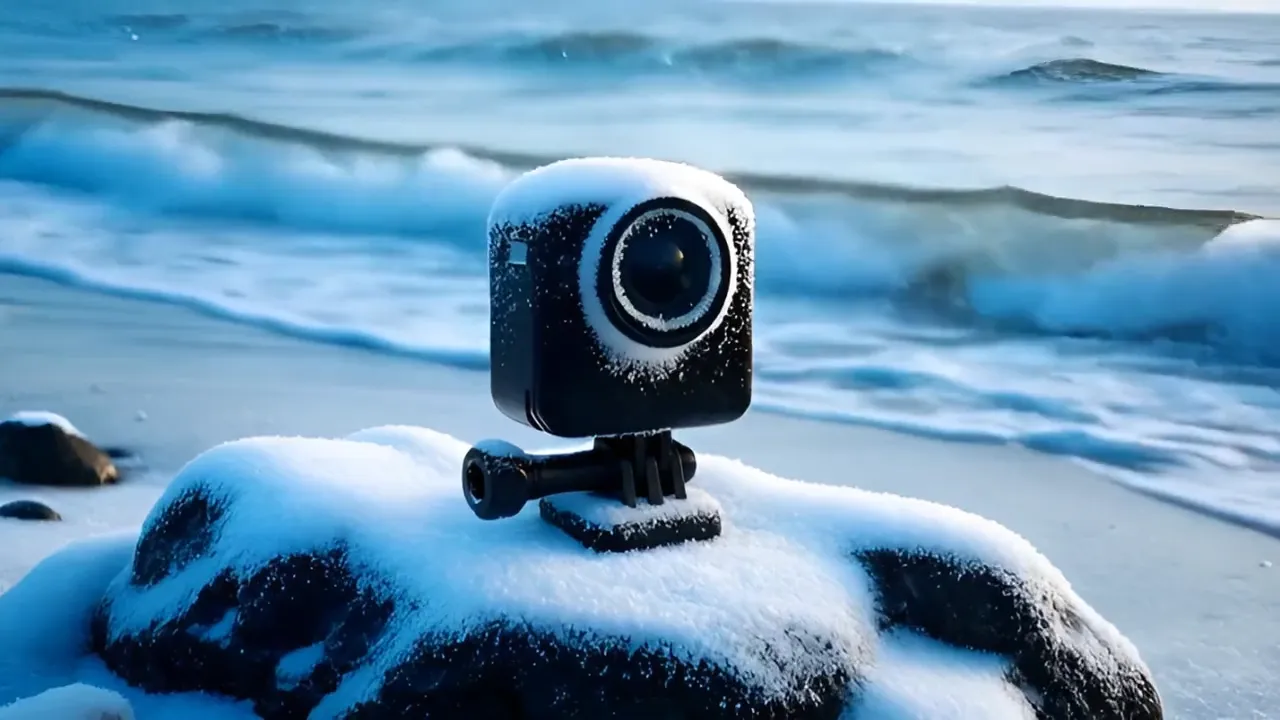
A 4-second shoreline clip and one written request: turn it into a snowy winter morning and keep the action camera, the wave and the camera move. Grok Imagine Edit rebuilt the season around the same shot. Drag the slider to compare.
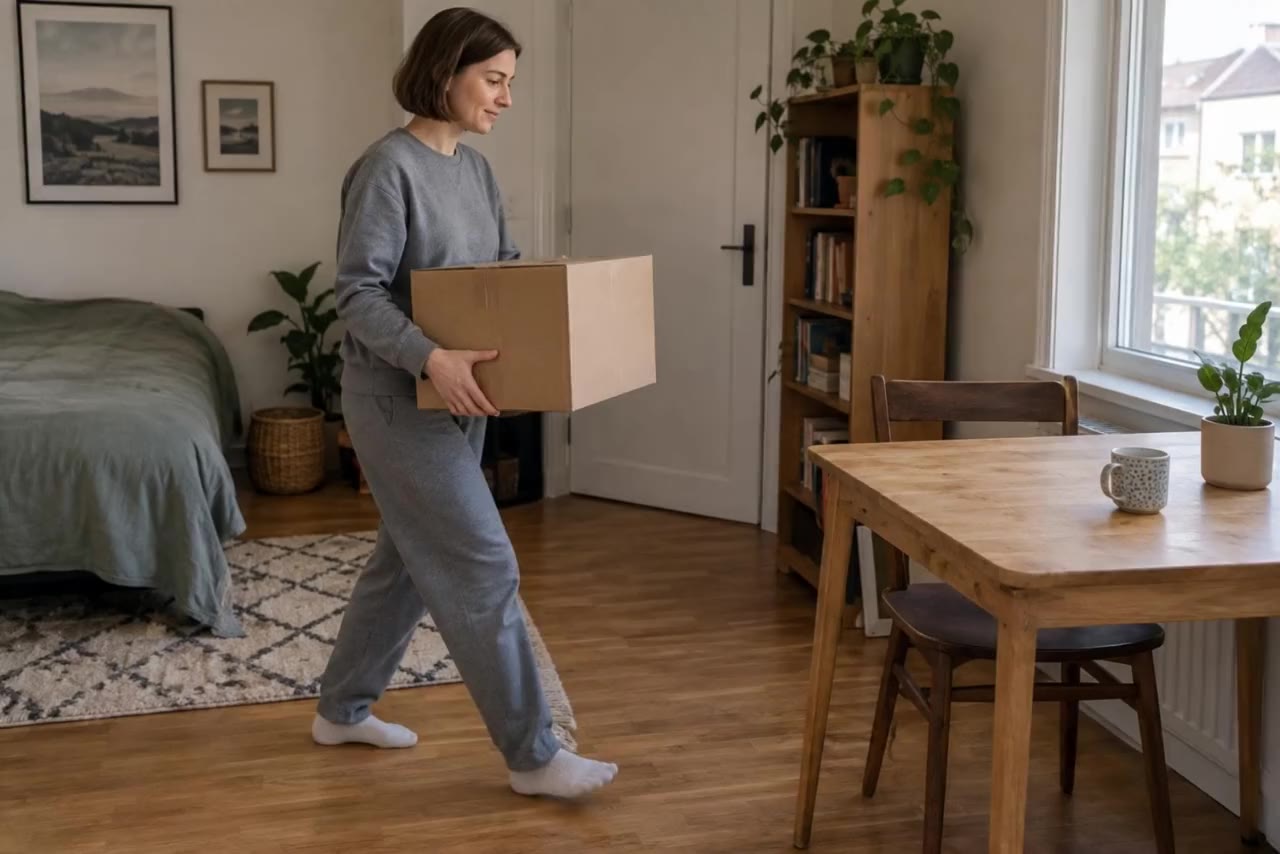
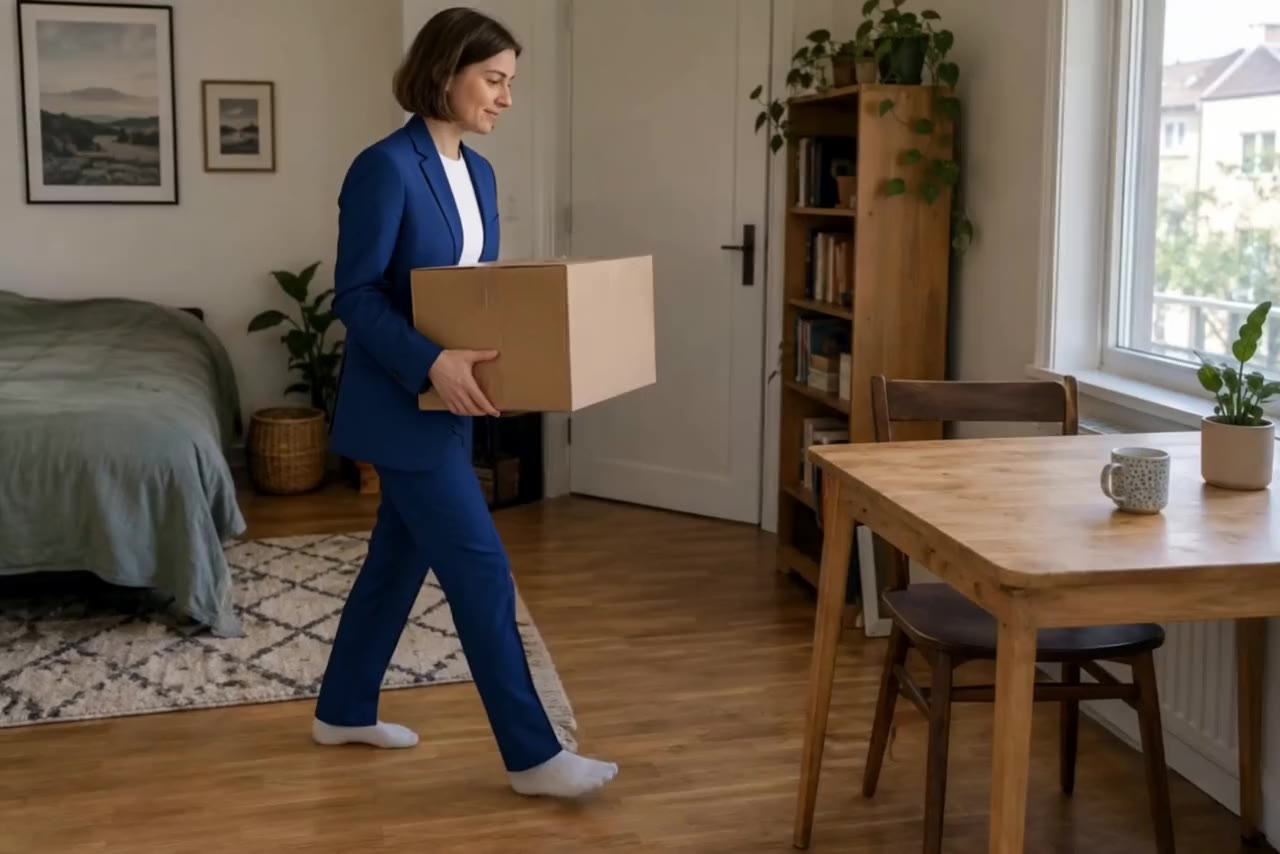
put her in the blue suit from the photo
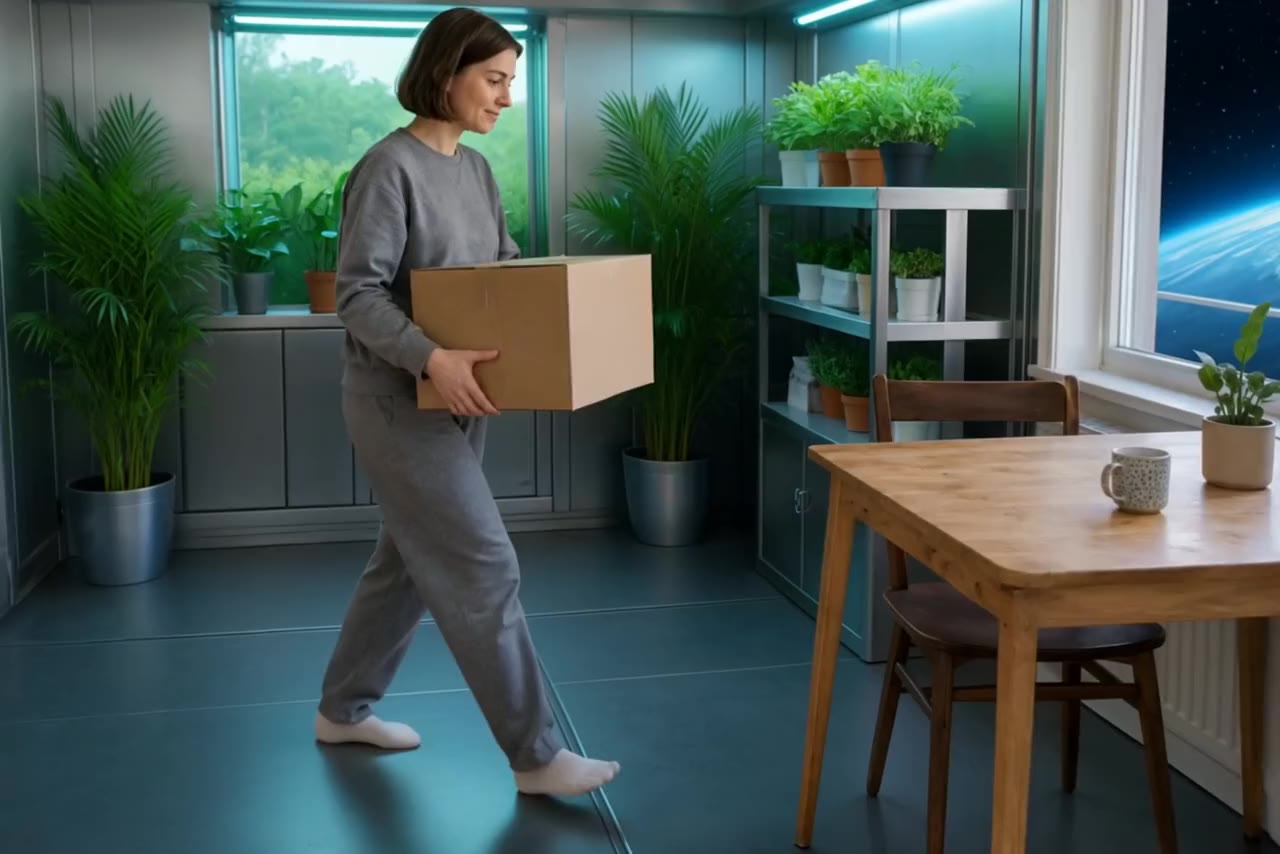
02Show, then explain
01Change one element
Grok Imagine Edit swapped the caramel for a glossy lemon glaze and turned the filling yellow. The slice, the plate, the pear, the walnuts and the slow camera move are the same as in the source clip.
02Aisma
For clips of 2 to 60 seconds, Aisma analyses the footage, plans the edit and applies one written request: a new outfit, a different product in hand, a new background or a film look. Add up to ten reference photos with Aisma v2, or up to four with the lower-priced Aisma v1; the framing and the original sound stay.
03Finish by hand
Video Editor handles the classic edits: trim and crop to 9:16, 1:1, 4:5 or 16:9, change the speed from 0.25× to 4×, grade the colour, burn in a title and upscale with Topaz. Preview the first 5 seconds free, then export a new video to Lab.
Video Editor trims, reframes, grades and titles a clip from Lab. A written change runs in Video Studio’s edit models or in Aisma.
Continue in Video Editor03How it works
Write one change and what must stay: the person, the camera move, the product, the sound.
Short prompt edits run in Video Studio with Gemini Omni Flash Edit, Grok Imagine Edit, Runway Aleph 2 or Seedance 2.5. A whole video of up to 60 seconds goes to Aisma.
Trim, crop, retime, grade, add a title or upscale, then export a new video to Lab. The source stays untouched.
Video Editor
Bring the edited clip into Video Editor to cut it to length, reframe it for each placement, adjust speed and colour and add a title. Preview the edits free before you export, and upscale the final version with Topaz.
Questions before you edit
The weather or season, the background, an object or a product, an outfit, or the overall look. Ask for one change at a time and say what must stay the same.
For short clips, the edit models in Video Studio: Gemini Omni Flash Edit (up to 10 seconds), Grok Imagine Edit (up to 8 seconds), Seedance 2.5 (4–30 seconds) or Runway Aleph 2 (2–30 seconds). For a whole video of up to 60 seconds, with reference photos, use Aisma.
Prompt edits are made to keep the source motion, framing and timing, as in the examples above. Still check the result: a generative edit can shift small details.
Trim and crop, speed, volume and reverse, colour and a text overlay. Edits preview free for the first 5 seconds, and every export is a new video in Lab. The Topaz AI upscale sits in the same editor.
Each AI edit shows its credit price before it runs; Aisma shows it after analyzing your clip. You pay in credits only for the edits you run, and planning a video in Director costs nothing, within usage limits.
Ask for one controlled transformation and state what must remain unchanged. Edit only footage you have the rights to change.
Your clip is ready
Choose the clip, write the change and pick an edit model here, then sign in to continue: the clip uploads to Lab and opens in Video Studio with your request, and the price shows before the edit runs. For a whole video up to 60 seconds, use Aisma.
Short prompt edits in Video Studio · Whole videos up to 60 seconds in Aisma