01Looks filmed
Your framing, your light, your outfit.
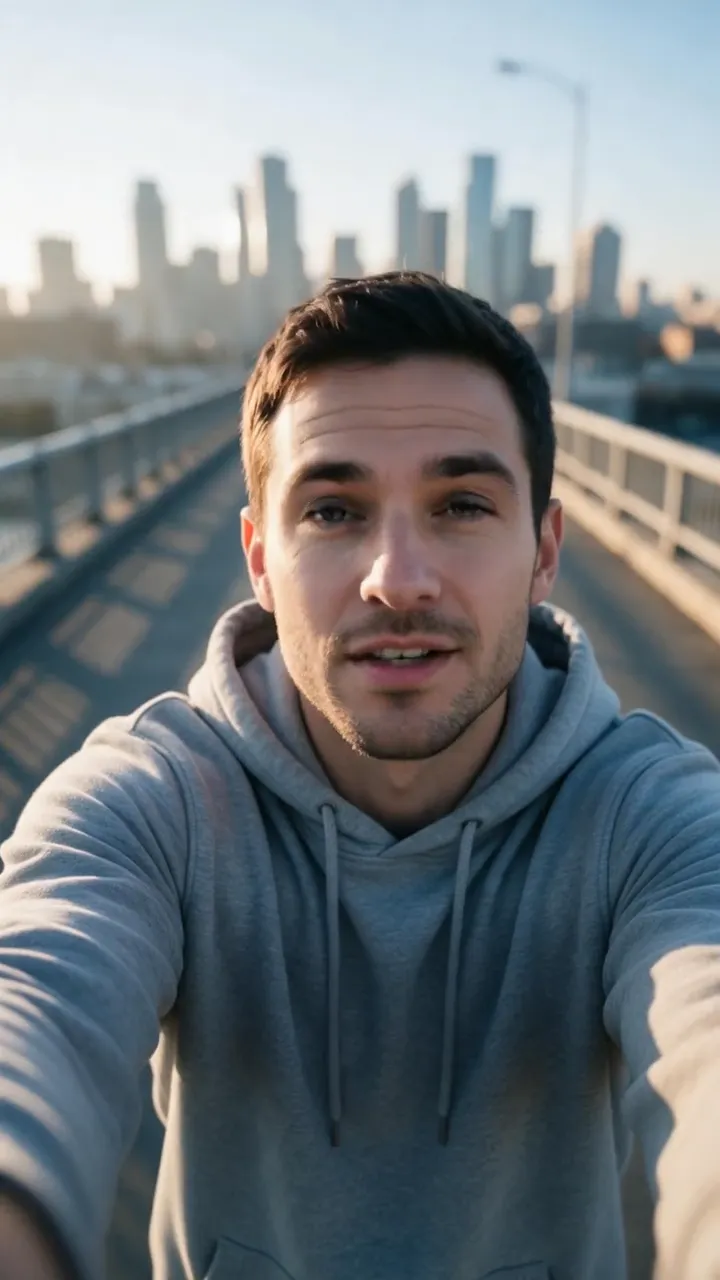
The video keeps the selfie exactly as you took it — arm’s-length angle, background and all — so the post looks like you picked up the phone and talked.

Skip filming yourself for every post. One good selfie + script = a finished video. Ship daily TikToks and Reels without a camera setup.
 Selfie → video · 9:169:16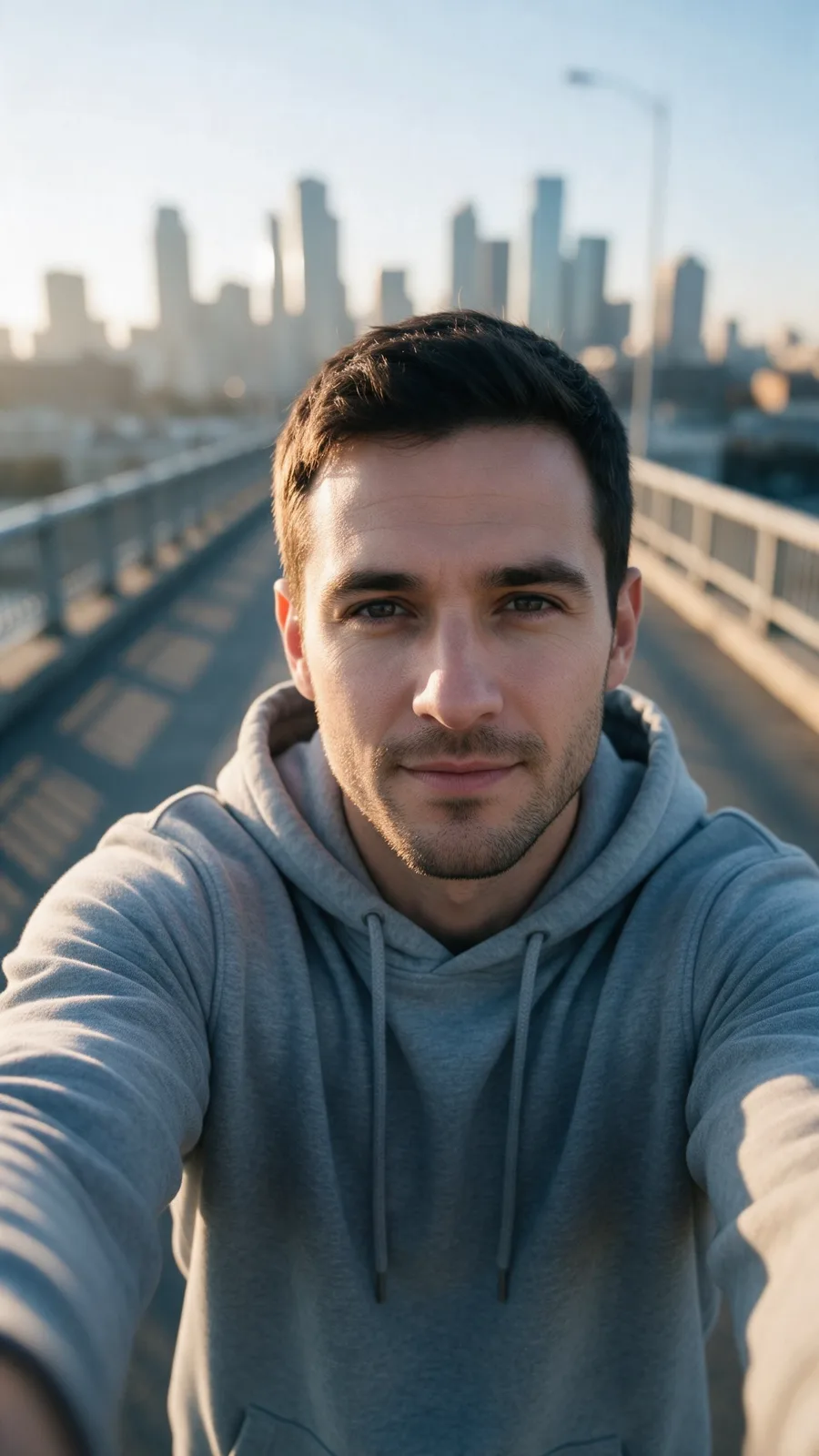
 Take a selfie
 Write what you’ll say
 Pick your voice
 Render and post
01A selfie that talks back
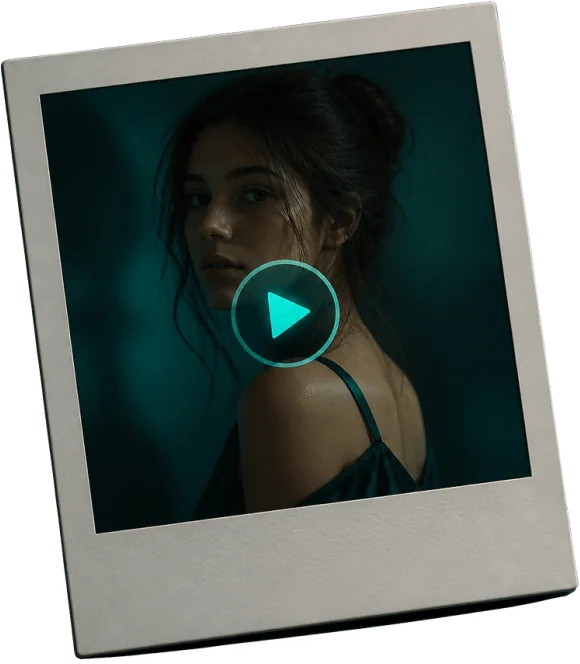
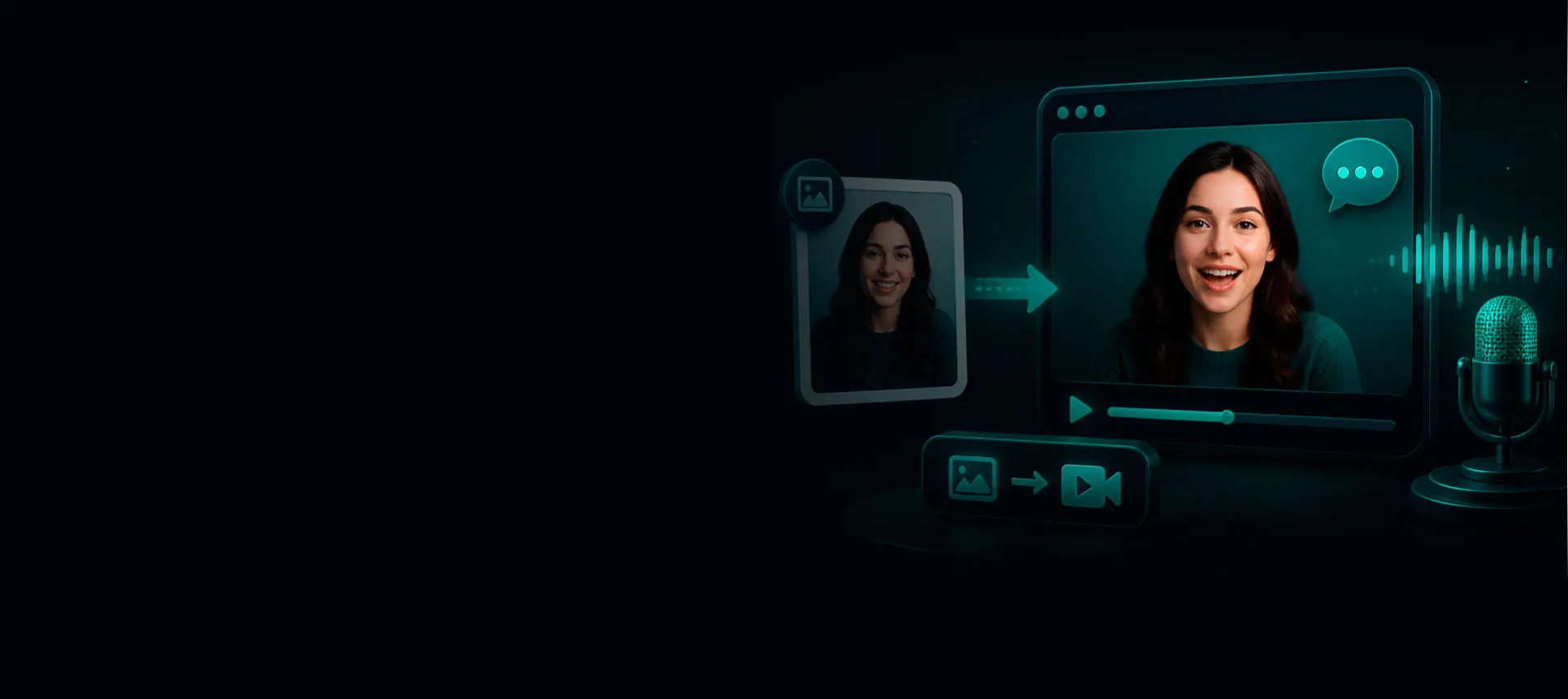
This greeting started as one phone selfie and a short script. The framing, light and outfit stay exactly as in the photo; the face and head move with the voice.
Use your own selfie, or one you have permission to animate.
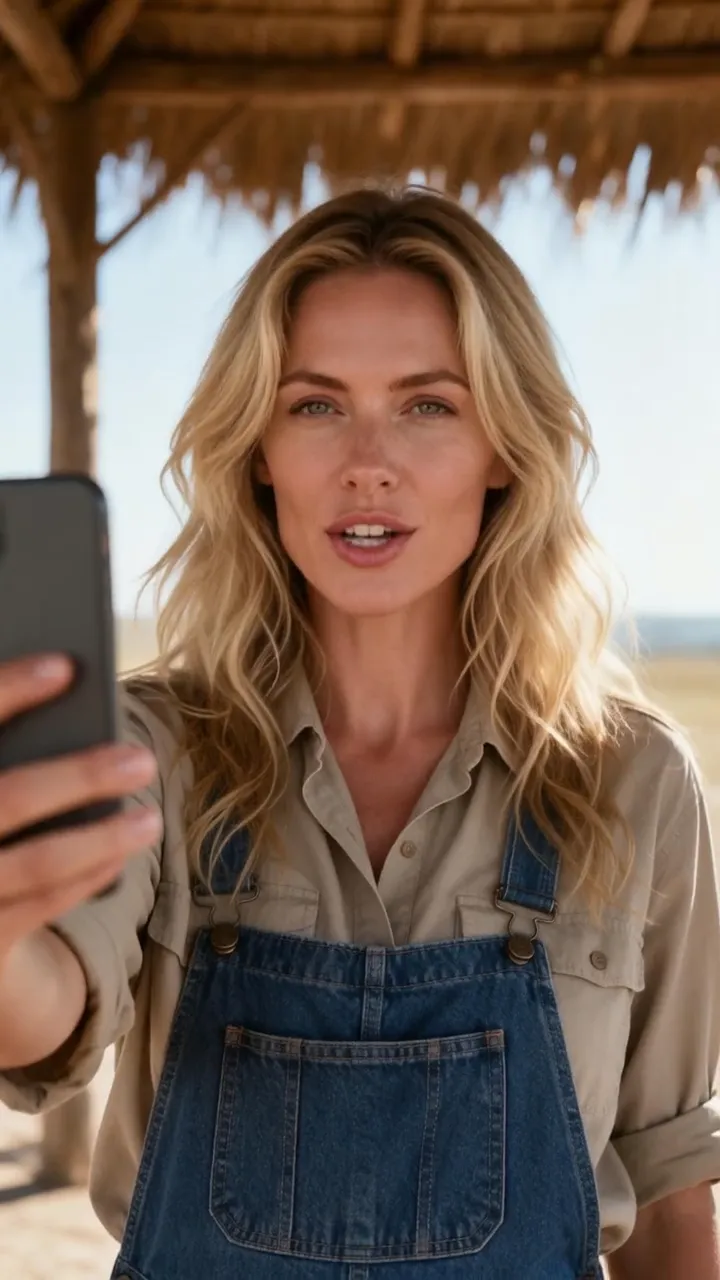 From one selfie9:16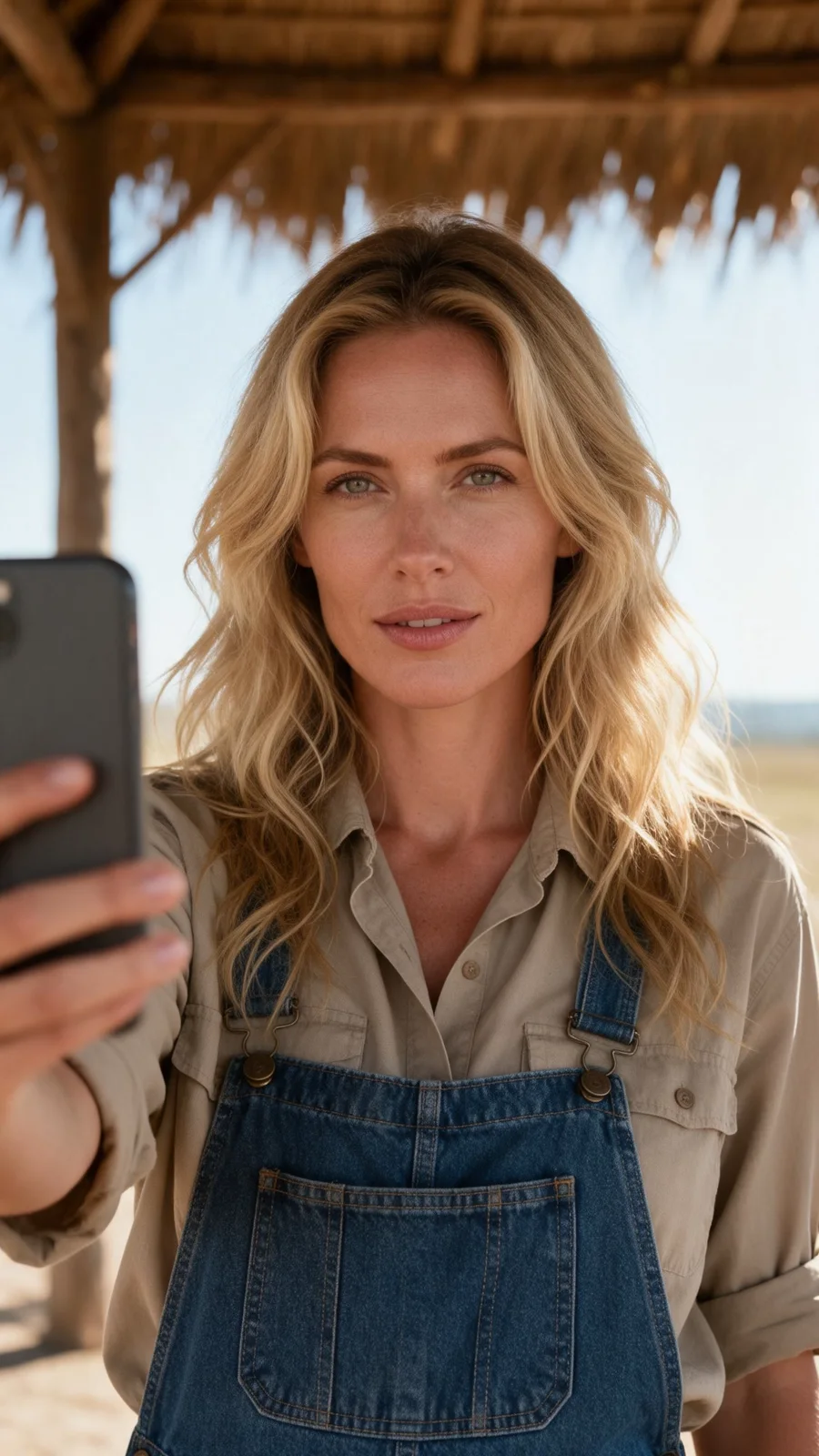
02Show, then explain
01Looks filmed
The video keeps the selfie exactly as you took it — arm’s-length angle, background and all — so the post looks like you picked up the phone and talked.
02Captions
Make SRT or VTT captions from the same voice track in Audio Studio, or burn a short title into the clip with Video Editor’s text overlay.
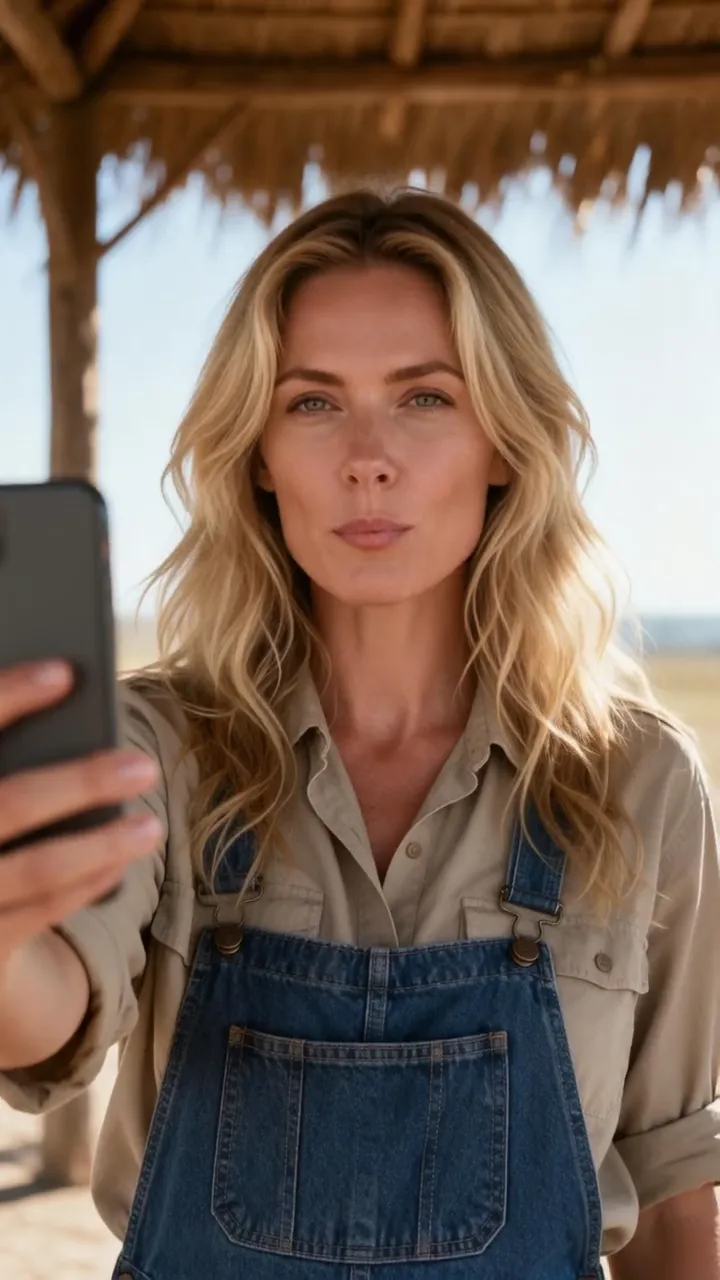 Japanese · 9:169:16
03Another language
This is the selfie from the example above with the script rewritten in Japanese, voiced with the same ElevenLabs voice and rendered again with Hedra Avatar. To translate a video you have already finished, send it to DUB instead.
Video StudioAI avatar generator
Every talking-avatar tool in one place03How it works
Front-facing, well-lit, full face visible.
Write it the way you would say it, then voice it in Audio Studio with your cloned voice or a ready-made one.
Render a vertical MP4 for TikTok, Reels and Shorts; trim it or add a title in Video Editor. Then publish it right away or schedule it to your connected accounts.
Finished examples
A plant tip, a morning ritual, a ride hook
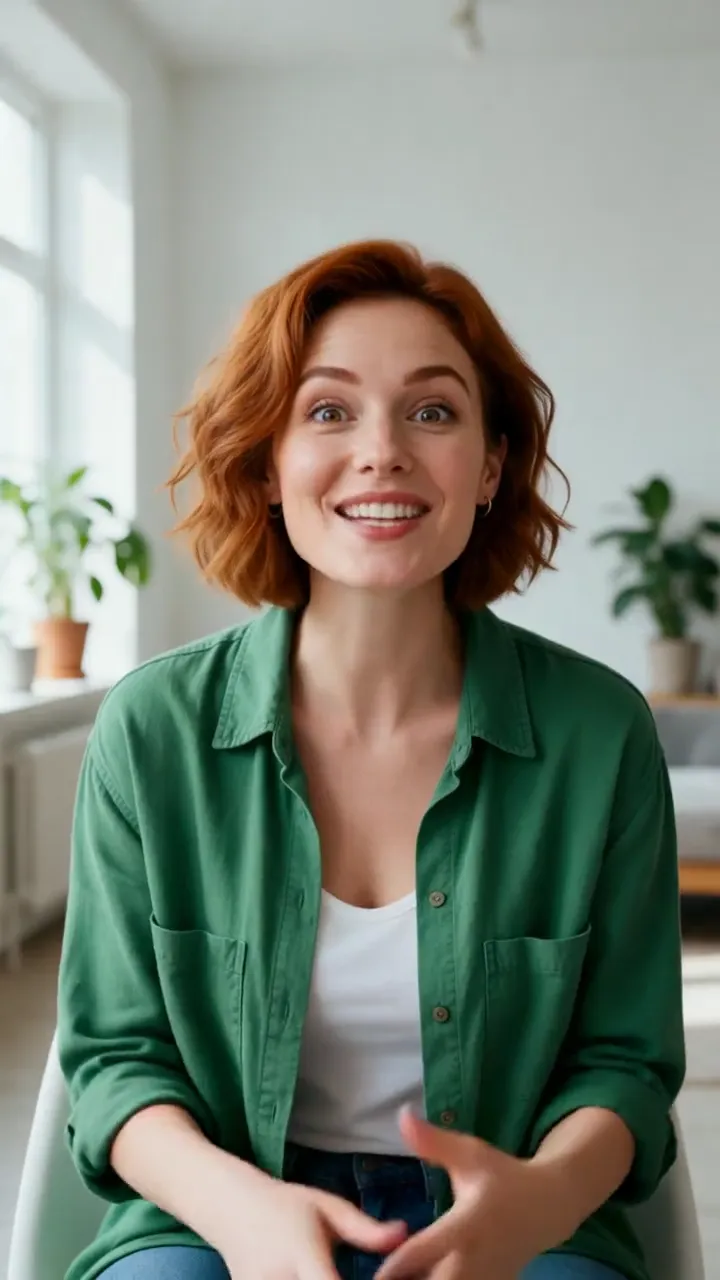 Plant tip9:16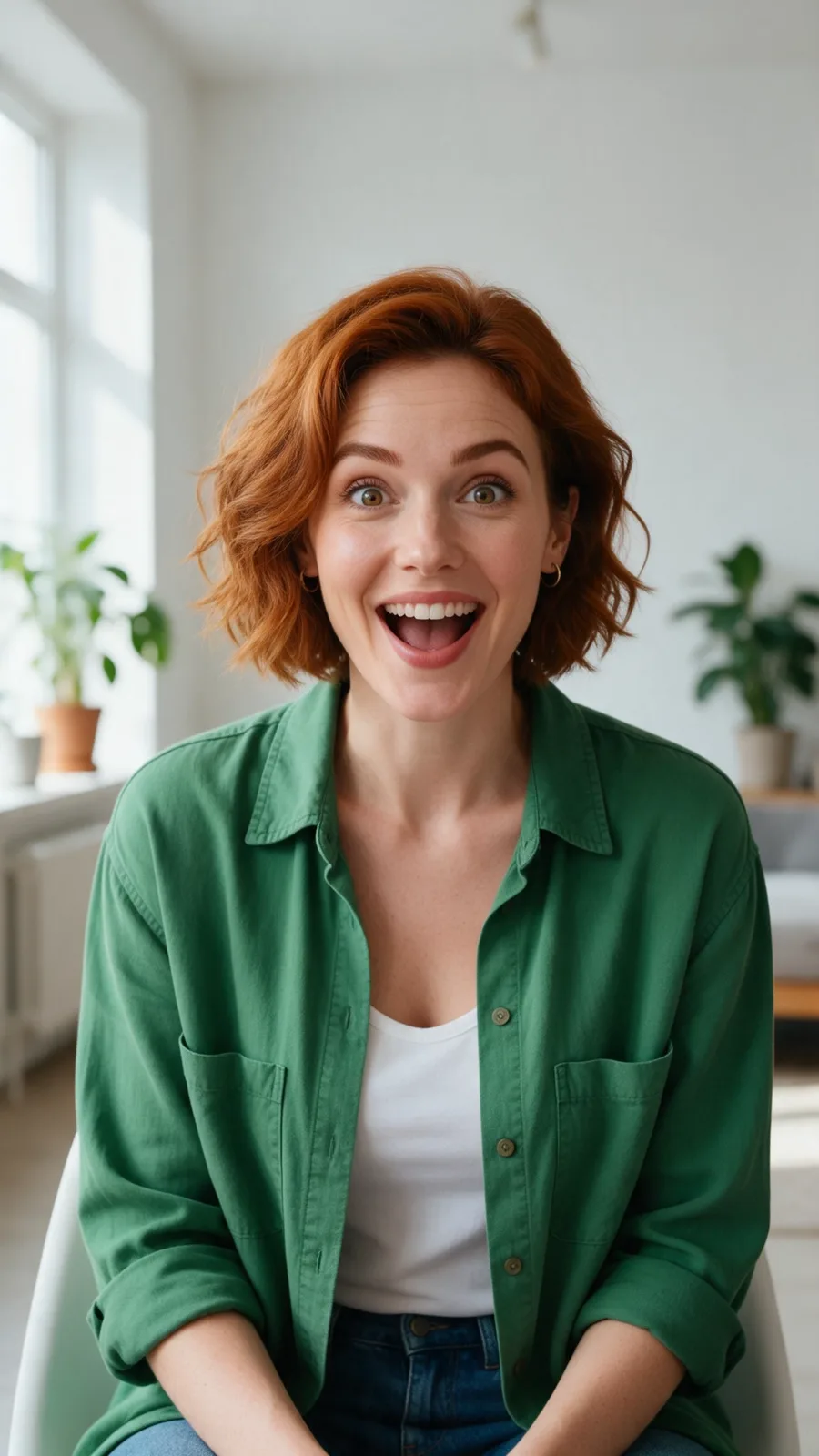
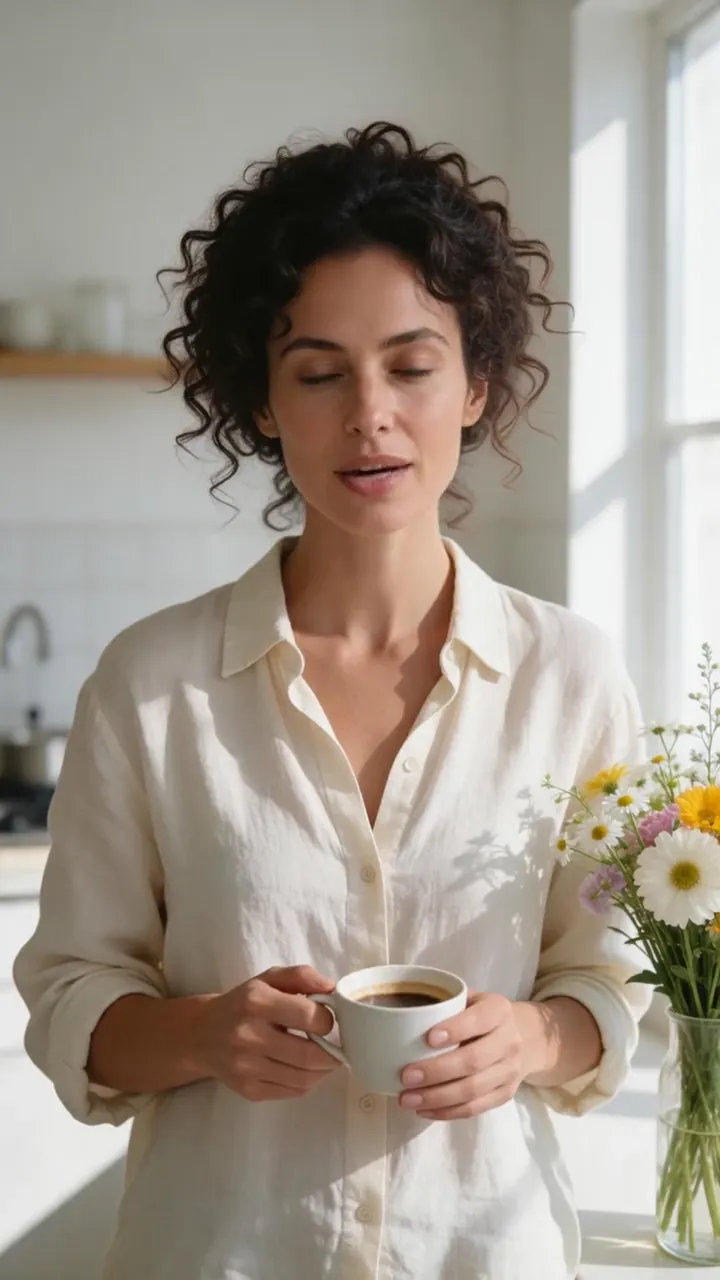 Morning ritual9:16
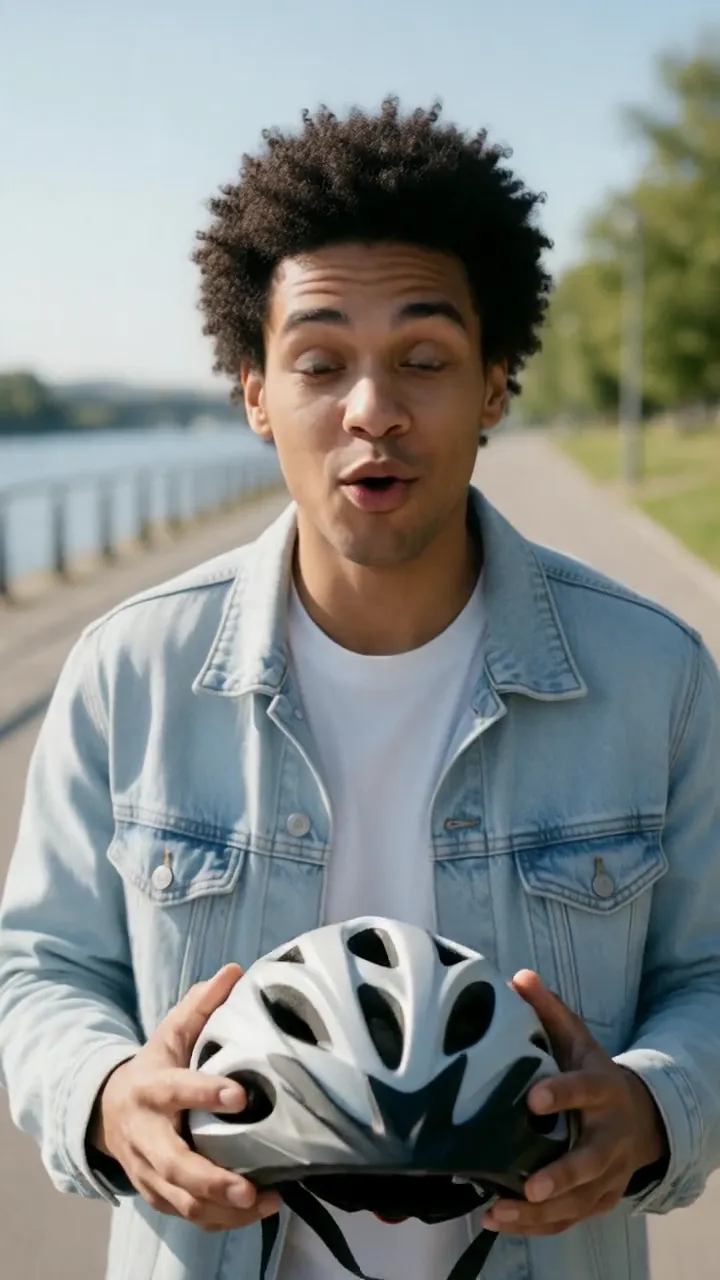 Ride hook9:16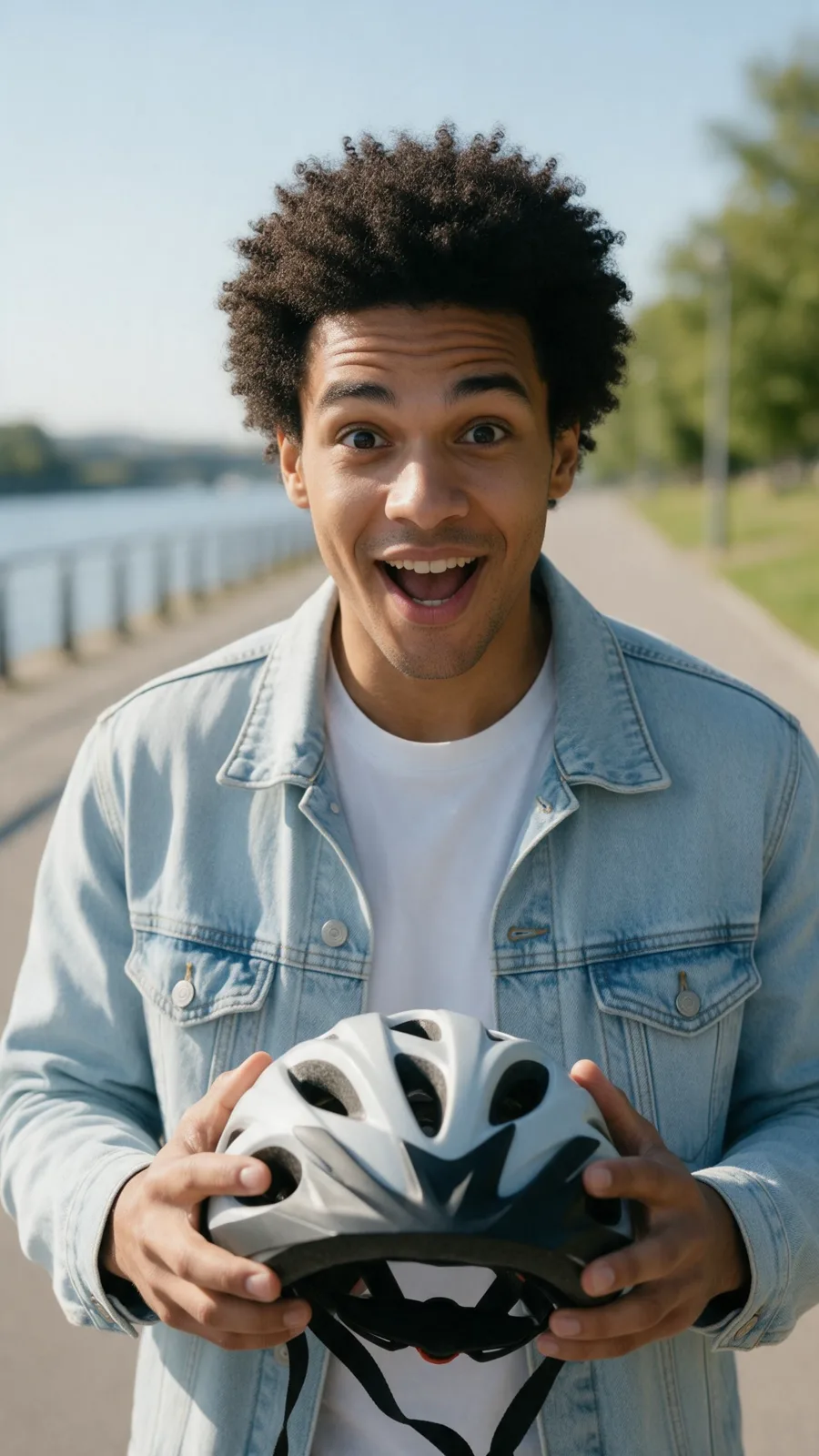
Complete AI video creation
Keep the selfie in Lab, write tomorrow’s script tonight, and render the next post in your own cloned voice. Trim it, title it, translate it — the photo never has to change.
Questions before you create
As many as you like: reuse the same selfie across projects, languages and voices. Each render uses credits.
It animates your actual photo, so the face, hair and background are yours. Add a clone of your own voice and it sounds like you too.
A front-facing, well-lit photo with your whole face visible, taken at arm’s length. Sunglasses, heavy filters and extreme angles make the lip sync less convincing.
Your uploads stay in your private Lab. VlogMe doesn’t sell them and doesn’t train on your photos or scripts.
Yes. Connect your accounts once, then publish the finished video right away or schedule it up to 90 days ahead. Publishing uses no credits.
Credits per second of audio. Planning a video in Director is free, within usage limits; the render and any voice you generate in Audio Studio are paid in credits, with the price shown before you confirm.
Selfie ready?
Open the talking-photo setup and add your selfie. After you sign in, type or record today’s script in Video Studio’s Talking avatar and check the credit estimate before you render.
Sign in when you continue · Credit estimate before generation