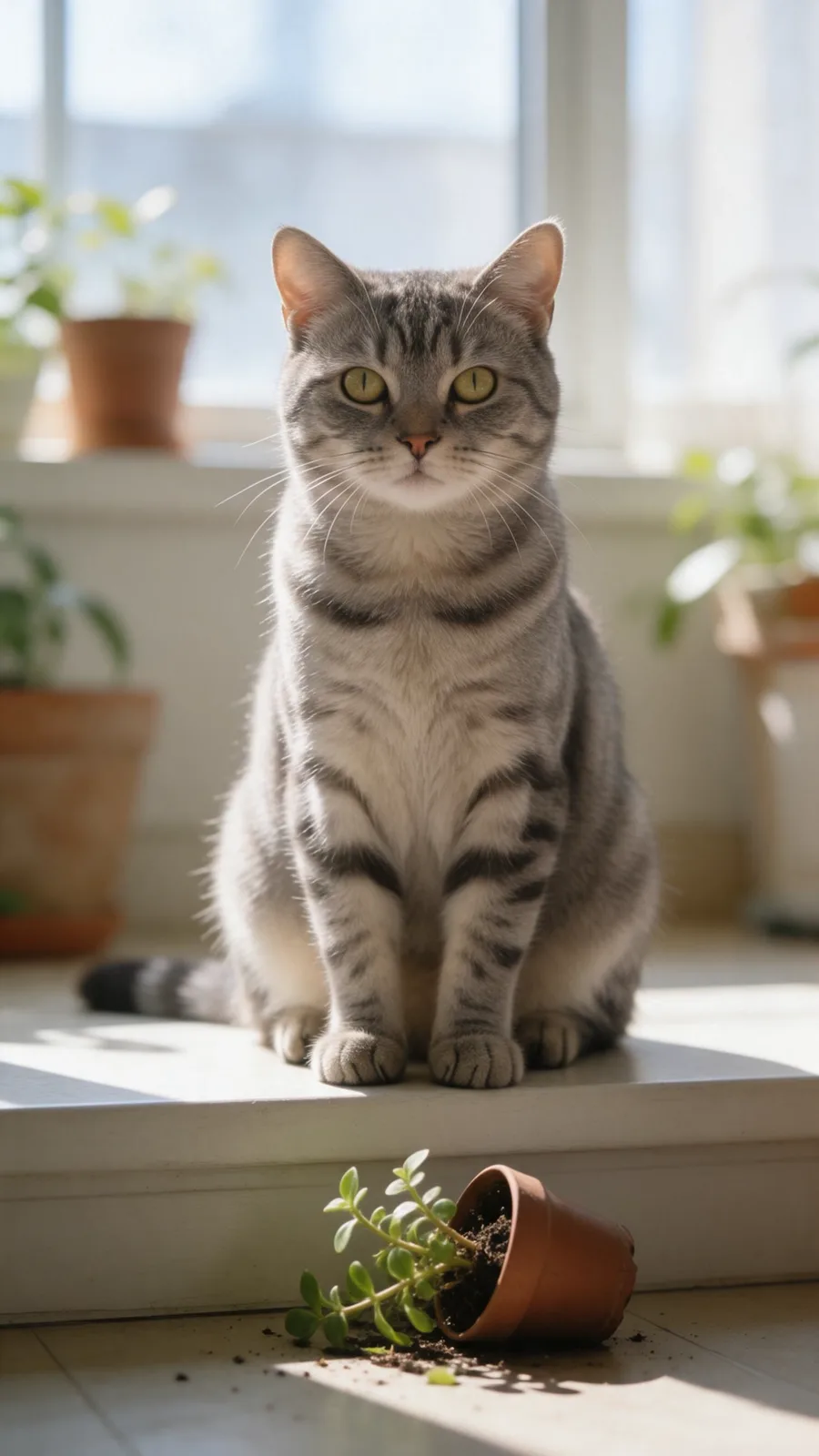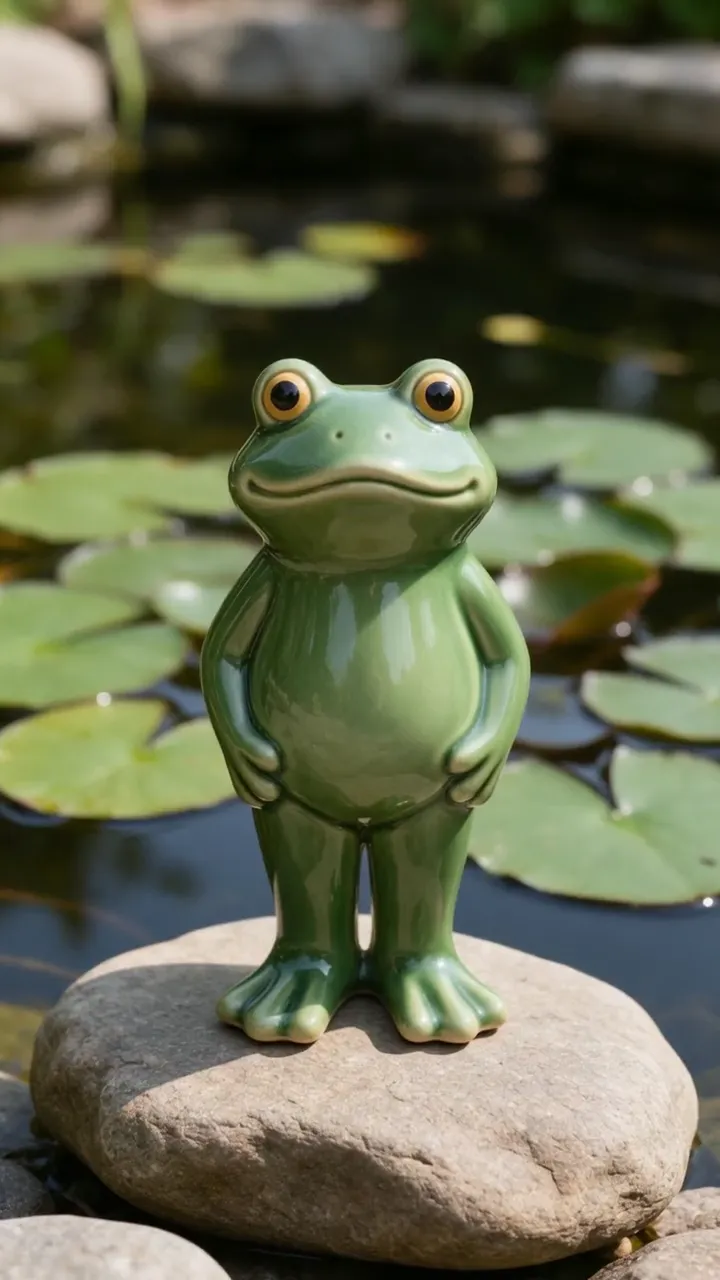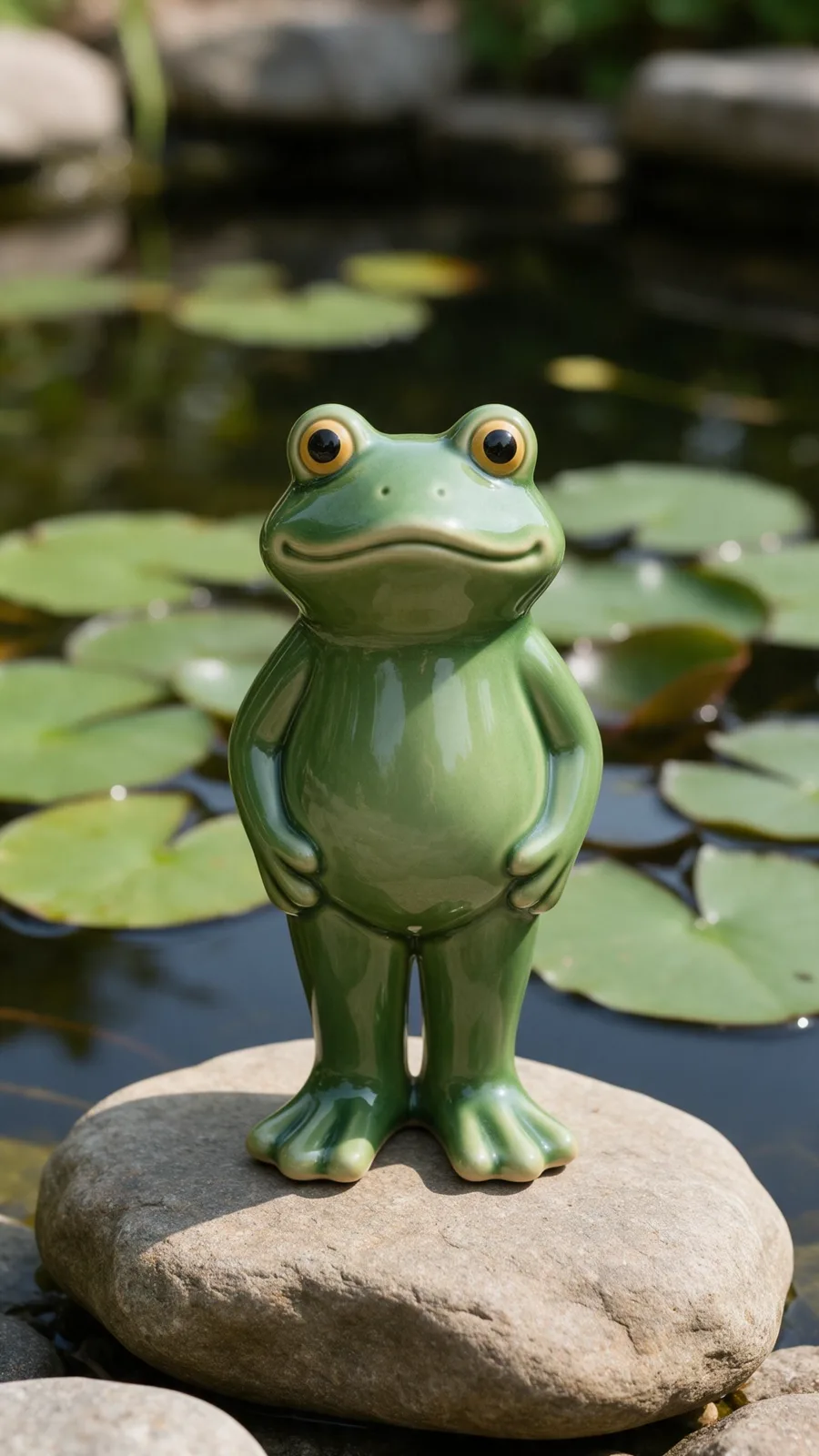
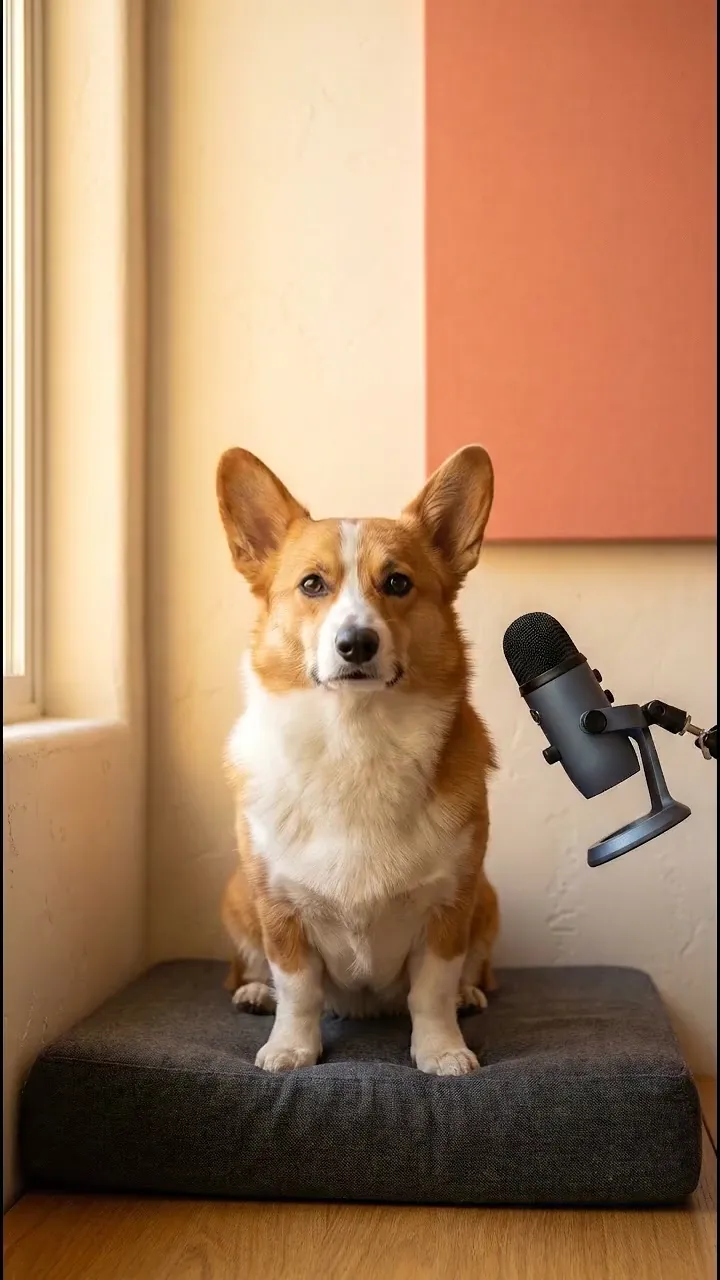
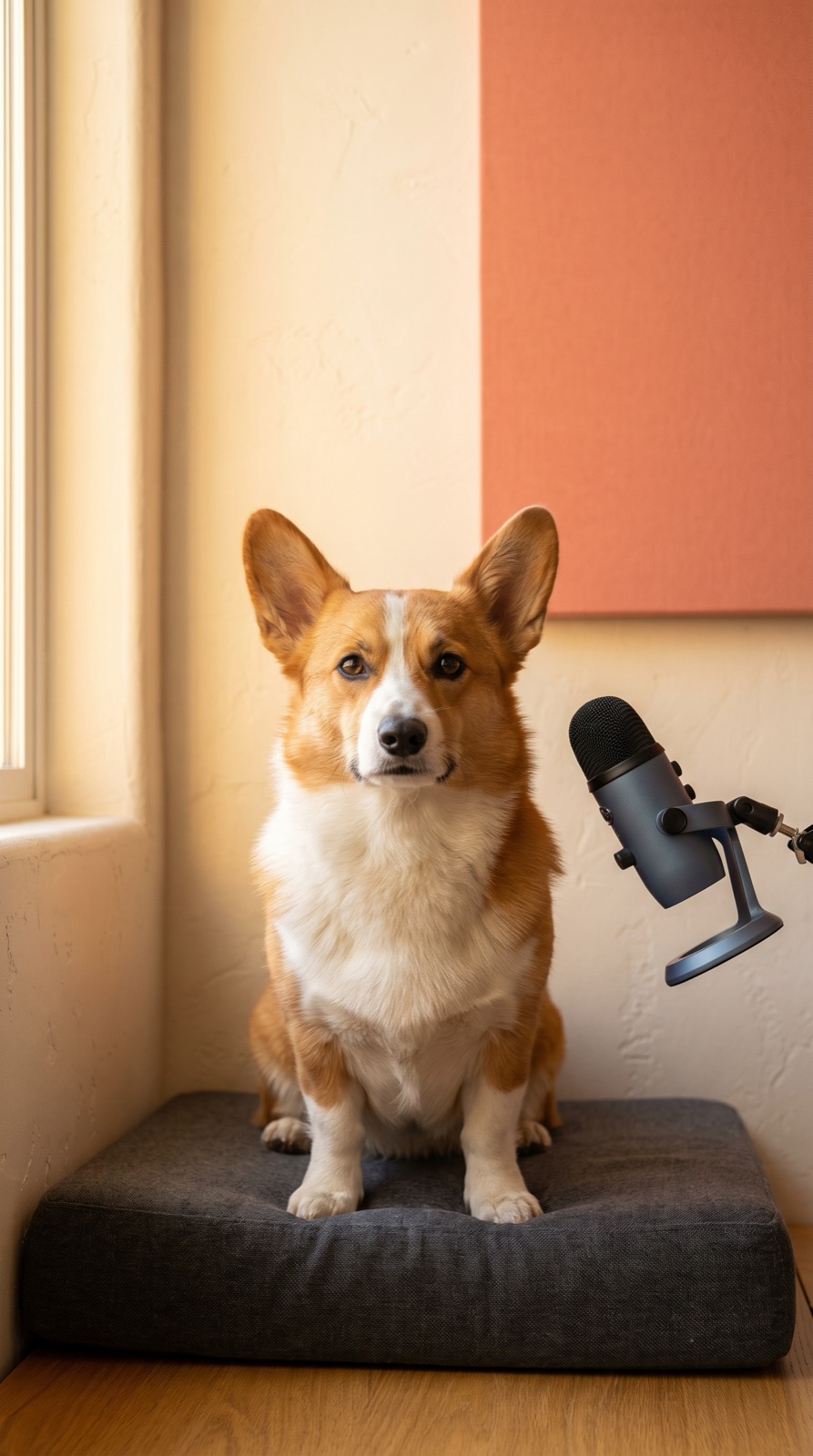

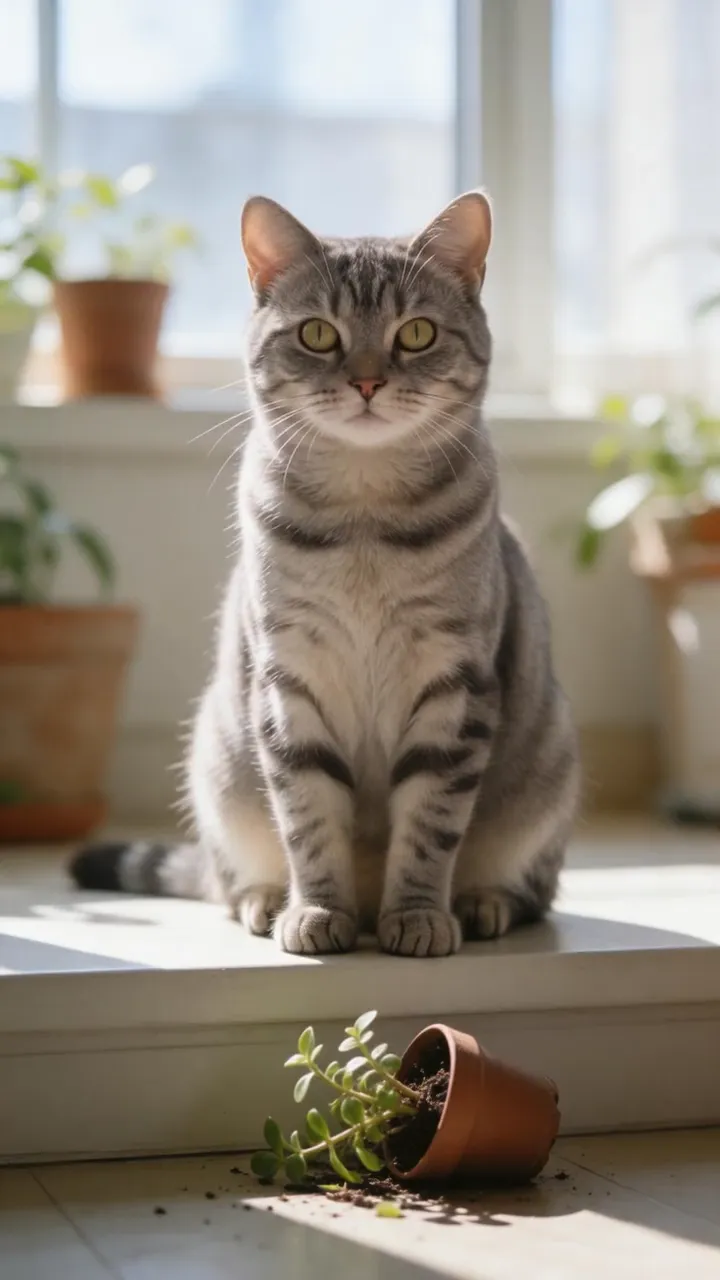
Pick a clear animal face
Front-facing images with visible eyes and mouth provide the strongest facial cues.
Talking pet tool
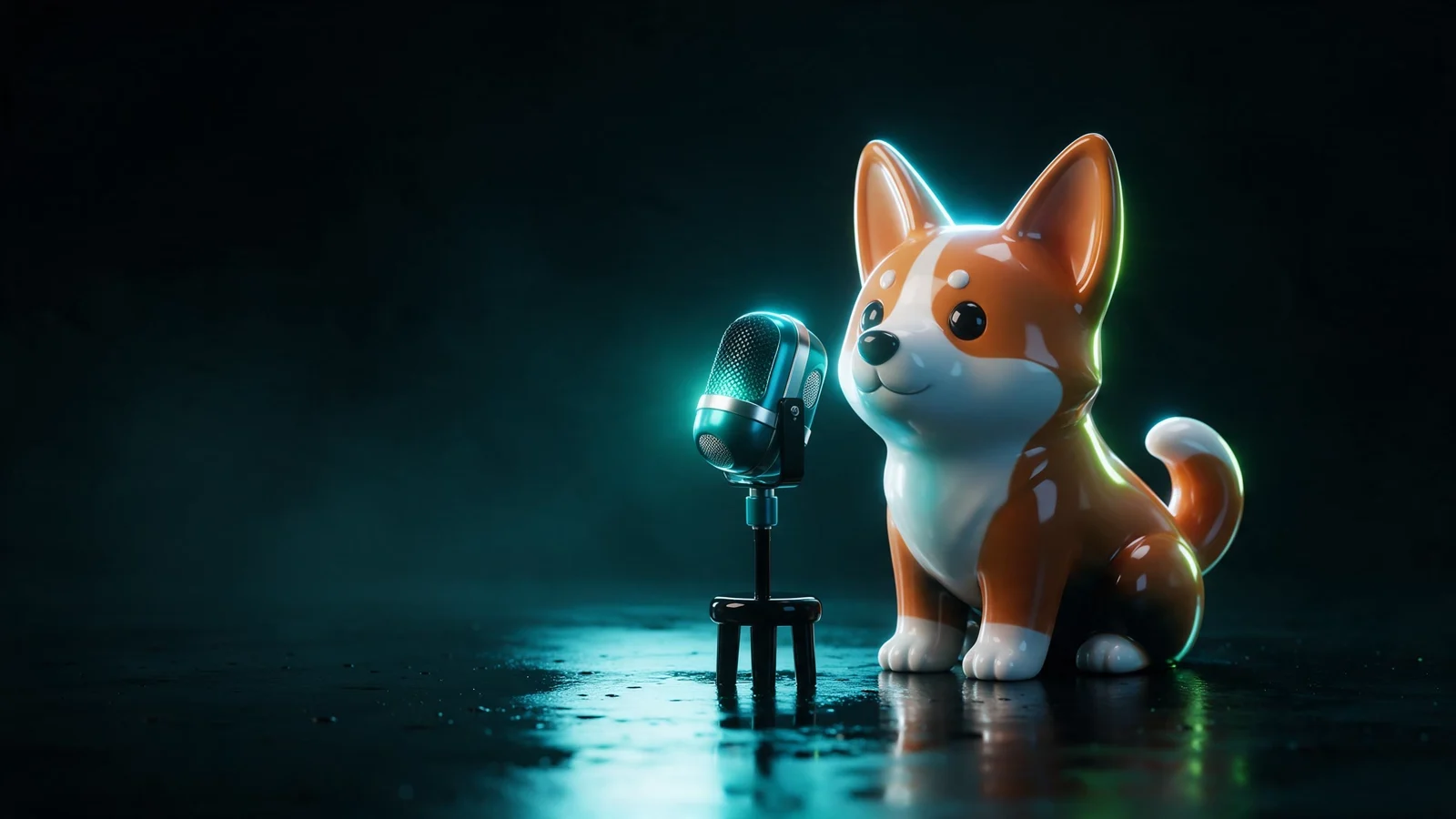
Turn a clear pet portrait, mascot, or illustrated animal into a short character video for greetings, memes, and stories.
Try it with your own files
You will create an account on the next step, immediately before generation.
Talking Animal Generator example
Your pet or illustration delivers the line as a short talking video.
A shareable animal character
Your pet or illustration delivers the line as a short talking video.
How it works
Front-facing images with visible eyes and mouth provide the strongest facial cues.
Short, characterful scripts usually feel more natural and shareable.
Choose a voice, review the result, and export it for sharing.
Workflow detail
Short, characterful scripts usually feel more natural and shareable.
Choose a voice that fits the personality
Talking pet tool
Useful for greetings, memes, education, and branded mascots
From idea to publish-ready video
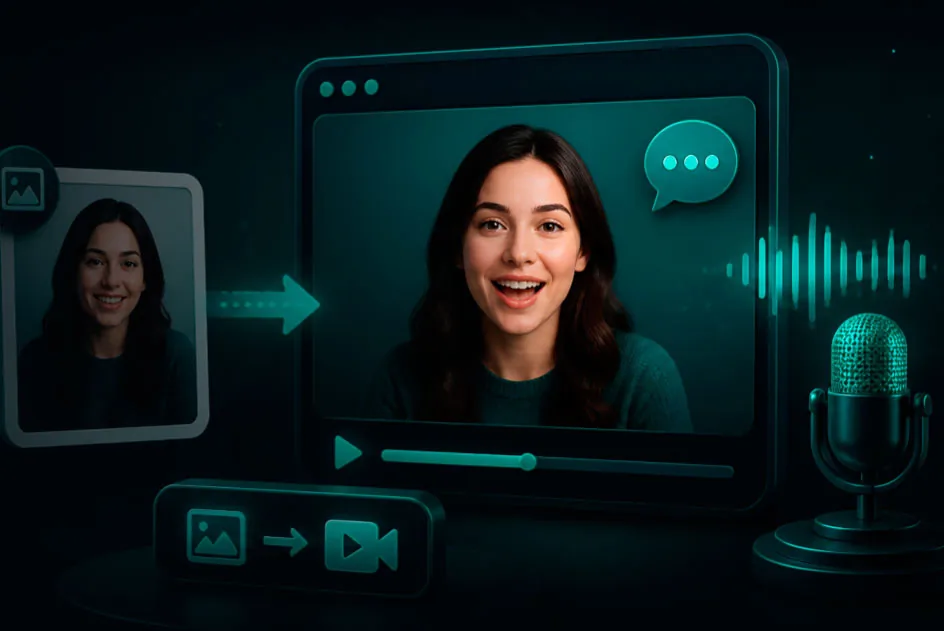
Set up your source and script on this page, review the workflow, then continue in the editor to generate, refine, and export.
Yes, though animal anatomy varies. A clear front-facing photo gives the model the best chance of a convincing result.
Yes. Defined eyes and a visible mouth are more important than photorealism.
Try one short joke, greeting, reaction, or story beat that matches the animal's personality.
Choose any clear portrait, type the words, and preview the exact talking-photo workflow before you create anything.
ExploreToolUpload a product shot, illustration, portrait, or scene. Direct the camera and subject motion, then choose the video model that fits your speed, quality, and budget.
ExploreToolUse a full-body character image plus a movement reference. The Motion Control template maps the dance onto your character.
Explore